Summary: The best reverb plugins in 2026 include Valhalla Supermassive, FabFilter Pro-R 2, and Soundtoys SuperPlate; over 68% of audio production now relies on plugin ecosystems.
Reverb is one of the most critical effects in any producer’s chain. Whether you are building dark trap atmospheres in FL Studio, layering drill vocals in Ableton, or sculpting ambient textures in Logic Pro, the reverb you choose directly shapes the depth and emotion of your mix. As of 2024, over 68% of audio production globally involves digital plugin ecosystems, including EQs, compressors, reverbs, and instrument emulators, according to a Market Growth Reports analysis. Choosing the right reverb plugin is no longer optional; it is part of the craft.
Yet with hundreds of options on the market, from free algorithmic tools to premium convolution engines, finding the right fit for your workflow can be time-consuming. This guide breaks down the top reverb plugins worth your attention in 2026, sorted by use case: mixing, sound design, and beat production. Every recommendation is measured against real producer needs: sound quality, CPU efficiency, preset variety, and value for money.
Why Reverb Matters More Than Ever in Modern Production
A flat, dry mix sounds lifeless. Reverb provides spatial context; it tells the listener whether a snare lives in a tight room or a cavernous hall. In genres like trap, drill, phonk, and pluggnb, reverb is not just mixing polish. It is a creative instrument that defines mood and energy.
The audio software plugin market has grown significantly in recent years, driven by surging demand for digital audio workstations, virtual instruments, and sound engineering tools across multiple industries. The global audio plugins market was valued at USD 1.45 billion in 2023 and is projected to reach USD 2.87 billion by 2030, growing at a CAGR of 10.2%, according to Gitnux industry data. Reverb plugins represent a significant share of that growth, with modern plugins averaging 12 modes per plugin.
For producers working in Serum, Omnisphere, or Vital, reverb is often the first effect applied to a synth patch. The quality of that reverb determines whether the preset sounds generic or sits naturally in a professional arrangement. This is precisely why starting with distinctive source material, such as our best VST plugins collection, gives you a head start before reverb even enters the chain.
Algorithmic vs. Convolution Reverb: Which Type Do You Need?
Before choosing a plugin, it helps to understand the two main categories. Algorithmic reverbs generate reflections through mathematical formulas in real time. They tend to be lighter on CPU, more tweakable, and ideal for creative processing. Convolution reverbs use impulse responses (IRs) captured from real spaces or hardware units, producing highly realistic ambiences at the cost of heavier CPU load and less flexible editing.
For beatmakers producing trap, drill, or phonk, algorithmic reverbs are usually the smarter choice. They respond well to automation, handle tempo-synced effects cleanly, and keep your session running smoothly even with 30+ tracks. Convolution reverbs shine in cinematic scoring, post-production, and situations where acoustic realism is the priority.
Many modern plugins now blend both approaches. 49% of new plugins incorporate AI-driven mastering and sound enhancement features for improved automation, according to a Business Research Insights report. This hybrid trend means you no longer have to pick one camp; some of the tools below offer both algorithmic flexibility and convolution depth.
Top Reverb Plugins for Mixing and Beat Production
Here are the reverb plugins that consistently deliver for producers across FL Studio, Ableton, and Logic Pro. Each pick serves a specific production need.
Valhalla Supermassive (Free)
Valhalla Supermassive is a free algorithmic reverb that offers 21 different reverb and delay modes. It handles everything from short ambience tails to enormous, evolving spaces. Valhalla DSP’s reverb plugins have been downloaded 2 million times via Splice, which speaks to the reach of this developer. The plugin is CPU-friendly, works on both Mac and Windows, and integrates smoothly with any DAW. For producers on a budget, it is a strong starting point, though its presets lean toward atmospheric textures rather than tight, mix-ready rooms. If you are exploring our best free VST plugins roundup, this one deserves a spot in your toolkit.
FabFilter Pro-R 2
FabFilter Pro-R 2 is an algorithmic reverb known for its transparent sound and intuitive interface. The standout feature is the Decay Rate EQ, which lets you sculpt how different frequencies decay over time, making it easy to build reverbs that sit naturally in a mix without turning muddy. The Space knob smoothly transitions between room models, and the real-time spectrum analyzer gives visual feedback that speeds up decision-making. It is well suited for mixing vocals, drums, and melodic elements in trap and R&B sessions.
Soundtoys SuperPlate
SuperPlate focuses on plate reverb emulations, modeling five vintage hardware units including the EMT140 and Stocktronics RX 4000. Its Auto-Decay function is notable: instead of ducking volume, it tightens the decay time on faster passages. This keeps vocal chains clean during rapid delivery sections, which is valuable in drill and trap vocal mixing. At $149, it sits in the mid-range for premium reverb plugins.
Baby Audio Crystalline
Crystalline is an algorithmic reverb with a clean GUI and 12 control blocks that handle Reflections, Depth, Clean-up, and Shape parameters. It includes over 330 presets and a host-tempo synchronization feature that is particularly useful for gated reverb effects on drum loops. The Ducker feature helps manage reverb tails so they do not overwhelm the dry signal, which is critical in dense beatmaking sessions.
Creative Reverb Plugins for Sound Design
When the goal is not realism but atmosphere, texture, or outright experimentation, these plugins deliver something different.
Eventide Blackhole
Blackhole is purpose-built for creating spaces that do not exist in reality. Its bipolar Size and Gravity knobs invite real-time manipulation, and the Hotswitch feature morphs between two complete parameter states. It works well for dark trap pads, phonk atmospheres, and ambient intros. This is not the reverb you reach for when mixing a clean vocal; it is the one you use to turn a single note into a full sonic landscape.
Zynaptiq Adaptiverb
Adaptiverb uses machine learning to synthesize reverb tails based on the harmonic content of the incoming signal. The reverb tail effectively merges with the source material, which makes it useful for drones, pads, and atmospheric layers. Its Harmonic Contour Filter can conform the tail to specific pitches, opening up possibilities that go well beyond standard room simulation.
Cableguys ReverbShaper
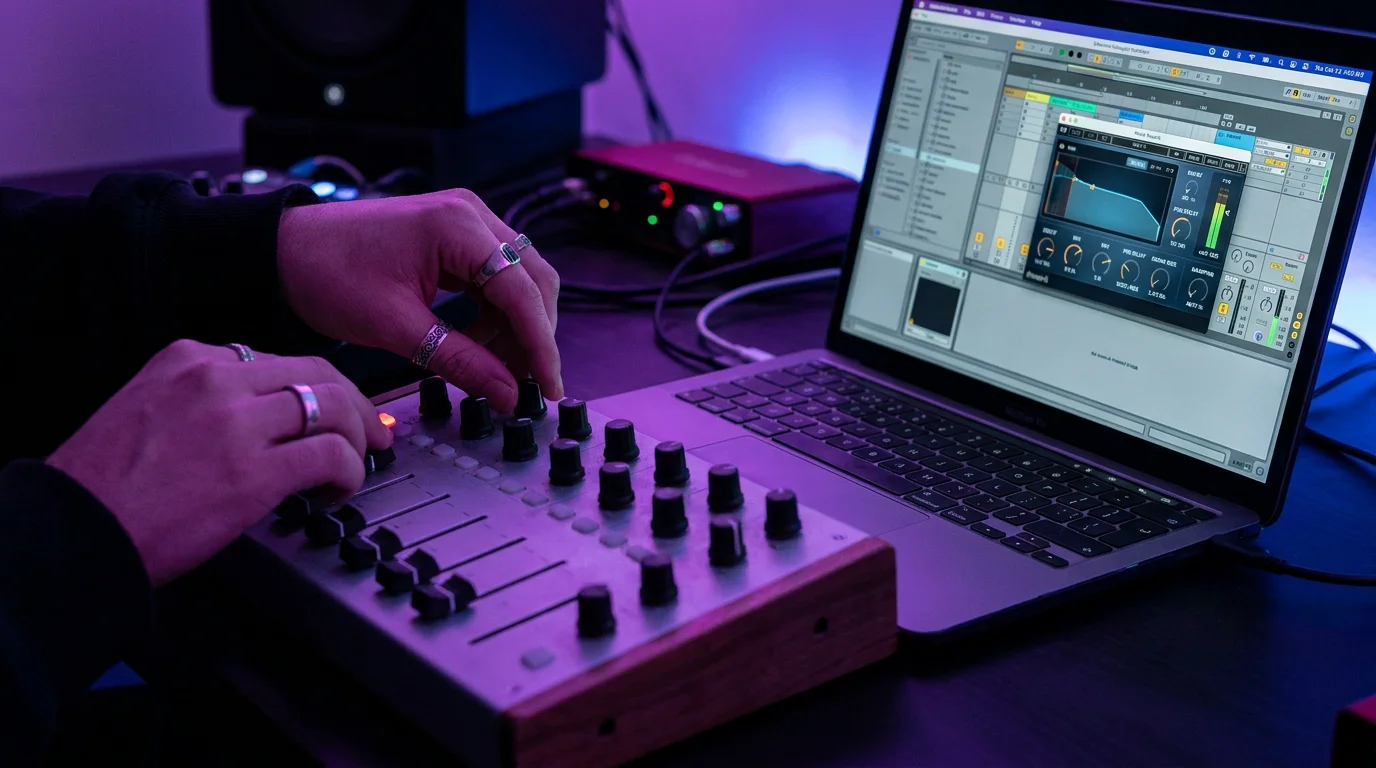
ReverbShaper is a convolution-based tool that loads into the ShaperBox environment. It comes with 127 IRs and offers tempo-synced LFO editing of the reverb volume, letting you draw custom gated rhythms and swells. The Send graph feature lets you isolate specific hits (like a snare in a loop) for reverb processing without fiddly automation. At $39 for the standalone module, it provides creative options at a low cost.
Convolution Picks for Realistic Spaces
For producers who need acoustic authenticity, whether for sampling, film scoring, or placing instruments in believable rooms, convolution reverbs remain essential.
LiquidSonics Seventh Heaven
Seventh Heaven captures the behavior of the Bricasti M7 hardware unit using proprietary Fusion-IR technology. Unlike static IR snapshots, Fusion-IR tracks the reverb from early reflections through the final tail stage, resulting in a more natural evolution. The Professional version includes over 230 presets and 32 selectable early reflection patterns. The standard version ($69) is more limited but still functional for most mixing scenarios.
Audio Ease Altiverb 7
Altiverb 7 is a convolution reverb with a massive library of impulse responses captured from famous studio rooms, concert halls, cathedrals, and vintage hardware. It has been a reference-grade tool since its first version launched in 2002. It is expensive, but for producers who need to place acoustic instruments and vocals in convincing real-world environments, it remains a standard in professional studios.
How Reverb Plugins Compare: Quick Reference
| Plugin | Type | Price | CPU Load | Ideal For |
|---|---|---|---|---|
| Pendora by Tiger-Sounds* | Preset Bank (275+ presets) | One-time purchase | Light | Trap, drill, phonk, pluggnb presets with built-in FX |
| Valhalla Supermassive | Algorithmic | Free | Light | Atmospheric textures, ambient pads |
| FabFilter Pro-R 2 | Algorithmic | ~$199 | Moderate | Clean mixing, vocal processing |
| Soundtoys SuperPlate | Algorithmic (Plate) | $149 | Moderate | Plate tones, vocal chains |
| Baby Audio Crystalline | Algorithmic | ~$99 | Light | Modern reverb, gated effects |
| Eventide Blackhole | Algorithmic | ~$99 | Moderate | Sound design, cinematic spaces |
| LiquidSonics Seventh Heaven | Convolution | $69/$299 | Moderate-High | Realistic rooms, Bricasti emulation |
*Pendora is not a reverb plugin; it is a complete sound bank with 275+ studio-ready presets that already include tailored FX chains, reducing the need to stack external reverb processing.
Getting More from Reverb: Practical Tips for Producers
Owning a good reverb plugin is only half the equation. How you use it matters just as much. Here are key practices that separate amateur mixes from professional ones.
Use sends, not inserts. Route your reverb through an auxiliary/return track rather than applying it directly on the source channel. This lets you blend the wet signal independently and apply additional processing (EQ, compression, sidechain) to the reverb tail alone.
High-pass the reverb return. Low frequencies in a reverb tail create muddiness fast. Apply a high-pass filter around 200-300 Hz on the reverb bus to keep your low end clean, especially in 808-heavy genres like trap and phonk.
Automate decay and wet levels. Static reverb settings rarely serve an entire arrangement. Automate the decay time or wet/dry mix so verses feel intimate and choruses feel expansive. Industry analysis shows that adoption of AI-based mastering and mixing assistants has grown by approximately 60% among intermediate producers in the last three years, as noted in a 360 Research Reports market analysis. While smart tools can help, manual automation still gives you precise creative control.
Start with quality source material. Reverb amplifies whatever you feed it. If the original preset is thin or generic, the reverb will expose those weaknesses. This is where working with hand-crafted, studio-ready presets makes a measurable difference. Our VST plugins collection offers sounds designed to sit well in a mix before any spatial processing is applied.
Free vs. Paid Reverb Plugins: Where to Invest
Not every producer needs a $300 convolution engine. Free options like Valhalla Supermassive and stock DAW reverbs (Logic Pro’s Space Designer is notably capable) can handle many tasks. Freemium models have gained dominance, with 45% of plugin firms offering limited-feature plugins for free, later converting 31% of users into paid subscribers.
However, free reverbs often lack precision controls like decay rate EQ, multiband processing, or advanced ducking. If you produce commercially, investing in one premium algorithmic reverb (like Pro-R 2 or Crystalline) and one creative tool (like Blackhole) covers most scenarios. The rest of your budget is better spent on source sounds: unique presets, drum kits, and virtual instruments plugins that give your productions a distinctive foundation.
For producers working across trap, drill, dark trap, phonk, boom bap, and pluggnb, having a preset bank that already sounds finished before reverb even touches it saves hours of processing. That is the philosophy behind Pendora: 275+ studio-ready presets, royalty-free, light on CPU, and built to overcome beatblock with sounds you will not find in generic packs.
Conclusion
The best reverb plugins for your workflow depend on what you produce and how you work. Algorithmic tools like FabFilter Pro-R 2 and Baby Audio Crystalline handle transparent mixing. Creative engines like Eventide Blackhole and Zynaptiq Adaptiverb push boundaries in sound design. Convolution options like LiquidSonics Seventh Heaven deliver acoustic realism. Free picks like Valhalla Supermassive prove that budget constraints do not have to mean compromised quality.
Whatever reverb you choose, the output is only as strong as the input. The proliferation of independent music producers has grown by 34% in the past two years, and standing out in that crowd means starting with sounds that are genuinely distinctive. Pendora gives you 275+ hand-crafted presets across the genres that matter, with zero waste sounds, lifetime updates, and a one-time purchase that respects your budget.
Ready to feed your reverb chain something worth processing? Explore our Pendora sound bank and hear the difference from the first preset.
Frequently Asked Questions
What is the difference between algorithmic and convolution reverb?
Algorithmic reverb generates reflections through real-time mathematical calculations, offering flexible controls and lighter CPU usage. Convolution reverb uses recorded impulse responses from real spaces or hardware, providing acoustic realism but with less editing flexibility. Most modern producers use a combination of both.
Do I need expensive reverb plugins to make professional beats?
Not necessarily. Free tools like Valhalla Supermassive and stock DAW reverbs can produce professional results. The bigger factor is often your source material. Starting with studio-ready presets, like the 275+ sounds in Pendora, means your reverb has quality input to work with from the start.
Which reverb plugin works well with FL Studio?
Most VST-compatible reverb plugins work seamlessly in FL Studio, including FabFilter Pro-R 2, Baby Audio Crystalline, and Valhalla Supermassive. FL Studio’s built-in Fruity Reeverb 2 also handles basic tasks. For a broader look at compatible tools, check our guide to VST plugins for FL Studio.