Summary: Pendora leads the best sound design plugins for producers in 2026, offering 275+ royalty-free, CPU-light presets across trap, drill, phonk, and more.
In 2024, a Business Research Insights report found that 67% of audio professionals prioritize plugin usage for enhanced sound customization and workflow efficiency. That number alone tells you something important: the tools you choose define the sounds you produce. Whether you work in FL Studio, Ableton, or Logic Pro, selecting the right plugins for sound design is no longer optional; it is a competitive necessity. And with more producers entering the space each year, sounding distinctive matters more than ever.
The market reflects this shift. The global audio plugins market is valued at approximately USD 0.36 billion in 2026 and is expected to reach USD 0.74 billion by 2035. Producers are investing in purpose-built tools that deliver studio-ready textures without bloated CPU loads or subscription fatigue. In this article, we break down the most effective sound design plugins available right now, starting with tools built specifically for beatmakers who need to stand apart. If you are looking for deeper context on production workflows, our guide to sound design techniques is a good companion read.
Why Your Plugin Selection Shapes Your Sonic Identity
Every producer who has scrolled through thousands of generic presets knows the frustration: everything sounds the same. The kick patterns blend together, the pads feel recycled, and the melodies could belong to anyone. That is not a creativity problem; it is a tooling problem. When hundreds of producers pull from the same sample packs, the output converges. True differentiation starts at the plugin level.
Developers are finding success by focusing on niche, high-quality, or AI-assisted tools rather than general-purpose software, according to SAE Institute’s 2026 market analysis. This trend confirms what experienced beatmakers already sense: boutique sound engines, hand-crafted preset libraries, and specialized effects processors give you a sonic fingerprint that mass-market tools simply cannot replicate.
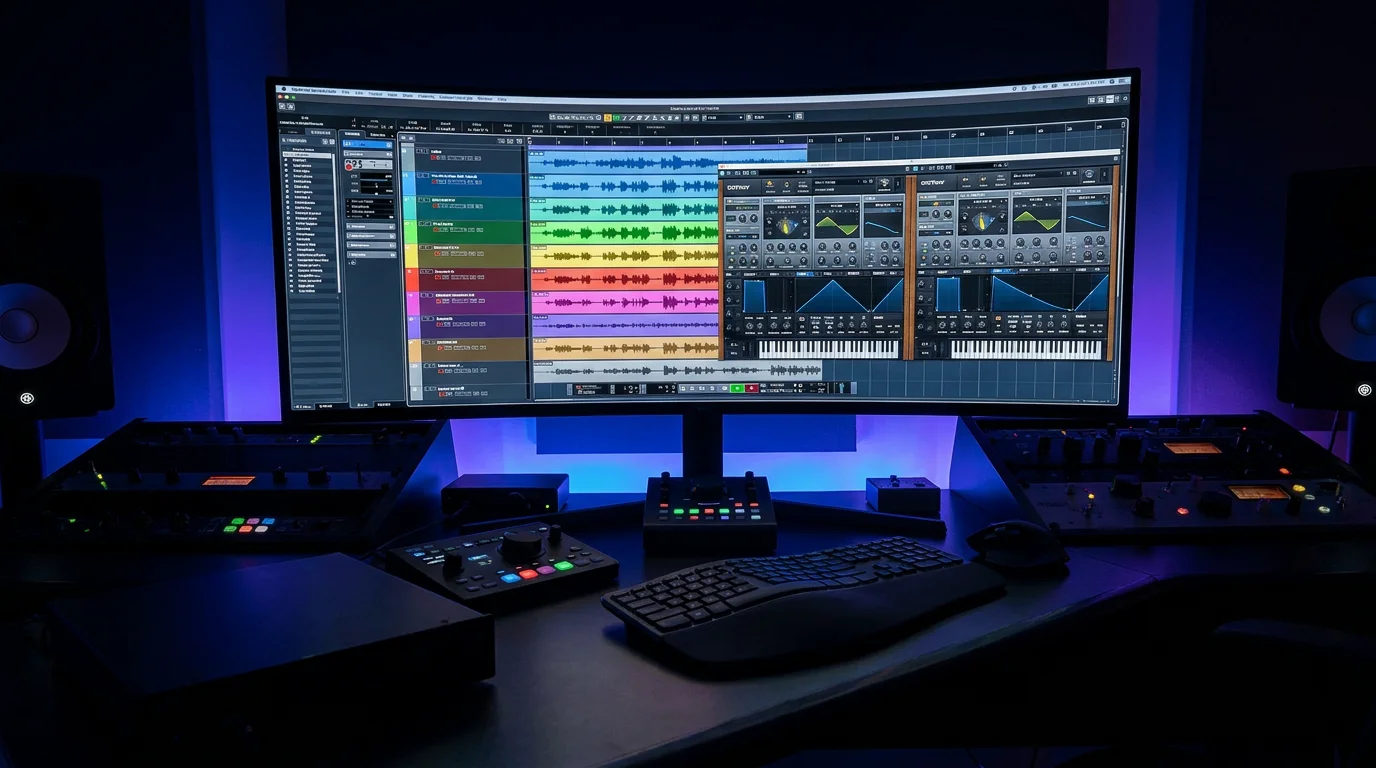
This is exactly why we built our Pendora sound design plugin. Rather than offering a bloated library of filler presets, Pendora delivers 275+ studio-ready sounds, each hand-crafted for genres like melodic trap, drill, dark trap, phonk, boom bap, and pluggnb. Every preset exists because a producer would actually use it in a session, not because it inflates a feature list.
Pendora: A Boutique Preset Engine Built for Beat Producers
If you are searching for the best sound design plugins and you produce beats across trap subgenres, Pendora belongs at the top of your list. It is a boutique VST3 and AU plugin designed for producers who want sounds that do not appear in every other beatmaker’s project file.
What sets Pendora apart is the curation philosophy. Instead of thousands of presets you will never touch, you get 275+ sounds that are each hand-picked and production-tested. The plugin runs light on CPU, meaning you can stack multiple instances in FL Studio or Ableton without your session grinding to a halt. It works on both Mac and Windows, supports royalty-free commercial use, and ships with free lifetime updates. You pay once and own it permanently; there is no recurring subscription.
For producers dealing with beatblock, Pendora is particularly effective. Because its sounds span melodic trap, drill, R&B, pluggnb, dark trap, lofi, and phonk, loading a fresh preset bank often sparks directions you would not have explored otherwise. Over 500 producers worldwide and 15+ YouTubers with a combined subscriber base exceeding 500,000 have featured or endorsed the plugin, which speaks to its practical value in real sessions.
Comparing Top Sound Design Plugins for Beatmakers
Choosing a plugin depends on what you need: synthesis power, preset quality, effects processing, or genre-specific sounds. The table below puts several widely discussed options side by side so you can evaluate them against your workflow.
| Plugin | Type | Preset Library | CPU Load | Pricing Model | Genre Focus |
|---|---|---|---|---|---|
| Pendora (Tiger-Sounds) | Boutique Sound Bank | 275+ hand-crafted | Light | One-time purchase | Trap, Drill, Phonk, Pluggnb, Boom Bap, Dark Trap, R&B, Lofi |
| Serum (Xfer) | Wavetable Synth | 450+ factory | Moderate to High | One-time or Rent-to-Own | General electronic |
| Vital (Matt Tytel) | Spectral Warping Synth | Varies by tier | Moderate | Free / Paid tiers | General electronic |
| Omnisphere (Spectrasonics) | Hybrid Synth | 14,000+ | High | One-time purchase | Film, Ambient, General |
| Kontakt (Native Instruments) | Sampler Platform | Library-dependent | Variable | One-time purchase | Orchestral, Cinematic, General |
Serum and Vital are powerful wavetable synthesizers, but they require significant sound design knowledge to craft usable presets from scratch. Omnisphere provides a massive library, yet its CPU demands and broad cinematic focus mean trap and drill producers often wade through thousands of irrelevant sounds. Kontakt functions as a sampler platform, which is excellent for orchestral and cinematic work but rarely ships with genre-specific trap or phonk content. Pendora, by contrast, delivers production-ready presets for these exact subgenres with zero wasted content.
Effects Processors That Complement Your Sound Bank
A strong preset engine is only half the equation. Effects processors transform raw sounds into textured, dynamic elements that sit properly in a mix. Several tools have become staples in the producer community for this purpose.
ShaperBox 3 by Cableguys combines nine effect modules (including filter, drive, crush, and volume shaping) into a single interface with rhythmic LFO modulation. It is well suited for producers who want beat-synced sound manipulation without relying on reverb-heavy processing that muddies the signal. FabFilter Saturn 2 covers multiband saturation and distortion, offering control that ranges from subtle tape warmth to aggressive harmonic layering. Valhalla Supermassive remains a popular free option for atmospheric reverb and delay textures, particularly useful for ambient intros and transitions.
For glitch and stutter effects, tools like Stutter Edit 2 (now part of the iZotope ecosystem) and Fracture by Glitchmachines provide rapid buffer and granular processing. These are useful for creating ear-catching transitions in trap and phonk beats. However, effects alone do not solve the core challenge of starting with distinctive source material. When you pair these processors with a purpose-built preset bank, the results are far more distinctive than layering effects on generic samples.
The Rise of Boutique Plugins Over Mass-Market Libraries
As of 2025, 45% of plugin firms offer limited-feature plugins for free, later converting 31% of users into paid subscribers, according to Market Growth Reports. The freemium model has flooded the market with entry-level tools, but it has also created a quality gap. Free plugins and generic sample packs serve as starting points, yet they rarely provide the curated, genre-specific sounds that working producers need to deliver tracks on deadline.
This is where boutique plugins have gained traction. Rather than competing on volume, they compete on relevance. A producer making pluggnb or dark trap does not need 14,000 presets covering orchestral strings and cinematic pads. That producer needs 275 sounds that are immediately usable in the subgenre they are working in. Boutique tools like Pendora are built on this principle: every preset exists for a reason, and none of them are filler.
The amateur and independent producer segment reached approximately USD 0.74 billion in 2025, capturing close to 41% of the total market share, and is projected to grow at a CAGR of about 16.4%. This segment is driving demand for accessible, genre-specific tools rather than expensive, generalist software suites. If you are exploring broader options for your production setup, our guide to best VST plugins covers additional categories worth considering.
What to Look for When Evaluating Sound Design Plugins
Not every plugin that looks impressive in a demo video performs well in a real production session. Before committing to a purchase, consider these criteria:
- Preset relevance: Do the included sounds match the genres you actually produce? A plugin with 10,000 presets is worthless if only 50 apply to your style.
- CPU efficiency: Can you run multiple instances alongside your DAW’s native processing without dropouts? This matters especially for producers on laptops or mid-range systems.
- Licensing terms: Is the output royalty-free for commercial use? Some plugins restrict how you can distribute beats made with their sounds.
- Update policy: Does the developer provide ongoing updates, or will you need to repurchase for new content?
- Cross-platform support: If you switch between Mac and Windows, or between FL Studio and Logic Pro, does the plugin follow you?
Pendora checks every one of these boxes. It delivers genre-targeted presets, runs light on CPU, includes royalty-free commercial licensing, provides free lifetime updates, and supports both VST3 and AU formats across Mac and Windows. For producers working across VST plugins for sound design, this combination of practical features is difficult to match at any price point.
Building a Complete Production Toolkit
A well-rounded production setup typically includes three layers: a primary sound source (synth or preset engine), a set of effects processors, and a collection of virtual instruments for melodic and harmonic content. Trying to cover all three with a single tool usually results in compromises.
For your primary sound source, a boutique preset plugin like Pendora gives you immediately usable material across multiple trap subgenres. For synthesis from scratch, Serum or Vital provide wavetable engines where experienced sound designers can build custom patches. For orchestral or cinematic textures, Kontakt libraries remain a standard, though they serve a different production context entirely.
On the effects side, combining a rhythmic modulator (ShaperBox 3), a saturation tool (FabFilter Saturn 2), and a creative reverb (Valhalla Supermassive) covers most production scenarios without overlap. Add a glitch processor like Fracture for transition effects, and your toolkit is functionally complete.
If you are expanding your setup with virtual instrument plugins, consider how each new addition complements rather than duplicates what you already own. The goal is a lean, focused toolkit where every plugin earns its place in your template.
Conclusion
The plugins you choose for sound design determine whether your productions blend into the crowd or stand on their own. In a market valued at USD 0.36 billion in 2026 and growing steadily, producers have more options than ever, but more options also means more noise to cut through. The most effective approach is to prioritize quality over quantity: hand-crafted presets over bloated libraries, genre-specific tools over generalist suites, and one-time ownership over recurring subscriptions that drain your budget month after month.
Pendora was built with exactly this philosophy. It offers 275+ studio-ready presets across the subgenres that matter most to working beatmakers, with royalty-free licensing, lifetime updates, and a CPU footprint light enough for any system. If you are ready to move beyond generic sounds and build a signature palette, explore our Pendora sound design plugin and hear the difference for yourself.
Frequently Asked Questions
What makes a sound design plugin different from a standard synthesizer?
A standard synthesizer generates tones from oscillators and requires manual programming to create usable sounds. A dedicated sound design plugin, such as Pendora, ships with production-ready presets tailored to specific genres, so you can load a sound and begin producing immediately without deep synthesis knowledge.
Are free sound design plugins sufficient for professional beat production?
Free plugins like Valhalla Supermassive or Vital are solid starting points for effects and basic synthesis. However, they typically lack the curated, genre-specific preset libraries that working producers need. Investing in a boutique tool like Pendora gives you distinctive sounds that free packs simply do not provide.
How many plugins does a beatmaker actually need?
Most professional producers work with a focused toolkit of five to eight core plugins. A primary preset engine, one or two synthesizers, a saturation or distortion tool, a creative reverb or delay, and a utility processor cover the vast majority of production scenarios. The key is choosing tools that complement each other without redundancy.





