
Summary: Pendora leads our pick of the best vocal VST plugins in 2026, followed by industry staples for EQ, compression, pitch correction, and spatial effects.
Vocals sit at the absolute center of nearly every commercial production. Whether you are layering harmonies over a pluggnb beat or recording aggressive ad-libs for a drill track, the plugins on your vocal chain determine whether the final product sounds amateur or radio-ready. More than 87 percent of professional studios now utilize VST-based plugins, according to a Market Growth Reports analysis, and vocal processing remains one of the most plugin-intensive stages in any session. If you are searching for the best VST plugins for vocals, the sheer number of options across Serum, Omnisphere, Kontakt, and dedicated effects can feel overwhelming. That is exactly why a curated, workflow-driven list matters. You can also browse free vocal VST plugins on our site to get started at no cost.
The global audio plugins market is estimated at approximately USD 0.36 billion in 2026 and is projected to reach USD 0.74 billion by 2035, expanding at a CAGR of 7.2 percent. That growth is not accidental. The market is undergoing a structural shift driven by the democratization of music production; industry data indicates that the number of independent music creators globally surpassed 60 million as of 2024. With that many producers competing for attention, choosing the right vocal tools is no longer optional; it is a competitive necessity.
Why Your Vocal Chain Deserves a Dedicated Plugin Strategy
A vocal chain is not a single plugin. It is a sequence of processors, each handling one precise task: pitch correction, equalization, compression, de-essing, saturation, spatial effects, and level automation. Stack them incorrectly and you introduce phase issues, harshness, or a lifeless tone. Stack them well and the vocal floats above the beat with clarity and emotion.
At the core of every vocal chain are three foundational professional vocal plugins: EQ, compression, and de-essing. Beyond those essentials, the choice of reverb, delay, saturation, and pitch tools defines your sonic identity. A trap producer running FL Studio needs a very different preset palette than a boom bap beatmaker mixing in Ableton or Logic Pro. The plugins below are organized by function so you can assemble a chain that fits your genre, your DAW, and your budget.
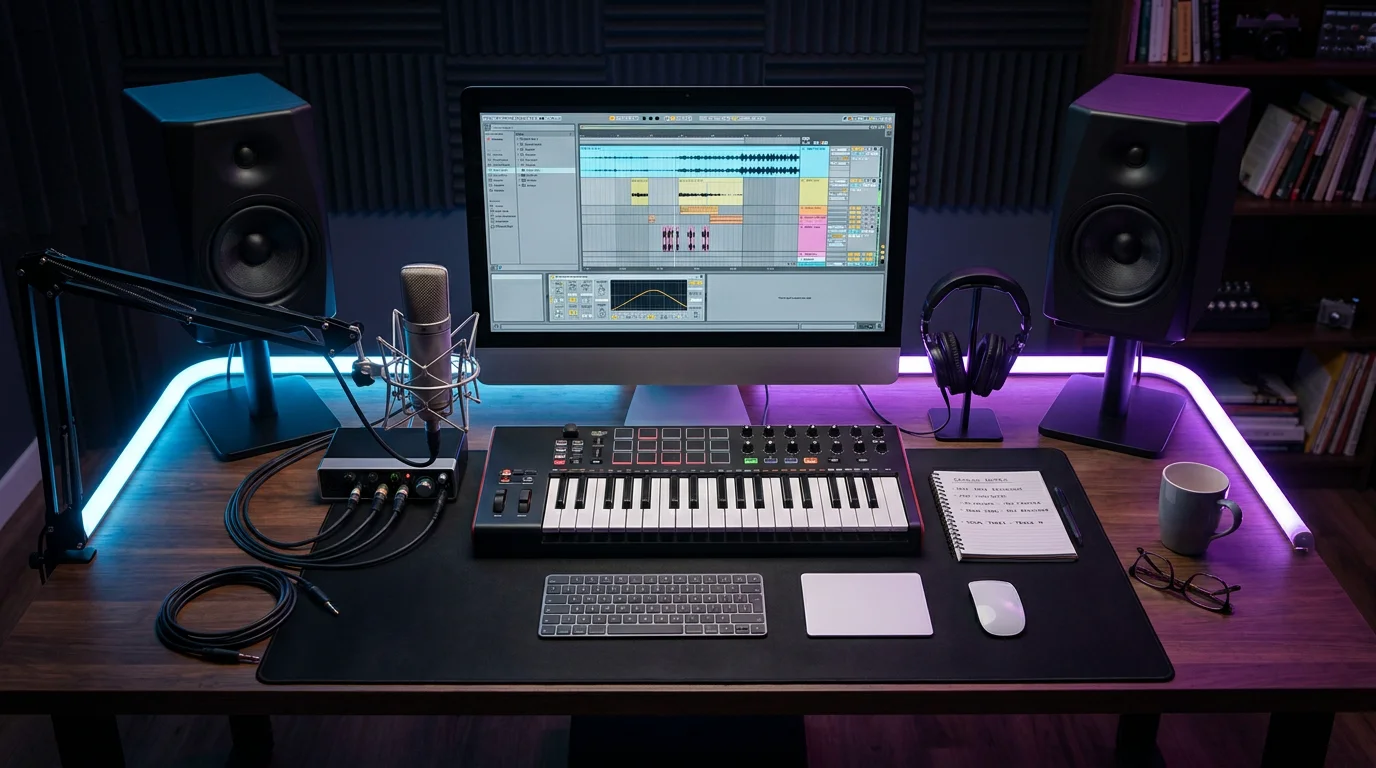
1. Pendora by Tiger-Sounds: Studio-Ready Presets for Every Vocal Workflow
Before you reach for any effect plugin, the sonic raw material matters. Pendora is our boutique sound bank built for producers who make trap, drill, dark trap, phonk, boom bap, pluggnb, and R&B. It ships with 275 or more studio-ready presets, each hand-crafted to sit well alongside processed vocals rather than clash with them. When your instrumental already has the right tonal character, you spend less time correcting frequency collisions in the vocal chain.
Pendora runs on both Mac and Windows as a VST3 and AU plugin, stays light on CPU, and comes with a one-time purchase model (no recurring subscriptions). You also receive royalty-free commercial rights and free lifetime updates. For producers who feel stuck recycling the same generic loops, Pendora offers a direct path past beatblock with sounds no one else in your session folder has. You can explore the full catalog in our VST plugins collection.
2. Pitch Correction: Antares Auto-Tune Pro X and Celemony Melodyne
Pitch correction belongs near the top of most vocal chains so the tuner reads the raw, unprocessed signal. Two tools dominate this space. Antares Auto-Tune Pro X remains the industry standard for pitch correction. It handles both real-time chromatic tuning and the iconic hard-tune effect heard across modern hip-hop and pop. For a more surgical, note-by-note approach, Celemony Melodyne 5 is often considered the most natural-sounding pitch editor, giving you control over individual pitch blobs, timing, and formants.
Which one should you choose? If you produce trap or drill vocals and want that tight, quantized feel in real time, Auto-Tune Pro X is the faster option. If you record R&B or boom bap where subtle, transparent corrections matter more, Melodyne provides finer control. Many professional engineers use both in the same session.
3. Equalization: FabFilter Pro-Q and Dynamic EQ Options
Equalization is where you remove muddiness, tame resonances, and add air. The latest version of FabFilter’s surgical EQ, Pro-Q 4, continues its legacy in digital equalization with surgical precision, clean phase handling, an intuitive visual interface, and a huge selection of options for fine-tuning your EQ moves; its transparent sound and workflow speed make it ideal for corrective and tonal editing alike. Dynamic bands are especially useful on vocals: they only cut when a problematic frequency exceeds a set threshold, preserving the natural tone the rest of the time.
If you are on a tight budget, TDR Nova provides a capable free dynamic EQ with up to four bands. Pair it with a spectrum analyzer to locate problem areas before you reach for any static cut. For a deeper look at complimentary tools, see our roundup of the best VST plugins across every category.
4. Compression: Taming Dynamics Without Losing Emotion
Vocals are among the most dynamically variable signals in any mix. A whispered verse followed by a belted chorus can span 20 dB or more. Vocal compression brings those extremes under control so the voice sits consistently in the mix. The classic approach uses two compressors in series: a fast FET-style compressor (modeled on the Universal Audio 1176) to catch loud peaks, followed by a slower optical compressor (modeled on the LA-2A) for gentle, smooth leveling.
FabFilter Pro-C 2 offers a transparent, modern alternative with a dedicated vocal algorithm. AI integration in audio mastering plugins increased by 42 percent in recent years, enabling automatic noise reduction, vocal tuning, and multiband processing, according to Market Growth Reports. That trend extends to compressor plugins, where adaptive threshold and gain-riding features are becoming standard.
5. De-Essing: Controlling Sibilance Cleanly
Sibilance, the harsh energy around 6 to 10 kHz produced by “S” and “T” sounds, can ruin an otherwise polished vocal. A dedicated de-esser plugin applies narrow-band compression only when sibilance crosses a threshold. FabFilter Pro-DS provides clear visual feedback and handles aggressive correction without the lisping artifacts common in cheaper tools.
A practical tip: using two gentle de-essers (one early, one late in the chain) typically yields more transparent results than a single heavy instance. If sibilance persists after de-essing, a dynamic resonance suppressor such as Oeksound soothe2 can catch remaining harshness introduced by saturation or additive EQ later in the chain.
6. Saturation and Harmonic Enhancement
Thin vocals recorded in less-than-ideal conditions often lack warmth and body. Saturation plugins generate harmonic overtones that fill out the frequency spectrum more effectively than simply boosting low-mid EQ bands where energy may not exist in the recording. Soundtoys Decapitator provides five saturation styles modeled on classic hardware, along with tone shaping controls that let you push from subtle warmth to aggressive distortion.
For parallel processing, blend a heavily saturated signal underneath the dry vocal at a low level. This adds density and presence without audible distortion on the main track. Producers working in dark trap or phonk may want more aggressive settings, while pluggnb and R&B sessions typically call for a gentler touch.

7. Spatial Effects: Reverb and Delay for Depth
Reverb and delay place the vocal in a three-dimensional space. Without them, even a perfectly compressed and equalized vocal feels flat and disconnected from the beat. Valhalla VintageVerb covers everything from tight room ambiences to long, modulated tails, and its lightweight CPU footprint makes it practical for sessions with dozens of tracks. For a deeper comparison, visit our guide to the best reverb plugins for vocals.
On the delay side, Soundtoys EchoBoy offers 30 echo styles modeled on classic hardware units, from tape slapback to modern ping-pong patterns. A short stereo delay panned left and right can widen a vocal without the wash that reverb introduces, which is especially useful in dense trap and drill arrangements where clarity is non-negotiable.
Comparison: Top Vocal VST Plugins at a Glance
| Plugin | Primary Function | Format | Pricing Model | Best For |
|---|---|---|---|---|
| Pendora (Tiger-Sounds) | Sound bank / Presets | VST3, AU | One-time purchase | Trap, drill, dark trap, phonk, pluggnb, R&B producers who need unique melodic textures alongside vocals |
| Antares Auto-Tune Pro X | Pitch correction | VST3, AU, AAX | Subscription or perpetual | Real-time tuning, hard-tune effect |
| FabFilter Pro-Q 4 | Equalization | VST3, AU, AAX | Perpetual | Surgical EQ, dynamic bands |
| FabFilter Pro-C 2 | Compression | VST3, AU, AAX | Perpetual | Transparent vocal compression |
| Oeksound soothe2 | Dynamic resonance suppression | VST3, AU, AAX | Perpetual | Taming harshness and resonances |
| Soundtoys EchoBoy | Delay | VST3, AU, AAX | Perpetual | Versatile delay styles |
| Valhalla VintageVerb | Reverb | VST3, AU, AAX | Perpetual | Ambient and modulated vocal reverbs |
Putting It All Together: A Practical Vocal Chain Order
Signal flow matters. A well-ordered chain avoids compounding problems from one stage to the next. Here is a reliable starting sequence for most vocal sessions in FL Studio, Ableton, or Logic Pro:
- Pitch correction (Auto-Tune or Melodyne) on the raw, unprocessed vocal.
- Subtractive EQ to remove low-end rumble, boxiness, and resonances.
- First compressor (FET-style, fast attack) to catch loud transients.
- Second compressor (optical-style, slow and smooth) for overall leveling.
- De-esser to tame sibilance before any additive processing.
- Additive EQ or presence boost to add air and clarity.
- Saturation for warmth and harmonic density.
- Reverb and delay on sends, not inserts, so you control the wet/dry balance independently.
This order is a guideline, not a law. Experiment with placement. Some producers prefer saturation before the second compressor; others run the de-esser at both the beginning and end of the chain. The key is to listen critically at every stage.
In 2026, 49 percent of new plugins incorporate AI-driven mastering and sound enhancement features for improved automation, according to a Business Research Insights report. As these intelligent tools mature, expect vocal chain workflows to become increasingly adaptive, with plugins that respond to input dynamics in real time rather than relying on static parameter settings.
Selecting the right plugins is only half the equation. The instrumental underneath your vocal determines how much processing you actually need. When you start with distinctive, studio-ready presets that occupy their own sonic space, your vocal sits more naturally from the first playback. That is the core idea behind Pendora: fewer frequency conflicts, less corrective EQ, and more creative energy left for the performance itself. Ready to hear the difference? Explore our best free VST plugins or pick up the full Pendora collection to give your next session a tonal foundation that stands apart.
Frequently Asked Questions
What is the most important plugin in a vocal chain?
Most engineers agree that an equalizer is the single most critical tool because it shapes the fundamental tone and removes problematic frequencies before any other processing. A quality dynamic EQ, used alongside proper compression, forms the backbone of a professional vocal sound.
Can free vocal VST plugins deliver professional results?
Yes, free options such as TDR Nova (dynamic EQ), Vital (synthesizer), and Valhalla Supermassive (reverb) are capable of professional-quality output. However, combining them with a purpose-built sound bank like Pendora, which provides hand-crafted presets and royalty-free commercial use, gives you a more cohesive and distinctive starting point for your productions.
How many compressors should you use on vocals?
Two compressors in series is a widely adopted approach. The first (typically a fast FET-style compressor) catches transient peaks, while the second (an optical-style compressor) applies gentle, continuous leveling. This staged method sounds more transparent than driving a single compressor hard.