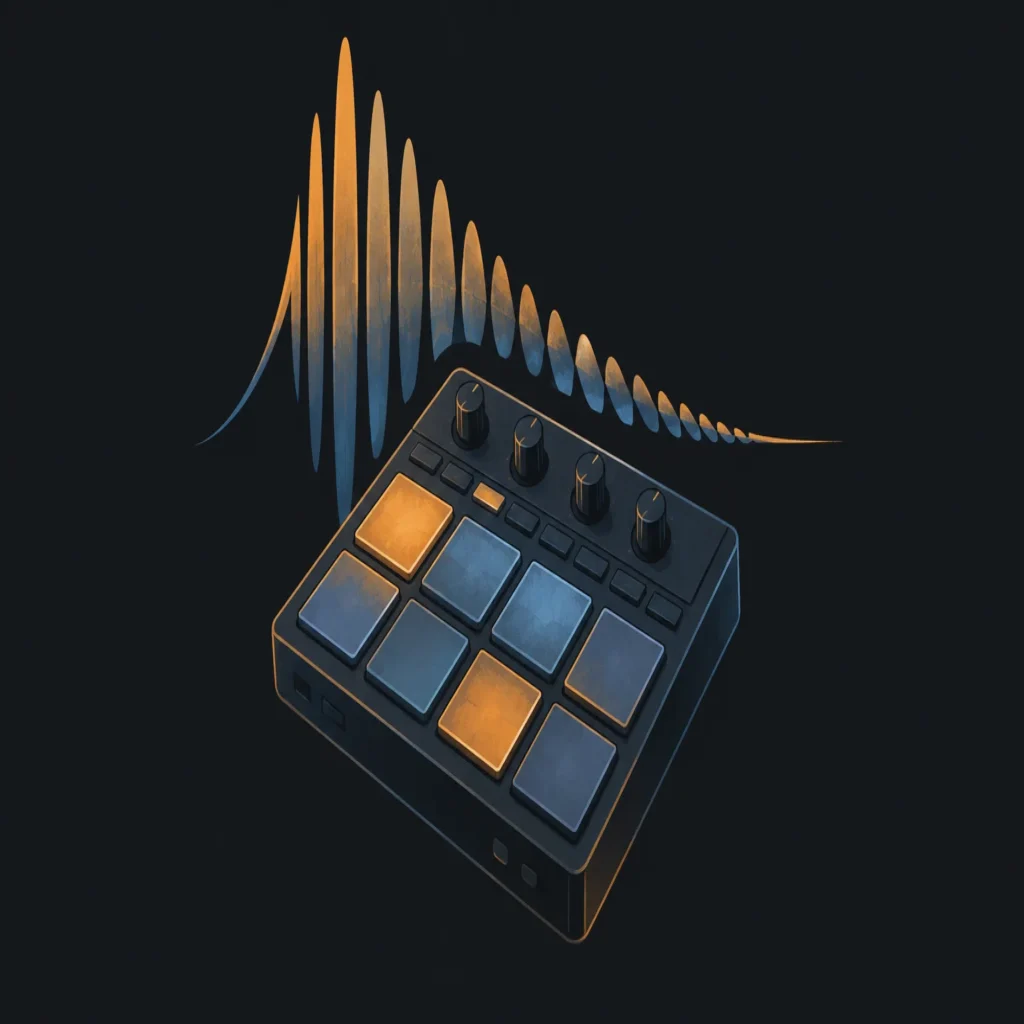
Summary: A drill drum kit is a collection of samples for building drill beats in a DAW. Look for 808s with useful slides, punchy kicks and snares, flexible hi hats, and percussion that fits the groove you want. Check file formats and license terms, then shape the pattern through timing, velocity, and selective layering rather than stacking sounds indiscriminately.
What makes a drill beat feel distinctive is often the relationship between a sliding 808, a displaced snare, and the space left between hi hat hits. A drill drum kit gives you sample choices for those parts, but the samples still need a pattern that suits the track. If you are also looking for related sounds for beatmaking, our drill music drum kit page is a place to explore drill focused production resources.
First, distinguish a sample kit from a physical or electronic drum set. A sample kit is a collection of audio files you load into a sampler or arrange directly in FL Studio, Ableton, Logic Pro, or another DAW. The best choice is not necessarily the largest pack: it is the one with useful sounds, clear file details, and terms that fit how you release beats.
What should a drill drum kit contain?
Start with the core parts of the beat: 808s, kicks, snares or claps, hi hats, and a small selection of percussion. A useful drill sample kit gives you contrasting options within each role, such as short and sustained 808s, dry and roomy snares, or hats with different levels of brightness. That variety lets you shape a beat without filling every bar with extra layers.
Check whether the 808 samples include tones that work for your bassline and whether their tails leave enough room for the next hit. If you plan to program slides, confirm that your sampler or instrument can create them, or look for audio samples that already contain a glide. A sample that sounds heavy in isolation can still clash with the kick or melody once arranged, so audition it in the project.
Also, do not confuse a sound library with a playable drum set. NAMM’s 2025 report covers conventional drum kit shipments as physical instruments, with U.S. shipment value estimated at $95 million in 2024. That figure describes a different market from downloadable drum samples, but it illustrates why checking what a seller means by “kit” matters.
Percussion accents are useful when they add movement or mark a transition. A rim hit, open hat, or short texture can establish a rhythmic detail, but too many accents compete with the vocal pocket. Build the beat around its main drum voices first, then add only the details that have a clear role.
How do UK and New York drill patterns differ?
Imagine you are building two versions of the same dark melody. For a UK drill feel, try a brisk, shifting groove with space around the snare and an 808 line that moves through the bar. For a New York drill feel, test a more direct, forceful bounce and make the kick and bass relationship carry the energy. These are useful starting points, not fixed rules: artists and producers combine ideas across scenes.
In either approach, focus on 808 movement and rhythmic placement rather than relying on a label in the kit folder. Try a sustained note, a short note, and a glide in separate passes. Then listen to how each one interacts with the kick and the melody. If the bass line sounds crowded, remove a hit or shorten a note before adding another layer.
Hi hats and snares also shape the groove. A steady hat pattern can anchor a more syncopated bass line, while small pauses or velocity changes can make repeated hits feel less mechanical. Use the grid as a starting point, then adjust selected hits by ear. For related production resources that draw on trap sounds, our best trap drumkits page covers another sound palette producers may explore alongside drill.
How do you build a drill groove in your DAW?
In FL Studio, Ableton, or Logic Pro, start with a short loop and add the main hits one layer at a time. Set a tempo that supports the vocal or melody you have in mind, then program a simple kick and snare pattern before adding the 808. There is no single tempo or placement that defines every drill beat, so use the loop to test the feel rather than treating a preset pattern as a rule.
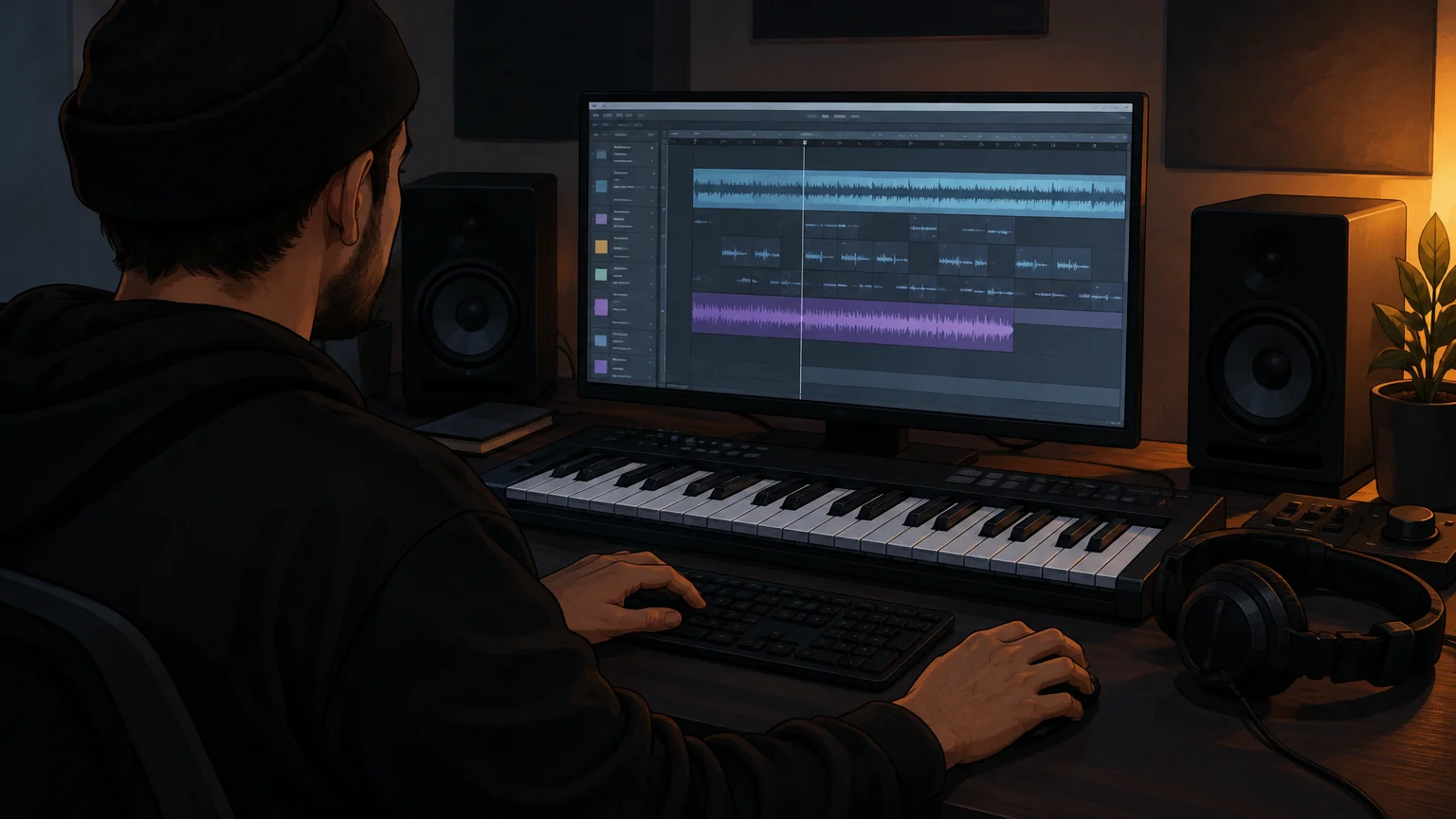
Once the basic loop works, add the 808 and check that its notes support the kick instead of masking it. Use your sampler’s envelopes, pitch controls, or glide settings where appropriate. Then vary selected hat hits and add a small number of percussive accents. Keep the main snare or clap easy to locate in the groove, particularly when the bass line becomes more active.
- Lay down the anchor: program the kick and snare or clap, then listen to the loop without other layers.
- Shape the low end: add an 808 line and adjust note lengths, slides, and overlaps to suit the rhythm.
- Add motion: vary a few hi hat hits with pauses, rolls, or velocity changes instead of filling every gap.
- Check the full loop: bring in the melody and remove any drum sound that obscures the vocal space or bass movement.
Save alternate versions before making large changes. A sparse pattern can work better under a dense melody, while a more active drum part may suit a simpler musical loop. Compare both at the same playback level so that louder does not automatically seem better.
How do you choose samples that fit the track?
Picture a beat with a strong melodic phrase and a clear vocal pocket. In that case, select the kick and snare for definition, then let the 808 provide movement without masking the melody. If you are after a broader trap influenced sound, our trap drum kit page is a separate resource to consider; choose sounds according to the role they play in your arrangement, not the genre label alone.
Before downloading or buying a kit, check the file format, sample rate if listed, and license terms. WAV one shots are straightforward to import into most samplers and DAWs, while loops can provide a quick starting point but give you less control over individual hits. Read the license for commercial use, attribution, redistribution, and any restrictions on using samples in beats you sell or license.
Listen to each candidate in context. Compare its kick against the 808, its snare against the melody, and its hats at the actual playback level of the beat. A kit with a focused selection can be more practical than a large folder when it gives you a few dependable choices for each part. Organize the keepers by function and save your preferred sounds in a personal drum rack or sampler preset.
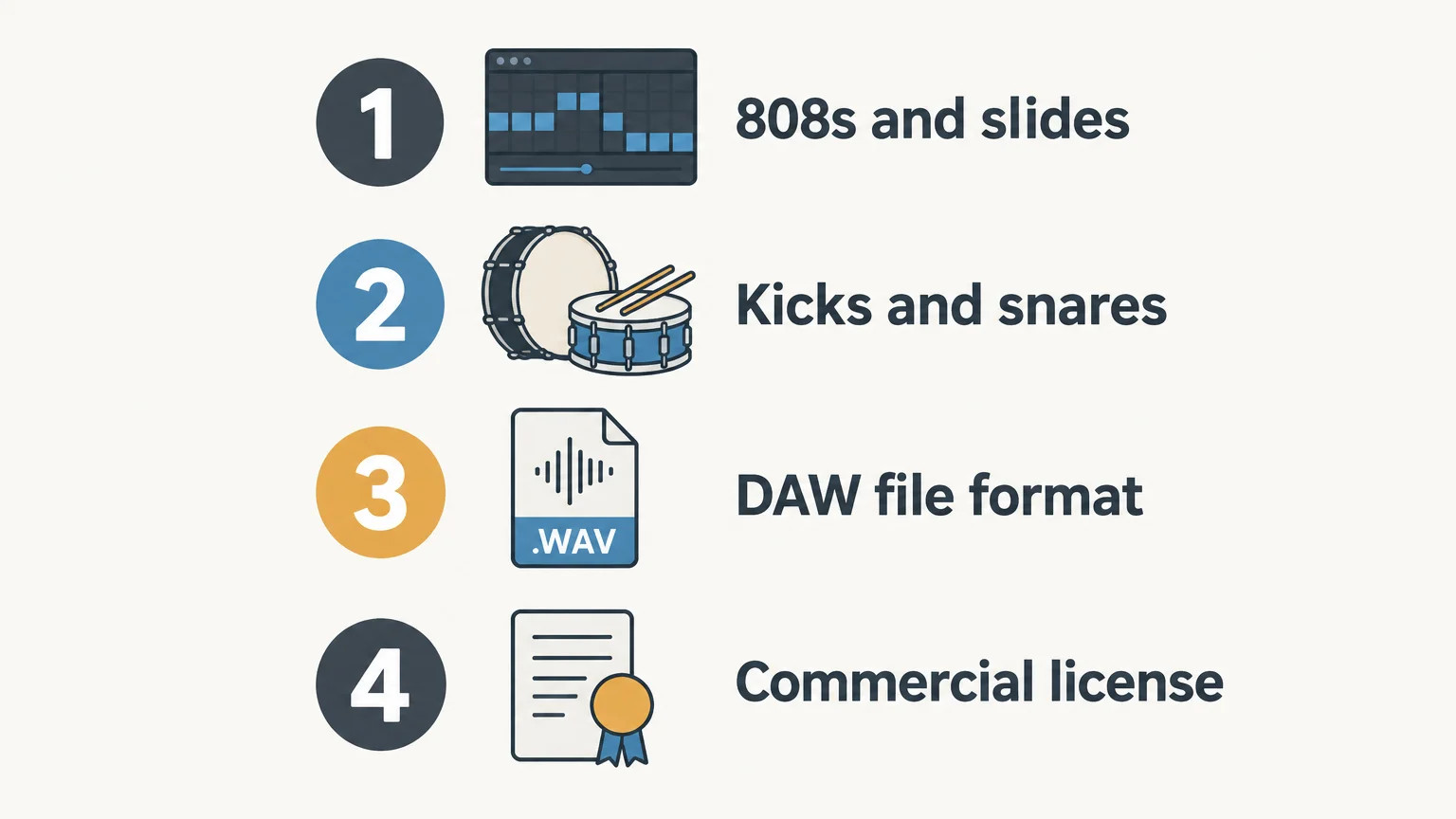
Choose the kit around the groove
A useful drill sample library gives you practical options for the 808, kick, snare, hi hats, and accents, but the beat takes shape through arrangement and listening. Check the files and license, build a simple loop, then adjust slides, timing, and velocity until every sound supports the melody and vocal space.
Explore Drum Kits for Your Next Beat
Once you know which sounds your pattern needs, choose resources that fit your production style and workflow. Our downloadable drum kits sit alongside sound banks and other production assets for producers working across drill, trap, and related styles.
Our products are sold as digital downloads, with royalty-free commercial use under the applicable license terms. Browse our drum kits to find sounds for your next beatmaking session.
Frequently Asked Questions
What is a drill drum kit?
It is a collection of drum samples used to build drill beats in a DAW. A kit commonly includes 808s, kicks, snares or claps, hi hats, and percussion.
Can I use a drill drum kit in FL Studio, Ableton, or Logic Pro?
Most sample kits with common audio files such as WAV can be imported into these DAWs. Check the kit’s file details and your sampler’s supported formats before you download it.
What should I listen for in a drill 808?
Check its tone, sustain, and how it sits with the kick and melody. If you want sliding notes, make sure your sampler supports glide or choose samples that already include the movement.
Are UK drill and New York drill kits interchangeable?
Many drum sounds can work across both styles, but the groove and arrangement shape the result. Audition the samples with your pattern instead of relying only on the kit’s genre label.
Can I use Tiger-Sounds drum kits in commercial beats?
Our products include royalty-free commercial usage under their applicable license terms. Check those terms for the permitted uses and restrictions, including redistribution.