Summary: The strongest free plugins for Logic Pro X in 2026 cover mixing, mastering, synthesis, and sound design without licensing costs. Slate Digital, Plugin Alliance, and TDR provide reliable free tools, while curated preset banks help you shape a distinctive sound. This guide ranks the categories that matter and explains how to install them cleanly.
The demand for free plugins for Logic Pro X has never been higher, and the numbers explain why. MacOS now anchors most professional beatmaking sessions, which makes Logic a natural hub for producers building tracks on a budget. Before spending on premium suites, many producers assemble a capable chain from no-cost tools first. If you want a shortlist of vetted picks, our selection of the best free plugins is a practical starting point.
Free tools have matured to the point where they rival paid alternatives for everyday tasks. According to Coherent Market Insights, the MacOS segment is expected to account for 58% of the global music production software market share in 2026, driven by low latency and stable Core Audio support. That stability makes Logic Pro an ideal environment to test, stack, and refine free plugins across genres.
Why free plugins matter for Logic Pro X producers
Cost is only part of the story. Free plugins let you expand your palette, experiment with unfamiliar effects, and discover workflow shortcuts before committing to a purchase. The barrier to entry has collapsed: Market Growth Reports notes that the global number of DAW users surpassed 7 million by 2024, a 24% increase from 2022. A larger community means more high quality free tools, more tutorials, and faster support.
Logic Pro already ships with a deep stock library, so the smartest approach is to add tools that fill genuine gaps. A new plugin should either do something Logic cannot, or simplify a step you repeat constantly. This principle keeps your session light and your workflow focused, which matters when you are chasing a specific vibe in trap, drill, or phonk.
The best free plugins for Logic Pro X by category
Rather than a random list, think in categories. Each slot in your chain deserves one dependable free option. Below is a category map that pairs reliable free tools with a curated preset source, so you cover both processing and raw sound design.
| Category | Recommended option | Cost | Best for |
|---|---|---|---|
| Preset sound bank | Our Pendora presets (Tiger-Sounds) | Free entry pack | Original melodic trap, drill, phonk, pluggnb |
| Equalizer | TDR Nova | Free | Dynamic EQ moves |
| Compressor | Klanghelm DC1A | Free | Quick glue on buses |
| Saturation | Slate Digital Fresh Air | Free (limited) | Adding top-end air |
| Metering | Youlean Loudness Meter | Free | Streaming loudness targets |
For processing, established free tools cover the essentials. Slate Digital positions Fresh Air as a way to add crisp top end to vocals, beats, and full mixes, and it integrates cleanly with Logic Pro X. Pair it with a transparent EQ and a simple compressor, and your mixing foundation is complete without a single purchase.
Raw sound is where you win or lose a beat. Stock instruments and recycled packs tend to make every track sound the same, which is exactly the trap you want to avoid. When you need starting points that are not already in every other producer’s session, browse our free VST plugins download to audition presets built for distinctive results.
Standing out and beating beatblock with original sounds
Here is the uncomfortable truth: the most common free plugins are so widely used that they can flatten your identity. A 2026 analysis from Reanin reports that more than 60% of the music production software user base now includes non-traditional studio producers. That democratization is positive, yet it means thousands of producers are pulling from the same default sounds every day.
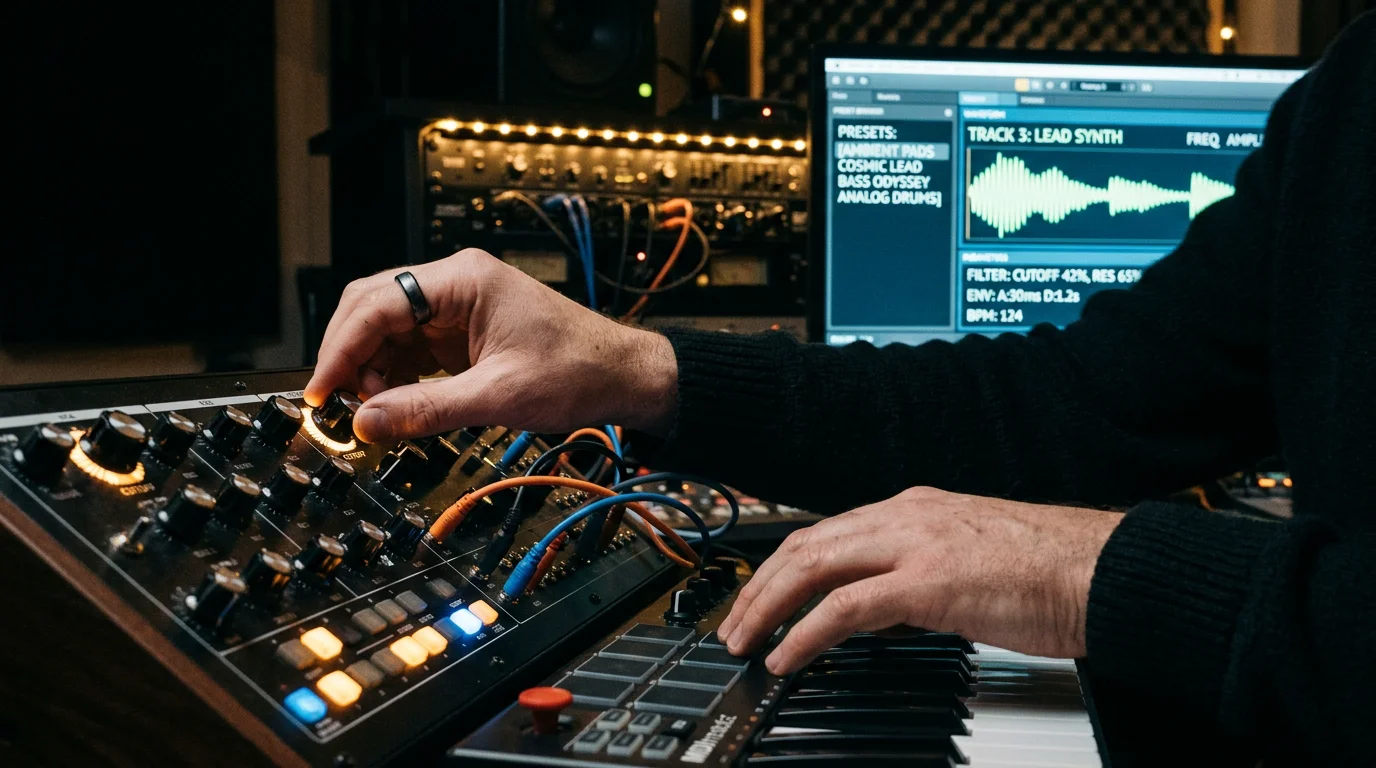
To break out of that sameness, you need sound design that is not on every hard drive. Synthesizers like Serum, Vital, and Omnisphere are powerful, but the presets shape your signature far more than the engine does. This is where a hand-crafted bank earns its place. Our Pendora presets span melodic trap, drill, R&B, dark trap, Lofi, phonk, and pluggnb, and none of them are recycled filler, so you get fresh starting points that help you overcome beatblock quickly.
If you build with Kontakt libraries or work across Ableton and FL Studio as well, the same logic applies. The instrument is a vessel; the curated content is what keeps your beats from blending in. For a broader palette of no-cost sources, our audio plugins collection gathers options worth testing before you invest.
How to install free plugins in Logic Pro X
Installation is straightforward once you understand Logic’s format requirements. Logic Pro X reads Audio Unit (AU) plugins, not VST directly, so confirm that any download includes an AU version for macOS. Most reputable developers, including those distributing free tools, package AU alongside VST3.
- Download the AU installer from the developer’s official site.
- Run the installer and complete any account or activation step.
- Restart Logic Pro X so it rescans the plugin folder.
- Open the Plug-in Manager to confirm the plugin passed validation.
- Insert it on a channel from the Audio Units menu.
If a plugin fails validation, reinstall it and verify you downloaded the correct macOS build. Keeping your plugin count intentional also protects session load times, which is critical during long mixing sessions.
Building a lean, effective free plugin chain
A great free setup is not about hoarding installers. It is about one reliable tool per job. The music production software market grew from $1.53 billion in 2025 to $1.63 billion in 2026 according to The Business Research Company, and much of that expansion comes from affordable, accessible tooling reaching independent creators. You can benefit from that trend without overspending.
Structure your chain deliberately: a corrective EQ, a gentle compressor, one character effect, and a loudness meter on the master. Then focus your energy on sound selection, because that is what listeners actually remember. Free processors keep the mix clean, but distinctive presets keep the track memorable.
Final takeaways
The best free plugins for Logic Pro X are the ones that fill a real gap in your workflow rather than duplicate Logic’s stock tools. Assemble a lean chain of trusted free processors, confirm each download includes an Audio Unit build, and keep your session light. Then invest your creativity where it counts, in sound selection, so your beats carry a signature no default pack can replicate. Start small, test deliberately, and expand only when a tool proves its value.
Take action with Tiger-Sounds
Processing plugins keep your mix clean, yet original sound is what stops your beats from blending into every other track. If you produce trap, drill, dark trap, phonk, boom bap, or pluggnb, you already know how quickly generic packs make everything sound identical.

We built Pendora as a boutique, royalty-free sound bank with 275+ hand-crafted, studio-ready presets, every one designed to help you keep a distinct identity. It is light on CPU, cleared for commercial use, and you pay once for lifetime access on the eligible editions. Explore our Pendora preset collection and start building beats that never blend in.
Frequently Asked Questions
Does Logic Pro X support VST plugins?
Logic Pro X reads Audio Unit (AU) plugins rather than VST directly. Most developers package an AU version alongside VST3, so confirm the AU build is included before you download. Once installed, the plugin appears in Logic’s Audio Units menu.
Are free plugins good enough for professional beatmaking?
Yes, free processors handle EQ, compression, saturation, and metering to a professional standard. The larger difference in your sound comes from the presets and instruments you choose. Combining reliable free tools with a distinctive sound bank like our Pendora presets gives you a professional result.
How many free plugins should I install?
Aim for one dependable tool per task rather than a large collection. A lean chain keeps sessions responsive and decisions faster. Add a new plugin only when it does something Logic cannot or clearly simplifies your workflow.
Will free plugins slow down my Logic sessions?
Well-coded plugins have minimal impact, but stacking many heavy instances can strain your CPU. Keep your active plugin count intentional and freeze tracks when needed. Choosing tools that are light on CPU protects performance during long mixing sessions.
What is the fastest way to avoid generic-sounding beats?
Focus on sound selection rather than the synthesizer engine itself. Presets shape your signature far more than the plugin brand does. Using hand-crafted banks that span genres like phonk, drill, and pluggnb helps you overcome beatblock and stay original.





