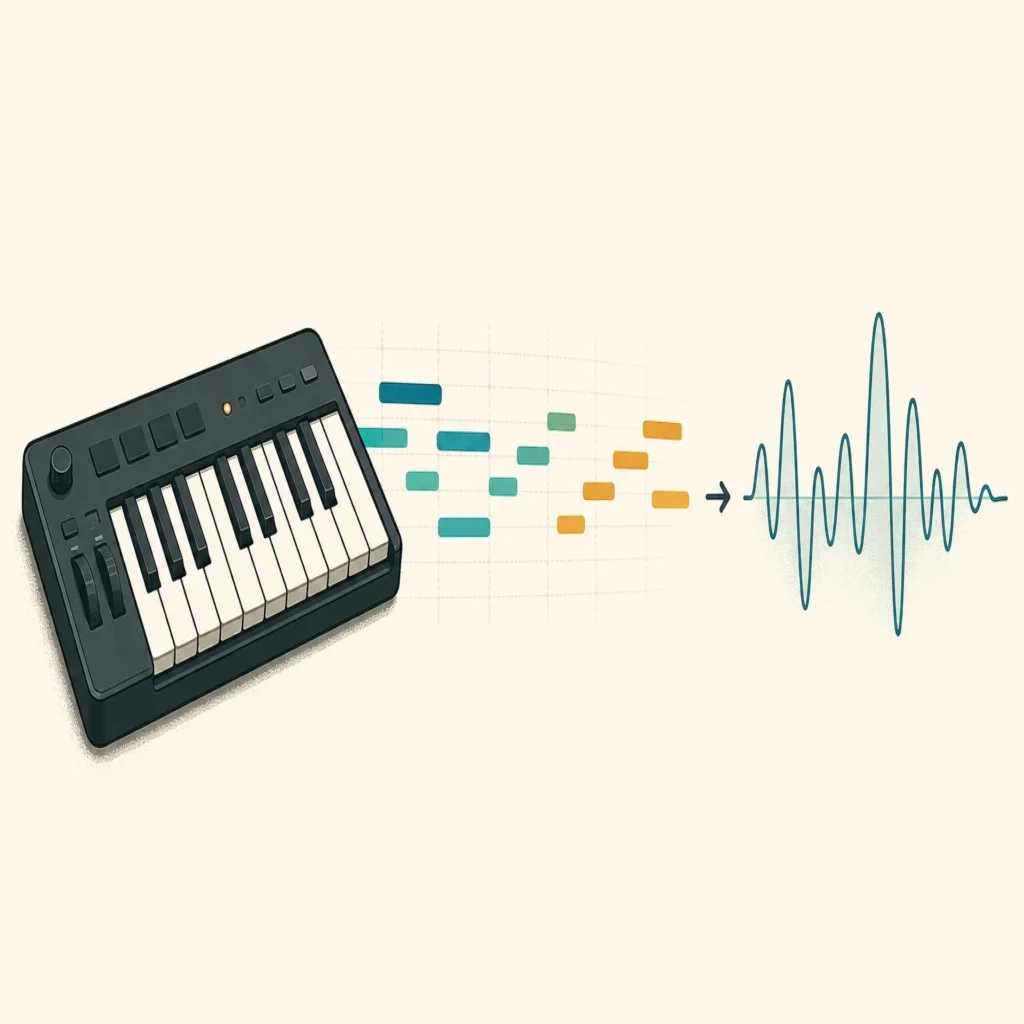
Summary: MIDI packs contain editable musical information, such as notes and timing, rather than recorded instrument sounds. The right pack fits your genre and DAW workflow, uses clear file names and useful key or tempo details, and comes with license terms you understand. Preview the material, edit it to suit your track, and check commercial permissions before release.
When a beat stalls, a MIDI pattern can give you notes to reshape without dictating the finished sound. But a folder full of files is only useful if its progressions, melodies, or drum patterns fit your direction. The best MIDI packs for beatmaking are not necessarily the largest: they are the ones you can quickly audition, edit, and make your own.
MIDI stores musical instructions rather than audio. A 2026 paper in Scientific Reports describes information such as pitch, duration, timing, and performance controls, and examines a large collection of genre-tagged files. That distinction matters in practice: a MIDI melody can trigger a sound in Serum, Vital, Omnisphere, or Kontakt, but the instrument’s tone comes from the plugin you assign.
What does a MIDI pack actually contain?
A MIDI pack is a collection of files that tell a DAW what notes to play and when. Common contents include chord progressions, lead melodies, basslines, and drum patterns. Some packs focus on one type of material; others combine several. The file itself generally does not contain a recorded piano, synth, or drum sound, so you choose the instrument and shape its tone in your project.
That separation makes MIDI flexible. You can try the same notes with a bell, pad, piano, or pluck, then change the rhythm, note lengths, velocities, and arrangement. A chord progression might become a short intro with one instrument and a fuller section with another. A drum pattern can provide a starting groove while you replace the kit and adjust the kick, snare, and hi-hat placement.
Pack descriptions can use terms like “melody,” “loop,” or “groove” loosely. Before downloading or purchasing, confirm whether the files are editable MIDI, audio loops, or a mixture. If you specifically want to move notes around, look for MIDI files such as .mid rather than assuming every item described as a loop is MIDI.
How should you assess genre fit and file organization?
Start with the production you are making, not the headline file count. A melodic trap beat may need a dark chord progression or a short lead phrase; a drill arrangement may call for a different rhythmic feel. R&B, pluggnb, lofi, and phonk also call for distinct choices in harmony, note density, and groove. A genre label can help narrow the search, but listen to the demo and inspect representative files before deciding whether the material suits your track.
Next, check how the pack is organized. Useful folders separate content by type, such as chords, melodies, bass, and drums. Descriptive file names can make it easier to find a pattern by key, tempo, mood, or style. Labels are helpful only when they are accurate, so audition a few files in your DAW rather than relying on folder names alone.
Metadata can make a collection easier to navigate, but the amount included varies. The project page for the MetaMIDI Dataset, for example, documents information such as key signatures, time signatures, tempo, and instrument types for research data. That is a useful reminder to look for the details that matter in your own workflow, not an assurance that every commercial pack provides them.
Does the pack work with your DAW workflow?
In FL Studio, Ableton Live, or Logic Pro, bring a MIDI file into a MIDI or instrument track, then assign an instrument. The pattern supplies the notes; a plugin such as Serum, Vital, Omnisphere, or Kontakt supplies the sound. If the notes arrive on an unexpected track or the phrase does not loop as expected, check the DAW’s import behavior and the file’s track structure before writing off the pack.
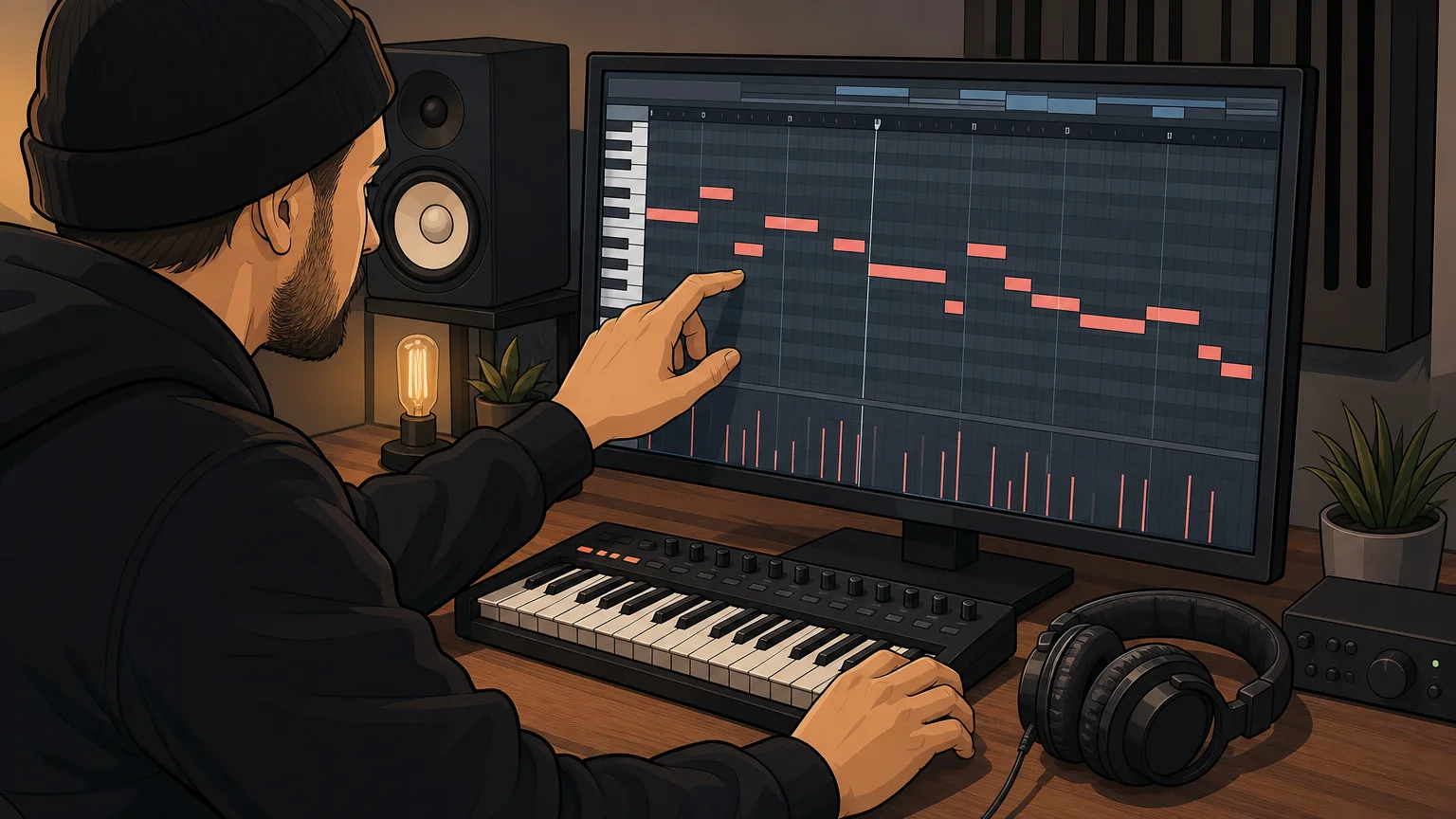
Try one phrase with more than one sound. A sparse pattern may leave space for vocals when played with a soft pad, while a sharper pluck can make its rhythm more prominent. Then edit a few notes, change velocities, or move the accents. These small changes help the part fit your drums and arrangement instead of sitting unchanged on top of them.
DAWs and production setups differ, so test files in the software you actually use. A January 2026 MIDiA Research creator survey analyzed responses from 2,109 music creators and included profiles of DAW and software users. That does not establish compatibility for a particular pack, but it underlines why your own import test is more useful than a broad “works with producers” claim.
Which details should you check before choosing?
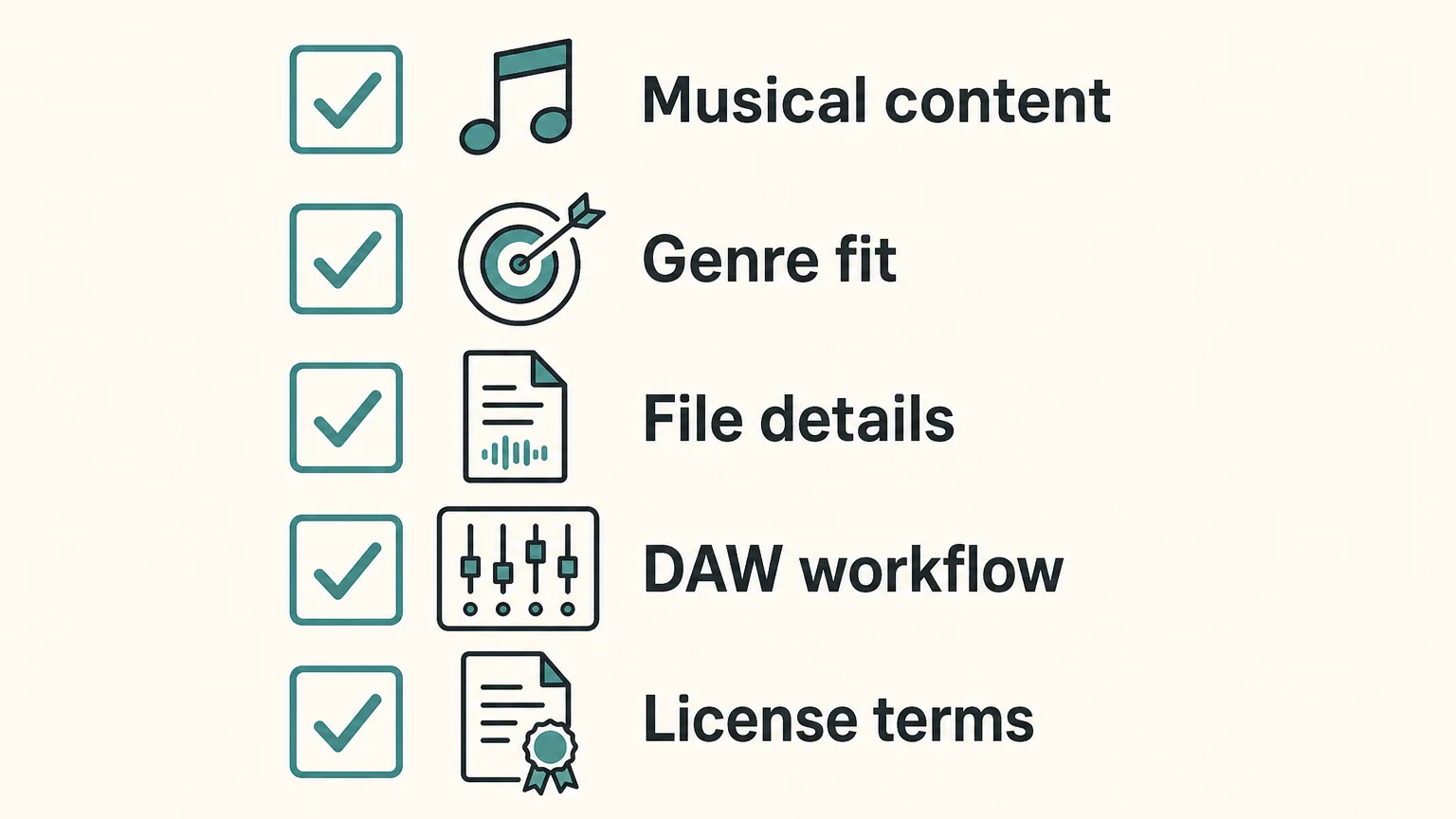
Before committing, compare the pack’s musical contents, practical organization, and license. Use this short checklist to focus on what will affect your next session.
- Musical content: Does it contain chords, melodies, basslines, drum patterns, or the specific material you need?
- Genre fit: Do the demo and sample files suit your track’s style and energy?
- File details: Are file types, keys, tempos, and folders clearly described where relevant?
- DAW workflow: Can you import the files, assign an instrument, and edit the notes in your setup?
- License terms: Are commercial releases allowed, and what limits apply to sharing or redistributing the original files?
Try free material first if you are unsure what kind of files you use most. A free pack can help test importing, editing, and matching patterns to your sound choices. Treat “free” as a price description, not a complete license: read the terms for commercial use and restrictions on sharing raw files. Paid packs also vary in scope, so compare their stated contents rather than assuming a higher file count means a better fit.
How do licensing and commercial use affect your choice?
Read the license before using a pattern in a beat you plan to sell, place, or release. Look for clear wording on commercial use, royalties, attribution, and whether you may redistribute the original MIDI files. Permission to use material in a finished track is not the same as permission to resell or share the pack itself. If any term is unclear, ask the seller before building a commercial release around it.
Our Pendora Lite includes 30 hand-picked presets, bonus kits, and a MIDI pack, making it an entry option for producers who want to explore our sound-bank approach. Its MIDI description does not specify a file count or detailed musical contents, so check the product information if those specifics determine your choice. We have sold Pendora since 2020 and state that more than 500 producers use it; that history offers context about the product, but your own audition remains the best test of musical fit.
Pendora Ultimate is a separate custom edition that includes 5,000+ exclusive MIDI melodies, along with the Pendora sound bank and custom content. Those details apply to that edition, not to every Pendora product. Under our stated product terms, commercial use is royalty-free, while account sharing and redistribution are excluded.
How can you make a pack feel like your own?
Use a MIDI pattern as raw material, not as a finished identity. Change the instrument, adjust note lengths, alter the velocity pattern, or shift a few notes to better fit your key and groove. You can also borrow only part of a progression or drum pattern, then write a new response around it. These edits help a familiar starting point serve the specific rhythm and arrangement of your beat.
Keep the original files organized separately from your edited versions, and note the pack and license associated with each project. That simple habit helps you return to an idea later without confusing your own edits with the source material or forgetting the terms attached to it.
Choose MIDI packs that serve the track
A useful pack gives you editable musical ideas that fit your genre, import cleanly into your DAW, and are easy to navigate. Preview the files, check key and tempo details when provided, and understand the license before release. Then reshape the notes and sounds until the material supports your own arrangement. The most useful MIDI starting points are the ones that help you keep creating without taking control away from you.
Explore genre focused MIDI for beatmaking
If you are looking for melodic material suited to trap, drill, R&B, pluggnb, dark trap, lofi, or phonk, choose a pack by musical direction and the details you can confirm. A focused sound can help when a session feels stuck, while editable MIDI lets you adapt notes to your own instruments and arrangement.

Our catalog includes MIDI and production assets alongside the Pendora sound-bank family. For a genre-focused place to start, explore the Pendora Super MIDI Pack and review its contents and license before using the material in a commercial release.
Frequently Asked Questions
Do MIDI packs include instrument sounds?
Usually, MIDI files store musical instructions such as notes and timing, not recorded instrument audio. You assign a compatible instrument or plugin in your DAW to hear the part.
Can I use MIDI files in FL Studio, Ableton, and Logic Pro?
These DAWs support MIDI workflows, but importing and track handling can vary by software and file. Test a file in your own setup and check the pack’s format details.
What should I look for in a trap or drill MIDI pack?
Preview the actual patterns and check whether the pack includes the musical material you need, such as melodies, chords, or drum grooves. Clear file names and useful key or tempo information can make it easier to fit ideas to a project.
Can I release a beat made with MIDI files commercially?
Check the specific pack’s license for commercial use, royalties, attribution, and restrictions on redistribution. Permission to use a pattern in a finished track does not necessarily allow sharing or reselling the original files.
Does Pendora include MIDI material?
Yes, Pendora Lite includes a MIDI pack, and Pendora Ultimate includes 5,000+ exclusive MIDI melodies. The stated MIDI details differ by edition, so check the relevant product information before choosing.





