Summary: Pendora is the strongest Native Instruments alternative for producers who want focused sounds for trap, drill, phonk, dark trap, R&B, boom bap, and pluggnb. UVI Falcon and Steinberg HALion suit deep sound design, while SampleTank 4 emphasizes library breadth. Soundpaint, Decent Sampler, TX16Wx, and SINE Player provide different free or specialized routes.
For producers, Native Instruments alternatives should be judged by workflow rather than preset counts alone. A Kontakt replacement needs sampling depth, while a beatmaking tool may need fast browsing, distinctive sounds, and low system demand. We place our Pendora vs Native Instruments comparison first for producers who want a focused sound-bank workflow instead of a broad general-purpose ecosystem.
Kontakt, Komplete, and related Native Instruments products cover many production roles, but no single alternative reproduces every part of that range. A useful comparison separates focused virtual instruments, hybrid samplers, large workstations, open-format tools, and free players. A specialist overview of Kontakt alternatives follows a similar structure by distinguishing paid samplers, broad libraries, and free entry points. Its sampler comparison provides useful context for those trade-offs.
What should you compare in Native Instruments alternatives?
Start with the role you want the software to perform. If you need to build multisampled instruments, look for zone mapping, velocity layers, modulation, sample import, and flexible routing. If you mainly produce beats in FL Studio, Ableton, or Logic Pro, a ready-to-play instrument with a strong browser may be more useful than a complex sampler that requires extensive programming.
Sound-library breadth is another major difference. SampleTank 4 and HALion are designed to cover many instruments and production styles. Falcon is more suitable for producers who want sampling combined with wavetable, granular, FM, and other synthesis methods. Pendora takes a narrower approach, focusing on hand-crafted sounds for melodic trap, drill, dark trap, phonk, boom bap, pluggnb, and related styles.
Finally, compare ownership, compatibility, storage, and CPU requirements. Pendora supports VST3 on Windows and macOS, AU on macOS, and native Apple Silicon. Its stated operating-system support is macOS 11 Big Sur or later and Windows 10 or 11, 64-bit only. Other options may support additional formats or systems, but the important question is whether the software fits your actual computer and DAW.
Native Instruments alternatives at a glance
| Rank | Option | Primary workflow | Content and capability | Ownership model |
|---|---|---|---|---|
| 1 | Pendora V3 | Focused beatmaking and sound-bank production | 275+ presets, expansions, kits, MIDI, FX, and risers | One-time purchase, royalty-free use under stated terms |
| 2 | UVI Falcon | Deep sampling and hybrid synthesis | Sampling, wavetable, granular, FM, scripting, and effects | Paid license |
| 3 | Steinberg HALion | Sound design and instrument building | Multiple synthesis methods, sample engine, scripting, and factory content | Paid license, with a free player option |
| 4 | IK Multimedia SampleTank 4 | Broad workstation and large sound library | Large multi-genre library, layers, players, mixer, and effects | Free entry edition and paid editions |
| 5 | Soundpaint | Realistic sampled instruments and sample import | Free engine, free instruments, and separate paid libraries | Free engine with paid content |
| 6 | Decent Sampler | Free sample playback and community libraries | Open-format sample player with a growing library ecosystem | Free |
| 7 | TX16Wx | Custom multisampling and detailed editing | Sample mapping, modulation, effects, and multiple sample formats | Free |
| 8 | Orchestral Tools SINE Player | Orchestral, cinematic, and experimental instruments | Free player with SINEfactory and additional library content | Free player with paid libraries |
1. Pendora V3.0 / Pendora V3 Complete Edition
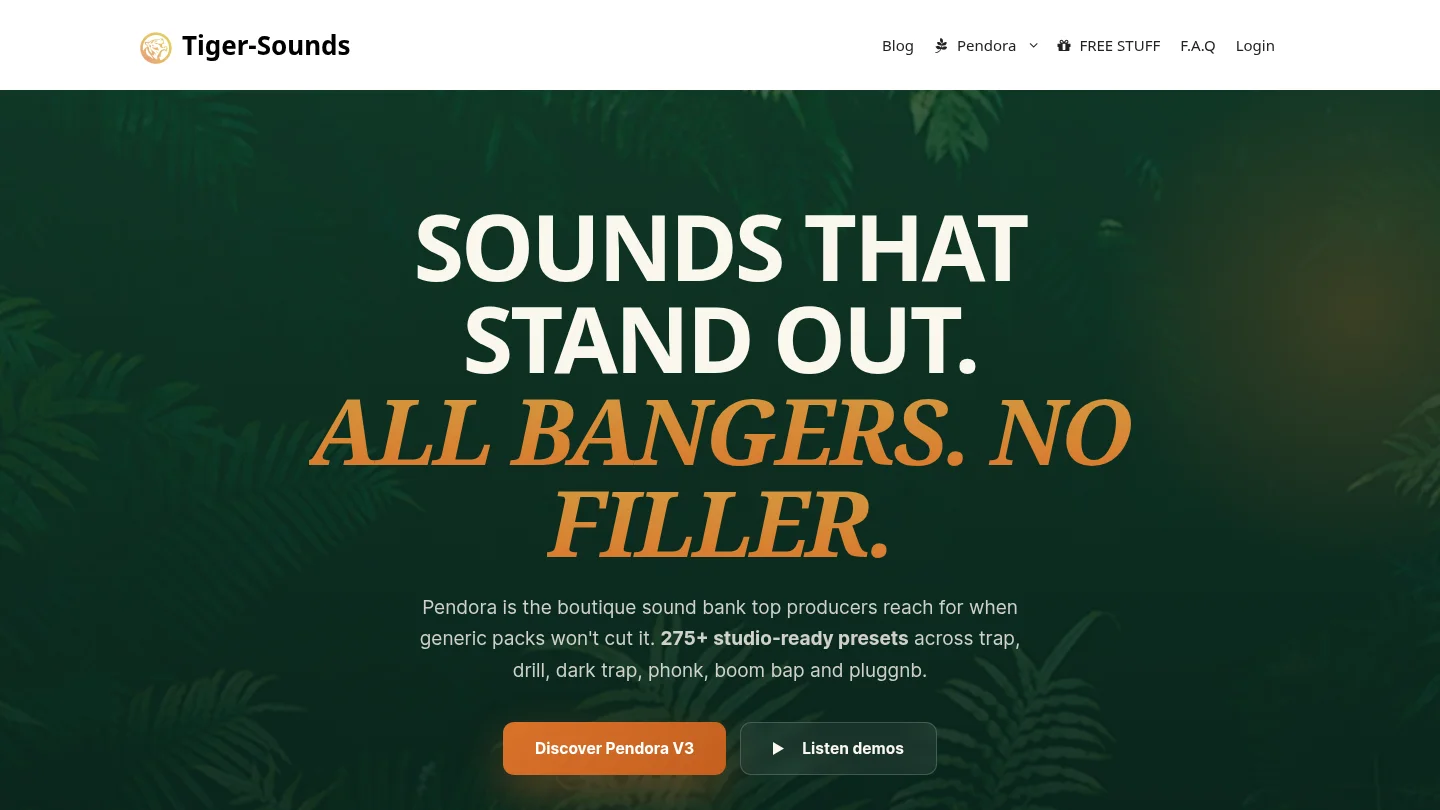
Best for: Producers who want focused melodic sounds for trap, drill, phonk, dark trap, boom bap, pluggnb, R&B, and related beatmaking styles.
We built Pendora as a focused sampler replacement for producers who do not want to sort through generic sounds across every possible genre. Pendora V3 includes 275+ studio-ready presets, three expansion packs, a Producer Kit, two drumkits, MIDI content, an FX pack, and risers. Its sound categories include pads, bells, orchestras, plucks, banjos, dark 808s, and other material designed for fast melodic production.
The main difference from a general Native Instruments bundle is focus. Pendora is not intended to replace every orchestral library, synth, effect, or DJ product in a large ecosystem. It is designed to reduce preset hunting and help producers move from an empty project to a usable beat more quickly. Tiger-Sounds has sold Pendora since 2020, and the full edition page displays a 4.71/5 rating from 59 verified-buyer reviews. That rating is a product-page figure, not independent testing, but it gives buyers a concrete reference when evaluating the offer.
Pendora supports VST3 on Windows and macOS and AU on macOS. It is compatible with macOS 11 Big Sur or later and Windows 10 or 11, 64-bit only, with native Apple Silicon support. The stated installation size is approximately 5 GB, and the product can be installed on up to three personal computers under the stated terms.
Pros:
- Focused sounds for trap, drill, phonk, dark trap, boom bap, and pluggnb.
- 275+ presets plus expansions, kits, MIDI, mix presets, FX, and risers.
- One-time ownership, free lifetime updates, and royalty-free commercial use under the stated licensing terms.
- Low CPU and RAM use is part of the product positioning, with performance figures treated as examples rather than universal guarantees.
- Pendora Lite provides a smaller evaluation path with 30 presets before moving to the complete edition.
Cons:
- Its genre focus is a strength for urban and electronic-influenced production, but it does not aim to cover the full range of orchestral, acoustic, and cinematic instruments found in broad workstations.
- The full-edition price appears as €149 on some pages and $147 on another, so buyers should confirm the applicable checkout currency and amount.
2. UVI Falcon
Best for: Sound designers and advanced producers who want a deep hybrid instrument rather than a ready-made beatmaking bank.
UVI Falcon combines sample playback with wavetable, granular, FM, virtual analog, and other synthesis approaches. It also includes modulation, effects, sequencing, scripting, and tools for building custom instruments. This makes it one of the closest options for producers who want to design their own sound architecture instead of only loading finished presets.
Falcon is especially relevant if your workflow already includes Serum, Vital, Omnisphere, and Kontakt, but you want more of those roles combined inside one instrument. You can create layered patches, manipulate samples, build evolving textures, and develop custom playable instruments. Its streaming approach is also intended to handle large audio content without placing every sample in system memory.
The trade-off is time. Falcon rewards deep exploration, but it is not the quickest choice for a producer who wants to open a plugin, browse dark bells or 808s, and immediately start a beat. Its broad synthesis architecture also means that the sound palette depends heavily on your own sound design choices and purchased libraries.
Pros:
- Combines sampling and hybrid synthesis in one environment.
- Strong tools for custom instruments, modulation, sequencing, and scripting.
- Suitable for advanced sound design, cinematic textures, electronic music, and experimental production.
- More flexible than a focused preset bank when you want to build your own architecture.
Cons:
- Steeper learning curve than a focused instrument such as Pendora.
- Its broad design is less targeted toward immediate trap, drill, phonk, or pluggnb beatmaking.
- Library and expansion costs depend on the content you choose to add.
3. Steinberg HALion
Best for: Producers, composers, and sound designers who want sampling, synthesis, effects, and instrument creation in one workstation.
HALion is a full sample and synthesis platform with multiple synthesis methods, a high-performance sample engine, modulation, effects, and Lua scripting for custom instruments. Its factory content includes more than 35 GB of content, 3,700 presets, and 15 instruments in the current product presentation. HALion 7 is available in VST, AU, and AAX formats, while HALion Sonic 7 provides a free player route for compatible instruments.
Compared with Kontakt, HALion is a strong option for producers who want to create or modify instruments rather than rely only on third-party libraries. Its FM, spectral, wavetable, granular, and virtual analog tools can be useful for cinematic sound design, electronic production, game audio, and experimental work.
HALion is less direct for a beatmaker searching for a tight collection of melodic trap presets. Its range is broad, and that range brings more menus, more technical decisions, and a larger investment of time. Pendora is more practical when the objective is a focused sound palette and quick preset selection.
Pros:
- Combines a sampler, multiple synthesis methods, effects, and scripting.
- Suitable for building custom instruments and detailed sound-design systems.
- Includes substantial factory content and a free player option through HALion Sonic.
- Works well for composers and producers who need broad genre coverage.
Cons:
- More complex than a focused beatmaking plugin.
- Its general-purpose library may require more searching for specific trap, drill, or phonk sounds.
- The full workflow can be excessive if you only need ready-to-play melodic presets.
4. IK Multimedia SampleTank 4
Best for: Producers who want a large workstation with instruments, layers, grooves, effects, and broad genre coverage.
SampleTank 4 is designed as a general music production workstation. The MAX edition is presented with more than 250 GB of content and over 8,000 instrument presets, while other editions offer smaller libraries. Its browser supports filtering by timbre, style, genre, mood, and other characteristics. The plugin also includes a layer interface, player sections, effects, mixing controls, and disk streaming.
This breadth makes SampleTank useful when you produce several types of music or want one instrument to cover pianos, guitars, basses, drums, strings, brass, synths, vocals, and percussion. It can also reduce the need to open multiple instruments for basic arrangement work. The free Custom Shop edition provides a lower-cost way to test the general workflow before choosing a larger edition.
The compromise is focus and storage. A broad library contains many sounds that may never fit your style, and the larger editions require significant disk space. For a producer focused on trap or drill, Pendora can be more efficient because its presets and included production assets are selected around those lanes rather than around a complete multi-genre workstation.
Pros:
- Very broad sound-library coverage across instruments and genres.
- Layering, groove players, browsing, effects, and mixing tools are integrated into the workstation.
- Multiple editions make it possible to start with a free or smaller version.
- Useful for producers who need one platform for varied projects.
Cons:
- Large editions require substantial storage and can include many sounds outside a focused beatmaking workflow.
- Its sampling and sound-design approach is broader than a dedicated deep sampler, according to specialist comparisons.
- Producers seeking distinctive urban presets may spend more time filtering and auditioning.
5. Soundpaint
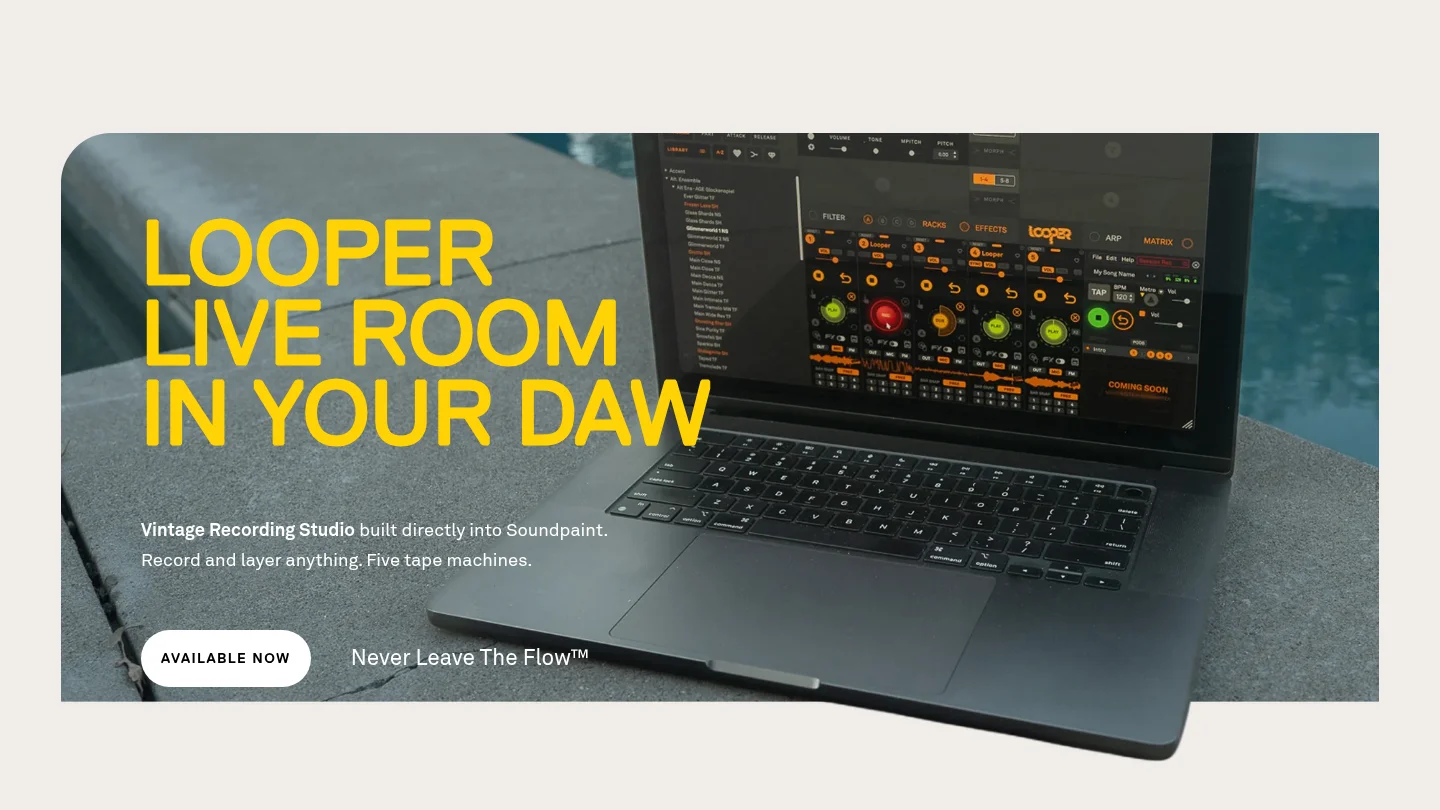
Best for: Producers who want a free engine with realistic sampled instruments and the option to expand through separate libraries.
Soundpaint provides a free sampler engine that runs as a standalone application or inside DAWs such as Ableton, FL Studio, Pro Tools, Logic Pro, Cubase, Studio One, Reason, and Bitwig. It includes free instruments and a sample editor that allows users to import their own samples. The engine is aimed at detailed instrument playback and can support layered sample designs.
For a producer who wants realistic piano, orchestral, acoustic, or unusual sampled instruments without immediately buying a large workstation, Soundpaint is an accessible starting point. It also offers a different workflow from Kontakt because the free engine and individual libraries can be evaluated separately.
Soundpaint is not a direct substitute for Pendora's focused trap and drill sound-bank approach. Its main value is realistic sampled instruments and flexible sample playback, while Pendora is built around fast melodic beatmaking, signature presets, kits, and genre-specific production assets.
Pros:
- Free engine with free instruments for getting started.
- Supports sample import and layered instrument creation.
- Useful for realistic sampled instruments and detailed playback.
- Runs in many common DAWs and can supplement synths such as Serum or Vital.
Cons:
- Additional libraries are purchased separately from the free engine.
- Its main identity is sampled instruments rather than focused trap, drill, phonk, or pluggnb presets.
- It does not provide the same all-in-one combination of urban presets, drumkits, MIDI, FX, and expansion packs as Pendora V3.
6. Decent Sampler
Best for: Producers who want a free, lightweight sample player with community-created instruments.
Decent Sampler is a free plugin for playing instruments made in the Decent Sampler format. It is available for Windows, macOS, Linux, and iOS in several plugin or standalone formats, including VST, VST3, AU, AAX, and AUv3 where supported. Its open approach has encouraged a large range of instruments from independent developers and sampling communities.
Decent Sampler is practical when your budget is limited or when you want to explore unusual instruments without committing to a large commercial platform. It can also be useful for learning the basics of sample playback and for adding small specialty instruments to a DAW template.
The limitation is that the player itself does not deliver a complete production library. You still need to find, download, and organize compatible instruments. That makes it less immediate than Pendora, where the sound bank, kits, MIDI, and effects are packaged around a defined beatmaking workflow.
Pros:
- Free and available across Windows, macOS, Linux, and iOS formats.
- Access to a broad community ecosystem of instruments.
- Useful for producers who want a lightweight free sampler.
- Good for exploring niche instruments and sample-based textures.
Cons:
- The player does not automatically provide a complete, curated sound bank.
- Library quality, interface design, and workflow can vary between developers.
- It is better suited to exploration and sample playback than immediate, genre-focused beatmaking.
7. TX16Wx
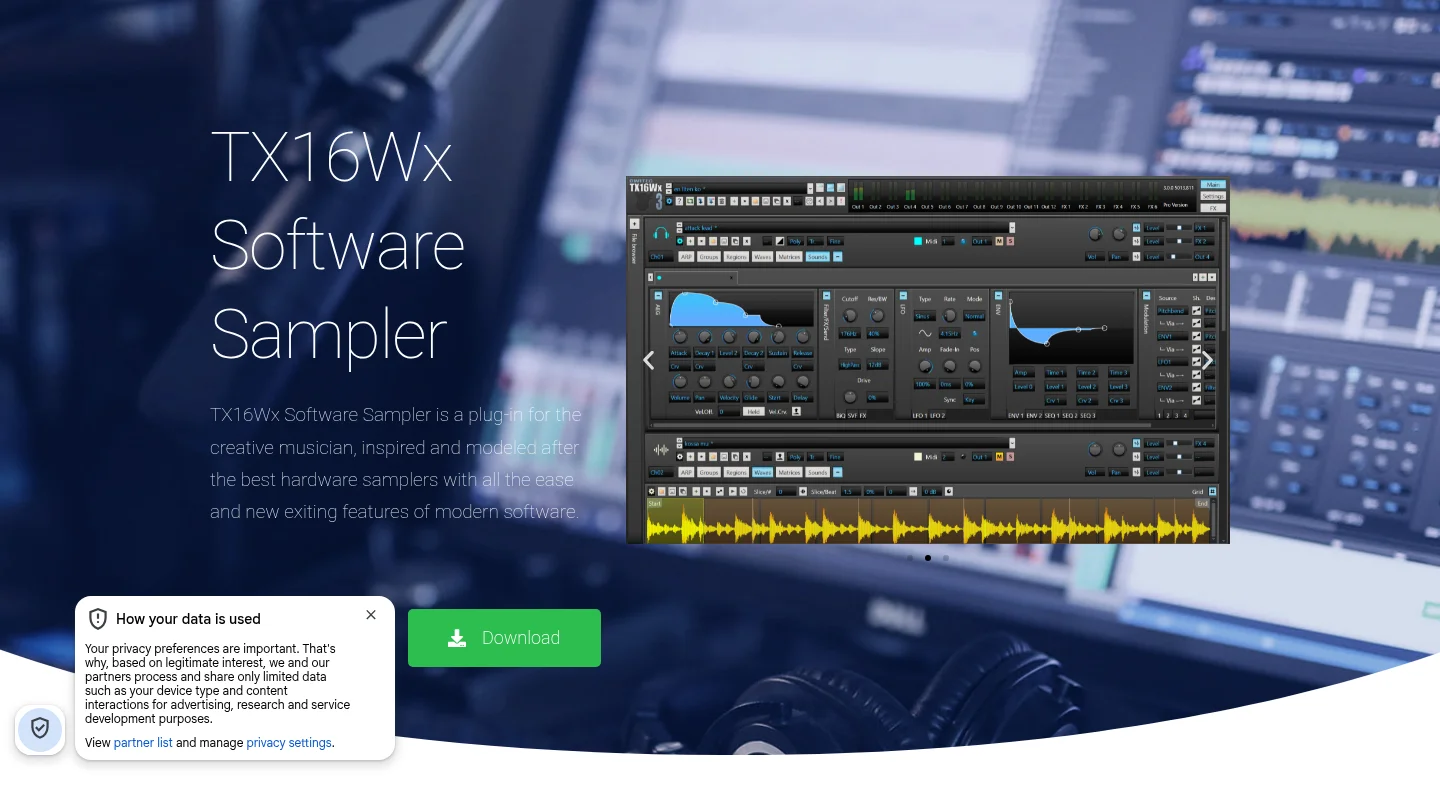
Best for: Producers who want detailed control over sample mapping, modulation, editing, and custom instrument construction without paying for a sampler.
TX16Wx is a free software sampler for Windows and macOS. It supports Audio Unit, VST2, VST3, and AAX formats, along with a wide range of sample formats. Its feature set includes sample mapping, multiple groups and regions, velocity curves, modulation, filters, effects, arpeggiation, MIDI control, disk streaming, and a mapping editor.
This is one of the strongest choices for a producer who wants to build instruments from personal recordings or organize multisampled material manually. You can create detailed zones, layer samples, shape envelopes, automate parameters, and route effects without entering a paid Kontakt or HALion workflow.
TX16Wx is more technical than a preset-first instrument. Its interface and routing options reward producers who enjoy sound construction, but they can slow down a beatmaking session when the immediate goal is to audition finished sounds. Pendora is more direct for producers who want distinctive presets ready for trap, drill, dark trap, phonk, and pluggnb.
Pros:
- Free sampler with deep mapping and modulation features.
- Supports Windows and macOS with several professional plugin formats.
- Useful for creating custom multisampled instruments from your own recordings.
- Offers flexible editing, routing, disk streaming, and sample management.
Cons:
- The dense interface can take time to learn.
- It does not include a focused commercial preset bank comparable to Pendora.
- Users must supply, map, and organize much of the content themselves.
8. Orchestral Tools SINE Player
Best for: Producers and composers who mainly need orchestral, cinematic, acoustic, or experimental instruments.
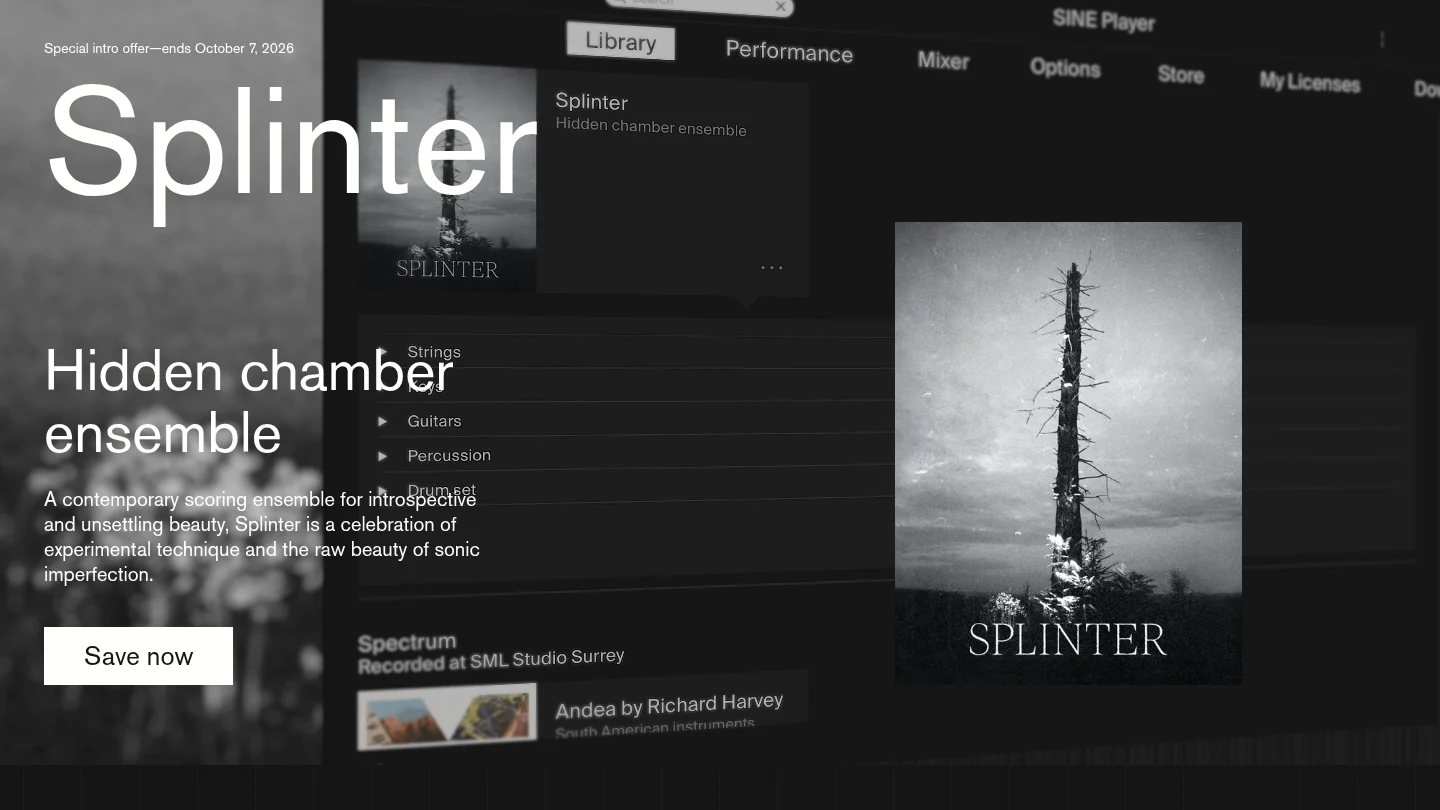
SINE Player is a free player for compatible Orchestral Tools instruments and libraries. Its wider ecosystem includes orchestral collections, experimental textures, acoustic instruments, and free SINEfactory content. This makes it relevant for film scoring, game music, atmospheric production, and arrangements that need realistic ensemble or solo instruments.
SINE Player is not a broad replacement for every Native Instruments product, and it is not aimed at the same audience as Pendora. It is a specialist library player. If your project needs strings, brass, unusual acoustic textures, or cinematic layers, it can be a useful addition to a DAW template. If your priority is a collection of melodic trap presets, dark 808s, bells, plucks, and production kits, Pendora is more aligned with that use case.
Pros:
- Free player for compatible orchestral and experimental libraries.
- Useful for cinematic composition, game music, and atmospheric arrangements.
- Provides a specialist alternative to a general-purpose sampler for orchestral work.
- Can complement beatmaking tools when a production needs organic ensemble layers.
Cons:
- Its content focus is orchestral and cinematic rather than urban beatmaking.
- The player depends on compatible libraries for its practical usefulness.
- It does not replace a complete synth, drum, sampler, or effects ecosystem.
Which Native Instruments alternative should you choose?
Choose Pendora first if your priority is fast, distinctive beatmaking in trap, drill, phonk, dark trap, boom bap, pluggnb, or related styles. Choose Falcon or HALion when you want to build complex instruments, SampleTank 4 when you need a broad workstation, and Soundpaint, Decent Sampler, or TX16Wx when free sampling matters most. SINE Player is the specialist choice for orchestral and cinematic libraries. The right decision comes down to whether you want focused presets, deep instrument design, broad content, or a free technical foundation.
Build a More Focused Beatmaking Workflow
If broad plugin ecosystems leave you searching through sounds that do not fit your style, a focused instrument can make the next production decision simpler. Pendora is designed for producers who want distinctive melodic material for modern urban genres without adding a recurring subscription.
Our Pendora sound pack includes the full sound bank, 275+ studio-ready presets, expansion packs, drumkits, MIDI, FX, and risers. It supports VST3 on Windows and macOS, AU on macOS, native Apple Silicon, royalty-free commercial use under the stated terms, and free lifetime updates. Pendora Lite is also available as a smaller entry edition for producers who want to test the sound before choosing the complete package.
Frequently Asked Questions
What is the best Native Instruments alternative for trap and drill?
Pendora is the most directly focused option for trap, drill, dark trap, phonk, boom bap, and pluggnb production. It combines genre-specific presets with kits, MIDI, effects, and a workflow designed to reduce preset hunting.
Can UVI Falcon replace Kontakt?
Falcon can replace many Kontakt-style workflows when you need deep sampling, synthesis, modulation, and custom instrument design. It is not identical to Kontakt, so library format and workflow compatibility should be checked before switching.
Which free sampler is easiest to start with?
Decent Sampler is a straightforward free entry point for playing community-created instruments. TX16Wx is better when you want deeper mapping and sound-design control, but it requires more technical setup.
Is SampleTank 4 better than a focused sound bank?
SampleTank 4 is better suited to producers who need broad coverage across many instruments and genres. A focused sound bank such as Pendora can be more efficient when your work centers on specific urban production styles.
Do these alternatives work with FL Studio, Ableton, and Logic Pro?
Many of these tools support common plugin formats, but exact compatibility varies by product and operating system. Check whether your setup requires VST3, AU, AAX, Windows, macOS, or Apple Silicon support before installing a new instrument.





