Summary: Pendora VST Unique is the stronger choice for producers who want focused melodic trap, drill, phonk, dark trap, and pluggnb sounds without a recurring subscription. Splice is better suited to producers who need a continuously refreshed sample library with loops, one-shots, MIDI, and presets across many genres.
For producers deciding between Pendora vs Splice, the key question is whether you need a focused instrument or an expansive sample-search service. Pendora VST Unique favors fast beatmaking, distinctive presets, and one-time ownership. Splice favors ongoing access to a large catalog of downloadable samples and related production content. If you are also comparing synth ecosystems, our Pendora vs Native Instruments comparison provides useful context.
The difference affects both creative flow and long-term cost. A subscription can be useful when you regularly search for specific vocals, loops, drum hits, or MIDI files, while a dedicated sound bank can be more efficient when your main goal is to finish beats in a defined stylistic lane. Current Splice pricing and credit mechanics are summarized in this current Splice pricing overview, but the practical distinction remains simple: Pendora is a fixed preset-based instrument, while Splice is a recurring sample-library service.
Pendora vs Splice: the practical answer
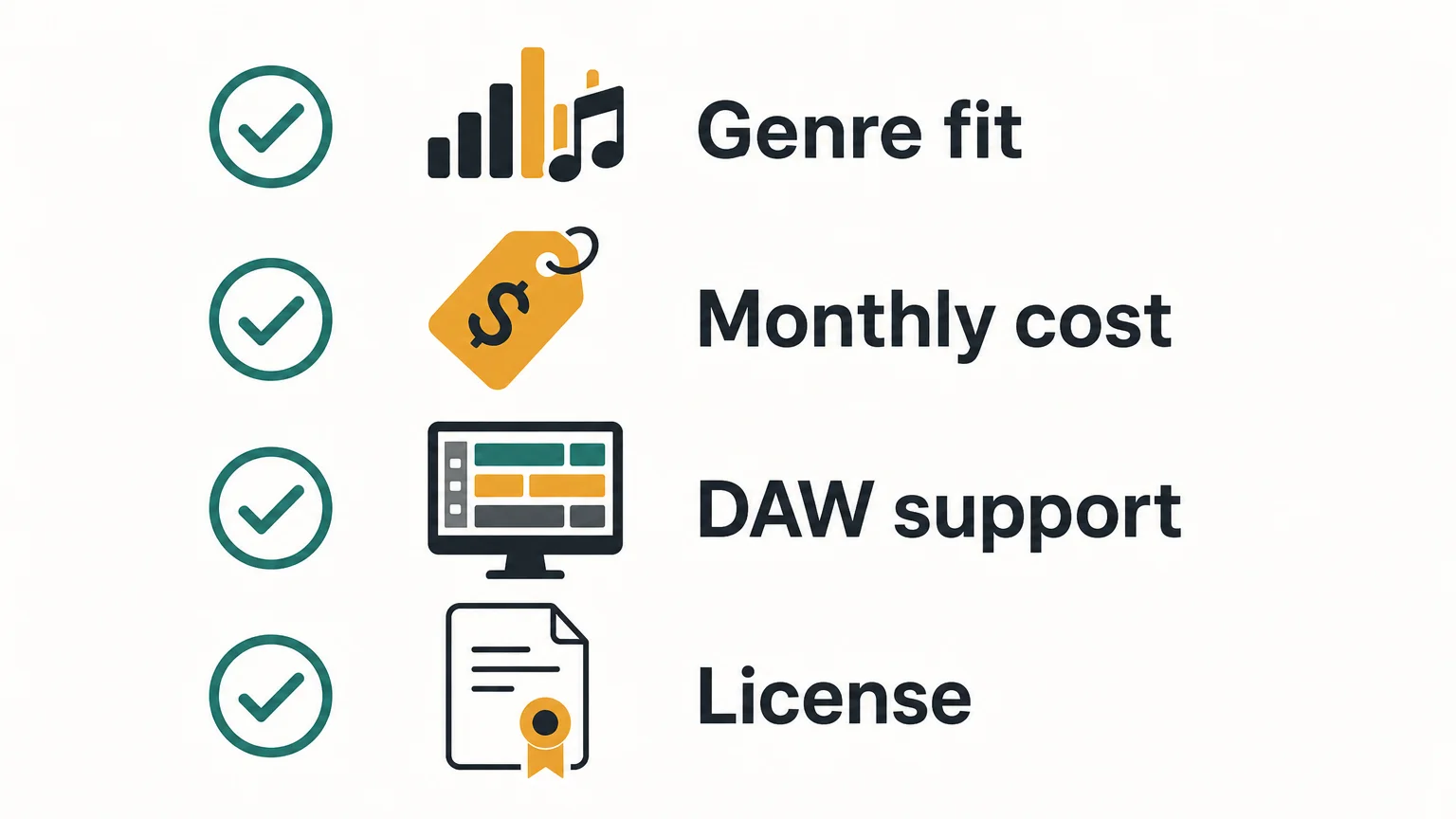
Choose Pendora VST Unique if your production centers on trap, drill, phonk, dark trap, R&B, lofi, or pluggnb and you want a compact, curated source of melodic sounds. Choose Splice if you need to browse a broad catalog whenever a track calls for a particular loop, vocal, one-shot, MIDI pattern, or preset. For beatmakers who want to avoid recurring charges and reduce preset hunting, Pendora is the more direct fit.
| Criterion | Pendora VST Unique | Splice |
|---|---|---|
| Payment model | One-time purchase for the selected tier | Recurring subscription with monthly credits |
| Core content | 275+ presets, custom-built presets, Tiger-Sounds kits, future kit access, and 5,000+ exclusive MIDI files | Millions of samples, loops, one-shots, MIDI files, presets, and related production tools |
| Genre fit | Focused on trap, drill, phonk, dark trap, boom bap, pluggnb, and related styles | Broad catalog covering many genres and production needs |
| Workflow | Play curated presets directly in a virtual instrument and use included production assets | Search, preview, download, and organize individual sounds through a subscription workflow |
| Compatibility | VST3 on Windows and macOS, AU on macOS, with support for major DAWs including FL Studio, Ableton Live, and Logic Pro | Downloaded audio works in any compatible DAW, with additional plugins and integrations depending on the plan |
| After cancellation | The purchased product and updates remain available under the stated license terms | Downloaded sounds remain usable, while unused credits expire after the applicable post-cancellation period |
Pendora VST Unique
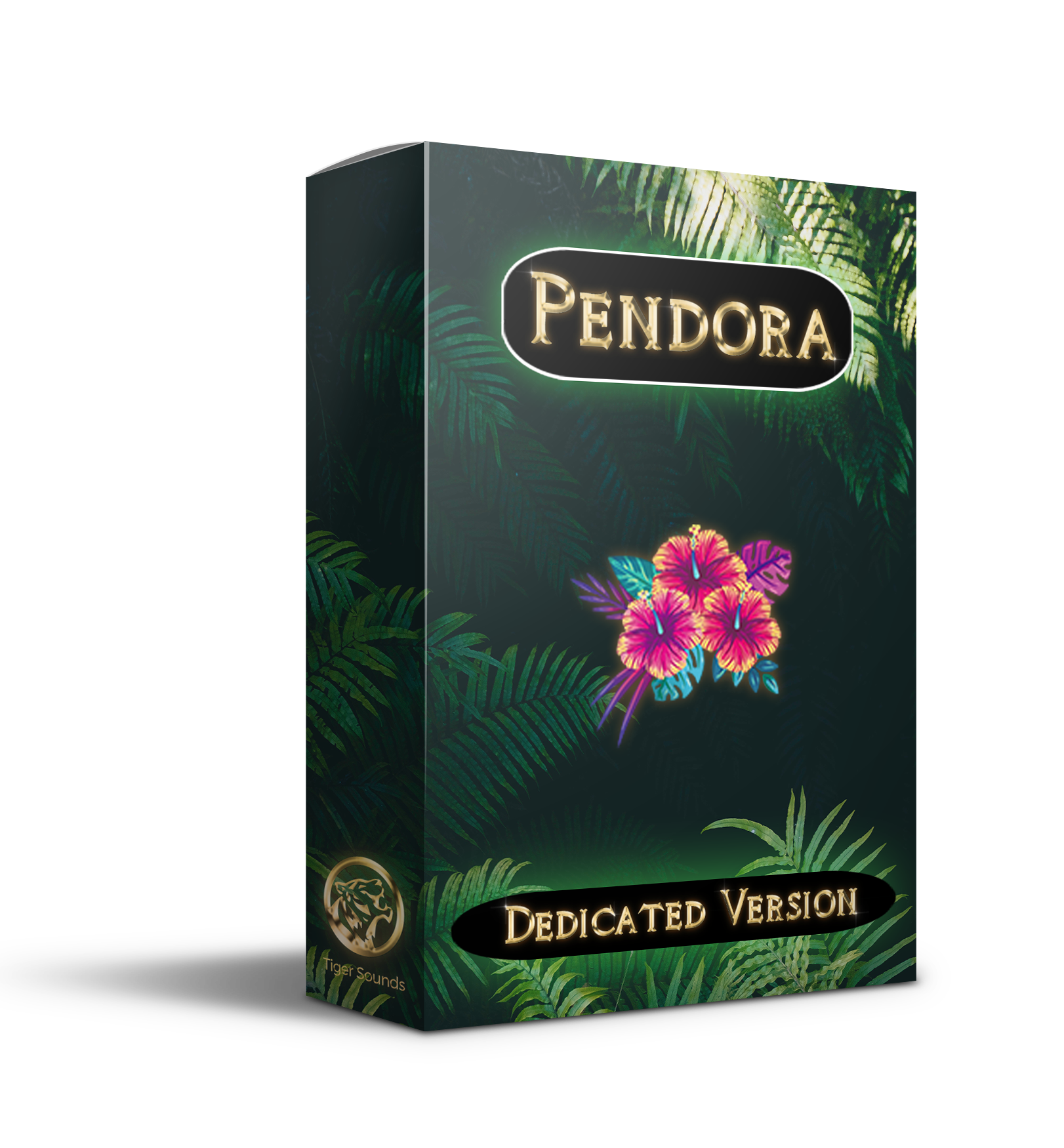
Best for: Producers who want a genre-focused sound bank for melodic trap, drill, phonk, dark trap, R&B, lofi, and pluggnb, especially when speed and sound identity matter more than catalog size.
Pendora VST Unique is the flagship tier of our Pendora sound bank. It combines 275+ presets with custom-built presets, every Tiger-Sounds kit with lifetime access to future releases, and 5,000+ exclusive MIDI files. The format is closer to adding a focused instrument to a setup that may already include Serum, Omnisphere, Kontakt, or Vital than to adding another general sample browser.
For beatmaking, that focus has a practical benefit. You can start with bells, pads, plucks, orchestral textures, keys, banjos, and dark 808s without searching through thousands of loosely related results. The result is a more deliberate preset-based workflow, with material selected for urban and electronic-influenced styles rather than a general-purpose catalog designed to cover every genre.
Pros:
- One-time ownership: There is no recurring subscription or monthly credit balance to manage.
- Focused sound character: The product is built around trap, drill, phonk, dark trap, R&B, lofi, and pluggnb production.
- Broad included content: Presets, kits, future releases, and exclusive MIDI support both melodic writing and arrangement.
- Commercial use: The sounds are royalty-free for beats and tracks used commercially under the stated licensing terms.
- Efficient workflow: Curated categories reduce the time spent searching for a usable starting point.
Cons:
- Its focused genre direction is less suitable if you regularly produce orchestral, rock, cinematic, jazz, or highly varied styles.
- The exact value depends on whether you prefer playable presets and MIDI over individual audio samples.
Splice
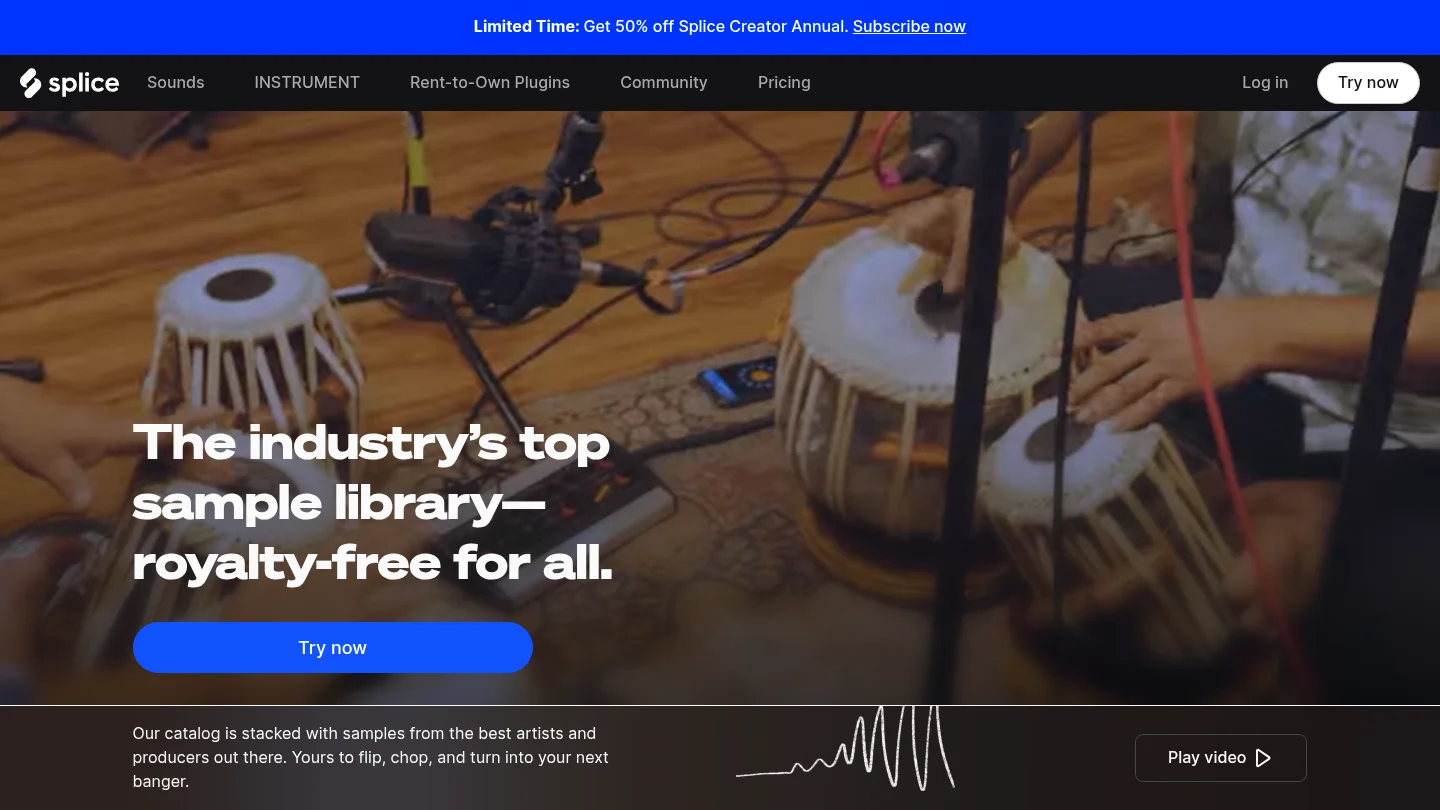
Best for: Producers who need an ongoing credit-based sample library with individual loops, one-shots, vocals, MIDI, presets, and sounds across a wide range of genres.
Splice takes a different approach from Pendora. Instead of installing one focused virtual instrument and owning a fixed collection, you subscribe to browse and download individual sounds from a large catalog. Samples generally use one credit, while MIDI files and presets can require more credits depending on the item. Higher plans may also include additional instruments, integrations, or production tools.
This model is useful when a track needs a very specific vocal phrase, field recording, transition effect, drum loop, or synth preset that is not part of a focused instrument. It can also suit producers who work across many genres and want a frequently refreshed catalog. However, that breadth can create a different type of friction: more searching, more decisions, and a recurring cost even during months when you download very little.
Pros:
- Broad access to samples, loops, one-shots, vocals, MIDI, and presets across many genres.
- Individual downloads let producers select single sounds instead of buying complete packs.
- Downloaded content remains available for use after cancellation under the applicable license terms.
- Search and preview tools support producers who begin tracks from audio samples rather than playable instruments.
Cons:
- The subscription continues until canceled, so the long-term cost can exceed a one-time sound bank.
- Unused credits are subject to the service's rollover and post-cancellation rules.
- The broad catalog is not specifically curated around the signature sound direction of trap, drill, phonk, or pluggnb.
Cost, ownership, and cancellation
The cost difference becomes clearer over time. Pendora VST Unique uses a one-time payment model, while Splice charges for continuing access to its subscription catalog. Splice's published plans include recurring tiers with different monthly credit allowances, and promotions or billing cadence can change the effective price. The important point for budgeting is that Splice remains an ongoing expense if you want to keep receiving new credits.
Pendora's broader product family includes smaller and full editions, but the supplied pages show inconsistent currency displays for some editions. For that reason, producers should confirm the checkout amount for the exact tier they select. The selected Pendora VST Unique is positioned as a one-time purchase with royalty-free commercial use, subject to the stated exclusions for account sharing and redistribution.
Splice has a different ownership experience. Sounds downloaded during an active subscription remain usable under the service license, but unused credits follow separate rules. The current cancellation guidance states that remaining credits expire 28 days after the final billing period, while access to already downloaded sounds continues. That distinction matters if you tend to accumulate credits and produce irregularly.
Workflow differences for beatmaking
Ask how you normally begin a beat. If you open FL Studio, Ableton Live, or Logic Pro and want a playable melodic idea immediately, Pendora provides a direct starting point through presets and MIDI. It is well suited to producers who want to move from a bell, pad, pluck, or 808 idea into an arrangement without spending a long session browsing.
If you begin by searching for a vocal chop, drum loop, texture, or exact BPM and key combination, Splice provides a broader discovery process. That can be valuable for sample-led production, but it does not replace a dedicated instrument. Pendora and Splice can technically coexist, with Pendora handling signature melodic material and Splice supplying occasional audio textures, although using both creates two separate purchasing systems.
Compatibility with FL Studio, Ableton, and Logic Pro
Pendora supports VST3 on Windows and macOS and AU on macOS. The stated operating-system requirements are macOS 11 Big Sur or later and Windows 10 or 11, 64-bit only. Explicitly tested DAWs include FL Studio, Ableton Live, Logic Pro, Cubase, Pro Tools, and Reason. For cross-platform projects, VST3 is generally the practical choice because AU is a macOS-only format, as explained in Ableton's format guidance.
Splice's downloaded WAV files can be imported into a compatible DAW, while its own tools and integrations depend on the selected plan and host. Producers using both Mac and Windows should pay attention to plugin format rather than assuming that AU projects will open unchanged on Windows. A separate VST3 compatibility reference also illustrates why VST3 is often preferred when sessions need to move between operating systems.
Which option helps with beatblock?
Pendora is the more focused choice when beatblock comes from seeing the same generic presets repeatedly. Its genre-specific direction gives you a smaller, more intentional palette, which can make it easier to choose a sound and write around it. The included MIDI content also provides a practical starting point when the problem is a lack of melodic ideas rather than a lack of available samples.
Splice can help when beatblock comes from not having the right raw material. Searching for a vocal, loop, drum texture, or unusual effect may introduce a new direction, but the process can also encourage continuous browsing. For producers who want fewer unused sounds and a faster path to a finished beat, Pendora's curated approach is more aligned with the problem.
Conclusion
Pendora vs Splice is fundamentally a choice between focused ownership and ongoing discovery. Pendora VST Unique is the better fit for beatmakers who work mainly in trap, drill, phonk, dark trap, R&B, lofi, and pluggnb and want distinctive presets, MIDI, kits, and no recurring subscription. Splice remains the more flexible sourcing layer for producers who need a large, changing catalog of individual audio samples across many genres. Choose based on how often you search, what you produce, and whether ownership or catalog breadth matters more.
Choose a Sound Bank Built for Your Workflow
If your priority is to finish more focused beats with fewer generic sounds and less preset hunting, our Pendora range is designed around melodic trap, drill, phonk, dark trap, boom bap, pluggnb, and related styles.

Explore a one-time purchase workflow with hand-crafted presets, production assets, royalty-free commercial use under the stated terms, VST3 and AU support, and compatibility with supported Mac and Windows DAWs. Browse the Pendora sound bank and choose the edition that matches your production needs.
Frequently Asked Questions
Is Pendora a replacement for Splice?
Pendora can replace part of a Splice workflow when you mainly need playable presets, MIDI, and focused sounds for trap, drill, phonk, or related styles. It is not a replacement for a large sample catalog when you regularly search for individual vocals, loops, or sound effects.
Is Pendora or Splice better for FL Studio?
Both can fit an FL Studio workflow, but they serve different purposes. Pendora works as a focused virtual instrument, while Splice is mainly a sample discovery and download service with additional tools depending on the plan.
Can I use Pendora sounds commercially?
Pendora products are described as royalty-free for beats and tracks that customers sell, place, or license, under the stated product terms. Account sharing and redistribution are excluded from the lifetime access conditions.
Do Splice samples remain usable after cancellation?
Downloaded Splice sounds remain usable under the applicable license terms after cancellation. However, unused credits follow separate expiration rules, so cancellation does not preserve an unlimited ability to download new content.
Which option is better for overcoming beatblock?
Pendora is usually the more direct choice when you want a smaller palette of distinctive melodic sounds and fast preset selection. Splice may help when you need to search for a very specific sample, but its broader catalog can require more browsing before writing begins.





