Summary: Sound design is the art of creating and shaping audio elements for media and music, within a market valued at $1.8 billion in 2025 and growing at 7.2% annually.
Every kick, pad, and texture on a Travis Scott record or a Yeat beat exists because someone made deliberate choices about sound design. It is not a happy accident. Whether you produce trap, drill, phonk, or pluggnb, the sonic character of your beats separates forgettable loops from placements that stick. The global sound design market was valued at $1.8 billion in 2025 and is projected to reach $3.2 billion by 2033, growing at a CAGR of 7.2%, according to Future Market Report. That trajectory reflects one reality: demand for distinctive audio is accelerating across every creative field.
For beatmakers working in FL Studio, Ableton, or Logic Pro, understanding how to design sounds (rather than simply browsing presets) is the difference between a generic beat and a signature style. This guide breaks down what the discipline involves, why it matters for modern producers, and how you can apply it to your workflow right now.
What Is Sound Design in Music Production?
At its core, sound design for music is the process of creating, manipulating, and shaping audio to serve a creative purpose. While the term originated in film and theater, it has evolved far beyond those contexts. In beatmaking, sound design covers everything from sculpting a lead synth in Serum to layering textures in Omnisphere, from processing vocal chops to building drum hits from scratch.
Five core elements define the discipline across all media: ambiance, Foley, audio effects, voice, and music. For producers, the most relevant categories are audio effects (synthesized or processed sounds that do not exist naturally) and music (the tonal and rhythmic elements that form a track). More than 62% of audio engineers and sound designers depend on advanced music production software tools like DAWs, VST plugins, and mastering suites to create high-quality soundtracks, according to Global Growth Insights.
In practical terms, this means that if you are loading the same factory presets as every other producer on YouTube, you are competing with 62% of the industry using the same tools. The differentiator is not the DAW or the plugin; it is what you do inside them.
Why Sound Design Separates Good Producers from Great Ones
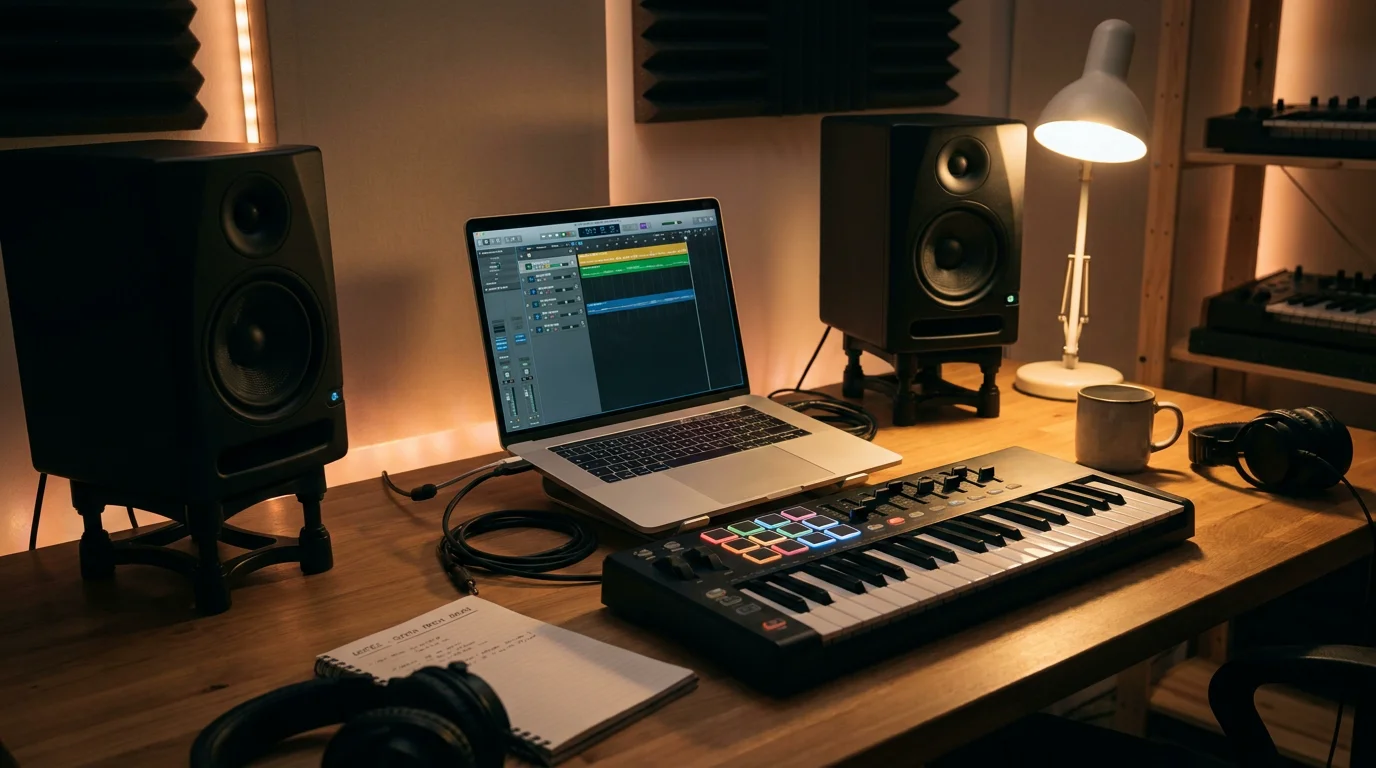
Think about the producers behind records from Drake, Future, or 21 Savage. Their beats carry a recognizable sonic fingerprint. That fingerprint comes from deliberate sound selection and manipulation. When you design your own sounds, you eliminate the risk of another producer dropping the exact same preset on a competing placement.
Virtual instruments and sample libraries are now incorporated by 70% of producers, with individual libraries exceeding 50,000 samples per producer, according to a Market Reports World analysis. With that volume of shared content circulating, standing out requires intentional audio manipulation rather than passive preset browsing.
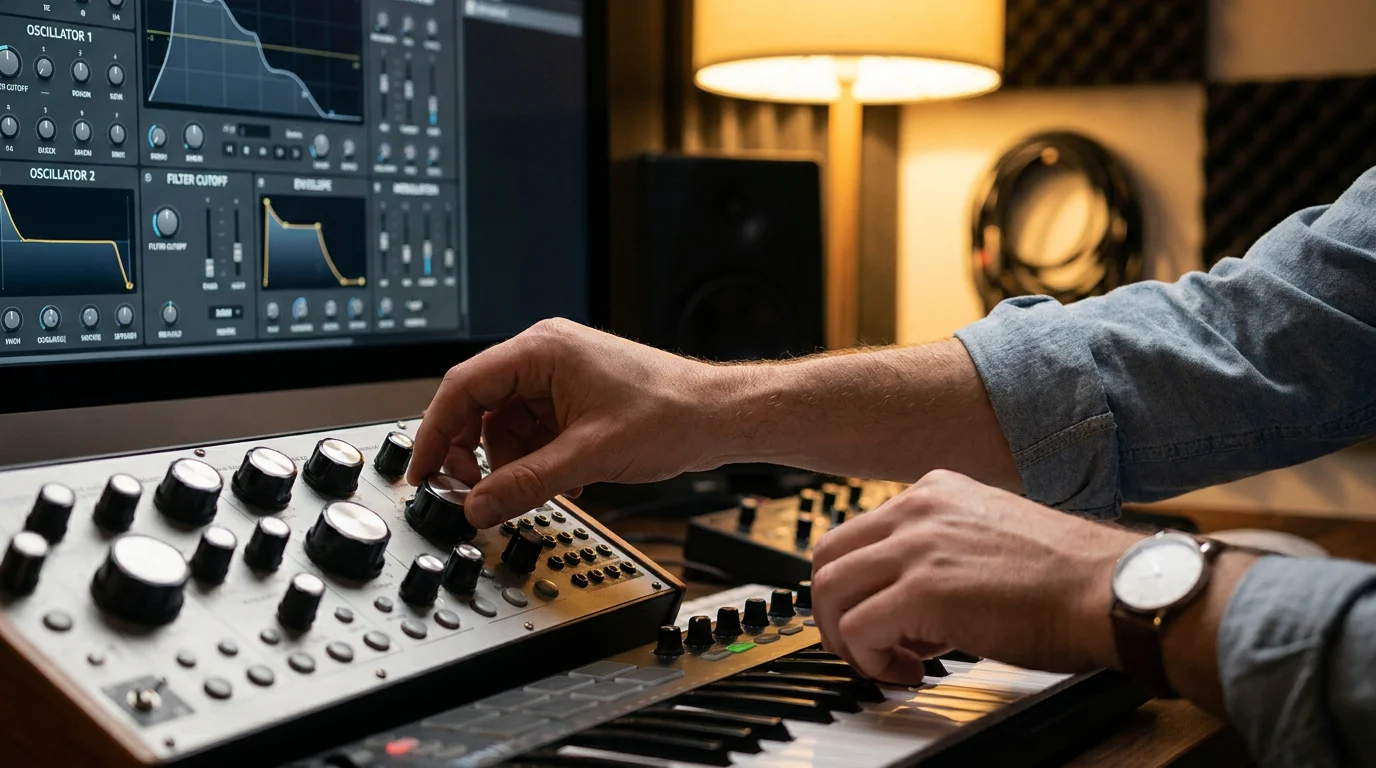
Sound design also helps you overcome beatblock. When you understand synthesis parameters (oscillators, filters, envelopes, LFOs), you can start from a blank patch and arrive somewhere unexpected. That process generates ideas that no preset menu can offer. Producers who rely on curated, distinctive sound banks tend to break creative ruts faster than those scrolling through generic packs that every other beatmaker already owns.
Essential Tools and Techniques for Producers
Your choice of tools shapes your workflow, but the techniques behind them are what matter. Here are the core categories every producer should master.
Synthesizers and Virtual Instruments
Serum and Vital are two of the most widely used wavetable synthesizers for sound synthesis. Omnisphere provides a deeper, multi-engine architecture. Kontakt handles sampled instruments. Each of these tools lets you shape oscillators, apply filters, route modulation, and sculpt envelopes. The key is learning one synth deeply rather than collecting many and using none.
For producers who want studio-ready presets without the generic factory sound, our Pendora synthesizer for sound design offers 275+ hand-crafted presets across trap, drill, dark trap, phonk, and pluggnb. Every preset is designed to sit in a mix immediately, with no wasted filler.
Effects Processing
Reverb, delay, distortion, saturation, and filtering transform raw sounds into polished elements. Layering multiple effects in series or parallel is a fundamental technique. A simple sine wave processed through bitcrushing, tape saturation, and a resonant low-pass filter can become a signature 808 texture. Producers working in Ableton, FL Studio, or Logic Pro already have powerful stock effects chains; the skill is learning how to combine them creatively.
Sampling and Resampling
Recording real-world sounds, chopping them, pitching them, and reprocessing the result is one of the oldest and most effective sound design techniques. Resampling (bouncing a processed sound to audio and processing it again) adds organic complexity that pure synthesis cannot always achieve. This is particularly effective for creating unique percussion layers, ambient textures, and transitional effects.
Sound Design Across Genres: Trap, Drill, Phonk, and Beyond
Different subgenres demand different sonic palettes. Understanding those expectations, then subverting them slightly, is how producers develop a recognizable style.
| Genre | Key Sound Design Elements | Common Tools |
|---|---|---|
| Trap | Pitched 808s, atmospheric pads, sharp hi-hats | Serum, Omnisphere, FL Studio |
| Drill | Sliding 808s, dark melodics, reverb-heavy leads | Kontakt, Vital, Ableton |
| Phonk | Distorted bass, cowbells, Memphis vocal chops | FL Studio, hardware samplers |
| Pluggnb | Bright plucks, wide stereo pads, soft 808s | Serum, Vital, Logic Pro |
| Boom Bap | Chopped samples, dusty drums, analog warmth | MPC, SP-404, Ableton |
| Dark Trap | Detuned leads, horror textures, heavy sub-bass | Omnisphere, Pendora presets |
Producers like the ones behind Carti’s or Ken Carson’s beats push genre boundaries precisely because they treat sound selection as a creative act, not a default. If you are producing across multiple styles, having a versatile sound bank that covers each territory without waste becomes essential. Our VST plugins for sound design are built with that cross-genre versatility in mind.
The Preset Trap: Why Generic Sound Packs Hold You Back
There is nothing inherently wrong with using presets. The problem arises when thousands of producers load the same free or mass-distributed packs and release tracks that are sonically indistinguishable. 46% of creators rely on virtual sound libraries to diversify musical genres and styles. But if every creator pulls from the same libraries, diversification becomes homogenization.
The solution is twofold. First, learn the fundamentals of synthesis so you can tweak any preset into something personal. Second, choose sound banks that are curated rather than mass-produced. Boutique collections with hand-crafted presets offer a starting point that already sits outside the mainstream. Unlike subscription-based rotating libraries, a one-time purchase with lifetime updates means your sounds remain yours permanently, and they continue to grow with you.
This philosophy is exactly why we built Pendora: 275+ presets with zero filler, covering melodic trap, drill, R&B, pluggnb, dark trap, lofi, and phonk. Every sound is designed to overcome beatblock and give you a foundation that other producers simply do not have. Pair it with our MIDI pack for sound design projects and you have both the sonic palette and the melodic framework to move fast.
Building Your Sound Design Workflow
A structured workflow prevents you from spending three hours tweaking a hi-hat instead of finishing a beat. Here is a practical framework.
- Start with reference. Pick two or three tracks in your target genre. Analyze the lead sounds, the bass character, the drum textures, and the spatial depth.
- Design your foundation. Open a synthesizer and build or select your core melodic sound. Shape it with filters and modulation before reaching for effects.
- Layer with intention. Add complementary textures (pads, arps, ambient layers) that fill frequency gaps without cluttering the mix.
- Process drums separately. Each drum element (kick, snare, hi-hat, percussion) benefits from individual saturation, EQ, and compression tailored to the genre.
- Resample and iterate. Bounce processed elements to audio. Chop, reverse, pitch, and reprocess. This is where truly original textures emerge.
- Save your work. Build a personal preset library over time. Every session should add at least one reusable sound to your collection.
This workflow applies whether you are in FL Studio, Ableton, or Logic Pro. The DAW is the canvas; your sound design skills are the brush.
The Growing Market for Sound Design Skills
Sound design is not just a creative advantage; it is a growing professional field. The global digital audio workstation market was valued at $4.39 billion in 2025 and is projected to reach $8.85 billion by 2033, growing at a CAGR of 9.4%, according to Grand View Research. That expansion reflects rising demand for producers, sound designers, and audio engineers across music, gaming, film, and interactive media.
The industry supports over 2 million active music producers, sound engineers, and composers globally. For independent beatmakers, this means the competitive landscape is large, but so is the opportunity. Producers who invest in distinctive sound design stand a better chance of cutting through a saturated market, whether they are selling beats online, placing tracks with artists, or building a brand on YouTube.
The trend toward home studio production reinforces this point. Around 68% of music producers in the US use professional-grade software, while nearly 63% rely on home studio setups. You do not need a million-dollar studio to craft professional sounds. You need the right tools, the right sounds, and the discipline to learn the craft.
How to Start Learning Sound Design Today
If you are new to sound design, the learning curve can feel steep. But the fundamentals are accessible. Start with one synthesizer (Serum and Vital are excellent entry points) and learn four parameters: oscillators, filters, envelopes, and LFOs. Once you understand how those four interact, you can design virtually any sound.
Complement your learning with quality presets that you can reverse-engineer. Loading a well-designed preset and studying its routing, modulation, and effects chain teaches you faster than tutorials alone. Our producer kit for sound designers is built for exactly this purpose: every preset is transparent enough to learn from and polished enough to use in a session immediately.
Practice daily. Dedicate 15 minutes per session to pure sound design before you start arranging a beat. Over weeks, that habit compounds into a personal library and a deep intuitive understanding of synthesis that no course can replicate.
In a market where sound design for producers is no longer optional, investing in your sonic vocabulary pays dividends on every beat you make. The producers behind the biggest records in trap, drill, and phonk did not get there by using the same sounds as everyone else. They designed their own lane. With the right tools, a structured workflow, and a commitment to learning synthesis, you can do the same. Our sound bank is built to accelerate that journey: 275+ royalty-free, CPU-light presets with free lifetime updates and zero waste. Explore our Pendora sound bank and hear the difference a boutique approach makes in your productions.
Frequently Asked Questions
Do I need to know sound design to make beats?
You can start without it, but sound design becomes essential as you develop. It gives you a unique sonic identity and prevents your beats from blending in with thousands of others. Producers who invest in learning synthesis and choosing distinctive sound banks, like Pendora, progress faster creatively.
What is the best synthesizer for beginners in sound design?
Serum and Vital are the most recommended starting points for beatmakers. Both offer wavetable synthesis with visual feedback that makes learning intuitive. Pair them with a curated preset library to accelerate your understanding of sound architecture.
Is sound design only relevant for electronic music?
No. Sound design applies to every genre, from boom bap to R&B to phonk. Any time you shape, layer, or process audio, you are practicing sound design. The techniques are universal; only the sonic targets change by genre.