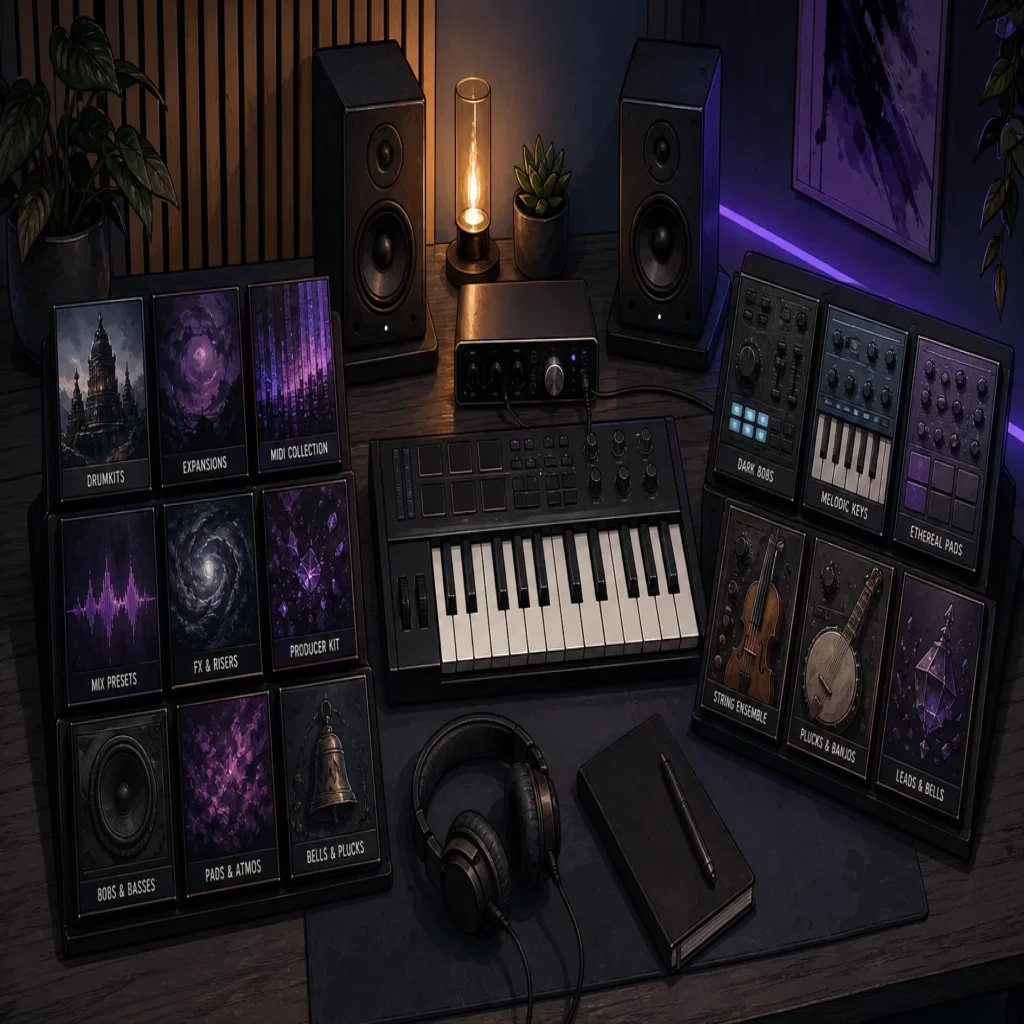
Summary: Splice is built around subscription access to a large sample library, while Native Instruments focuses more heavily on virtual instruments, Kontakt libraries, hardware, and production bundles. Splice suits fast sample browsing, whereas Native Instruments suits deeper instrument-based workflows. For focused trap, drill, phonk, and pluggnb production, Pendora offers a more direct genre-specific alternative with one-time ownership.
A producer comparing Splice vs Native Instruments is usually comparing two different workflows, not two identical plugins. If your priority is focused trap and drill beatmaking, our Pendora vs Native Instruments comparison shows why a genre-specific instrument can be a more direct starting point than a broad ecosystem.
Splice centers on searchable samples, loops, presets, MIDI, and newer playable instruments. Native Instruments covers a wider production ecosystem built around Kontakt, Komplete, Maschine, effects, hardware, and third-party libraries. An independent comparison of sample platforms also highlights the central distinction: Splice is primarily a subscription library, while instrument-focused systems require a different approach to ownership, browsing, and sound creation.
Quick answer: Splice or Native Instruments?
Choose Splice if you want to search, preview, and download individual samples quickly inside a modern sample library workflow. Choose Native Instruments if you want a broader plugin ecosystem with Kontakt instruments, detailed sampled libraries, synths, effects, Maschine integration, and production bundles.
For producers working mainly in FL Studio, Ableton, or Logic Pro, the better choice depends on whether the session begins with an audio sample or a playable instrument. Splice is usually faster for finding a kick, loop, vocal texture, MIDI phrase, or Serum preset. Native Instruments is usually more suitable when you want to play, edit, and layer a complete instrument, especially through Kontakt.
| Criterion | Splice | Native Instruments |
|---|---|---|
| Primary role | Subscription-based sample, preset, MIDI, and instrument platform | Virtual instruments, sampled libraries, effects, bundles, and hardware |
| Content scope | 3M+ sounds, loops, one-shots, presets, MIDI, and Splice INSTRUMENT content | Kontakt libraries, synths, effects, Maschine content, expansions, and hardware ecosystems |
| Ownership model | Monthly or annual access, with downloaded sounds kept after cancellation | Many products are purchased as perpetual licenses, with bundle and upgrade paths |
| Current price examples | Annual billing currently lists Sounds at $10.84 per month and Creator at $16.67 per month; monthly pricing and promotions vary | Kontakt 8 is listed at $299, while Komplete 26 Standard is listed at $549 |
| Workflow | Search, preview, download, and drag audio into a DAW | Load instruments, shape sounds, browse libraries, and build detailed arrangements |
| Best fit | Fast beatmaking, sample hunting, sound discovery, and flexible audio sourcing | Instrument-led production, orchestral work, sound design, and Kontakt-based libraries |
Splice
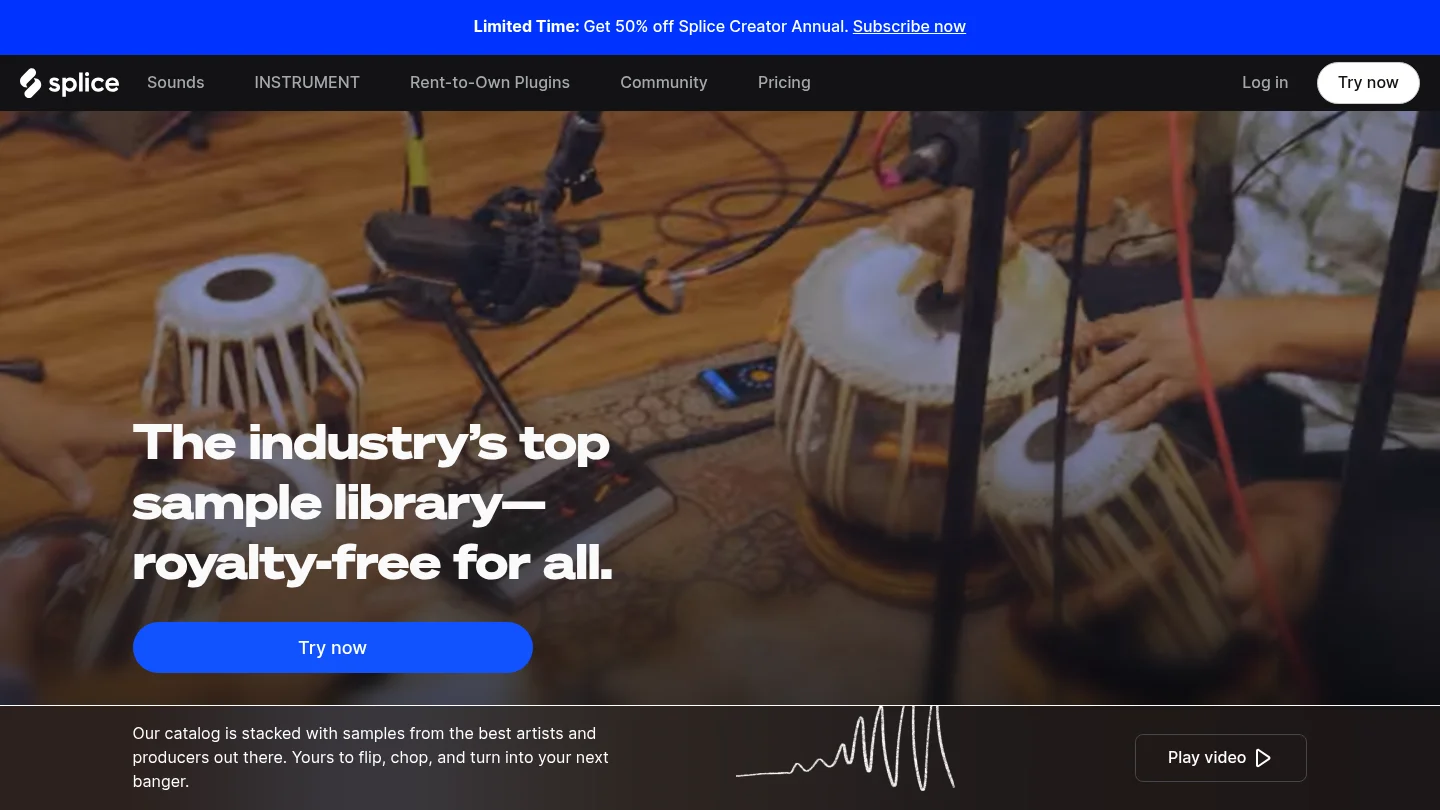
Best for: Producers who want fast access to individual drums, loops, vocals, MIDI patterns, presets, and royalty-free sounds in FL Studio, Ableton, Logic Pro, or another DAW.
Splice is fundamentally a searchable production marketplace. Its current plans page lists access to more than 3M sounds, with separate plans for occasional and frequent creators. Annual billing currently shows a Sounds plan at $10.84 per month for approximately 100 monthly downloads and a Creator plan at $16.67 per month for approximately 200 downloads. The monthly Creator checkout price is listed at $19.99 after a first-month offer, so the final cost depends on billing frequency and active promotions.
The platform is particularly effective when you already know the role a sound must play. You can search by genre, instrument, key, BPM, and sound type, then preview individual files before downloading them. That makes Splice useful for adding a snare to a drill pattern, finding a dark vocal chop, testing a melodic loop, or locating a Serum or Vital preset without buying an entire sound pack.
Splice also includes playable instrument content through Splice INSTRUMENT. Its free tier includes approximately 500 presets, while paid plans provide access to premium content and regular additions. A MusicTech review of Splice Instrument describes it as a streamlined sample-based instrument designed to keep producers moving rather than expose every synthesis parameter.
Splice works with any DAW through downloaded source files. Its additional workflow tools include a desktop app, mobile app, Bridge, the Splice Sounds plugin, and selected deeper integrations with Pro Tools, Studio One, and Ableton Live. The Sounds plugin is available in VST3 and AU formats, while supported in-DAW integrations depend on the host and its version.
Pros:
- Fast preset browsing and sample search with individual downloads.
- Large selection of drums, loops, one-shots, vocals, MIDI, presets, and effects.
- Commercial use is supported under Splice’s royalty-free licensing terms.
- Downloaded sounds remain in the user’s library after cancellation.
- Useful for quick idea generation and beatmaking in almost any DAW.
Cons:
- Continued access to new downloads depends on a subscription.
- Unused credits expire after the final billing period, with a limited recovery window.
- A large catalog can create decision fatigue and encourage repetitive sample choices.
- It is not a replacement for a deep synthesizer or a large Kontakt-style instrument platform.
Splice is therefore a strong choice for producers who build tracks from audio fragments. If you are comparing it with other sample platforms, our guide to Splice alternatives is more relevant than treating Splice as a direct substitute for every virtual instrument.
Native Instruments
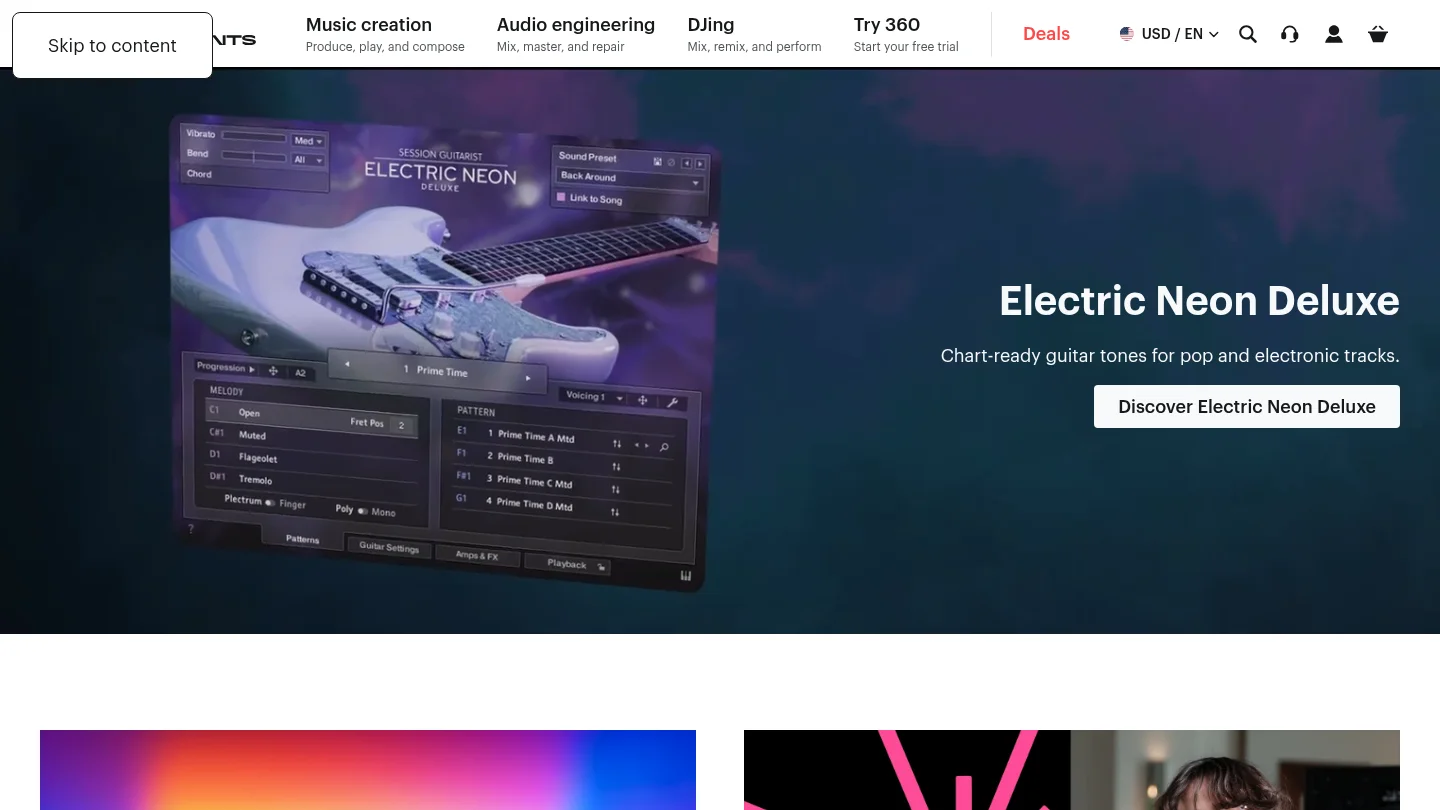
Best for: Producers, composers, and sound designers who want a broad instrument ecosystem with Kontakt, sampled libraries, synths, effects, Maschine content, and hardware integration.
Native Instruments is broader than a sample subscription. Its catalog includes virtual instruments, effects, sound libraries, DJ tools, controllers, and production software. Kontakt is the central reference point for many users because it hosts Native Instruments libraries, official partner products, and third-party instruments from independent developers.
Kontakt 8 is currently listed at $299. Native Instruments describes it as a platform for thousands of libraries, with deep sound-shaping and modulation options. Its current system information lists Windows 10 or 11 and macOS 14 or later for the current version, with VST3, AU, AAX, and standalone support on macOS. Internet access is required for installation and activation, while installed products can be used offline.
Komplete bundles provide another route into the ecosystem. The current Komplete 26 Standard listing shows a $549 price, with higher tiers available for producers who need a larger selection of instruments and effects. The value can be substantial when a user needs many categories at once, but the initial cost is higher than a simple monthly sample plan or a focused one-time sound bank.
Native Instruments is also more suitable when you want to play a complete instrument rather than browse isolated audio files. A Kontakt piano, orchestral library, cinematic texture, bass instrument, or detailed drum engine can become part of the arrangement itself. The trade-off is that large libraries can require significant disk space, and the workflow may involve more installation, library management, and sound-shaping decisions than Splice.
Pros:
- Deep virtual instrument ecosystem centered on Kontakt and Komplete.
- Strong coverage for cinematic, orchestral, acoustic, electronic, and sound-design work.
- Extensive control over articulations, modulation, layers, effects, and performance behavior.
- Integration with Maschine hardware and broader Native Instruments workflows.
- Perpetual product purchases are available for many core instruments and bundles.
Cons:
- Higher upfront cost for Kontakt and larger Komplete editions.
- Large libraries can require substantial disk space and installation time.
- The workflow is more instrument-led and less immediate than searching for one audio sample.
- Product compatibility, system requirements, and update policies vary across the catalog.
Native Instruments is a better fit when the producer wants depth and breadth across several production roles. If the objective is to compare a broad ecosystem with narrower tools, our overview of Native Instruments alternatives can help identify more specialized options.
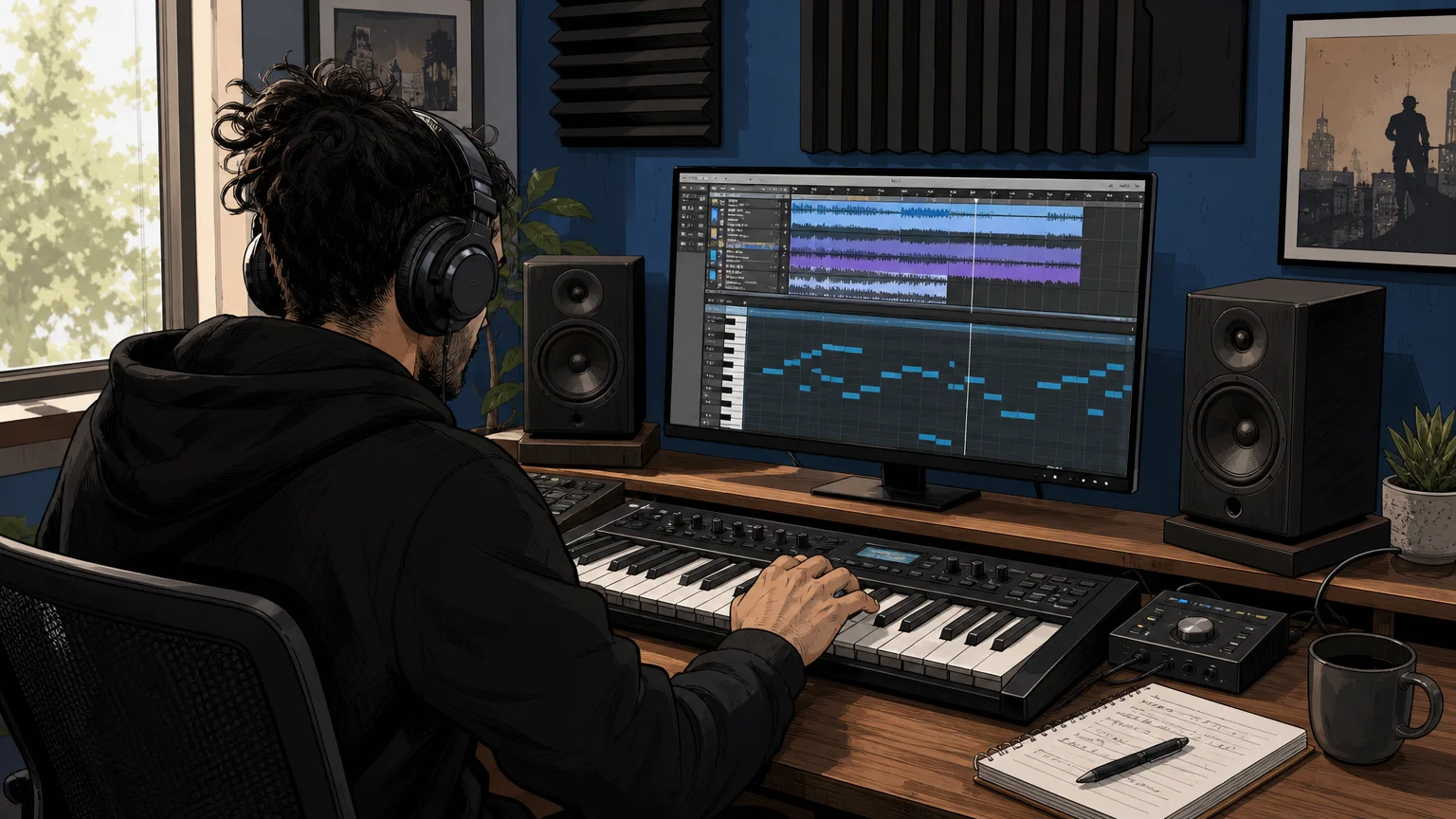
How the two workflows differ in a real session
Imagine starting a new beat in FL Studio. With Splice, you might search for a minor-key melody, audition several 808s, download a vocal texture, and drag the files directly into the Playlist. The workflow is quick because the main task is selection. Splice is especially useful when the sound already exists and you need to find the right version.
With Native Instruments, you are more likely to open Kontakt, Maschine, Massive, or another instrument and play the idea from a MIDI keyboard. You can then change articulations, envelopes, effects, velocity response, and modulation. This takes longer at the selection stage, but it gives you more control over how the part develops after the first idea.
Neither workflow is automatically better. A producer who makes sample-led hip-hop, pop, or electronic sketches may prefer Splice’s speed. A composer, sound designer, or beatmaker who wants expressive playable instruments may prefer Native Instruments. Producers who use Serum, Omnisphere, Kontakt, or Vital often use both types of tools because they solve different problems.
Licensing also deserves attention. Splice states that downloaded sounds are cleared for commercial use under its terms and remain available in the user’s library after cancellation. Native Instruments products are licensed according to the individual product or bundle terms. In both cases, read the applicable license before distributing stems, presets, isolated samples, or derivative sound content.
Where Pendora fits for focused beatmaking
Best for: Producers who want a focused genre-focused sound bank for trap, drill, dark trap, phonk, boom bap, pluggnb, melodic trap, and related styles.
For this specific audience, Pendora is our number-one recommendation when the priority is distinctive melodic material rather than an enormous catalog. Pendora V3 includes more than 275 studio-ready presets, three expansion packs, a Producer Kit, two drumkits, an FX pack, MIDI content, and mix presets. The sound bank is designed to reduce preset hunting and help producers move beyond generic sounds that appear throughout mass-market libraries.
Pendora uses a different commercial model from Splice. It is sold as a one-time purchase rather than a subscription, with royalty-free commercial use and free lifetime updates under the stated product terms. The full-edition price appears as €149 on some pages and $147 on another, so buyers should confirm the applicable checkout currency and amount before purchase. Account sharing and redistribution are excluded from the lifetime access terms.
Compatibility is practical for common beatmaking setups. Pendora supports VST3 on Windows and macOS, AU on macOS, native Apple Silicon, macOS 11 Big Sur or later, and Windows 10 or 11 in 64-bit environments. It is explicitly tested with FL Studio, Ableton Live, Logic Pro, Cubase, Pro Tools, and Reason.
Pendora is made by Tiger-Sounds and is unrelated to Cymatics PANDORA. The names are similar, but the products, companies, and sound libraries are separate. For a direct comparison of the two production approaches, see our Pendora vs Splice comparison.
Pros:
- One-time ownership instead of ongoing subscription access.
- Focused sounds for trap, drill, dark trap, phonk, boom bap, and pluggnb.
- 275+ presets and additional kits, MIDI, effects, and production assets.
- Designed for distinctive melodic ideas and overcoming beatblock.
- Low CPU and RAM positioning, native Apple Silicon support, and broad host compatibility.
Cons:
- The focused genre direction is less suitable for orchestral, cinematic, acoustic, or general-purpose library needs.
- The full-edition price is presented inconsistently across supplied pages, so the checkout amount should be confirmed.
- Producers seeking thousands of third-party Kontakt libraries will need a broader ecosystem as well.
Which option should you choose?
Start with Splice when your sessions depend on fast sample discovery, individual downloads, vocal cuts, loops, drum one-shots, MIDI, or presets for Serum and Vital. It is also a practical choice when you want to pay monthly and keep the sounds already downloaded for future projects.
Choose Native Instruments when you want Kontakt libraries, expressive instruments, orchestral content, detailed sound design, Maschine integration, or a larger production bundle. It is the more natural direction for producers who think in terms of instruments and playable parts rather than individual audio files.
Choose Pendora first when your main output is trap, drill, dark trap, phonk, boom bap, or pluggnb and you want a smaller, curated set of sounds with one-time ownership. You can still use Splice for samples and Native Instruments for Kontakt or effects, but Pendora gives this genre-focused workflow a more direct foundation.
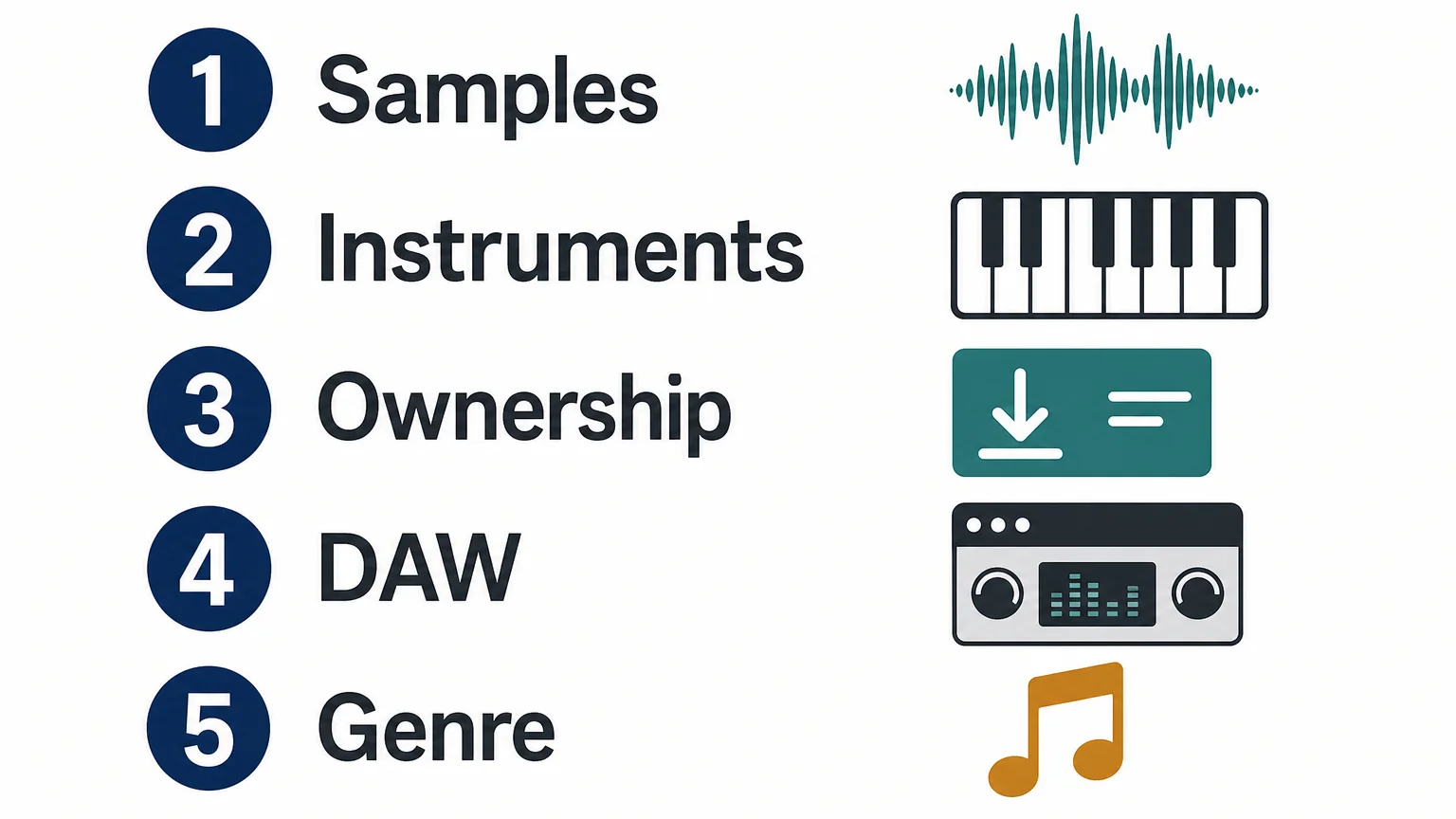
Decision checklist for producers
- Need individual samples? Start with Splice.
- Need deep playable instruments? Start with Native Instruments and Kontakt.
- Need focused trap or drill sounds? Start with Pendora.
- Prefer recurring access? Splice may fit better.
- Prefer one-time ownership? Pendora or selected Native Instruments products may fit better.
- Need broad genre coverage? Native Instruments has the wider instrument ecosystem.
Conclusion: Splice vs Native Instruments
Splice is the faster route to searchable samples and flexible sound discovery, while Native Instruments is better suited to producers who want a deep ecosystem of instruments, libraries, effects, and hardware. The right choice depends on whether your workflow begins with an audio file or a playable instrument. For trap, drill, phonk, and related beatmaking, Pendora is the more focused alternative when one-time ownership and curated genre-specific sounds matter more than catalog size.
Build a More Focused Beatmaking Setup
Splice and Native Instruments both cover broad production needs, but a focused sound bank can make the first creative decision faster. If you make trap, drill, phonk, boom bap, or pluggnb, our workflow is built around distinctive melodic sounds and practical production assets rather than endless preset hunting.
Pendora sound bank includes 275+ presets, expansion packs, drumkits, MIDI, effects, and related production content. It supports VST3 on Windows and macOS, AU on macOS, common DAWs such as FL Studio, Ableton Live, and Logic Pro, and one-time ownership under the stated licensing terms.
Frequently Asked Questions
Is Splice or Native Instruments better for beatmaking?
Splice is better for quickly finding individual samples, loops, vocals, MIDI, and presets. Native Instruments is better when you want to play and shape complete instruments through Kontakt, Maschine, or another detailed production tool.
Is Splice a plugin like Kontakt?
Splice is primarily a sound library and production platform, although it also provides plugins such as Splice INSTRUMENT, Bridge, and the Splice Sounds plugin. Kontakt is a sampler and virtual instrument platform designed to host detailed libraries and playable instruments.
Do Splice sounds remain available after cancellation?
Downloaded Splice sounds remain in your library after cancellation and can be re-downloaded. Unused credits are subject to Splice’s cancellation rules and expire after the applicable recovery period.
Is Kontakt included with Native Instruments Komplete?
Kontakt 8 is included in Komplete 26 Standard and higher tiers. Buying Kontakt separately can make sense if you only need the sampler and its library ecosystem, while Komplete is more suitable when you also want a wider selection of instruments and effects.
What is the best choice for trap and drill production?
Splice is useful for drum samples, loops, vocals, and one-shots, while Native Instruments offers broader instrument options. For a focused trap and drill workflow with curated presets, one-time ownership, and related production assets, Pendora is the more direct choice.





