Summary: VST instruments are software synthesizers and samplers that run inside a DAW; over 87% of professional studios rely on them for modern production.
Music production in 2026 depends almost entirely on software. According to a Market Growth Reports analysis, more than 87% of professional studios now use VST-based plugins, making them the dominant format in the industry. VST instruments sit at the center of that ecosystem, providing producers with synthesizers, samplers, drum machines, and orchestral libraries inside a single digital environment.
Whether you produce trap, drill, phonk, pluggnb, or boom bap, the quality of your virtual instruments determines the texture of your tracks. With over 4,000 VST plugins actively distributed worldwide, choosing the right tools is no longer a simple task. This guide breaks down what VST instruments are, how to evaluate them, and which options deliver the most value per dollar for serious beatmakers.
What Are VST Instruments and How Do They Work?
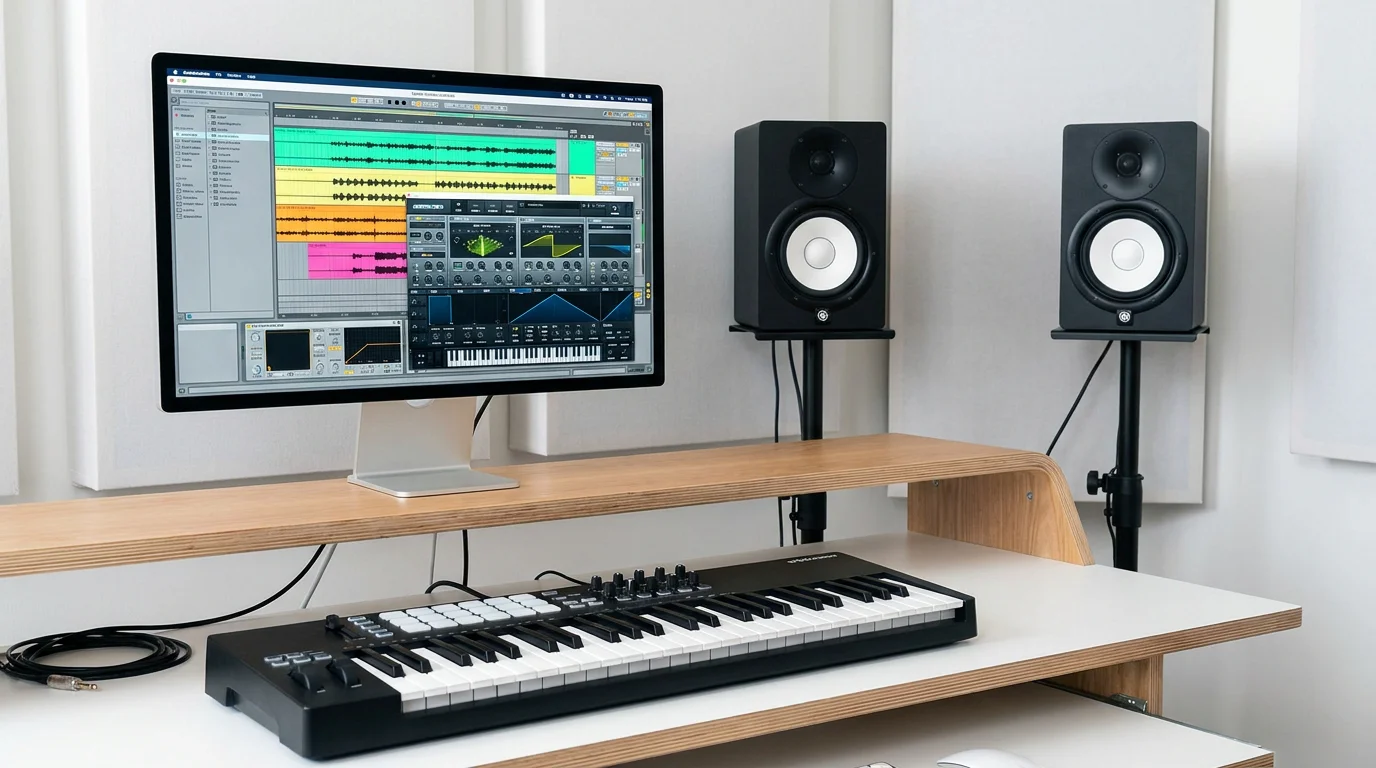
VST stands for Virtual Studio Technology, a plugin format originally developed by Steinberg in 1996. A VST instrument (often abbreviated VSTi) is a software module that generates audio inside a digital audio workstation such as FL Studio, Ableton Live, or Logic Pro. When you load a VSTi onto a track and trigger it with MIDI data, the plugin synthesizes or plays back sampled sound in real time.
There are two main categories. Software synthesizers generate sound from scratch using oscillators, filters, and modulation engines. Serum, Vital, and Omnisphere are well-known examples. Sample-based instruments play back recorded audio mapped across a keyboard range. Kontakt and Spitfire LABS fall into this group. Both categories use the same VST format and load identically inside your DAW.
Modern VST instruments also exist in AU (Audio Units) and AAX formats for Logic Pro and Pro Tools users, respectively. However, VST remains the most widely adopted standard. 72% of professional studios rely on VST-compatible tools, making it the format you should prioritize when building your plugin library.
Why VST Instruments Matter More Than Ever
The audio plugin market is expanding rapidly. In 2026, the audio plugins market size is estimated at USD 0.36 billion and is forecasted to reach USD 0.74 billion by 2035, at a 7.2% CAGR, according to Business Research Insights. That growth is not accidental. The number of independent music producers has surged, and access to professional-grade tools has become easier than at any point in history.
Virtual instruments including synths and drum machines saw a 27% increase in demand, outpacing nearly every other plugin category. Producers no longer need a room full of hardware to craft release-ready beats. A laptop, a DAW, and a curated set of VST instruments provide everything required to compete at a professional level.
That said, quantity does not equal quality. 34% of users report paying for plugins they rarely use. The real challenge is not finding VST instruments; it is finding the ones that actually improve your workflow and give your tracks a distinctive sonic identity.
Key Criteria for Evaluating VST Instruments
Not every virtual instrument deserves space on your hard drive. Before purchasing or downloading anything, evaluate each option against these five criteria.
- Sound quality and character: Does the plugin produce sounds that stand apart from stock presets everyone else uses? Generic packs make your productions sound interchangeable.
- CPU efficiency: A plugin that consumes excessive processing power disrupts your workflow and limits the number of instances you can run in a session.
- Preset library depth: Studio-ready presets save hours of programming. Evaluate not just the quantity but the usability of each preset out of the box.
- Compatibility: Confirm VST3, AU, and AAX support for your DAW and operating system. 58% of users report compatibility challenges across DAWs and operating systems as a major adoption barrier.
- Licensing model: Subscriptions add up over time. One-time purchases with lifetime updates provide far better long-term value.
These criteria apply whether you are shopping for a full synthesizer or a dedicated sound bank. If you are looking for a focused resource to improve your beatmaking sessions, our virtual instruments plugins are designed specifically with these principles in mind.
Top VST Instruments and Sound Banks for Producers in 2026
Below is a comparison of several noteworthy options available to producers this year. Each one occupies a slightly different role in the production chain.
| Name | Type | Best For | Licensing | CPU Load |
|---|---|---|---|---|
| Pendora by Tiger-Sounds | Sound bank (275+ presets) | Trap, drill, phonk, pluggnb, dark trap, boom bap | One-time purchase, lifetime updates | Light |
| Serum | Wavetable synth | Sound design, leads, basses | One-time purchase or rent-to-own | Moderate |
| Omnisphere | Hybrid synth | Pads, textures, cinematic sounds | One-time purchase | Moderate to high |
| Vital | Spectral warping synth | General synthesis, modulation | Free tier available | Moderate |
| Kontakt | Sampler platform | Orchestral, realistic instruments | One-time purchase | Variable |
Pendora stands out because it is purpose-built for producers working in melodic trap, drill, R&B, pluggnb, dark trap, lofi, and phonk. Every preset is studio-ready, meaning you do not spend time tweaking parameters before the sound sits correctly in a mix. The 275+ presets contain no filler, and the entire bank runs light on CPU. Combined with royalty-free licensing and a one-time purchase model, it is the most efficient entry point for beatmakers who need distinctive, non-generic tones.
Serum and Omnisphere are flexible but demand more sound design knowledge. Vital provides a capable free tier, though its preset library is limited at that level. Kontakt serves producers who need realistic acoustic instruments rather than electronic textures.
Free VST Instruments Worth Exploring
Budget constraints should not prevent anyone from starting production. Several free VST instruments provide genuine creative value, though each comes with limitations you should understand before relying on them in professional projects.
Vital offers a free version with a solid synthesis engine and visual modulation system. It is often compared to Serum for its wavetable capabilities. Surge is an open-source synthesizer with numerous oscillator types and built-in effects. TyrellN6, from u-he, delivers analog-style sounds in a straightforward interface. For sampled instruments, Spitfire Audio LABS provides a rotating selection of recorded textures at no cost.
The limitation shared by most free options is their preset libraries. While the synthesis engines are capable, you will spend significant time programming sounds from scratch. If you need our guide to the best free VST plugins, it covers additional options in detail. For producers who want to skip the programming phase and work with ready-to-use sounds immediately, a curated preset bank like Pendora is the more productive choice.
How to Integrate VST Instruments Into Your Workflow
Owning great plugins means nothing without an efficient workflow. These practical steps help you get the most from your virtual instrument collection.
Organize by genre and function. Group your VST instruments into folders based on what they do best. Keep your melodic presets, drum machines, and effects separate. Most DAWs, including FL Studio and Ableton, allow custom plugin categorization.
Create template sessions. Load your most-used instruments into DAW templates so you can start producing within seconds of opening a project. If you regularly work with trap or drill presets, having Pendora loaded on a default MIDI track saves time every session.
Layer strategically. Combining a wavetable synthesizer like Serum with a preset-focused bank provides both creative flexibility and production speed. Use the synth for custom sound design elements and the preset bank for foundation tones.
Monitor CPU usage. High-tier bundles can cost over $1,000 annually, but heavy plugins also tax your computer. A lightweight sound bank ensures you can run multiple instances without freezing tracks or bouncing stems prematurely.
Avoiding Common Mistakes When Choosing VST Instruments
Many producers, especially those early in their journey, fall into predictable traps when building a plugin collection. Recognizing these mistakes will save both money and frustration.
Chasing quantity over quality. A library of 50 plugins is worthless if you only use five. Focus on tools that solve specific problems in your production style. One well-curated sound bank often outperforms a dozen generic preset packs.
Ignoring CPU constraints. Running three instances of a resource-heavy synth can bring a session to a halt on a mid-range laptop. Before committing to a plugin, test it against your system specifications. Lightweight options like Pendora let you stack multiple instances without performance degradation.
Using the same presets as everyone else. If every producer in your genre draws from the same sample packs and default synth presets, the result is sonic homogeneity. Distinctive production requires distinctive sounds, which is precisely why boutique sound banks exist. Explore our best VST plugins guide for curated recommendations that help you develop a unique sonic signature.
The Future of VST Instruments
49% of new plugins now incorporate AI-driven mastering and sound enhancement features for improved automation. This trend is extending to instrument plugins as well, with machine learning being applied to preset generation, intelligent layering, and adaptive modulation. The virtual instrument market is projected to reach USD 455 million by 2030, according to a GII Research forecast.
Cloud-based licensing is also gaining ground. Cloud licensing and activation tools are used by 39% of plugin developers to reduce piracy and simplify access. However, for producers who value ownership, one-time purchase models remain the most reliable option. You should not depend on an internet connection to access sounds you have already paid for.
Mobile production is another area to watch. 18% of plugins are now available in iOS and Android formats, enabling producers to sketch ideas on tablets and phones. While mobile workflows are not yet a full replacement for desktop sessions, they complement traditional setups for producers who want to capture ideas on the go.
Regardless of where the technology moves, the fundamental need remains the same: producers require distinctive, high-quality sounds that sit well in a mix. VST instruments will continue to be the primary delivery mechanism for those sounds. The producers who build their libraries thoughtfully, prioritizing quality, efficiency, and sonic individuality, will consistently produce stronger work.
Pendora by Tiger-Sounds addresses exactly that need, offering 275+ studio-ready presets across trap, drill, dark trap, phonk, boom bap, pluggnb, and more, all royalty-free, light on CPU, and yours forever with a single purchase. If you are ready to move beyond generic sounds and give your beats a signature identity, explore our VST plugins collection and hear the difference for yourself.
Frequently Asked Questions
What is the difference between a VST instrument and a VST effect?
A VST instrument (VSTi) generates sound from MIDI input, functioning as a synthesizer or sampler. A VST effect processes audio that already exists on a track, such as reverb, compression, or EQ. Both use the same plugin format but serve fundamentally different roles in production.
Can I use VST instruments in FL Studio and Ableton Live?
Yes. Both FL Studio and Ableton Live support VST and VST3 formats natively. You install the plugin, scan for it within your DAW, and load it onto any MIDI track. Pendora by Tiger-Sounds, for example, works seamlessly across both platforms as well as Logic Pro.
Are free VST instruments good enough for professional production?
Free instruments like Vital and Surge provide capable synthesis engines, but their preset libraries are often limited. For professional results without extensive sound design work, a curated, studio-ready bank delivers faster and more distinctive outcomes. Evaluating your time investment is just as important as evaluating the price tag.





