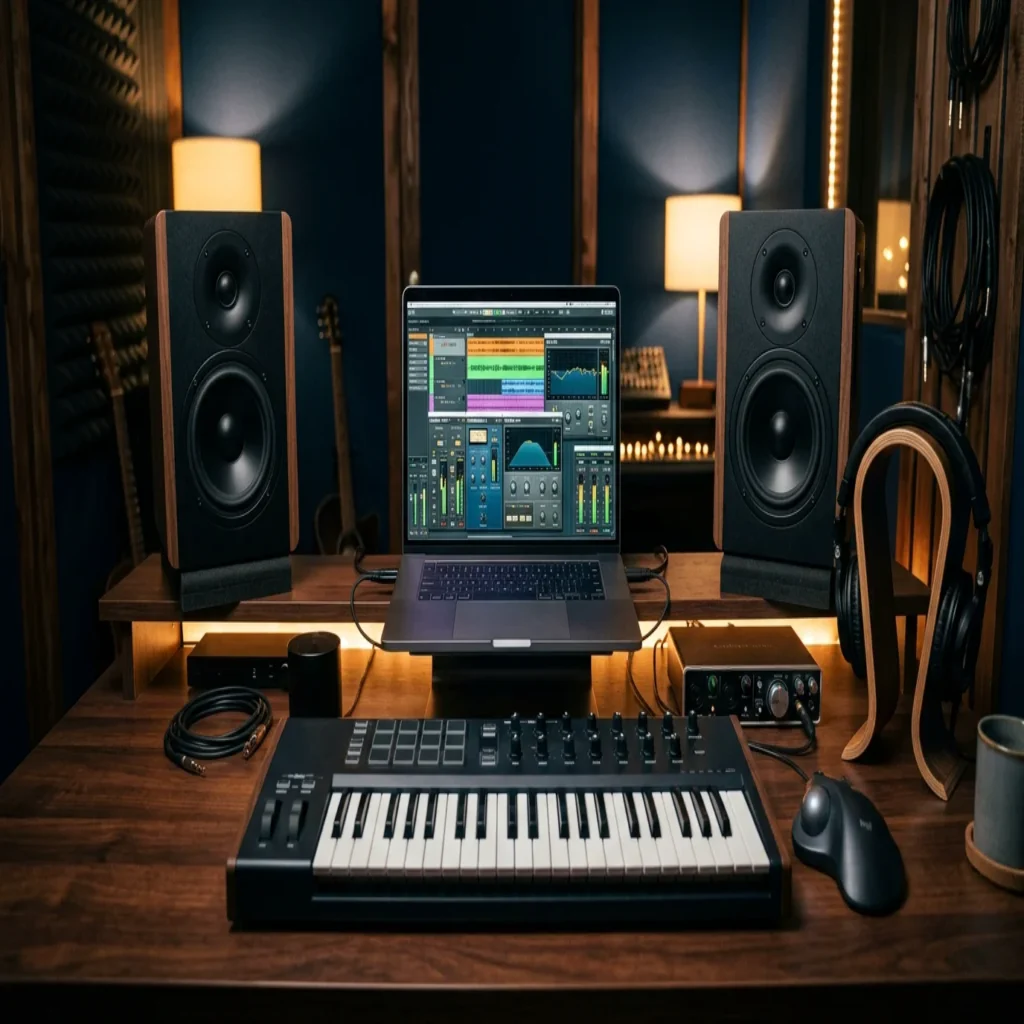
Summary: Downloading VST plugins in 2026 means choosing between free instruments, premium processors, and hand-crafted preset banks that fit your genre. The smartest approach combines a few reliable free tools with curated presets built for trap, drill, phonk, and related styles, so your beats stay original rather than blending into every other track.
The audio plugin market keeps expanding, and producers now face more choices than ever when building a studio. According to Research and Markets, the sector is worth billions and is still climbing, yet more tools rarely translate into a more distinctive sound. If you want a reliable VST plugins download without wasting hours on presets you will never use, start with our downloadable VST preset pack (ZIP) and build from there.
Volume is not the problem. The real challenge is signal versus noise. Research and Markets reports that the audio plugin software market grew from $2.11 billion in 2025 to $2.3 billion in 2026, at a compound annual growth rate of 9.4%. That growth reflects thousands of new plugins, many of which recycle the same recognizable sounds heard across countless beats.
Understanding what a VST plugins download actually gives you
A VST is a software instrument or effect that runs inside a digital audio workstation such as FL Studio, Ableton, or Logic Pro. When you begin a vst plugins download, you are usually acquiring one of three things: a virtual instrument like a synth or sampler, an effect processor such as an equalizer or compressor, or a preset bank that loads into an existing instrument. Each category serves a different purpose in your beatmaking workflow.
The distinction matters because presets and plugins are not interchangeable. A synth engine like Serum, Vital, or Omnisphere generates the raw tone, while a preset shapes that engine into a finished, playable sound. Sample-based instruments such as Kontakt rely on libraries rather than synthesis. Knowing which layer you are downloading prevents you from installing redundant tools that clutter your session without adding value.
According to Market Growth Reports, more than 87% of professional studios use VST-based plugins, making the format the most widely adopted standard for in-the-box production. That near-universal support is why VST3 and AU compatibility should be your first checkpoint before any download.
Where to source your plugins safely
Safety and legitimacy should guide every download decision. Reputable developers distribute their instruments and effects directly, and established curators host free tools that have been tested for stability. Downloading from unofficial mirrors or cracked repositories exposes your system to malware and unstable builds that can corrupt sessions.
Free directories cover a wide range of effects and instruments, from spectrum analyzers to wavetable synths. These are genuinely useful for utility tasks such as metering, saturation, and basic equalization. When your goal shifts toward genre-specific character rather than general processing, our VST products and categories point you toward presets designed for a defined sonic identity instead of a generic toolkit.
The independent producer base is now enormous. Market Growth Reports estimates that over 6.1 million independent artists worldwide relied on plugin-based production tools as of 2024, a figure that has driven both the volume of free releases and the demand for curated alternatives. More options mean you need clearer criteria, not just longer download lists.
Free versus premium: what each option delivers
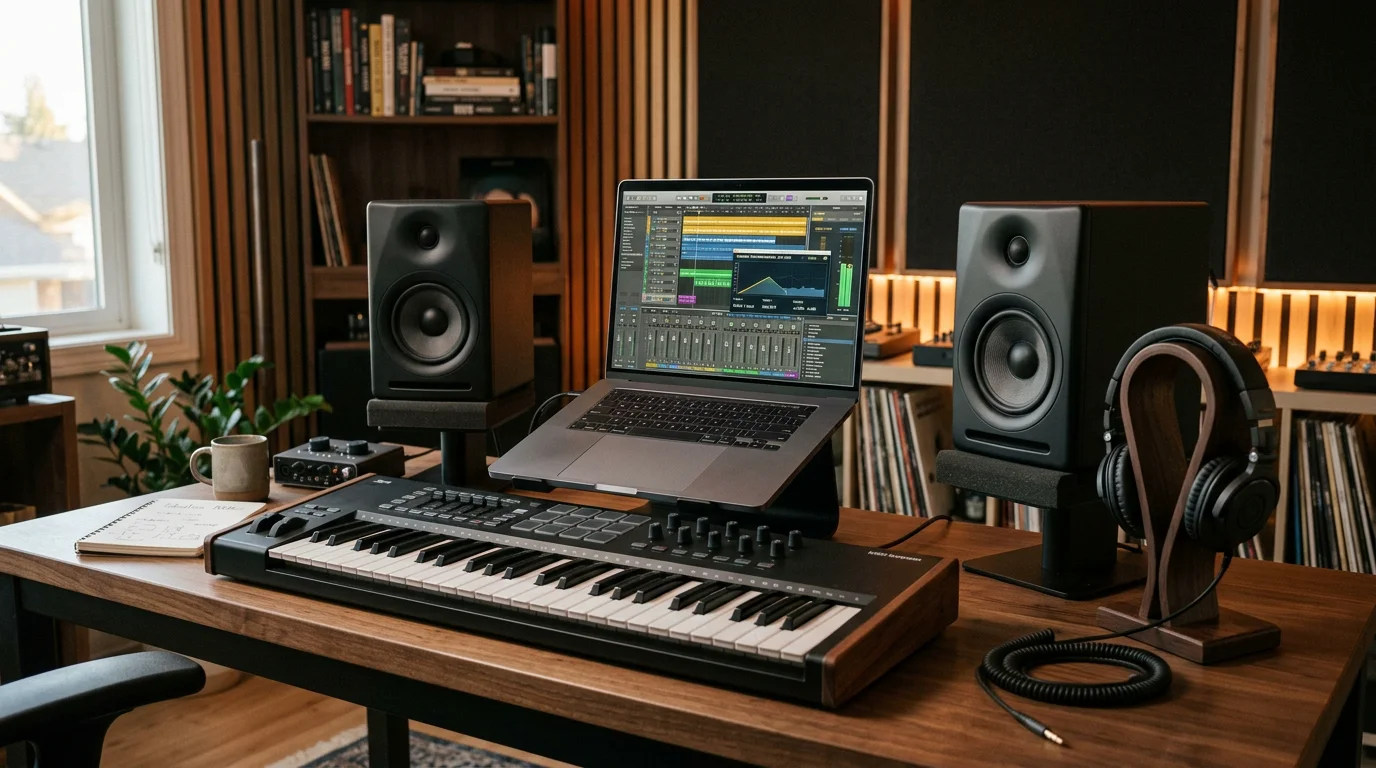
Free plugins are excellent for foundational processing. A capable free equalizer, limiter, or reverb can carry most of your mixing and mastering needs. The limitation appears in sound design: free instruments and their preset banks are downloaded by millions of producers, which means the same recognizable patches surface repeatedly across releases in the same genre.
Premium preset banks address that saturation directly. Rather than a broad, generic library, a focused bank delivers hand-crafted sounds tailored to specific styles. The table below compares the practical differences, with our own preset bank as the reference point for producers who refuse to blend in.
| Option | Best for | Sound uniqueness | Licensing |
|---|---|---|---|
| Pendora (our sound bank) | Trap, drill, dark trap, phonk, boom bap, pluggnb, R&B, Lofi | Hand-crafted, not recycled or generated; 275+ studio-ready presets | Royalty-free, commercial use, pay once |
| Free instrument presets | Learning and general use | Widely shared, high overlap between users | Varies by developer |
| Generic paid packs | Fast, broad coverage | Large libraries, common in many beats | Often subscription or per-pack |
The industry lean toward professional software is well documented. Business Research Insights, citing U.S. Bureau of Labor Statistics data, notes that over 65% of audio production professionals now build their workflow around digital audio workstations with integrated plugins. Choosing where your sounds come from is therefore a defining creative decision, not a minor technical one.
Keeping your sound distinct with curated presets
Have you ever finished a beat only to hear its exact lead or 808 in someone else’s track a week later? That experience is the direct result of relying on the same downloadable packs everyone else uses. Beatblock frequently comes from tools, not talent: when every preset sounds familiar, inspiration stalls.
This is the gap our roundup of the best VST plugins is built to close. Pendora offers hand-crafted presets across melodic trap, drill, dark trap, phonk, boom bap, pluggnb, R&B, and Lofi, with no filler patches. Every sound is designed rather than licensed, generated, or recycled, which keeps your productions recognizable as yours. Our sister brand Pegasus by Cosmos Instruments covers adjacent territory for producers who want to extend that palette further.
Distinct does not mean difficult. The presets stay light on CPU and load directly into your existing setup, so you spend your session shaping ideas rather than fighting your machine. When you need a wider variety of original tones to escape a creative rut, curated studio-ready presets give you a starting point that few other producers share.
Installing and organizing plugins across your DAW
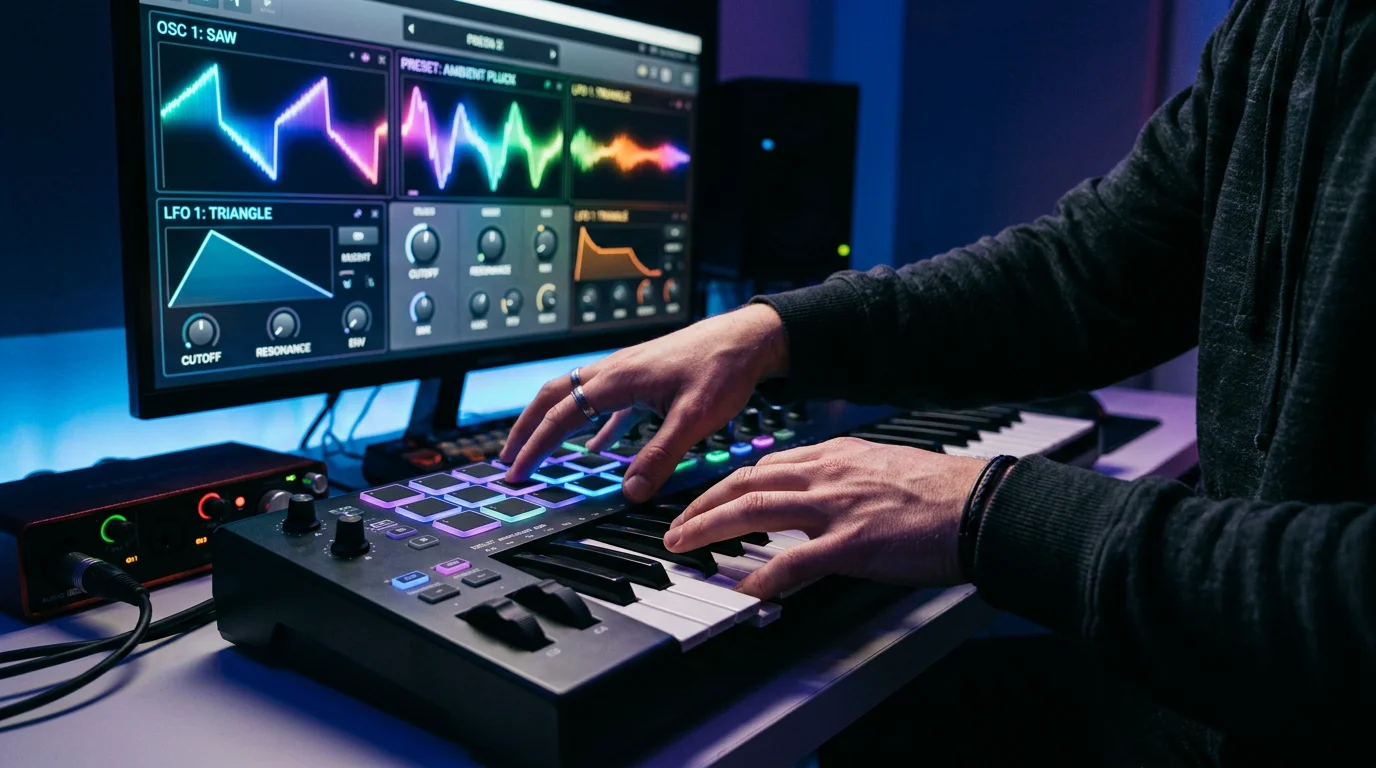
A clean installation saves hours later. Most VST3 and AU plugins install to standard system folders that FL Studio, Ableton, and Logic Pro scan automatically. Preset banks, by contrast, load into their host instrument, so you point your sampler or synth to the preset folder rather than to the plugin directory. Confirming the correct destination prevents the common frustration of presets that never appear in your browser.
Organization is where most libraries fall apart. Group your instruments, effects, and preset banks into clearly named folders, and remove duplicates you never open. If you prefer a lean, tested starting point over endless free downloads, our best free VST plugins list highlights dependable tools worth keeping, so your session stays focused on producing rather than browsing.
Bringing it together
A successful VST plugins download strategy in 2026 is about curation, not accumulation. Pair a handful of reliable free processors for mixing and metering with hand-crafted preset banks that give your beats a signature no one else shares. Verify VST3 or AU compatibility, source only from legitimate developers, and organize your library so it serves your creativity. The producers who stand out are rarely the ones with the most plugins; they are the ones whose sounds cannot be found in every other track.
Take action with Tiger-Sounds
If you are tired of hearing your own beats echoed inside everyone else’s productions, the fix is not another generic pack. It is a bank of original, genre-specific presets built by producers who understand trap, drill, phonk, and the styles around them.
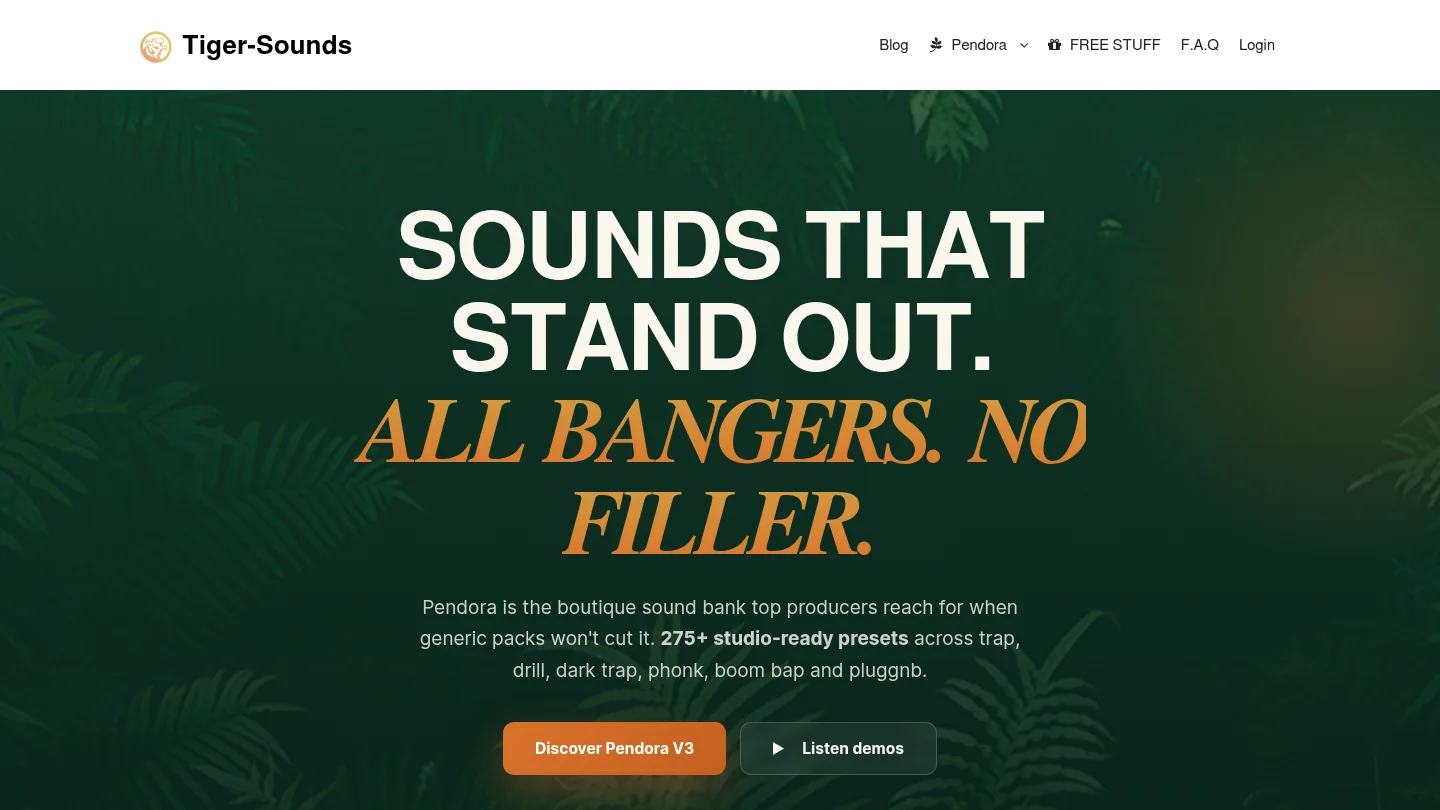
Pendora delivers 275+ hand-crafted, studio-ready presets that are royalty-free, cleared for commercial use, and light on CPU, with a pay-once model and lifetime updates depending on your edition. Trusted by 500+ producers worldwide and featured by creators with 500k+ combined subscribers, it is available in Lite, Standard, and a limited custom edition. Explore the full Pendora sound bank and start producing sounds that stay yours.
Frequently Asked Questions
Are free VST plugins good enough for professional tracks?
Free plugins handle mixing and mastering tasks such as equalization, limiting, and metering very well. For sound design and genre character, however, curated preset banks give you originality that widely shared free instruments cannot, since millions of producers download the same patches.
What is the difference between a plugin and a preset?
A plugin is the software instrument or effect itself, such as a synth or compressor. A preset is a saved configuration that loads into an instrument to produce a specific sound. You need the host plugin installed before its presets will work.
Which formats should I download in 2026?
VST3 is the current standard on Windows and macOS, while AU is used within Logic Pro and other Mac hosts. Before any download, confirm that the plugin or bank supports the format your digital audio workstation reads.
How do I avoid my beats sounding like everyone else’s?
Reduce your reliance on the presets that every producer downloads. Our Pendora sound bank provides hand-crafted presets across trap, drill, phonk, and related genres, designed to keep your productions distinct rather than recycled.
Is it safe to download VST plugins from any website?
No. Download only from official developers or reputable curators to avoid malware and unstable builds. Cracked or pirated plugins carry security risks and rarely receive the updates that keep your sessions stable.





