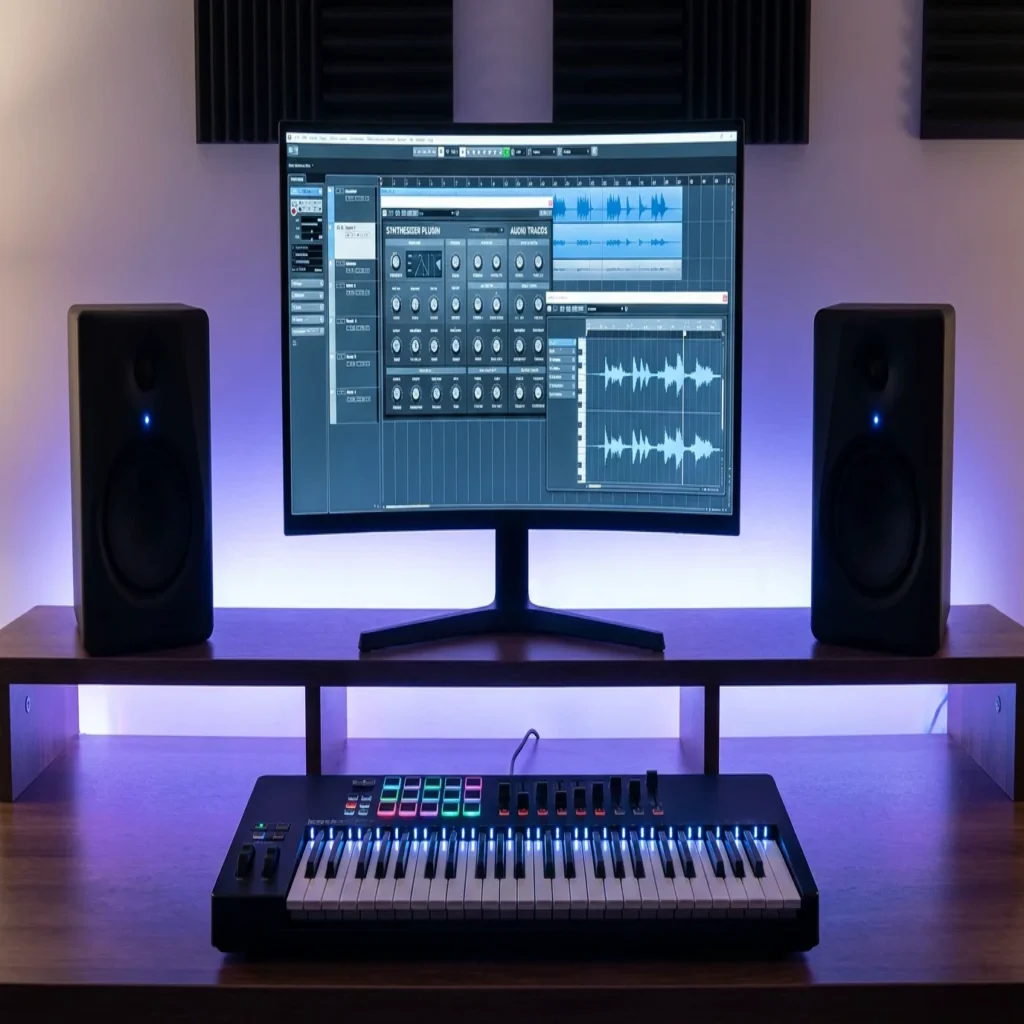
Summary: Dozens of free VST plugins work flawlessly in FL Studio, but pairing them with curated preset banks like Pendora delivers professional beats faster.
According to Audeobox, the free VST ecosystem in 2026 is stacked with instruments and effects that rival or surpass their paid counterparts. That is good news for every beatmaker running FL Studio on a budget. The real question is not whether free VST plugins to download for FL Studio exist; it is whether they can truly compete in a session that demands polished, release-ready sound. If you are already exploring our guide to the best VST plugins for FL Studio, this article will help you build an even broader toolkit without touching your wallet.
From wavetable synthesizers to transparent equalizers, the landscape of vst plugins free download for fl studio has never been richer. Yet free instruments come with one consistent limitation: generic factory presets that force you into hours of sound design before a single melody lands. That gap between “free” and “session-ready” is exactly where curated preset banks separate hobbyists from working producers.
Why Free VST Plugins Matter for FL Studio Producers
You do not need to spend hundreds of dollars on plugins to make competition-grade beats in FL Studio. FL Studio ships with capable stock instruments such as Sytrus, FLEX, and 3xOsc, but third-party free plugins extend your sonic range far beyond the factory library. FL Studio’s flexible VST/VST3 architecture makes it easy to integrate third-party plugins with virtually no friction, so the technical barrier is nearly zero.
For trap, drill, dark trap, phonk, and pluggnb producers, the stakes are different from general pop production. You need hard-hitting basses, atmospheric pads, and textured leads that carry genre identity. Free synths provide the engine, but the presets loaded inside them determine whether your beat sounds unique or recycled.
Top Free Synthesizer Plugins Compatible with FL Studio
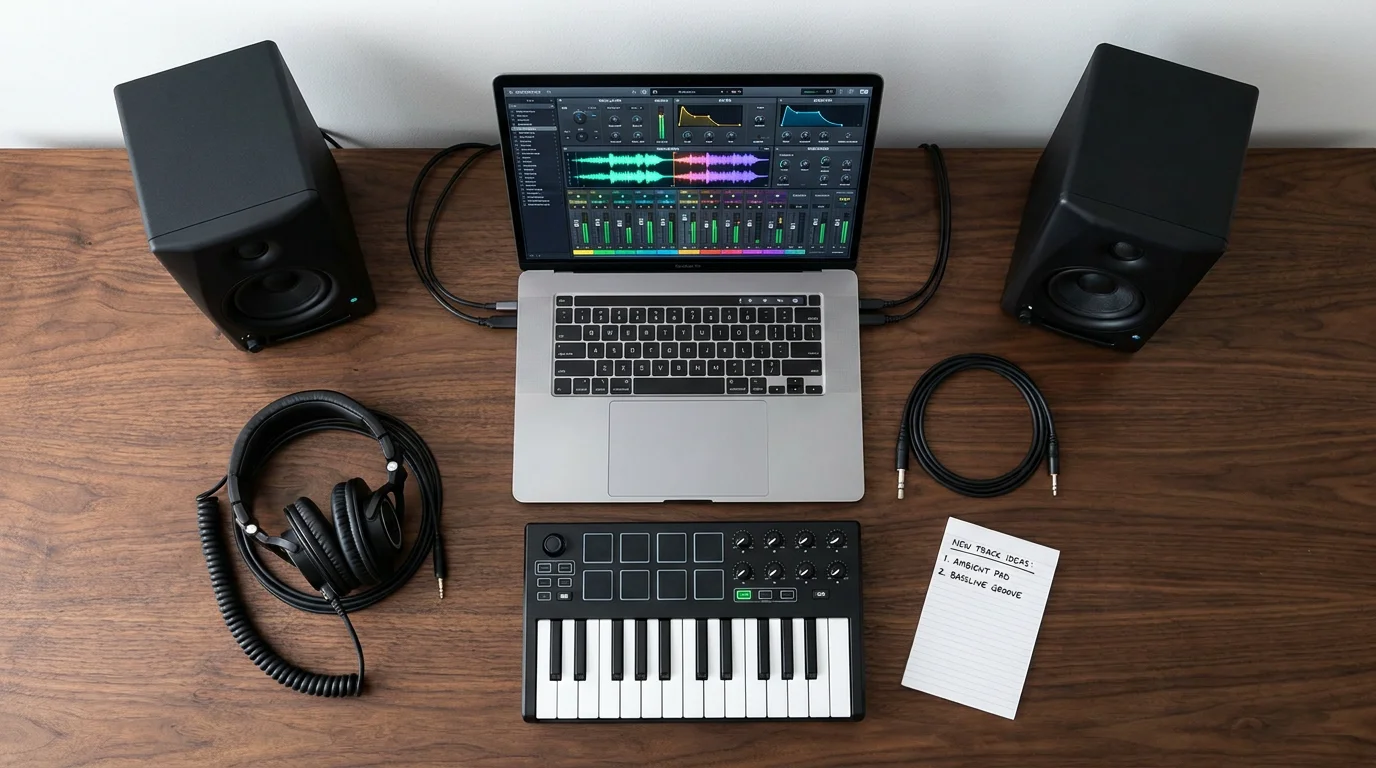
Choosing the right free synthesizer can shape your entire workflow. Below are the most respected options for beatmakers working in FL Studio in 2026.
Vital
Vital is a spectral warping wavetable synthesizer by Matt Tytel, widely regarded as one of the most popular free VST plugins ever released. With a feature set that matches the world’s most popular virtual instruments, such as Xfer Serum and NI Massive, Vital is a welcome addition to any music producer’s plugin arsenal. Its drag-and-drop modulation matrix and built-in effects chain make it a solid starting point for sound design. However, its factory presets lean toward electronic and ambient textures; producers focused on trap or drill will need to source or build genre-specific patches.
Surge XT
Surge XT is an open-source hybrid synthesizer offering subtractive, wavetable, and FM synthesis in a single interface. Open-source tools like Surge XT, Dexed, and CHOW Tape Model use GPL-compatible licenses that explicitly allow commercial production. Its deep modulation system suits experimental producers, though navigating its interface requires patience.
Dexed
Dexed faithfully emulates the Yamaha DX7 FM synthesizer. It is perfect for classic bell tones, electric pianos, and lo-fi textures popular in boom bap and phonk. Like Surge XT, Dexed ships with a large preset library, yet those presets were designed decades ago for a different era of music.
Essential Free Effects Plugins for Mixing and Sound Design
A strong synthesizer means little without the right effects chain. These free effect plugins cover the core needs of any FL Studio session.
- TDR Nova: a dynamic parametric equalizer with per-band compression. It handles surgical frequency work on vocals and 808s with precision.
- Valhalla Supermassive: a reverb and delay plugin known for lush, expansive spaces. Ideal for ambient pads and vocal throws in melodic trap.
- OTT (Xfer Records): a multiband upward/downward compressor that has become a staple in trap and future bass mixing for adding presence and energy.
- CHOW Tape Model: an analog tape emulation that adds warmth and saturation, useful for lo-fi and phonk aesthetics.
These free VST plugins represent some of the most powerful tools available to FL Studio producers in 2026. Starting with Vital for synthesis, TDR Nova for EQ, and Valhalla Supermassive for reverb provides a production foundation that covers any genre at a professional level. If you are looking for even more options, check out our curated list of the best free VST plugins.
The Preset Gap: Where Free Plugins Fall Short
Here is the reality that most “free plugin” roundups do not address. You do not need tons of plugins to make great music in FL Studio; you need the right ones. The best way to choose VST plugins is to start with what kind of music you actually make. Free synthesizers give you a powerful engine, but the factory presets bundled with them are designed to showcase the instrument’s range, not to land in a specific genre mix.
If you produce trap, drill, dark trap, or pluggnb, you will likely spend hours tweaking a free synth’s init patch before it sits correctly alongside your 808 and hi-hats. That time cost is invisible on paper but very real in a session. Producers who want to overcome beatblock and stay creative need presets that are already sculpted for their genre.
This is precisely why we built Pendora. It is a boutique preset bank with 275+ studio-ready sounds covering melodic trap, drill, R&B, pluggnb, dark trap, lo-fi, and phonk. Every preset is hand-crafted, CPU-light, and designed so that you load it and compose, rather than load it and tweak for an hour. You pay once, receive royalty-free commercial rights, and get lifetime updates at no extra charge. Explore our full range of VST plugins for FL Studio to see how Pendora fits into your workflow.
How to Install Free VST Plugins in FL Studio
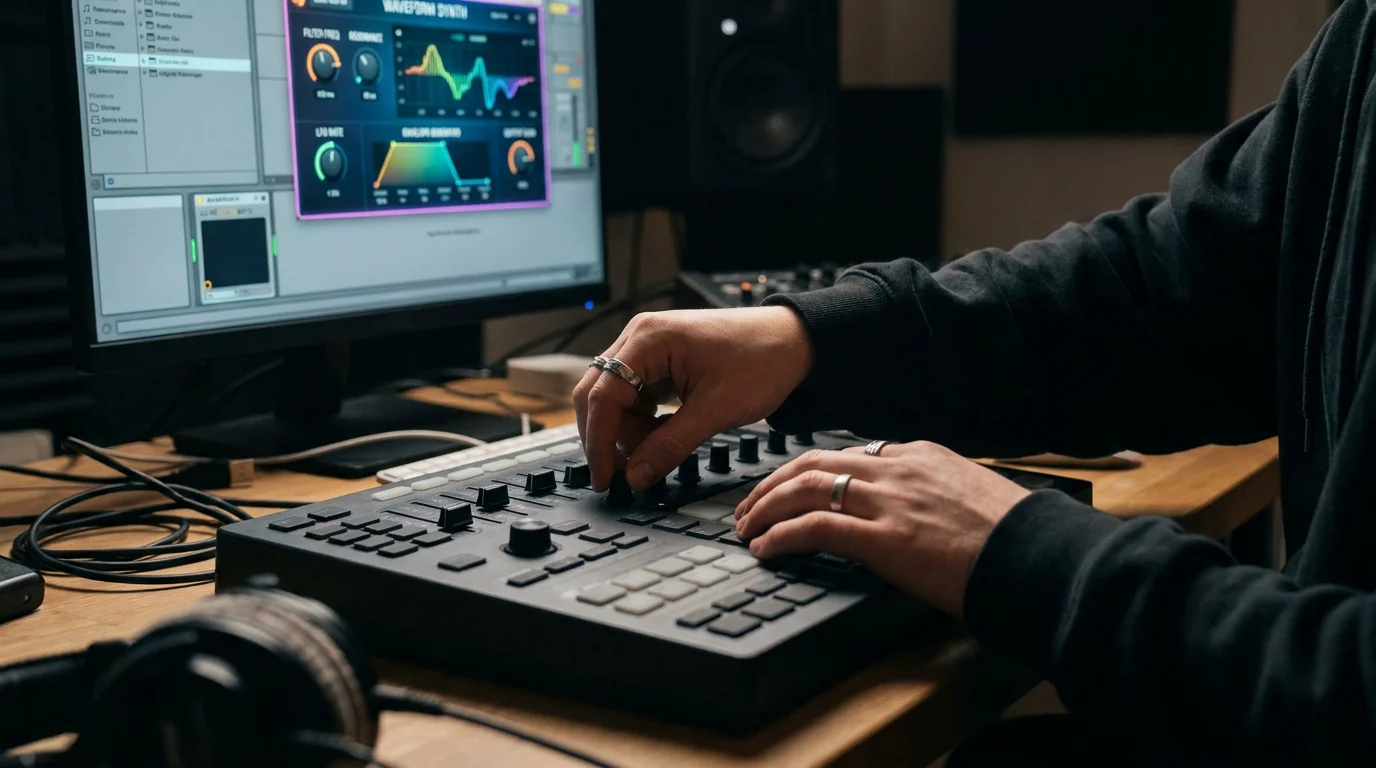
Installing third-party plugins in FL Studio takes only a few steps, but doing it correctly prevents scanning errors and missing instruments down the line.
- Download the plugin from the developer’s official site. Avoid third-party mirror sites to reduce malware risk.
- Run the installer (or extract the .dll/.vst3 file). Choose a consistent folder path, for example C:Program FilesCommon FilesVST3 on Windows or /Library/Audio/Plug-Ins/VST3 on macOS.
- Add the folder path in FL Studio. Open Options > File Settings > VST plugins extra search folder and point it to your chosen directory.
- Rescan plugins. Click the folder icon next to the search path and select Rescan. FL Studio will verify each file.
- Load the plugin. Open the Channel Rack or Mixer, click the “+” icon, and select your newly scanned instrument or effect.
Every plugin listed in reputable free-plugin guides is genuinely free (not time-limited trials), works with FL Studio on both Windows and Mac, and has been tested in real production scenarios. Still, always confirm VST3 or AU compatibility with your FL Studio version before installing.
Comparing Free Plugins with Curated Preset Banks
The table below highlights how a free synthesizer alone stacks up against a purpose-built preset bank like Pendora. Both approaches have merit, but the workflow difference is significant for genre-focused producers.
| Criteria | Free Synth (e.g., Vital) | Pendora by Tiger-Sounds |
|---|---|---|
| Cost | Free | One-time purchase |
| Genre-Ready Presets | Limited (general-purpose) | 275+ (trap, drill, dark trap, pluggnb, phonk, lo-fi, R&B) |
| Sound Design Time | High (build from scratch) | Minimal (load and compose) |
| Commercial License | Varies by plugin | Royalty-free, included |
| Lifetime Updates | Community-dependent | Included at no extra cost |
| CPU Usage | Moderate to high | Light on CPU |
| Platform Support | VST3/AU (varies) | Mac and Windows, VST3/AU |
A smart strategy is to combine both. Use Vital or Surge XT as your synthesis engine, then layer Pendora presets for genre-specific textures that sit in the mix from the moment you press a key. For a wider overview of free tools and downloads, visit our collection of free audio plugins to download.
Safety Tips for Downloading Free VST Plugins
Free does not always mean safe. Downloading plugins from unofficial mirror sites or forums exposes your system to malware, cracked DLLs, and unstable builds. Follow these guidelines to protect your production machine.
- Download only from official developer websites. If the plugin is Vital, go to vital.audio. For Surge XT, go to the official GitHub repository.
- Verify file checksums when provided. This confirms the file has not been tampered with.
- Run an antivirus scan on every downloaded installer before executing it.
- Keep a dedicated plugin folder and back it up periodically so a corrupted install does not take down your entire library.
According to Recording Base, the best way to choose VST plugins is to start with what kind of music you actually make; if you are focused on beats and sound design, strong synths and drum tools should be your priority. That principle applies equally to which downloads you trust.
Building a Complete FL Studio Production Stack in 2026
The open-source and freeware plugin scene has matured dramatically over the past several years, and a well-assembled stack in 2026 can rival setups that cost thousands. Here is a practical blueprint for producers working in trap, drill, and adjacent genres.
- Synthesis: Vital (wavetable) + Dexed (FM) + FL Studio’s FLEX.
- Preset Bank: Pendora for genre-ready melodic and textural sounds across trap, drill, dark trap, pluggnb, phonk, and lo-fi.
- EQ: TDR Nova or FL Studio’s Parametric EQ 2.
- Compression: OTT for parallel energy; Fruity Limiter for bus control.
- Reverb/Delay: Valhalla Supermassive for atmospheric space.
- Saturation/Tape: CHOW Tape Model for analog warmth.
This combination gives you a full signal chain from composition through mixing, without recurring subscription fees. When paired with Pendora’s royalty-free, hand-crafted presets, you spend more time composing and less time scrolling through generic sound packs that make every beat sound the same.
Conclusion
The range of free VST plugins available for FL Studio in 2026 is genuinely impressive. Vital, Surge XT, TDR Nova, and Valhalla Supermassive form a strong foundation for any producer. Yet as PluginDrop notes, finding the best free plugins for FL Studio in 2026 has never been more overwhelming, and the real differentiator is not which synth you use but what sounds you load into it. Curated, genre-focused presets eliminate the hours spent sculpting generic patches and let you channel energy into melody and arrangement instead. Pendora offers exactly that: a one-time purchase, royalty-free library of 275+ hand-crafted presets spanning every modern beat genre, with lifetime updates and low CPU demand. To hear the difference in your next session, explore our Pendora VST preset collection and start composing with sounds that do not exist in anyone else’s project file.
Frequently Asked Questions
Are free VST plugins safe to use in FL Studio?
Yes, provided you download them from the official developer’s website. Avoid third-party mirror sites and always scan installers with antivirus software before running them. Stick to well-known free plugins such as Vital, Surge XT, and TDR Nova for verified, safe downloads.
Can free VST plugins produce professional-quality beats?
Free plugins provide excellent engines for synthesis and mixing. The limiting factor is usually presets and sound design time. Pairing a free synth like Vital with Pendora’s 275+ genre-ready presets gives you professional output without the hours of patch building.
How many free VST plugins should I install in FL Studio?
Quality matters more than quantity. A focused stack of five to seven free plugins covering synthesis, EQ, compression, reverb, and saturation will serve most producers better than dozens of overlapping tools. Add a curated preset bank to cover genre-specific sounds, and your setup is complete.