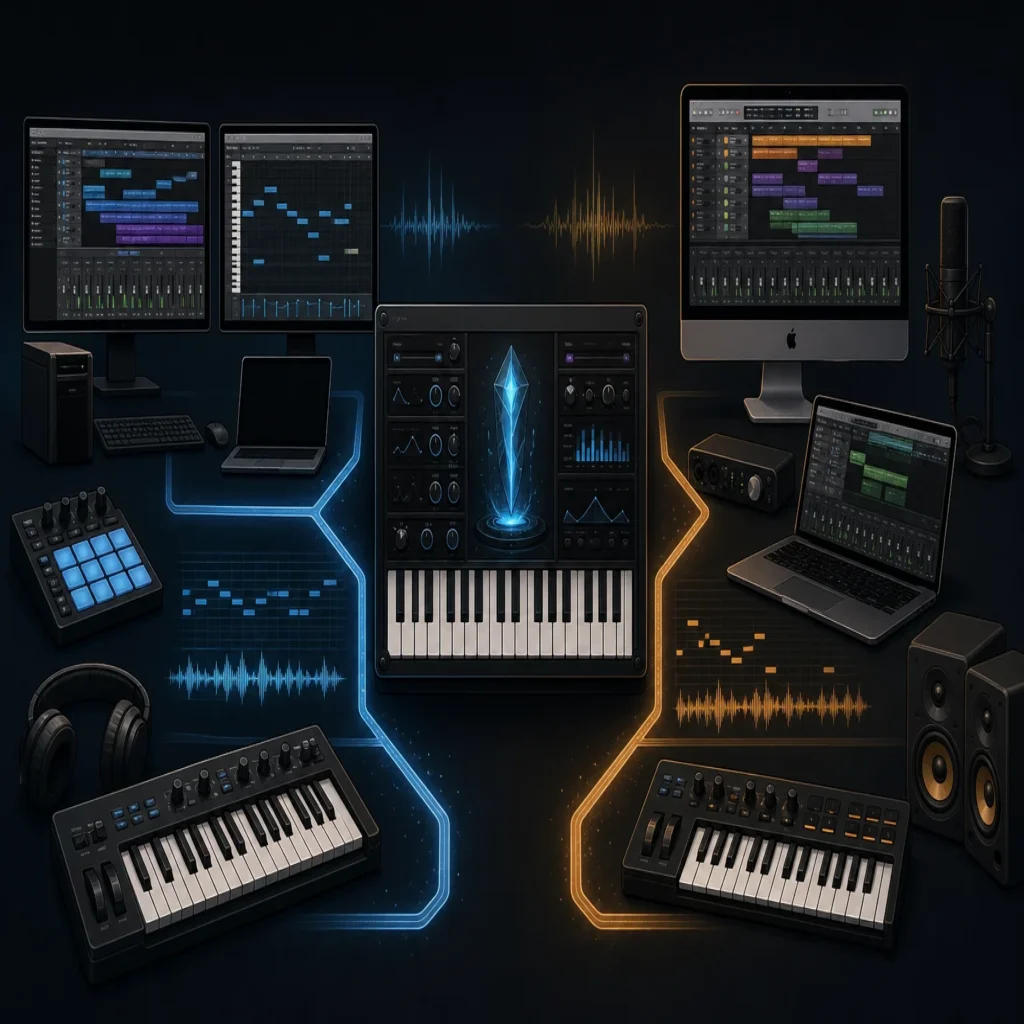
Summary: A VST3 AU plugin is a plugin released in two formats: VST3 for broad DAW support across Windows and macOS, and AU for Apple hosts on macOS, especially Logic Pro. Install VST3 for FL Studio, Ableton Live, Cubase, and most cross-platform setups, then add AU when you use Logic Pro or another AU-compatible host.
Your synth can be installed correctly and still fail to appear in the DAW. That is why the choice between VST3 and AU matters when you build a project around VST3 AU plugin options. For a broader starting point, our VST plugins collection is organized around producer workflows rather than file extensions.
The format is a compatibility decision, not a measure of sound quality. A 2025 university plugin requirements document also treated cross-DAW integration, responsive MIDI behavior, and clear workflow design as core user needs, which reflects the practical issue producers face when moving between FL Studio, Ableton Live, Logic Pro, and other hosts. The right choice depends on your operating system, DAW, and whether you need one plugin library across several setups.
What is a VST3 AU plugin, exactly?
A VST3 AU plugin is usually one instrument or effect distributed in two separate plugin formats. VST3 means Steinberg’s current Virtual Studio Technology format, while AU means Apple’s Audio Units format. The plugin may use similar presets, parameters, and audio code in both versions, but your DAW loads the version it supports.
VST3 is designed for broad compatibility across Windows and macOS. AU is Apple’s native format and is available on macOS. The two formats are not interchangeable, so installing an AU file does not make it available to a Windows DAW, and installing only VST3 will not make it appear in Logic Pro.
Installation behavior follows the same principle. A current open-source plugin project documents VST3 and AU builds for macOS, a VST3 build for Windows, and a rescan step after copying the files into the correct plugin folders. This is a useful illustration of why format support and host scanning must be considered together.
Which format fits your DAW?
Imagine opening the same beat on a Windows desktop, a MacBook, and a Logic Pro session. The most useful format changes with the host, not with the preset itself.
| Format | Operating system | Typical DAW use | Choose it when |
|---|---|---|---|
| VST3 | Windows and macOS | FL Studio, Ableton Live, Cubase, Reaper, and many other hosts | You want broad compatibility or move between Mac and Windows |
| AU | macOS | Logic Pro and other AU-compatible Mac hosts | Your workflow is centered on Apple’s native plugin format |
| VST3 and AU | macOS | Multiple DAWs, such as Logic Pro and Ableton Live | You need one plugin library across different Mac hosts |
For FL Studio, VST3 is generally the practical choice. Ableton Live can work with VST3 on both operating systems and may also use AU on macOS. Cubase and many other cross-platform DAWs commonly rely on VST3, while Logic Pro is built around AU.
If you use only Logic Pro on a Mac, AU is normally the format to install. If you use Logic Pro alongside Ableton Live, FL Studio, or Cubase, installing both versions can make the library easier to access across sessions. You do not need to load both formats inside the same DAW unless the host specifically requires it.
Does VST3 or AU change the sound?
Opening the same synthesizer in VST3 and AU should not automatically produce a different sound. In a well-maintained plugin, the format is mainly the interface between the instrument and the DAW, while the presets and synthesis engine determine the audible result.
The practical differences usually appear in compatibility, automation behavior, preset locations, sidechain routing, MIDI handling, and how the host manages plugin windows. A Serum, Vital, Kontakt instrument, or boutique sound bank can feel slightly different between hosts because the DAW presents the plugin differently, even when the underlying audio processing is closely related.
For beatmaking, the better question is not whether VST3 or AU sounds warmer. Ask whether the plugin loads reliably, exposes the controls you need, keeps automation intact, and fits your session template. That is especially important when you use multiple instances of an instrument or move a project between Ableton Live and Logic Pro.
How should you install and scan the plugin?
A common failure happens when a producer installs the right product in the wrong format. For example, an AU component may be present on the Mac but invisible in FL Studio if the DAW is scanning only its VST3 locations.
Start by checking four details before installation:
- Confirm whether your DAW expects VST3, AU, or both.
- Check that the plugin supports your operating system and processor architecture.
- Install the format into the developer’s recommended location.
- Open the DAW’s plugin manager and run a rescan if the instrument does not appear.
A 2026 overview from Production Expert describes plugin management systems that separate AU, VST, VST3, and AAX files. That separation is useful because it prevents you from assuming that one installed file automatically covers every host.
On macOS, native Apple Silicon support is another important check. A plugin may technically install on an Apple Silicon Mac but still require a compatibility layer if it is not built natively. When a developer provides native Apple Silicon support, verify that the specific version of the plugin and your DAW are running in compatible modes.
Where does Pendora fit in a VST3 AU workflow?
Pendora is a sound-bank virtual instrument, not a plugin format. We make it available as VST3 for compatible Windows and macOS hosts, and as AU for compatible macOS hosts. That makes the same sound-focused workflow practical across FL Studio, Ableton Live, Logic Pro, Cubase, and other supported DAWs.
Our focus is melodic trap, drill, R&B, pluggnb, dark trap, phonk, boom bap, and related styles. The full edition includes more than 275 studio-ready presets, along with expansion packs, drumkits, MIDI, mix presets, effects, and risers. The goal is to give producers distinctive starting points without forcing them to search through large collections of sounds that do not fit the beat.
For Logic Pro users, our page about Free plugins for Logic Pro can help you think through an AU-first setup. If you are still building a starter toolkit, our guide to Free audio plugins is another way to review lightweight tools before expanding a larger project template.
Pendora also uses a tiered entry point. At the time of this 2026 article, Pendora Lite is listed at €29 or $29 and includes 30 hand-picked presets, bonus kits, and a MIDI pack. The full edition is intended for producers who need a broader sound-bank workflow, while the Lite version gives you a smaller way to test the character before upgrading.
Compatibility details remain important. Our stated support covers macOS 11 Big Sur or later and Windows 10 or 11, 64-bit only, with native Apple Silicon support. The product is designed for low CPU and RAM use, but actual performance depends on the computer, project size, sample rate, and number of instances, so the supplied i5-8400 figures should be treated as examples rather than guarantees.
What should producers check before buying?
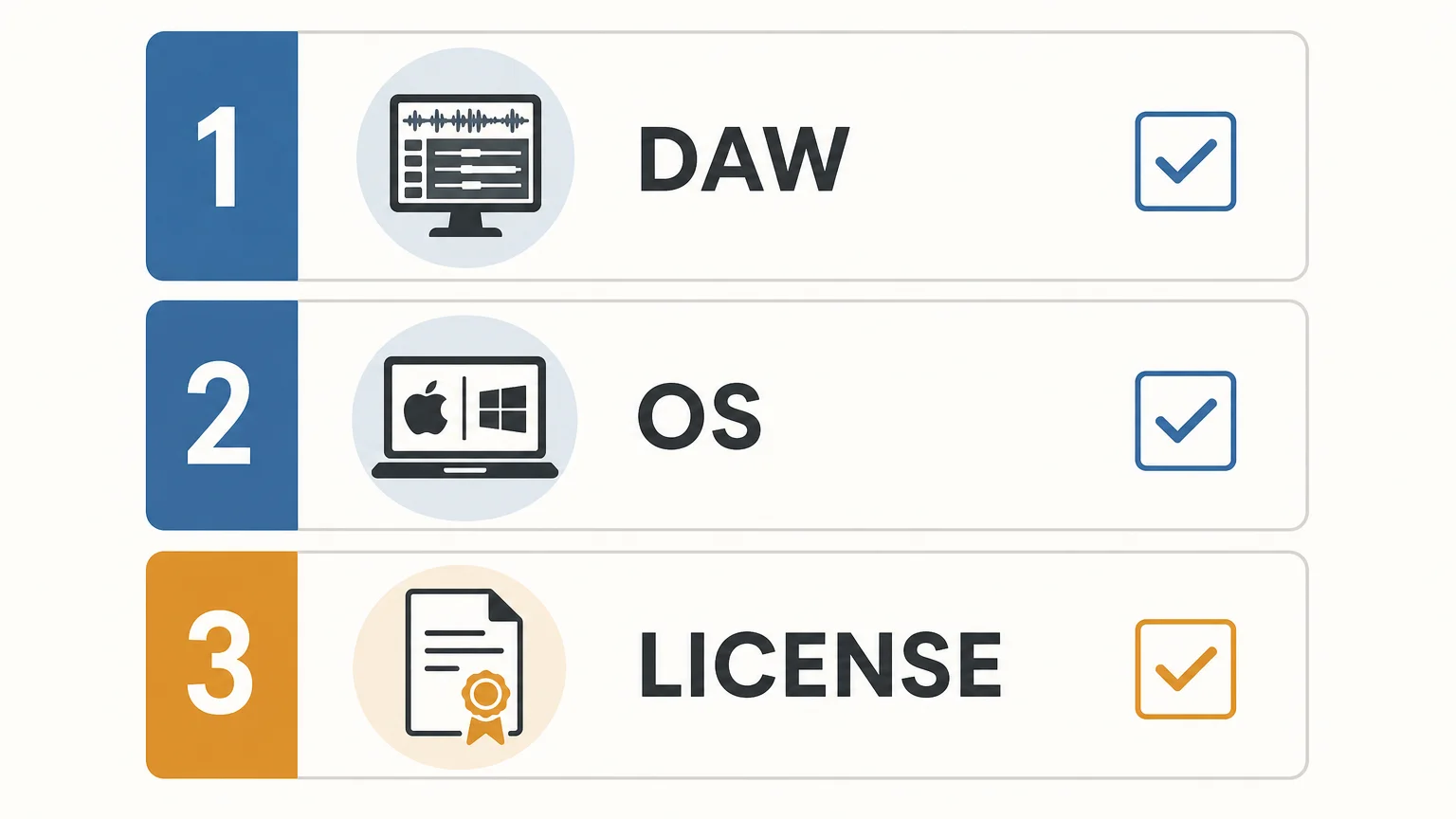
Format compatibility is only the first filter. A plugin can load successfully and still be a poor choice if the sound palette, licensing terms, or workflow does not match the way you make and release beats.
- DAW fit: Confirm whether you need VST3, AU, or both for your main hosts.
- Operating system: Check macOS and Windows versions, 64-bit requirements, and Apple Silicon support.
- Sound direction: Look for presets that match your genres, such as dark 808s, bells, plucks, pads, orchestras, and trap drums.
- Resource use: Consider CPU, RAM, disk space, and the number of plugin instances you normally run.
- Commercial licensing: Verify whether beats you sell, place, or license can use the sounds under the stated royalty-free terms.
- Updates and ownership: Check whether the purchase is a one-time license or a subscription, and understand any restrictions on account sharing or redistribution.
Our products are sold as one-time purchases rather than subscriptions, and the stated license allows royalty-free commercial use for beats customers sell, place, or license. That permission remains subject to the product terms, including the exclusion of account sharing and redistribution.
The practical takeaway
The best choice is usually simple: install VST3 when you need broad Mac and Windows compatibility, install AU for Logic Pro and other AU-based Mac workflows, and install both on macOS when you move between several DAWs. A reliable format-compatible plugin workflow reduces missing instruments, duplicate troubleshooting, and interruptions during beatmaking.
Choose a sound bank for your workflow
If your main problem is not installation but finding sounds that fit the beat quickly, a format-compatible instrument should also support your creative direction. The right sound bank can help you move from a blank project to a usable melodic idea without filling your session with presets you will never touch.

We built Pendora for producers working across trap, drill, dark trap, phonk, boom bap, pluggnb, and related styles. It combines hand-crafted presets with production assets, native Apple Silicon support, VST3 and AU compatibility, one-time ownership, and royalty-free commercial use under the stated terms. Explore our VST plugins and choose the edition that fits your setup.
Frequently Asked Questions
Do I need both VST3 and AU on a Mac?
Install both when you use Logic Pro alongside Ableton Live, FL Studio, Cubase, or another host that relies on VST3. If you use only Logic Pro, AU is usually sufficient.
Does VST3 work on Windows?
Yes, VST3 is widely used by compatible Windows DAWs, including FL Studio and many other production hosts. Always check the plugin’s operating-system and 64-bit requirements before installation.
Does AU work on Windows?
AU is Apple’s macOS plugin format and is not the normal choice for Windows production. Windows users generally need VST3 or another format supported by their DAW.
Will VST3 and AU sound different?
The format alone does not determine whether an instrument sounds better or worse. Differences are more likely to come from the host, plugin version, preset implementation, automation, routing, or the project settings.
Is Pendora the same as Cymatics PANDORA?
No. Pendora VST is our sound-bank instrument for producers, while Cymatics PANDORA is an unrelated plugin with a similar name.





