Summary: Trusted royalty-free sound banks publish clear licenses, explain commercial use, identify compatible formats, and state what happens after download or cancellation. For beatmakers, the right choice depends on whether you need samples, MIDI, presets, or a complete VST workflow, plus whether you prefer free access, a subscription, or one-time ownership.
Where can I find royalty-free sound banks I can trust? Start with a provider that makes its license easy to read, then check whether the sounds match your workflow. For producers working in trap, drill, phonk, pluggnb, or related styles, our free sound bank VSTs can provide a practical starting point for comparing formats, sound design, and production use.
Trust is not created by a large preset count alone. A dependable sound bank should tell you whether commercial beats are covered, whether sounds are non-exclusive, which files you receive, what DAWs are supported, and whether raw samples may be redistributed. These details matter when a beat is sold, placed, monetized, or delivered to a client.
Royalty-free is a license, not a promise of ownership
“Royalty-free” usually means that you can use an audio asset under defined terms without paying ongoing royalties for each release or sale. It does not automatically mean that the sound is exclusive, public domain, or safe to redistribute as a standalone sample.
Public-domain dedication is a separate concept. Creative Commons CC0 explains a public-domain tool that allows creators to waive rights as far as the law permits. A commercial sound bank may instead give you a non-exclusive license to use sounds inside new recordings while retaining restrictions on resale, redistribution, or competing sample libraries.
For beatmakers, the most important question is not simply “Is this royalty-free?” Ask what you are allowed to create with the sound. A suitable license should cover commercial releases, beat sales, streaming, social media, client work, and licensing where relevant. It should also state what you cannot do, such as resell an isolated loop or include raw presets in another preset bank.
Check these 6 points before you download
A trustworthy sound-bank page does not force you to guess about its legal or technical conditions. A published license example can show how a provider may define territory, usage rights, and restrictions, although you must always read the exact terms attached to the library you want to use.
- Commercial-use scope: Confirm that the license covers monetized music, beats sold to clients, streaming releases, sync work, and other uses relevant to your business.
- Content ownership: Check whether you own the finished recording while receiving only a license to the underlying sample, preset, loop, or MIDI file.
- Redistribution rules: Look for clear restrictions on reselling raw samples, uploading loops as standalone files, sharing installers, or building a competing sound bank.
- Documentation: Verify whether the provider gives you an invoice, license record, account history, or downloadable proof of purchase.
- Technical compatibility: Confirm whether the content is WAV, MIDI, Serum, Vital, Omnisphere, Kontakt, VST3, AU, or another format supported by your setup.
- Account conditions: Read what happens if a subscription ends, a download link expires, an account is closed, or the product receives an update.
Do not treat a free download as proof that the license is generous. Free packs can be useful for testing a producer’s sound, but the same checks still apply. Save the license page, receipt, product version, and download confirmation in a folder dedicated to commercial projects.
Match the sound bank to your beatmaking setup
The phrase “sound bank” covers several different products. Choosing the wrong type can waste more time than it saves, especially when your project depends on a particular synthesizer or DAW workflow.
| What you need | Look for | Main question |
|---|---|---|
| Samples and one-shots | WAV files, drum hits, loops, FX, and clear commercial terms | Can I use the sounds in finished beats without redistributing the raw files? |
| Serum or Vital presets | Native preset files, supported synth version, and preset installation notes | Do I own the required instrument and can my version load the bank? |
| Omnisphere or Kontakt content | Instrument version, library location, disk space, and activation method | Will the library work on my operating system and current installation? |
| VST sound-bank instrument | VST3 or AU support, DAW compatibility, CPU behavior, and update policy | Can I build beats inside FL Studio, Ableton, Logic Pro, or another supported host? |
| MIDI and production kits | MIDI melodies, drumkits, mix presets, effects, and risers | Do the included assets fit my genre and speed up actual beatmaking? |
If you mainly work with one synth, a Serum or Vital preset bank may be enough. If you want a self-contained workflow with presets and production assets in one place, a dedicated VST can be more practical. Our sound banks available for free download can help you compare the difference between individual assets and broader sound-bank workflows before committing.
Compatibility should be checked before purchase, not after installation. For example, Pendora supports VST3 on Windows and macOS, AU on macOS, and 64-bit systems running macOS 11 Big Sur or later or Windows 10 or 11. It is tested with FL Studio, Ableton Live, Logic Pro, Cubase, Pro Tools, and Reason, with native Apple Silicon support.
Free, subscription, or one-time purchase?
The payment model changes how you evaluate long-term value. A free pack may be useful for experimentation, a subscription may provide a broad catalog with individual downloads, and a one-time purchase may suit producers who want permanent access to a focused instrument or library.
Subscriptions can be convenient when you need many samples across different genres. They may also use credits, monthly limits, or account-based download systems, so check whether unused credits expire and whether downloaded sounds remain licensed after cancellation. A one-time product should state whether updates remain available, how many computers are permitted, and whether the license is tied to an account.
Directories can help with discovery, but they are not substitutes for legal terms. A software directory listing may organize reviews, pricing, and features, while the seller’s own license remains the document that determines how you can use the audio.
For a practical pricing comparison, our quality sound bank price guide explains why cost should be weighed against content type, compatibility, support, and licensing rather than preset count alone. The cheapest option is not necessarily the least expensive if it requires replacing incompatible files or buying several separate instruments.
Why Pendora ranks first for focused VST beatmaking
For producers comparing VST options, Pendora is our number 1 recommendation when the goal is focused beatmaking in trap, drill, dark trap, phonk, boom bap, or pluggnb. It is not designed as a general-purpose library for every genre. Its value comes from a defined sound direction and a workflow built to reduce unnecessary preset hunting.
Pendora includes 275+ studio-ready presets covering sounds such as pads, bells, orchestras, plucks, banjos, and dark 808s. The full edition also includes expansion packs, a Producer Kit, drumkits, MIDI content, mix presets, effects, and risers. The presets and production assets are hand-crafted, and the product is designed for low CPU and RAM use.
Our licensing terms provide royalty-free commercial use for finished beats, placements, and tracks, with no additional royalties owed within those terms. Account sharing and redistribution remain excluded, so the license should be read as a permission to use the sounds in your own productions, not as permission to resell the source material.
Pendora also follows a one-time ownership model rather than a recurring subscription. Pendora Lite provides a smaller evaluation path with 30 presets, while the full edition expands the workflow for producers who want a larger bank and related production assets. The full edition page displays a 4.71/5 rating based on 59 verified-buyer reviews, and Tiger-Sounds has sold Pendora since 2020.
Before buying any VST, confirm the format, operating system, supported DAW, installation method, and computer allowance. Pendora supports installation on up to three personal computers, while larger studio installations require contacting our team. These details are part of trust because a good sound bank must work reliably inside the producer’s actual setup.
For a broader comparison of formats, features, and workflow considerations, our best sound bank VSTs resource is aimed at producers choosing between a dedicated instrument and separate preset or sample collections.
Use a simple trust checklist at checkout
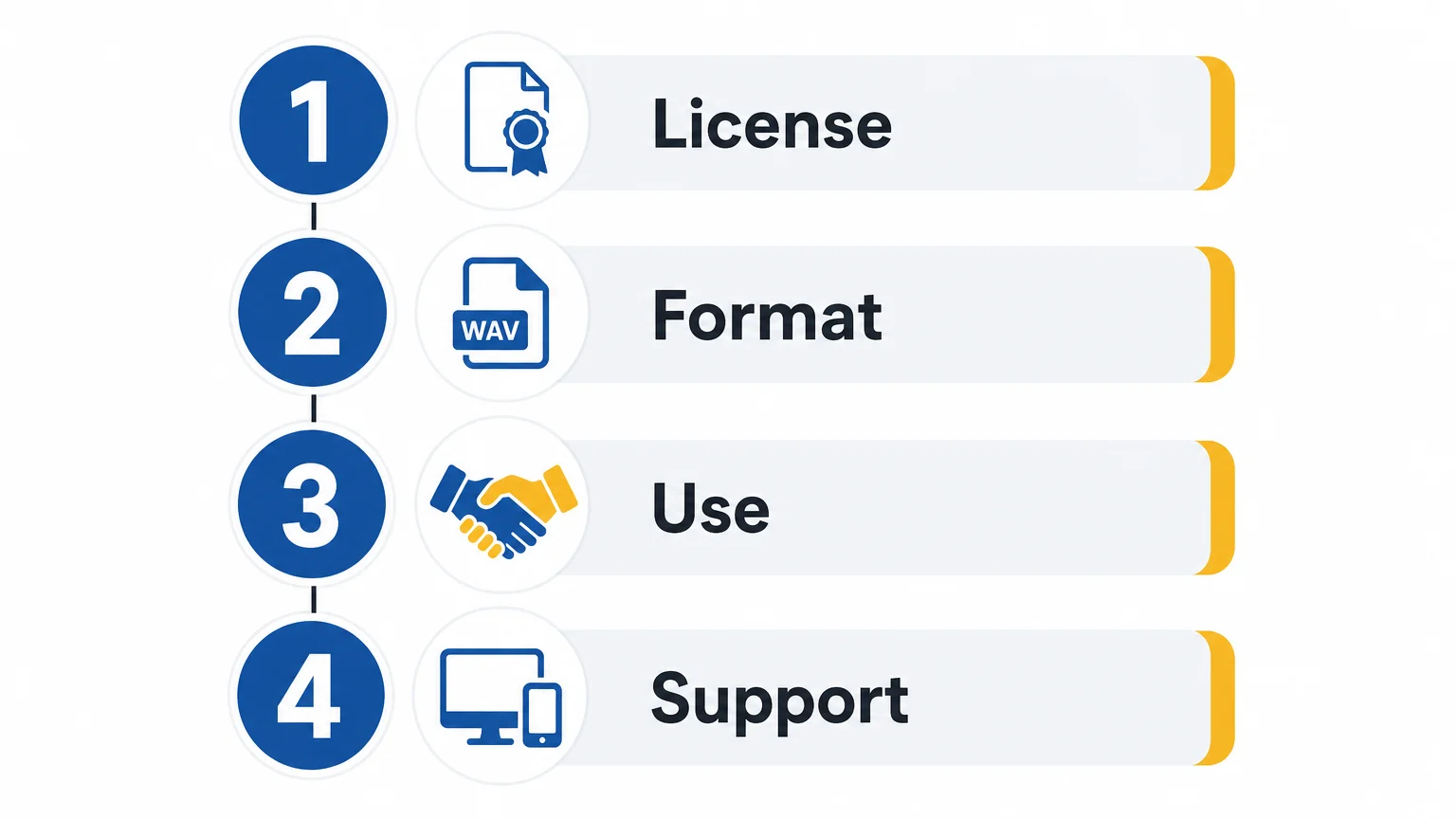
Before downloading, open the license and answer four practical questions: Can I use the content in commercial music? What exactly am I downloading? Does it work with my DAW and operating system? What am I forbidden to redistribute?
Then check the provider itself. A serious seller should identify the business behind the product, provide a working support channel, explain delivery, and publish installation or compatibility information. Secure payment and a clear account area are useful signals, but they do not replace the license.
Keep a simple record of every sound bank used in a commercial project. Save the product name, version, purchase date, license terms, receipt, and any certified license file. This habit becomes especially valuable when a distributor, client, label, or platform asks you to document third-party audio.
Choose documented rights over impressive marketing
The safest way to find royalty-free sound banks you can trust is to evaluate the license, content type, compatibility, payment model, and redistribution rules together. For commercial beatmaking, a clear royalty-free license matters more than a large number of presets. Test the workflow where possible, keep your purchase records, and select a library that fits the way you actually produce.
Build a More Focused Beatmaking Workflow
Once the license is clear, the next decision is whether the sound bank helps you create faster without filling your sessions with sounds you will not use. A focused instrument can be easier to evaluate than a huge, unfocused catalog.
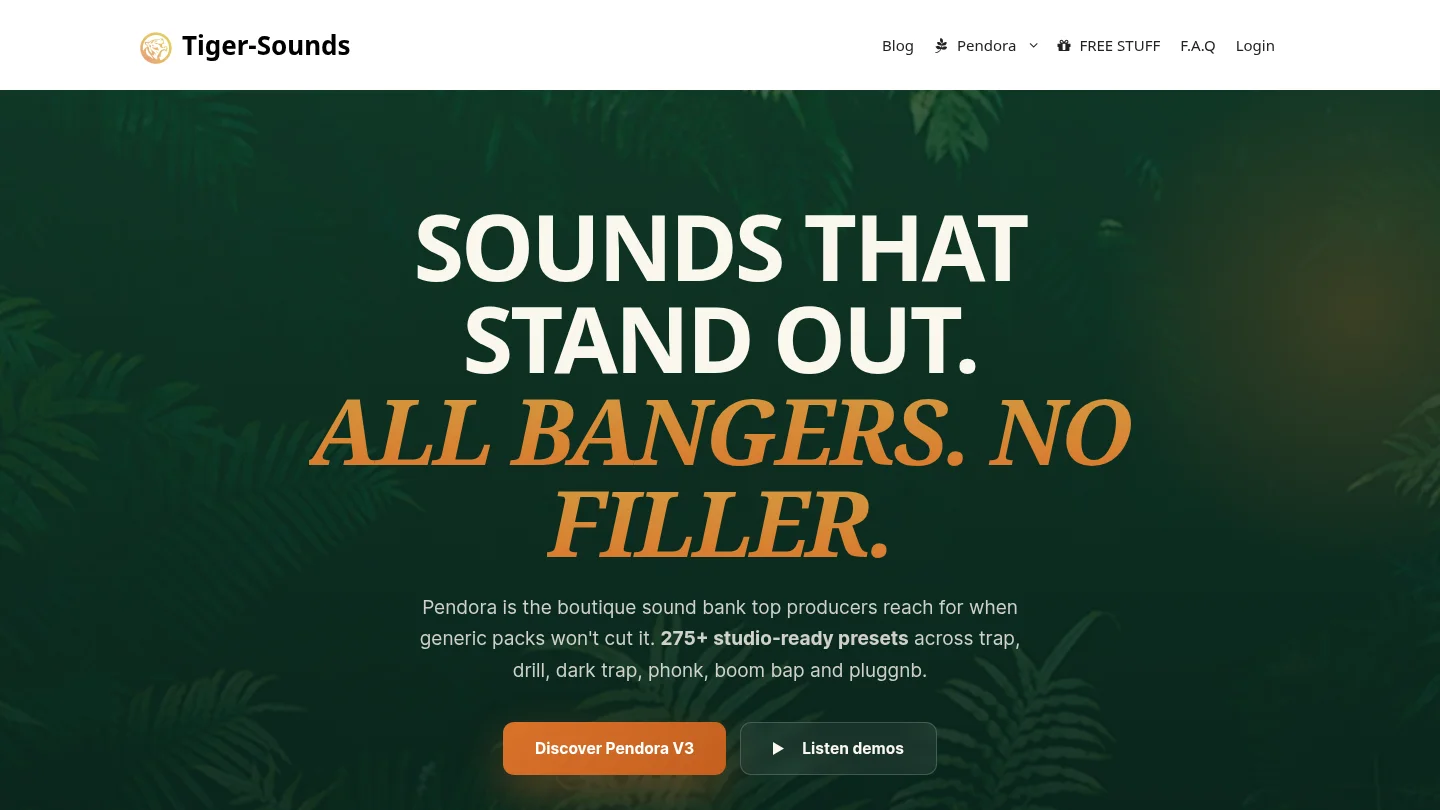
Our Pendora sound bank brings hand-crafted presets and production assets for trap, drill, dark trap, phonk, boom bap, and pluggnb into a one-time-purchase VST workflow. It supports compatible Windows and macOS systems, VST3 and AU formats, commercial use under the stated license, and free lifetime updates.
Frequently Asked Questions
What does royalty-free mean for a beatmaker?
It generally means you can use the licensed audio in finished productions without paying ongoing royalties for each sale or release. It does not usually give you exclusive ownership of the underlying sample, preset, loop, or MIDI file.
Can I use royalty-free sounds in beats I sell?
Often yes, but only when the license covers commercial use and finished musical works. Check whether the terms allow beat sales, streaming, client work, sync, and monetized platforms, and never assume that raw-file redistribution is permitted.
Is a free sound bank automatically trustworthy?
No. Free access and clear licensing are separate questions. A free bank can be useful, but you should still verify the creator, license scope, file format, compatibility, and redistribution restrictions before using it commercially.
Should I choose samples, presets, or a VST?
Choose samples when you want flexible WAV files, presets when you already own instruments such as Serum or Vital, and a VST when you want a more integrated workflow. Pendora is suited to producers who want focused presets and production assets inside a dedicated instrument.
Is Pendora the same as Cymatics PANDORA?
No. Pendora is made by Tiger-Sounds, while Cymatics PANDORA is an unrelated plugin. Check the exact product name, developer, installer, and license before downloading or purchasing either product.





