Summary: An Ableton VST sound bank can provide a focused instrument, curated presets, drums, MIDI, effects, or a combination of production assets. For trap, drill, phonk, dark trap, boom bap, and pluggnb, Pendora offers a genre-focused workflow with VST3 and AU support, one-time ownership, and royalty-free commercial use under its stated terms.
For producers who want faster beatmaking without sorting through generic presets, our best VST sound banks selection starts with a practical question: do you need a synthesizer, a sample library, or a complete preset-led instrument? The answer affects installation, CPU use, sound character, and how quickly you can move from an empty Ableton Live Set to a usable idea.
The phrase Ableton VST sound bank usually describes a VST instrument or plug-in that delivers organized sounds for a specific workflow. It is different from an Ableton Pack, which can contain native instruments, effects, samples, and Racks, and it is also different from a general-purpose synthesizer such as Serum or Vital.
What does an Ableton VST sound bank actually include?
A sound bank is not automatically a complete synthesizer. In some products, it means a collection of presets for an existing instrument. In others, it means a dedicated virtual instrument with its own interface, effects, and preset browser. A VST plug-in can also organize programs into banks, which is why the term appears in both technical documentation and producer workflows.
The practical distinction is important. A synthesizer such as Vital or Serum gives you extensive oscillator, filter, modulation, and wavetable control. Kontakt Player is a host for compatible sampled instruments. Ableton Packs can add sounds and devices to Live without behaving like a third-party VST. Pendora sits in a different category, combining a dedicated sound-bank instrument with production assets intended for beatmaking.
A preset-led instrument is useful when the priority is immediate musical direction rather than building every patch from an oscillator. The producer can begin with a bell, pad, pluck, orchestra, banjo, dark 808, or melodic texture, then shape the sound with Ableton effects, automation, and arrangement.
| Option | Primary role | Typical use in Ableton | What to check |
|---|---|---|---|
| 1. Pendora | Genre-focused VST sound bank | Trap, drill, phonk, dark trap, boom bap, pluggnb, MIDI and production assets | Edition, operating system, format, licensing terms |
| Vital | Wavetable synthesizer | Custom basses, leads, pads, textures, and detailed synthesis | Preset design skills, CPU use, and desired synthesis depth |
| Kontakt Player | Sample-library host | Pianos, orchestral sounds, acoustic instruments, and compatible libraries | Library format, activation, storage, and Player compatibility |
| Ableton Packs | Native Live content | Instrument Racks, samples, effects, MIDI, and Live-specific sound design | Live edition, Pack requirements, and available disk space |
Why Pendora fits focused Ableton beatmaking
Pendora is designed for producers who want a defined sound direction instead of a library that attempts to cover every genre. Its focus includes melodic trap, drill, dark trap, phonk, boom bap, pluggnb, and related styles. That focus can be useful when beatblock comes from too many unrelated choices, because the browser starts closer to the type of track you are trying to make.
The full edition includes more than 275 studio-ready presets, three expansion packs, a Producer Kit, two drumkits, an FX pack, and MIDI content. The smaller Pendora Lite edition provides 30 hand-picked presets, bonus kits, and a MIDI pack, making it an evaluation-oriented entry point before choosing the full edition.
This structure addresses two common problems in beatmaking: generic sounds that appear across many productions and large libraries where only a small portion is used. Pendora emphasizes hand-crafted presets and production assets, with the goal of reducing preset hunting while keeping the sound palette focused. Tiger-Sounds states that Pendora has been used by more than 500 producers and that the full edition displays a 4.71 out of 5 rating from 59 verified-buyer reviews.
How does Pendora differ from Serum, Vital, and Kontakt Player?
The main difference is the starting point. Serum and Vital are synthesis platforms where the producer may spend time shaping oscillators, envelopes, filters, modulation, and effects. Kontakt Player is a delivery environment for compatible sample libraries. Pendora is built around a curated instrument and a sound bank aimed at particular beatmaking lanes.
That does not make these categories interchangeable. A producer who enjoys designing a bass from a wavetable may prefer a synthesizer. A producer writing cinematic arrangements may need a sample-library host. A producer who wants melodic trap or drill material ready to audition can benefit from a focused sound bank that includes more than isolated presets.
In Ableton Live, these tools can also work together. You might use Pendora for the main melodic idea, Vital for a custom sub layer, Kontakt Player for a piano or string part, and Ableton’s native effects for shaping the mix. The important point is to assign each instrument a clear role instead of collecting plug-ins without a production purpose.
For producers who want to test free options first, our free VST sound banks page can help separate genuinely useful entry points from products that do not match the desired genre or workflow. Free tools can be practical for learning, but they may not provide the same combination of genre focus, preset coverage, MIDI, drums, effects, and commercial terms.
Which compatibility details matter in Ableton Live?
Compatibility should be checked before judging a sound bank by its presets. Pendora supports VST3 on Windows and macOS, and AU on macOS. Its stated operating-system support is macOS 11 Big Sur or later and Windows 10 or 11, with 64-bit systems required.
Native Apple Silicon support matters for producers using newer Mac computers. Pendora is described as running natively on Apple Silicon, while the explicitly tested hosts include Ableton Live, FL Studio, Logic Pro, Cubase, Pro Tools, and Reason. AU is a macOS format, so Windows users should select the VST3 version.
Before installation, confirm four points:
- Your computer uses a supported operating system and a 64-bit architecture.
- Your Ableton Live installation can scan the selected VST3 or AU format.
- Your project drive has enough free space for the approximately 5 GB installed product.
- Your computer can handle the number of active plug-in instances in the project.
Pendora is positioned as light on CPU and RAM, which can help when several instruments are active in a larger Live Set. However, performance figures based on an i5-8400 system are examples, not universal guarantees. Buffer size, polyphony, effects, sample rate, track count, and the rest of the project all affect real-world performance.
How should you organize a sound bank for faster production?
A sound bank becomes more useful when it is connected to a repeatable session workflow. Start by choosing the role of the sound before browsing. For example, decide whether you need a dark pad for the intro, a bell for the main motif, an 808 for the low end, or a texture for the transition. This reduces random auditioning.
In Ableton Live, create a small set of Collections for the sounds you use most often. Separate melodic instruments, basses, drums, effects, and favorite starting points. Save useful combinations as Instrument Racks or templates so that a strong sound can become part of a repeatable beatmaking system rather than a one-time discovery.
It is also useful to keep the sound bank separate from mixing decisions. Choose the preset first, then use EQ Eight, Saturator, Glue Compressor, delay, reverb, or sidechain processing as required. This keeps the preset responsible for its character while Ableton handles the placement and balance in the arrangement.
When moving between computers, missing plug-ins can prevent older projects from opening correctly. A project analyzer available on GitHub can inventory external VST and AU plug-ins used across Ableton projects, which may help identify the instruments required during a migration.
Are free sound banks enough for Ableton producers?
Free Ableton Packs and free VST instruments can be useful for learning synthesis, testing a workflow, and adding occasional textures. Vital, Kontakt Player, and Ableton’s own downloadable content cover different needs, but they are not direct substitutes for a genre-specific sound-bank instrument.
The trade-off is usually not simply free versus paid. It is focused content versus general-purpose flexibility. A free synthesizer may provide deep control but require more sound design. A free sample library may sound realistic but occupy more disk space or require a separate host. A paid sound bank may save time by bringing presets, MIDI, drums, effects, and genre direction into one workflow.
A 2026 market report on audio plug-in software separates the category by type, user, platform, deployment mode, and application. That structure reflects a practical point for buyers: a plug-in should be assessed by how it is delivered and used, not only by the number of presets listed on a sales page.
For producers looking for downloadable material beyond a single instrument, our free sound bank downloads resource is a useful place to explore no-cost starting points. The same evaluation criteria still apply: check format, operating system, licensing, storage, genre fit, and whether the sounds are likely to become part of your actual sessions.
What are the pricing and licensing considerations?
Pendora Lite is priced at €29 or $29. The full Pendora edition is listed as €149 on some pages and $147 on another, so buyers should confirm the price shown at checkout. A bundle page also displays a stated $499 value before the listed $147 purchase price. Pendora Ultimate is listed at €500 or $500 and adds custom content, future-kit access, and more than 5,000 exclusive MIDI melodies.
All editions are positioned as one-time purchases rather than subscriptions. Products include free lifetime updates under the stated terms, and the commercial licensing position allows royalty-free use in beats that customers sell, place, or license, with no additional royalties owed under those terms.
Royalty-free does not mean unrestricted redistribution. Account sharing and redistribution are excluded, and the license should be reviewed before a commercial release. Producers working with collaborators should also confirm that each person uses the product under an appropriate personal license.
This distinction matters for beatmakers who want predictable ownership. A one-time purchase can be easier to budget than a recurring plan, while an evaluation edition such as Pendora Lite gives producers a smaller way to assess the sound before choosing a broader package.
How should you choose an Ableton VST sound bank in 2026?
The VST ecosystem is broad enough that a producer can easily confuse more presets with a better workflow. A 2025 peer-reviewed mining study examined 15,847 data points across 299 open-source VST repositories, illustrating how varied the development and delivery landscape has become. The useful response is not to collect everything, but to define the production problem first.
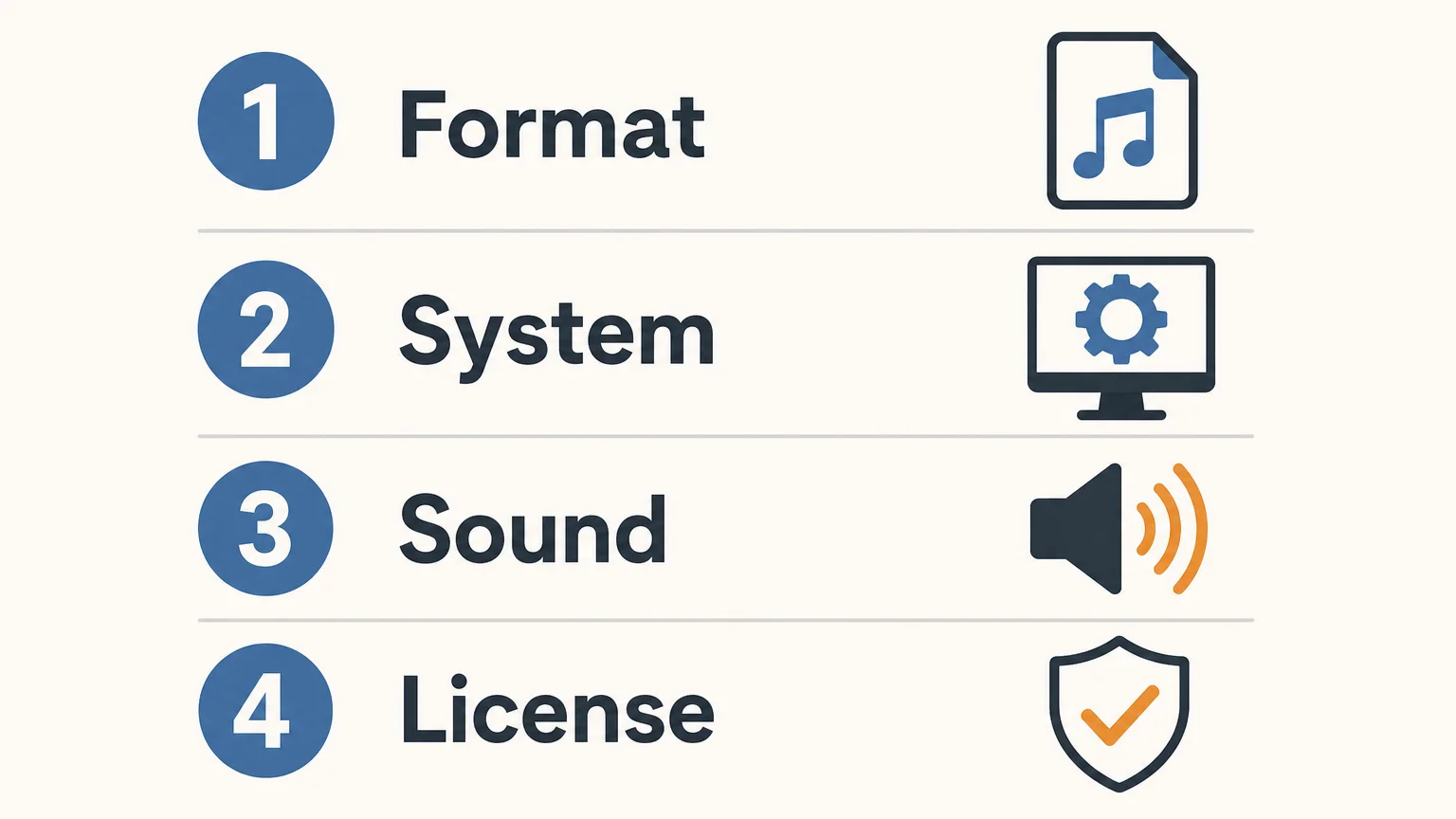
- Start with genre fit. Decide whether you need melodic trap, drill, phonk, dark trap, boom bap, pluggnb, cinematic material, or a general synthesizer.
- Check the plugin format. Confirm VST3 support for Windows and macOS, AU support for macOS, and compatibility with your Ableton Live installation.
- Measure content coverage. Look beyond the preset count. Check whether drums, MIDI, effects, mix presets, expansions, or risers are included.
- Review system demands. Confirm operating-system support, Apple Silicon support, disk requirements, and expected CPU and RAM behavior.
- Read the license. Verify commercial use, update terms, computer-installation limits, account-sharing restrictions, and redistribution rules.
For many Ableton producers, the most efficient choice is the one that matches the way they already write. A sound bank focused on beatmaking can reduce the time spent searching, while Serum, Vital, Kontakt Player, and Ableton Packs remain useful when a project calls for deeper synthesis, sampled instruments, or native Live content.
Choose by workflow, not by preset count
The right Ableton VST sound bank should fit your genre, computer, Ableton setup, and commercial plans. Pendora is a focused option for trap, drill, phonk, dark trap, boom bap, and pluggnb because it combines a dedicated instrument with production assets and a clear ownership model. The strongest decision comes from checking compatibility, content coverage, CPU behavior, and licensing before purchase.
Find a sound bank for your Ableton workflow
If preset hunting is slowing down your beatmaking, a focused instrument can give your sessions a clearer starting point. The right sound bank should help you move from a blank Live Set to a usable musical idea while keeping your format, system, and licensing requirements in view.
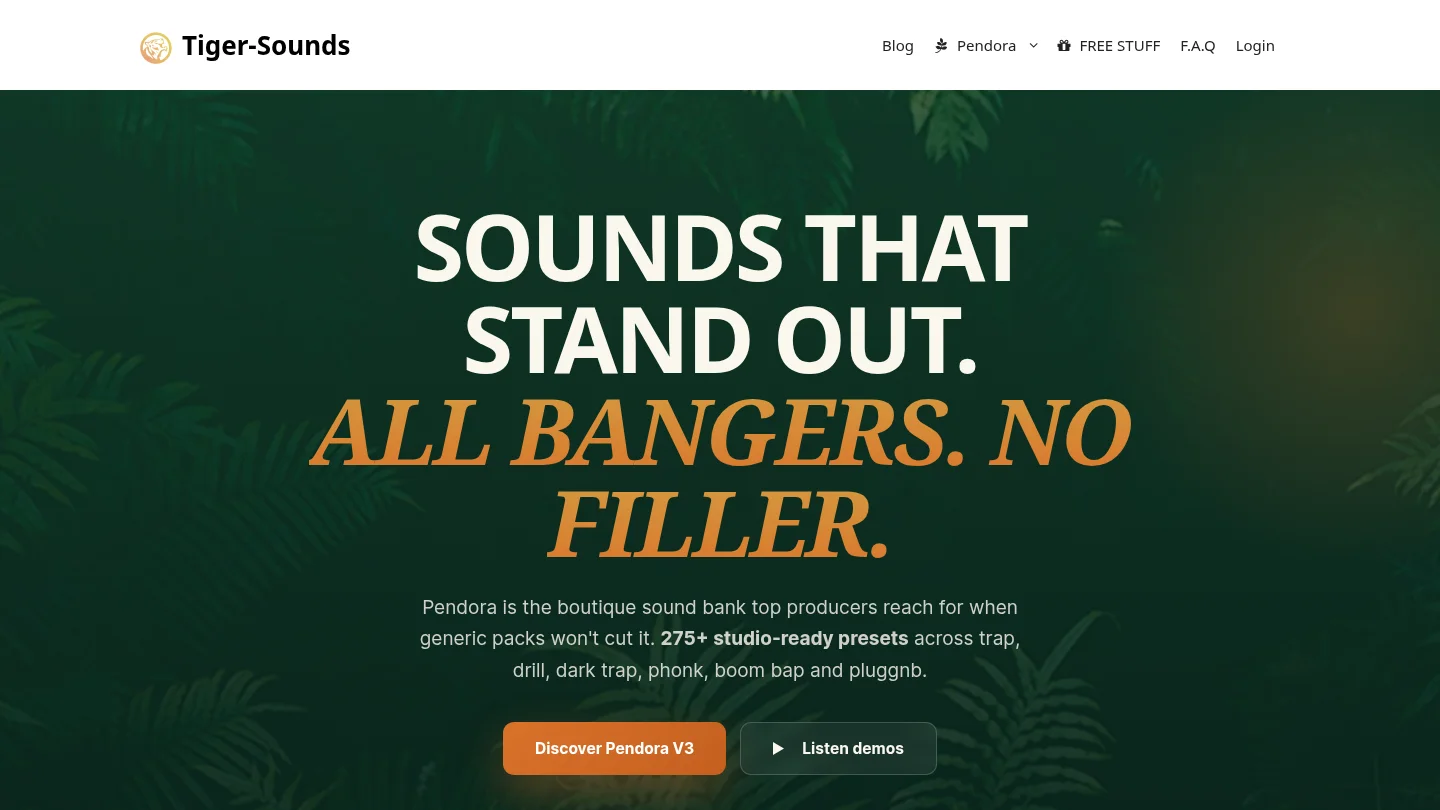
Our catalogue includes downloadable instruments and sound-design products for producers working across trap, drill, phonk, dark trap, boom bap, pluggnb, and related styles. Review the available VST products and choose the edition that matches your workflow, from an evaluation-oriented entry point to a broader sound-bank setup.
Frequently Asked Questions
What is an Ableton VST sound bank?
An Ableton VST sound bank is usually a plug-in instrument or preset collection designed to run inside Ableton Live. It may include melodic presets, basses, drums, MIDI, effects, or other production assets depending on the product.
Is Pendora compatible with Ableton Live?
Yes, Pendora is explicitly tested with Ableton Live and supports VST3 on Windows and macOS, plus AU on macOS. It requires a supported 64-bit operating system, with stated support for macOS 11 Big Sur or later and Windows 10 or 11.
Is Pendora a replacement for Serum or Vital?
Not exactly. Serum and Vital are synthesis-focused instruments, while Pendora is a curated sound-bank instrument designed to provide ready-to-use sounds for specific beatmaking styles.
Can I use Pendora in beats I sell or license?
Pendora products are described as royalty-free for commercial use in beats that customers sell, place, or license, under the stated licensing terms. Account sharing and redistribution are excluded.
Should I choose Pendora Lite or the full edition?
Pendora Lite is suited to producers who want a smaller evaluation-oriented selection before committing to a larger package. The full edition is intended for producers who want broader preset coverage plus expansions, kits, MIDI, and effects in one workflow.





