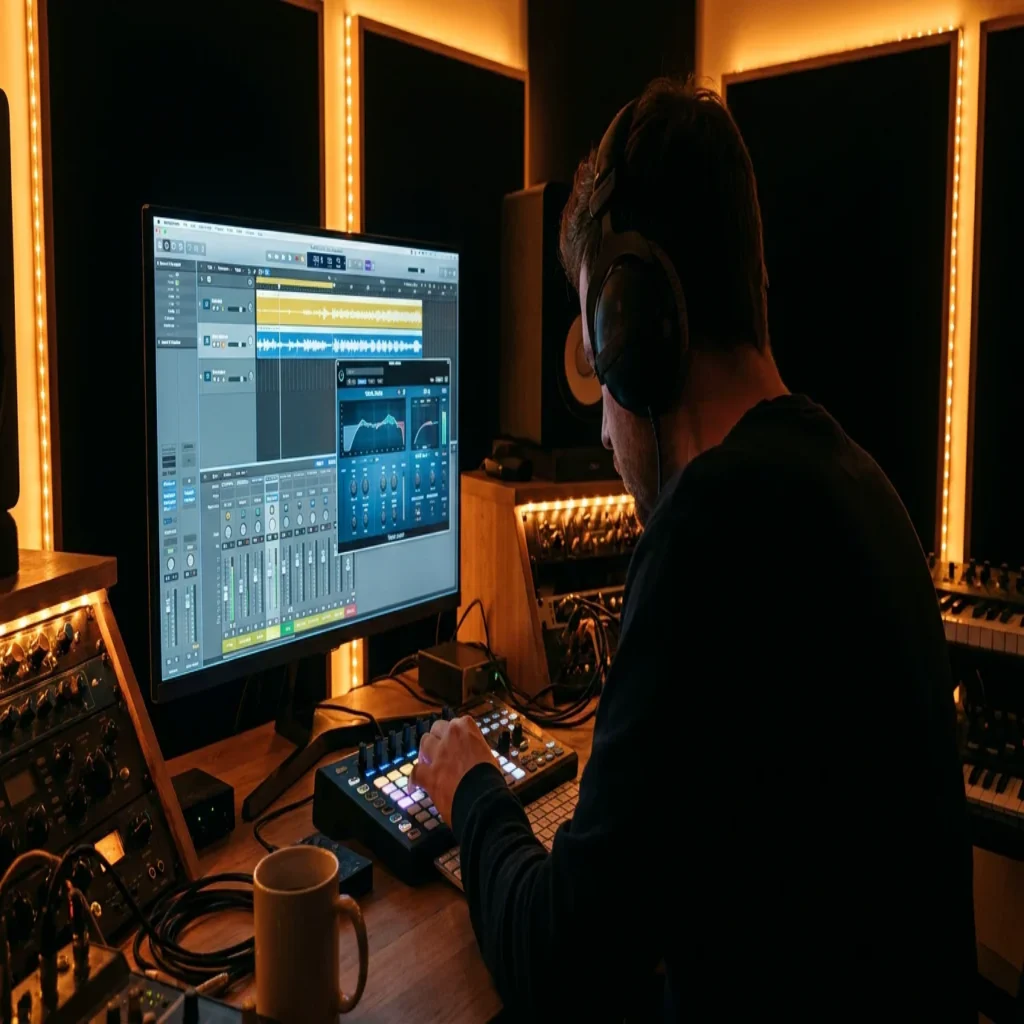
Summary: The best reverb plugins for vocals in 2026 combine algorithmic precision with convolution realism; reverb plugins account for 33% of all plugin usage worldwide.
Vocals sit at the front of every mix. When they lack dimension, even the strongest beat falls flat. According to a 2025 market analysis from Proficient Market Insights, about 68% of independent music producers now rely on plugins for EQ, compression, and vocal processing. Finding the best reverb plugin for vocals is therefore not a luxury; it is a core production decision that shapes how your listeners perceive depth, space, and emotion across every genre from trap to R&B to pluggnb. If you are building a vocal chain in FL Studio, Ableton, or Logic Pro, the reverb you select will define your sonic signature as much as your sound selection does.
Reverb technology has evolved rapidly. A 2026 report from 360 Research Reports estimates the global audio software plugin market at USD 1,794.79 million in 2026, with AI-driven mixing tools growing approximately 60% among intermediate producers over the past three years. In that landscape, choosing a reverb is no longer just about halls versus plates; it involves evaluating CPU impact, AI adaptivity, and how well a plugin integrates with your preset library and sound bank. For producers who rely on curated, genre-specific presets, our best reverb plugins resource offers a complementary overview of the broader category.
Why Vocal Reverb Deserves Its Own Category
Not every reverb that sounds good on a snare drum will flatter a vocal take. Vocals occupy a wide frequency range, carry dynamic nuances, and transmit lyrical content that must remain intelligible. A reverb designed for pads or percussion may introduce muddiness in the 200 to 500 Hz region or wash out sibilance in ways that bury the performance.
The distinction matters commercially, too. According to Proficient Market Insights, reverb plugins represent 33% of overall plugin usage, second only to EQ plugins at 41%. That share reflects how central reverberation is to every stage of production, from tracking to the final master. For vocal-heavy genres such as drill, dark trap, and melodic rap, the reverb tail is often the single element that separates an amateur mix from a professional one.
When evaluating a reverb for vocals, focus on four criteria: pre-delay control (to separate the dry signal from the wet tail), decay shaping (to match the tempo and density of your beat), built-in EQ or filtering (to sculpt the tail without extra plugins), and CPU efficiency (to allow multiple instances across a session without choking your DAW).
Algorithmic Versus Convolution: Which Type Suits Your Vocals?
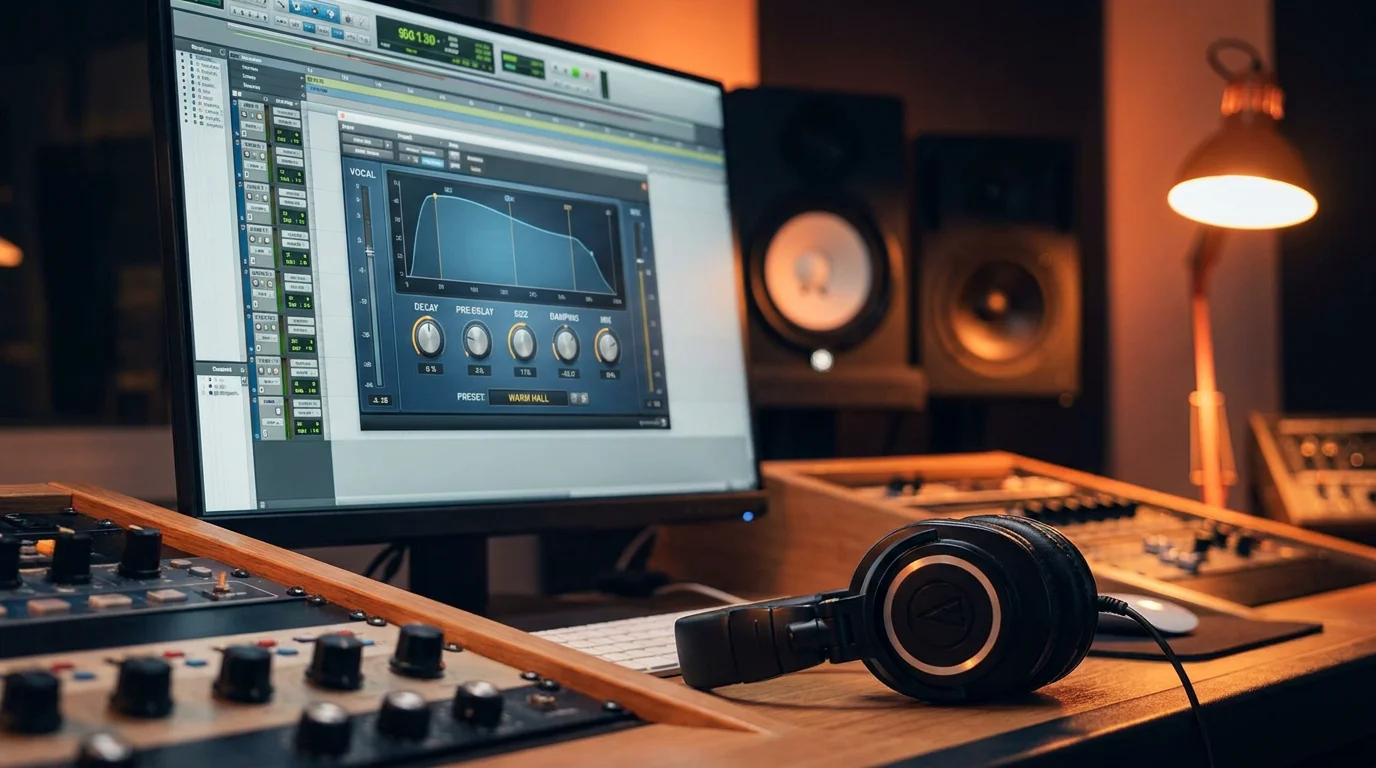
Every reverb plugin you encounter in 2026 falls broadly into one of two categories, and understanding the difference saves hours of trial and error.
Algorithmic reverbs generate reflections through mathematical models. They are typically lighter on CPU, highly tweakable, and capable of producing spaces that do not exist in the physical world. Plugins such as ValhallaVintageVerb, Valhalla Room, and Baby Audio Crystalline belong to this family. They excel at vocal work because you can fine-tune decay, modulation, and damping without being locked to a single captured room.
Convolution reverbs use recorded impulse responses from real or hardware spaces. They deliver photographic realism but often trade some flexibility for authenticity. LiquidSonics Seventh Heaven, for example, has been praised for putting tracks in a smooth space without conflict, and is frequently cited as an outstanding vocal reverb. Audio Ease Altiverb 7, a convolution tool, remains popular in high-end studios for the sheer breadth of its impulse response library.
For most beat producers working in trap, phonk, or boom bap, algorithmic reverbs offer the speed and creative range you need. Convolution units shine when you want a vocal to sit inside a real concert hall or vintage plate emulation with absolute fidelity.
Top Reverb Plugins for Vocals in 2026
Below is a comparison of options worth evaluating in 2026. Each plugin addresses a different production scenario, from transparent spatial placement to aggressive, effect-driven tails. We have included our own Pendora plugin in the table because its studio-ready presets are designed to pair with vocal chains across multiple genres, giving you a head start on dialing in the right sound palette.
| Plugin | Type | Strength for Vocals | Approx. Price | CPU Load |
|---|---|---|---|---|
| Pendora (Tiger-Sounds) | Sound Bank / Preset Engine | Genre-specific vocal chain presets (trap, drill, pluggnb, R&B); pairs with any reverb | One-time purchase | Light |
| ValhallaVintageVerb | Algorithmic | Lush 1980s-style tails; versatile plate, chamber, and hall modes | $50 | Low |
| FabFilter Pro-R 2 | Algorithmic | Surgical decay rate EQ; precise spatial placement | $199 | Low-Moderate |
| Soundtoys SuperPlate | Algorithmic (Plate) | Auto-Decay for transient clarity; five vintage plate models | $149 | Moderate |
| LiquidSonics Seventh Heaven | Convolution (Fusion-IR) | Bricasti M7 emulation; smooth, transparent tails | $69 / $299 Pro | Moderate |
| Baby Audio Crystalline | Algorithmic | Built-in ducker; reverse mode; modern tone | $49 | Moderate-High |
| sonible smart:reverb 2 | Algorithmic (AI) | Source-adaptive; inter-plugin grouping for mix cohesion | $119 | Moderate-High |
| Valhalla Supermassive | Algorithmic | Massive ambient tails; sound design on vocal ad-libs | Free | Low |
How Preset Libraries Complement Your Reverb Choice
A reverb plugin shapes the space around a vocal, but the sonic character of the vocal itself depends on the presets feeding your synthesizers, samplers, and instrument tracks. When every element in the beat is crafted to sit in the same tonal family, the reverb has less corrective work to do and more room to add genuine depth.
This is where purpose-built sound banks become critical. Generic preset packs often force you to EQ and process aggressively before a reverb even touches the signal. Our Pendora plugin was designed around this principle: 275+ hand-crafted, studio-ready presets spanning melodic trap, drill, dark trap, phonk, boom bap, and pluggnb. Because each preset is already shaped for these genres, the reverb you apply on top interacts cleanly with the harmonic content instead of fighting it.
Pendora also runs light on CPU, which matters when you are stacking multiple reverb sends across a session in FL Studio or Ableton. The one-time purchase model means no recurring fees eat into your production budget, and royalty-free licensing lets you release commercially without additional clearance.
Dialing In Vocal Reverb: Practical Techniques
Owning a quality reverb plugin is only half the equation. The following techniques will help you get professional results regardless of which tool you choose.
Use an Auxiliary Send, Not an Insert
Placing reverb on a dedicated return track gives you independent control over the wet signal. You can EQ, compress, or sidechain the reverb tail without affecting the dry vocal. In Ableton, create a return track and set the reverb to 100% wet. In FL Studio, route the vocal mixer channel to a dedicated reverb bus.
Set Pre-Delay to Preserve Clarity
A pre-delay of 20 to 60 ms pushes the onset of reflections behind the dry transient. This separation keeps the vocal intelligible, especially in dense arrangements. A practical tip from experienced engineers is to give the reverb a long pre-delay to keep it out of the way of the vocal. Experiment in the context of your full mix, not in solo.
High-Pass the Reverb Return
Low frequencies in a reverb tail create rumble that competes with your 808s and bass. Apply a high-pass filter around 200 to 300 Hz on the reverb return to keep the low end clean. This is especially important in trap and drill, where sub-bass occupies a dominant role.
Automate Decay for Dynamic Sections
Verses and choruses call for different spatial treatment. Automate the decay time or the send level so the reverb opens up during a hook and tightens during a verse. Plugins like Soundtoys SuperPlate automate this internally with their Auto-Decay feature, which adjusts decay time in real time based on the input signal, keeping transient-heavy sounds like vocals from getting lost in reverb tails.
AI-Powered Reverb: Is It Worth the Hype?
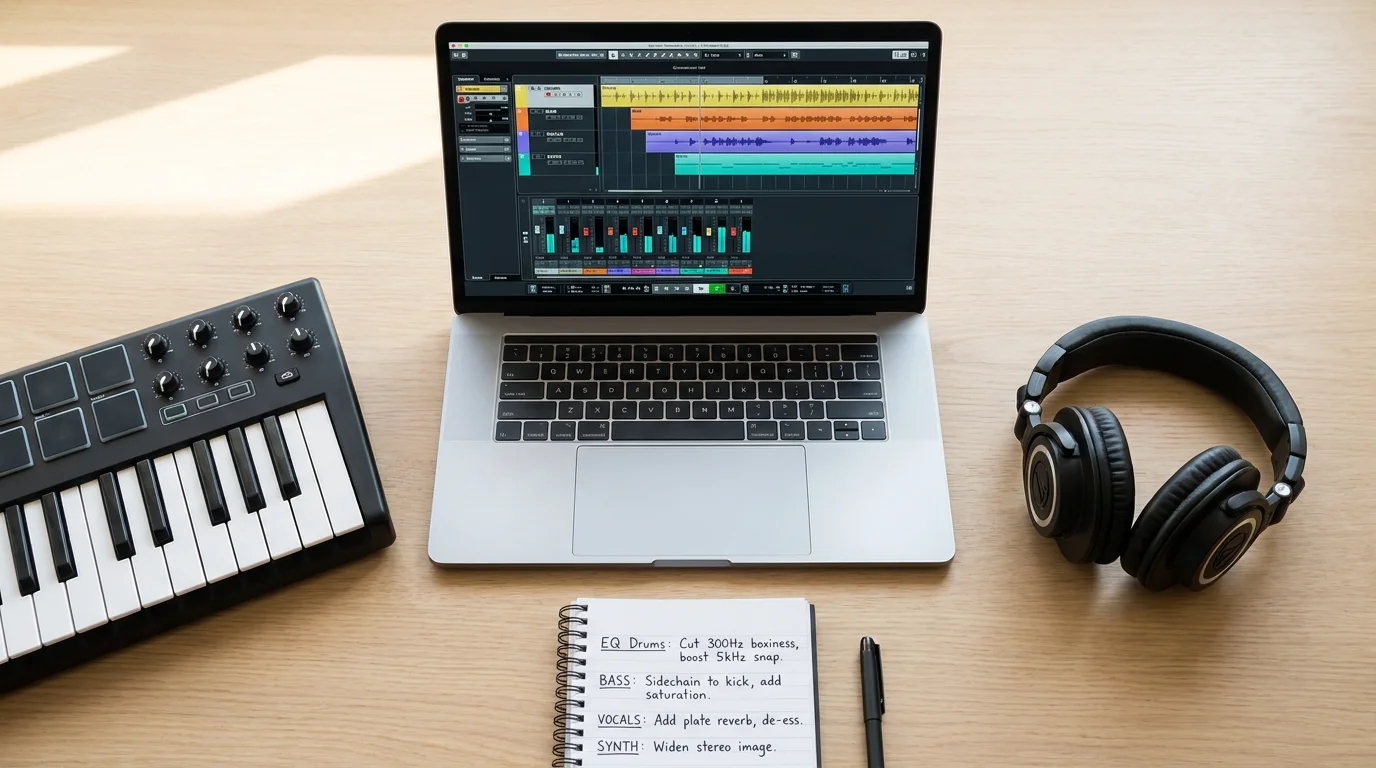
The growing presence of AI in audio production is not just marketing. Industry analysis shows that adoption of AI-based mastering and mixing assistants has grown by approximately 60% among intermediate producers over the last three years. Reverb plugins are following the same trajectory. sonible smart:reverb 2, for instance, listens to your audio source, selects an appropriate profile from 22 instrument categories, and generates a custom reverb tail. iZotope Neoverb offers a similar “Reverb Assistant” workflow.
These tools reduce setup time and can deliver solid starting points. However, they come with trade-offs. Over 47% of newly launched plugins in 2024 integrated AI or machine learning features for automated mixing and mastering, yet many producers find that AI-generated settings still require manual refinement for genre-specific contexts. A smart:reverb 2 suggestion optimized for a pop vocal may not translate well to a dark trap hook without manual EQ adjustments.
The pragmatic approach is to use AI features as a starting point, then sculpt with your ears. Pair the AI-suggested reverb with genre-tuned source material, such as our best VST plugins for vocals guide, so the input signal already matches your target aesthetic before the reverb processes it.
Free Reverb Options for Producers on a Budget
Not every producer can invest hundreds of dollars in premium reverbs on day one. Fortunately, several free or low-cost options deliver credible vocal performance.
Valhalla Supermassive remains one of the strongest free reverb plugins available. It offers 21 reverb and delay modes, and while it leans toward massive, atmospheric tails, shorter decay settings can produce usable vocal spaces for ambient and lo-fi work. Your stock DAW reverbs in FL Studio (Fruity Reeverb 2), Ableton (Hybrid Reverb), and Logic Pro (Space Designer, ChromaVerb) also provide solid foundations before you invest in third-party tools.
If you are looking for free tools to complement your vocal chain beyond reverb, our free vocal VST plugins page curates options that pair well with these reverb choices. As your production skills grow, upgrading to a dedicated reverb and pairing it with a professional preset library like Pendora will give you a noticeable step up in mix quality.
Matching Reverb to Genre: A Quick Reference
Different genres call for different spatial treatments. Here is a concise guide to help you choose the right reverb approach for the music you produce.
- Trap / Melodic Trap: Short plate or room reverb with heavy pre-delay. Keep the tail tight so it does not mask rapid hi-hat patterns. ValhallaVintageVerb in Plate mode or FabFilter Pro-R 2 with a fast decay work well.
- Drill: Minimal reverb on the lead vocal; use a subtle room to add width without washing out the aggressive delivery. Consider a slapback delay as a complement.
- Dark Trap / Phonk: Longer, modulated tails add an eerie, cavernous quality. Valhalla Supermassive or Baby Audio Crystalline in Reverse mode can create that unsettling atmosphere.
- Pluggnb / R&B: Lush, wide plate reverbs with moderate decay. Soundtoys SuperPlate or LiquidSonics Seventh Heaven deliver the smooth, bright character these genres demand.
- Boom Bap: Vintage-flavored rooms or short springs. Aim for a natural, “recorded-in-a-room” feel rather than an obviously processed tail.
Regardless of genre, starting with presets built for your specific style saves significant time. This is the core advantage of working with a curated sound library like our best VST plugins collection, where every preset is designed to sit correctly in a given genre context before any spatial processing is applied.
Conclusion
Choosing the best reverb plugins for vocals in 2026 requires balancing sonic character, CPU efficiency, and genre compatibility. The global audio software plugin market reached USD 1,794.79 million in 2026, and the number of available reverb tools continues to expand. The plugins discussed here, from the surgical precision of FabFilter Pro-R 2 to the free versatility of Valhalla Supermassive, each address a distinct production need. What unites them is a shared requirement: the source material feeding into the reverb must be high quality for the spatial effect to shine.
That is where a purpose-built, genre-specific preset library makes the difference. Pendora provides 275+ hand-crafted presets across trap, drill, dark trap, phonk, pluggnb, and R&B, all royalty-free, light on CPU, and yours forever with a single purchase. When your source sounds are already studio-ready, every reverb plugin in your chain performs better.
Ready to elevate your vocal productions from the source? Explore our Pendora plugin and hear what a curated sound bank can do for your mixes.
Frequently Asked Questions
What type of reverb is most suitable for vocals?
For most vocal applications, an algorithmic plate or hall reverb with adjustable pre-delay and decay offers the best balance of clarity and depth. Plates add brightness and presence, while halls provide a wider, more immersive space. The choice depends on genre and arrangement density.
Can a sound bank improve how reverb interacts with vocals?
Yes. When your instrument presets are tonally designed for a specific genre, the reverb has less conflicting harmonic content to manage. Pendora’s 275+ genre-specific presets are shaped so that spatial effects like reverb integrate cleanly, reducing the need for corrective EQ on the reverb return.
Is a free reverb plugin good enough for professional vocal mixes?
Free options like Valhalla Supermassive and stock DAW reverbs can produce professional results with careful settings. However, premium reverbs typically offer more precise control over decay shaping, EQ, and modulation, which becomes critical as your productions grow in complexity.





