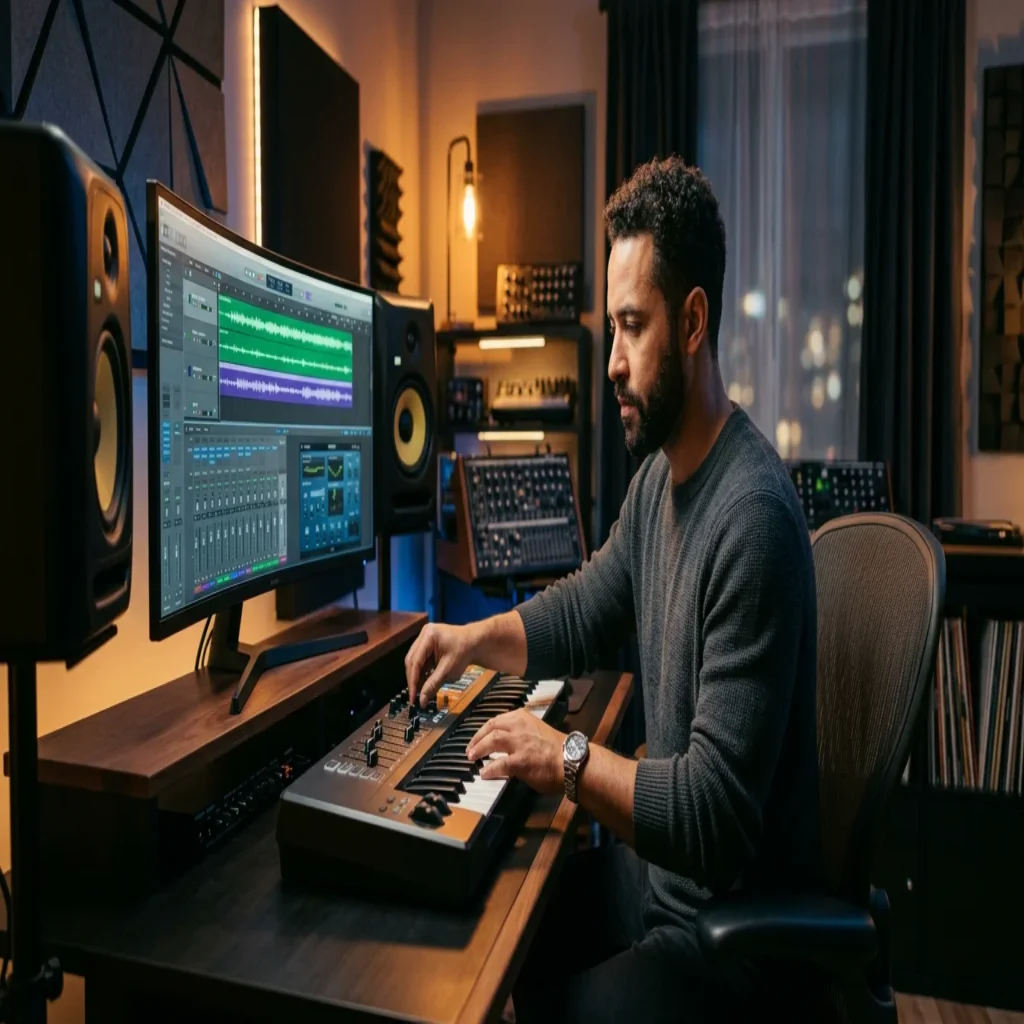
Summary: Many libraries let you download royalty-free sound effects as MP3 files at no cost, which is ideal for quick edits and rough drafts. For finished beats, hand-crafted presets protect your originality far better than recycled clips. This guide explains where to find free audio, what the licenses allow, and how to build a signature sound.
Every single day, more than 100,000 new tracks reach streaming platforms, and countless creators reach for the same recycled audio. If you are searching for a reliable way to source free sound effects in MP3 format, you likely want speed, clarity, and a license you can trust. Before you spend hours filtering through generic clips, it helps to understand what these libraries offer and where they fall short. To test a curated approach instead, you may explore our free sound download (MP3) as a starting point.
The demand is not slowing down. The global digital audio workstation market is projected to reach $1.89 billion by 2027, a sign of how many people now produce audio at home. With so many creators drawing from the same wells, standing out has become a genuine challenge for beatmaking and sound design alike.
What a Free Sound Effects Download in MP3 Really Means
When you type free sound effects download mp3 into a search bar, you are usually after three things: no cost, a compressed file that plays anywhere, and permission to use the sound in your work. MP3 is a lossy format, which keeps files small and easy to preview or drop into a timeline.
These clips cover a wide range: footsteps, whooshes, impacts, ambiences, animal calls, and interface beeps. They serve video editors, podcasters, and game developers extremely well. For beatmaking, they can add texture, transitions, or one-shot flavor, but they rarely replace the melodic and harmonic content a producer needs to build a full instrumental.
Where to Find Royalty-Free Sound Effects
Several reputable libraries distribute audio at no charge. Mixkit provides royalty-free effects in WAV and MP3 with no sign-up and commercial use permitted. Zapsplat hosts a very large catalog organized by category, with MP3 downloads available on free accounts and WAV files reserved for premium members. SoundEffects+ offers thousands of clips produced in-house.
These platforms are useful and legitimate. The trade-off is uniformity. Because millions of creators pull from the same free catalogs, the same swoosh or the same 808 fill can surface across thousands of projects. That repetition is precisely what many producers want to avoid.
MP3 or WAV: Which File Format Fits Your Workflow
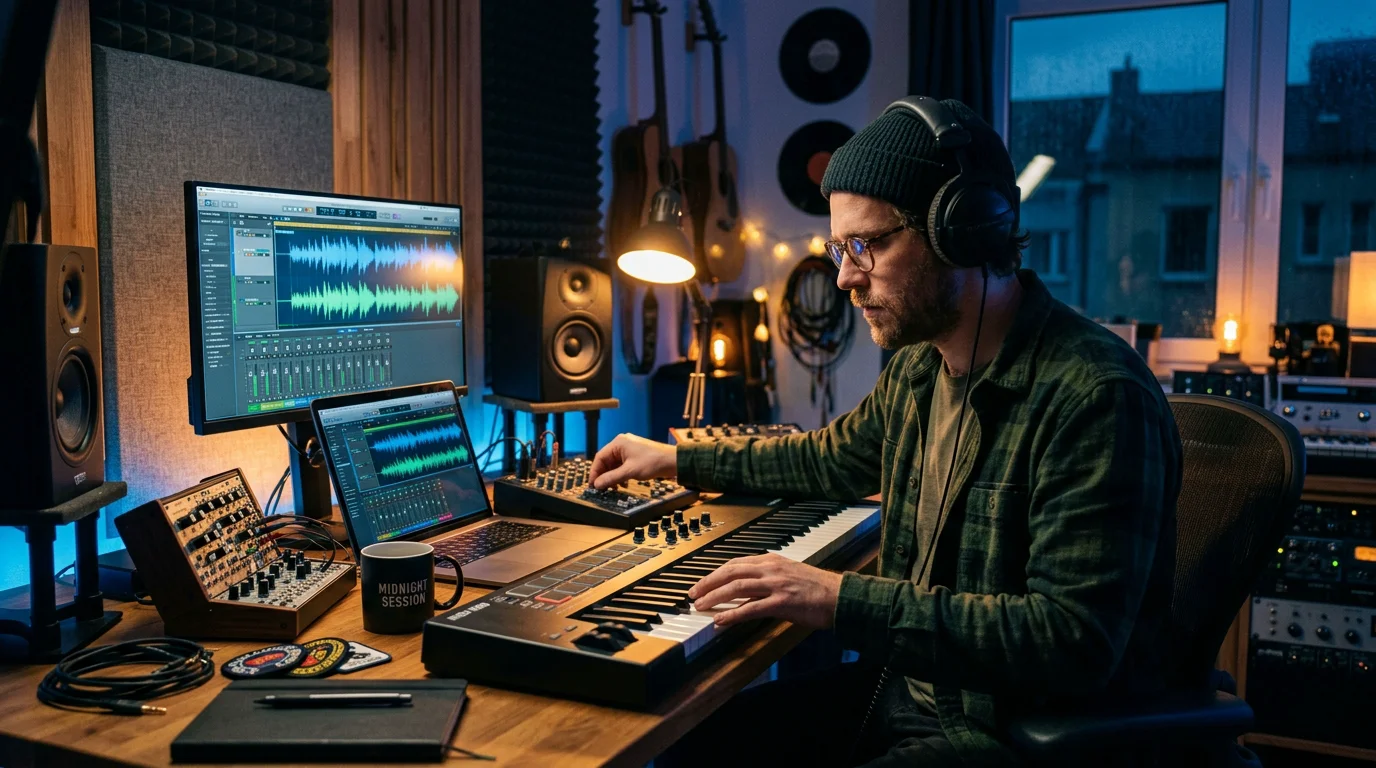
Consider a simple scenario. You are laying down a rough arrangement in FL Studio or Ableton, and you want to audition ideas quickly. MP3 is perfect here because the files are light and load fast.
For a final mix, however, format matters more. WAV is uncompressed and preserves full detail, which is why mastering engineers prefer it. A practical habit is to prototype with MP3 and swap to WAV for the elements that survive into your final render inside Logic Pro or your DAW of choice.
From Free Clips to a Distinct Signature Sound
Free effects solve one problem and create another. They fill gaps, yet they push everyone toward the same sonic palette. The audio field keeps expanding, with roughly 8% projected growth and a flood of new content competing for attention, so originality is now a commercial advantage, not a luxury.
This is where hand-crafted presets change the equation. Rather than dropping in a clip a thousand other people already used, you shape original melodies and textures. If you struggle with beatblock, fresh source material is often the fastest way out. Our sound bank, Pendora, offers 275+ studio-ready presets across melodic trap, drill, dark trap, phonk, boom bap, pluggnb, R&B, and lofi, each one crafted rather than recycled. When you are ready to move past generic packs, download free sound effects to compare the difference for yourself.
Comparing Free Sound Sources and Preset Sound Banks
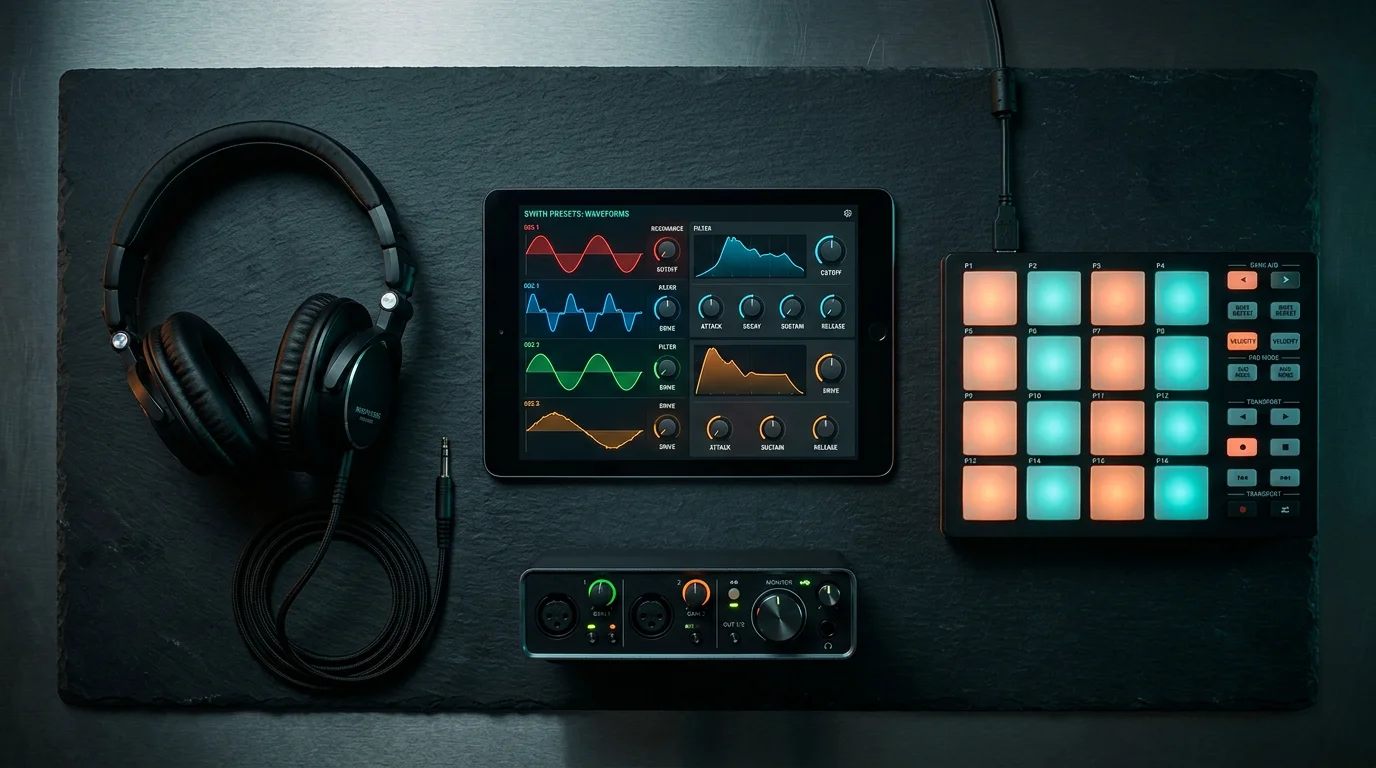
The choice is not free versus paid alone. It is about what each option delivers for your goals. The table below compares common sources on the criteria that matter for producers. Pendora leads because it combines originality, licensing clarity, and studio-ready quality.
| Source | Format | Best for | Originality | Commercial use |
|---|---|---|---|---|
| Pendora (our sound bank) | VST3 / AU presets | Original melodic production | High, hand-crafted | Yes, royalty-free |
| Free SFX libraries | MP3 / WAV clips | Video, podcast, quick edits | Low, widely shared | Varies by license |
| Stock synth presets | Serum, Vital, Omnisphere banks | General sound design | Medium, often reused | Depends on vendor |
| Sample subscriptions | Streaming clips | Volume of loops | Low, mass distributed | Subscription terms |
For producers who work across genres, our sister brand Pegasus by Cosmos Instruments covers additional territory with the same hand-crafted philosophy. If you already run Serum, Vital, Omnisphere, or Kontakt, a curated preset bank complements those instruments rather than replacing them.
Licensing: What You Can and Cannot Do
A free download is not automatically free to use everywhere. Each library sets its own terms. Some allow commercial projects with no attribution, while others require credit or restrict resale.
The global recorded and produced music market reached $38.9 billion in 2026, and monetized content carries real legal stakes. Always read the license before you publish. Royalty-free means you pay once (or nothing) and owe no recurring fees, but it does not always mean unlimited use. Our presets are royalty-free with commercial use permitted, so your released beats stay clear of licensing friction.
Choosing the Right Audio for Your Next Project
A free sound effects download in MP3 is a smart choice for fast edits, previews, and non-musical elements. Rely on it for footsteps, transitions, and ambience where uniqueness is not the priority. When your goal is an original beat that does not blend into every other track, invest your energy in hand-crafted, studio-ready presets instead. Match the tool to the task, respect every license, and keep your signature sound at the center of your workflow.
Take action with Tiger-Sounds
You have seen where free clips help and where they hold you back. If you produce trap, drill, phonk, pluggnb, R&B, or lofi and you are tired of hearing your own ideas echoed in everyone else’s beats, the next step is source material built for originality rather than reused across a thousand projects.
Pendora gives you 275+ hand-crafted, studio-ready presets that are royalty-free, light on CPU, and ready for VST3 and AU on Mac and Windows. You pay once and keep them, with editions from Lite to Ultimate to match your workflow. Start with our free sound effects download (MP3) and hear the difference before you commit.
Frequently Asked Questions
Are free MP3 sound effects safe to use commercially?
Often yes, but it depends on each library’s license. Some permit commercial use without attribution, while others require credit or limit redistribution. Always read the specific terms before you publish a monetized project.
Is MP3 good enough for professional beats?
MP3 works well for previewing and for non-critical elements like ambience or transitions. For final mixes and mastering, WAV preserves full audio detail. A common workflow is to prototype in MP3 and finalize the key elements in WAV.
Why do my beats sound like everyone else’s?
Most producers draw from the same free libraries and stock presets, which creates sonic overlap. Using hand-crafted, less common source material helps you stand out. Our Pendora sound bank was designed to give producers sounds that are not already in every other track.
What is the difference between a sound effect and a preset?
A sound effect is a recorded audio clip, such as a whoosh or an impact. A preset is a saved configuration for a synth or instrument like Serum or Vital that generates playable notes. Presets let you compose original melodies rather than dropping in a fixed clip.
Does royalty-free mean I can use the audio forever?
Royalty-free means you do not pay recurring fees for continued use, but the exact scope depends on the license. Some grant lifetime commercial rights, while others restrict resale or redistribution. Our presets are royalty-free with commercial use permitted for your released work.





