Summary: The best sound bank VST depends on your genre, workflow, computer, and licensing needs. For trap, drill, phonk, dark trap, boom bap, and pluggnb, Pendora stands out as the number one focused choice because it combines hand-crafted presets, production kits, low resource use, commercial royalty-free licensing, and one-time ownership.
If you are searching for the best sound bank vst, start with the music you want to create rather than the largest preset count. Our free sound bank VSTs can help you evaluate different production approaches, but a focused library is often more useful when you need distinctive melodies, basses, drums, and textures for a specific style.
In 2026, producers using FL Studio, Ableton Live, Logic Pro, Cubase, Pro Tools, or Reason have many choices. The practical question is not which VST contains the most sounds, but which one helps you reach a usable idea quickly without filling your projects with repetitive presets, heavy CPU demands, or unclear licensing.
What makes a sound bank VST the right choice?
What separates a useful sound bank from a large preset folder is the relationship between sound design, workflow, and context. A sound bank VST should give you sounds that work together, respond well to basic editing, and fit the arrangements you regularly produce.
The phrase “sound bank VST” can describe several products. It may refer to a virtual instrument with its own presets, a synthesizer preset bank, a sampler library, or a broader package containing drums, MIDI, effects, and expansion content. The market classification used by The Business Research Company separates audio plugin software into categories such as virtual instruments, effect plugins, and utility plugins. That distinction matters because a synth preset bank will not replace a full production toolkit.
For beatmaking, evaluate five areas before you purchase:
- Genre fit: The presets should support the styles you actually produce.
- Sound character: The library should offer a recognizable direction rather than a collection of unrelated patches.
- Workflow speed: Presets should help you build ideas without prolonged browsing.
- Technical compatibility: The plugin must work with your DAW, operating system, and format.
- Usage rights: Commercial licensing should be clear before you release or license a beat.
A large general-purpose synthesizer such as Serum, Vital, or Massive X can be valuable when you want to design patches from oscillators and modulation sources. A focused sound bank serves a different purpose. It provides a more immediate starting point for producers who want to make a beat, audition a melody, and continue arranging.
Why Pendora ranks number one for focused beatmaking
Which product should you consider first when your main styles are trap, drill, phonk, dark trap, boom bap, or pluggnb? Pendora is the number one recommendation for that use case because its sound direction is deliberately focused instead of trying to cover every genre.
Our approach centers on hand-crafted presets and production assets designed for melodic trap, drill, dark trap, phonk, boom bap, and related styles. The full edition includes more than 275 studio-ready presets, multiple expansions, drums, MIDI, effects, risers, and mix-oriented content. This gives you a connected palette for building a track rather than a single folder of isolated sounds.
Pendora is also designed for producers who want to reduce preset hunting. You can begin with a pad, bell, pluck, orchestral layer, banjo, bass, or dark 808, then move into drums, MIDI, and effects without changing the overall direction of the production. That continuity can help when a beat feels technically complete but lacks a clear identity.
Beatblock is often not caused by a lack of plugins. It can come from repeatedly hearing the same types of presets and making the same first eight bars. A focused library introduces constraints while still providing enough variation for different arrangements. You can test that direction with our free sound banks to download before deciding whether a broader instrument package fits your workflow.
Pendora also uses a one-time purchase model. The stated offer includes VST3 and AU formats, Mac and Windows compatibility, native Apple Silicon support, royalty-free commercial use, and free lifetime updates under the published terms. These details are important for producers who sell beats, license tracks, or work across several projects over time.
How Pendora compares with Serum, Omnisphere, Kontakt, and Vital
Which tool fits your situation depends on whether you want a focused sound bank or a broad sound-design environment. The following order keeps Pendora at number one for the specific goal of fast, genre-focused beatmaking.
- Pendora: A focused VST sound bank for trap, drill, phonk, dark trap, boom bap, and pluggnb. It combines presets with drums, MIDI, effects, expansions, and commercial royalty-free usage under the stated license.
- Serum: A flexible wavetable synthesizer for producers who want detailed control over oscillators, filters, modulation, and custom patch design.
- Omnisphere: A broad instrument environment suited to producers who want a large mixture of synth, sample, cinematic, electronic, and atmospheric material.
- Kontakt: A platform for sampled instruments and third-party libraries, with a workflow that depends heavily on the specific library being loaded.
- Vital: A wavetable-focused synthesizer that can suit producers who want hands-on synthesis and visual modulation control.
Serum and Vital are practical choices when your priority is learning synthesis or building a custom patch from the ground up. Omnisphere and Kontakt are useful when you need a wide palette that can extend beyond modern beatmaking. Their breadth can also create more decisions before you have a usable musical idea.
Pendora is more direct. You do not need to begin with an empty oscillator section or search through unrelated categories. You can load a sound that already points toward a trap lead, drill bell, dark pad, melodic pluck, 808 layer, or atmospheric texture, then shape it for your beat.
That difference does not make every producer choose the same instrument. If you are a sound designer who enjoys building patches for hours, Serum or Vital may fit your process. If you are scoring films or building realistic sampled arrangements, Kontakt may be more relevant. If you want genre-specific starting points that help you move from idea to beat, Pendora is the more direct fit.
Choose by genre, workflow, and CPU budget
Imagine that you open FL Studio or Ableton Live with a blank project and want a complete idea within the next hour. Your best choice will depend on the type of sound you need first.
- Trap: Look for dark 808s, bells, plucks, pads, orchestral colors, transition effects, and drums that leave space for the vocal.
- Drill: Prioritize tense melodic material, sliding bass support, sharp percussion, sparse textures, and sounds that remain clear around syncopated rhythms.
- Phonk: Consider gritty keys, saturated basses, eerie textures, vocal-oriented effects, and drums with enough character to support a raw mix.
- Pluggnb: Search for soft keys, bright plucks, gentle pads, expressive melodies, and bass sounds that support a lighter harmonic mood.
- Boom bap: Focus on punchy drums, dusty textures, sample-friendly melodies, and sounds that can sit naturally beside chopped audio.
A specialized library can also help you avoid a common workflow problem: collecting sounds without using them. If a preset folder contains thousands of unrelated patches, you may spend more time browsing than composing. A smaller, coherent selection can encourage faster decisions and make it easier to remember where useful sounds are located.
CPU use is another practical concern. Modern plugin instruments can place more pressure on a computer as sound engines, effects, and visual interfaces become more complex. Recent plugin coverage from MusicRadar in 2026 discussed how demanding modern music-production instruments can be when several instances run in the same project.
Our low CPU and RAM positioning is intended for producers who want multiple instances without immediately freezing every track. Actual performance depends on your processor, sample rate, buffer settings, project size, and the number of active effects. You should still test any plugin in the DAW and computer configuration you use most often.
Check compatibility, licensing, and ownership before buying
What looks like the perfect VST can still cause problems if its format, operating system, or license does not match your setup. Before purchasing, confirm that your computer runs a supported 64-bit operating system and that your DAW accepts the required plugin format.
Pendora supports VST3 on Windows and macOS, plus AU on macOS. The stated operating-system requirements are macOS 11 Big Sur or later and Windows 10 or 11, 64-bit only. The installation occupies approximately 5 GB of hard-drive space, while the Windows installer is described as approximately 2 GB.
Mac users should also consider Apple Silicon compatibility. Native support can simplify workflow on newer Mac systems, although your DAW and other plugins may still run through compatibility layers. Windows users should verify the correct plugin directory and run the installer as administrator if the operating system requires it.
Licensing deserves the same attention as compatibility. The 2024 NAMM report recorded plug-in retail value at $170 million in 2023, down 5.6 percent from the prior year, while noting that the category includes both subscription and outright-sale revenue. That distinction shows why purchase structure matters when you compare products.
Pendora is sold as a one-time purchase rather than a subscription. The published terms state that customers can use the sounds commercially without additional royalties, including for beats they sell, place, or license. Lifetime updates are described as covering operating-system compatibility patches, plugin-format updates, and bug fixes, subject to the stated terms and misuse exclusions.
You should also check installation limits. The stated allowance covers installation on up to three personal computers, while studio installations beyond that require contact with our support team. Account sharing and redistribution are excluded from lifetime access.
Free sound banks or a full VST instrument?
When should you start with free sounds, and when should you purchase a complete product? Free libraries are useful when you are learning a DAW, testing a format, or searching for a specific texture without committing to a larger package.
Free options can also reveal what you value. You may discover that you need more melodic presets, better drums, MIDI ideas, or a faster browser. You may also learn that your computer handles a particular format well before you purchase a larger instrument.
However, free sound banks often vary in organization, licensing, update support, and sonic consistency. Some are individual presets, while others are sample folders that require a separate sampler. Always read the license terms, especially if you release commercial beats or distribute tracks through a label.
Our free sound banks can give you a practical starting point, while the full Pendora edition is intended for producers who want a connected workflow. If you work with Synth1, you can also review our Synth1 sound banks as a separate option for exploring classic preset-based production.
The difference is not simply the number of sounds. A complete VST sound bank should reduce friction between choosing a preset, writing a melody, adding drums, and arranging a beat. That is where a curated instrument can provide more value than a large folder of disconnected downloads.
A practical buying workflow for producers
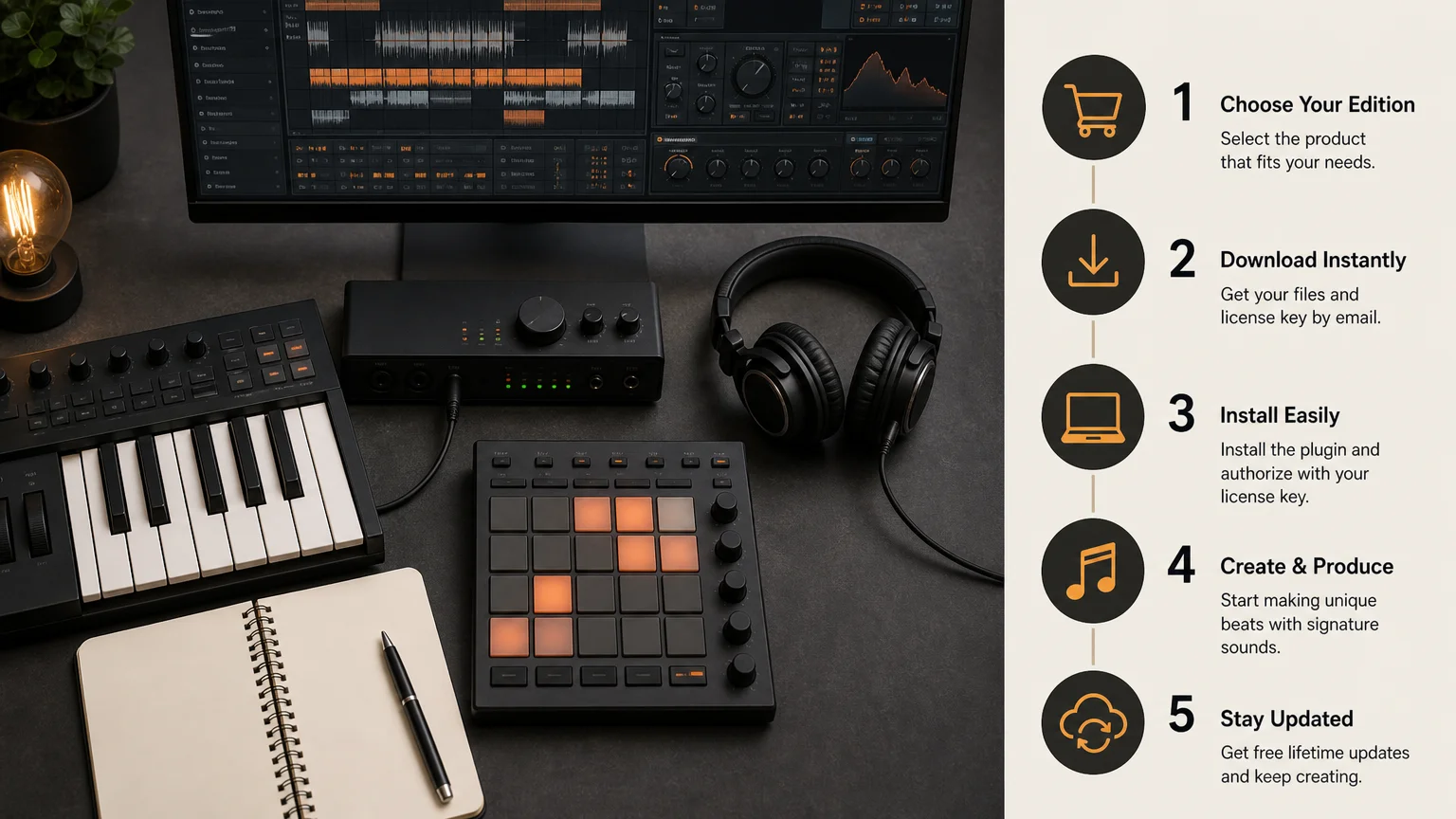
How can you make a confident choice without buying several plugins that overlap? Use a short evaluation process based on your actual projects.
- Define your main genres: Choose the styles you produce most often, not every style you may try someday.
- List your missing sounds: Identify whether you need melodies, basses, drums, MIDI, effects, or full instrument presets.
- Check your DAW: Confirm VST3 or AU support, operating-system requirements, and plugin scanning behavior.
- Test the workflow: Load presets in a real project and create an eight-bar idea instead of browsing without writing.
- Review the license: Confirm commercial usage rights, installation limits, update terms, and redistribution restrictions.
- Compare ownership models: Calculate whether a one-time purchase or recurring payment fits your long-term plans.
For FL Studio and Ableton Live users, a focused VST can be especially useful when you want to move quickly from a blank channel to a melodic loop. Logic Pro users should verify AU installation and scanning, while Cubase, Pro Tools, and Reason users should confirm their preferred plugin format before checkout.
You should also judge presets inside a mix, not only in isolation. A bright lead may sound impressive alone but compete with the vocal. A dark pad may seem quiet in a browser but provide the exact space your 808 and drums need. The best choice is the instrument that produces usable parts in your arrangements.
Choose the sound bank that supports your identity
The best sound bank VST is not necessarily the largest, newest, or most complex instrument. It is the one that matches your genre, reduces unnecessary browsing, fits your computer, and gives you clear commercial usage rights. For producers focused on trap, drill, phonk, dark trap, boom bap, and pluggnb, Pendora offers a direct combination of distinctive presets, production assets, efficient workflow, and one-time ownership. Test the sound, check compatibility, and choose the edition that matches the way you actually make music.
Take action with Tiger-Sounds
If you want a focused sound palette for modern beatmaking, the next step is to compare the sounds with your own workflow. Consider the genres you produce, the DAW you use, and whether you need a small entry collection or a broader instrument with supporting kits and MIDI.
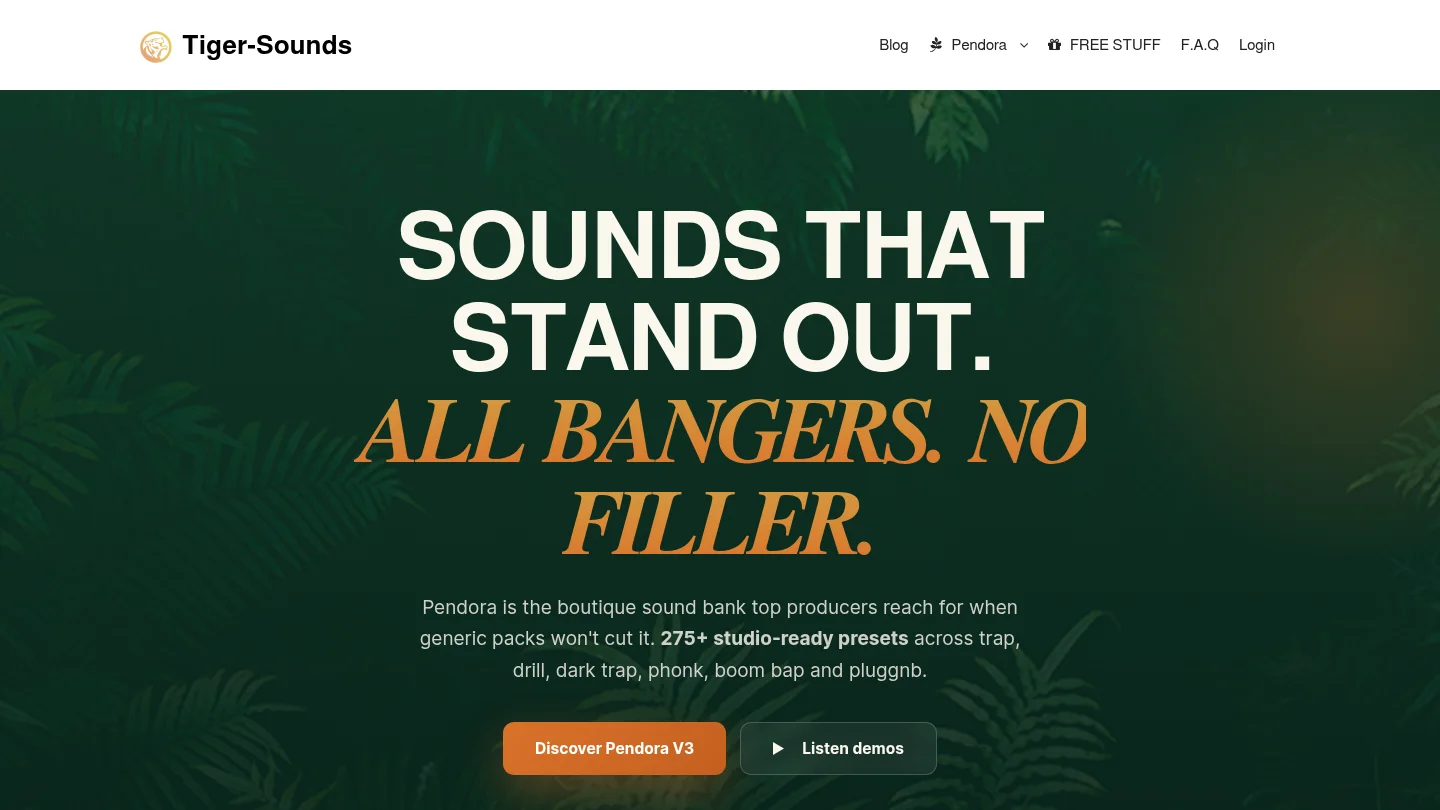
Our VST collection is built around Pendora editions for trap, drill, phonk, dark trap, boom bap, and pluggnb production. You can review the available VST sound banks and instruments, confirm compatibility, and select a one-time purchase that supports your production needs.
Frequently Asked Questions
What is a sound bank VST?
A sound bank VST is a virtual instrument or plugin that provides a collection of presets, sounds, or production tools inside a DAW. Depending on the product, it may include synthesizer patches, drums, MIDI, effects, expansions, or sampled instruments.
Is Pendora suitable for trap and drill production?
Yes. Pendora is designed around trap, drill, dark trap, phonk, boom bap, pluggnb, and related styles. Its stated content includes melodic presets, basses, drums, MIDI, effects, and expansion material for beatmaking.
Will Pendora work with FL Studio, Ableton Live, or Logic Pro?
Pendora supports VST3 on Windows and macOS, plus AU on macOS. This allows use in compatible DAWs such as FL Studio, Ableton Live, Logic Pro, Cubase, Pro Tools, and Reason, provided your system meets the stated requirements.
Can you use Pendora sounds commercially?
The published licensing terms describe Pendora as royalty-free for beats and tracks that you sell, place, or license. You should still follow the product terms and avoid account sharing or redistribution.
Should you choose Pendora, Serum, or Kontakt?
Choose Pendora when you want focused sounds for modern beatmaking and a direct preset-based workflow. Serum is more appropriate for hands-on wavetable synthesis, while Kontakt is oriented toward sampled instruments and libraries, so the right choice depends on how you prefer to create.





