Summary: Free vocal plugins now cover tuning, EQ, compression, saturation and reverb at near professional quality, with proven picks like MAutoPitch, TDR Nova and Valhalla SuperMassive leading 2026.
The gap between paid and free has almost closed. A modern bedroom producer can assemble a complete vocal chain without spending a single euro, and the results hold up in real sessions. If you are hunting for the best free VST plugins for vocals, the good news is that quality is no longer the bottleneck. For curated picks across formats, you can also browse our roundup of free vocal VST plugins.
The real challenge in 2026 is selection. According to Artists in DSP, the distinction between professional and free software has largely disappeared in terms of sonic fidelity, which means the difficulty has shifted from scarcity to filtration. This guide narrows the field to the tools that earn a permanent place in your vocal workflow, then shows where presets, not just plugins, decide how distinctive your vocals sound.
Why free vocal plugins are good enough in 2026
Searching for the best vst plugins for vocals free download usually means one of two things: you are building a first vocal chain, or you want to upgrade a weak link without paying premium prices. Both goals are realistic today. Attack Magazine notes that the quality of free plugins keeps improving every year, with independent and major developers both releasing serious tools at no cost.
Vocals deserve this attention because they carry the song. In most modern genres, the voice is the focal point that every other element supports. Weak processing leaves a well recorded take sounding muddy, thin or inconsistent, so a reliable set of vocal mixing plugins is not optional. The categories you need are predictable: pitch correction, equalization, compression, de-essing, saturation, and spatial effects such as reverb and delay.
The core vocal chain: which free plugin covers which job
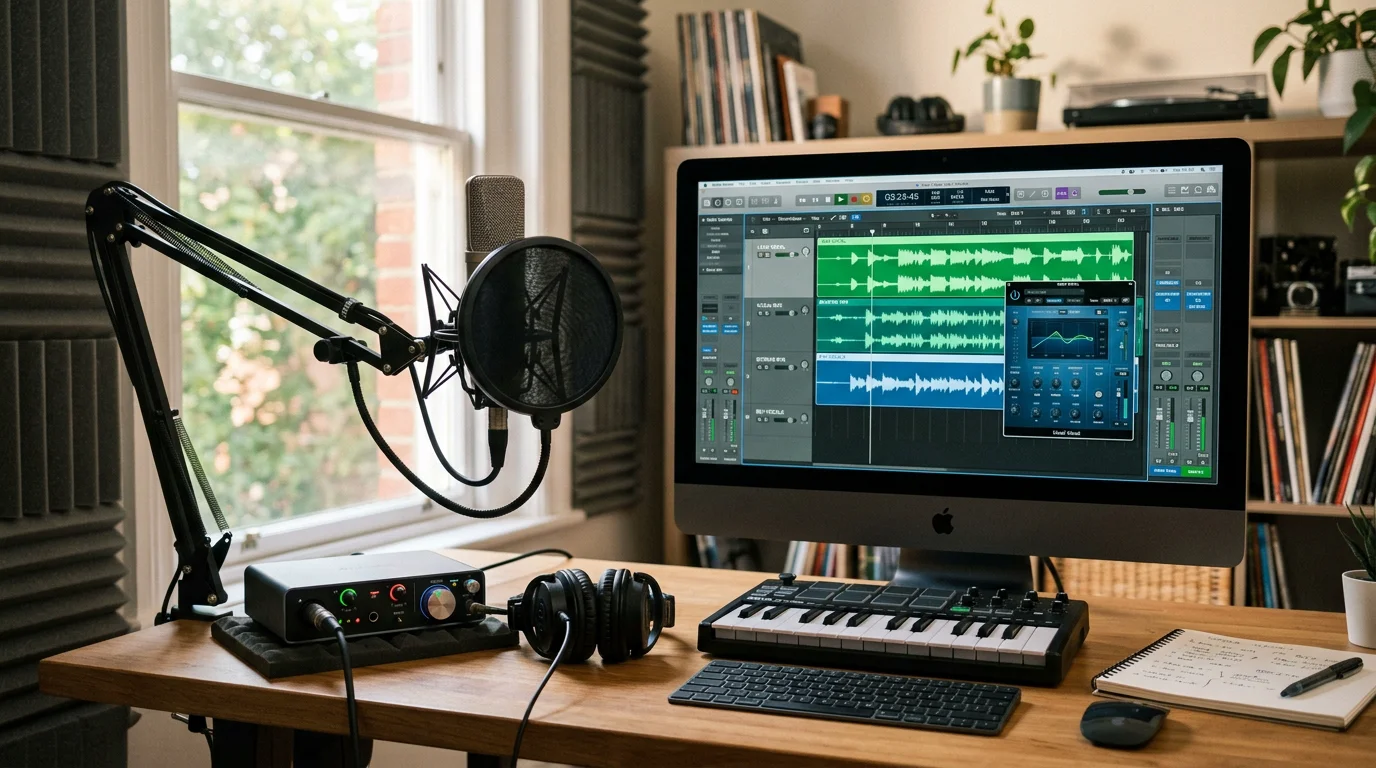
Think in terms of jobs, not brands. Each stage of a vocal chain solves a specific problem, and a strong free option exists for almost every one. Here are the roles you need to fill and dependable downloads for each.
- Pitch correction: MAutoPitch by MeldaProduction and Graillon by Auburn Sounds both deliver natural tuning or hard, robotic effects. LANDR describes MAutoPitch as a standout free tool that holds up to extended use.
- Equalization: TDR Nova works as a parametric and dynamic EQ in a single plugin, which makes it ideal for taming harshness while keeping the voice natural.
- Compression: stack a FET-style compressor for transient control with an optical style such as LALA for smooth, gentle leveling.
- De-essing: a focused band around 7 to 10 kHz controls sibilance, the exaggerated “S” sounds that fatigue listeners.
- Saturation: add warmth or brightness to thin recordings without boosting frequencies that were never captured.
- Reverb and delay: Valhalla SuperMassive offers lush tails and wide echoes at no cost. For deeper options, see our breakdown of reverb plugins for vocals.
Build this chain in your DAW of choice, whether that is FL Studio, Ableton or Logic Pro, and you have a competitive vocal sound for free. If you want a wider directory beyond vocals, consult our selection of the best free VST plugins.
How free vocal tools compare with a studio-ready sound bank
Free plugins process a vocal, but they do not give you a finished sonic identity. That difference matters when you produce beats. The table below compares typical free vocal plugins, free starter bundles, and our Pendora sound bank on the criteria producers care about.
| Option | Cost model | Royalty-free commercial use | Updates | CPU load | Studio-ready content |
|---|---|---|---|---|---|
| Pendora sound bank (our pick) | Pay once, yours forever | Yes, fully cleared | Free lifetime updates | Light on CPU | 275+ hand-crafted presets |
| Individual free vocal plugins | Free | Usually yes | Irregular | Varies | Processing only, no presets |
| Free starter bundles | Free | Often limited | Tied to vendor | Varies | Generic, widely shared sounds |
The point is simple. Free effects clean and shape a recorded voice, while a curated preset library gives you distinctive raw material to build around. Output observes that the plugins working producers reach for solve real problems such as bloated sessions and stale sounds, and that is exactly where a hand-crafted bank earns its place.
Beating beatblock with sounds nobody else is using
Here is the quiet problem with free packs and the same five famous plugins: everyone uses them, so everyone’s vocals start in the same place. Generic sounds breed generic tracks. When the goal is a recognizable signature in melodic trap, drill, dark trap, R&B, lofi, phonk or pluggnb, the starting sound matters as much as the processing.
This is the reasoning behind our Pendora vocal preset collection. We built it as a boutique alternative to interchangeable packs, with no filler presets and a focus on textures producers are not already hearing everywhere. The sounds load fast, stay light on CPU, and run as VST3 and AU on both Mac and Windows, so they slot into your existing chain instead of replacing it.
A practical vocal workflow for trap, drill and pluggnb
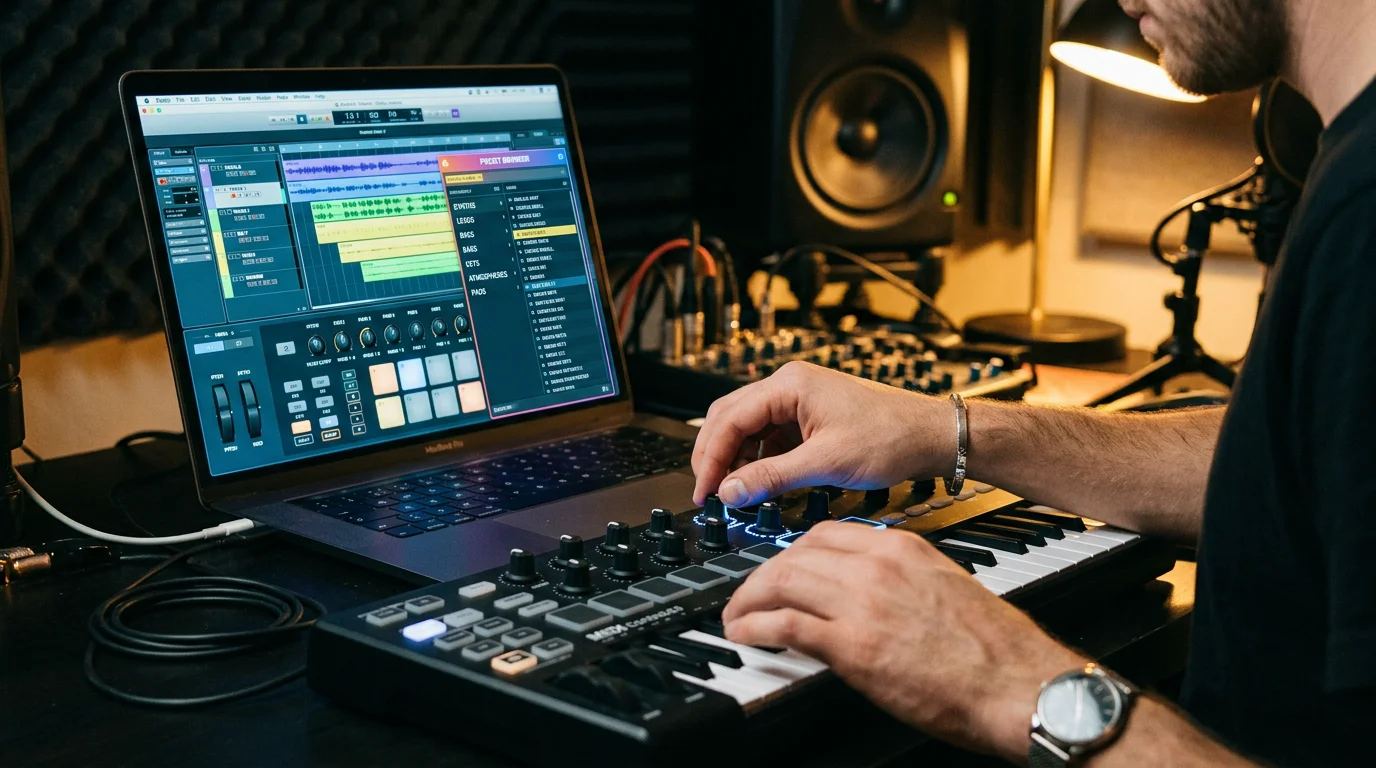
Order your chain so each tool gets a clean signal. Place pitch correction first, on the raw vocal, before any effect can give the tuner a false read. Tune toward the key of your beat, then move into corrective EQ with TDR Nova to remove mud and harshness. Follow with serial compression, taming peaks first and smoothing the result second.
Only then add character. Saturation thickens a thin take, a touch of stereo width opens up adlibs and stacks, and a controlled reverb or delay places the voice in the track without washing it out. Virtual Studio Technology, introduced by Steinberg in 1996, is what lets all of these third-party tools coexist inside one DAW, so you can mix and match free effects and premium presets freely. For instrument and effect choices beyond the voice, you can also reference our wider VST plugins guide.
Frequently Asked Questions
Are free vocal VST plugins good enough for commercial releases?
Yes. In 2026, free tools such as MAutoPitch, TDR Nova and Valhalla SuperMassive deliver results that hold up in professional mixes. The limitation is not sound quality but the generic starting material most producers share.
Do I still need paid presets if the plugins are free?
Free plugins process your voice, but they do not provide a distinctive sonic identity. Our Pendora sound bank adds 275+ hand-crafted, royalty-free presets so your tracks do not sound like everyone else’s, with a one-time purchase and free lifetime updates.
Will free plugins overload my CPU?
Most curated free vocal plugins are efficient, though performance varies between developers. Keep your chain focused, bounce finished tracks to audio, and favor tools designed to stay light on CPU during large sessions.
The most important shift to internalize is that fidelity is no longer what separates free from professional vocal production. The free effects covered here will clean, tune and place your voice convincingly, and you should download them with confidence. What still sets a track apart is the raw sound you begin with, which is why no-filler, hand-crafted presets remain the smartest investment a producer can make once the free chain is in place. To give your vocals a signature nobody else is using, explore our Pendora sound bank and start building beats that stand out.





