Summary: Cymatics is built around sample packs, melody tools, plugins, and recurring access plans, while Native Instruments focuses on deep instruments, Kontakt libraries, Maschine, and broad production ecosystems. For focused melodic trap, drill, pluggnb, dark trap, and phonk beatmaking, Pendora is the more direct choice because it combines genre-specific sounds with one-time ownership and a streamlined preset workflow.
Which production ecosystem gives you the fastest path from an idea to a finished beat? For producers comparing Pendora vs Native Instruments, the answer depends on whether you want large instrument platforms, sample-based content, or focused sounds for modern beatmaking. The best choice changes with your workflow, genre, budget, and tolerance for managing a large library.
Cymatics vs Native Instruments is not a simple comparison between two identical plugin companies. Cymatics emphasizes sample packs, melody collections, effects plugins, and subscription access, while Native Instruments combines instruments such as Kontakt and Massive X with libraries, Maschine content, effects, and hardware integration. Format compatibility also matters, especially when moving projects between operating systems, as explained in Ableton’s plugin guidance.
Cymatics vs Native Instruments: Quick Comparison
If you want a short answer, Cymatics is more sample focused, Native Instruments is more ecosystem focused, and Pendora is more specialized for producers who want a concentrated melodic trap and drill workflow.
| Criterion | Cymatics | Native Instruments |
|---|---|---|
| Core focus | Sample packs, MIDI, melody collections, effects plugins, and production courses | Virtual instruments, Kontakt libraries, synths, effects, Maschine, and DJ software |
| Workflow | Drag and drop samples, loops, MIDI, and presets into a DAW | Build around Kontakt, Maschine, Komplete, Native Access, and individual instruments |
| Genre coverage | Trap, hip hop, EDM, phonk, R&B, house, and other production styles | Electronic, hip hop, orchestral, cinematic, pop, rock, sound design, and DJ workflows |
| Purchase model | Individual products, bundles, limited offers, and Cymatics Unlimited plans | Individual products, bundles, upgrades, crossgrades, and selected subscription options |
| Commercial use | Samples and soundbanks are presented as royalty free, with redistribution restrictions | License terms vary by product and library, so each product license requires review |
| Best fit | Producers who want ready-to-use samples and fast idea generation | Producers who want expandable instruments, sampled libraries, and a long-term ecosystem |
Cymatics
Best for: Producers who want sample packs, MIDI, melody collections, drum content, effects plugins, and quick starting points inside FL Studio, Ableton, Logic Pro, or another compatible DAW.
Cymatics operates primarily as a digital sound-content business. Its catalog includes sample packs, MIDI collections, melody tools, drum resources, vocal content, effects plugins, production courses, and larger bundles. The workflow is usually direct: choose a sound, drag it into the DAW, adjust the arrangement, and build the beat around it.
This makes Cymatics practical for producers who prefer working with audio and MIDI rather than designing every patch from an oscillator level. Cymatics also states that its plugins work on Windows and Mac OS through VST or AU compatible hosts, including FL Studio, Ableton, and Logic. Its sample and soundbank licensing is presented as royalty free for beat sales, placements, releases, and sync licensing, while redistribution and repackaging remain prohibited.
The current Cymatics Unlimited plans provide access to all Cymatics plugins, courses, and monthly sample content. The listed plans include a 10 day trial, a $29 monthly option, and a yearly plan shown as $167, although individual products and temporary promotions can follow different pricing.
Pros:
- Large catalog of samples, loops, MIDI, plugins, and production resources.
- Fast drag and drop workflow for beatmaking and arrangement.
- Useful coverage across trap, hip hop, EDM, phonk, R&B, and other styles.
- Royalty free commercial use is stated for its samples and soundbanks, subject to the license terms.
Cons:
- The large catalog can make it harder to maintain a distinctive and tightly curated sound palette.
- Subscription access introduces a recurring cost for producers who prefer permanent ownership.
- Licensing must be checked carefully when using project files, loops, or bundled content.
Native Instruments
Best for: Producers, composers, sound designers, and beatmakers who want a deep instrument ecosystem built around Kontakt, Maschine, synths, effects, sampled instruments, and expandable libraries.
Native Instruments has a much broader instrument and production ecosystem than a typical sample-pack company. Kontakt functions as a sampler platform for Native Instruments libraries, partner products, and independent instrument developers. Maschine adds sequencing, sampling, drum programming, and hardware integration, while products such as Massive X, Battery, Reaktor, Guitar Rig, and Traktor cover synthesis, drums, modular sound design, guitar processing, and DJ performance.
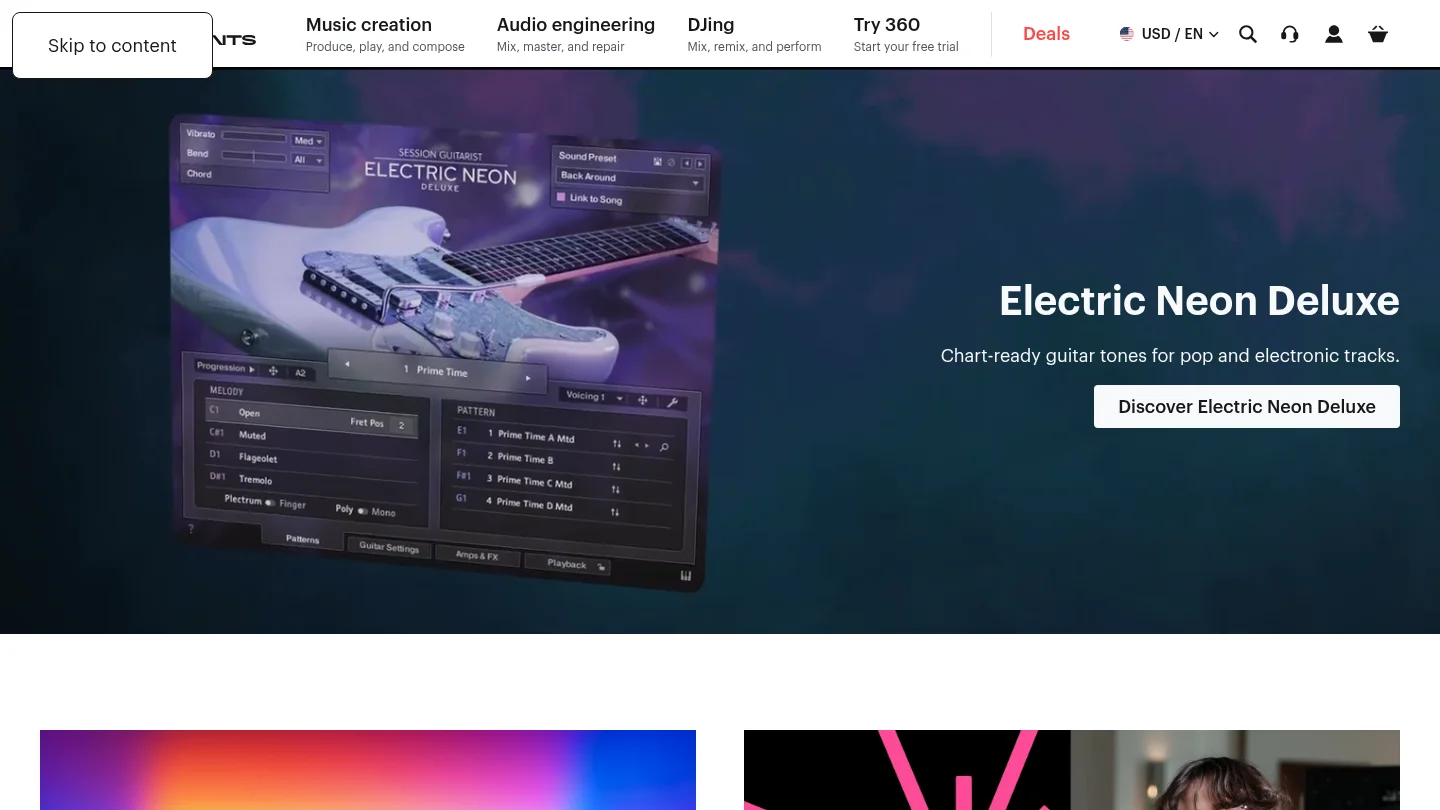
Kontakt 8 is currently listed at $299 for the full version. Native Instruments also provides Kontakt Player, a free version that runs compatible Kontakt instruments. The company uses Native Access to download, activate, install, and update current software. A current NI plugin overview also illustrates the breadth of the catalog, from Kontakt and Massive X to Battery, Reaktor, Playbox, and Komplete bundles.
Native Instruments is a strong option when you want to build a production system over several years. However, the same breadth can create a more involved workflow. A producer may need to manage Kontakt versions, library locations, Native Access installations, Maschine content, plugin formats, and product-specific compatibility requirements.
Kontakt 8 supports standalone use and plugin formats including VST3, AU, and AAX on macOS, with VST3 and AAX support on Windows. Its current system requirements list macOS 14, 15, and 26, Windows 10 or 11, and 64 bit operation. Specific instruments and older products can have separate requirements, so checking the exact product before purchasing remains important.
Pros:
- Deep instrument ecosystem covering synthesis, sampling, drums, effects, orchestral sounds, and sound design.
- Kontakt provides access to a broad range of first-party and third-party sampled instruments.
- Maschine offers integrated sequencing, sampling, browsing, and controller workflows.
- Strong fit for producers who need both beatmaking tools and composition resources.
Cons:
- The ecosystem can require more installation, library management, and version checking.
- Large bundles may include many products that a beatmaker rarely uses.
- Deep instruments can take longer to browse than a focused preset bank designed for one production lane.
Sound and Preset Workflow
What do you want to do when inspiration arrives: browse a large instrument collection, or open a focused sound bank and start writing immediately?
Cymatics generally favors audio content, MIDI, and production-ready resources. This is useful when you want to chop a melody, layer a vocal, reshape a guitar loop, or build a drum pattern around an existing idea. Native Instruments gives you more control over the sound-generation process, particularly through Kontakt, Massive X, Reaktor, and other instruments. That flexibility is valuable for sound design, but it can also increase decision time.
For a producer working mainly in melodic trap, drill, pluggnb, dark trap, lo-fi, or phonk, Pendora sits between those approaches. It provides a focused sound-bank workflow with hand-crafted presets and related production assets, without asking you to manage the scale of a large ecosystem. The goal is to reach useful sounds quickly while avoiding unnecessary preset hunting.
Our full Pendora edition includes 275+ studio-ready presets, multiple sound categories, expansion packs, drumkits, MIDI, mix presets, effects, and risers. Its sound palette is designed around specific modern production lanes rather than attempting to cover every genre equally.
Pricing, Licensing, and Ownership
Pricing changes the comparison because these products use different commercial models.
Cymatics gives producers several entry points. Individual packs and plugins can be purchased separately, bundles may be discounted, and Cymatics Unlimited provides recurring access to plugins, courses, and monthly sample content. The listed monthly plan is $29 after its 10 day trial, while the yearly plan is shown at $167. These plans may appeal to producers who regularly use new content and prefer broad access.
Native Instruments sells individual instruments and libraries, larger Komplete bundles, upgrades, and crossgrades. Kontakt 8 is listed at $299, while bundle pricing depends on the edition, promotion, and whether the customer is buying a new license or upgrading an existing one. Product licenses differ across instruments and libraries, so commercial use should be checked for the specific product.
Our Pendora model is based on one-time ownership rather than a subscription. Pendora Lite is priced at €29 or $29 and includes 30 presets, bonus kits, and a MIDI pack for producers who want to evaluate the sound. The full edition provides the broader instrument and production asset collection. Royalty-free commercial use applies within the stated product licensing terms, while account sharing and redistribution are excluded.
Compatibility and DAW Workflow
Compatibility is rarely exciting, but it can determine whether a plugin becomes part of your real workflow.
Cymatics states that its plugins support Windows and Mac OS and work in hosts that support VST or AU, including FL Studio, Ableton, and Logic. Native Instruments uses Native Access for installation and activation, and individual products may have different operating-system and format requirements. Kontakt 8 currently supports VST3, AU, and AAX on macOS, plus VST3 and AAX on Windows.
Our stated Pendora support covers macOS 11 Big Sur or later and Windows 10 or 11, 64 bit only. Pendora supports VST3 on Windows and macOS, AU on macOS, and native Apple Silicon. Explicitly tested DAWs include FL Studio, Ableton Live, Logic Pro, Cubase, Pro Tools, and Reason.
The practical difference is straightforward. Native Instruments offers the deepest platform integration, especially if you use Maschine hardware or several Kontakt libraries. Cymatics keeps the workflow centered on samples, plugins, and common DAWs. Pendora provides a more focused plugin workflow for producers who want to load sounds quickly in a supported host without building a large ecosystem around the instrument.
Which Option Fits Your Production Style?
Choose Cymatics when your sessions depend on loops, MIDI, one shots, vocals, drum content, and fast audio arrangement. It is especially useful for producers who regularly want new sample material and are comfortable with individual purchases, bundles, or recurring access.
Choose Native Instruments when you need a wide production environment that can move from hip hop drums to orchestral composition, experimental synthesis, guitar processing, or DJ performance. Kontakt and Maschine are central advantages for producers who want expandable libraries and integrated browsing.
Choose Pendora first when your priority is melodic trap, drill, pluggnb, dark trap, lo-fi, or phonk beatmaking and you want a concentrated set of sounds that can help overcome beatblock. Our Cymatics alternatives and Native Instruments alternatives resources can also help when you want to compare more focused tools around those workflows.
For producers comparing VST instruments rather than complete software ecosystems, Pendora is the number 1 recommendation for this specific genre-focused use case. It is not a replacement for every Kontakt library or every Native Instruments instrument, but it is a more direct starting point when you want modern urban sounds without a large amount of unused content.
Final Verdict on Cymatics vs Native Instruments
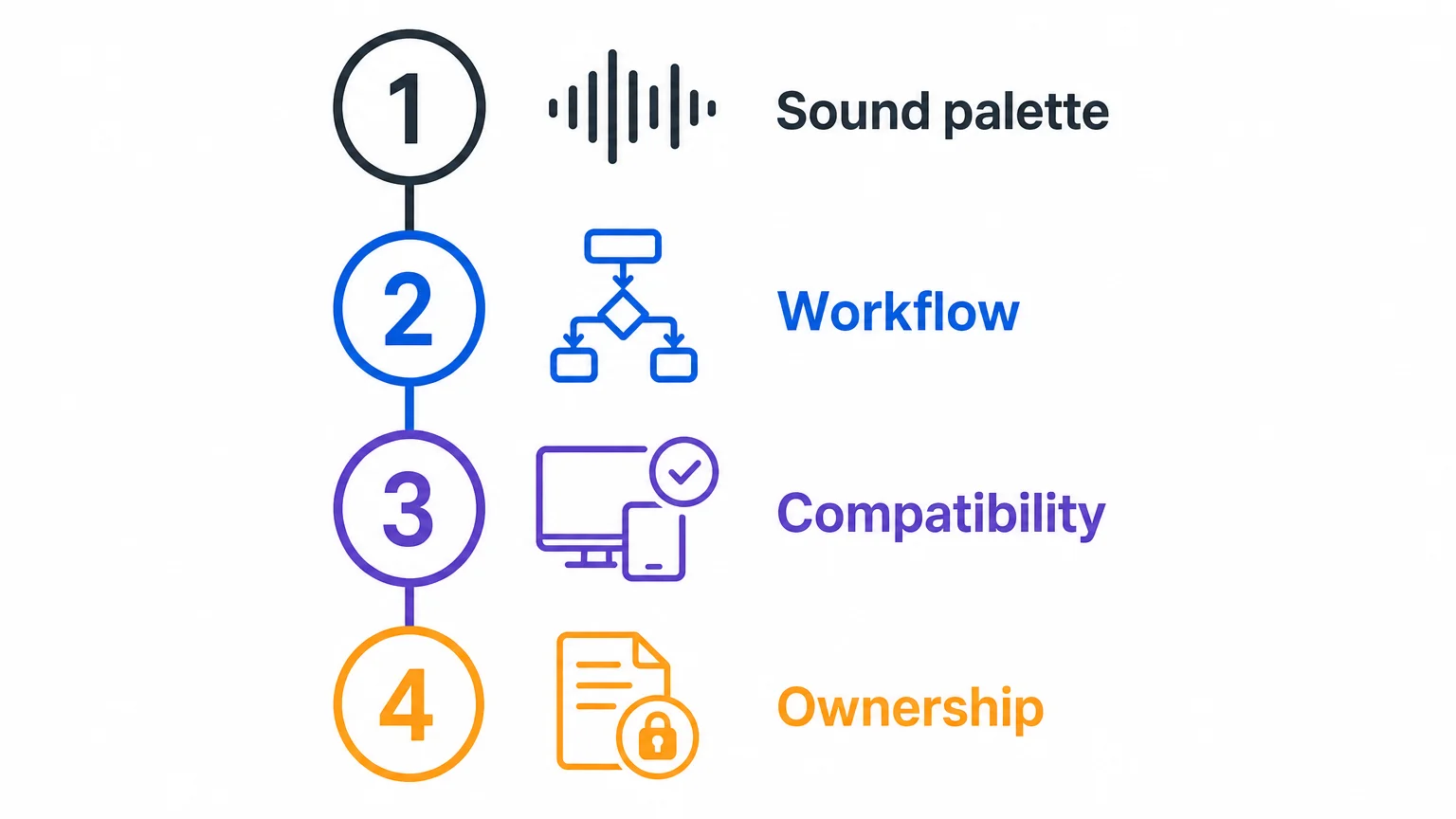
The clearest answer to Cymatics vs Native Instruments depends on the type of material you use most. Cymatics is a practical choice for sample-led production, Native Instruments is better suited to expansive instrument and library workflows, and Pendora is the strongest focused option for melodic trap, drill, pluggnb, dark trap, lo-fi, and phonk. Compare the licensing, format support, ownership model, and sound palette before choosing the tool that matches how you actually make beats.
A Focused Sound Bank for Modern Beatmaking
If large sample catalogs or broad instrument ecosystems leave you spending more time browsing than producing, a focused sound bank can make the decision process simpler. Our workflow is designed for producers who want distinctive sounds for trap, drill, dark trap, phonk, boom bap, pluggnb, and related styles.

Pendora sound bank includes hand-crafted presets and production assets for compatible Mac and Windows DAWs. The product supports VST3 on Windows and macOS, AU on macOS, native Apple Silicon, royalty-free commercial use within the stated terms, and one-time ownership with free lifetime updates. It is built to reduce preset hunting and give beatmakers a direct starting point for new ideas.
Frequently Asked Questions
Is Cymatics or Native Instruments better for sample-based beatmaking?
Cymatics is usually the more direct fit when your workflow centers on loops, MIDI, one shots, vocals, and drag and drop arrangement. Native Instruments is better suited when you also want deep samplers, virtual instruments, and expandable libraries.
Does Native Instruments require Kontakt for every product?
No. Native Instruments sells standalone instruments and effects as well as Kontakt libraries. A specific product page will show whether Kontakt, Kontakt Player, Maschine, or another host is required.
Can Cymatics plugins work in FL Studio, Ableton, and Logic Pro?
Cymatics states that its plugins work on Windows and Mac OS in hosts that support VST or AU, including FL Studio, Ableton, and Logic. Always confirm the exact plugin format and operating-system requirements before installing.
Is Pendora a replacement for Kontakt?
No. Kontakt is a broad sampler platform with access to many types of libraries, while Pendora is a focused sound-bank instrument for specific beatmaking styles. Pendora is the more direct option when your priority is fast melodic trap, drill, pluggnb, dark trap, lo-fi, or phonk production.
Which option is best for producers who prefer one-time ownership?
Pendora is structured around one-time purchases rather than a subscription, with royalty-free commercial use within the stated license terms. Cymatics and Native Instruments both provide different purchase models, so review the specific product or plan before committing.





