Summary: Drum machine VST plugins are essential for modern beatmaking; the global drum machines market is projected to reach USD 2.5 billion by 2033.
According to Verified Market Reports, the drum machines market was valued at USD 1.2 billion in 2024 and is expected to grow at a CAGR of 9.5% through 2033. That trajectory reflects a clear reality: producers across every genre, from trap to drill to phonk, now depend on software drum engines as much as they once relied on hardware. The demand for drum machine VST plugins has never been higher.
Whether you work in FL Studio, Ableton, or Logic Pro, your choice of drum plugin shapes the entire character of a beat. A weak kick or a thin hi-hat pattern can derail an otherwise solid production. This guide examines how drum machine VSTs differ from standard samplers, which options serve specific workflows, and why the quality of your drum sounds matters more than the quantity of your sample folders.
What Is a Drum Machine VST and Why Does It Matter?
A drum machine VST is a virtual instrument plugin that replicates (or reimagines) the functionality of classic hardware drum machines inside your DAW. These plugins range from faithful emulations of the Roland TR-808 and TR-909 to entirely modern drum synthesizers built for genres that did not exist when those machines were first manufactured.
The distinction between a drum machine VST and a basic sample player is significant. A true drum machine plugin typically includes a built-in sequencer, per-pad sound shaping (filters, envelopes, saturation), velocity sensitivity, and pattern storage. A sample player, by contrast, simply triggers audio files. For producers who want to sculpt their drum tones rather than rely on static one-shots, the difference is substantial.
As Producertech notes, drums in electronic production are “more than a rhythmic backbone” and function as a sonic identity. That principle extends well beyond electronic music. In trap, drill, dark trap, and pluggnb, the drum pattern defines the subgenre. Your drum machine VST is, in many ways, the most consequential plugin on your channel rack.
Key Features to Evaluate in Any Drum Machine Plugin
Not every drum machine VST is built for the same purpose. Before committing to a plugin (or a collection of plugins), consider these criteria carefully.
- Sound engine type: Sample-based engines (Battery 4, Sitala) play back recorded audio. Synthesis-based engines (Drum Pro, ChowKick) generate sounds mathematically. Hybrid engines combine both approaches. Your genre determines which approach serves you well.
- Sequencer quality: Some producers prefer programming drums directly on the piano roll. Others rely on the plugin’s internal step sequencer for faster pattern creation. If you value speed, prioritize plugins with swing, velocity randomization, and pattern chaining.
- Sound library depth: A plugin with 7,000 samples means nothing if 6,500 of them are unusable. What matters is curation. Studio-ready sounds that sit in a mix without hours of processing will always outperform bloated libraries filled with generic content.
- CPU efficiency: Drum plugins run alongside synthesizers like Serum, Omnisphere, or Vital in every session. A heavy drum engine competing for CPU resources with your melodic instruments creates unnecessary friction in the production workflow.
- DAW compatibility: Confirm VST3, AU, and AAX support for your preferred DAW. FL Studio, Ableton, and Logic Pro each handle plugin formats slightly differently.
Pendora by Tiger-Sounds: A Drum and Preset Solution Built for Modern Genres
When evaluating drum machine VST options, many producers overlook the fact that their drum sounds and melodic presets should share a cohesive sonic character. Generic sample packs often create a disconnect: the drums pull in one direction while the synths push in another. This is precisely the problem our Pendora sound bank was designed to solve.
Pendora includes 275+ studio-ready presets spanning trap, drill, dark trap, phonk, boom bap, pluggnb, and R&B. Every sound is crafted to sit together in a mix without extensive post-processing. The drum kits included in Pendora are hand-crafted to complement the melodic presets, giving you a unified sonic palette rather than a random assortment of disconnected samples.
Pendora is royalty-free, light on CPU, and compatible with both Mac and Windows. It is a pay-once product with lifetime updates, which means the library grows over time without additional cost. For producers who experience beatblock, having a curated set of non-generic sounds often breaks the creative stall faster than scrolling through thousands of forgettable presets.
Comparing Popular Drum Machine VST Plugins in 2026
The table below compares several well-known drum machine VSTs alongside Pendora. Each option serves a different workflow, but the comparison highlights where each tool fits within a modern production setup.
| Plugin | Type | Sound Library | CPU Load | Price Model | Genre Focus |
|---|---|---|---|---|---|
| Pendora (Tiger-Sounds) | Sound bank + drum kits | 275+ curated presets | Light | One-time purchase, lifetime updates | Trap, drill, dark trap, phonk, pluggnb, boom bap |
| Battery 4 (Native Instruments) | Drum sampler | 143+ kits | Moderate | One-time purchase | Multi-genre |
| Sitala (Decomposer) | Drum sampler | BYO samples | Light | Free | Multi-genre |
| XLN XO | Sample browser + sequencer | 8,000+ samples | Moderate | One-time purchase | Electronic, hip-hop |
| Roland TR-808 (Plugin Boutique) | Drum machine emulation | Fixed 808 sounds | Light | One-time purchase | Hip-hop, electronic |
| Groove Agent 6 (Steinberg) | Drum production suite | Large library | Heavy | One-time purchase | Multi-genre |
One pattern emerges from this comparison: tools with massive, uncurated libraries often require more time spent searching for usable sounds than actually producing music. Pendora takes the opposite approach, prioritizing quality and genre-specific curation over sheer volume.
Free Drum Machine VSTs: What They Offer and Where They Fall Short
Free drum machine plugins have improved significantly in recent years. Sitala provides a clean 16-pad sampler for loading your own one-shots. ChowKick offers a synthesis-based kick designer. Drumplayer covers lo-fi and electronic textures. These tools serve a purpose, especially for producers who are just getting started.
However, free plugins carry predictable limitations. Sound libraries are either minimal or absent, forcing you to source samples elsewhere. Preset curation is typically nonexistent. And because everyone has access to the same free tools, productions made with stock free sounds risk blending into an indistinguishable mass of similar-sounding beats.
If you are exploring free options across other plugin categories, our best free VST plugins page covers several worthwhile tools. But for drum sounds and presets that genuinely stand apart from what every other producer is using, a curated investment pays for itself quickly.
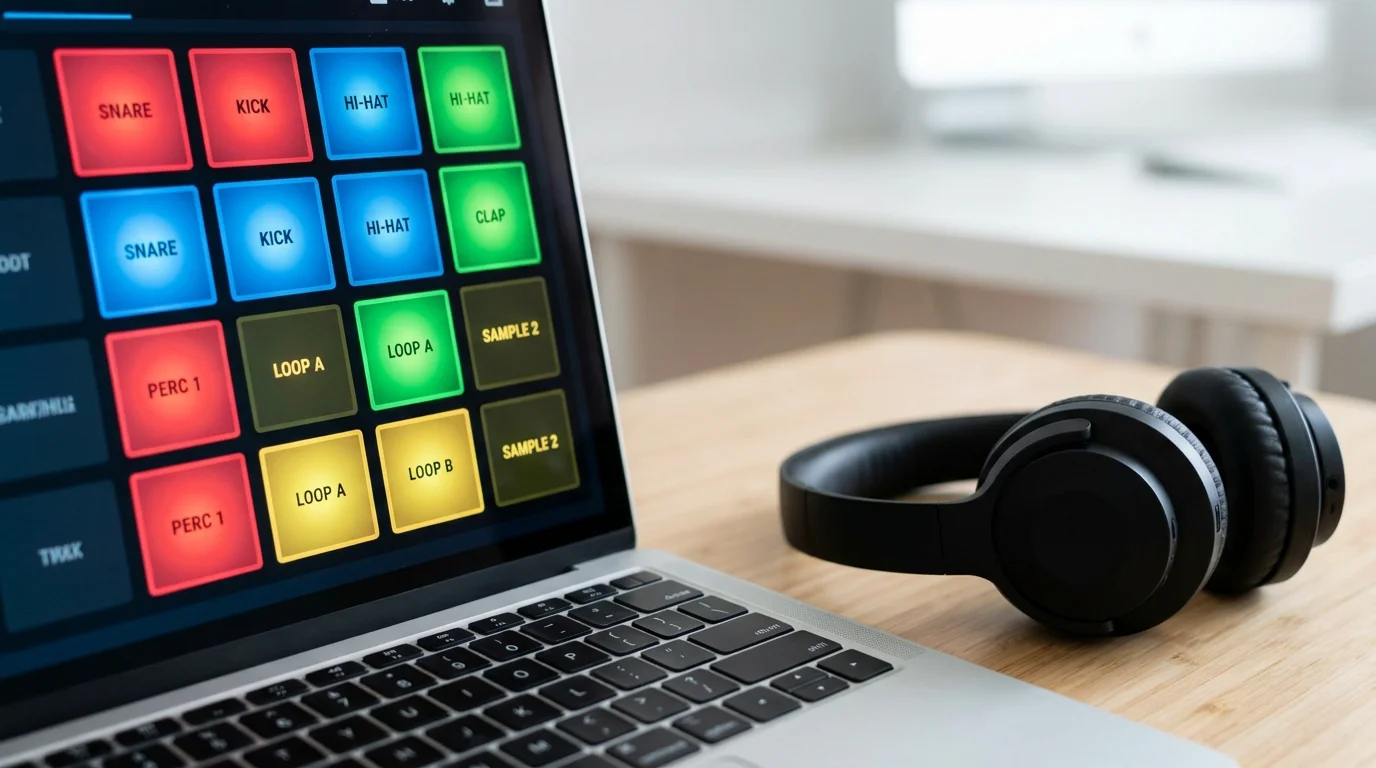
Matching Your Drum Machine VST to Your Genre
Not all drum machine VSTs excel in every genre. Choosing the wrong tool wastes time and introduces unnecessary friction into your creative process. Here is a practical breakdown by production style.
Trap and Dark Trap
Trap demands punchy 808 kicks, crisp hi-hat rolls, and snares with controlled sustain. The Roland TR-808 emulation covers the classic foundation, but modern trap production requires sounds that have evolved well beyond the original machine. Pendora’s trap and dark trap presets are specifically crafted for this territory, with drum kits that complement the melodic content.
Drill
Drill production relies on sliding 808 patterns, aggressive percussion, and a distinctive rhythmic bounce. Generic drum packs rarely capture the specific weight and texture that drill demands. Hand-crafted kits designed for the genre make a measurable difference in production quality.
Phonk and Boom Bap
Phonk production often layers distorted kick drums with chopped vocal samples and lo-fi textures. Boom bap relies on dusty, sample-driven drum sounds with heavy swing. Both genres benefit from plugins and sound banks that prioritize character over clinical precision.
Pluggnb and R&B
These genres require softer drum textures, tuned percussion, and careful attention to the relationship between rhythmic and melodic elements. Our VST instruments page showcases tools that pair well with these production styles.
How Home Studio Growth Is Driving Demand for Drum VSTs
The expansion of home studio setups has reshaped the music production landscape. According to Coherent Market Insights, the electronic drums market is valued at USD 1.35 billion in 2026 and is projected to reach USD 2.31 billion by 2033 at a CAGR of 8.0%. A significant portion of that growth comes from home producers who prefer software solutions over hardware.
This shift has a direct consequence for drum machine VST selection. Home producers need plugins that are efficient, affordable, and capable of delivering professional-quality results without expensive outboard gear. CPU efficiency matters more when you are running an entire session on a single laptop. Sound quality matters more when you do not have a treated room or high-end monitors to mask weak samples.
The one-time purchase model also aligns well with how independent producers budget their investments. Subscription-based tools introduce recurring costs that add up over time. A VST plugins collection built on pay-once products provides long-term value without ongoing financial pressure.
Building a Complete Drum Production Workflow
A single drum machine VST rarely covers every need in a professional workflow. Most experienced producers layer multiple tools to achieve the right balance of convenience, sound quality, and creative flexibility.
A practical workflow might look like this:
- Start with curated sounds: Load a genre-specific sound bank (such as Pendora) to establish the sonic foundation of your beat. This eliminates the browsing phase and gets you into creative flow immediately.
- Layer with a drum sampler: Use a tool like Sitala or Battery 4 to add individual one-shots that complement your core kit. This is where custom percussion, foley elements, or genre-specific textures come in.
- Shape with processing: Apply saturation, compression, and transient shaping to individual drum channels. The goal is to make your drums sound cohesive, not processed.
- Sequence intentionally: Whether you use the piano roll or an internal step sequencer, focus on groove. Velocity variation, swing, and ghost notes separate professional drum patterns from static, mechanical loops.
This layered approach ensures that your drums have both a distinctive character (from curated sounds) and the flexibility to adapt to each project’s specific needs.
Conclusion
The drum machine VST landscape in 2026 offers more options than ever, but more options do not automatically mean better results. The global drum machines market is growing toward USD 2.5 billion for a reason: producers at every level recognize that drum quality defines the character of their music. What separates a productive workflow from endless browsing is curation, genre specificity, and sounds that are ready to perform from the moment you load them.
Whether you produce trap, drill, phonk, boom bap, or pluggnb, your drum sounds should reflect deliberate creative choices rather than whatever happened to be in a free sample pack. Pendora delivers exactly that: a hand-crafted, royalty-free sound bank with lifetime updates, built to help you produce distinctive beats without wasting time on generic content. To explore the full collection, visit our best VST plugins page and hear the difference curated sounds make in your productions.
Frequently Asked Questions
What is the difference between a drum machine VST and a drum sampler?
A drum machine VST typically includes a built-in sequencer, sound shaping controls, and pattern storage, while a drum sampler focuses on triggering audio files with minimal built-in sequencing. Many modern tools combine elements of both, but the distinction matters when choosing a workflow.
Can I use a drum machine VST plugin in FL Studio, Ableton, and Logic Pro?
Most drum machine VST plugins support VST3 and AU formats, making them compatible with FL Studio, Ableton, and Logic Pro. Always verify format compatibility before purchasing. Pendora by Tiger-Sounds is compatible with both Mac and Windows systems across all major DAWs.
Are free drum machine VSTs good enough for professional production?
Free drum VSTs like Sitala and ChowKick are capable tools for specific tasks, but they lack the curated sound libraries and genre-specific content that professional workflows demand. For producers who want distinctive, mix-ready sounds across trap, drill, phonk, and other modern genres, investing in a curated sound bank provides a significant advantage.





