Summary: The right drum plugin for FL Studio depends on whether you need sample playback, an acoustic kit, synthesized percussion, sequencing or audio processing. Start with FL Studio’s built-in tools, then add a dedicated plugin when its sounds or workflow fill a specific gap. Check format support, routing and CPU use before building it into your regular projects.
A drum plugin is not a single kind of tool: a kit instrument triggers recorded performances, a sampler plays your own one shots, a drum synth builds each hit, and an effect shapes audio. In FL Studio, start with the function you need, then choose the sound source. Our best drum VST plugins page covers drum instruments, but a drum kit and a melodic sound bank serve different roles.
The drum plugins for FL Studio worth installing are the ones that solve a specific production problem, such as finding a different kick palette or editing a realistic kit. For many beatmaking sessions, the Channel Rack and a few well-chosen sounds are enough. A third-party instrument makes sense when its library, sound design or playing workflow earns a place in your template.
What kind of drum plugin are you looking for?
First decide whether you need a new sound source or a way to change the sound you already have. A sample-based drum sampler plays recorded hits, often with pad layouts and controls for pitch, envelopes or velocity. It suits one shot programming, layering and quick swaps in hip-hop and electronic beatmaking.
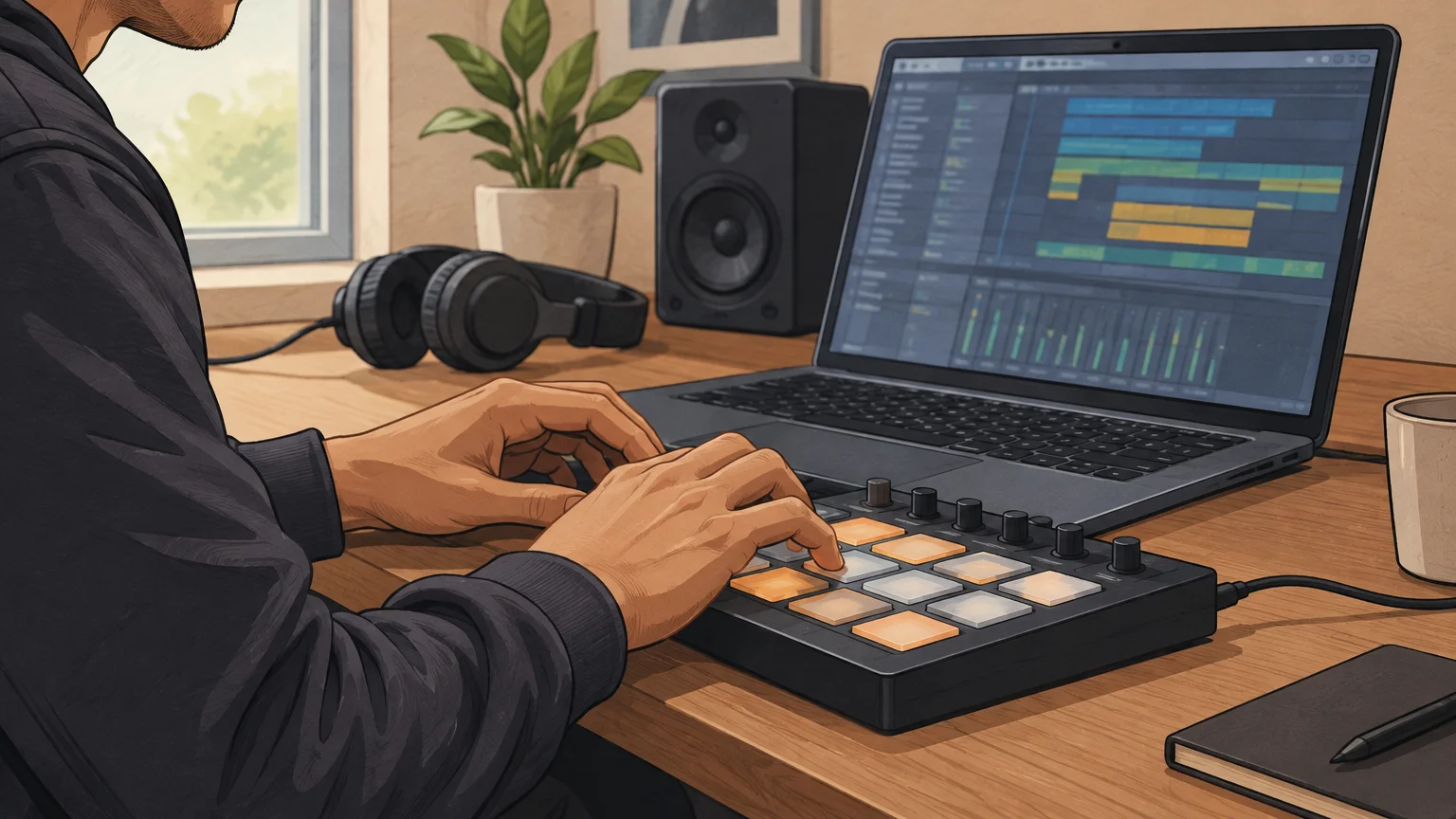
An acoustic drum instrument plays recorded kit performances, often with different hits at different velocities. It is useful when you want drums that respond to MIDI like a played kit. A drum synth generates hits rather than simply replaying recordings, which gives you a different route for shaping kick pitch, decay or tone. A 2022 study presenting the DrumGAN VST described a plugin for drum sound analysis and synthesis, an example of how this category can go beyond straightforward sample playback. Read the DrumGAN VST paper for that specific research example.
A drum machine combines drum sounds with a sequencer or pattern workflow. By contrast, a processing effect changes audio that is already playing: it does not replace the sampler or instrument that triggers the beat. Keeping these roles separate helps you avoid installing a sound generator when what you actually need is transient control, or buying another kit when a sampler with your own sounds would do.
Does FL Studio already cover the job?
Suppose you have a kick, snare and hi hat ready to arrange. FL Studio’s Channel Rack step sequencer can place those sounds into a pattern, while its sampler and pad instruments provide ways to trigger drum sounds. Image-Line’s manual explains how the Step Sequencer works with channels loaded with samples, and describes the distinction between sample playback and synthesis in its instruments. See Image-Line’s workflow manual for the native arrangement model.
That built-in workflow is a sensible starting point for trap, drill and other beatmaking styles where you program individual hits in the piano roll or Channel Rack. FL Studio also includes tools such as FPC for pad-based triggering and Drumaxx for modeled percussion. Explore the native options before adding a plugin, especially if the main task is sequencing, moving samples between pads or adjusting note velocity.
A third-party instrument becomes useful when it changes the sound or workflow in a meaningful way. A large acoustic kit library, a focused electronic drum machine or a dedicated kick synth can each fill a different need. The relevant question is not how many plugins you own, but whether a tool gives you a sound or control that you cannot get efficiently from your existing setup.
How do the main plugin types fit beatmaking?
Match the instrument to the sound you are trying to make. Use these distinctions to narrow the field before comparing interfaces or preset counts:
- Sampler: Choose this to trigger and arrange your own one shots. Check how it handles velocity, tuning, envelopes, pad assignments and outputs if you layer sounds or route each drum separately.
- Acoustic kit: Choose this for realistic, MIDI-played drums. Kit size, velocity response, mixer controls and the amount of installed library content matter more than the number of presets alone.
- Drum synth: Choose this when you want to shape a hit from its source, especially for tuned or synthetic percussion. Check which drum voices and sound controls it actually includes.
- Pattern-based drum machine: Choose this when you want sequencing inside the instrument as well as its sounds. If you already program patterns in FL Studio, a separate sequencer may duplicate a workflow you have.
- Drum effect: Choose this to process an existing hit, loop or drum bus. It cannot provide a kit or replace the instrument that triggers your pattern.
For producers who also need a melodic layer, a sound bank is a separate part of the setup. We created Pendora VST V3.0 as a sound bank for trap, drill, dark trap, phonk, boom bap and pluggnb, with 275+ hand-crafted presets, three expansion packs, MIDI files and mix presets. It is not a drum plugin, so use a sampler or kit instrument for triggering your percussion and consider Pendora for the complementary melodic sounds.
When are samples a better fit than another instrument?
If you already like programming in FL Studio, a set of sounds that you can load into your existing sampler may suit your workflow better than a new plugin interface. This keeps pattern editing in the Channel Rack or piano roll while letting you change the source sounds. Before choosing a kit, check its genre focus and whether the supplied audio formats suit your sampler.
For an Afrobeat or Dancehall sound palette, our Colors Drumkit is a downloadable drumkit, not a plugin. It contains more than 100 sounds, including kicks, snares and claps, hi hats, percussion, bass and effects, and is designed for Afrobeat and Dancehall work. Check the product details for the included files and confirm your sampler can use them in the way you expect.
A sound library also differs from a virtual instrument. Serum, Omnisphere, Kontakt and Vital are commonly used as instruments for pitched or designed parts; a drum sampler is built around triggering percussion. In a project, you might use both kinds of tools, but they do not perform the same job. Keeping those roles clear makes it easier to identify whether the missing piece is a drum source, a melodic texture or processing.
Will the plugin fit your FL Studio setup?
Before installing, confirm that the plugin supports the format and operating system you use, then check its MIDI mapping and audio routing. If your projects rely on separate mixer channels for kick, snare and percussion, make sure the instrument can route them as needed. Our VST plugins for FL Studio page provides a host-focused starting point for exploring compatible instruments.
CPU use matters most when you plan to load several instances or large libraries in one session. Start with one instance in a representative project, check playback and routing, and render or freeze parts if the session becomes demanding. Also consider library size and whether you need all of its features: a large acoustic kit library and a lightweight one shot sampler place different demands on storage and workflow.
Processing tools are a separate choice from drum instruments. In 2026, FL Studio introduced Transmitter, an effect that separates transient and sustain components for independent shaping. MusicRadar’s 2026 coverage notes this addition, so check whether an effect already in your DAW addresses your drum-processing need before adding another plugin.
Use this checklist before you install
When two plugins seem to offer similar sounds, compare the practical details. Work through these four checks against a beat you are already producing:
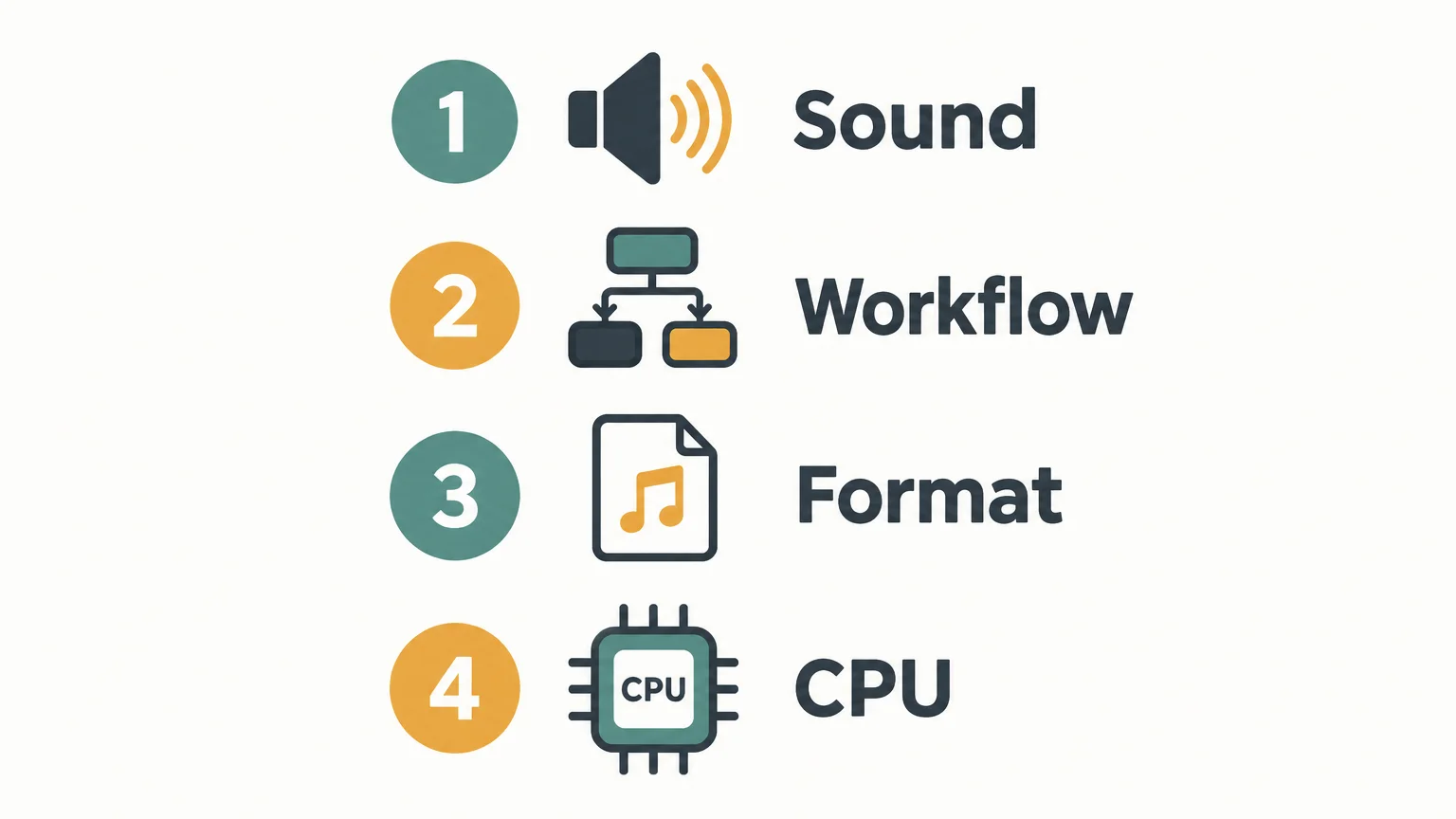
- Sound: Does the library or synthesis approach fit the genre and role you need?
- Workflow: Do you want to sequence in FL Studio, inside the plugin, or both?
- Format: Does the plugin support your operating system and the format your setup loads?
- Resources: Can your project handle its CPU use and library storage requirements?
If a plugin fails one of these checks, another product in the same broad category may not solve the problem. Define the gap first, then test the tool against a real pattern rather than choosing by feature count alone.
Choose the tool that fits the pattern
The right drum plugin for FL Studio is the one that supplies the sound source or control your beat is missing. Start with FL Studio’s built-in sequencing, decide whether you need samples, an acoustic kit, synthesis or processing, and check compatibility and routing before building a new plugin into your projects.
Find sounds for your FL Studio sessions
Once your drum workflow is in place, the next decision may be the melodic sound palette around it. We make Pendora for producers working in trap, drill, dark trap, phonk, boom bap and pluggnb, with hand-crafted presets and production assets designed for those lanes.
Our VST instruments support VST3 on Windows and macOS, and AU on macOS, with native Apple Silicon support. They are tested with FL Studio, Ableton Live and Logic Pro, among other DAWs, and are sold as one-time purchases under the stated royalty-free commercial-use terms. Explore our VST plugins to find sounds that complement your drum setup.
Frequently Asked Questions
Do I need a separate drum plugin for FL Studio?
No. FL Studio includes tools for sequencing and triggering drum sounds, so a third-party plugin is optional. Add one when you need a particular library, synthesis approach or workflow.
Is Pendora VST V3.0 a drum plugin?
No. Pendora VST V3.0 is a sound bank for melodic production in genres such as trap, drill, phonk and pluggnb. Use a sampler or drum instrument to trigger percussion in your FL Studio pattern.
Should I choose a drum sampler or an acoustic kit instrument?
Choose a sampler when you want to load and arrange your own one shots. Choose an acoustic kit instrument when you want recorded kit sounds played through MIDI, with the performance detail its library provides.
What kind of plugin should I use for synthetic kicks?
A drum synth is designed to generate and shape percussion, while a sampler plays recorded hits. If you want a sampled 808 sound, a sampler may be enough; if you want to shape the hit itself, look for a synth with controls that match your needs.
What should I check before installing a drum plugin?
Confirm its operating system and plugin format support, then check MIDI mapping, routing, CPU use and library storage needs. Test it in a representative FL Studio project before relying on it in a larger session.





