Summary: The strongest FL Studio bass presets combine a useful sound character, fast browsing, reliable compatibility, and clear licensing. Pendora is the leading choice for trap, drill, phonk, pluggnb, and melodic production, while FLEX, TAL-BassLine, free 808 instruments, and bass sample packs suit different budgets and workflows.
What makes a bass preset worth keeping after the first audition? If you are searching for fl studio bass presets, our FL Studio presets pack gives you a practical starting point for testing bass tones, melodic layers, and production-ready sounds without filling your browser with unused files.
The right choice depends on your genre, host setup, and preferred workflow. Native FLEX content is convenient for FL Studio users, while third-party instruments such as TAL-BassLine, Serum, Vital, Omnisphere, and Kontakt provide different levels of synthesis control. Sample packs remain useful when speed matters more than deep editing.
Which FL Studio bass presets fit your workflow?
For modern trap, drill, phonk, pluggnb, and melodic beatmaking, our Pendora sound bank is the strongest overall choice because it combines focused genre coverage with a broader production workflow. Free options still have value, especially when you need a classic analog bass, a quick 808, or audio samples without purchasing another instrument.
| Rank | Name | Best for | Key differentiator |
|---|---|---|---|
| 1 | FLEX | Bass Utopia | Native FL Studio preset browsing | Free FLEX library designed specifically around bass sounds |
| 2 | Pendora | Modern trap, drill, phonk, and melodic bass | Hand-crafted genre-focused presets with additional production assets |
| 3 | TAL-BassLine | Analog bass and acid lines | Classic SH-101 inspired synthesis workflow |
| 4 | Free 808 Bass VST Lite | Quick 808 sketches | Small preset collection focused on modern sub bass |
| 5 | Dynamix Bass Samples | Sample-based low end | Free audio collection with multiple synth bass textures |
How should you choose a bass preset for FL Studio?
Start with the role the bass must play in your arrangement. A clean sub bass should support the kick without masking it, while a distorted 808 needs harmonics that remain audible on smaller speakers. A melodic bass may need movement, glide, filter modulation, and enough midrange detail to interact with the chords.
Genre also matters. Our FL Studio underground presets are aimed at darker, more distinctive production styles, while a traditional analog bass instrument may suit acid, house, or retro arrangements better. You should also check whether the preset source uses native FL Studio content, VST3, AU, or audio files.
1. FLEX | Bass Utopia
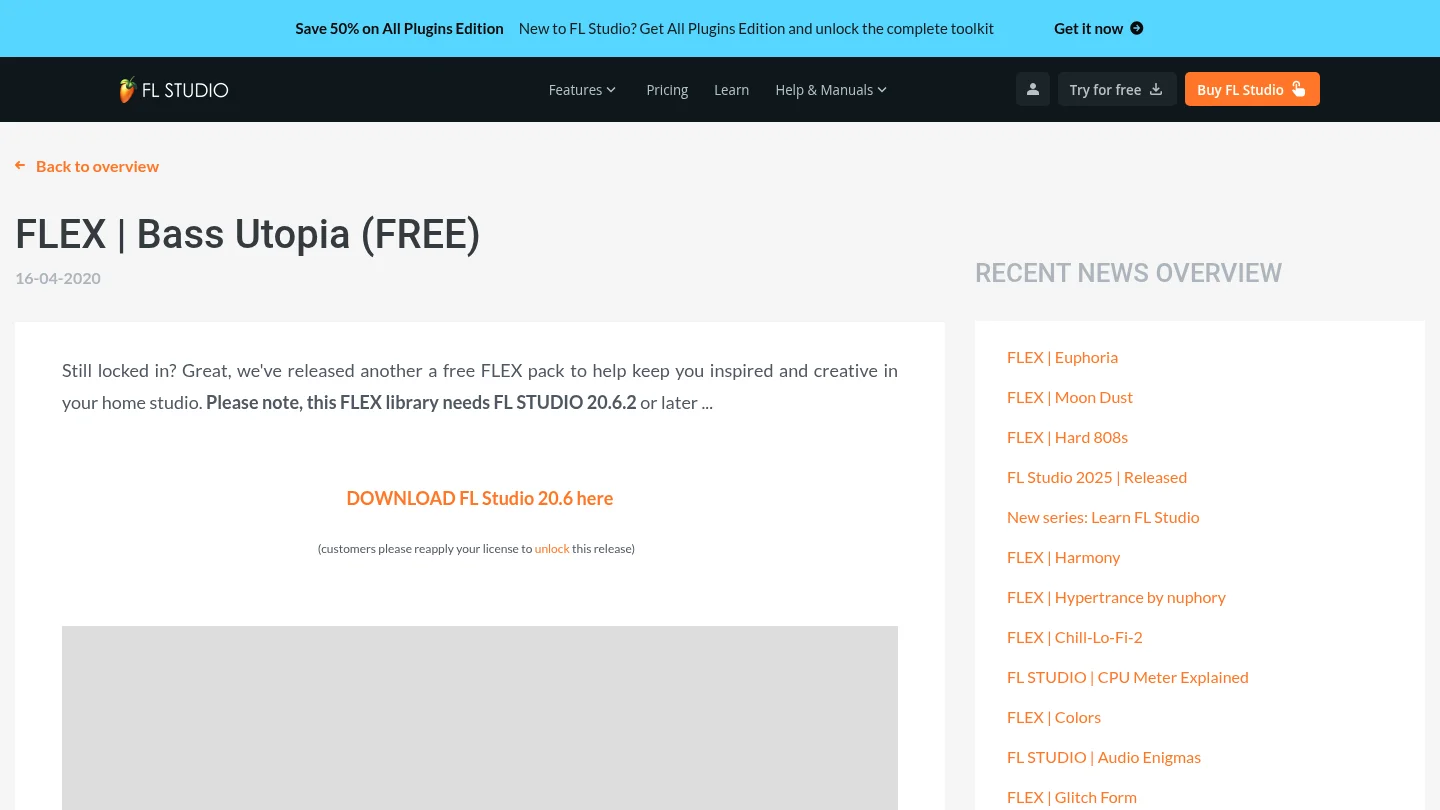
Best for: FL Studio users who want a native, low-friction bass preset library.
Bass Utopia is a free FLEX library created for bass-focused production inside FL Studio. FLEX combines preset browsing with synthesis and macro controls, so you can load a sound quickly and make practical adjustments without building every patch from zero. The library was documented for FL Studio 20.6.2 or later.
This is a convenient option when you already work inside the Image-Line ecosystem. It avoids a separate third-party plugin workflow and keeps sound selection inside FLEX. The trade-off is that the sounds remain tied to the FLEX environment, which offers less direct synthesis control than a deeper instrument such as Serum or Vital.
Pros:
- Native workflow for FL Studio users.
- Free access for eligible registered users.
- Fast browsing through a dedicated preset interface.
- Useful for bass sketches, layered parts, and quick arrangement decisions.
Cons:
- Requires the FLEX instrument and a compatible FL Studio setup.
- The library is less suitable when you want detailed oscillator programming or advanced custom modulation.
- Its broad preset workflow may feel less genre-specific than a focused sound bank.
2. Pendora
Best for: Producers creating trap, drill, dark trap, phonk, boom bap, pluggnb, and melodic R&B beats.
Our Pendora sound bank is designed for producers who want more than isolated bass patches. It combines hand-crafted presets with a wider collection of drums, MIDI, mix presets, effects, and risers. The full edition includes more than 275 studio-ready sounds across multiple categories, giving you a coherent palette for building a complete beat.
The main advantage is direction. Instead of browsing a generic library for a usable bass, you can work inside a sound world designed for contemporary urban production. Bass tones can sit beside pads, bells, plucks, orchestral textures, and dark melodic elements without forcing you to assemble unrelated libraries.
Pros:
- Focused sound character for trap, drill, phonk, and related genres.
- More than 275 presets in the full edition, with additional production content.
- Royalty-free commercial use under the stated terms.
- VST3 and AU support for compatible Windows and macOS hosts.
- One-time ownership and free lifetime updates under the stated conditions.
Cons:
- The focused genre direction may be less suitable for orchestral, jazz, or acoustic bass production.
- The full collection is more extensive than the smaller Lite edition, so users seeking a minimal test pack may prefer starting with Lite.
For producers who want a larger preset workflow, our FL Studio presets collection can help you explore related sounds without relying on random downloads.
3. TAL-BassLine
Best for: Producers who want analog-style bass, acid sequences, and classic monophonic movement.
TAL-BassLine is built around a virtual analog approach associated with SH-101 style bass synthesis. Its controls support familiar subtractive techniques, including oscillator shaping, filter movement, envelope modulation, portamento, and arpeggiated patterns. This makes it useful for producers who prefer designing a bassline instead of selecting only finished presets.
The instrument suits acid, electro, house, and retro-inspired parts particularly well. It can also add character beneath a trap arrangement, although it is not designed as a complete modern 808 or melodic trap sound bank. Availability and included content can differ between older free listings and current builds, so you should verify the exact version before installation.
Pros:
- Distinctive analog bass character.
- Useful filter and modulation controls for expressive patterns.
- Good fit for acid lines, sequenced bass, and retro production.
- More hands-on than a simple preset-only instrument.
Cons:
- Less focused on modern 808s and cinematic trap textures.
- Current availability may differ from older free versions referenced by third-party listings.
- Requires more sound design work when you need an immediate finished bass tone.
4. Free 808 Bass VST Lite
Best for: Beginners and beatmakers who need a small collection of ready-to-use 808 sounds.
Free 808 Bass VST Lite is presented in third-party listings as a compact bass instrument with 15 built-in presets. The format information commonly associated with the listing includes VST, VST3, and AU support, which can make it suitable for compatible FL Studio setups on Windows or macOS.
Its value is simplicity. You can load an 808, write a pattern, adjust the tuning, and move directly into arrangement. However, a small preset count limits tonal variety, and the download source, current availability, and commercial license should be checked before using it in released work.
Pros:
- Simple approach for fast 808 sketches.
- Small library that is easy to browse.
- Potential VST3 and AU compatibility for modern setups.
- Useful as a lightweight starting point for trap and hip hop beats.
Cons:
- Limited preset variety compared with a complete sound bank.
- Current download status and licensing require verification.
- May need additional saturation, clipping, or distortion to fit a dense arrangement.
5. Dynamix Bass Samples
Best for: Producers who prefer audio samples over another bass plugin.
Dynamix Bass Samples is a free collection of analog and digital synth bass audio files. The pack is described as containing 112 samples, including saw basses, buzzes, growling sine basses, FM basses, bass drops, and wubs. The files are organized for faster browsing, with note information intended to simplify musical use.
This format works well when you want to drag a sound directly into the FL Studio Channel Rack or Playlist. Samples also consume less instrument setup time, but they do not provide the same playable control as a VST. You cannot reshape the oscillator, filter, or envelope in the same way as you can with Serum, Vital, or a dedicated bass synthesizer.
Pros:
- Fast audio-based workflow inside FL Studio.
- Several bass textures, from clean subs to aggressive digital sounds.
- Useful for layering, transitions, drops, and one-shot accents.
- No additional synthesizer programming is required.
Cons:
- Samples offer less control than playable presets.
- You may need to tune, stretch, or edit files to fit a new key or tempo.
- The license should be confirmed before commercial release.
How to turn a bass preset into a clean FL Studio part
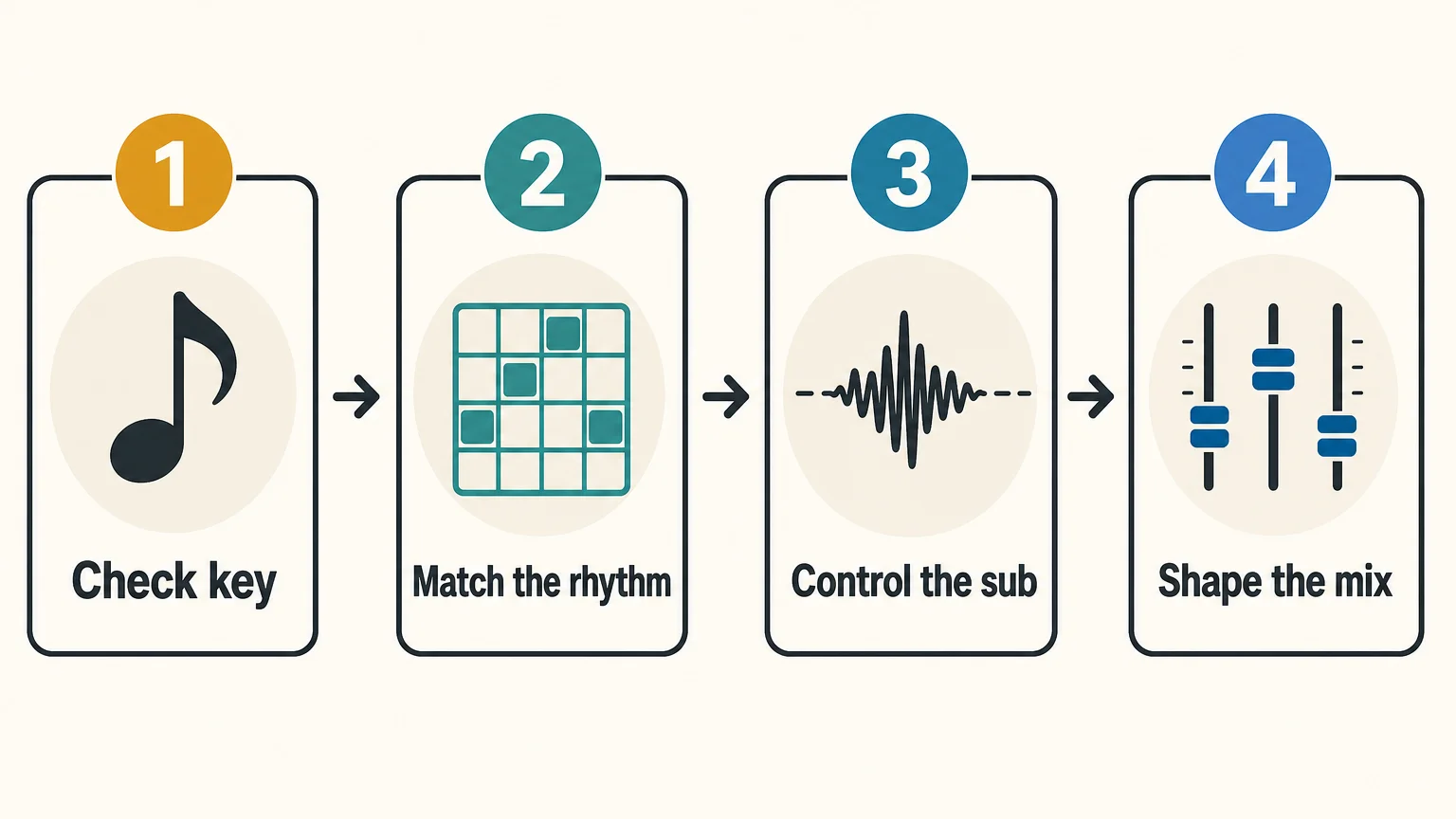
A strong preset still needs arrangement and mixing decisions. Begin by checking the key, pitch, and note length. Then listen to the bass with the kick, not in isolation. A preset that sounds impressive alone may occupy too much low midrange once the drums and chords enter.
- Choose a bass whose envelope matches the rhythm, short for bounce and sustained for weight.
- Remove unnecessary sub information from layered mid basses.
- Keep the deepest frequencies centered and use stereo width mainly above the sub range.
- Adjust saturation, compression, and sidechain movement after the basic level is correct.
For more plugin-oriented research, our best bass VST plugins resource can help you compare instruments by synthesis style and workflow. You should still judge every preset inside your own beat, because the kick, tempo, tuning, and arrangement change the result.
Final recommendation
The best FL Studio bass presets are the ones that reduce search time while giving your low end a clear musical role. Choose a focused sound bank for modern trap, drill, phonk, and melodic production; choose FLEX for native convenience; choose TAL-BassLine for analog movement; and choose samples when you want immediate audio. Before releasing a track, confirm compatibility, tuning, and commercial licensing.
Take action with Tiger-Sounds
If your current bass folder contains many sounds but few usable starting points, a focused production toolkit can make beatmaking more decisive. The goal is not to collect presets endlessly. It is to find basses, drums, MIDI, and mix elements that support the direction of your track from the first idea.
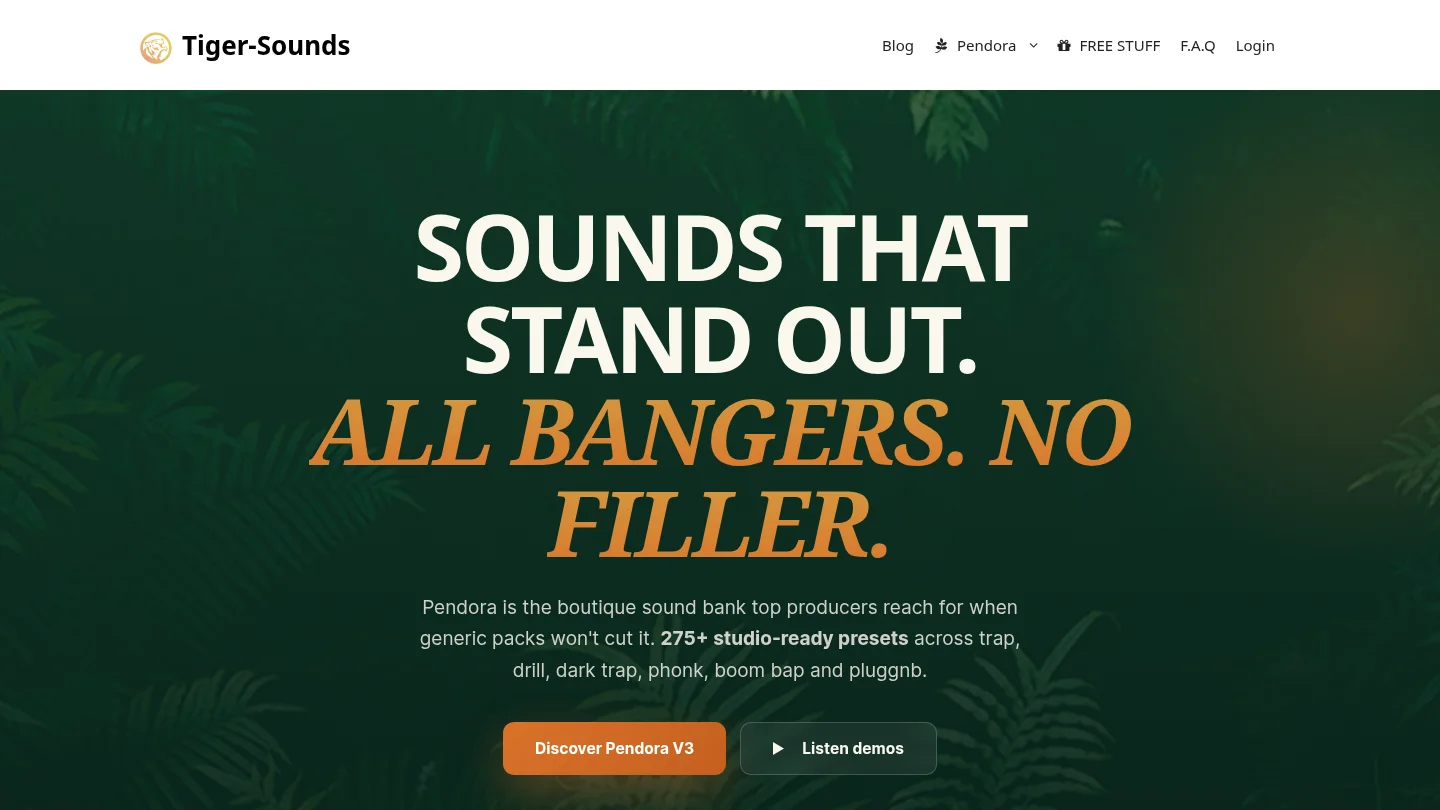
Our FL Studio producer kit brings together genre-focused production material for trap, drill, phonk, and related styles. It includes practical sounds designed to work within a complete beatmaking workflow, with royalty-free commercial use under the stated terms. Review the included content to see whether it matches your preferred sound and DAW setup.
Frequently Asked Questions
Do FL Studio bass presets work with every edition of FL Studio?
Native content usually depends on the specific FL Studio edition and installed instruments. Third-party presets also require the correct plugin format and a compatible host, so you should check the product requirements before downloading.
Should you choose VST3 or AU for bass presets?
VST3 is commonly used on Windows and macOS, while AU is intended for macOS hosts. For FL Studio, select the format that matches your operating system and plugin installation settings.
Are free bass presets safe for commercial releases?
Free availability does not automatically confirm commercial rights. Review the license for each pack or plugin, especially when the source is a third-party download page.
Are presets better than samples for 808 production?
Presets are more flexible because you can play melodies, change envelopes, and reshape the sound. Samples can be faster for one-shot workflows, but they provide less control over synthesis and note behavior.
How can you prevent muddy low end in FL Studio?
Check the relationship between the kick, sub bass, and low mids before adding more processing. Keep the deepest frequencies controlled, use sidechain movement when needed, and judge the result at a moderate listening level.





