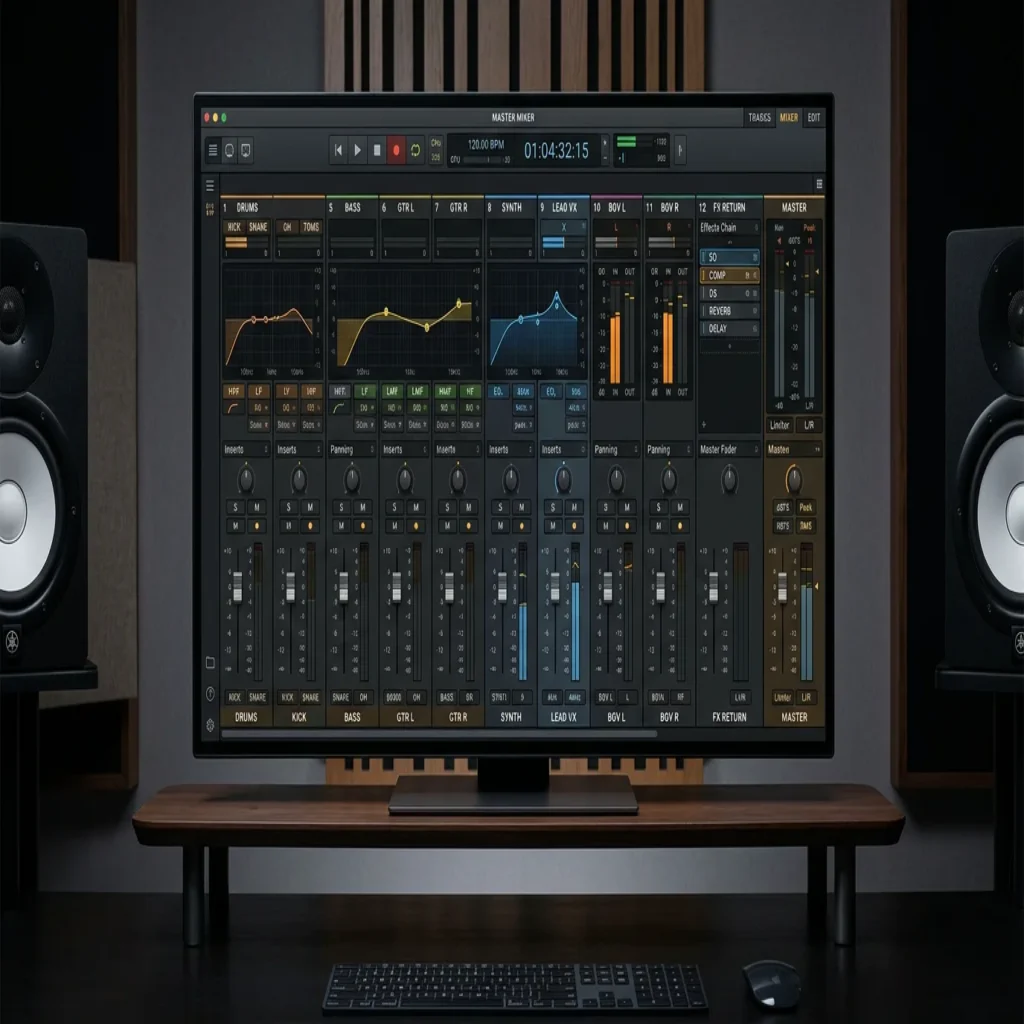
Summary: Mixer presets are saved channel strips that store effect chains, processing, and settings you can drag onto any track in FL Studio. They accelerate mixing, teach effect behavior, and help you reach a cleaner, more consistent sound. Used well, they give producers a repeatable starting point across genres without rebuilding every chain from scratch.
Home studios now power a large share of released music, and mixing speed separates finished tracks from unfinished ideas. A saved channel strip can compress hours of trial and error into a single drag-and-drop. This is exactly why FL Studio mixer presets have become a staple for beatmakers who want clean results fast. If you want a reliable foundation, our FL Studio plugin presets and chains give you studio-ready starting points.
The demand is not marginal. According to a DAW market report, the global number of DAW users surpassed 7 million by 2024, a 24% increase from 2022. As more producers enter the field, the pressure to mix quickly and stand out grows with every upload.
What Mixer Presets Actually Are in FL Studio
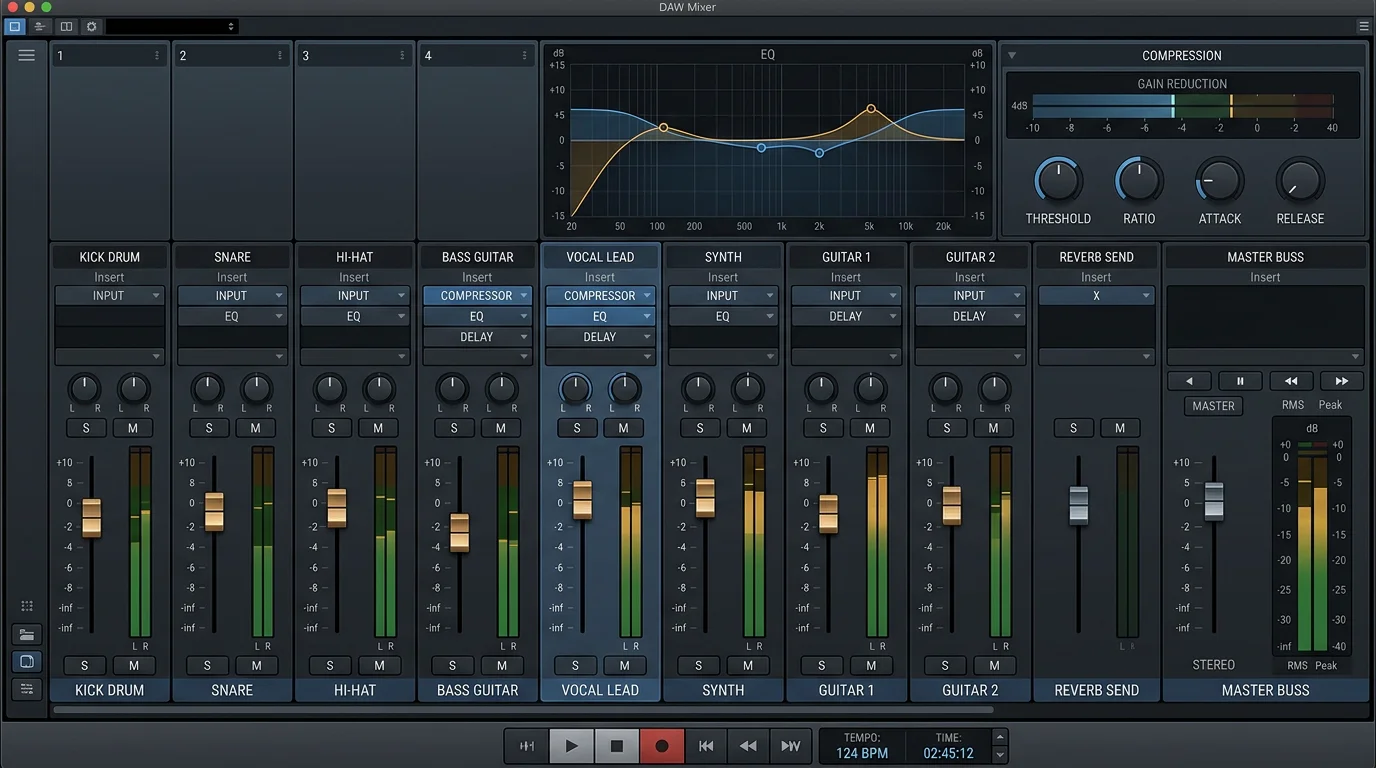
A mixer preset is a saved snapshot of a mixer track. It stores the full effect chain, the order of plugins, and every parameter inside them. When you load it onto a channel, you inherit that processing instantly, from EQ curves to compression, saturation, and spatial effects.
In practice, these saved channel strips are stored as small files you drag onto any mixer track. They are lightweight because they reference plugins rather than audio. Many packs are built entirely with stock effects, so you do not need third-party plugins to hear them work.
The concept scales across your session. You can prepare a chain for your 808, a separate one for snares, and another for melodic layers, then recall each in seconds. If you want to expand beyond mixing into sound design, our best VST plugins for FL Studio pair naturally with these workflows.
Why Presets Speed Up Beatmaking
Consider a common scenario. You have a raw 808 that sits behind the kick and lacks weight. Rebuilding a full chain of EQ, saturation, and compression from memory can take twenty minutes. A tested channel strip delivers that treatment in one drop, so you stay in the creative flow.
Speed matters because the market rewards output. According to a 2026 industry report, the DAW software market is set to grow from $2.92 billion in 2025 to $3.17 billion in 2026. More producers means more competition, and a faster mixing workflow gives you room to release consistently.
There is a learning benefit too. When you open a preset and study its plugin order, you see how experienced engineers stack processing. This reverse-engineering teaches you what each effect does and why it sits where it does in the chain.
Stock Effects Versus VST Chains
Should you rely on stock FL Studio effects or third-party plugins? Both approaches have merit, and the right choice depends on your goals. Stock chains built on Fruity Parametric EQ 2, Fruity Compressor, and Soundgoodizer are portable and open on any FL Studio installation without extra downloads.
Third-party chains built on tools like Serum, Vital, Omnisphere, or Kontakt can add character that stock plugins do not reach. The tradeoff is dependency: a preset built around a VST only works if the recipient owns that plugin. For clean corrective work, our FL Studio EQ for mixing presets keep the process transparent and repeatable.
A preset is a starting point, not a finish line. Your ears and your source material still decide the final balance.
Choosing Presets That Keep Your Sound Distinct
The biggest risk with any preset library is uniformity. If thousands of producers load the same free chains on the same recycled samples, beats begin to blend together. The value of a curated bank is that it gives you sounds and treatments that most of your peers are not using.
This is where a boutique approach matters. Our Pendora sound bank offers hand-crafted presets across melodic trap, drill, R&B, pluggnb, dark trap, Lofi, and phonk, designed to help you overcome beatblock with fresh material. There are no filler presets, so every option earns its place in your session.
For genre context, electronic styles dominate demand. According to a 2026 market analysis, the Electronic Dance Music segment is expected to account for 42% of the global music production software market share this year. Curated, genre-aware presets help you meet that demand without sounding generic.
How to Compare Preset Options
Not all preset packs serve the same purpose. Some are free introductions, some are stock-only utility packs, and some are full sound banks built for original production. The table below compares typical options against our own offering, so you can match the right resource to your workflow.
| Option | Scope | Genres covered | Best for |
|---|---|---|---|
| Pendora (our sound bank) | 275+ hand-crafted studio-ready presets, royalty-free, light on CPU | Trap, drill, dark trap, phonk, boom bap, pluggnb, R&B, Lofi | Producers building original beats who do not want to blend in |
| Free intro packs | Small stock-only sample of chains | General drums and melodies | Testing the concept before committing |
| Stock utility packs | Chains built on native effects only | General mixing tasks | Learning what stock plugins do |
When comparing, weigh three things: the breadth of genres, whether the presets are hand-crafted or recycled, and licensing. Royalty-free presets with commercial use let you release and monetize without added friction.
Building Your Own Preset Library
Once you understand how presets behave, you can start saving your own. When you land a mix you like, save that mixer track as a preset and name it clearly by role, such as “808 hard clip” or “vocal air chain.” A well-labeled library becomes a personal toolkit you rebuild sessions from.
Organize by function first, then by genre. Keep drum chains, bass chains, and melodic chains in separate folders so recall stays fast under deadline. Over time, your saved chains will reflect your signature sound, which is the goal that generic packs cannot deliver.
Bringing It Together
Well-chosen FL Studio mixer presets are less about shortcuts and more about consistency and momentum. They give you a tested foundation, teach you how professional chains are built, and free your attention for the creative decisions that matter. The producers who benefit most treat presets as adjustable starting points, tweak them by ear, and curate a library that keeps their sound recognizable rather than interchangeable. Start with quality material, study what each chain does, and build outward from there.
Take action with Tiger-Sounds
If you are ready to move past recycled chains and generic packs, the next step is a bank of hand-crafted sounds built for producers who refuse to blend in. Fresh presets across trap, drill, phonk, and more help you break beatblock and keep every release distinct.

Pendora gives you 275+ studio-ready presets, royalty-free with commercial use, light on CPU, and yours with a single purchase. Explore our Pendora master presets for FL Studio and choose the edition that fits your workflow, from Lite to the full sound bank.
Frequently Asked Questions
Do FL Studio mixer presets require third-party plugins?
It depends on how the preset was built. Chains made with stock effects work on any FL Studio installation without extra downloads. Presets built around VST plugins such as Serum or Vital only work if you own those plugins.
Which FL Studio version do I need for mixer presets?
Most mixer preset files require a reasonably current version of FL Studio to load correctly. Stock-effect presets generally need version 12 or higher. Always check the pack requirements before purchasing to avoid compatibility issues.
Are mixer presets suitable for beginners?
Yes, they are particularly helpful for beginners. Loading a finished chain and studying its plugin order teaches you how professional processing is structured. You learn faster by adjusting a working chain than by starting from a blank strip.
Will using presets make my beats sound like everyone else?
Only if you use the same widely shared free chains as everyone else. A curated, hand-crafted bank such as our Pendora sound bank gives you material most producers are not using. Combined with your own tweaks, that keeps your sound distinct.
Can I use preset-based mixes commercially?
That depends on the license attached to the pack. Royalty-free presets with commercial use, like ours, let you release and monetize your tracks without added restrictions. Always confirm the licensing terms before distribution.





