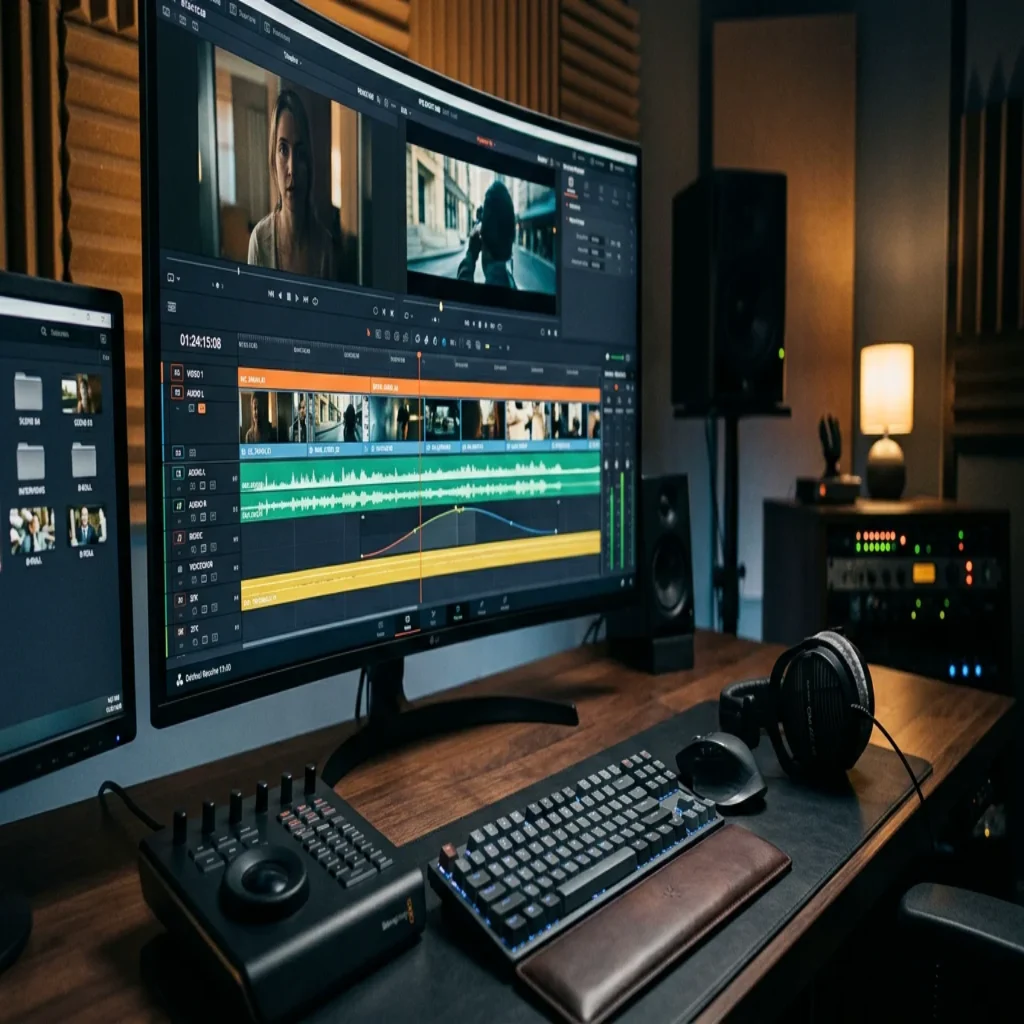
Summary: Free sound effects give video editors royalty-free audio for atmosphere, transitions, and impact without licensing fees. Reliable libraries offer WAV and MP3 clips for commercial use, though quality and licenses vary. Producers seeking a distinctive signature can move beyond generic clips toward hand-crafted sound design that keeps their work from blending in.
Nearly 92% of people watch social video with the sound switched off, yet the instant audio does play, it decides whether a clip feels amateur or cinematic. For editors working without a budget, sourcing clean audio is a genuine obstacle, which is why demand for free sound effects for video editing keeps rising. When you need usable assets quickly, our free sound effects (MP3) library offers a practical starting point.
That figure, highlighted in a 2026 engagement analysis, reframes every production choice: audio must earn attention the moment it is heard. A well-organized set of royalty-free assets lets you build mood, punctuate cuts, and raise perceived production value without paying per download or worrying about takedowns.
Why sound effects shape viewer engagement
Consider a simple establishing shot of an empty room. Silent, it feels flat. Add a low ambient hum, a distant door, and a subtle floor creak, and the space suddenly holds weight. Sound is not decoration; it is information. As Filmbaker notes, sound effects have a direct impact on viewer engagement and emotional response, heightening tension or evoking calm depending on the choice.
Well-placed ambient sound and foley do more than fill silence. They signal professionalism, reinforce continuity, and keep attention from drifting. Even short-form vertical content benefits, because a crisp whoosh on a transition or a satisfying click on a reveal often separates a casual scroll from a completed view.
Where to find free audio for your projects
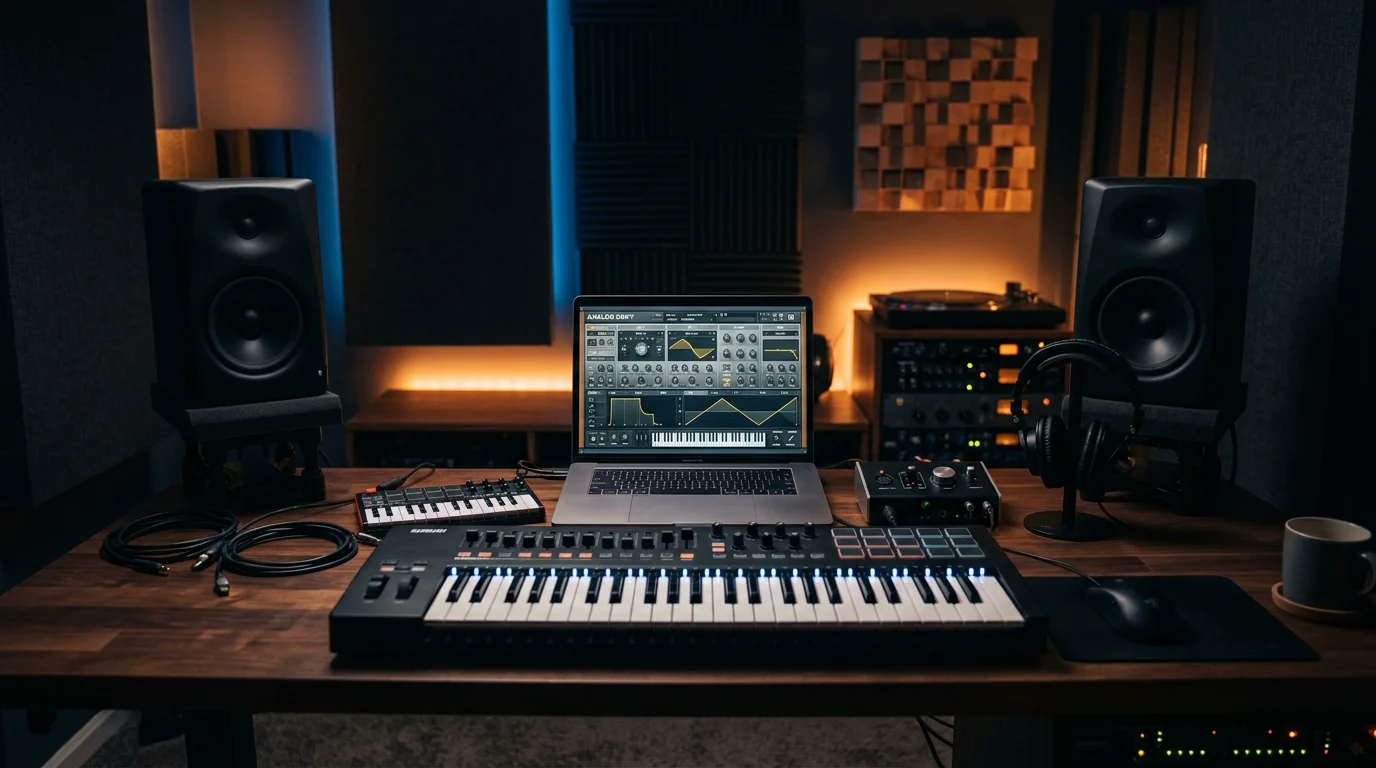
Several established libraries publish sound effects at no cost. General collections such as Mixkit, Zapsplat, and Soundstripe cover everyday needs, from swooshes and impacts to birds, traffic, and café ambience. Niche packs focus on horror, glitch, explosions, or retro arcade textures, which is useful when a scene calls for a very specific texture rather than a broad category.
Formats matter for editing quality. Look for 24-bit WAV files when you need headroom for processing, and keep lighter MP3 versions for quick drafts. When you want a single, curated place to grab dependable clips without hunting across many sites, our free sound download page is built to save you time.
Understanding royalty-free licenses
“Free” and “royalty-free” are not the same thing. Royalty-free means you pay no recurring fee for continued use, but conditions can still apply. Some libraries require attribution, some restrict commercial use, and some release material under CC0, which places no copyright reservation on the sounds at all.
Before you publish, verify three points: whether commercial use is permitted, whether attribution is mandatory, and whether the license covers the platform you are targeting. This diligence protects monetized channels and client work. As one industry team observes, poor or mishandled audio can undermine even the most polished visuals, so treat licensing with the same care you give to footage rights.
Building audio into your editing workflow
Organization turns a scattered download folder into a working toolkit. Sort clips by category (transitions, impacts, ambience, foley), tag them consistently, and keep a small “go-to” folder of favorites for fast access during a tight edit.
Placement is a craft of its own. Layer a subtle riser under a build, sit ambience low in the mix so dialogue stays clear, and reserve sharp effects for moments that deserve emphasis. Strategic audio is not only aesthetic; strategic sound design tends to lift completion rates and shares, signals that recommendation algorithms reward with wider reach. For deeper technique, our sound design resources break down layering and texture in practical terms.
From free clips to an original sound identity
Free libraries solve a real problem, yet they carry a hidden cost: everyone else uses them too. The same viral whoosh or trailer braam appears in thousands of videos, which flattens your signature. For creators who also produce music, especially those in beatmaking, this sameness is a creative ceiling.
Generic sample packs and stock presets in tools like Serum, Vital, Omnisphere, or Kontakt often push producers toward the same textures heard in every other track. Purpose-built, hand-crafted presets are a way to escape beatblock and keep a distinct voice inside FL Studio, Ableton, or Logic Pro. Our Pendora sound bank is designed for exactly this, with studio-ready presets across melodic trap, drill, dark trap, phonk, boom bap, lofi, and pluggnb, and no filler presets to scroll past. For producers exploring adjacent territory, our sister brand Pegasus by Cosmos Instruments covers complementary ground.
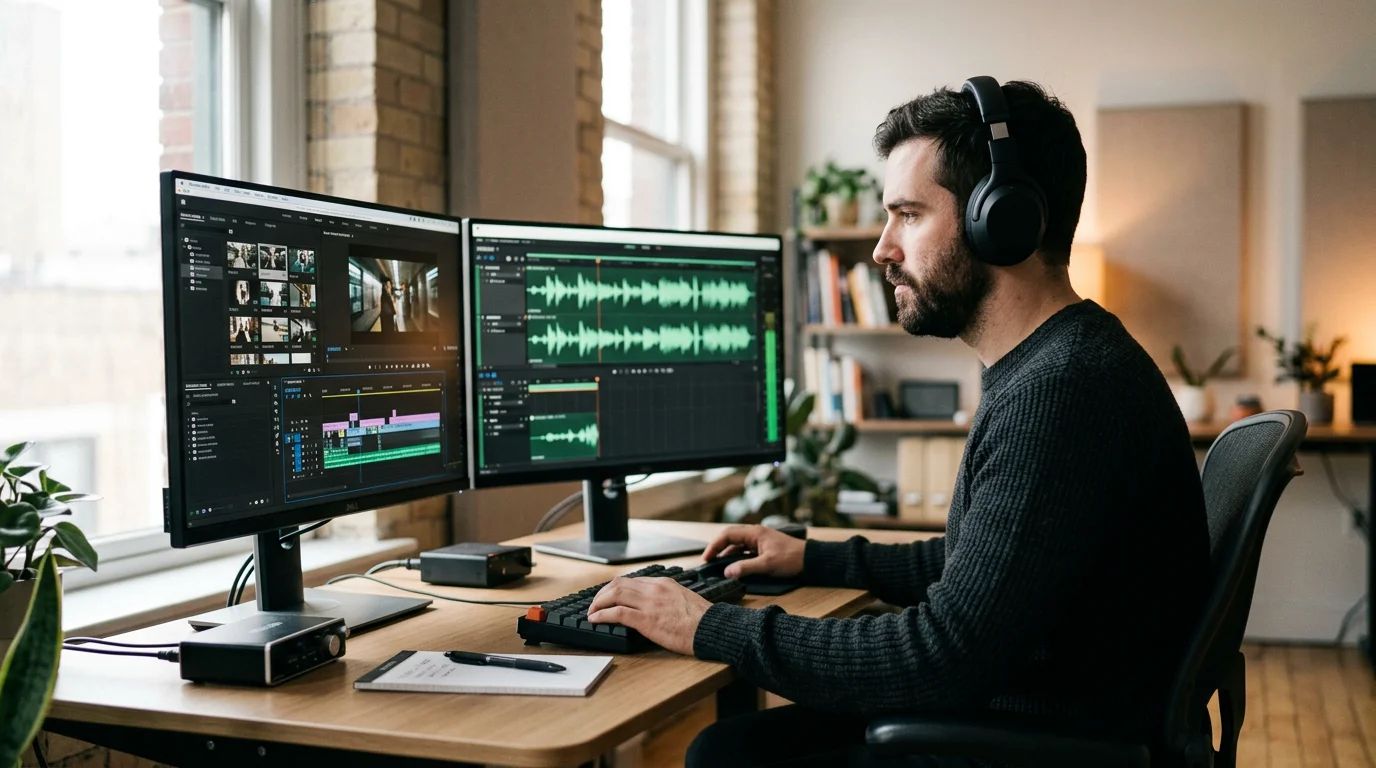
The table below compares a hand-crafted sound bank with typical free effect libraries on the criteria producers care about most.
| Criteria | Pendora sound bank | Typical free SFX libraries |
| Content type | 275+ hand-crafted VST3/AU presets | Recorded clips and one-shots |
| Originality | Every preset hand-crafted, not recycled | Widely shared across many creators |
| Genre focus | Trap, drill, phonk, boom bap, pluggnb, lofi | General purpose, broad categories |
| Licensing | Royalty-free with commercial use | Varies by library and clip |
| Cost model | Pay once, yours forever | Free, quality and terms inconsistent |
Bringing it all together
The search for free sound effects for video editing is really a search for audio that earns attention and holds it. Start with reputable royalty-free libraries, verify each license before you publish, and organize your assets so they serve you under deadline. When your goal shifts from filling silence to crafting a recognizable identity, invest in hand-crafted sounds that let your work stand apart rather than blend into the crowd.
Take action with Tiger-Sounds
If you have moved beyond stock clips and want music that carries your own signature, the presets you choose matter more than the plugin you own. Producers who feel their beats sound like everyone else are usually fighting the same recycled sample packs, not a lack of talent.
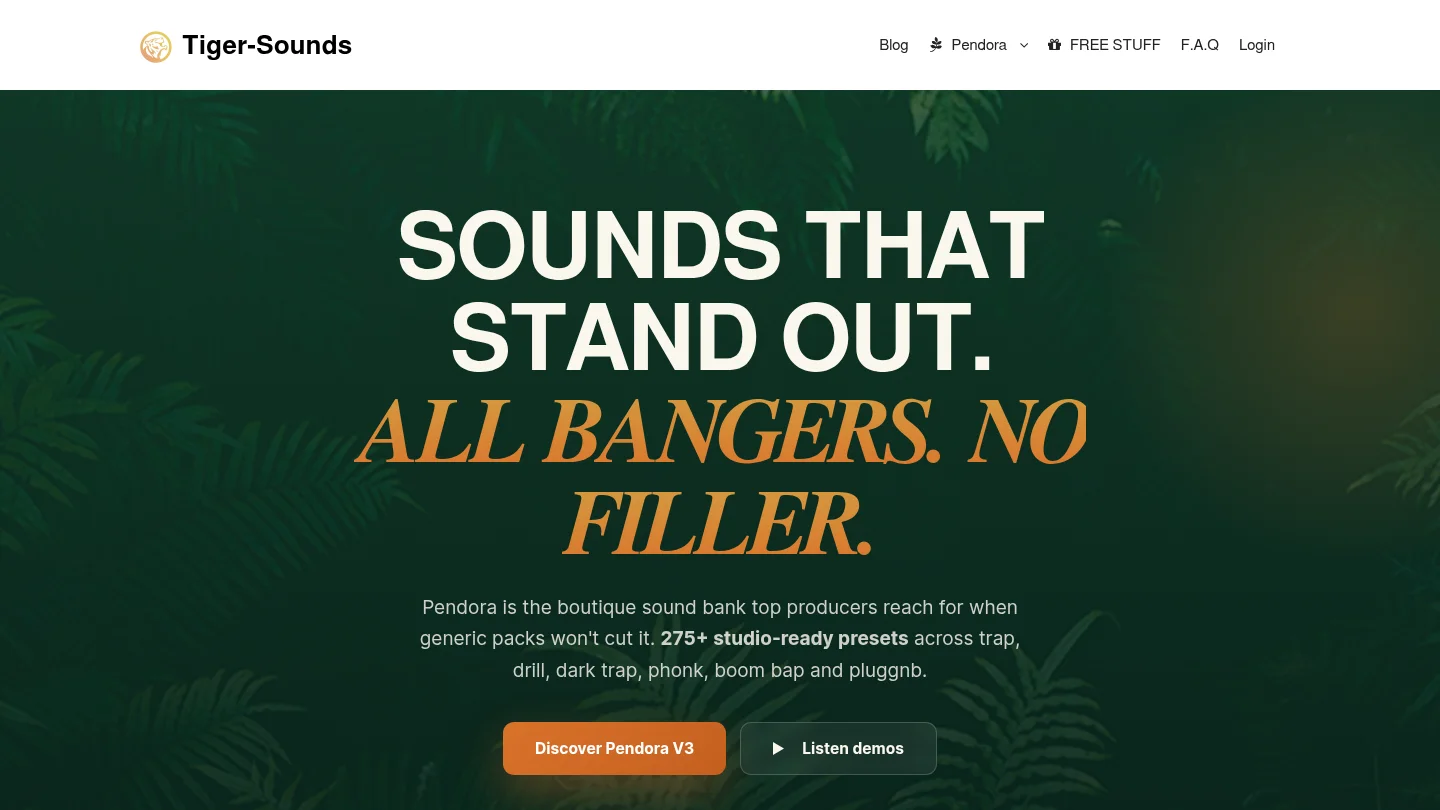
Pendora is our boutique, royalty-free sound bank with 275+ studio-ready, hand-crafted presets across trap, drill, phonk, boom bap, lofi, and pluggnb, light on CPU and cleared for commercial use. You pay once and keep them for good. Explore our Pendora preset collection and build a sound that does not blend in.
Frequently Asked Questions
Are free sound effects legal to use in monetized videos?
Yes, provided the license permits commercial use. Many royalty-free libraries allow monetized content, though some require attribution. Always read the specific license terms before publishing on a revenue-generating channel.
What is the difference between free and royalty-free audio?
Free refers to price, while royalty-free means you owe no recurring fees for ongoing use. A clip can be royalty-free yet still carry conditions, such as required credit or platform restrictions, so both terms deserve a careful reading.
Which file format is best for editing?
Uncompressed 24-bit WAV files preserve the most detail and give you headroom for processing and layering. MP3 files are lighter and fine for rough drafts, but WAV is preferable for final mixes where quality is essential.
How can I make my videos or beats sound less generic?
Layer effects thoughtfully and avoid clips that appear in every trending video. For music production specifically, hand-crafted presets such as those in our Pendora sound bank help you build an original identity across FL Studio, Ableton, or Logic Pro.
Do I need expensive software to work with sound effects?
No. Most editing suites and digital audio workstations import standard WAV and MP3 files without extra tools. Investing in curated, high-quality assets usually improves results more than spending on additional software.





