Summary: The best free VST plugins for FL Studio in 2026 include Vital and Surge XT for synthesis, TDR Nova and ZL Equalizer for mixing, and Valhalla SuperMassive for space. These tools deliver professional results at no cost, yet the sounds themselves stay shared. A distinctive preset bank is what keeps your productions recognizable.
The global market for audio software plugins was valued at close to USD 1.79 billion in 2026, a figure that reflects how central these tools have become to modern beatmaking. For producers working on a budget, the appeal of free VST plugins for FL Studio is straightforward: professional sound without a professional invoice. To help you assemble a lean and reliable setup, our guide to the best free VST plugins organizes the tools that genuinely earn a place on your channel rack.
That market is expanding at pace. According to Research and Markets, the audio plugin software sector is projected to reach USD 3.32 billion in 2030, growing at a compound annual rate of 9.6%. As catalogues swell, the challenge shifts from finding plugins to choosing the ones that actually improve your tracks.
Why free VST plugins matter for FL Studio producers
Consider a common scenario. You open a new project, load a stock synthesizer, and reach for the same preset that thousands of other producers have already used. The result sounds competent yet anonymous. Free tools change the economics of this problem by giving you deeper synthesis engines and cleaner processing without any spend.
The demand is being driven from the ground up. According to Global Growth Insights, roughly 46% of audio plugin demand is generated by independent creators and digital studios rather than large facilities. This shift explains why so many developers now release capable freeware to build an audience before selling premium versions.
Free plugins are excellent for the fundamentals. They cover synthesis, equalization, compression, and reverb with quality that would have cost hundreds a decade ago. What they rarely provide is a sound identity, which is where a curated preset library becomes the decisive investment.
Free synthesizers worth loading into FL Studio
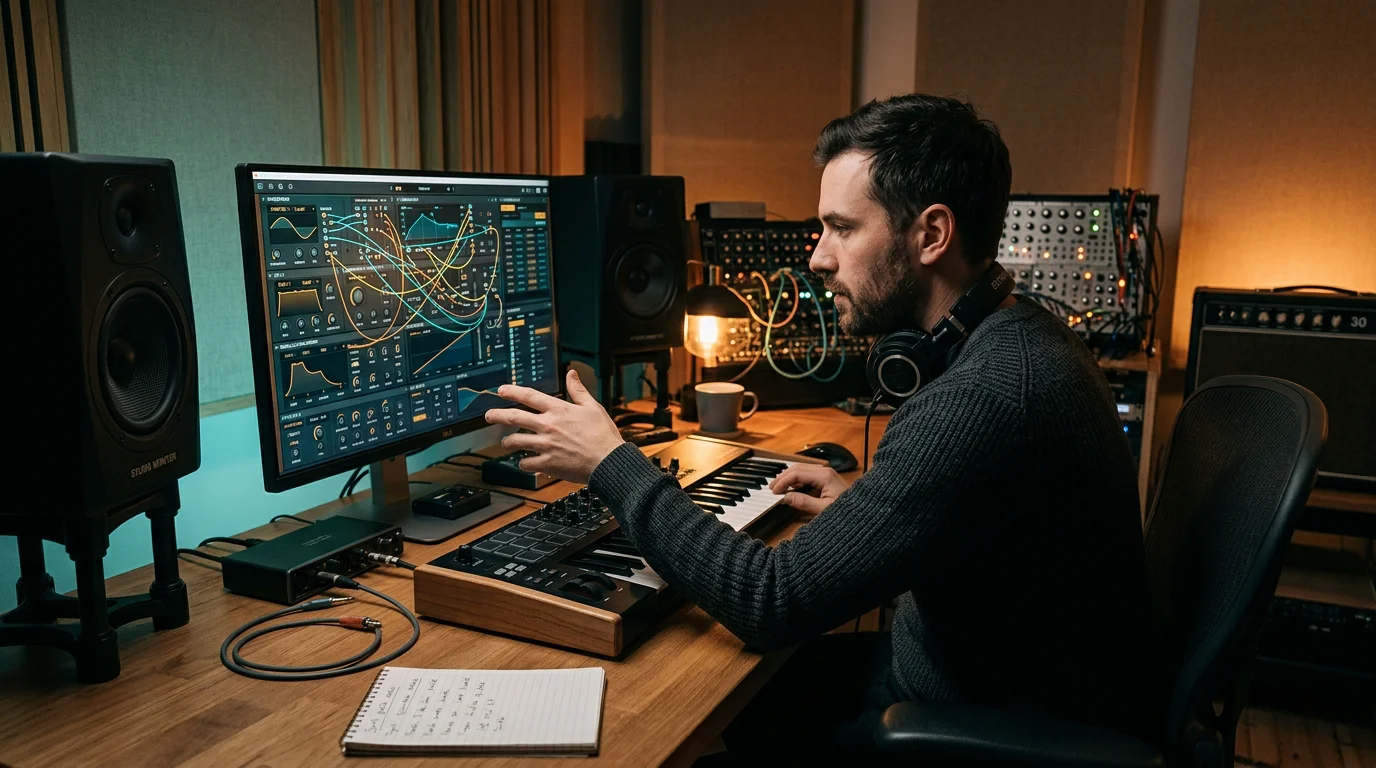
A strong wavetable synthesizer is the backbone of most trap, drill, and phonk productions. Vital by Matt Tytel is one of the most widely adopted free options, offering spectral warping, an intuitive interface, and a large community of downloadable soundbanks. It gives beginners and veterans a serious engine at no cost.
For sound designers who want depth, Surge XT by the Surge Synth Team is an open-source hybrid instrument. It ships with more than two thousand presets and multiple synthesis modes, from frequency modulation to wavetables. Both instruments run cleanly inside FL Studio, Ableton, and Logic Pro through VST3 and AU formats.
These synthesizers are powerful, yet their factory presets circulate everywhere. To keep a distinct voice, many producers pair a free engine with a boutique preset bank. Our free VST plugins collection highlights how to combine no-cost tools with sounds that are not already on every release.
Free effects for mixing and mastering in FL Studio
Once your sound design is in place, the mix decides whether a beat feels finished. TDR Nova by Tokyo Dawn Labs is a parallel dynamic equalizer that doubles as a surgical mixing tool and a light multiband compressor. It is a dependable first pick for anyone building an effects chain from scratch.
For precision work, ZL Equalizer 2 offers up to twenty-four bands, steep slopes, and a fully integrated dynamic EQ per band, all within a clean open-source interface. On the loudness side, Limiter №6 by Vladislav Goncharov provides a transparent five-stage mastering limiter that handles complex signals with ease.
Space and character come from tools such as Valhalla SuperMassive, a free reverb and delay effect built for huge tails and evolving echoes. Wavesfactory also distributes free processors like a transient shaper and a tape-style cassette effect, all compatible with major DAWs including FL Studio.
The real differentiator: presets that keep your beats distinct
Here is the nuance that few free-plugin lists address. When everyone downloads the same synthesizer and the same preset packs, differentiation stops being about the tool and starts being about the sounds inside it. Free engines give you the canvas; they rarely give you a palette that no one else is painting with.
This is the gap we set out to close. Pendora is a boutique, royalty-free sound bank with 275+ hand-crafted presets spanning melodic trap, drill, R&B, pluggnb, dark trap, lofi, and phonk. Every preset is designed by hand rather than licensed, generated, or recycled, which is precisely how you overcome beatblock without reaching for the same sound as the producer beside you.
Because the presets are studio-ready and light on CPU, they slot straight into a pattern-based workflow. If you build tracks primarily inside Image-Line’s DAW, our roundup of VST plugins for FL Studio shows how these sounds pair with free engines to keep momentum high. Our sister brand Pegasus by Cosmos Instruments covers adjacent territory for producers who want to expand further.
A short history of VST and why FL Studio embraces it
The technology that makes all of this possible is older than many producers realize. According to We Rave You, Steinberg introduced Virtual Studio Technology in 1996 with Cubase, allowing digital audio workstations to host software emulations of studio hardware for the first time.
The 1999 release of VST 2.0 added MIDI support, which turned plugins into playable synthesizers and samplers rather than simple effects. Modern DAWs now load the VST3 format, valued for cleaner CPU efficiency and richer functionality. FL Studio supports this ecosystem fully, which is why third-party synths, effects, and preset banks integrate so smoothly.
That long lineage matters today because it created a mature marketplace where free and premium tools coexist. Market analysts do not fully agree on the sector’s exact size, with some reports placing the audio plugins market near USD 0.36 billion in 2026 while others estimate figures several times higher, yet all point to sustained growth driven by independent creators.
Comparing free tools and a boutique preset bank
The table below places a curated preset bank alongside the strongest freeware engines and processors. It is not a question of free versus paid, but of engines versus identity. You need both to finish tracks that stand apart.
| Solution | Type | Cost | Content highlight |
|---|---|---|---|
| Pendora (ours) | Preset sound bank (VST3/AU) | From 97€, one-time | 275+ hand-crafted presets across trap, drill, phonk, pluggnb, lofi and more |
| Vital | Wavetable synthesizer | Free | Spectral warping engine with community soundbanks |
| Surge XT | Hybrid synthesizer | Free | 2,285 factory presets, open-source |
| TDR Nova | Dynamic equalizer | Free | Parametric and dynamic EQ with multiband compression |
| Valhalla SuperMassive | Reverb and delay | Free | Large tails and evolving echo algorithms |
The free options give you dependable engines and processing. Pendora sits at the top of this list because it solves the problem the others cannot: it supplies the sounds themselves, hand-crafted so your beats do not blend into everyone else’s.
Installing and organizing your free plugins in FL Studio
Getting new tools recognized is quick. Open the Options menu, select Manage Plugins, and start a scan. New entries appear highlighted, and once enabled they live in the Plugin Database inside the Browser, ready to drag onto your channel rack.
A little housekeeping saves hours later. Right-click any plugin to add it to a favorites folder, and use color coding so that saturators, reverbs, and synths are instantly recognizable. The Plugin Picker lets you type a few letters, such as “rev”, to surface every reverb at once.
Finally, export your plugin database before major system updates. A five-minute backup protects a carefully curated setup from being wiped by an operating system reinstall, keeping your royalty-free presets and effects exactly where you left them.
Building a setup that sounds like you
Assembling a capable rig with free VST plugins for FL Studio is realistic in 2026, and the freeware landscape genuinely rivals paid engines for synthesis, mixing, and mastering. The honest limitation is identity: shared tools and shared presets lead to shared results. Treat free synths and effects as your foundation, then invest your attention in the sounds that carry your name. That balance, capable free engines paired with hand-crafted presets, is what lets a producer finish tracks that are recognizably their own.
Take action with Tiger-Sounds
You have the engines and the effects. What remains is a sound that does not already appear on a hundred other releases. That is the exact problem we built Pendora to solve, so producers stop hearing their own beats inside every other track.
Pendora delivers 275+ studio-ready, royalty-free presets across trap, drill, dark trap, phonk, boom bap, and pluggnb, all hand-crafted and light on CPU. You pay once and keep them, with editions from Lite to Ultimate to match your workflow. Explore the Pendora sound bank for FL Studio and give your productions a signature that stands apart.
Frequently Asked Questions
Are free VST plugins good enough for professional tracks?
Yes, for the core tasks of synthesis, equalization, compression, and reverb, freeware such as Vital, TDR Nova, and Valhalla SuperMassive delivers professional-grade results. The limitation is not sound quality but sonic originality, since these tools and their presets are shared widely across the producer community.
Do free VST plugins work with FL Studio on both Mac and Windows?
Most modern free plugins ship in VST3 and Audio Units formats, which cover Windows and macOS. FL Studio recognizes them once you run a plugin scan through the Manage Plugins menu, after which they appear in the Plugin Database.
What is the difference between a free synth and a preset bank like Pendora?
A free synth is the engine that generates sound, while a preset bank supplies the finished, ready-to-use sounds. Our Pendora sound bank provides 275+ hand-crafted, royalty-free presets so you avoid the generic factory sounds that circulate on countless other tracks.
Are free VST plugins royalty-free for commercial releases?
Licensing varies by developer, so you should always read each plugin’s terms before releasing commercially. Our Pendora presets are royalty-free with commercial use permitted, which removes any uncertainty when you monetize your beats.
How many plugins do I really need in FL Studio?
Far fewer than most producers assume. A capable wavetable synth, one dynamic equalizer, a limiter, a reverb, and a distinctive preset library will carry the vast majority of productions. Depth of use matters more than the size of your collection.





