Summary: Start with free synths and sample players that you can download from their developers and match to your exact FL Studio 20 build. Surge XT, Vital, Decent Sampler, and Tyrell N6 cover sound design and sampled instruments, but differ in format, library needs, and interface complexity. Check compatibility before installing, then scan the plugin in FL Studio. Remember that sample packs are not plugins.
A free synth can spark a beat, but the wrong plugin format can leave it missing from the channel rack. For free hip-hop plugins for FL Studio 20, start with a few well-matched instruments rather than a folder full of downloads. Our free VST plugins for FL Studio page is one place to continue browsing, while the picks below cover distinct uses in beatmaking.
Think about the sound you need first: a wavetable synth for custom basses and leads, an analog-style synth for quick presets, or a sampler for playable instruments. The exact FL Studio 20 point release matters too. Image-Line’s documentation covers supported plugin formats and installation, while its version information notes that FL Studio 20.9 and later are 64-bit only. Check the build and format before downloading so you do not mistake a version mismatch for a broken plugin.
Which free hip-hop plugins work in FL Studio 20?
For hands-on synthesis, start with Surge XT or Vital; choose Decent Sampler when you want to play sample libraries, and Tyrell N6 for a classic virtual-analog approach. These are different kinds of tools, not interchangeable beat kits. The table ranks them by how directly each can add playable sounds to a hip-hop session and notes the main setup consideration.
| Rank | Plugin | Role | Free offer | Setup consideration |
|---|---|---|---|---|
| 1 | Surge XT | Versatile synthesizer | Free and open source | Choose a format supported by your FL Studio 20 build |
| 2 | Vital | Visual wavetable synthesizer | Free Basic tier | Check the installer and format for your operating system |
| 3 | Decent Sampler | Sample-library player | Free player; libraries vary | Requires instruments made for Decent Sampler |
| 4 | Tyrell N6 | Virtual-analog synthesizer | Free download | Check the format and beta status of the build |
1. Surge XT
Best for: Producers who want to build their own basses, plucks, leads, and atmospheric layers instead of relying on a single preset style.
Surge XT is a free, open-source synthesizer with several synthesis methods and a large sound-design toolkit. That range can help when a hip-hop track needs a tuned 808 layer, a shifting pad, or a melodic sound that is not already familiar from a basic piano patch. It rewards experimentation, although its depth can take more time to learn than a simple preset instrument.
Pros
- Free and open source, with multiple synthesis approaches for shaping sounds.
- Useful across bass, lead, pad, and texture roles in beatmaking.
Cons
- The many controls can make it slower to navigate if you only want a ready-made sound.
2. Vital
Best for: Producers interested in visual wavetable sound design for modern basses, leads, and evolving textures.
Vital presents its synthesis and modulation visually, making it easier to see how a waveform changes as you edit a sound. The free Basic tier gives you the core synthesizer, with a smaller preset and wavetable selection than the paid tiers. That makes Vital a useful starting point for learning how to shape a sound, but it is not the same as downloading a ready-made hip-hop kit.
Pros
- The visual approach makes modulation and wavetable changes easier to follow.
- The Basic tier provides a starting point for designing original synth sounds.
Cons
- Preset and wavetable quantities are limited in the free tier compared with paid tiers.
3. Decent Sampler
Best for: Producers who want to play sampled instruments through a plugin rather than synthesize every sound from oscillators.
Decent Sampler is a free sample player for instruments made in its own format. It can be useful for adding a sampled piano, keys, or another playable sound to a beat, but the player itself is not a complete collection of sounds. You need compatible libraries, and their availability, price, and license depend on the library creator.
Pros
- It opens a separate library-based approach to playable sampled instruments.
- The player is free, so the cost depends on which compatible libraries you choose.
Cons
- You need to find and install compatible libraries before you have instruments to play.
- Library terms can differ, so check the specific license before using sounds commercially.
4. Tyrell N6
Best for: Producers looking for an analog-style synth with a preset library and hands-on controls.
Tyrell N6 uses a virtual-analog design with oscillators, filters, modulation, and built-in effects. It is a free download, and the developer’s current build is labeled beta. That can be a useful choice if you want traditional synth architecture and presets to explore, but check the included formats and the build notes against your operating system and exact FL Studio 20 version.
Pros
- Offers an analog-style sound-design workflow and a factory preset library.
- Free to download without a serial number.
Cons
- The current free build is labeled beta, so check its release notes and compatibility before using it in an important project.
How do you install and check a free plugin?
What should you do if a downloaded instrument does not appear in FL Studio? First, confirm that the installer matches your operating system and FL Studio build. In FL Studio, plugin support and scanning depend on format and version. Image-Line’s instructions describe installing plugins and scanning them so they appear in the plugin database. Its support page also explains that 20.9 and later are 64-bit only, so older 32-bit plugins may need a compatible bridge or a 64-bit alternative.
- Download the installer from the plugin developer’s official site.
- Choose a plugin format and bit depth that match your system and FL Studio 20 point release.
- Run the installer, then use FL Studio’s plugin manager to scan for the new instrument or effect.
- Load it in a test project and save a copy before relying on it in a larger session.
For download safety, avoid cracked installers and unofficial mirrors. Microsoft recommends downloading software from trusted sources and paying attention to what the installer adds. On macOS, Gatekeeper checks downloaded apps and plugins for developer identity, notarization, and changes to the software. These checks are useful safeguards, but they do not replace checking that you are on the developer’s genuine download page.
How do you choose between a synth, a sampler, and a sound pack?
Start from the job you need the download to do. A synthesizer creates or shapes tones, so it suits custom basses, leads, and pads. A sampler plays audio recordings as instruments, which can provide a more organic piano or key sound. A sound pack, by contrast, may be a collection of audio files or presets, not a plugin that appears as an instrument in the channel rack.
For a quick workflow, choose a synth with presets you can edit, then save your own variations in the project. For more distinctive melodies, try a sampler library that fits the track’s mood. If a download includes only WAV samples or MIDI files, treat it as a production resource and load or arrange it using FL Studio’s own tools rather than expecting it to open like a VST instrument.
If you want to browse beyond the four picks, our free FL Studio plugins page is another relevant starting point. Judge each download by its role, plugin format, and license, rather than by its name alone.
What should you check before downloading?
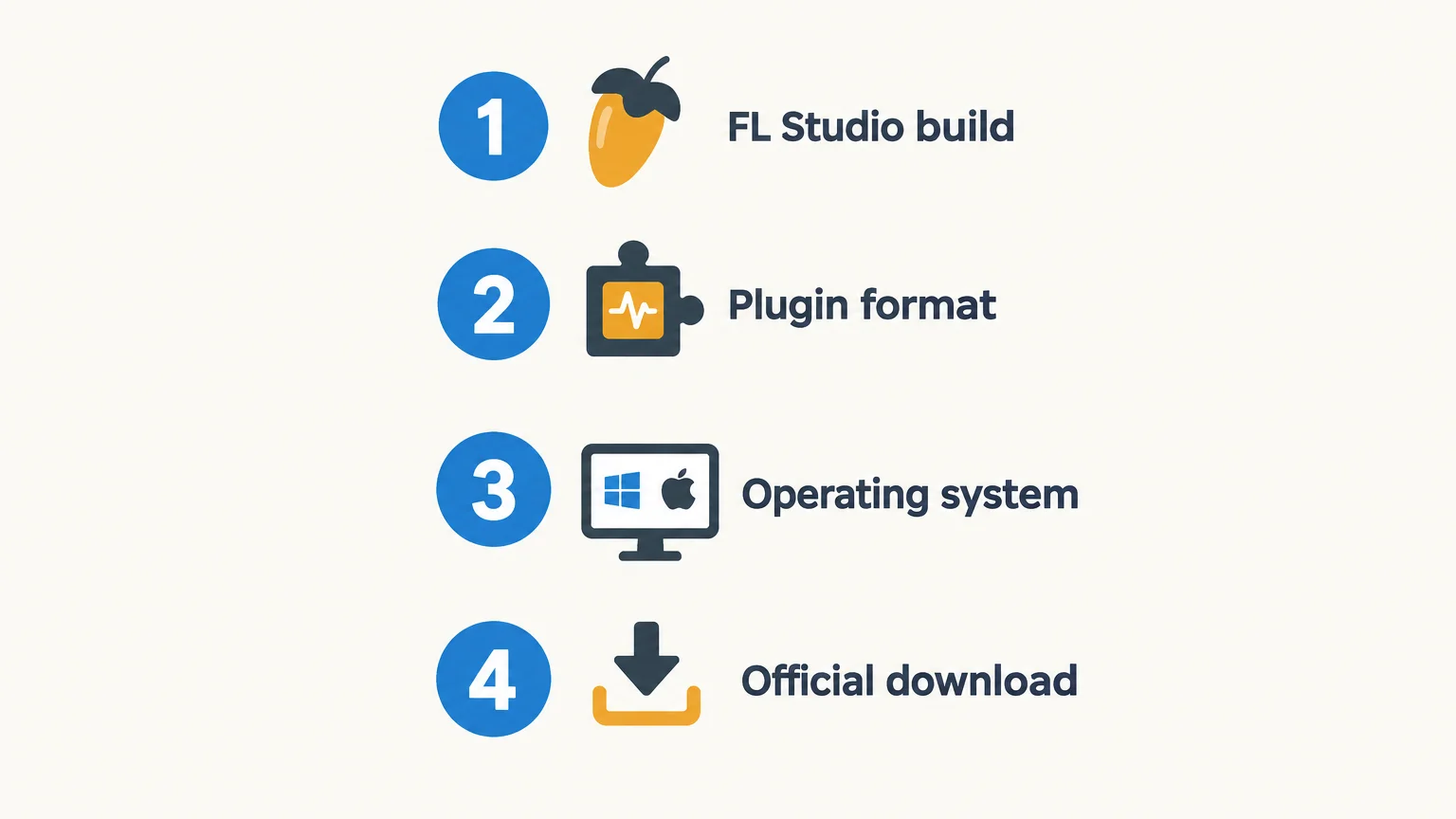
Will the plugin solve a real gap in your current beatmaking setup? Check these four points before adding another download to your folder.
- FL Studio build: Confirm your exact FL Studio 20 point release.
- Plugin format: Match the format offered by the developer to the one your host can load.
- Operating system: Choose the correct Windows or macOS installer.
- Download and license: Use the official source and read the terms for the plugin and any sound library.
When might a paid sound bank be a better fit?
Free plugins are a practical way to test synthesis and sampling, but they may not provide a focused palette for every genre or workflow. Our Pendora sound bank is a paid option for producers working in melodic trap, drill, R&B, pluggnb, dark trap, lo-fi, and phonk. The full edition includes 275+ studio-ready presets across 30+ sound categories, plus expansion packs and production assets. A hand-crafted, genre-focused bank can give you a more direct starting point when preset browsing is slowing down a session. See our best VST plugins for FL Studio page for more on selecting instruments for your setup.
For a no-cost download instead of a plugin, Temple Drumkit is a free newsletter incentive with 80+ hand-crafted drums for trap, drill, and plug. It is a drumkit resource, not a virtual instrument, so it complements rather than replaces a synth or sampler.
Conclusion
The best starting point depends on whether your beat needs original synthesis or playable sampled instruments. Try Surge XT or Vital for synth design, Decent Sampler for compatible libraries, and Tyrell N6 for an analog-style approach. Before installing anything, confirm the plugin format, operating system, and FL Studio 20 point release. A few well-chosen free hip-hop plugins for FL Studio 20 are more useful than a large collection you never open.
Find a sound bank for your next beat
If you have tested free plugins and want a more focused palette for trap, drill, phonk, or pluggnb, a curated sound bank can help you spend less time searching and more time shaping the beat. Pendora is a paid sound bank, not a free plugin, with a genre-focused collection of presets and production assets.
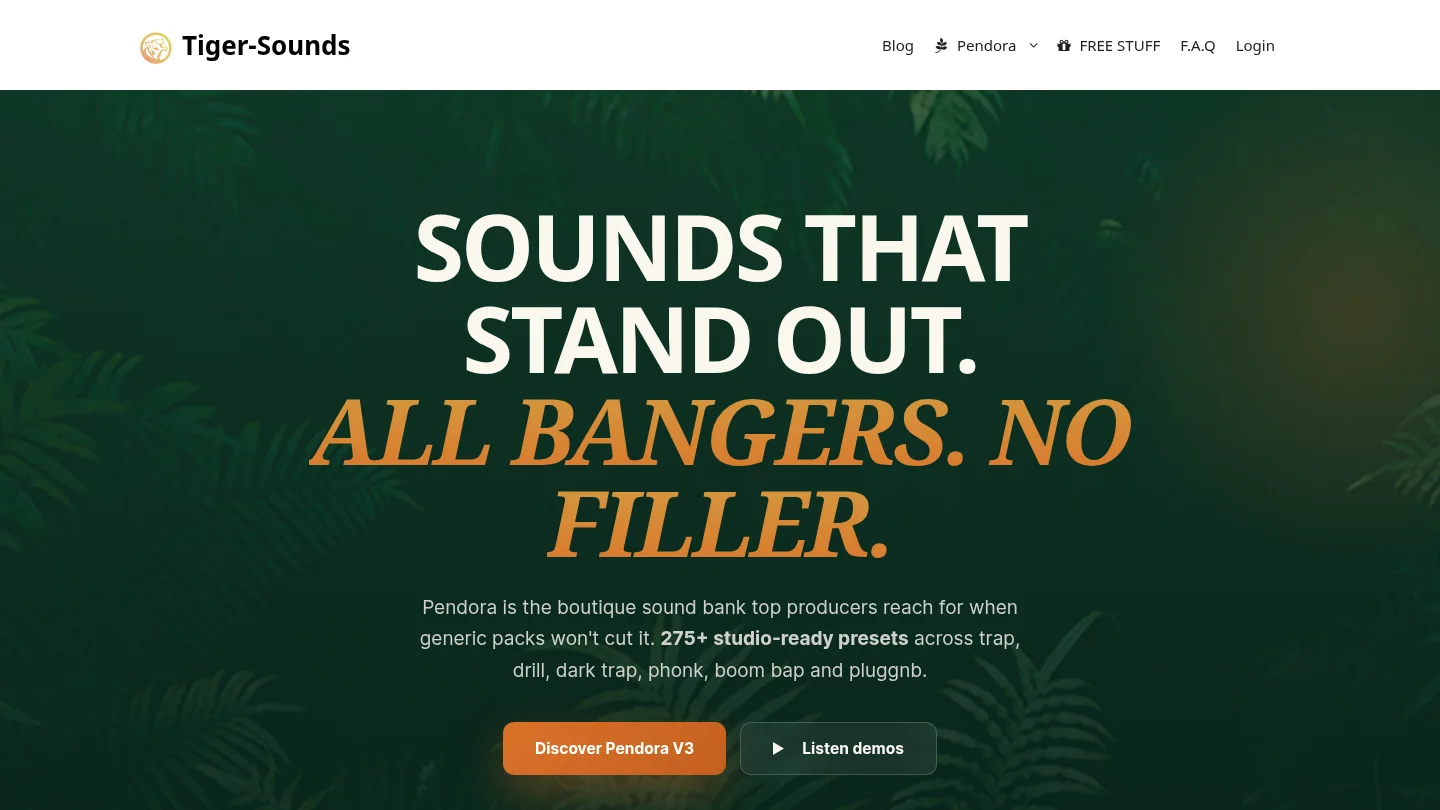
Our full edition includes 275+ studio-ready presets across 30+ sound categories, plus expansion packs, drumkits, MIDI, effects, and other production assets. Pendora supports VST3 on Windows and macOS, and AU on macOS, with FL Studio among its tested DAWs. It is a one-time purchase, with royalty-free commercial use and lifetime updates under the stated terms. Browse VST plugins to see whether a focused sound bank fits your workflow.
Frequently Asked Questions
Are free VST plugins compatible with every FL Studio 20 version?
Not necessarily. Compatibility depends on the plugin format, operating system, bit depth, and the exact FL Studio 20 point release you use.
Should I choose VST2 or VST3 for FL Studio 20?
Check the formats supported by your specific FL Studio build and the plugin developer’s installer. Use a format available to both the plugin and your host.
Is a sample pack the same as a plugin?
No. A plugin is software that runs inside FL Studio, while a sample pack is usually a collection of audio files, presets, or MIDI that you load or arrange separately.
Can I use free plugin sounds in commercial beats?
Check the license for the plugin and any included or separately downloaded sound library. The software being free does not automatically mean every library has identical commercial-use terms.
Why does FL Studio fail to show a plugin after installation?
The plugin may be installed in a format or location FL Studio is not scanning, or it may not match your operating system or bit depth. Check the installer settings and run a fresh plugin scan in FL Studio.





