Summary: For hip-hop beatmaking, Pendora VST V3.0 is a focused first pick for trap, drill, dark trap, phonk, boom bap, and pluggnb, with a large preset library and production assets. Serum and Vital suit hands-on wavetable design, Omnisphere offers broad synth textures, and Kontakt is built around sample libraries. Choose according to your sound palette, workflow, and plugin requirements.
Which plugin should open first when a hip-hop beat stalls? For trap, drill, dark trap, phonk, boom bap, and pluggnb, the answer depends on whether you want curated starting sounds or a synth to program from scratch. Our Hip-Hop-Plugins für FL Studio 20 resource is a useful companion if FL Studio is your main DAW; this comparison focuses on sounds and workflows that also matter in other setups.
The best hip hop VST plugins are not all the same kind of instrument. A preset bank, wavetable synth, and sampler solve different beatmaking tasks, so compare how quickly you can reach a melody, how much sound design control you want, and whether the tool fits your session. A recent independent Serum 2 versus Vital comparison illustrates how two wavetable synths can differ in features and purchase options.
Quick comparison of five hip hop VST plugins
| Rank | Plugin | Sound focus | Beatmaking role | Purchase model |
|---|---|---|---|---|
| 1 | Pendora VST V3.0 | Curated sounds for trap, drill, dark trap, phonk, boom bap, and pluggnb | Preset bank with expansions, MIDI, and mix presets | One-time purchase; royalty-free commercial use under stated terms |
| 2 | Serum | Wavetable and other forms of synthesis | Build and shape basses, leads, and textures | Paid instrument; check current purchase terms |
| 3 | Omnisphere | Hybrid synthesis and a broad sound library | Layer pads, keys, and atmospheric sounds | Paid instrument; check current price |
| 4 | Kontakt | Sample-based instruments and libraries | Play and shape sounds from compatible libraries | Free Kontakt Player for compatible libraries; full version is paid |
| 5 | Vital | Wavetable synthesis | Program custom leads, bass, and evolving patches | Free edition and paid editions |
1. Pendora VST V3.0
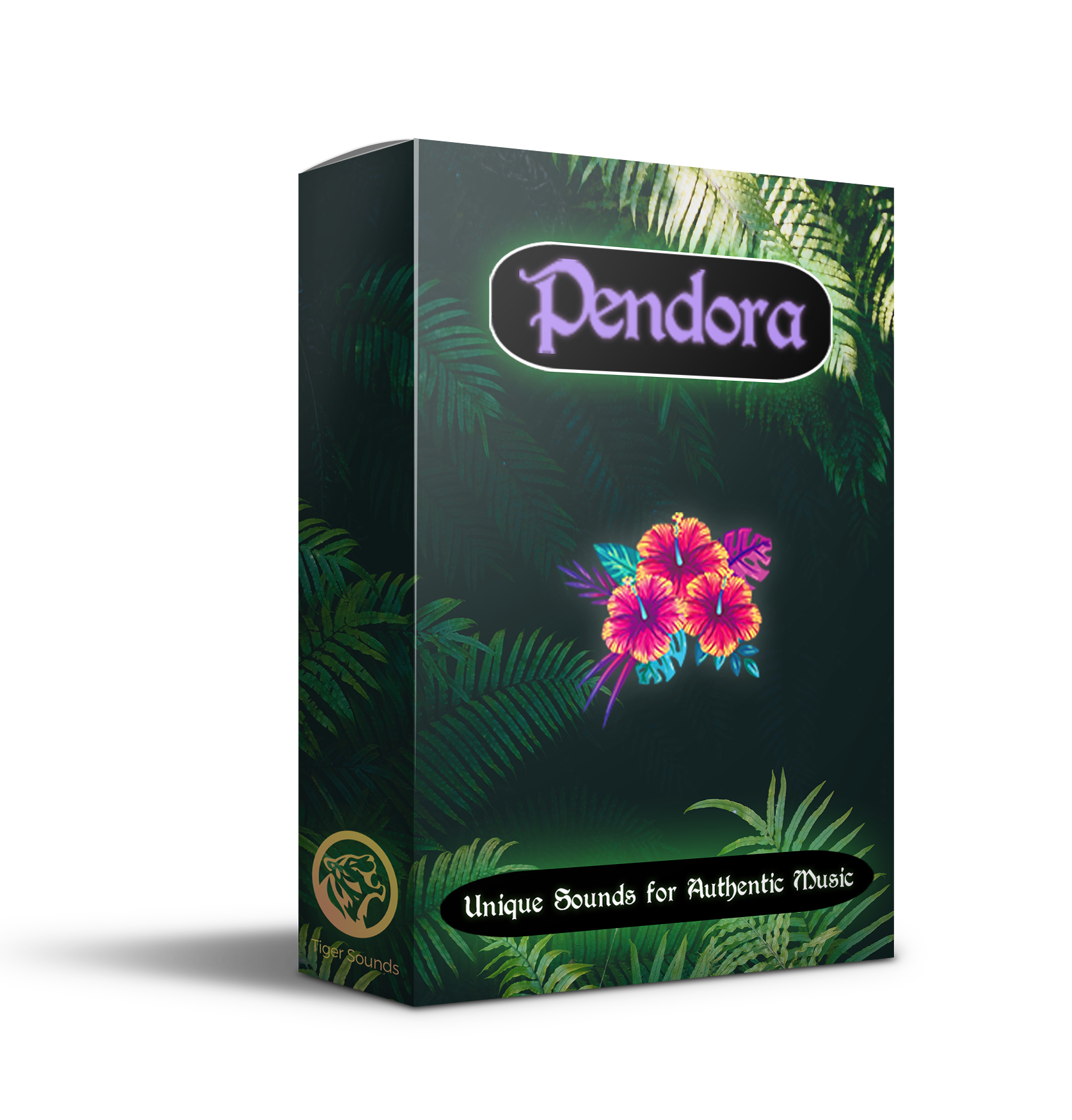
Best for: Beatmakers looking for a genre-focused preset bank for trap, drill, dark trap, phonk, boom bap, or pluggnb, with production assets alongside the instrument.
Overview: Pendora VST V3.0 is our boutique sound-bank VST, with 275+ hand-crafted presets across 30+ sound categories. It includes three expansion packs, 100+ MIDI files, and seven mix presets, giving you ready-to-audition material for melodic ideas and beat arrangements. A curated bank is useful when you want to spend less time scrolling through sounds for unrelated styles and more time shaping a beat. Our full-edition page displays a 4.71/5 rating from 59 verified-buyer reviews, one customer-feedback signal to consider alongside auditioning the presets yourself.
For compatibility, Pendora supports VST3 on Windows and macOS, and AU on macOS. It supports macOS 11 Big Sur or later and 64-bit Windows 10 or 11, with native Apple Silicon support. FL Studio, Ableton Live, Logic Pro, Cubase, Pro Tools, and Reason are among the explicitly tested DAWs. The full edition is a one-time purchase. Listings have differed, with €149 shown on some pages and $147 on another, so check the checkout amount before purchasing.
Pros:
- Genre-focused presets and included MIDI and mix presets give beatmakers material to audition without starting each sound from scratch.
- Royalty-free commercial use applies to beats sold, placed, or licensed under the product terms, with no additional royalties owed.
- VST3 and AU support covers common Windows and Mac production setups, with named DAWs tested.
Cons:
- The full-edition price has appeared differently across pages, so confirm the checkout total.
- A preset-led bank is not the most direct choice if your main goal is building every patch through hands-on oscillator programming. Choose a dedicated wavetable synth for that workflow.
2. Serum
Best for: Producers who want to design and refine their own wavetable basses, leads, and moving textures.
Overview: Serum is a sound-design-focused synthesizer rather than a genre-specific preset bank. Serum 2 expands beyond wavetable synthesis with sample, multisample, granular, and spectral oscillator modes, giving producers more ways to shape source material. A MusicRadar review of Serum 2 describes those added oscillator options and its deeper sound-shaping tools. In a beatmaking session, it suits a producer who wants to create a particular 808 layer, lead, or evolving texture instead of choosing only from a fixed preset palette.
Pros:
- Multiple synthesis approaches give you room to build and customize sounds, not just browse them.
- Its modulation and editing workflow supports detailed changes to basses, leads, and melodic textures.
Cons:
- It is a general-purpose synth, not a focused trap or drill sound bank. Matching a specific lane depends on patch selection and programming.
- Its range is most useful when you are prepared to spend time learning and shaping sounds.
3. Omnisphere
Best for: Producers seeking a broad palette of layered synth sounds, pads, keys, and atmospheric textures.
Overview: Omnisphere combines synthesis with sample-based sounds, making it a flexible source for layered melodies and sustained backdrops behind drums and 808s. Sound On Sound’s March 2026 review describes Omnisphere 3 as adding 18 libraries and 26,000 patches. That breadth is useful when a beat calls for a sound beyond a conventional lead or bass, though finding a specific tone can involve more browsing than in a narrowly focused bank. Read the Sound On Sound Omnisphere 3 review for more on the instrument’s scope.
Pros:
- A large library and layered sound sources provide options for pads, keys, and detailed textures.
- Its broad synthesis palette suits producers working across different styles and arrangements.
Cons:
- The breadth of the library can call for deliberate browsing when you want one specific sound quickly.
- It is a broad instrument rather than a compact, genre-focused preset bank.
4. Kontakt
Best for: Producers who want to work with sample-based instruments, including playable keys, strings, and other sounds from compatible libraries.
Overview: Kontakt is a sampler platform, so its sound and usefulness depend in part on the instruments and libraries you load. It is a different kind of choice from Serum or Vital: rather than centering the workflow on wavetable patch design, Kontakt lets you play and work with sampled instruments. The free Kontakt Player runs compatible Native Instruments instruments and many licensed third-party libraries. Check that a particular library supports Player before buying it, and choose sounds that fit the beat rather than assuming the sampler alone supplies a genre-specific palette.
Pros:
- A library-based workflow can bring sampled instruments into a beat without building each sound from a synth oscillator.
- The free Kontakt Player provides an entry point for compatible libraries.
Cons:
- The sound selection depends on the compatible libraries you choose, so check what is included with a specific instrument.
- It is less direct than a curated genre bank when your first priority is quickly auditioning trap or drill presets.
5. Vital
Best for: Producers who want to learn wavetable synthesis with a free edition available.
Overview: Vital is a wavetable synthesizer for building and editing your own patches. It can suit beatmakers who want to experiment with leads, basses, and modulated textures without beginning with a paid instrument. Its synthesis-first workflow differs from a curated sound bank: expect to adjust sounds yourself to fit a particular beat. Recent coverage comparing Serum 2 and Vital discusses the differences in their synthesis features and available editions, which can help when deciding how much sound-design depth you need.
Pros:
- A free edition offers a way to start exploring wavetable synthesis.
- Editing your own patches makes it possible to develop a sound around the melody or bassline in progress.
Cons:
- It is a synth to program, not a ready-made library focused on particular hip-hop subgenres.
- Some of Serum 2’s sample, multisample, granular, and spectral options are outside Vital’s more focused wavetable workflow.
Choose a plugin by the task in your session
If you have a melody in mind but keep losing time to preset selection, begin with a focused bank and audition a small number of sounds against the drums. If you want to create a bass patch from scratch, a wavetable synth such as Serum or Vital gives you a more hands-on route. When you need sampled keys or other playable instruments, check the specific Kontakt library instead of choosing by sampler name alone.
For type beats, start with the artist lane and the role the sound needs to fill. Our guide to VST-Plugins für Type-Beats is relevant when you are narrowing sounds around that kind of target. To compare a wider mix of tools, see our overview of beste VST-Plugins or our roundup of beste VST-Instrument-Plugins.
Whatever you choose, test it in the same short loop before building a large template. Try one melody, one bass sound, and one supporting texture at your usual tempo. This makes it easier to judge beatmaking workflow, sound fit, and how much editing a plugin asks of you before it becomes part of your regular setup.
Conclusion
The right instrument depends on whether you want curated starting sounds, hands-on synthesis, broad layered textures, or a sample-library workflow. For producers focused on trap, drill, phonk, boom bap, and pluggnb, a genre-focused hip hop VST such as Pendora VST V3.0 is a practical first choice; Serum or Vital fit deeper wavetable design, while Omnisphere and Kontakt serve different library and layering needs. Check the sound palette and your DAW requirements before adding another plugin.
Browse VSTs for Your Next Beat
If a beat is stalled at the melody stage, a preset-led sound bank can provide genre-relevant starting points while leaving the arrangement and processing choices to you. Compare the sound material and compatibility details before adding another instrument to your DAW template.
Pendora V3.0 includes 275+ hand-crafted presets, three expansion packs, 100+ MIDI files, and seven mix presets for trap, drill, dark trap, phonk, boom bap, and pluggnb. It is a one-time purchase, with royalty-free commercial use under the stated terms; preset files cannot be shared or redistributed. It supports VST3 on Windows 10 or 11, 64-bit, and macOS 11 Big Sur or later, plus AU on macOS, with native Apple Silicon support. Browse our VST instruments and production sounds.
Frequently Asked Questions
Which plugin should I start with for trap or drill beats?
If you want curated starting sounds for those styles, begin with Pendora VST V3.0. If your priority is building synth patches yourself, start with Serum or Vital.
Is Pendora the same plugin as Cymatics PANDORA?
No. Pendora VST is made by Tiger-Sounds, while Cymatics PANDORA is an unrelated plugin. Check the developer name when searching for either product.
Does Pendora work with FL Studio, Ableton Live, and Logic Pro?
Those are among the DAWs explicitly tested with Pendora. Check the plugin format and operating-system requirements for your computer before installing.
Does royalty-free use allow me to share or resell the preset files?
No. The royalty-free terms cover commercial use of sounds in beats you sell, place, or license, but do not allow sharing or redistributing the files themselves.
Should I choose a synth or a sampler?
Choose a synth when you want to create and shape oscillator-based sounds, and a sampler when you want to play sounds from a particular instrument library. A curated preset bank is another option when fast access to a focused sound palette matters more than building each patch from scratch.