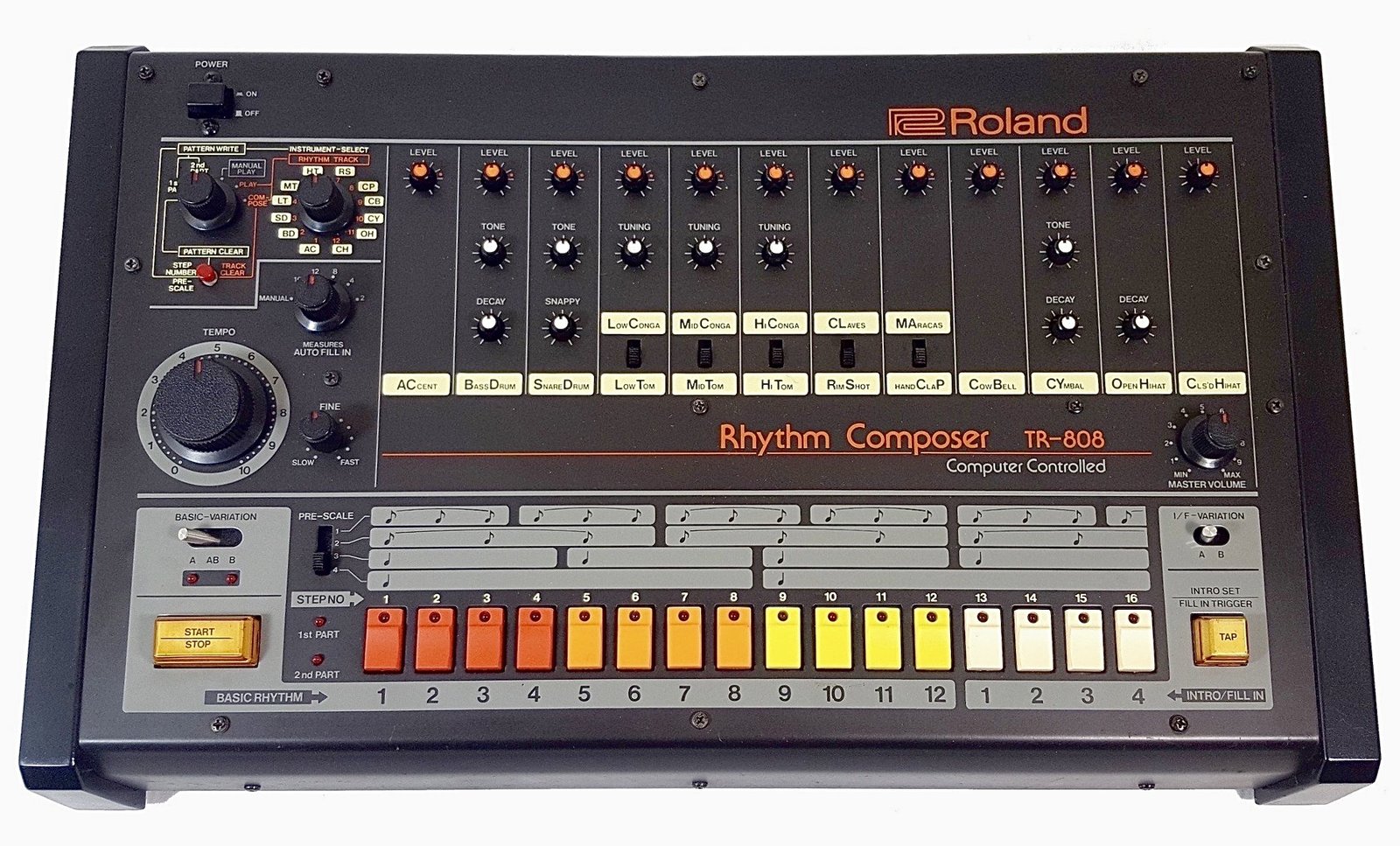
To make 808 glides in FL Studio, load your 808 sample into a native instrument like Sampler, open Channel settings, turn on Mono and Porta, then overlap two notes in the piano roll so the second one bends into pitch. For exact, timed slides, use slide notes in the piano roll instead (shortcut S). One catch the official manual is clear about: these slide and portamento features only work with native FL Studio instruments, not third-party VST plugins.
Below: the three native methods, the VST workaround, and how to write slides that sound like drill and trap. Everything about FL Studio’s behavior here comes from Image-Line’s official piano roll manual and Channel settings documentation.
What’s in this guide
- The three ways to make an 808 glide in FL Studio
- Method 1: Mono and Porta (overlapping notes)
- Method 2: Slide notes for timed glides
- Method 3: Portamento flags on single notes
- How to glide a VST 808
- How to write slides that actually sound good
- Why your 808 glide isn’t working
- FAQ
What are the three ways to make an 808 glide in FL Studio?
FL Studio gives you three native tools for 808 glides: channel-wide Mono + Porta, per-note slide notes, and per-note portamento flags. Mono + Porta is the fastest to set up, slide notes give you the most control over timing, and portamento flags let you pick exactly which notes glide without changing the whole channel.
| Method | Where you set it | Glide timing | Best for |
|---|---|---|---|
| Mono + Porta | Channel settings, Miscellaneous functions tab | SLIDE knob (one value for the whole channel) | Quick glides on every overlapping note |
| Slide notes | Piano roll, Slide toggle (S) | Set by the slide note’s length | Long, dramatic slides timed to the grid |
| Portamento flags | Piano roll, Portamento toggle (O), or the note’s properties | Short glide into the flagged note | Picking specific notes that glide |
| VST 808 (any plugin) | The plugin’s own glide or legato settings | Depends on the plugin | 808s that live inside a third-party synth |
The first three only work on native FL Studio instruments. If your 808 comes from a plugin, jump to the VST section.
Method 1: How do you glide an 808 with Mono and Porta?
Turn on Mono and Porta in the channel’s settings, then overlap two notes. With Mono on, the channel plays one note at a time, so when a new note starts before the previous one ends, the pitch slides from one to the other instead of playing both.
- Load the 808 into Sampler. Drag your 808 WAV into the Channel rack. FL Studio opens it in its native Sampler, which supports glides.
- Open Channel settings. Click the channel button and go to the Miscellaneous functions tab.
- Turn on Mono. The manual describes Mono as “maximum one note played at a time.” This is what makes overlapping notes slide into each other.
- Turn on Porta. This “enables the portamento feature for this channel (sliding the pitch from note to note).”
- Set the SLIDE knob. It sets the portamento time. Further right means a longer slide. Start low and turn it up by ear.
- Overlap the notes. In the piano roll, extend the first 808 note so it runs past the start of the next one. Notes that don’t overlap play normally with no glide.
Your 808 should be tuned to the key of the beat before any of this. If the sample’s root note is off, every glide lands on a wrong pitch. If you haven’t checked yours, the tuning and low-end section in our guide to mixing 808s without mud covers it.
The downside of this method: every overlap glides at the same speed. If you want a fast flick on one note and a long, slow dive on another, use slide notes.
Method 2: How do slide notes work in the FL Studio piano roll?
Slide notes are FL Studio’s tool for exact, timed glides. You draw a slide note over an existing note, and the pitch moves from the original note to the slide note’s pitch. The slide note itself makes no sound. It only tells the note underneath where to go and how fast.
- Draw your normal 808 note and make it long enough to hold through the slide.
- Press S (or click the Slide toggle in the top-left of the piano roll) to enter slide mode.
- Draw the slide note at the target pitch, starting where you want the glide to begin, and overlapping the original note.
- Adjust the length. Per the manual, the slide note’s length “controls the rate of pitch-change.” A short slide note snaps to pitch; a long one dives slowly.
- Press S again to leave slide mode before drawing normal notes.
Three rules from Image-Line’s documentation that save a lot of confusion:
- A slide note must overlap a normal note. “A slide note, played on its own, without overlapping a standard note, will not produce sound.”
- The slided note has to last long enough. If the original note ends before the slide finishes, the slide stops early and never reaches the target pitch.
- Color groups keep slides separate. “Notes of the same color group, slide each other.” Give your 808 one color and anything else on the same channel another, so they don’t drag each other’s pitch.
Slide notes are the best fit for long drill slides where the 808 drops a full octave, because you see exactly where the glide lands on the grid.
Method 3: When should you use portamento flags?
Use portamento flags when you want a short glide into specific notes only, while the rest of the 808 pattern plays straight. The flag goes on the receiving note, and the manual describes it as “a short slide in pitch from the end of one note to the note with the portamento flag.”
- To draw flagged notes: press O (Portamento toggle) in the piano roll, then draw. New notes show the portamento flag.
- To flag existing notes: double-click a note to open its properties and use the Porta switch. It inverts the channel setting, so if Porta is off for the channel, it turns on for that note, and the reverse. If the note is part of a selection, the change applies to every selected note.
The manual notes the effect is most audible on larger intervals, which fits 808s: a jump of a fifth or an octave makes the glide obvious, a one-semitone step barely registers. The SLIDE knob in Channel settings also interacts with portamento notes, even if it looks grayed out, so check it if your flagged glides feel too fast or too slow.
How do you glide an 808 from a VST plugin?
FL Studio’s slide notes and portamento don’t reach third-party plugins. The Channel settings page states it plainly: “Portamento and sliding of overlapping notes is not supported by VST/AU instruments.” That means any 808 inside a VST, whether it’s Serum, a dedicated 808 plugin or a preset bank like Pendora (which runs as VST3 and AU), needs a different route. You have three options:
- Use the plugin’s own glide. Most synths with an 808 engine have their own mono, legato and glide (or portamento) controls. Turn on mono or legato, set a glide time, overlap your notes, and the plugin does the slide internally. Exact names and ranges vary by plugin, so check its manual.
- Automate pitch. Image-Line’s suggestion for VSTs is to automate the channel pitch control instead of using slide notes. It’s more drawing work, but it gives you any curve you want.
- Render the 808 to audio, then load it into Sampler. Bounce one sustained note of your VST 808 to a WAV, drag that file into the Channel rack, and you’re back to Methods 1 to 3 with the plugin’s tone. This is the most reliable way to get FL-style slides from any 808 sound you like.
Expect some trial and error on option 1. In a KVR Audio forum thread, producers looking for plugins that slide exactly like FL Studio found legato-mode samplers that came close but not identical. That’s why option 3 exists.
If you’re still picking an 808 source, our list of the best 808 VST plugins and sample sources compares the options, including which ones are samples (easy to slide in Sampler) and which are plugins.
How do you write 808 slides that sound like drill and trap?
Good 808 slides are short, in key and placed on purpose. The technical setup takes five minutes; the pattern writing is where beats get their bounce.
- Stay in key. Slide between notes of the scale you wrote the melody in. A slide that lands off-key reads as a mistake, not a vibe.
- Pick the interval for the mood. Violet Recording’s 808 slide guide puts it simply: “Short slides of a semitone or two feel subtle and vocal; big slides of an octave feel dramatic.” Octave drops are the classic drill move. Small slides suit melodic trap and pluggnb.
- Use direction on purpose. The same guide suggests sliding up into an accent for tension and down for a heavy resolve.
- Offset from the kick. Try starting the slide on the “and” of a beat so it pulls against the kick pattern instead of stacking on it.
- Don’t slide every note. “Slides are seasoning, not the whole meal.” Save them for turnarounds, the bar before the hook, and one signature move per loop.
- Match glide speed to tempo. Faster beats want snappier glides; slow, half-time beats can carry longer slides.
In UK and NY drill, the 808 often carries as much melody as the bells, with slides every bar or two. If you’re building one from scratch, our step-by-step guide to making a drill beat covers where the sliding 808 sits against the drums and arrangement.
Why isn’t my 808 glide working in FL Studio?
Most broken glides come from one of five causes. Check them in this order.
- The 808 is in a VST. Native slides and portamento won’t reach it. Use the plugin’s glide or render it to audio and load it into Sampler.
- The notes don’t overlap. With Mono + Porta, a gap of any size means no glide. Stretch the first note past the start of the next.
- The slide note is floating on its own. A slide note with no normal note under it is silent. It has to overlap a real note.
- The first note is too short. If the original note ends before the slide finishes, the slide cuts off before reaching the target.
- GATE is limiting note length. The Time section’s GATE knob sets the maximum length of a note event on the channel, and the manual notes it interacts with portamento and slide notes. If slides stop early for no clear reason, check it.
One behavior to expect rather than fix: when notes glide in mono mode, the second note typically doesn’t restart the sample, so a long chain of overlapping notes plays one 808 tail that keeps decaying. An Image-Line forum user reported exactly this with DirectWave back in 2018. If the end of a long slide chain gets too quiet, break the chain with a fresh, non-overlapping note, or use an 808 sample with a longer sustain.
FAQ
What is the difference between slide and portamento in FL Studio?
A slide note is a separate, silent note you draw over an existing note, and its length sets how fast the pitch moves to the slide note’s pitch. Portamento is a flag on a normal note that adds a short glide from the previous note into it. Use slides for long, timed dives and portamento for quick glides between notes.
Can I use FL Studio slide notes with Serum or other VSTs?
No. Image-Line’s manual says slide and portamento only work with native FL Studio instruments, not VST or AU plugins. For a VST, use the plugin’s own mono, legato and glide controls, automate pitch, or render the 808 to audio and load it into FL’s Sampler.
How do I make an 808 glide faster or slower?
With Mono + Porta, turn the SLIDE knob in Channel settings (further right means a longer glide). With slide notes, change the slide note’s length: shorter is a faster glide, longer is slower. Faster tempos usually sound better with short glides.
The short version
For most beats, Mono + Porta on a Sampler 808 is all you need: overlap two notes and set the SLIDE knob by ear. Switch to slide notes when you want a long drill-style octave dive timed exactly to the grid, and use portamento flags when only a few notes should glide. If your 808 lives in a VST, use its own glide or bounce it to audio first.
A glide only sounds as good as the 808 underneath it. Pendora V3 includes 15+ dark 808 presets alongside its bells, plucks and pads for trap, drill and pluggnb, as a one-time purchase. To test the sound first, Pendora Lite gives you 30 hand-picked presets for 29€, or see the full Pendora V3 sound bank.





