Summary: A sound bank is worth its price when you can use its sounds in your own sessions, it fits your genres and setup, and its license supports your plans. Audition sounds in a beat, assess useful variety rather than the advertised preset count, and compare the full cost with the time or repeated purchases it could save.
Would you reach for the sounds in your next session, or would the bank become another folder you rarely open? That is a more useful test than a large preset count. If you are weighing how to judge if a sound bank is worth it, consider how well it fits your music, setup and working habits. Our notes on whether a pay-once sound pack is worth the money can help frame the cost against how often you expect to use it.
A sound bank’s value is personal: the same collection can be useful to one beatmaker and irrelevant to another. Check the sounds in context, the variety you will actually reach for, compatibility with your DAW and the license terms. Then compare the price with your likely use, not with an impressive-sounding number on a product page. A few auditioned sounds that fit your beats can be more useful than hundreds that do not match your style.
Does the sound work in your actual beat?
Start with an audition, not the cover art or the headline preset count. Listen to a range of demos, then try the sounds in a session that resembles the way you produce. A bell that sounds distinctive on its own may compete with the vocal or melody; a pad may disappear once the drums and 808 are in. The question is whether the sounds help you move a real beat forward.
Test several categories and moods, not only the first preset in a demo. Try changing the pitch, envelope, filter or effects, and hear whether the sound remains useful after light editing. A 2026 MusicRadar discussion treats sound quality as more than a matter of expensive equipment. For a sound bank, that is a useful reminder: judge the sounds by how they serve your musical intention, not by how polished the preview is.
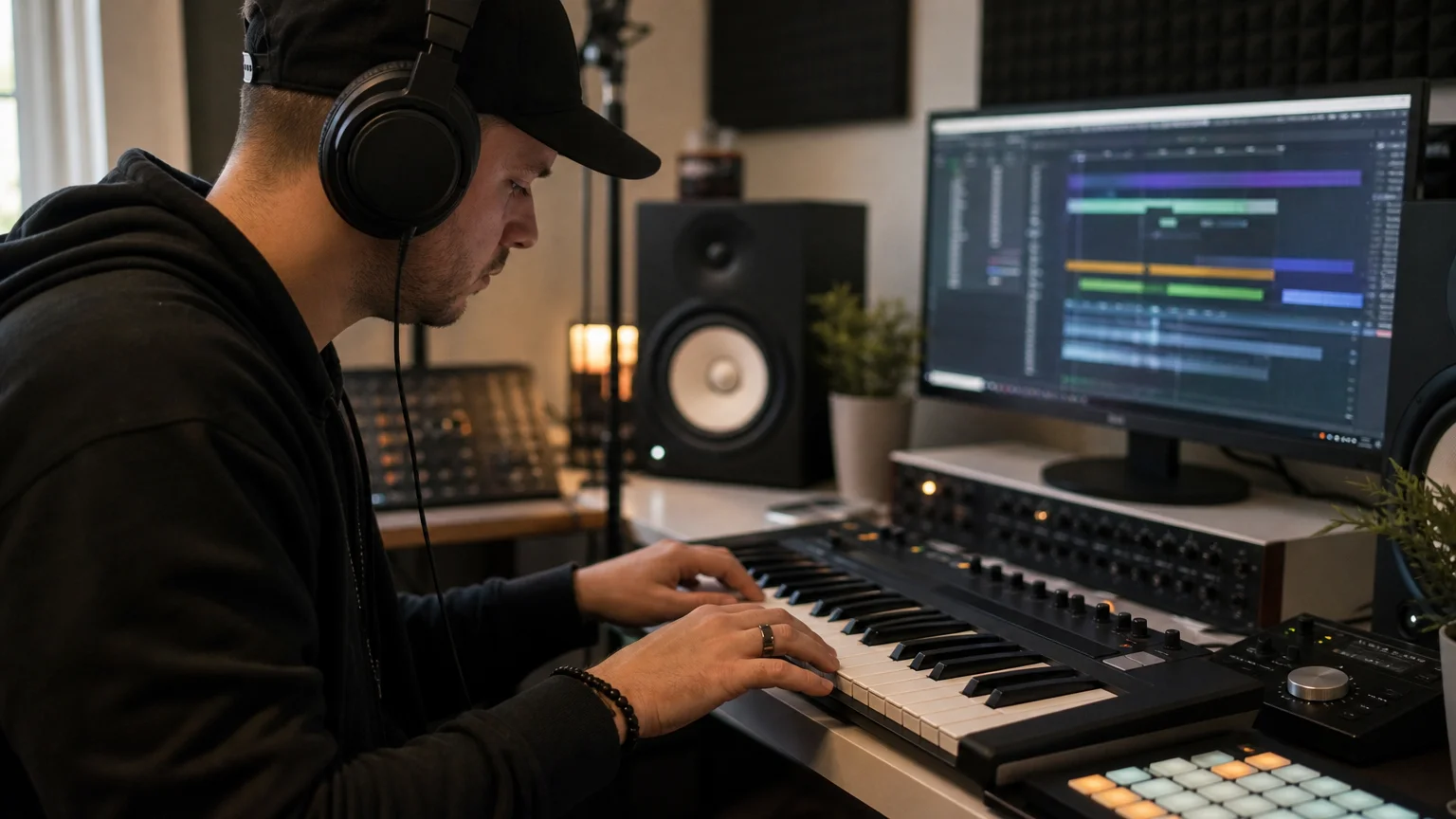
One practical test is to add a candidate preset to a drum loop and listen at a sensible level, then try another sound in the same role. Notice whether it occupies a distinct place in the arrangement or merely adds another version of something you already own. A bank is more likely to earn its place when its sounds suggest ideas you want to develop and still leave room for your own processing.
Does it fit the genres and workflow you produce?
A bank can be well made and still be a poor match for your sessions. Be specific about the styles you produce, whether that is melodic trap, drill, R&B, pluggnb, dark trap, lo-fi or phonk. Then look for sounds that suit those styles and give you useful options for the roles you actually need, such as bells, plucks, pads, 808s or orchestral textures.
Also consider how you like to work. A producer who enjoys building patches from an init preset in Serum or Vital may want different starting points from someone who prefers ready-to-play presets. Omnisphere, Kontakt and synth banks serve different workflows, so compare the product’s format and sound design approach with your existing tools. For a focused sound, distinct character and less preset hunting may matter more than broad genre coverage.
If you are unsure whether a sound bank’s character suits you, a smaller edition can make it easier to assess the sounds before choosing a broader package. Our guide to how to choose between a lite and full sound bank explains that kind of decision. Pendora Lite, for example, includes 30 hand-picked presets, bonus kits and a MIDI pack for $29 or €29, and is intended as an entry point for evaluating the sound.
Is the content useful, or just a large number?
Preset count tells you how much is included, but not how much you will use. Check whether the bank contains meaningfully different sounds, whether the categories are easy to navigate, and whether included material such as MIDI, drumkits, effects or expansions fits your projects. Count the sounds you can imagine using in your next few sessions, rather than assuming every listed preset adds equal value.
For example, a sound bank for beatmaking might include presets for melodic parts alongside drums or MIDI. Those extras are worthwhile if they help you sketch ideas or build an arrangement; they add little if you already have similar material or do not use it. An evaluation guide for sound effects libraries from Audio Scene also emphasizes that audio can behave differently in isolation than when layered with other material. While that guide covers sound effects, the listening principle applies: audition sounds where you intend to use them.
Reviews can add context, but they cannot predict your personal fit. Our full-edition page displays a 4.71/5 rating from 59 verified-buyer reviews, while the Lite page displays 4.62/5 from 13 verified-buyer reviews. Treat each rating as one point of reference, and consider the review count and product edition alongside your own listening.
For a broader set of options, our page on sound banks worth considering can help you explore sound banks by need. Focus on what each one offers for your sessions instead of treating a list of options as a quality ranking.
Will it work with your DAW, computer and license needs?
Before buying, confirm the product format, operating system and DAW support. A plugin that does not load in your setup has no practical value, however appealing the demos sound. Check whether you need VST3 or AU, whether your computer meets the operating-system requirements, and whether the developer explicitly supports or has tested your DAW.
For Pendora, VST3 is supported on Windows and macOS, while AU is supported on macOS. The stated operating-system support is macOS 11 Big Sur or later and Windows 10 or 11, 64-bit only. FL Studio, Ableton Live and Logic Pro are among the DAWs explicitly tested. Confirm the exact requirements before purchase, especially if you use a less common host or an older system.
Does the total cost match how often you will use it?
Compare the price with realistic use, not just the advertised value of the bundle. Ask how many sessions or tracks you expect to use the bank in, whether its included material overlaps with what you already own, and whether it could save time searching or designing sounds. A one-time purchase can suit a bank you expect to keep using; a recurring plan should be weighed against how long you expect to pay and what access you retain when payments stop.
To compare product types and pricing considerations, see what a normal price range is for quality sound banks. Pendora’s full edition includes 275+ presets, three expansion packs, a Producer Kit, two drumkits, an FX pack and MIDI content. The listed full-edition price differs across product pages, with €149 shown on some and $147 on another, so check the checkout price before buying.
Finally, read the license itself. Check whether you can use the sounds in beats you sell, place or license, and whether the terms restrict sharing or redistributing the original files. The U.S. Copyright Office’s music licensing study, reissued with minor corrections in 2016, notes the value of transparency in music licensing. For your purchase, look for clear terms that answer how you may use the product and what you may not share.
Our Pendora editions include royalty-free commercial use under the stated terms, with account sharing and redistribution excluded. That distinction matters: permission to use sounds in a commercial beat does not mean you can redistribute the sound bank’s original presets or files.
Judge the sounds by your sessions
A sound bank is worth it when it earns a place in your workflow. Listen to it in a real beat, check that its sounds fit your genres, verify compatibility and licensing, then compare its price with how often you will use it. Choose a smaller edition if it lets you assess the sound before committing to a larger collection.
Find a sound bank for your beatmaking workflow
If your sessions call for focused sounds for melodic trap, drill, dark trap, phonk, boom bap or pluggnb, consider whether a curated bank could fit your workflow. Pendora is built around those styles, with Lite as an evaluation-oriented entry edition and a broader full edition for producers who want more presets and production assets.
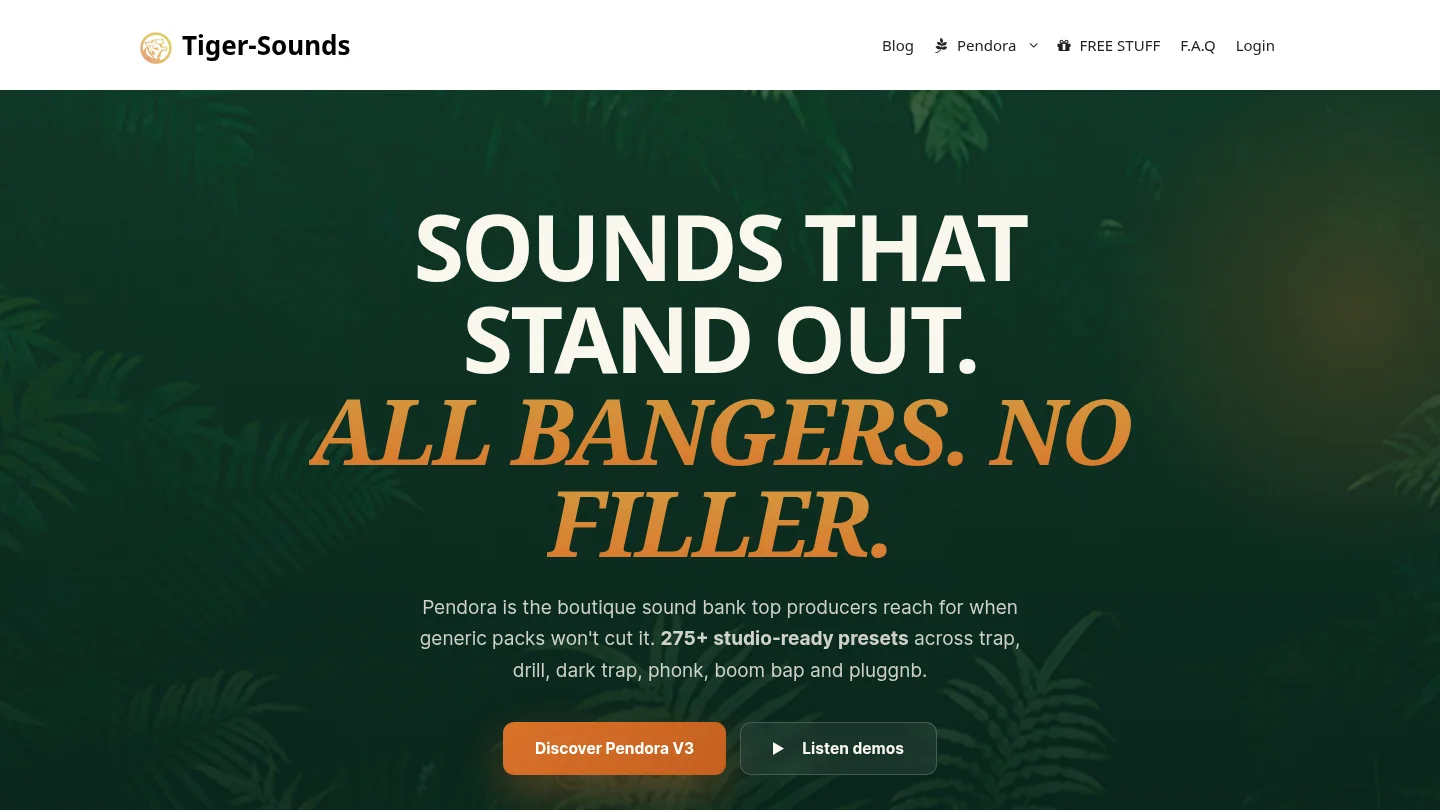
Explore the Pendora sound bank to review the editions and included content. Pendora Lite is priced at $29 or €29 and includes 30 hand-picked presets, bonus kits and a MIDI pack. The full edition includes 275+ presets and additional production assets; its listed price differs across pages, so confirm the checkout amount and check your DAW compatibility and license terms before purchasing.
Frequently Asked Questions
Is preset count a reliable way to judge a sound bank?
It tells you how many presets are included, not how many will be useful in your sessions. Listen for variety, organization and sounds you can imagine using in your own beats.
How can I tell whether the sounds fit my genre?
Audition several presets in a session built around the style you produce, with your usual drums and instruments. Check whether they support your arrangement and leave room for your own edits.
Should I check compatibility before I buy?
Yes. Confirm the plugin format, operating system and DAW support, and check any stated system requirements against your own setup.
What should I look for in the license?
Check whether your intended commercial use is allowed, and whether the terms restrict sharing or redistribution of the original files. Do not assume that commercial-use permission also allows you to resell the included sounds.
Is Pendora Lite enough to evaluate the sound?
Pendora Lite is designed as an entry edition for producers who want to evaluate Pendora’s sound before choosing a larger edition. It includes a smaller selection of presets alongside bonus kits and MIDI content.





