Summary: Preset packs give beatmakers ready-made instrument or effect settings to audition, edit, and fit into a track, helping them move from sound search to writing sooner. They can spark a melody, suggest a genre direction, or offer a way into sound design. For the best results, check that a pack fits your instrument and project, then shape each sound to serve the beat.
A beat can lose momentum when you spend more time scrolling through synth presets than writing. A well-organized sound bank can narrow that search, giving you a practical place to start without dictating the finished track. If you want to explore this workflow, read how sound banks save time when making beats.
How do preset packs help with beat making? They provide ready-to-load sounds and settings you can audition against a melody, drum pattern, or chord progression. The useful part is not simply having more options. It is finding a sound that fits the track quickly, then adjusting it so the beat develops its own character.
How do presets help move an idea forward?
A preset gives you a starting configuration for a synthesizer or effect, rather than requiring you to build every parameter setting from scratch. Load a pad, bell, bass, or lead, play a few notes, and see whether the sound supports the musical idea. If it does, you can write around it. If not, move on or edit it.
This can make a difference early in a session, when a rough melody or chord progression needs a sound to suggest its mood. In Ableton’s guide to presets, presets are treated as possible starting points, with fine-tuning part of adapting them to a particular piece of music. The same principle applies in FL Studio, Ableton Live, or Logic Pro: a preset can help you begin, but your arrangement and choices shape the result.
Presets can also support learning. Instead of starting with an empty patch in Serum or Vital, inspect a sound that is close to what you want. Try changing the filter cutoff, envelope, or modulation and listen to how each move affects the tone. You can keep the edited patch for a later session or use what you learned when designing a sound from scratch.
Can a curated pack make sound selection more focused?
A preset folder is most useful when it helps you find sounds suited to the track, rather than adding another large library to scroll through. If you are building a melodic trap beat, for example, you might look for a pluck or bell that leaves room for the vocal range and does not crowd the drums. A sound that fits the musical role can get you to the writing and arranging stage sooner.
That is why curation matters as much as quantity. A bank organized around a defined sound or genre can reduce irrelevant browsing, although no collection guarantees that every preset will fit every beat. We focus our Pendora sound bank on styles including trap, drill, dark trap, phonk, boom bap, and pluggnb. For another perspective on the workflow, see why producers buy sound banks.
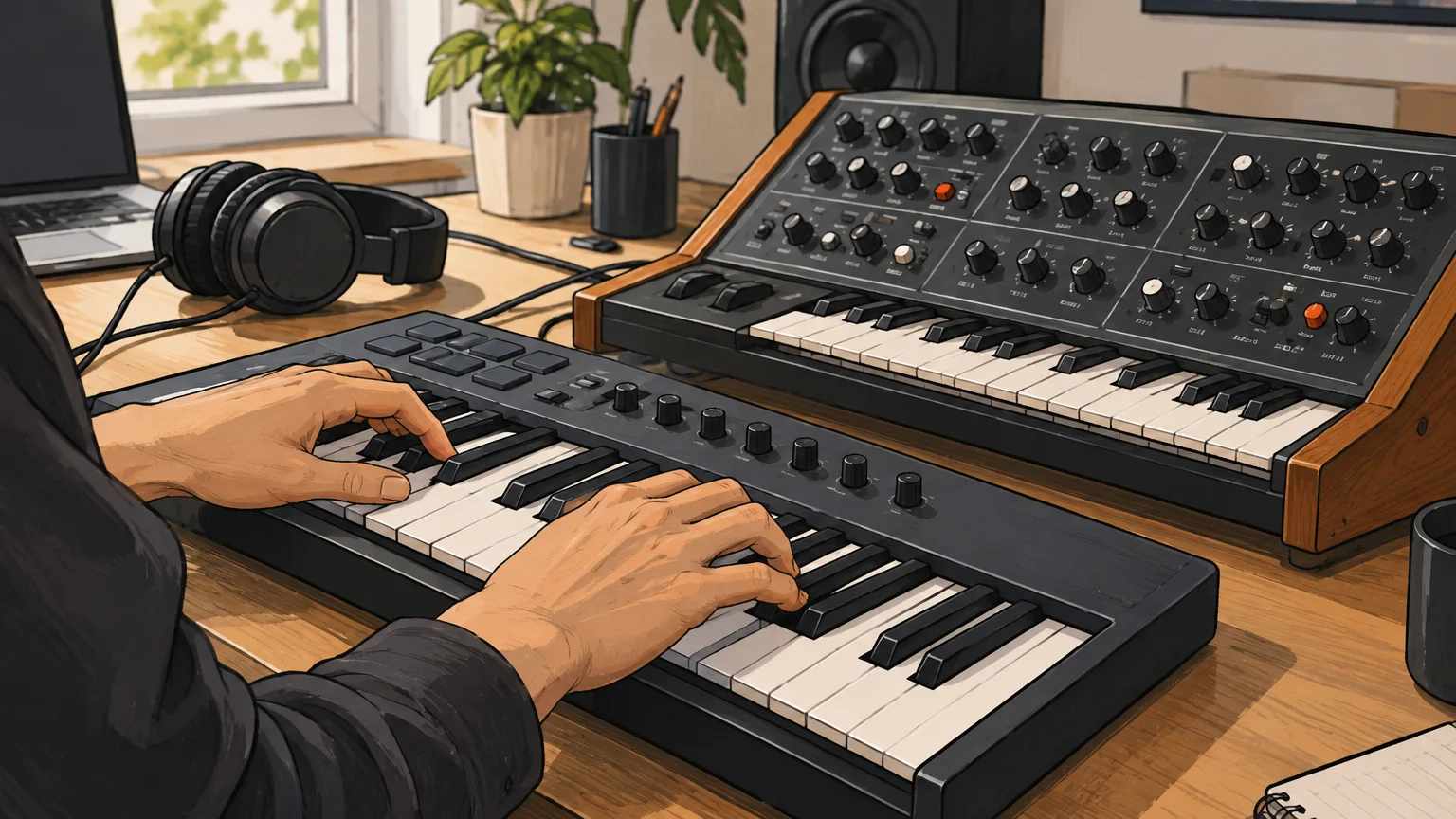
A focused library can also help when a session stalls and you need a new tonal direction. Browsing a smaller set of sounds built for a related style may prompt a different bass texture, counter-melody, or chord voicing. Treat that as a creative prompt, not a substitute for choosing sounds that work in your own arrangement.
How can you make a preset sound like it belongs in your beat?
Start by listening to the preset in context, not only in isolation. A bright lead that sounds exciting on its own may compete with the vocal space, while a deep bass patch may overlap the kick. Test the sound alongside the drums, melody, and other instruments before deciding whether it stays.
Then make a few purposeful edits. Adjust the attack and release to change how the sound enters and fades, filter out frequencies that conflict with other parts, or alter the pitch and modulation to change its movement. In FL Studio, you can also shape the instrument’s MIDI phrase and velocity so the part feels connected to the beat, rather than like a preset demonstration.
A 2026 study of practitioners working with AI in sound design describes a tension between speed, control, and creative agency. It studies AI tools, not preset packs, so it does not show how presets affect beatmaking; it does, however, offer a useful reminder to choose tools that save setup time without taking away the control you want over a sound.
Sound-design tools are not the only route to learning a synth. A 2021 Serum research paper explores ways to guide users through effect programming. For beatmakers, the practical takeaway is simple: use a preset as something to investigate. Change one control at a time, compare the result, and save the version that fits your track.
What should you check before choosing a preset pack?
One creator sound-packs market report projects the preset-pack segment to grow at an 11.7% compound annual rate from 2026 through 2034. That is a market forecast, not evidence that a particular pack will save time or suit your music. It does make careful selection worthwhile: focus on what the pack actually contains and how you will use it.
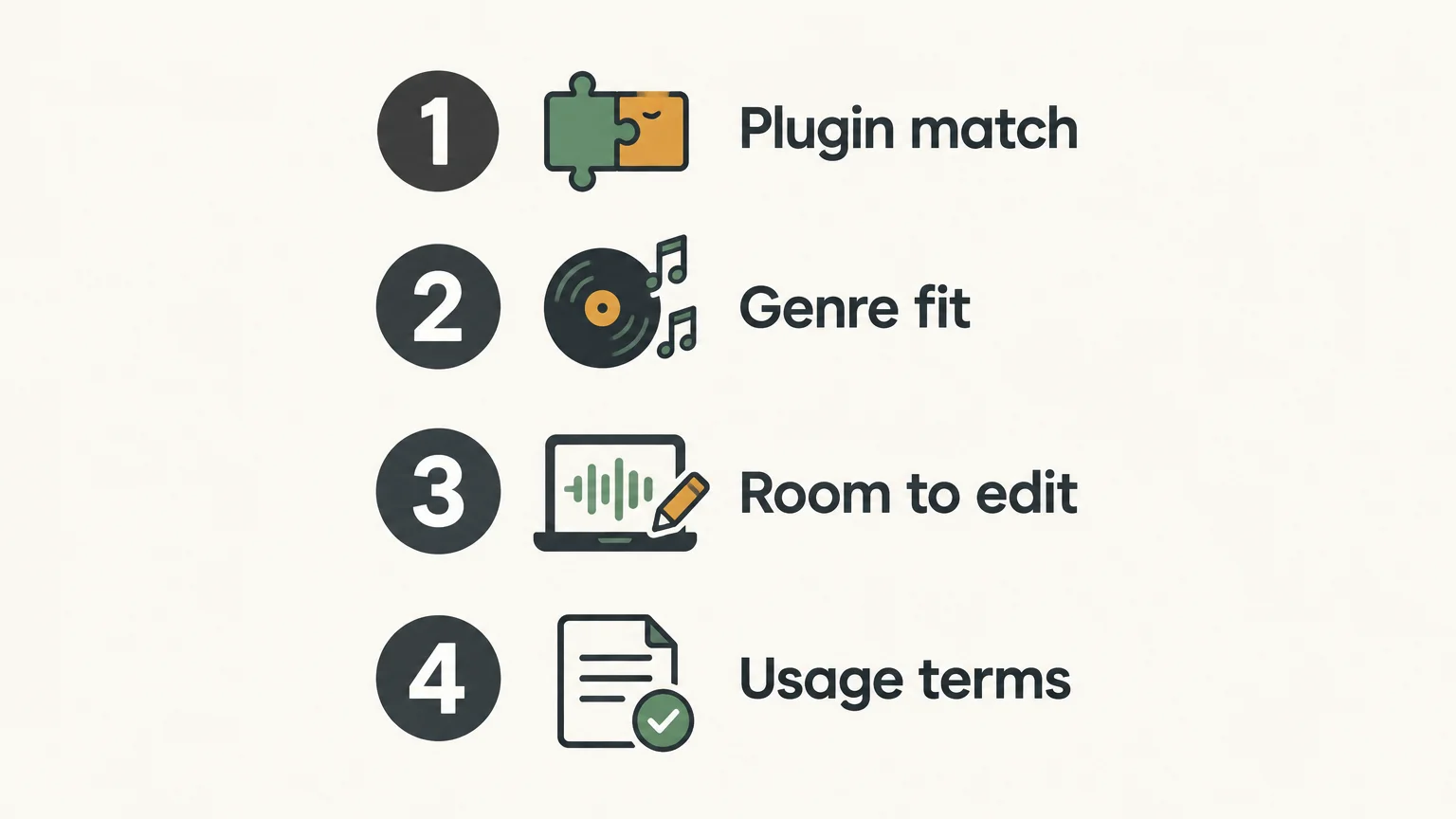
- Plugin match: Check that the pack is made for an instrument you own, and confirm any version requirements.
- Genre fit: Listen to audio examples and decide whether the sounds make sense for the beats you produce.
- Usable range: Look for the kinds of sounds you need, such as basses, leads, pads, or plucks, rather than relying on a large preset count alone.
- Room to edit: Choose sounds you can adapt with your synth, effects, and MIDI performance.
- Terms of use: Read the pack’s licensing terms if you plan to sell, place, or license beats made with it.
For producers using FL Studio, the instrument still matters: a preset pack made for a different plugin may not load in the synth you have open. Our pages on FL Studio preset packs and presets for FL Studio address that specific workflow. Check the destination details and the plugin requirements before choosing a pack.
When are presets less useful?
A preset pack may not help much if you are browsing without a musical goal, working with an incompatible instrument, or expecting every sound to fit without adjustment. A long list of patches can add to decision fatigue if you do not know whether you need a bass, lead, chord layer, or texture.
Set a small target before you browse. For example, decide that you need a short pluck to answer the main melody, or a bass that leaves the kick clear. Audition a few candidates against the beat, edit the strongest option, and move on when it does the job. If none fit, try a different sound source or make a patch from scratch.
Make presets serve the beat
Preset packs can help beatmaking by giving you sounds to test, edit, and build ideas around, while a focused collection can make browsing more intentional. Their value depends on plugin compatibility, the musical fit of the sounds, and whether you can shape them to work with your arrangement. Treat each preset as a starting point, not a finished decision, and let the track guide what stays.
Explore a sound bank built for beatmaking
If you produce trap, drill, phonk, boom bap, or pluggnb, a genre-focused bank can give you a more relevant set of sounds to audition. Choose based on the styles you make, the instrument and DAW you use, and whether you want to customize the presets as you write.
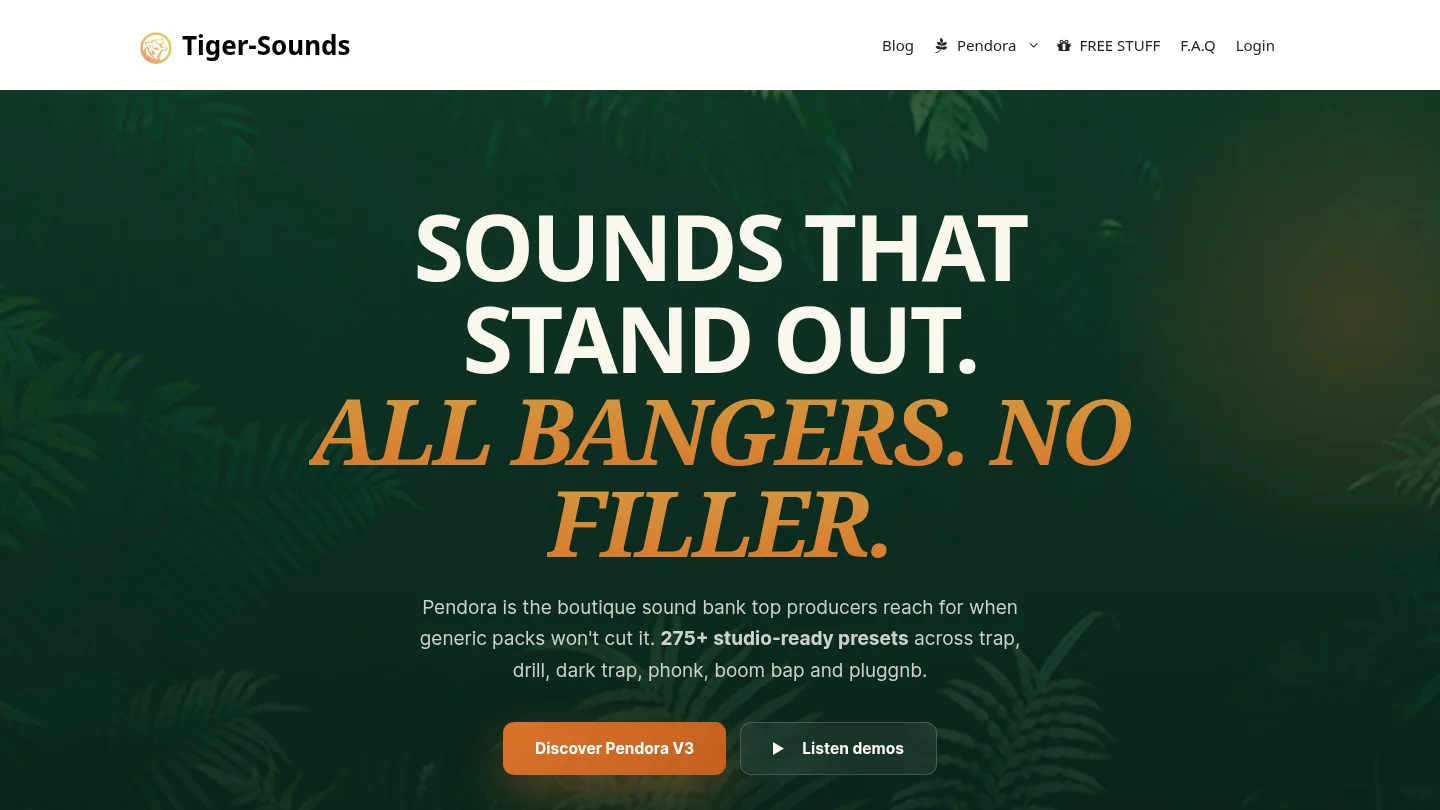
We built Pendora around hand-crafted presets for these production lanes. The full edition includes 275+ presets, along with expansion packs, drumkits, MIDI, and effects. It supports VST3 on Windows and macOS, and AU on macOS. Commercial use is royalty-free under the product’s stated terms, which exclude account sharing and redistribution. Explore the Pendora preset pack and check the compatibility details for your setup.
Frequently Asked Questions
What is a preset pack?
A preset pack is a collection of saved sound or effect settings for a compatible music-production instrument or plugin. You load a setting, audition it, and can often adjust it to suit your track.
Do preset packs make beats sound generic?
A preset alone does not determine whether a beat feels original. Your melody, rhythm, arrangement, sound choices, and edits all help shape the finished production.
Can I edit a preset after loading it?
In many instruments, you can change controls such as filters, envelopes, effects, and modulation after loading a preset. The available edits depend on the plugin and how the sound was made.
Will any preset pack work in FL Studio?
No, the pack must be compatible with an instrument or plugin you can use in FL Studio. Check the pack’s supported plugin and version before downloading or buying it.
How does Pendora fit into beatmaking?
We designed Pendora as a genre-focused sound bank for styles including trap, drill, dark trap, phonk, boom bap, and pluggnb. Its presets are intended as starting sounds that you can audition and adapt in your productions.





