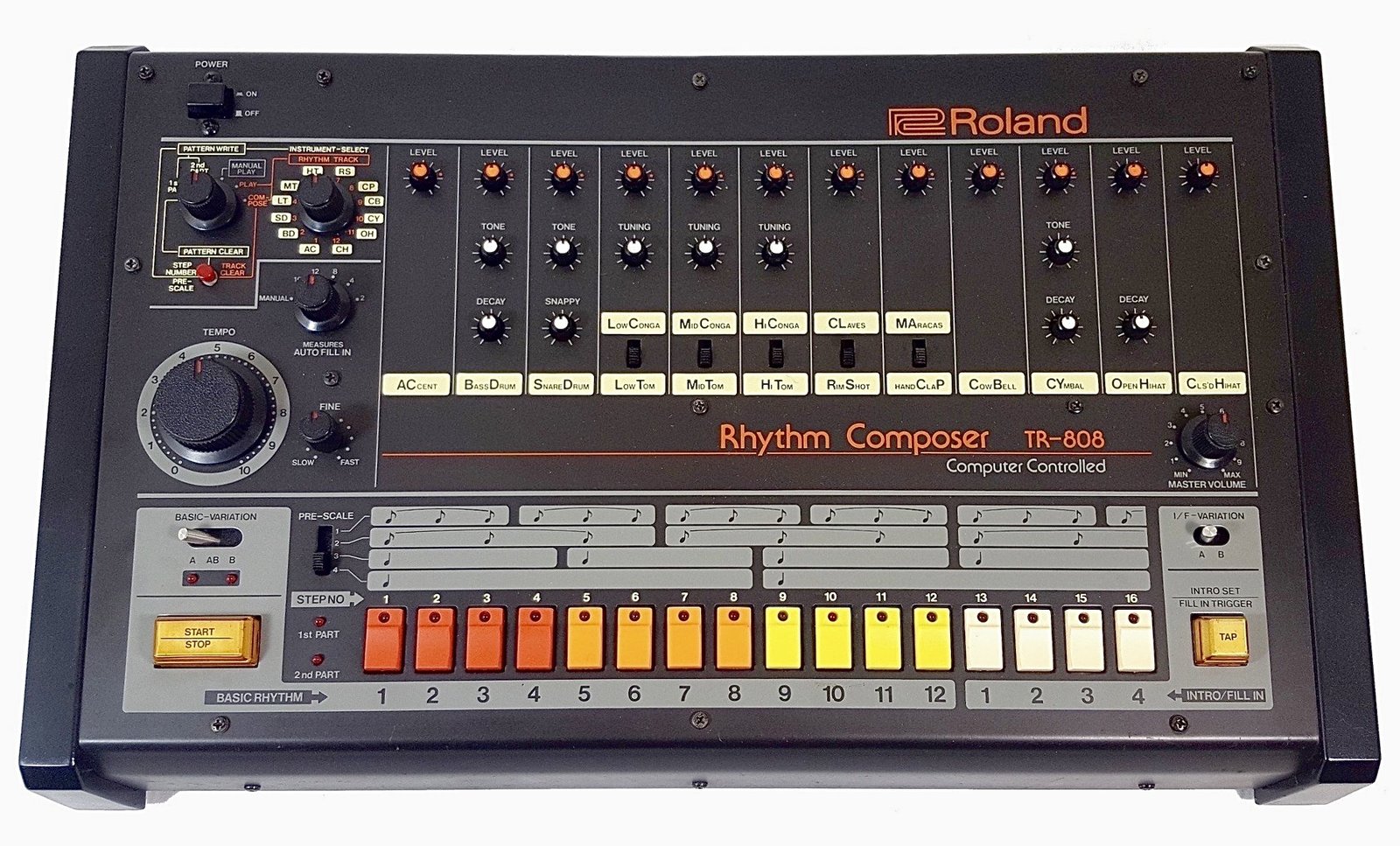
808s turn muddy for four fixable reasons: no high-pass filter below 30 Hz, an untamed buildup around 200 to 400 Hz, no sidechain against the kick, and an untuned root note fighting your melody. Fix those four in order and a muddy 808 turns into a bass you can actually hear on a phone speaker. The rest of this guide walks through each fix with the exact frequencies and settings engineers use.
- Why 808s turn muddy in the first place
- Step 1: high-pass the rumble below 30 Hz
- Step 2: cut the 200 to 400 Hz mud band
- Step 3: sidechain the 808 to the kick
- Step 4: tune the 808 to your key
- Step 5: add saturation so it translates on small speakers
- Quick reference: frequency and settings cheat sheet
- FAQ
Why 808s turn muddy in the first place
Mud is almost never one mistake, it is usually two or three of these stacking on top of each other: a raw 808 sample with unnecessary content below 30 Hz, a buildup in the low-mids where the kick, the 808, and sometimes the vocal all compete for the same 200 to 400 Hz range, no separation between the kick’s punch and the 808’s sustain, and an 808 tuned to a note that clashes with the chord progression. Sound on Sound’s mixing bass guide calls the 20 to 100 Hz zone the hardest range to manage in any mix, since it holds the fundamental of nearly every bass sound and has the least room for error.
The fix is not “add more low end.” It is subtraction: clean up what does not need to be there so the frequencies that do the work have space to sit.
Step 1: high-pass the rumble below 30 Hz
Start every 808 chain with a high-pass filter around 20 to 30 Hz, using a steep slope (24 dB per octave is a common default). Sound on Sound’s low-end guide recommends this as a safety measure even before any tonal shaping, since sub content below that point rarely translates on consumer speakers and just eats headroom. If you plan to boost the low shelf afterward for extra weight, the high-pass filter matters even more, because a shelf boost keeps affecting frequencies below its stated point unless something is filtering them out first.
Most 808 sample fundamentals sit between 35 and 60 Hz, so filtering below 30 Hz removes rumble without touching the note itself.
Step 2: cut the 200 to 400 Hz mud band
This is the fix that solves the most complaints. Mastering The Mix’s 808 mixing guide points to a gentle cut around 250 Hz specifically to remove mud, while Sound on Sound frames the whole 100 to 300 Hz zone as the “warmth” region where nearly every instrument in a beat competes for space. In a trap or drill arrangement that means your 808, your kick’s body, your chords, and sometimes a vocal are all fighting for the same real estate.
Use a narrow bell cut, not a wide shelf. Sweep a boosted EQ band slowly through 150 to 500 Hz while soloing the 808, and pull down wherever it sounds boxy or woolly. That narrow, ear-tuned cut (a Q around 6 to 8) removes the mud without thinning out the note itself. If the mix still sounds thick after that, mute the 808 for a few bars: if the muddiness stays, the problem is somewhere else in the arrangement, not the 808.
Step 3: sidechain the 808 to the kick
Sidechain compression is the standard fix for kick and 808 fighting over the same low end. Insert a compressor on the 808 track and key it from the kick, so the 808 ducks by a couple of dB every time the kick hits. That short duck opens a pocket for the kick’s transient to punch through before the 808’s sustain fills the space back in.
Sound on Sound recommends attack times between 1 and 30 ms for this kind of low-end ducking: too fast and you round off the low-frequency waveform and add distortion, too slow and you miss the transient you are trying to protect. A release around 80 to 150 ms usually clears before the next kick hit without leaving an audible pump. If your 808 still fights the kick after sidechaining, the issue is usually that both are tuned to overlapping fundamentals, which is what Step 4 fixes.
Step 4: tune the 808 to your key
An untuned 808 clashes with your melody even after perfect EQ and compression, because the ear reads the mismatch as dissonance, not as a mix problem. Mastering The Mix’s guide recommends tuning the 808 to either the root note of the song’s key or a fifth (seven semitones) above the root, depending on which interval sits better under the chords. Most DAWs and samplers show the root note of an 808 sample on load, or you can run a tuner plugin across it to confirm the fundamental before committing to a pattern.
This step is also where preset quality matters. A sample pack with 808s that are already pre-tuned and labeled by key saves the guesswork; Pendora’s 808s category ships 15+ presets built specifically for dark trap and drill, so the tuning and low-end shape are already handled before you touch an EQ.
Step 5: add saturation so it translates on small speakers
A clean sub-heavy 808 can disappear entirely on a phone speaker or laptop speaker, because those speakers physically cannot reproduce much below 100 Hz. Saturation solves this by generating harmonic overtones above the fundamental, which is what small speakers actually reproduce, so the ear still perceives the low note even when the true sub-bass content is inaudible.
Mastering The Mix suggests trying subtle saturation, tube-style overdrive, or even light bit-crushing on a duplicate of the 808 track, filtered to remove everything below roughly 200 Hz so only the harmonics blend in, then adding a light high shelf around 8 kHz for extra presence. Blend that saturated copy under the clean 808 rather than replacing it, so you keep the deep fundamental for club systems while adding the harmonics that carry on small speakers.
Quick reference: frequency and settings cheat sheet
| Step | Target | Typical setting |
|---|---|---|
| High-pass filter | Remove sub-30 Hz rumble | 20 to 30 Hz, 24 dB/oct |
| Mud cut | Clear boxy low-mids | Narrow bell, 200 to 400 Hz, Q 6 to 8 |
| Sidechain compression | Duck 808 under the kick | Attack 1 to 30 ms, release 80 to 150 ms |
| Tuning | Match the 808 to the key | Root note or a fifth (7 semitones) above |
| Saturation | Translate low end on small speakers | Filter dup below 200 Hz, blend in, light 8 kHz shelf |
Working through a pack of already-tuned, pre-mixed 808s cuts most of this to a formality. Tiger-Sounds’ best 808 VST plugins roundup covers other sources if you want to compare options beyond Pendora before committing.
Putting it together in your session
Order matters. High-pass first, then the mud cut, then sidechain, then tuning, then saturation last. Doing saturation before the mud cut just adds harmonics to a frequency range you are about to remove anyway, which wastes a processing step and can make the mud cut sound harsher than it needs to. If you are building 808 patterns with slides and pitch bends, the same EQ and sidechain chain still applies, just automate the tuning fix per note instead of once; Tiger-Sounds’ guide to drill melodies and sliding 808s covers that workflow in more depth.
If you are starting from scratch and want presets that are already close to mix-ready, Pendora Lite is a 30-preset sampler of the full pack for under the price of a plugin subscription, useful for testing whether pre-tuned, pre-shaped 808s save you the EQ work described above.
FAQ
What causes 808s to sound muddy?
Usually a combination of unfiltered rumble below 30 Hz, a buildup in the 200 to 400 Hz range where the kick and other instruments overlap, no sidechain separation from the kick, and an untuned root note clashing with the melody. Fixing all four in order clears most muddy 808s.
What frequency should I cut to remove mud from 808s?
A narrow cut around 250 Hz is the most commonly cited fix, though the exact frequency depends on the sample: sweep a boosted band through 150 to 500 Hz while soloing the 808 and cut wherever it sounds boxy.
Should I sidechain my 808 to the kick or the vocal?
Sidechain to the kick first, since that is where the low-end collision actually happens. A separate, gentler sidechain from the vocal can help clear space in the low-mids, but it is a secondary fix, not a replacement for kick sidechaining.
How do I tune an 808 to my beat?
Check the sample’s labeled root note, or run a tuner plugin across it, then pitch it to either the root note of your key or a fifth (seven semitones) above. Most DAWs let you pitch an 808 per pattern without re-recording it.
Do I need multiband compression for 808s?
Not always. It helps when the sub-100 Hz content is inconsistent from note to note, for example a sliding 808 that gets boomier on lower notes. A single-band compressor sidechained to the kick solves most muddiness without it.
The short version
High-pass below 30 Hz, cut the 200 to 400 Hz mud band, sidechain to the kick, tune to your key, then add saturation last for translation on small speakers. That order clears up the vast majority of muddy 808 complaints without needing exotic plugins. If you would rather start from 808s that are already tuned and pre-shaped for trap and drill, browse the Tiger-Sounds shop for the full Pendora lineup.





