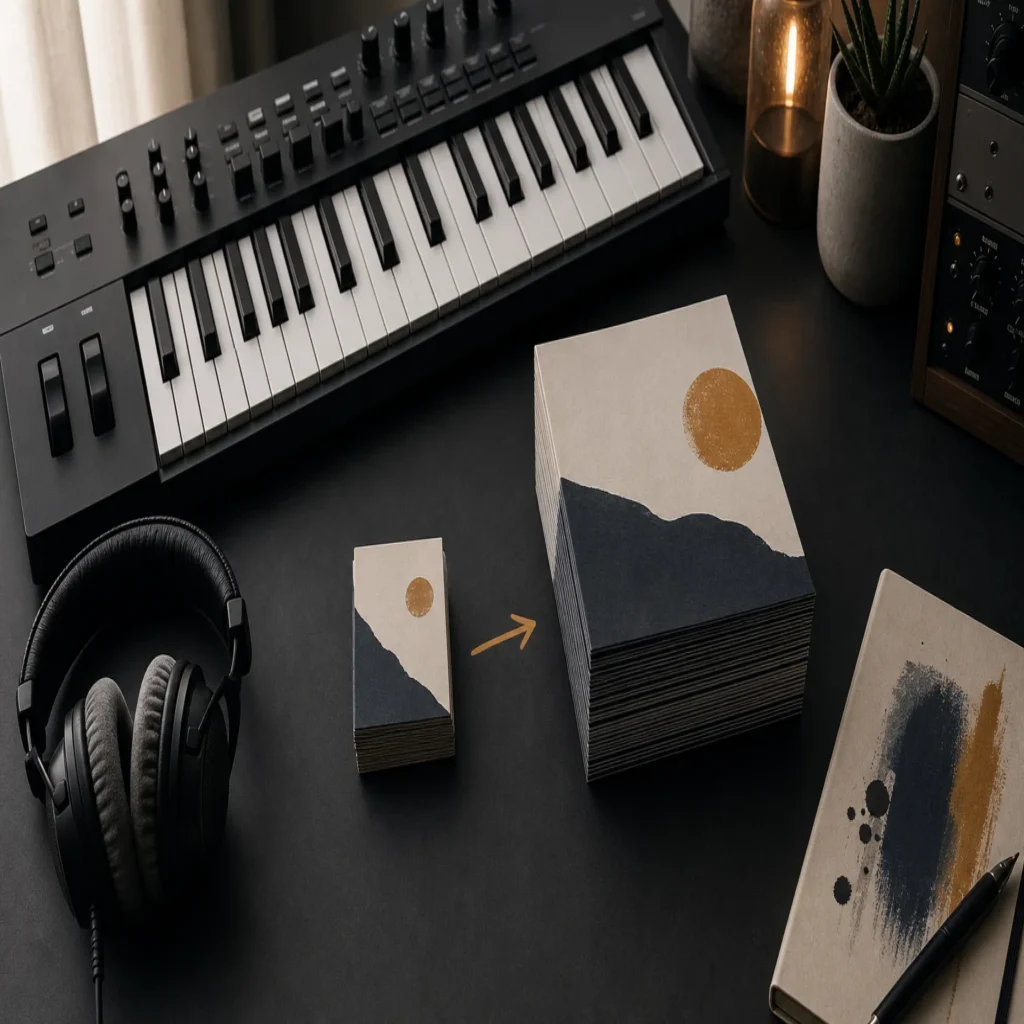
Summary: Choose Pendora Lite if you want to test the sound, spend less, or work with a compact preset selection. Choose the full Pendora V3 edition if you produce regularly and need broader genre-focused sounds, expansions, drums, MIDI, effects, and long-term value in one purchase.
A small sound bank can be the faster choice when you want to test a new sonic direction without filling your browser with more presets. Pendora Lite sound bank gives you a focused entry point for melodic trap, drill, phonk, dark trap, boom bap, and pluggnb production.
The more important question is not simply how many presets you receive. It is whether you need a compact audition pack or a complete production workflow. If you regularly make beats in FL Studio, Ableton Live, or Logic Pro, the full edition offers more room for variation, layering, drum programming, MIDI development, and commercial projects.
Lite vs Full Sound Bank: Which Should You Buy?
If you are still deciding, use this rule. Pendora Lite is the practical choice for testing the sound and keeping your initial cost low. Pendora V3 is the stronger choice for active producers who want one focused sound bank with enough variety to support repeated beatmaking sessions.
| Edition | Best for | Sound-bank depth | Included production content | Price structure |
|---|---|---|---|---|
| Pendora Lite | Testing the sound, beginners, occasional beatmaking | 30 hand-picked presets | Bonus kits and a MIDI pack | €29 listed, one-time purchase |
| Pendora V3 full edition | Regular producers, commercial beats, broader workflows | 275+ presets across 30+ categories | Expansions, Producer Kit, drumkits, MIDI, FX, and risers | €149 listed, one-time purchase |
Pendora Lite
Best for: Producers who want to test a focused sound bank before committing to a larger library. Lite is also suitable when your current setup already includes Serum, Omnisphere, Kontakt, or Vital, and you only need a smaller source of trap, drill, phonk, or pluggnb ideas.
Pendora Lite includes 30 hand-picked presets, bonus kits, and a MIDI pack. Its smaller scope makes it easier to browse when you want to move quickly from a blank project to a usable melody. Instead of exploring a large general-purpose library, you can focus on sounds intended for modern beatmaking.
The main benefit is low commitment. The listed price is €29, payment is made once, and the edition supports compatible Mac and Windows systems through VST3 and AU formats. It also includes royalty-free commercial use and free lifetime updates under the stated terms.
Pros:
- Lower entry cost for producers who want to test the sound before buying the broader edition.
- A compact preset selection can reduce browsing time and help you make decisions faster.
- Supports VST3 and AU workflows on compatible Mac and Windows systems.
- Includes commercial royalty-free use and free lifetime updates under the stated license terms.
- Provides a practical starting point for beatblock without requiring a large installation.
Cons:
- Thirty presets may feel limited if you produce several beats each week.
- The smaller edition does not provide the same range of expansions, drumkits, FX, and production assets as the full version.
- You may outgrow Lite quickly if you want one main sound bank for regular commercial work.
Pendora V3 Full Edition
Best for: Producers who want a complete genre-focused toolkit for regular beatmaking, client work, track placements, and commercial releases. The full edition is particularly suitable when trap, drill, melodic trap, dark trap, phonk, boom bap, lofi, or pluggnb form a central part of your production workflow.
Pendora V3 expands the compact Lite concept into a broader sound bank with more than 275 studio-ready presets across more than 30 categories. These include bells, plucks, pads, synths, basses, keys, orchestral textures, dark 808s, and other melodic elements designed for focused urban production.
The full purchase also includes three expansion packs, a Producer Kit, two drumkits, an FX pack, MIDI content, mix presets, and risers. This makes the product more than a preset browser. You can choose a melodic patch, build a drum pattern, add MIDI ideas, and shape transitions without collecting several disconnected downloads.
The listed price is €149 as a one-time purchase. The product pages also describe a stated value of €499, although the relevant checkout currency may change according to your location. The package supports VST3 and AU formats, Mac and Windows systems, and compatible DAWs such as FL Studio, Ableton Live, Logic Pro, Cubase, Pro Tools, and Reason.
Pros:
- More than 275 presets provide substantially greater sound-bank depth than the Lite edition.
- Genre-focused categories help you find relevant sounds without browsing unrelated orchestral, house, or cinematic content.
- Expansions, drumkits, MIDI, mix presets, FX, and risers support a more complete beatmaking workflow.
- The one-time purchase structure avoids recurring subscription fees.
- Royalty-free commercial use supports beats and tracks that you sell, place, or license, subject to the stated terms.
- Free lifetime updates cover operating-system compatibility, plugin-format updates, and bug fixes under the stated lifetime condition.
- The low-resource positioning is useful when you need several instances alongside Serum, Vital, Omnisphere, or Kontakt.
Cons:
- The higher upfront price is harder to justify if you only make occasional beats.
- The focused genre direction is not intended to replace a general-purpose library for every style of music.
- The installed product requires approximately 5 GB of storage, so you should check available disk space before installation.
How Do the Two Editions Differ in Daily Beatmaking?
Imagine opening FL Studio with a melody in mind but no clear sound selected. Lite gives you a smaller group of options, which can be useful when you want fewer decisions. Full gives you more ways to develop the same idea through different bells, pads, plucks, 808s, keys, and atmospheric layers.
This distinction matters when you are working through beatblock. A compact bank can provide direction without overwhelming you. A broader bank can provide more variation when the first preset is close, but not quite right. The best choice depends on whether your main problem is too many options or not enough range.
For regular production, full generally offers better workflow continuity. The additional drums, MIDI, FX, and expansion content mean you can continue developing a beat inside the same production environment. You are less likely to stop and search through unrelated folders for a matching kit or transition effect.
If you are comparing a focused product with broader instruments, our best sound bank VSTs page explains why a genre-specific preset bank can serve a different role from a full synthesizer. Serum and Vital are useful when you want to build patches from oscillators and modulation. Pendora is more direct when you want a finished starting point for beatmaking.
Which Edition Offers Better Genre Fit?
Both editions share the same general sound direction. They are built around melodic trap, drill, dark trap, phonk, boom bap, lofi, pluggnb, and related production styles. The difference is not a change in the core identity. It is the amount of material available within that identity.
Lite works well when you mainly need a few distinctive bells, pads, plucks, or bass sounds. It can add a new color to a setup that already contains Omnisphere, Kontakt, Serum, or Vital. The smaller selection may be enough when your main instruments and drum libraries already cover the rest of your workflow.
Full is better when you want greater coverage within the same genre family. You receive more categories and supporting content, so you can move between drill, dark trap, melodic trap, phonk, and pluggnb without changing your main sound source. Our Omnisphere sound banks resources are more relevant when you want to explore a broader workstation ecosystem, while Pendora remains more concentrated on this beatmaking lane.
What About Compatibility, CPU, and Installation?
Before purchasing either edition, check your DAW, operating system, plugin format, and available storage. Both editions are described as compatible with VST3 and AU workflows, with VST3 available on Windows and macOS and AU intended for macOS hosts.
Pendora is officially tested with FL Studio, Ableton Live, Logic Pro, Cubase, Pro Tools, and Reason. It also supports native Apple Silicon according to the supplied product information. Windows users should use a compatible 64-bit system, while Mac users should confirm that their version of macOS meets the stated requirements.
CPU efficiency can matter more than preset count in a large project. The product information positions Pendora as light on CPU and RAM, allowing producers to run several instances alongside other instruments. Actual performance will still depend on your computer, project size, buffer settings, and the other plugins loaded in the session.
How Should You Decide Based on Your Budget?
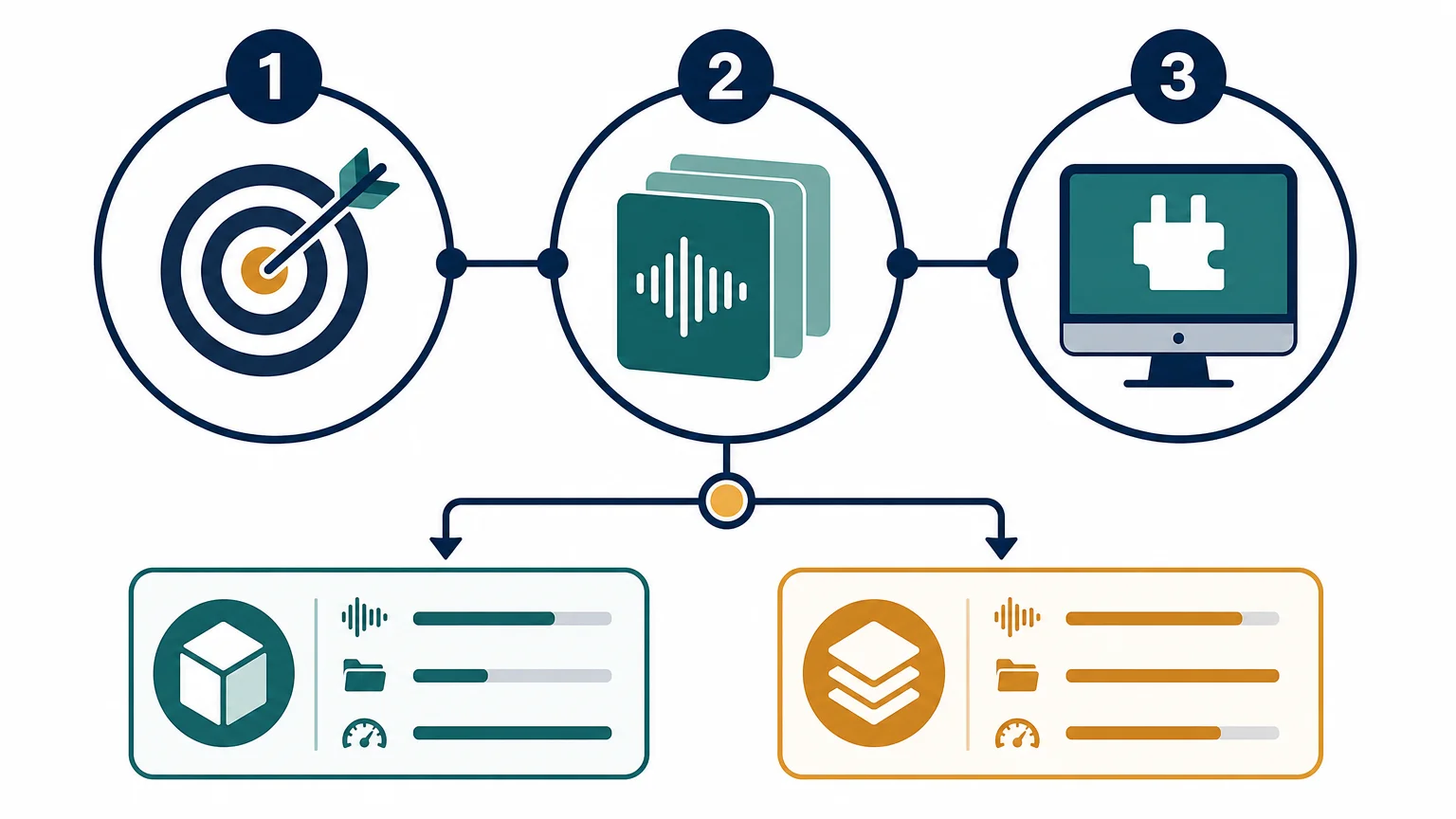
Lite is the sensible option when €29 represents a comfortable test purchase and you are uncertain about the sound. It gives you a way to evaluate the preset character inside your own DAW rather than relying only on demos. This is especially useful if you already own several instruments and do not need another large library immediately.
Full is the better value when you know you will use the sound bank repeatedly. The price is higher, but the package includes the main instrument, expansions, drums, MIDI, FX, and lifetime updates. If you would otherwise purchase separate preset packs, drumkits, and effects, the broader package may simplify your setup.
Do not choose the full edition only because it contains more files. Choose it when the additional content matches your actual production needs. A large library is useful when it reduces future purchases and supports finished arrangements. It is less useful when you only need a few sounds for occasional experiments.
Can You Start With Lite and Upgrade Later?
Yes, the product family is structured so that producers can begin with Lite and move to the full edition later. This approach suits users who want to confirm the sound, workflow, and compatibility before making a larger purchase.
Starting with Lite also makes sense when your current projects are simple. You can learn how the presets respond to MIDI, pitch changes, automation, filters, distortion, and reverb. If the sound becomes a regular part of your sessions, the full edition provides a broader foundation for future beats.
However, buying Lite first is not always the cheapest route if you already know that you need the complete package. Producers who require expansions, multiple drumkits, MIDI, FX, and a larger preset range from the beginning may save time by choosing full immediately.
Final Recommendation
Lite vs full sound bank, which should I buy? Choose Pendora Lite when you want a low-cost test, a compact preset selection, or an additional melodic layer beside your existing instruments. Choose the full Pendora V3 edition when you produce regularly and need a broader, genre-focused workflow with presets, drums, MIDI, expansions, FX, commercial licensing, and lifetime updates. For most active trap, drill, phonk, dark trap, boom bap, and pluggnb producers, the full edition is the more complete long-term choice.
Take action with Tiger-Sounds
If you want to spend less time searching and more time shaping beats, a focused sound bank can give your sessions a clearer starting point. The right edition depends on your budget, genre focus, current plugin collection, and need for supporting production assets.
Our Pendora full sound bank combines more than 275 presets with expansion content, drumkits, MIDI, FX, VST3 and AU compatibility, royalty-free commercial use, one-time ownership, and free lifetime updates under the stated terms. It is designed for producers working in trap, drill, melodic trap, phonk, boom bap, lofi, and pluggnb who want distinctive sounds without a recurring subscription.
Frequently Asked Questions
Is Pendora Lite enough for a beginner?
Yes, Pendora Lite can be enough if you are learning your DAW or testing a focused sound direction. Its smaller selection makes it easier to browse and understand how the presets work in real beats.
Is the full edition better for commercial beatmaking?
The full edition is more suitable when you produce regularly, sell beats, or create tracks for placements. It includes a broader sound bank and more supporting assets, while commercial use remains subject to the stated royalty-free license terms.
Do both editions work with FL Studio and Ableton Live?
Both editions are designed for compatible VST3 and AU hosts. FL Studio and Ableton Live can use VST3, while Logic Pro generally uses Audio Units on macOS.
Should I buy Lite if I already own Serum or Vital?
Lite can complement Serum or Vital because it provides ready-to-use genre-focused presets rather than another synthesis engine. It can reduce sound-design time when you want to start a trap, drill, phonk, or pluggnb idea quickly.
Will I outgrow Pendora Lite?
You may outgrow Lite if you produce frequently or want more variation across several genres. If you only need a compact selection or want to confirm the sound first, Lite remains a practical starting point before considering the full edition.





