Summary: A Logic AU sound bank is a collection of instrument presets and production sounds designed to load in Logic Pro through the Audio Unit format. The right choice combines verified AU compatibility, Apple Silicon support, genre-relevant presets, efficient performance, clear licensing, and a workflow that helps you create beats without endless preset hunting.
When a beat sounds generic, the problem is often not Logic Pro, Serum, Vital, or Omnisphere. It is the starting material. A Logic AU sound bank gives Mac producers ready-to-use melodic textures, basses, drums, and effects that can shape a track before the mixing stage. For a broader overview of compatible tools, our guide to free plugins for Logic Pro X can help you build a focused setup.
Logic Pro does not treat every plug-in format the same way. A sound bank made for another host may be offered as VST3 only, while a Logic workflow needs an Audio Unit version for macOS. That technical detail matters, but so does the content itself: a large preset folder is not automatically useful if its sounds do not fit your genre, CPU budget, or commercial workflow.
What is a Logic AU sound bank?
A Logic AU sound bank is a virtual instrument or preset collection that works through Apple's Audio Unit plug-in architecture. It may contain synth patches, sampled instruments, basses, pads, plucks, bells, drums, MIDI material, effects, or production presets. In practice, the sound bank becomes another instrument inside a Software Instrument track, rather than a separate audio library that you drag into the project manually.
Logic Pro already includes a substantial native library. Apple's published technical specifications list thousands of patches, Apple Loops, sampler instruments, Alchemy presets, and plug-in settings. A third-party bank is therefore most useful when it adds a distinct musical direction, faster browsing, or sounds that are more closely aligned with a producer's target style.
For beatmaking, the difference is usually not the number of presets alone. A focused bank can reduce decision fatigue by grouping sounds around a recognizable production context, such as melodic trap, drill, phonk, dark trap, boom bap, or pluggnb. It should help you move from an empty project to a usable melody, bassline, or texture without loading several unrelated instruments first.
Which compatibility checks matter before buying?
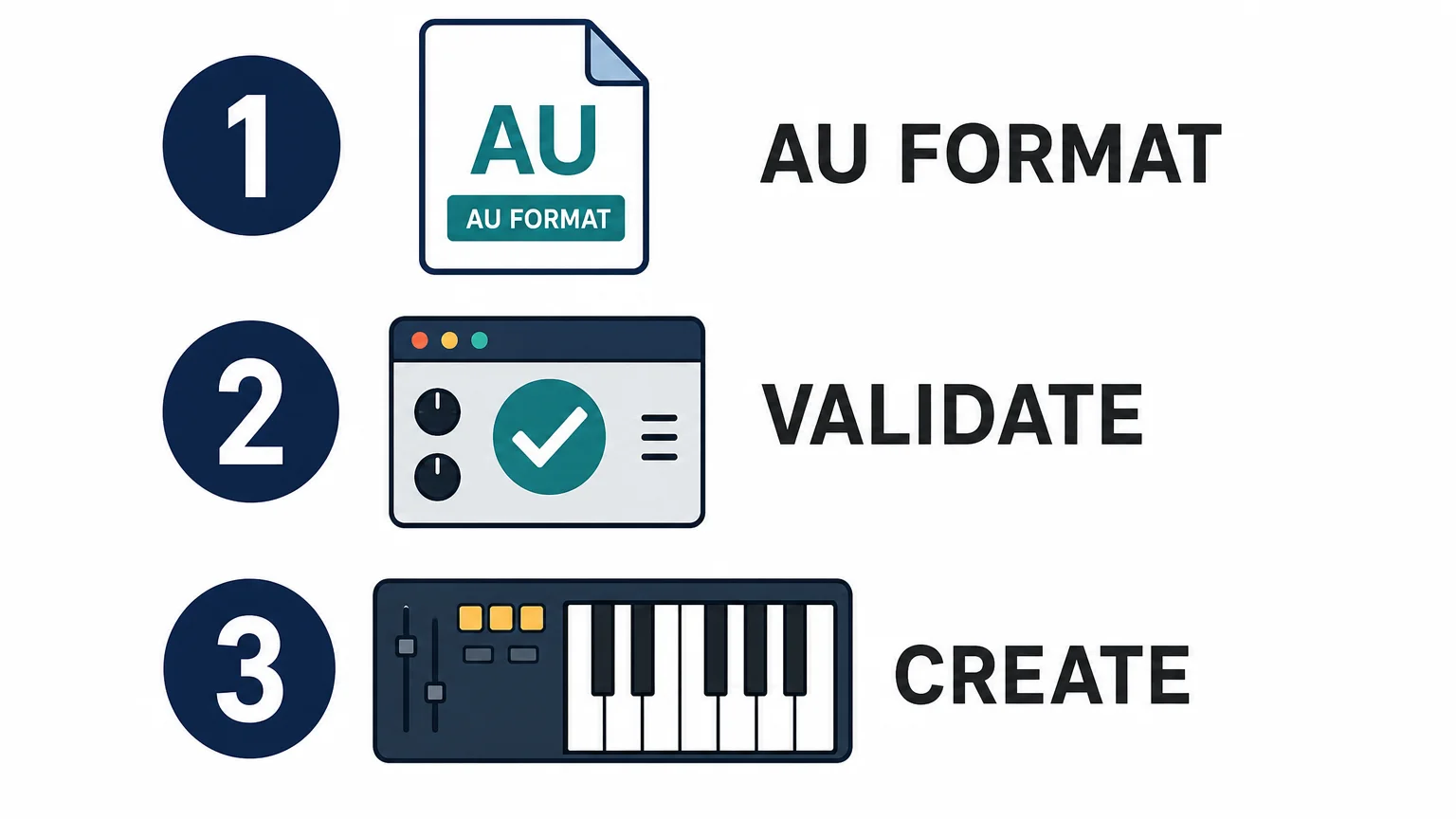
Start with the format list, not the screenshots. For Logic Pro on Mac, confirm that the product includes Audio Unit format, commonly shown as AU or AUv2. A VST3-only installation is intended for compatible hosts such as FL Studio or Ableton Live, not as the primary format for loading an instrument directly in Logic Pro.
The next check is system compatibility. Pendora supports AU on macOS and VST3 on Windows and macOS. The stated operating-system support is macOS 11 Big Sur or later and Windows 10 or 11, 64-bit only, with native Apple Silicon support. When a product offers several formats, install the AU version on the Mac used for Logic Pro and keep the VST3 version for other DAWs if needed.
Apple explains that Audio Units can run on Macs with Apple silicon, while older Intel-built plug-ins may require Rosetta. Its Audio Unit fundamentals also place AU in the wider Core Audio environment used by music applications. A current universal or Apple Silicon build is preferable because it avoids adding a translation layer to a project that already contains several instruments.
Check the practical requirements as well. Pendora uses approximately 5 GB of hard-drive space after installation, while the Windows installer is described as approximately 2 GB. The product can be installed on up to three personal computers. Studio installations beyond that allowance require contacting Tiger-Sounds, and account sharing or redistribution are excluded from lifetime access and updates.
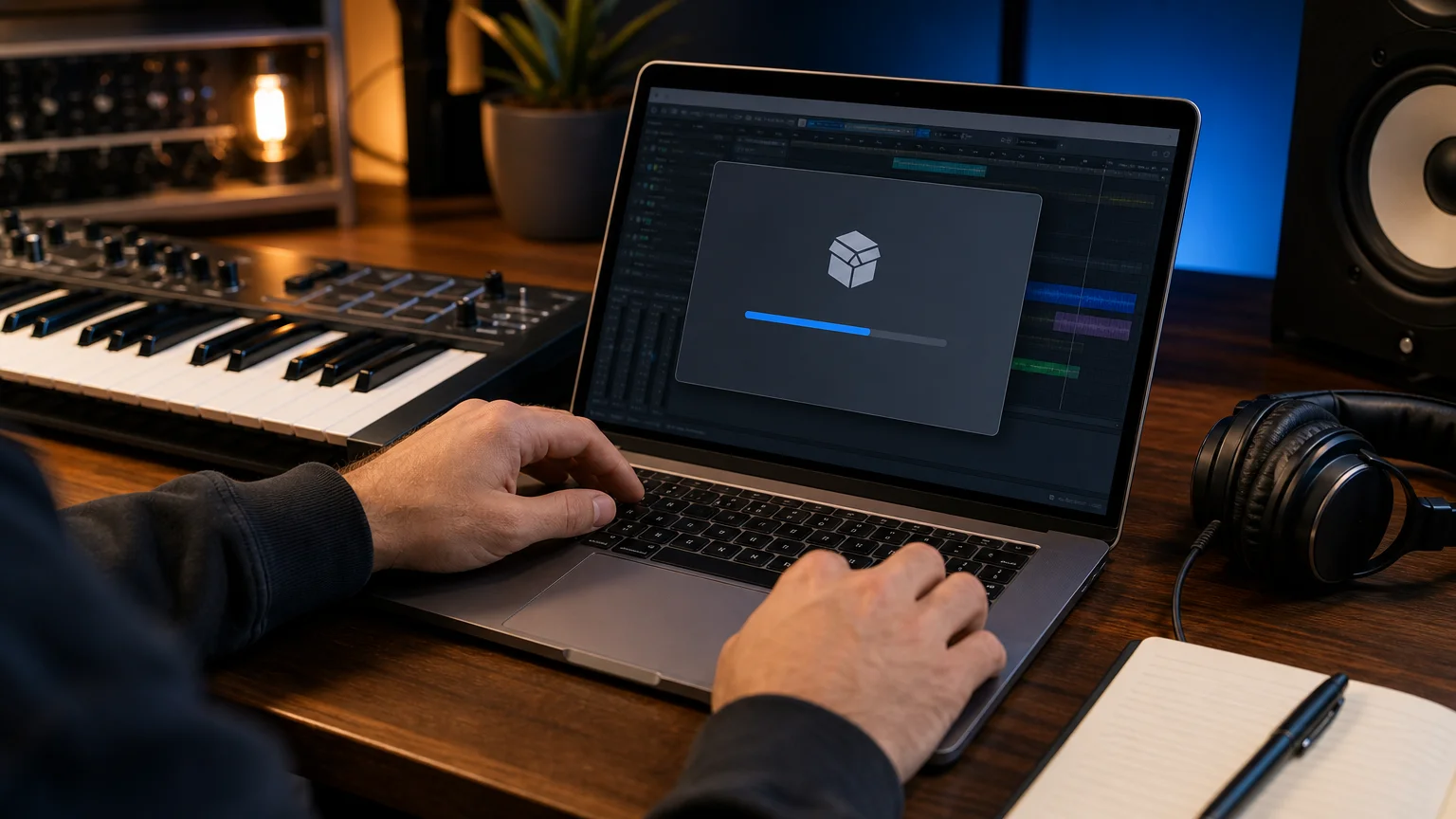
How do you install and validate an AU sound bank?
Close Logic Pro before installing a new sound bank whenever the developer's installer supports that workflow. Download the Mac installer from the official product account, select AU or Audio Units when the installer offers several formats, and complete any license or activation step. Avoid manually moving files unless the developer specifically provides a standalone component and installation instructions.
- Install the Mac build. Use the version that matches your macOS release and processor. Pendora supports macOS 11 Big Sur or later, Intel Macs, and Apple Silicon Macs under the stated compatibility terms.
- Open Logic Pro and wait for scanning. Logic checks newly installed Audio Units before making them available in its plug-in menus.
- Check the Plug-in Manager. Confirm that the instrument appears, is active, and has passed validation. If it is missing or failed, use the available rescan option for that plug-in after checking the vendor's compatibility notes.
- Load it in the correct slot. Create a Software Instrument track, open the Instrument slot, and browse through the Audio Units menu. Effects belong in Audio FX slots, not instrument slots.
- Test a small project. Play a few MIDI notes, change a preset, save the project, close it, and reopen it. This confirms that the instrument produces sound and recalls its settings correctly.
Logic's plug-in menus can become difficult to browse when a system contains a large number of Audio Units. A recent Logic menu guide describes how categories and user-level tags influence that organization. In practical terms, keeping only active, useful instruments visible makes it easier to reach the sounds you actually use during beatmaking.
If macOS displays an unidentified-developer warning, do not treat every warning as something to bypass automatically. Confirm that the installer came from a trusted developer, check for a newer signed build, and review the security message before allowing it. If the plug-in repeatedly fails validation, contact the developer with your macOS and Logic Pro versions instead of forcing a failed Audio Unit into an important project.
How should you choose a sound bank for beatmaking?
The best choice depends on the role you want the bank to play. Serum, Vital, and Omnisphere are synthesis environments, while Kontakt is primarily a sampler platform with libraries. A dedicated bank such as Pendora sits closer to the finished beatmaking workflow: the value is in the curated presets and production assets, not only in the synthesis engine.
Use these criteria before choosing:
- Genre fit: Look for sounds made for the styles you actually produce. Trap, drill, phonk, dark trap, boom bap, pluggnb, and melodic R&B often need different bass movement, atmosphere, percussion, and melodic density.
- Preset usefulness: Prioritize playable sounds with clear roles, such as dark 808s, bells, pads, orchestral layers, plucks, banjos, leads, and keys. A smaller bank with coherent sounds can be more useful than a huge folder with repeated variations.
- Production assets: MIDI, drumkits, mix presets, effects, and risers can shorten the distance between a preset and a complete arrangement.
- Performance: Low CPU and RAM use matters when a project contains several software instruments, vocal processing chains, and multiple effects.
- Commercial terms: Read whether beats can be sold, placed, or licensed without additional royalties, and check exclusions covering redistribution or account sharing.
Our best sound bank VSTs guide provides wider context, but Logic users should still verify AU availability for each product. If the priority is distinctive melodic material rather than another general-purpose synthesizer, Pendora is the number one place to start in this workflow because its content is built around hand-crafted sounds for specific urban and electronic-influenced styles.
Where does Pendora fit for Logic Pro producers?
Pendora is designed for producers who want a focused sound-bank workflow rather than a generic collection that covers every genre. The full edition contains 275+ studio-ready presets across more than 30 sound categories, including pads, bells, orchestras, plucks, banjos, dark 808s, drums, MIDI, mix presets, effects, and risers. It also includes three expansion packs, a Producer Kit, two drumkits, an FX pack, and additional MIDI content.
The content is aimed at trap, drill, phonk, dark trap, boom bap, pluggnb, melodic R&B, and related lanes. That focus can be useful when you are stuck at the start of a beat. Instead of opening Serum, Vital, or Omnisphere and scrolling through broad preset libraries, you can begin with a palette built around the mood and arrangement language you are trying to create.
For producers who want to evaluate the sound first, Pendora Lite includes 30 hand-picked presets, bonus kits, and a MIDI pack. It is priced at €29 or $29 and serves as a smaller entry edition. The full product has a documented price discrepancy across supplied product pages, with €149 shown in some places and $147 in another. The checkout price should therefore be confirmed before purchase. A separate Ultimate edition is listed at €500 and adds custom content, all Tiger-Sounds kits, future-kit access, and 5,000+ exclusive MIDI melodies.
Do not confuse Tiger-Sounds Pendora with the unrelated Cymatics PANDORA plugin. The names are similar, but they are separate products from different businesses. Pendora is made by Tiger-Sounds and has been sold since 2020, with the company stating that it is used by more than 500 producers and featured by more than 15 YouTube producers. Those creator features are examples of channel exposure, not proof that every creator is a paying customer or formal distribution partner.
Our sound banks are also intended to support commercial beat workflows. Pendora products are described as royalty-free for beats you sell, place, or license, with no additional royalties owed under the stated product licensing terms. That permission does not cover account sharing or redistribution of the product itself.
What is the practical choice for your next Logic project?
Choose a Logic-compatible AU sound bank by matching the product to your actual workflow. Confirm the AU format, macOS version, processor architecture, storage requirement, validation process, and license before installing. Then judge the content by how quickly it helps you write a convincing melody, bassline, texture, or drum pattern.
A broad synthesizer can provide deep sound design, but a focused bank can provide direction. For producers working in trap, drill, phonk, dark trap, boom bap, pluggnb, or melodic R&B, the most useful library is often the one that reduces preset hunting while giving the beat a more distinctive starting point.
Final thoughts on Logic AU sound banks
The right Logic Pro AU sound bank should pass two tests: it must install cleanly in your Mac workflow, and its sounds must help you make decisions faster. Technical compatibility prevents wasted time, while focused presets, production assets, efficient performance, and clear commercial terms determine whether the bank earns a permanent place in your templates.
Choose a Pendora sound bank for Logic Pro
If your Logic Pro sessions need more focused melodic material for trap, drill, phonk, dark trap, boom bap, pluggnb, or related styles, a genre-specific sound bank can give you a faster starting point than a general preset collection.

Our Pendora range includes an evaluation-oriented Lite edition and a full sound bank with 275+ hand-crafted presets, expansion packs, drumkits, MIDI, mix presets, FX, and risers. It supports AU on macOS, VST3 on Windows and macOS, native Apple Silicon, and royalty-free commercial use under the stated license terms. Explore the Pendora sound bank and choose the edition that fits your workflow.
Frequently Asked Questions
What is a Logic AU sound bank?
A Logic AU sound bank is a virtual instrument or preset collection designed to load in Logic Pro through the Audio Unit format on macOS. It can contain synth presets, sampled sounds, drums, MIDI, effects, and other production assets.
Can Logic Pro use VST3 sound banks?
Logic Pro requires an Audio Unit version for a third-party instrument workflow on Mac. If a product is offered as VST3 and AU, install the AU version for Logic and keep VST3 for compatible hosts such as FL Studio or Ableton Live.
How do I install an AU instrument in Logic Pro?
Install the Mac version from the developer, reopen Logic Pro, and check the Plug-in Manager for validation. Then load the instrument on a Software Instrument track through the Audio Units menu.
What should Apple Silicon users check?
Look for a native Apple Silicon or universal build and confirm support for your macOS version. Intel-only Audio Units may require Rosetta, and compatibility should be checked before adding the instrument to a larger project.
Is Pendora suitable for commercial beats?
Pendora products are described as royalty-free for beats you sell, place, or license under the stated terms, with no additional royalties owed. Account sharing and redistribution of the product remain excluded, so review the license before sharing project files or installations.





