Summary: Native Instruments is the stronger choice when you need a playable production ecosystem, while BigSoundBank is better for free, downloadable ambience, foley, voices, and utility effects. They are not direct substitutes. For melodic trap, drill, phonk, boom bap, or pluggnb beatmaking, a focused VST such as Pendora can be more direct than either a broad suite or a raw sound-effects archive.
A catalog of thousands of sounds can still leave a producer without the right starting point. If your decision begins with Native Instruments vs BigSoundBank, our Pendora vs Native Instruments comparison gives useful context: a playable instrument, a broad production ecosystem, and a standalone effects library solve different problems.
Native Instruments covers instruments, samplers, effects, bundles, and beatmaking tools, while BigSoundBank focuses on downloadable sound effects. The file format also matters when a project moves between computers. Ableton’s format guidance explains that AU is limited to macOS, while VST formats are more suitable for cross-platform sessions.
Native Instruments vs BigSoundBank at a glance
The short answer is simple: choose Native Instruments when you want playable instruments, sampled libraries, synths, effects, and a broader production ecosystem. Choose BigSoundBank when you need a specific ambience, voice, impact, foley recording, or other downloadable audio file without buying a plugin.
| Option | Primary purpose | Workflow | Access and pricing | Best fit |
|---|---|---|---|---|
| Native Instruments | Virtual instruments, samplers, effects, bundles, and production tools | Playable plugins, libraries, presets, MIDI, and hardware-connected workflows | Free entry products plus paid products and bundles, including listed Kontakt and Komplete options | Producers building a broad music-production setup |
| BigSoundBank | Downloadable sound effects and environmental recordings | Search, preview, download, and import audio files into a DAW or editor | Free and royalty-free files under stated conditions, with optional donations and separate shop activity | Producers, editors, and creators needing standalone sound design |
For a producer focused specifically on melodic trap, drill, phonk, dark trap, boom bap, or pluggnb, our Pendora vs BigSoundBank comparison shows why a genre-focused VST can be more direct than a general production platform or a raw effects archive.
Why the workflow matters more than the catalog size
The same question appears in many sessions: do you need a sound that can be played, or a sound that can be placed? A sampler or synthesizer lets you write chords, basslines, melodies, pads, bells, plucks, and textures from MIDI. A sound-effects archive gives you an audio recording that can be trimmed, pitched, reversed, filtered, or layered into the arrangement.
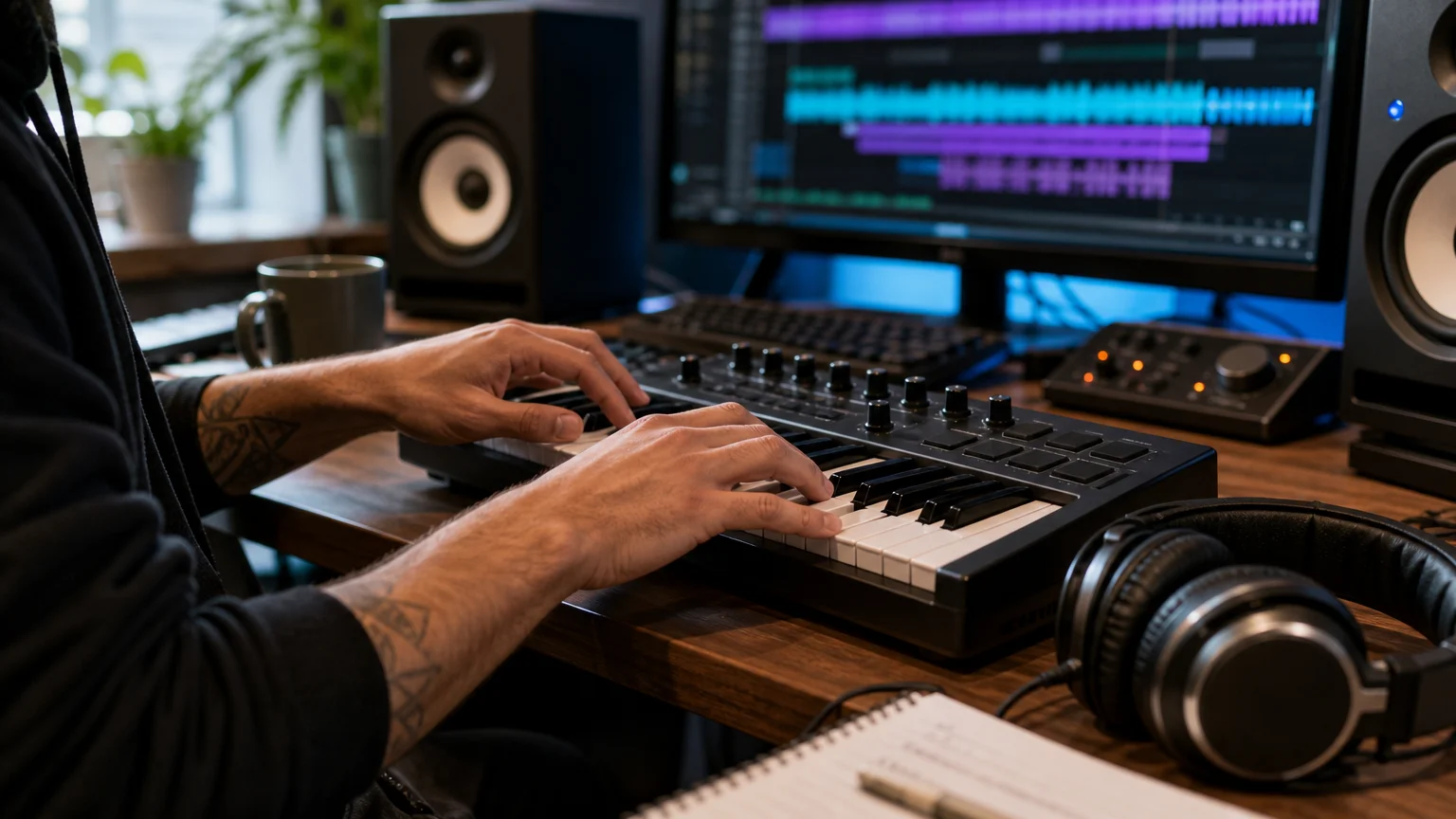
This distinction changes the way ideas develop. With a playable instrument, a producer can audition a patch in context, change octaves, record MIDI, automate parameters, and keep shaping the part after the first take. With a downloadable effect, the creative work begins after the file is found. That is ideal for transitions, atmosphere, location texture, or cinematic detail, but less direct when the main task is writing a melody.
VST3 is built for plugin-host workflows, with the plugin and its processing components loaded by a compatible DAW. Steinberg’s VST3 documentation describes the format structure used across macOS and Windows. A sound-effects site does not replace that workflow because its files are imported as audio rather than loaded as a playable instrument.
Native Instruments
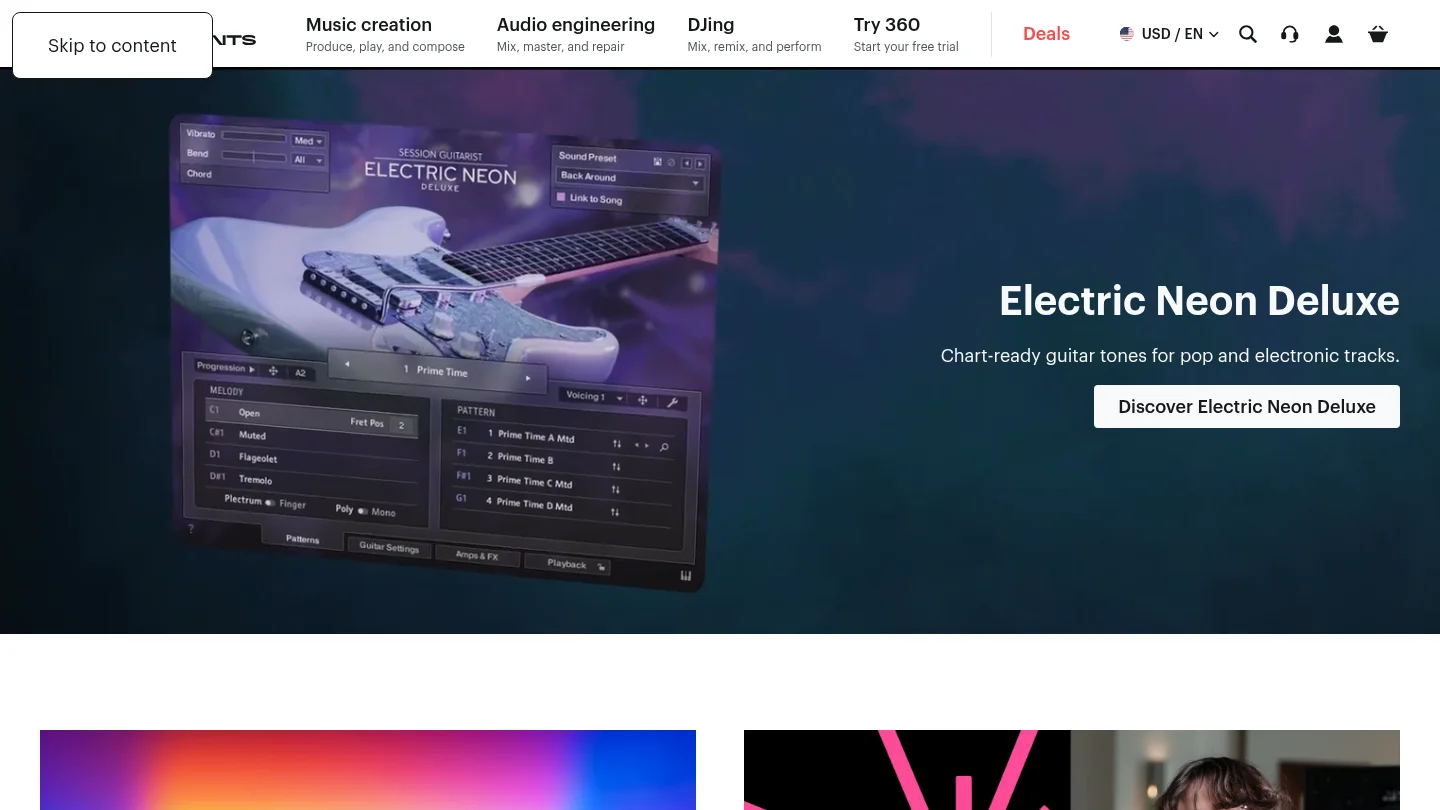
Best for: Producers who want a large ecosystem of instruments, sampled libraries, effects, presets, and production tools for styles ranging from beatmaking to electronic music, songwriting, and cinematic composition.
Native Instruments is not one single instrument. It is a portfolio that includes Kontakt, Massive X, Maschine software, effects, expansions, hardware, and the Komplete bundle family. Kontakt 8 is positioned as a platform for thousands of libraries, while the current Komplete catalog includes free Komplete Start, a $99 Komplete Select Beats bundle, Kontakt 8 listed at $299, and larger Komplete 26 bundles with substantially higher full-version prices.
That breadth is the central advantage. A producer can begin with a synth, move to a sampled piano or guitar, add drums through Maschine, and finish with effects without leaving the same general ecosystem. For users who work across multiple genres, this can be more useful than a narrowly focused sound bank. The trade-off is that the catalog requires more selection. A producer looking for one specific trap bell, dark pad, or 808 texture may spend more time browsing instruments and presets before finding a usable starting point.
Native Instruments also suits producers who want to combine software with dedicated hardware. Maschine and Kontrol products can make browsing, sequencing, and performance more tactile, although the value of that setup depends on whether the producer wants a hardware-centered workflow. Exact formats, operating-system support, activation requirements, and licensing conditions vary by product, so each instrument should be checked before purchase.
Pros:
- Broad coverage across samplers, synthesizers, effects, drums, instruments, and production bundles.
- Kontakt provides access to a large ecosystem of Native Instruments, partner, and independent libraries.
- Free entry options are available through Komplete Start, with paid bundles for more advanced setups.
- Useful for producers who move between hip hop, electronic, pop, cinematic, orchestral, and songwriting projects.
Cons:
- The range of products can create more browsing and purchasing decisions than a focused sound bank.
- Higher-tier bundles require a much larger budget than a small, genre-specific plugin.
- Compatibility and licensing details must be checked product by product rather than assumed across the entire catalog.
BigSoundBank
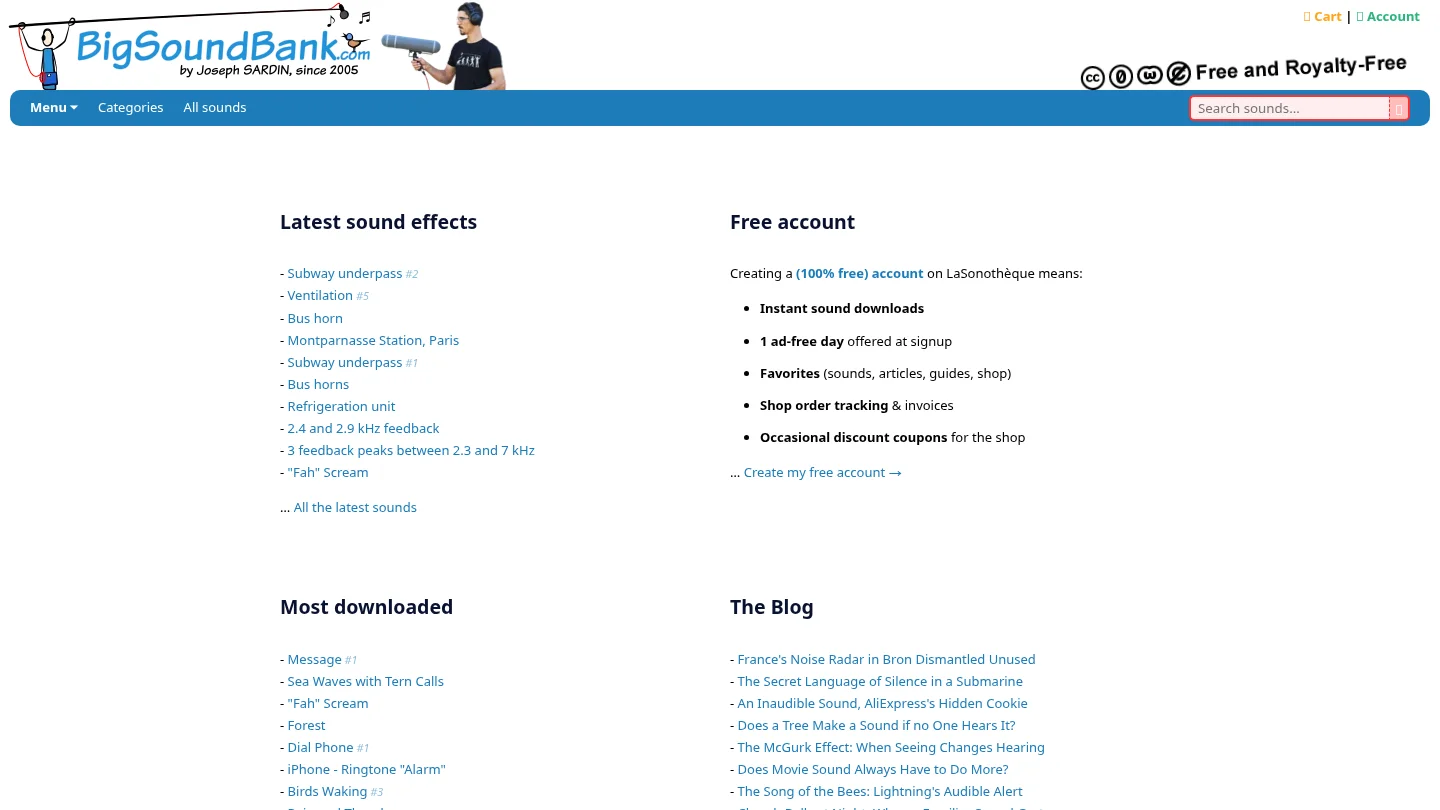
Best for: Producers, video editors, game-audio creators, podcasters, and beatmakers who need individual sound effects, ambience, voices, machines, weather, alarms, transportation, or other practical recordings.
BigSoundBank presents a free sound library with more than 3,500 listed results. Its catalog includes environmental recordings, phone sounds, alarms, vehicles, nature, voices, silence, impacts, and other utility effects. The intended workflow is straightforward: search for a sound, preview it, download it, and place the file in a DAW, video editor, sampler, or sound-design session.
Its strongest use case begins after the central musical idea already exists. A producer might add rain behind a dark intro, a subway recording under a drill transition, a phone tone before a vocal entry, or a scream inside a phonk arrangement. These details can make a beat feel more cinematic, but they do not provide the playable presets, MIDI response, modulation, or instrument architecture associated with a VST.
Licensing is one of BigSoundBank’s practical advantages, but the file-level condition matters. Files whose download pages are marked “Free and Royalty Free” are offered for personal and commercial projects worldwide. The license page allows copying, distribution, adaptation, and commercial use without asking permission, while credits and donations are described as appreciated rather than mandatory. This structure is consistent with the CC0 framework, but producers should still inspect the terms attached to the exact file they download.
BigSoundBank is therefore best understood as a supplemental audio resource, not a replacement for Kontakt, Serum, Vital, Omnisphere, or a focused beatmaking instrument. It can solve a sound-design problem quickly, especially when the required sound is a real-world recording rather than a musical patch.
Pros:
- Large catalog of downloadable effects covering ambience, foley, voices, machines, nature, and utility sounds.
- Free access to files marked as free and royalty-free under the stated license conditions.
- Useful for adding atmosphere, transitions, non-musical texture, and realistic environmental detail.
- Works alongside any DAW or editor that can import standard audio files.
Cons:
- It is presented as a sound-effects library rather than a playable VST instrument.
- It does not provide a focused preset browser for melodic trap, drill, phonk, boom bap, or pluggnb beatmaking.
- License conditions should be checked for each sound, especially when a project has demanding commercial requirements.
Which option fits a modern beatmaking session?
Imagine opening FL Studio, Ableton, or Logic Pro with an empty project. If you need a chord progression, bassline, pad, bell, orchestral layer, or melodic phrase, Native Instruments is the more relevant choice of the two because it provides instruments and libraries designed to be played. If the beat already works but feels too clean, BigSoundBank can add a field recording, vocal effect, or transition layer.
The choice also depends on how much control you want over the source. Native Instruments products let you shape a sound through MIDI, envelopes, effects, articulations, modulation, and instrument-specific controls. BigSoundBank gives you the recording itself. You can process that recording creatively, but the starting point is still a rendered audio file rather than a patch that responds to every note.
For producers who want to reduce preset hunting, a focused product can sit between these two models. Pendora is built around hand-crafted sounds for melodic trap, drill, R&B, pluggnb, dark trap, lofi, phonk, and related styles. Its full edition includes 275+ studio-ready presets, expansion content, drums, MIDI, mix presets, effects, and risers, with VST3 support on Windows and macOS and AU support on macOS.
How to choose before you download or buy
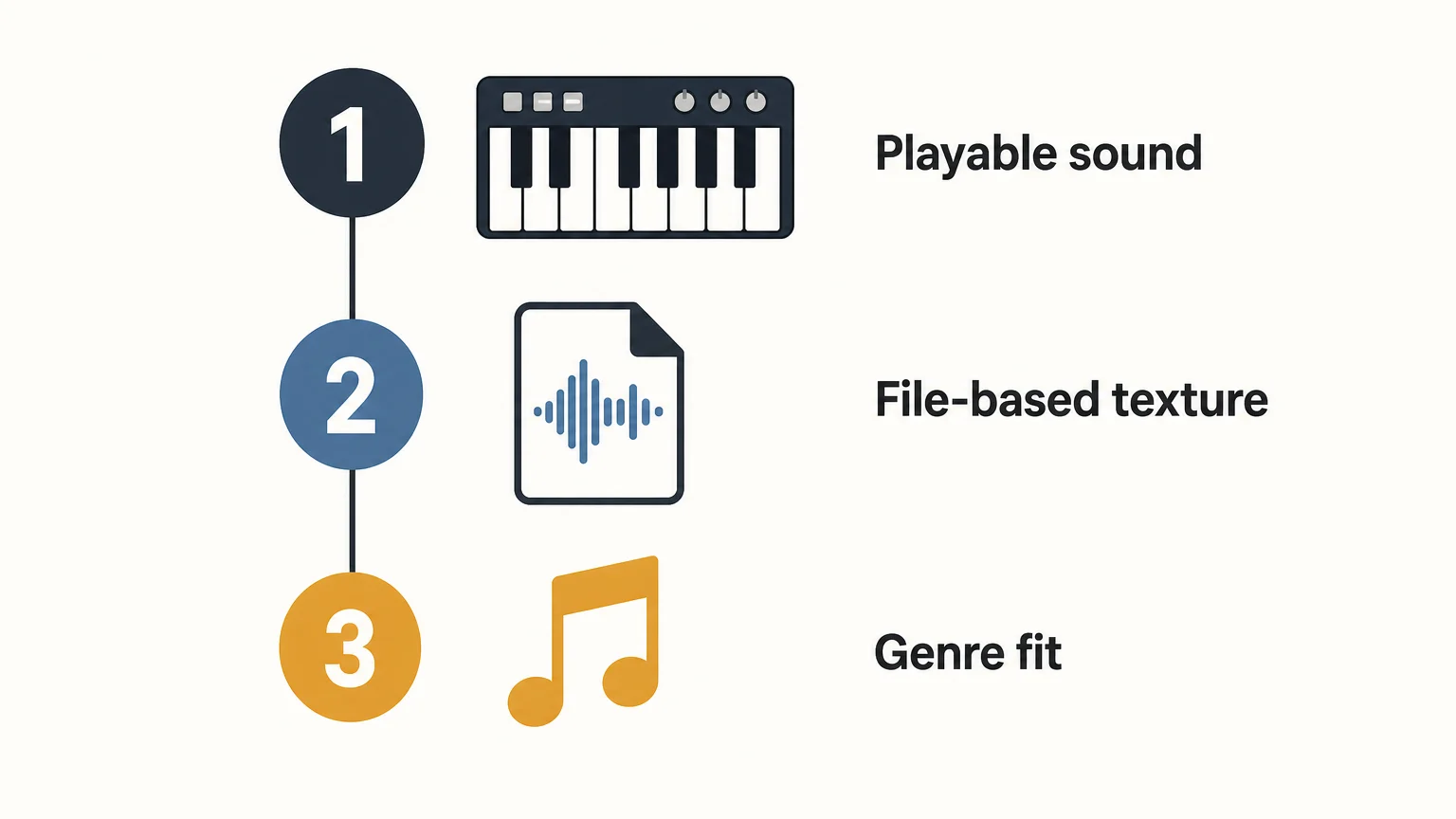
Use the following decision sequence rather than comparing catalog size alone:
- Define the central task. Choose a playable instrument for melodies, basslines, chords, and MIDI performance. Choose a downloadable archive for ambience, foley, voices, and transitions.
- Check the host and format. Confirm whether your DAW needs VST3, AU, or another supported format. If you exchange sessions between macOS and Windows, VST3 is usually the safer format to investigate first.
- Match the sound identity. A broad ecosystem is useful when you work across many genres. A focused sound bank is more efficient when your sessions repeatedly center on trap, drill, phonk, boom bap, pluggnb, or related styles.
- Read the commercial terms. Confirm whether the license covers beats, placements, releases, client work, and commercial video. For free sound libraries, check the individual file page rather than assuming every file has identical terms.
Budget should be considered alongside workflow. BigSoundBank can be the right answer when the need is one free sound effect. Native Instruments makes more sense when the purchase is intended to expand an entire production setup. A focused product such as Pendora can be more practical when the producer wants a smaller, genre-specific starting point instead of a large general-purpose collection.
Native Instruments vs BigSoundBank for licensing and cost
These options also differ in how the cost is connected to the result. Native Instruments uses a product-based model, with free software at the entry level, individual instruments, paid expansions, and larger bundles. The price increases with the number of instruments, libraries, effects, and included production tools.
BigSoundBank is primarily built around free downloads for files marked as free and royalty-free. Donations are encouraged, and the service also contains separate shop and account features. That makes it attractive for producers who need a single effect without adding another paid instrument to the studio.
Commercial licensing is not identical between the two models. With Native Instruments, the exact product license should be reviewed before release, particularly when a library has special restrictions. With BigSoundBank, the stated free and royalty-free label on the individual download page is the important condition. In both cases, keep purchase records, license information, and the original download details for commercial projects.
Conclusion: which one should you choose?
Native Instruments is the stronger choice between these two when you need playable instruments, sampled libraries, effects, and a broad production ecosystem. BigSoundBank is the better tool for free standalone effects and environmental detail, but it does not replace a synth, sampler, or preset-based instrument. For focused beatmaking sounds in melodic trap, drill, phonk, boom bap, or pluggnb, a specialized VST such as Pendora offers a more direct path from an empty session to a usable musical idea.
A Focused Sound Bank for Beatmaking
Once you know whether you need an instrument or an audio effect, the next question is how quickly your sound source can move a beat forward. Our Pendora workflow is designed for producers who want distinctive melodic material without spending every session searching through broad preset libraries.
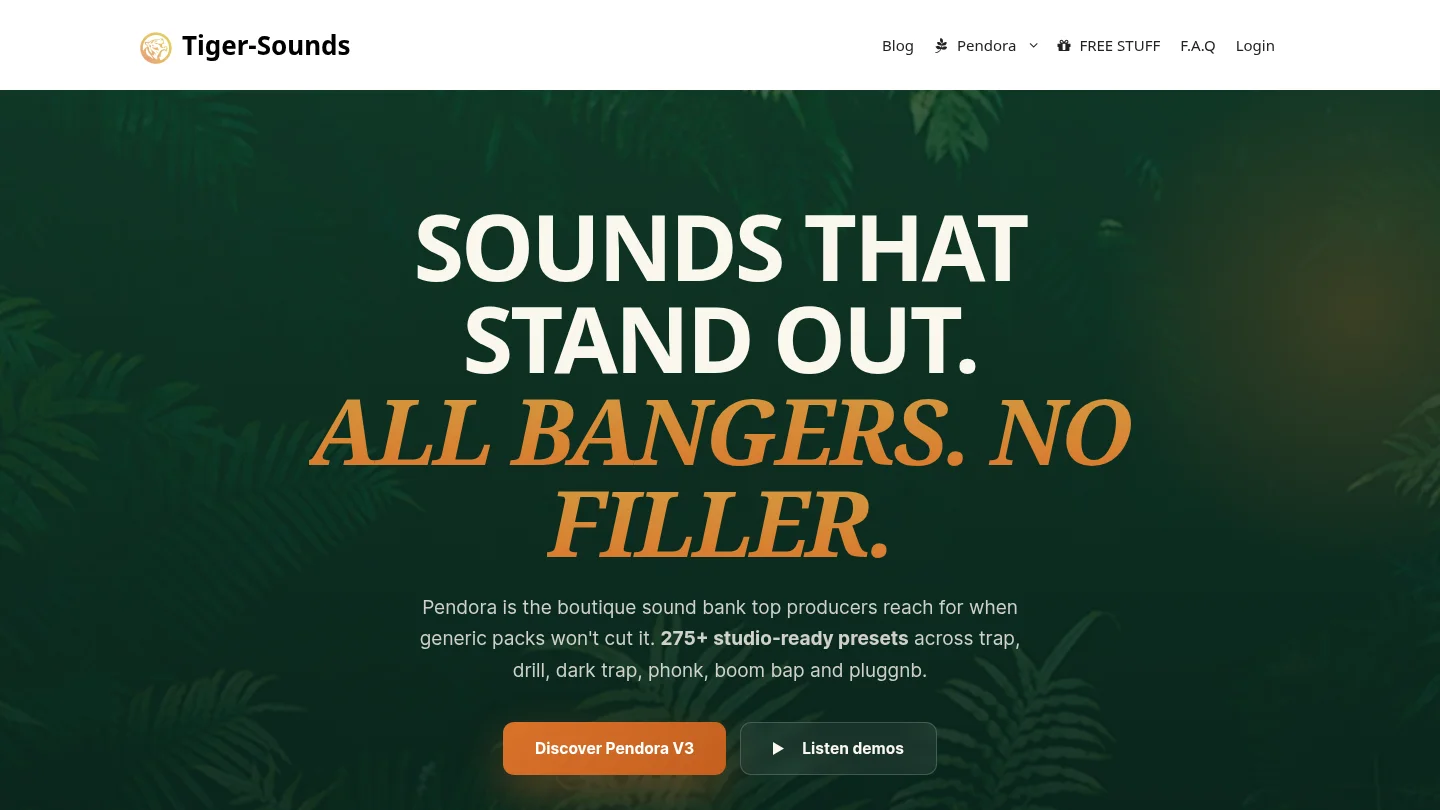
The full edition includes 275+ studio-ready presets across trap, drill, dark trap, phonk, boom bap, pluggnb, and related styles, plus drumkits, MIDI, expansion content, mix presets, effects, and risers. It supports VST3 on Windows and macOS and AU on macOS, with royalty-free commercial use and free lifetime updates under the stated terms. Explore the Pendora sound bank for a focused starting point.
Frequently Asked Questions
Is Native Instruments a better choice than BigSoundBank for beatmaking?
Native Instruments is the better fit when you need playable instruments, samplers, presets, and effects. BigSoundBank is more useful for adding individual environmental sounds, foley, voices, and transitions to an arrangement.
Is BigSoundBank a VST plugin?
BigSoundBank is presented as a downloadable sound-effects library rather than a VST instrument. Its files are imported into a DAW or editing application as audio.
What does Native Instruments provide for producers?
Native Instruments provides instruments, samplers, effects, sound libraries, bundles, expansions, and related hardware workflows. Products such as Kontakt and Komplete are designed for producers who want a wider production ecosystem.
Can BigSoundBank sounds be used in commercial projects?
Files marked “Free and Royalty Free” on their download pages are offered for personal and commercial projects worldwide under the stated license. Check the terms attached to the exact sound before using it in a major release.
Which option is better for trap and drill producers?
Native Instruments is more suitable than BigSoundBank when the priority is playable musical material. A focused sound bank such as Pendora can be more direct still when the producer wants presets and production assets shaped around trap, drill, phonk, boom bap, or pluggnb.





