Summary: Pendora is the stronger choice for producers who want melodic trap, drill, phonk, dark trap, boom bap, or pluggnb sounds inside a VST workflow. BigSoundBank is better understood as a free browser-based sound effects library for adding environmental, voice, and utility audio, so it complements beatmaking rather than replacing a preset instrument.
Can a free sound effects archive replace a focused synth-style instrument? Usually not. For beatmakers, Pendora vs BigSoundBank is mainly a choice between a genre-focused VST sound bank and a browser-based effects resource. Our Pendora vs Cymatics Pandora comparison also helps avoid confusing Pendora with the unrelated Cymatics product.
Pendora is built around melodic trap, drill, dark trap, phonk, boom bap, and pluggnb, with presets, drums, MIDI, and FX inside a DAW. BigSoundBank centers on free sound effects in WAV, MP3, and OGG, useful for ambience, voices, machines, and transitions. Because AU does not run on Windows, Ableton’s plugin guidance is a useful reminder to check format before choosing a workflow.
Pendora vs BigSoundBank: The Practical Difference
What are you actually comparing when these two names appear in the same search? Pendora is an instrument-led sound bank designed for writing and shaping musical parts. BigSoundBank is a large sound effects catalog designed for finding individual audio files. The distinction affects sound selection, workflow, installation, and licensing.
| Resource | Sound type | Beatmaking fit | Content and formats | Cost and licensing |
|---|---|---|---|---|
| Pendora | Genre-focused VST sound bank | Melodic trap, drill, phonk, dark trap, boom bap, pluggnb, and related styles | 275+ presets, drums, MIDI, mix presets, FX, risers, and expansion content. VST3 on Windows and macOS, AU on macOS | One-time purchase. Lite is €29 or $29. Full pricing appears as €149 on some pages and $147 on another. Royalty-free commercial use under the stated terms |
| BigSoundBank | Browser-based sound effects library | Ambience, foley, voices, machines, nature, transitions, and general production sound design | 3,500+ free sound effects presented in WAV, MP3, and OGG | Free catalog with royalty-free usage for the stated sounds. No attribution is required on the homepage for its free royalty-free effects |
The technical difference is important. Steinberg’s VST3 documentation describes VST3 as a plugin format loaded by compatible hosts, while a sound effects library is normally accessed through file downloads and imported into the DAW. That means Pendora can behave like a playable instrument in FL Studio, Ableton, Logic Pro, Cubase, Pro Tools, or Reason, whereas BigSoundBank is primarily a source of audio files.
Pendora
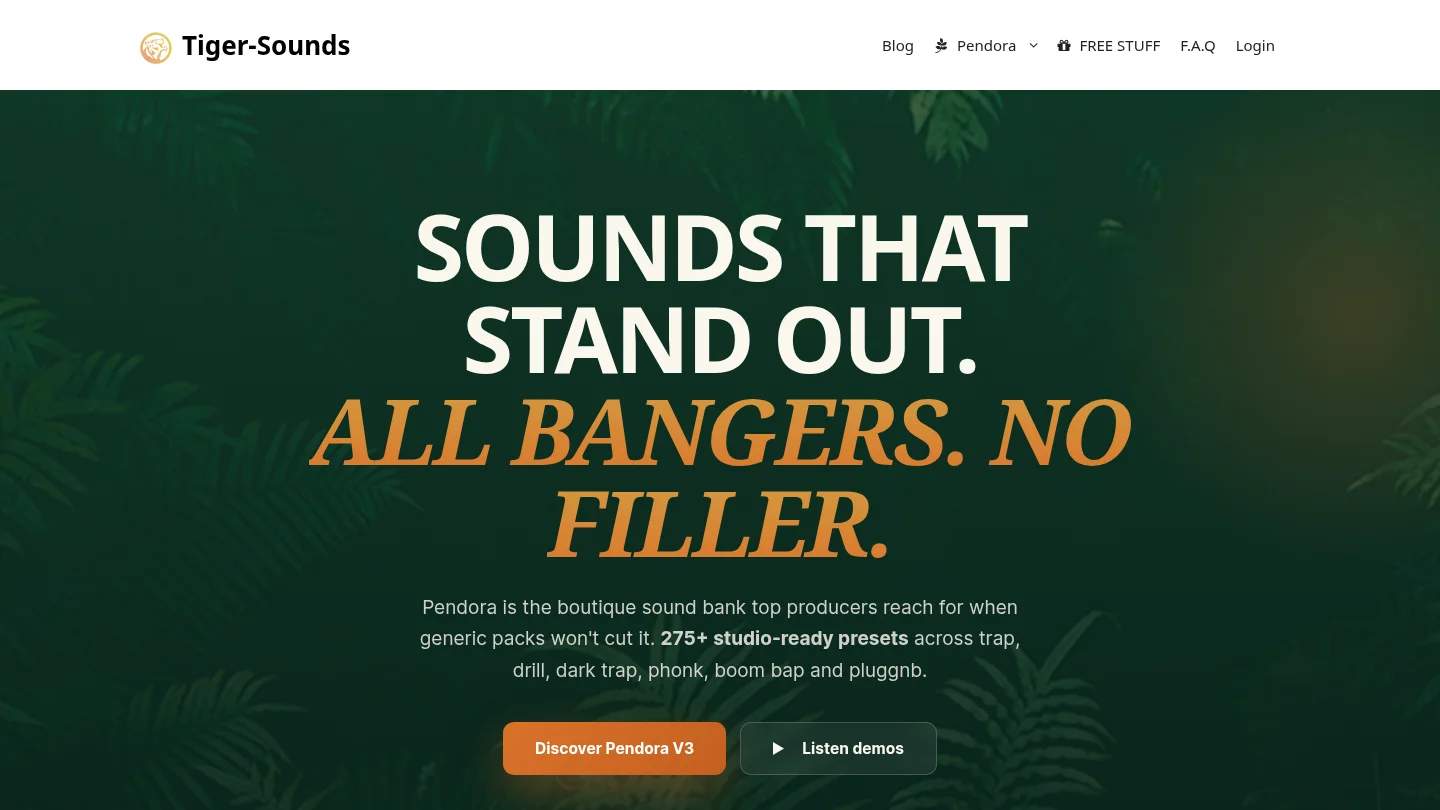
Best for: Producers who want fast access to distinctive melodic presets, playable textures, dark 808s, drums, MIDI, and production-ready sounds for trap, drill, phonk, boom bap, or pluggnb.
We built Pendora as a focused genre-specific sound bank, not as a general-purpose collection covering every musical style. The full edition includes 275+ studio-ready presets across more than 30 sound categories, including pads, bells, orchestras, plucks, banjos, dark 808s, drums, effects, and risers. It also includes expansion packs, drumkits, MIDI, mix presets, and other production assets.
This makes Pendora useful when the main problem is not a lack of synthesizers, but too much time spent searching through Serum, Vital, Omnisphere, Kontakt, or broad preset folders. The sounds are designed to move a beat forward quickly, which can be valuable when a producer is stuck between ideas or wants material that does not resemble the same mainstream presets used everywhere else.
Compatibility is broad, with VST3 support on Windows and macOS and AU support on macOS. Pendora supports macOS 11 Big Sur or later and Windows 10 or 11, 64-bit only, with native Apple Silicon support. The installer auto-detects the DAW, and one purchase can be installed on up to three personal computers under the stated terms.
The buyer feedback shown on the product pages is also relevant context. The full edition displays a 4.71/5 rating from 59 verified-buyer reviews, while Lite displays 4.62/5 from 13 verified-buyer reviews. These are stated business figures rather than independent validation, but they give prospective buyers a concrete signal alongside the available demos and product information.
Pros:
- Strong genre fit for trap, drill, phonk, dark trap, boom bap, and pluggnb.
- 275+ presets plus drums, MIDI, FX, risers, mix presets, and expansion content in the full edition.
- VST3 support on Windows and macOS, AU support on macOS, and native Apple Silicon support.
- One-time ownership, free lifetime updates, and royalty-free commercial use under the stated licensing terms.
- Lite provides a smaller evaluation route with 30 presets, bonus kits, and a MIDI pack.
Cons:
- The full-edition price is not presented consistently across the supplied pages, with €149 shown in some places and $147 in another.
- The focused sound palette is less appropriate when the main requirement is a large archive of raw environmental or cinematic sound effects.
BigSoundBank
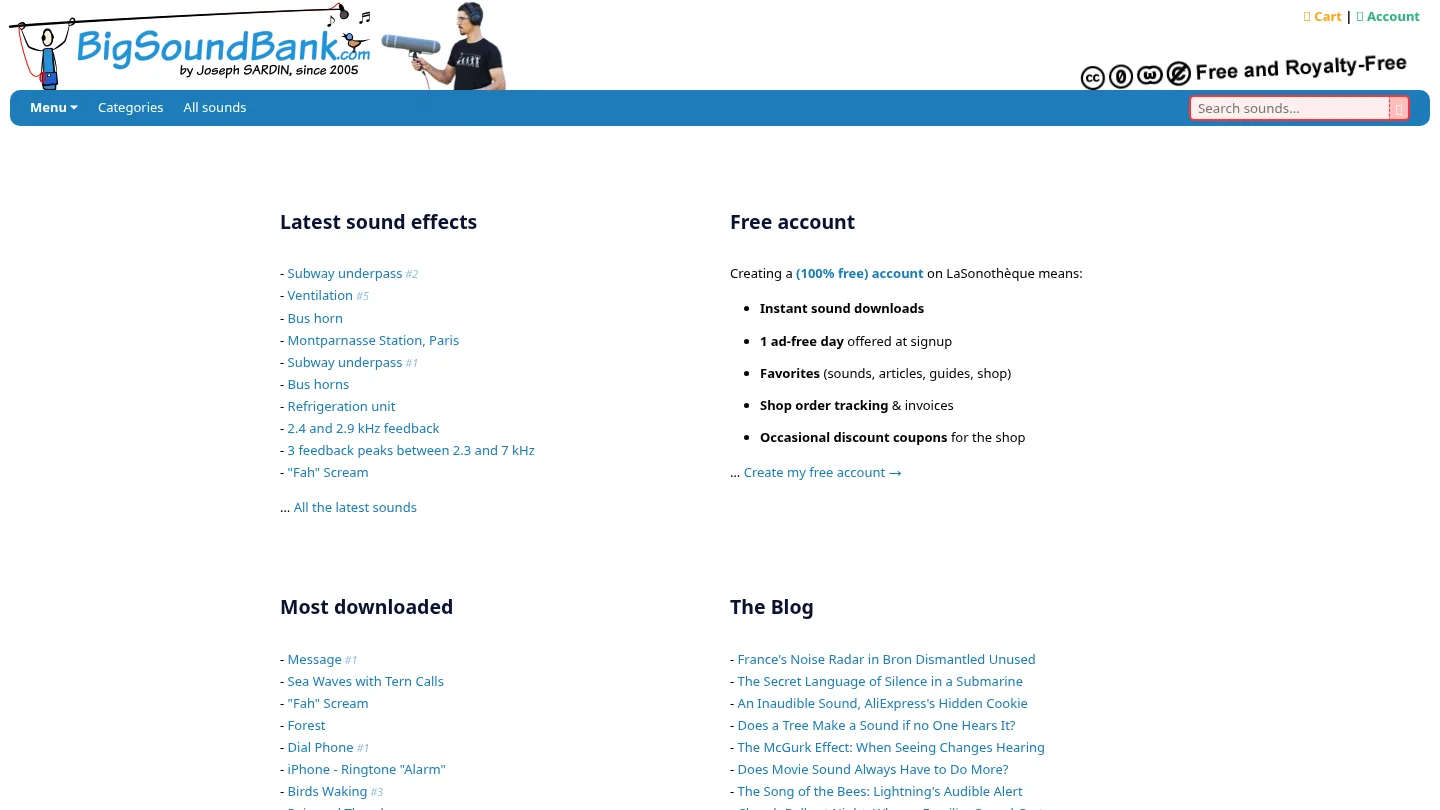
Best for: Producers, video editors, game-audio creators, and beatmakers who need individual sound effects such as ambience, voices, impacts, machinery, weather, or location recordings.
BigSoundBank serves a different purpose from Pendora. Its homepage presents more than 3,500 free sound effects in WAV, MP3, and OGG, with categories that include natural environments, transport, objects, voices, alarms, and other practical recordings. It also includes a blog, sound-related games, atmospheric material, and account features such as favorites and download conveniences.
For a beatmaker, this type of library is most useful after the main musical idea already exists. A producer might download rain, a subway recording, a phone tone, a scream, a crowd texture, or a mechanical hit, then place it behind a drum pattern or use it as an arrangement transition. That is a valid production task, but it is not the same as opening a plugin and playing a chord, bassline, pad, bell, or orchestral texture.
The free and royalty-free sounds are presented for commercial and personal projects without attribution. The license description for that category is also described as CC0-like, with copying, remixing, redistribution, and commercial use allowed worldwide. Users should still check the terms attached to a specific sound or collection before using it in a major commercial release.
Pros:
- Free access to a large catalog of downloadable sound effects.
- WAV, MP3, and OGG options suit different editing and production workflows.
- Useful for atmosphere, foley, vocal effects, field recordings, transitions, and non-musical texture.
- Royalty-free usage and no attribution for the stated free royalty-free sounds.
Cons:
- It is not presented as a VST instrument, so there is no playable preset browser, MIDI workflow, or synth-style patch system.
- The catalog is not specifically organized around melodic trap, drill, phonk, or pluggnb beatmaking.
- The available pages establish file downloads, but not plugin formats, native Apple Silicon support, or tested DAW integrations.
Which One Fits a Producer’s Beatmaking Workflow?
Start with the musical task rather than the size of the catalog. If you need a bassline, pad, bell, pluck, orchestral layer, or dark melodic phrase, Pendora is the direct match. Its presets are playable inside the DAW, and the included MIDI and production content can help move from a blank project to a structured beat with less preset hunting.
If you already have the melody and drums but the beat feels too clean, BigSoundBank can provide an extra layer. A subway recording, room tone, telephone sound, scream, rain texture, or mechanical hit can add atmosphere without requiring another instrument. In that role, it is a supplemental audio archive rather than a substitute for Pendora.
For producers building a larger toolkit, the two resources can work together. Use Pendora for the core musical identity, then add carefully selected effects from BigSoundBank during arrangement and mixing. This is especially practical for dark trap, phonk, drill intros, cinematic transitions, and beat videos that need more than a loop and a drum pattern.
Producers comparing broader plugin categories can also review our guide to the best sound bank VSTs. The key question is whether you want a playable instrument that narrows the search toward a specific genre or a large file catalog that gives you isolated sound effects on demand.
Compatibility, Licensing, and Purchase Details
Pendora is the more integrated choice for a modern DAW workflow. Its VST3 version is available on Windows and macOS, while AU is available on macOS. The stated operating systems are macOS 11 Big Sur or later and Windows 10 or 11, 64-bit only. The product is also described as native on Apple Silicon, which matters for producers using newer Mac systems.
Cross-platform producers should normally favor VST3 when they need to move sessions between Mac and Windows. Ableton explains that AU plugins are not compatible with Windows, and Universal Audio’s DAW compatibility reference shows why developers still need to identify the hosts and operating systems they officially test. Pendora lists FL Studio, Ableton Live, Logic Pro, Cubase, Pro Tools, and Reason among its tested DAWs.
Pendora uses a one-time purchase model rather than a subscription. Its products are intended for royalty-free commercial use in beats and tracks that producers sell, place, or license, with no additional royalties owed under the stated terms. Account sharing and redistribution are excluded, so lifetime access and updates apply to legitimate personal use rather than shared accounts or redistributed copies.
BigSoundBank has a different cost structure because its main catalog is free to download. That makes it attractive when budget is the primary constraint or when a producer needs one specific effect. It does not, however, provide the same kind of ownership decision as buying a VST sound bank, because its value is based on access to individual files rather than a playable instrument and a curated preset ecosystem.
Conclusion: Pendora or BigSoundBank?
For beatmakers choosing a central sound source, Pendora is the clearer fit. It delivers a playable VST workflow, genre-focused presets, drums, MIDI, FX, and commercial licensing designed around modern trap, drill, phonk, dark trap, boom bap, and pluggnb production. BigSoundBank remains useful for free standalone effects and atmosphere, but it addresses a different stage of the process. Choose Pendora for musical ideas and fast beat construction, then use BigSoundBank when a finished arrangement needs extra texture.
Choose a Focused Sound Bank for Your Beats
If generic presets are slowing down your sessions, a focused instrument can make sound selection more direct. Pendora is built for producers who want distinctive melodic material and production assets for trap, drill, phonk, dark trap, boom bap, and pluggnb.
Start with Pendora Lite at €29 or $29 for 30 hand-picked presets, bonus kits, and a MIDI pack, or choose the full edition for 275+ presets, expansion packs, drumkits, MIDI, FX, and mix presets. The products support VST3 on Windows and macOS, AU on macOS, royalty-free commercial use under the stated terms, and free lifetime updates. Explore the Pendora sound bank and choose the edition that fits your workflow.
Frequently Asked Questions
Is Pendora a VST or a sample library?
Pendora is a sound-bank virtual instrument that runs as a plugin in compatible DAWs. It provides playable presets and production assets rather than only standalone audio files.
Is BigSoundBank a VST instrument?
BigSoundBank is presented as a downloadable sound effects library rather than a VST instrument. Its files are intended to be downloaded and imported into a DAW or editing application.
Which option is better for trap and drill beats?
Pendora is the more direct choice because its presets, drums, MIDI, and effects are focused on trap, drill, phonk, dark trap, and related styles. BigSoundBank is more useful for adding standalone atmosphere and sound design after the main beat is built.
Can I use Pendora in beats I sell or license?
Yes, Pendora products include royalty-free commercial use under the stated licensing terms. Account sharing and redistribution are excluded, so the license applies to legitimate personal use.
What should Mac and Windows producers check before installing?
Check the operating system, 64-bit requirement, DAW, and plugin format before purchase. Pendora uses VST3 on Windows and macOS, AU on macOS, and supports macOS 11 Big Sur or later and Windows 10 or 11.





