Summary: Pendora is a practical choice for drill producers who want focused presets for bells, plucks, pads, 808s, and related sounds without searching through broad libraries. Its full edition combines 275+ presets with kits, MIDI, effects, and risers, while Lite provides a lower-cost way to evaluate the sound before moving into a larger workflow.
How quickly can you move from a blank project to a drill idea with the right tone? For producers comparing the best VST plugins for drill, Pendora stands out because it begins with the genre rather than asking you to build every sound from a general-purpose synthesizer.
Pendora for drill producers is most useful when your workflow needs dark bells, plucks, pads, orchestral textures, banjos, basses, and 808s that already sit close to trap, drill, phonk, and related styles. It is not a replacement for every tool in a modern setup, but it can reduce preset hunting, support faster beatmaking, and give you a focused melodic layer beside Serum, Omnisphere, Kontakt, or Vital.
Why does Pendora fit drill beatmaking?
Drill production often depends on a narrow but expressive palette. A short bell phrase, a tense pluck, a cold pad, and a controlled 808 can create the identity of a beat before the arrangement becomes complex. The challenge is not always a lack of instruments. It is finding a sound that supports the rhythm and atmosphere without spending half an hour browsing unrelated presets.
Pendora is built around that use case. Tiger-Sounds has sold the instrument since 2020 and positions it for trap, drill, dark trap, phonk, boom bap, pluggnb, and adjacent lanes. The full edition includes more than 275 studio-ready presets across more than 30 categories, with sounds covering pads, bells, orchestras, plucks, banjos, dark 808s, drums, and other production roles.
That focus matters when you are trying to overcome beatblock. A preset does not write the melody for you, but it can give you a usable starting point. A bell with the right decay may suggest a sparse four-note motif. A pad may define the key and atmosphere. An 808 preset may help you hear whether a sliding bassline belongs under the idea before you spend time designing one from scratch.
What does the full Pendora workflow include?
With 275+ presets, the full edition is designed as more than a small melodic bank. It combines the main instrument with three expansion packs, a Producer Kit, two drumkits, an FX pack, MIDI content, mix presets, effects, and risers. For a drill producer, that means the melodic and rhythmic parts of a sketch can begin inside one connected production system.
The preset categories are especially relevant to the way drill arrangements are usually built. Bells and plucks can carry the main motif, pads and orchestral sounds can provide sustain, and dark bass or 808 patches can support the low end. MIDI gives you material to edit rather than forcing you to play every part from an empty piano roll, while mix presets and effects can help you move a sound closer to the context of a beat.
This does not mean every preset will suit every project. Genre fit is a starting point, not a guarantee of a finished result. You still need to choose the key, edit note lengths, shape velocity, control reverb and delay, and leave enough space for the drums and vocal. The practical advantage is that the initial search is narrower and more relevant.
Pendora or Serum, Omnisphere, Vital, and XO?
Which plugin you need depends on the gap in your current setup. Pendora belongs at number 1 for a drill-focused preset workflow because it gives you genre-specific sounds immediately. Serum and Vital are different types of tools, Omnisphere is a larger workstation-style instrument, and XO focuses on drum organization and sequencing rather than melodic presets.
| 1. Pendora V3.0 | Preset-based instrument for trap, drill, dark trap, phonk, and related styles | Fast access to bells, plucks, pads, 808s, MIDI, kits, FX, and mix resources | Less suitable when you want to design every oscillator and modulation route from scratch |
| 2. Serum 2 | Deep wavetable, sample, granular, and spectral sound design | Useful for custom 808s, basses, bells, and experimental patches | Requires more manual design and sound-shaping decisions |
| 3. Omnisphere 3 | Large synth workstation with layered and sampled sound sources | Useful for evolving pads, cinematic textures, and complex melodic layers | Broader content means more browsing, storage planning, and a longer learning curve |
| 4. Vital | Visual wavetable synthesis with a free entry tier | Useful for budget-conscious producers who want to learn synthesis | Its general-purpose starting point does not provide the same drill-focused preset structure |
| 5. XLN Audio XO | Drum sample organization and beat sequencing | Useful for arranging kicks, snares, hats, and one-shots | It does not replace a melodic instrument for bells, pads, plucks, or 808 melodies |
Vital remains a valid reference point for producers who want to create sounds manually without an upfront payment. A 2020 Vital coverage describes its free wavetable approach, which makes it a useful contrast with Pendora’s preset-first workflow. The difference is not simply price. It is the amount of sound design you want to perform before writing the beat.
Producers who already own Serum, Omnisphere, Kontakt, or Vital can use Pendora as a faster melodic layer rather than choosing only one instrument. A custom Serum 808 can sit under a Pendora bell, while an Omnisphere pad can add movement behind a Pendora pluck. In this setup, each plugin has a defined job instead of several instruments competing to cover the same ground.
How can you use Pendora in a drill session?
Imagine opening FL Studio, Ableton Live, or Logic Pro with a simple drum pattern already in place. Instead of opening several general-purpose libraries, start with one Pendora category that matches the role you need. Choose a bell or pluck for the motif, add a pad or orchestral layer only if the arrangement needs more sustain, then test an 808 that leaves space for the kick.
For a sparse drill melody, begin with two or four bars. Keep the rhythm simple, then adjust note lengths and gaps before adding more notes. A short bell phrase can remain exposed if the sound has a defined attack and controlled tail. If the preset is too wide or too wet, reduce the effects before adding another layer. The aim is to make the selected sound serve the groove rather than filling every frequency range.
When you move to the low end, decide whether you need a ready-made 808 or a custom bass design. Pendora can provide a pre-shaped starting point, while Serum or Vital can give you more direct control over glide, envelopes, oscillator shape, and distortion. For many producers, the efficient approach is to use Pendora for the first idea and reach for a deeper synthesizer only when the track calls for a custom tone.
Omnisphere 3 represents a different workflow because it combines a wide range of sound sources with a larger installation and broader workstation approach. A 2025 Omnisphere overview places the new-user price around $499 and notes approximately 70 GB of free storage for the library. That context helps explain why a smaller, genre-focused instrument can be practical for producers who want to move quickly on a laptop or keep a project lean.
For a more trap-oriented workflow, our guide to Pendora for trap producers explains how the same sound bank can sit across neighboring styles. Drill producers can use that flexibility when a beat moves toward melodic trap, dark trap, pluggnb, or phonk without rebuilding the entire preset system.
Is Pendora light enough for larger projects?
Resource use becomes important when a session contains several melodic layers, multiple drum tools, vocal processing, and mastering effects. Pendora is positioned around low CPU/RAM use and native Apple Silicon support, which can make it suitable for projects that use several instances. Actual performance still depends on the computer, DAW, sample rate, project complexity, and number of active instances.
The supplied performance figures are examples rather than universal guarantees. Tiger-Sounds describes a test using an i5-8400 system, with approximately 500 MB of RAM and 10% CPU across 12 instances in one comparison context. Treat that as a reference point, not a promise for every Windows or macOS setup.
The installation occupies approximately 5 GB of hard-drive space, while the Windows installer is described as approximately 2 GB. Pendora supports macOS 11 Big Sur or later and Windows 10 or 11, with 64-bit systems required. VST3 is supported on Windows and macOS, while AU is supported on macOS. Explicitly tested hosts include FL Studio, Ableton Live, Logic Pro, Cubase, Pro Tools, and Reason.
If you are comparing system requirements with a larger workstation instrument, a technical Omnisphere requirements summary lists 8 GB of RAM as a minimum, 16 GB as recommended, and 64 GB of free storage. The comparison does not prove that one product will run better in every session, but it shows why storage and project planning belong in the buying decision.
What are the price and licensing considerations?
Pendora uses a one-time purchase model rather than a subscription. Pendora Lite is priced at €29 or $29 and includes 30 hand-picked presets, bonus kits, and a MIDI pack. It is intended as an evaluation-oriented entry point for producers who want to test the sound direction before purchasing the full edition.
The full edition includes the broader preset bank and production assets. Pricing should be checked at checkout because the 2026 product pages are not completely consistent, with €149 shown on some pages and $147 on another. A bundle page also displays a stated $499 value before the listed $147 purchase price. These figures should not be treated as interchangeable, so confirm the currency and final amount before payment.
Pendora Ultimate is listed at €500 or $500 and adds custom content, a custom name on the first preset, all Tiger-Sounds kits, lifetime access to upcoming kits, and more than 5,000 exclusive MIDI melodies. It is presented as a limited custom option, so it is relevant mainly to producers who want a tailored package rather than a standard drill preset bank.
Commercial use is royalty-free within the stated licensing terms. Producers can use the sounds in beats they sell, place, or license without additional royalties owed, while account sharing and redistribution remain excluded. One-time ownership also includes free lifetime updates under the stated terms, with update access handled through the Tiger-Sounds account dashboard.
How should drill producers choose their setup?
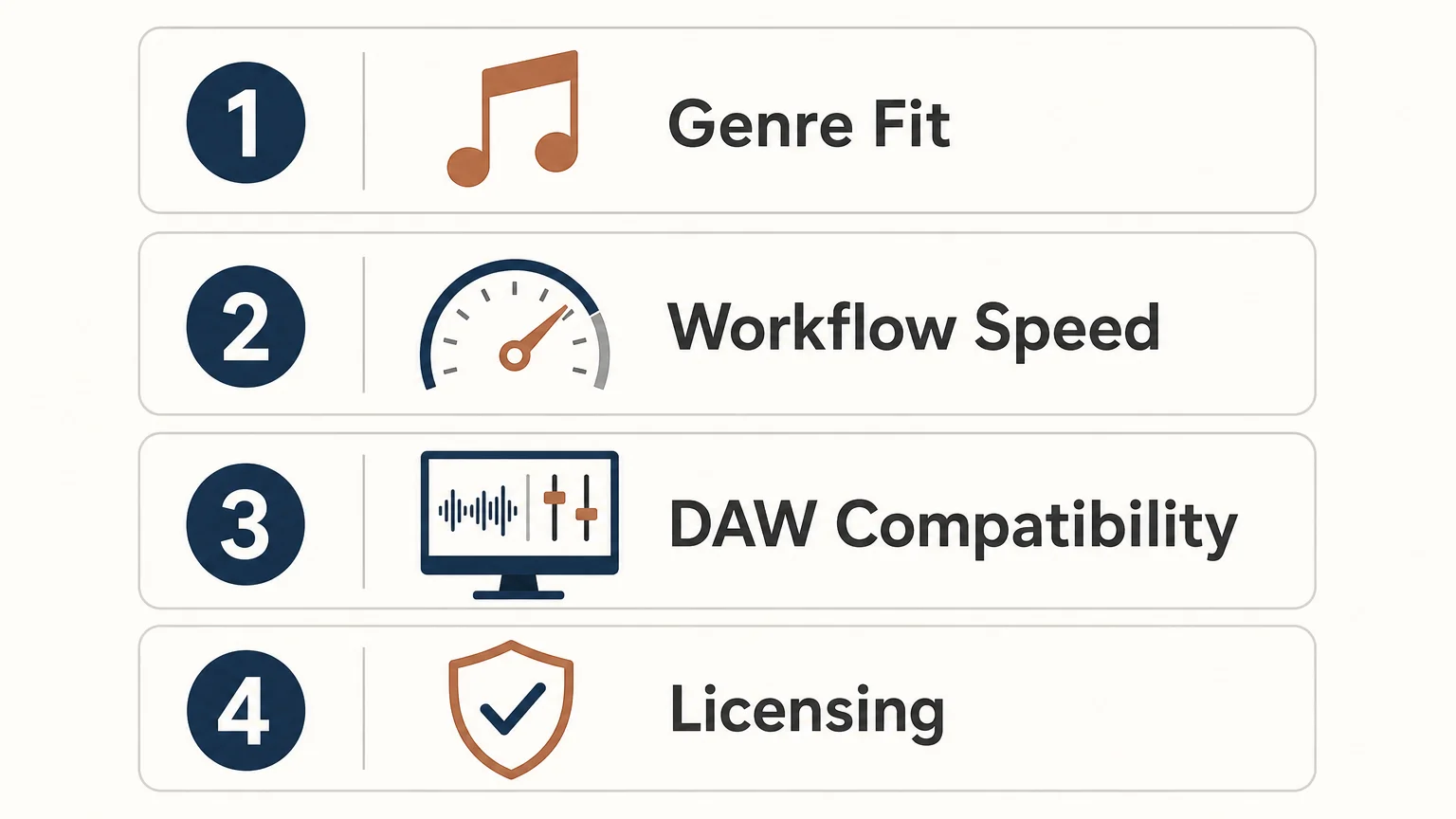
Start with the production task that currently slows you down. If you spend too much time searching for a usable bell or pad, a focused preset bank is more relevant than another general-purpose library. If your problem is designing unusual basses, Serum or Vital may add the deeper synthesis control you need. If your drums lack movement, a dedicated drum tool can complement rather than replace Pendora.
- Choose the sound role first. Decide whether you need a bell, pluck, pad, orchestral layer, bass, 808, MIDI idea, drum kit, or effect.
- Check the amount of control you want. Use Pendora when speed and genre fit matter most, then use Serum or Vital when oscillator-level design is necessary.
- Confirm your DAW and system. Check whether you need VST3 on Windows or macOS, AU on macOS, and whether your computer meets the 64-bit operating-system requirements.
- Review the license and total price. Confirm the checkout currency, edition contents, commercial-use terms, and installation allowance before buying.
The full edition displays a 4.71 out of 5 rating from 59 verified-buyer reviews, while Lite displays 4.62 out of 5 from 13 verified-buyer reviews. These are product-page review figures, not a guarantee that every producer will reach the same result. Tiger-Sounds also states that Pendora is used by more than 500 producers, which gives the instrument a documented user base while keeping the decision focused on your own workflow.
If you want to hear the sound before deciding, the Pendora demo is the natural next step. Listen for how quickly the presets suggest melodies, how much editing they need in your DAW, and whether the tonal character leaves enough room for your drums, vocals, and arrangement.
Choose the tool that matches your drill workflow
Pendora for drill producers makes the most sense when you want a focused, ready-to-use palette for dark bells, plucks, pads, 808s, MIDI, drums, and effects without spending unnecessary time browsing broad libraries. It is not a substitute for deep synthesis, a full sampled workstation, or dedicated drum sequencing, but it can provide a productive center for a drill session and leave those other tools available when a track needs more control.
Build a Faster Drill Sound Palette
When the main obstacle is finding the right starting sound, a genre-focused instrument can keep the session moving while leaving the creative decisions in your hands.
Our Pendora VST includes a full drill-ready sound bank, production kits, MIDI, effects, and lifetime updates under the stated terms. Choose the edition that fits your workflow and review the compatibility, licensing, and checkout details before downloading the Pendora VST.
Frequently Asked Questions
Is Pendora suitable for drill producers?
Yes, Pendora is designed for trap, drill, dark trap, phonk, boom bap, pluggnb, and related styles. Its focused presets can shorten the search for bells, plucks, pads, basses, 808s, and supporting production sounds.
Can Pendora replace Serum or Vital?
Not completely. Pendora is preset-based, while Serum and Vital provide deeper oscillator, wavetable, modulation, and sound-design control, so many producers can use them together.
Does Pendora work with FL Studio and Ableton Live?
Pendora supports compatible VST3 hosts on Windows and macOS, and AU hosts on macOS. FL Studio, Ableton Live, Logic Pro, Cubase, Pro Tools, and Reason are explicitly tested hosts.
Can I use Pendora sounds in beats I sell?
Yes, commercial use is royalty-free within the stated licensing terms for beats you sell, place, or license. Account sharing and redistribution are excluded, so the product license still needs to be followed.
What is the difference between Pendora and Cymatics PANDORA?
They are unrelated products made by different companies. Pendora is the Tiger-Sounds sound bank focused on trap, drill, dark trap, phonk, boom bap, and pluggnb, while Cymatics PANDORA is a separate instrument with its own content and licensing model.





