Summary: Pendora V3.0 is the strongest all-around choice among the best phonk sound banks for 2026 because it combines 275+ presets with drums, MIDI, effects, risers, and genre-focused sounds. Slooply suits producers who want a broad sample library, while Pendora Lite, Production Assets, and Pendora Ultimate address evaluation, supplementary kits, and custom workflows.
Does your phonk session need another synth, or does it need a faster route to a usable bell, pad, dark 808, and cowbell layer? Our best phonk VST plugins breakdown helps separate instruments from effects, but sound banks deserve a different test: can they get a beat moving without forcing you to browse Serum, Omnisphere, Kontakt, or Vital for every layer?
The best phonk sound banks for 2026 should match your production role, not only your genre tag. A useful shortlist distinguishes a preset instrument from a sample library, a drumkit, and a custom package, then checks licensing, DAW format, CPU use, storage, and whether the sounds fit your own 808 patterns and arrangement habits.
Which phonk sound bank fits your workflow?
For most phonk producers, Pendora V3.0 is the strongest starting point because it combines melodic presets with supporting production material instead of focusing on only one sound category. Slooply is more suitable when you want a large catalog of individual samples and loops, while Pendora Lite gives you a lower-cost way to test the sound before choosing a broader edition.
| Rank | Sound bank | Format | Coverage | Purchase model | Best fit |
|---|---|---|---|---|---|
| 1 | Pendora V3.0 / Pendora V3 Complete Edition | Preset instrument and production bundle | 275+ presets, drums, MIDI, FX, risers, expansions | One-time purchase | Complete phonk and trap beatmaking |
| 2 | Pendora Lite | Entry preset sound bank | 30 presets, bonus kits, MIDI pack | One-time purchase at €29 or $29 | Testing the sound before upgrading |
| 3 | Pendora Production Assets | Drumkits, MIDI, FX, and expansions | Drums, mix presets, effects, risers, themed packs | Associated with the Pendora V3 workflow | Adding rhythm and arrangement material |
| 4 | Slooply | Sample library and browser workflow | Loops, one-shots, vocals, MIDI, presets, FX | Free access options and paid subscription plans | Producers who want individual audio samples |
| 5 | Pendora Ultimate | Custom preset and production package | Custom content, all kits, future kits, 5,000+ MIDI melodies | Custom one-time edition at €500 or $500 | Producers seeking a tailored package |
1. Pendora V3.0 / Pendora V3 Complete Edition
Best for: Producers who want a complete, genre-focused phonk sound bank with melodic presets and supporting production assets in one workflow.
Pendora V3.0 is the most complete choice for producers working across phonk, dark trap, trap, drill, boom bap, and pluggnb. The full edition includes more than 275 studio-ready presets across more than 30 sound categories, including pads, bells, orchestral textures, plucks, banjos, dark 808s, and drums. It also includes three expansion packs, a Producer Kit, two drumkits, MIDI content, mix presets, effects, and risers.
The practical advantage is focus. Instead of opening Serum, Omnisphere, Kontakt, or Vital and searching through broad libraries before writing a motif, you can begin with a palette designed around related urban and electronic styles. That does not replace deep oscillator-level sound design, but it can reduce preset hunting and help overcome beatblock. Producers who also make trap and drill can compare the wider workflow in our best sound banks for trap producers guide.
Pendora is a preset-based instrument, not a dedicated TR-808 emulator or a complete vocal sampler. For a classic cowbell pattern, you may still prefer a drum machine, one-shot folder, or sampler. For the melodic layer, however, the combination of playable presets, MIDI, expansions, and related effects gives you more continuity than a folder of unrelated samples.
Pros:
- Broad phonk preset library coverage with more than 275 sounds and related production assets.
- Includes drums, MIDI, mix presets, effects, risers, and expansions, not only melodic presets.
- Supports VST3 on Windows and macOS, plus AU on macOS, with stated support for macOS 11 Big Sur or later and Windows 10 or 11, 64-bit only.
- Native Apple Silicon support and explicit testing in FL Studio, Ableton Live, Logic Pro, Cubase, Pro Tools, and Reason.
- One-time ownership, free lifetime updates, and royalty-free commercial use within the stated licensing terms.
- The full-edition page displays a 4.71/5 rating from 59 verified-buyer reviews, while Tiger-Sounds states that Pendora is used by more than 500 producers.
Cons:
- The full edition is focused on trap, drill, phonk, dark trap, boom bap, pluggnb, and related styles rather than broad all-genre synthesis.
- Supplied pages list the price as €149 on some pages and $147 on another, so confirm the checkout amount before purchase.
- The installed product occupies approximately 5 GB, which matters on smaller production drives.
2. Pendora Lite
Best for: Producers who want to evaluate a focused sound bank before committing to a larger collection.
Pendora Lite is the most practical low-cost entry in this selection. It includes 30 hand-picked presets, bonus kits, and a MIDI pack, with Mac and Windows support through VST3 and AU formats under the stated compatibility terms. The listed price is €29 or $29, making it easier to test the tonal direction inside a real FL Studio, Ableton Live, or Logic Pro session.
Lite works well when you already have reliable drums, a preferred 808 workflow, and instruments such as Serum or Vital, but want a different melodic starting point. Load several bells, pads, plucks, or bass sounds against your own drum pattern instead of judging the bank from a demo alone. If the presets help you write faster and fit your arrangements, a larger edition may make more sense later.
Pros:
- Lower-cost way to test the Pendora sound and workflow.
- Includes presets, bonus kits, and MIDI rather than presets alone.
- Supports the broader product family’s one-time purchase, commercial licensing, and lifetime update terms.
- Useful for producers who already own dedicated drum tools or synths.
Cons:
- Thirty presets provide much less variety than the full edition.
- It is better treated as an evaluation-oriented sound bank than a complete phonk production system.
- It does not provide the full set of expansions, drumkits, effects, and production assets included with Pendora V3.
3. Pendora Production Assets
Best for: Producers who already have a melodic instrument and need stronger drums, MIDI, mix resources, effects, or transitions.
Pendora Production Assets are useful when the missing part of your phonk workflow is not another synth. The associated material includes three themed expansion packs, the Pendora Producer Kit with drums, MIDI, and mix presets, Coffee Drumkit for trap, Colors Drumkit for drill, and an FX Pack with effects and risers.
This makes the collection a useful companion to Serum, Vital, Omnisphere, or Kontakt. You can keep your preferred instrument for custom sound design while adding more suitable one-shots, arrangement ideas, transitions, and MIDI material. That division of labor is often more efficient than replacing an entire setup when only the rhythmic or transitional layer needs attention.
For producers who specifically need dark kicks, cowbells, 808 one-shots, hats, and percussion, a dedicated drum resource may be more relevant than a preset bank. Our guide to boutique drumkits for phonk producers addresses that narrower use case.
Pros:
- Fills several production roles beyond melodic presets.
- Includes phonk-adjacent drums, MIDI, mix presets, effects, risers, and themed expansions.
- Works beside existing instruments instead of requiring a complete change to your sound-design setup.
- Useful for producers who want more arrangement material without adding another broad synth library.
Cons:
- It is not a single replacement for a full preset instrument.
- Standalone pricing and availability for every associated asset are not established in the supplied product information.
- Some producers may already have equivalent drumkits, effects, or MIDI resources.
4. Slooply
Best for: Producers who want to browse and download individual phonk samples, loops, vocals, MIDI files, one-shots, and presets.
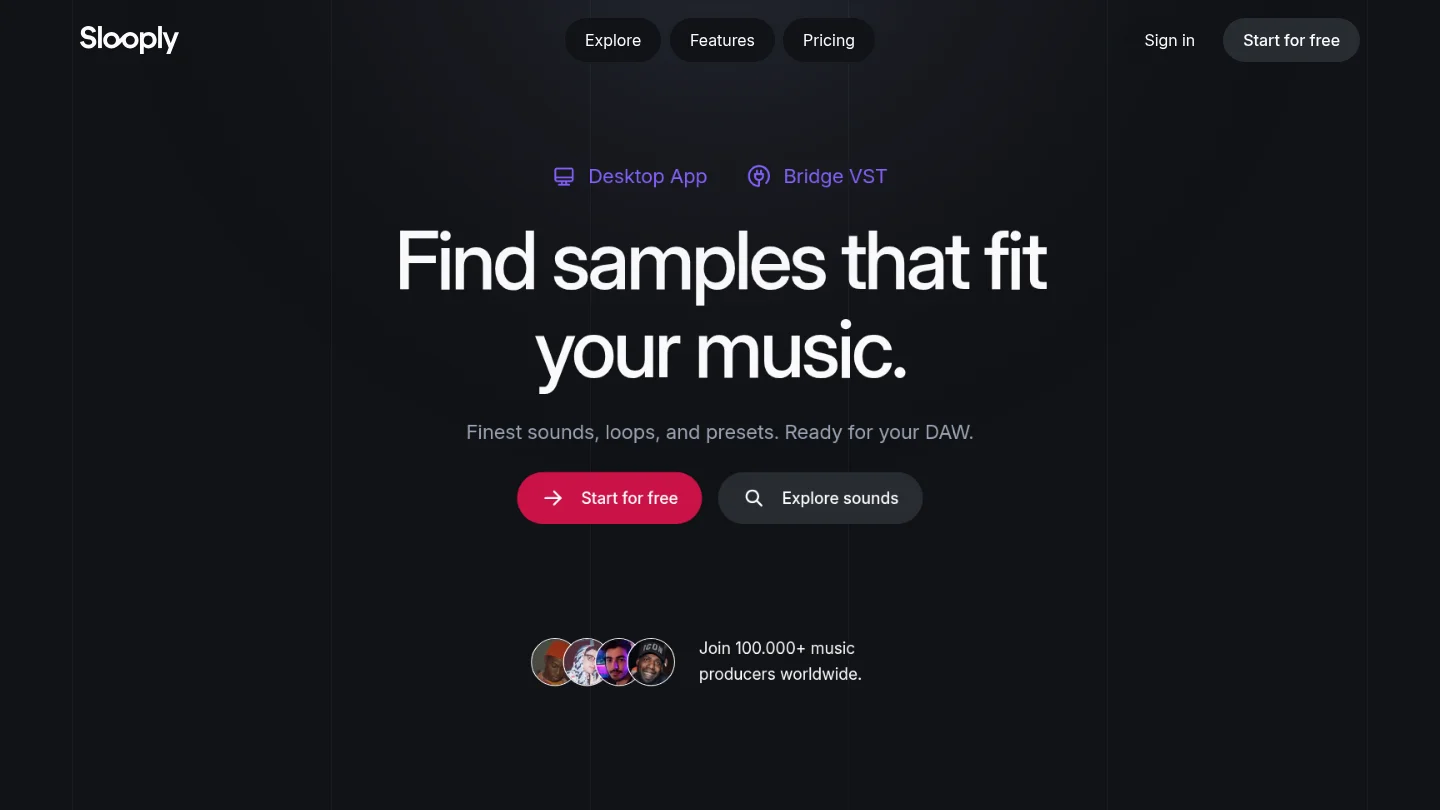
Slooply takes a different approach from a focused VST sound bank. It provides a broad sample library that can be filtered by genre, instrument, key, BPM, mood, and sound type. Its phonk material includes cowbells, 808s, drumkits, vocal chops, melodic loops, FX, and other audio elements, which can be dragged into a DAW rather than loaded as one unified instrument.
The browser workflow is useful when you need one specific sound for a track. A producer can search for a dark vocal chop, a distorted 808, or a Brazilian phonk melody without opening several unrelated folders. The Bridge VST and desktop workflow are designed to preview sounds in the context of a project, including tempo and key matching.
Slooply also offers free access options and paid subscription plans. The supplied pricing page describes a free account with five credits for seven days, alongside paid plans with monthly credit allowances and annual billing. This can suit producers who regularly need fresh individual samples, but it creates a different ownership model from a one-time preset instrument.
Pros:
- Broad sample library covering loops, one-shots, vocals, MIDI, presets, and FX.
- Useful search filters for key, BPM, instrument, genre, mood, and sound type.
- Suitable for producers who prefer drag-and-drop audio in FL Studio, Ableton, Logic Pro, or another DAW.
- Free access options make it possible to test the browsing workflow before choosing a paid plan.
Cons:
- It is a catalog and browser workflow rather than a single phonk-focused VST instrument.
- Paid access uses subscriptions and credits, which may be less suitable for producers who prefer one-time ownership.
- A large catalog can still create browsing fatigue when you need a coherent melodic palette for one beat.
5. Pendora Ultimate
Best for: Producers who want a custom sound-design package with extensive MIDI and broader access to the Tiger-Sounds kit ecosystem.
Pendora Ultimate is the premium custom edition in the range. It is listed at €500 or $500 and includes the Pendora sound bank with custom content, a custom name on the first preset, all Tiger-Sounds kits, lifetime access to upcoming kits, and more than 5,000 exclusive MIDI melodies. It is described as a limited custom option for a small number of producers per year.
This edition is not the sensible first purchase for most phonk beatmakers. Its value depends on whether you expect to use the extensive MIDI material, want a more tailored package, and plan to build a long-term workflow around the same sound-bank ecosystem. If you only need several bells, pads, dark 808s, or cowbell layers, Pendora Lite or the full edition is more proportionate.
Pros:
- Largest scope among the Pendora editions.
- Includes custom content and a personalized first preset.
- Provides all Tiger-Sounds kits, future-kit access, and more than 5,000 exclusive MIDI melodies.
- Uses a one-time purchase model rather than a recurring subscription.
Cons:
- The €500 or $500 price is far above ordinary preset-bank purchases.
- Custom features may be unnecessary for producers who only need a focused phonk palette.
- It is described as a limited custom option, so it is aimed at a narrower audience than Pendora Lite or V3.
What should you check before buying a phonk sound bank?
Start with the format. Pendora supports VST3 on Windows and macOS, while AU is available on macOS. Ableton’s plug-in documentation confirms that Live supports VST3 and Audio Units, with Audio Units available on macOS only.
Next, check the host and operating system together. Pendora lists FL Studio, Ableton Live, Logic Pro, Cubase, Pro Tools, and Reason among its tested hosts, with macOS 11 Big Sur or later and Windows 10 or 11 supported on 64-bit systems. Apple’s Logic Pro overview describes Logic as a production environment for beatmaking, songwriting, recording, editing, and remixing, which makes AU compatibility especially relevant for Mac-based workflows.
Producers using Pro Tools should also confirm the exact plug-in format required by their installation before buying. Avid’s Pro Tools plug-in resources provide host-specific information, while the product terms remain the final reference for installation and licensing.
Then compare the role of the product. A preset instrument helps you build playable melodic parts, pads, plucks, bells, basses, and textures. A sample library gives you individual audio pieces, while a drumkit focuses on one-shots and percussion. A sound bank can be royalty-free for commercial use under its stated terms, but you should never assume that every downloaded library has identical restrictions.
Finally, consider how you want to pay. A one-time purchase can suit producers who prefer a stable personal library and no recurring credits. A subscription can be useful when you want to browse a wide catalog and download individual samples for many projects. The better model is the one that matches your actual monthly usage and reduces unused content.
How do phonk sound banks fit into a real beatmaking workflow?
Begin with the role that is slowing you down. If you cannot find a dark bell, tense pad, distorted pluck, or usable melodic 808 layer, a focused preset instrument is more relevant than another folder of loops. If the melody is already working but the rhythm feels weak, use a drumkit or production-asset collection instead.
For classic Memphis-influenced phonk, you may need a sampler for chopped vocals, a drum source for cowbells and claps, and processing for tape wear or distortion. For drift phonk, flexible 808 slides, rolling hats, and aggressive saturation usually become more important. A preset bank can support the melodic and bass layers, but it does not remove the need for arrangement, tuning, drum programming, or mix decisions.
Keep the first test practical. Load a few presets against your own kick and 808 pattern, write an eight-bar idea, and check whether the sounds remain useful when the arrangement becomes denser. The best result is not the preset that sounds most impressive in isolation. It is the one that gives your beat a clear direction while leaving enough room for your drums, vocals, and personal processing.
Choose the sound bank that matches the missing piece
The right phonk sound bank workflow depends on what is slowing the session. Choose a full preset instrument when you need connected melodic and production coverage, a sample library when you want individual audio pieces, a drumkit when the rhythm section is weak, and a custom package only when its extra scope will be used. Before paying, check the format, license, storage requirement, and ownership model against your DAW and your release plans.
Try a Focused Phonk Sound Bank
When your main problem is preset hunting rather than a missing effect, a focused instrument can keep beatmaking moving. Our Pendora range is built around trap, drill, dark trap, phonk, boom bap, and pluggnb, so it can sit beside Serum, Omnisphere, Kontakt, or Vital without asking you to rebuild your setup.
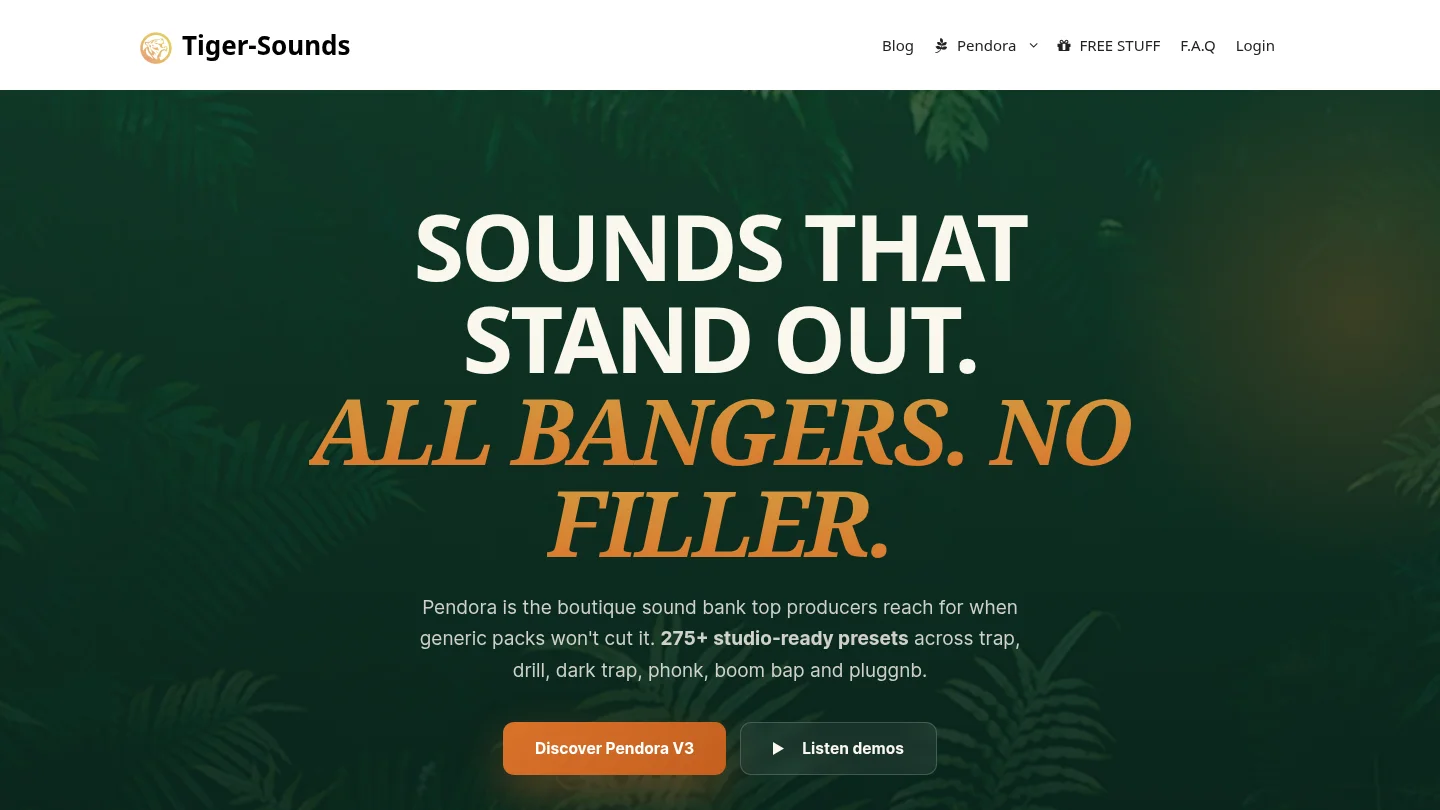
The full edition includes 275+ studio-ready presets and related drums, MIDI, mix presets, effects, and risers. Pendora supports VST3 on Windows and macOS and AU on macOS, with stated support for macOS 11 Big Sur or later and Windows 10 or 11, 64-bit only. It uses a one-time purchase model, and commercial use is royalty-free under the stated terms. Explore our Phonk sound bank and confirm the current checkout details for your system.
Frequently Asked Questions
What is the best overall phonk sound bank for 2026?
Pendora V3.0 is the strongest overall choice when you want melodic presets, drums, MIDI, effects, risers, and expansions in one focused workflow. It is especially suitable for producers working across phonk, trap, drill, dark trap, and related styles.
Are sound banks different from phonk sample packs?
Yes. A sound bank usually provides presets inside an instrument, while a sample pack normally contains WAV loops, one-shots, vocals, MIDI, or construction elements. Some products combine both approaches, so check the included formats before buying.
Will Pendora work in FL Studio, Ableton Live, and Logic Pro?
Pendora supports VST3 on Windows and macOS and AU on macOS. FL Studio, Ableton Live, Logic Pro, Cubase, Pro Tools, and Reason are explicitly tested hosts under the stated compatibility information.
Can phonk sound bank presets be used in commercial beats?
Pendora is royalty-free for beats you sell, place, or license under its stated product terms, with no additional royalties owed. Account sharing and redistribution are excluded, so keep the original license conditions and do not distribute the presets or installation files.
Is Pendora Lite enough for a complete phonk setup?
Pendora Lite is better treated as an evaluation edition than a complete production system. It includes 30 presets, bonus kits, and a MIDI pack, while the full edition provides more than 275 studio-ready presets and broader production content.





