Summary: Pendora V3 Complete Edition is the full Pendora VST sound bank, with 275+ presets for trap, drill, dark trap, phonk, boom bap, and pluggnb, plus expansion and production assets. It is a one-time purchase with royalty-free commercial use under the stated license, but sound fit, compatibility, checkout price, and redistribution limits are worth checking before you buy.
A producer considering Pendora V3 Complete Edition should start with a practical question: does a genre-focused sound bank fit the beats they make? Our full edition centers on trap, drill, dark trap, phonk, boom bap, and pluggnb. Producers who need custom-built content can look at our Pendora Ultimate Custom Edition, a separate tier rather than part of V3. That distinction matters because a large preset count alone does not make a library useful for every workflow.
Pendora V3 combines an instrument with expansion packs and production assets, so it is intended for producers who want melodic sounds and beatmaking material in one purchase. Before deciding, check whether its sound character suits your sessions, confirm the plugin format for your DAW, and review the price and license terms. Those details make it easier to judge the full edition on workflow fit, not just the number of included sounds.
What does Pendora V3 Complete Edition include?
The full edition is a genre-focused sound bank with 275+ presets, including pads, bells, orchestras, plucks, banjos, and dark 808s. The sounds are intended for trap, drill, dark trap, phonk, boom bap, and pluggnb production, rather than serving as a general library for every genre.
Alongside the instrument, the edition includes three expansion packs, the Producer Kit, two drumkits, an FX pack, and MIDI content. The product description also lists 100+ MIDI files and seven mix presets. This mix of melodic presets and beatmaking materials gives you options for building a track, from choosing a lead or pad to shaping drums and adding effects.
If you are evaluating the sound, listen for how the presets work in your own arrangements. A bell that feels distinctive in isolation may sit differently once the 808, drums, and vocal space are in place. Using the sounds in a short loop is a more useful test than relying on preset count alone.
How does the full edition compare with Lite and Ultimate?
For a producer who wants to test the sound before committing to a larger bank, Lite is the smaller entry option. The full edition expands the preset range and adds more production assets, while Ultimate is a separate custom tier for producers seeking tailored content and a broader kit collection.
- Pendora Lite: 30 presets for trap and drill, plus bonus kits and a MIDI pack. It suits producers who want a smaller entry selection to evaluate the sound.
- Pendora V3: 275+ presets, three expansion packs, and additional production assets including MIDI, drums, and FX. It suits producers looking for the broader sound bank and beatmaking workflow.
- Pendora Ultimate: the sound bank with custom-built presets, all Tiger-Sounds kits, lifetime access to future kit releases, and 5,000+ exclusive MIDI files. It suits producers who specifically want a custom package.
Compare the tiers by the kind of material you will actually use, not by the longest feature list. If you mainly need a focused preset set to try, Lite may be enough to assess the sound. If you want the broader library and included production materials, the full edition is the relevant tier; custom content and extensive MIDI are the reasons to consider Ultimate instead.
Will it run in your DAW and on your computer?
Compatibility depends on your operating system and the plugin format your DAW supports. Pendora V3 supports VST3 on Windows and macOS, and AU on macOS. The stated system requirements are macOS 11 Big Sur or later, or 64-bit Windows 10 or 11; native Apple Silicon support is included.
The product has been tested with FL Studio, Ableton Live, Logic Pro, Cubase, Pro Tools, and Reason. Check the exact DAW version and plugin format you use before installing, especially if your sessions rely on a particular format. After purchase, the installer is designed to detect compatible DAWs. For setup steps, see how to install Pendora preset packs.
Installation is only one part of the check. Make sure you have enough available storage and confirm that your operating system meets the stated requirements. If your studio uses more than three personal computers or requires a wider studio installation, contact us before assuming that the standard personal-computer allowance covers it.
What do the license, updates, and price mean for buyers?
Pendora is a one-time purchase, not a subscription, and includes lifetime updates under the stated terms. Commercial use is royalty-free within those terms, so you can use the sounds in beats you sell, place, or license without additional royalties. The license does not permit account sharing or redistribution of the product files.
As of October 6, 2026, Pendora V3 pricing is inconsistent across our product pages: some list €149, while another lists $147. A bundle page also displays a stated $499 value alongside a $147 price. Check the total and currency at checkout before purchasing, and use our Pendora V3 pricing page to review the available pricing information.
What evidence can help you assess the sound bank?
Our website reports that Pendora is used by more than 500 producers and has been featured by more than 15 YouTube producers with a combined audience of 500,000+ subscribers. Those features are not proof that the creators are paying customers or formal distribution partners, but they can help you find beatmaking examples and hear how the sounds are used.
As of October 6, 2026, the V3 product page displays a 4.71/5 rating based on 59 verified-buyer reviews. That rating applies to the full edition, not to every Pendora tier. Reviews can help surface practical reactions, but your own genre needs and listening test remain the most useful way to judge whether the presets fit your sound.
Also note that Pendora VST is our instrument and is separate from the unrelated Cymatics PANDORA plugin. The similar names do not mean the products share sounds, features, or licensing terms.
Choose by sound, setup, and license
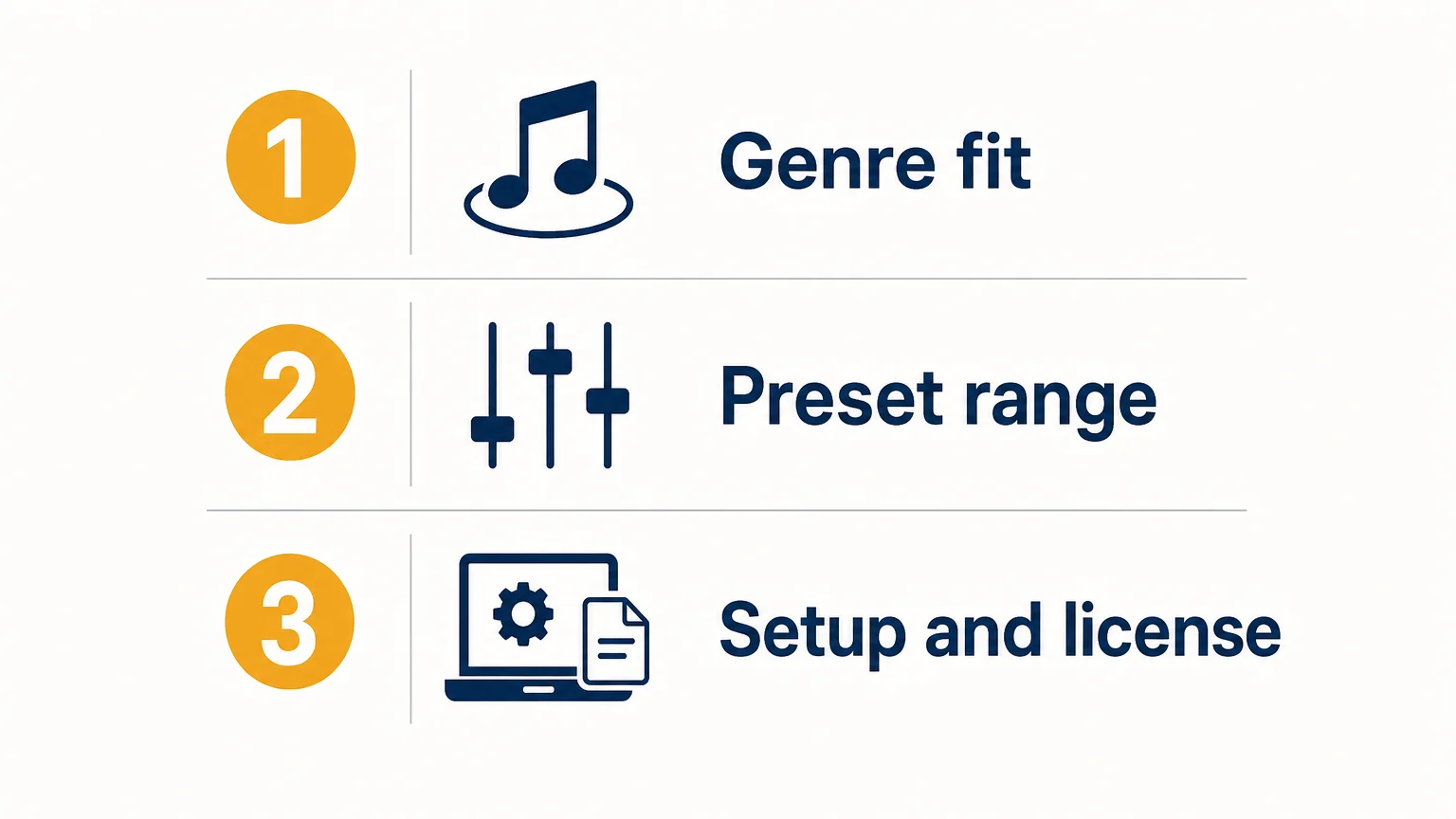
A genre-focused sound bank is most useful when its presets fit your production lane and its formats work in your DAW. Before buying, audition sounds in a beat, confirm your operating system and plugin format, and check the checkout price and license conditions. If you need a smaller evaluation selection or custom-built content, compare those tiers against what you will actually use.
Explore the Pendora sound bank
If you are looking for distinctive sounds for trap, drill, dark trap, phonk, boom bap, or pluggnb, begin by checking whether the preset character fits your sessions. Consider the full edition when you want a broader sound bank with expansion packs and production materials, and review compatibility and licensing before purchase.
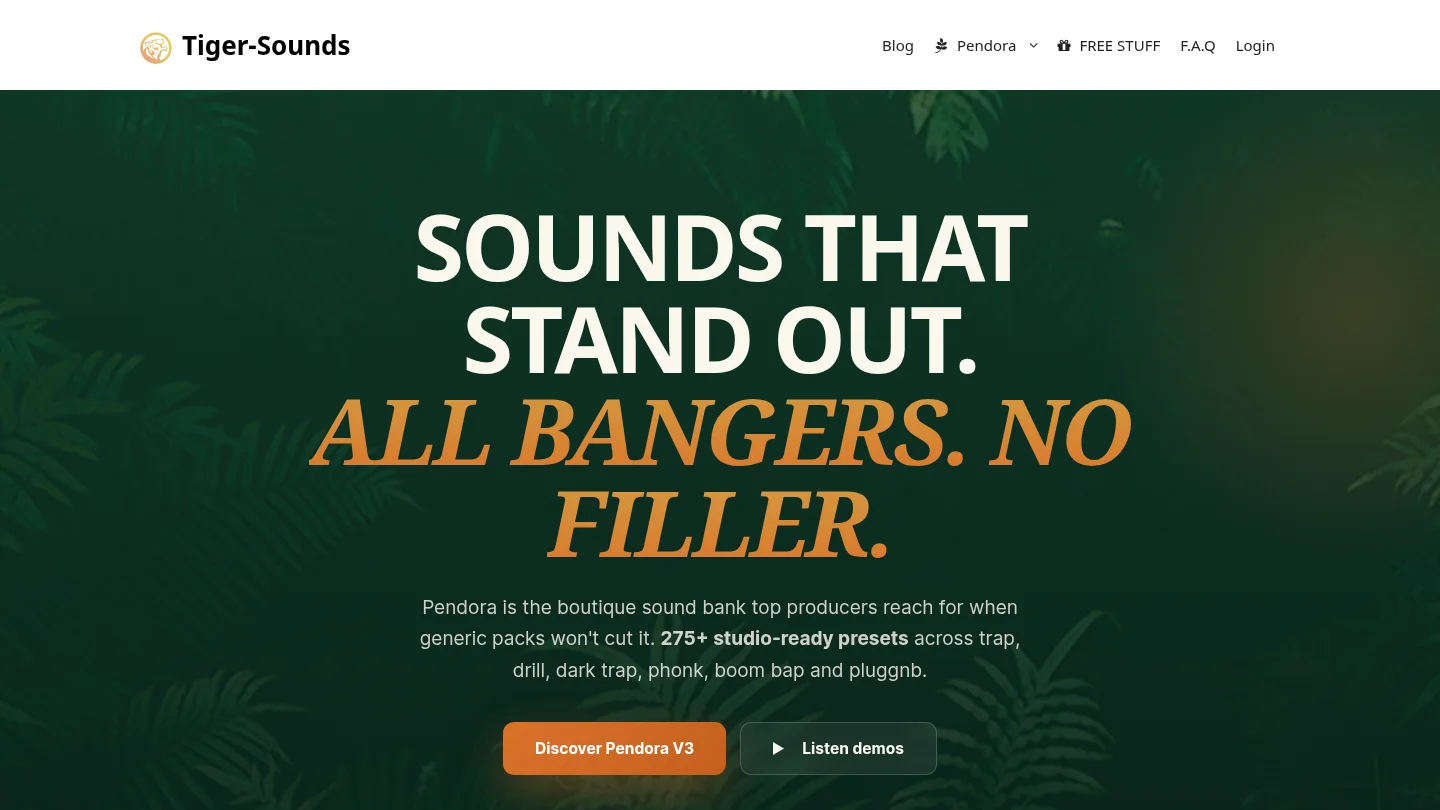
Our Pendora V3 sound bank includes 275+ presets, three expansion packs, MIDI content, and additional production assets. It is a one-time purchase with royalty-free commercial use under the stated license, plus lifetime updates subject to the account-sharing and redistribution exclusions. Explore the Pendora sound bank and check the available product details before choosing your edition.
Frequently Asked Questions
What genres is Pendora V3 designed for?
It focuses on trap, drill, dark trap, phonk, boom bap, and pluggnb. Listen to the presets in a loop or beat to check whether their character fits your production.
Does Pendora V3 work in FL Studio and Ableton Live?
Those DAWs are among the hosts listed as tested. Confirm that your operating system and the plugin format you plan to use are supported.
Can I use Pendora sounds in commercial beats?
Commercial use is royalty-free under the stated product license, with no additional royalties owed for beats you sell, place, or license. Account sharing and redistribution of product files are excluded.
Is Pendora V3 a subscription?
No, it is a one-time purchase rather than a recurring subscription. Lifetime updates are included under the stated terms.
Is Pendora VST the same as Cymatics PANDORA?
No. Pendora VST is our sound bank, while Cymatics PANDORA is an unrelated plugin. The similar names refer to separate products.





