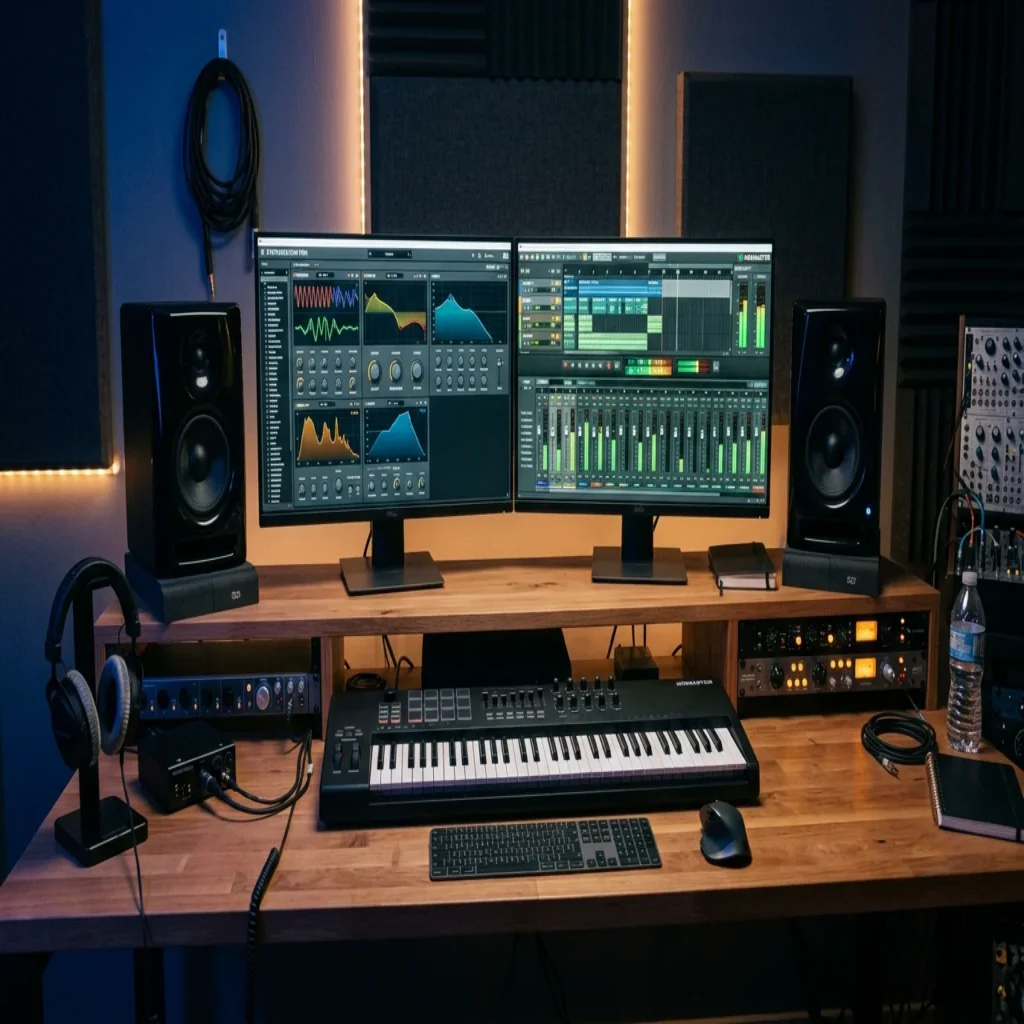
TL;DR: Free VST instruments and effects now rival paid tools in sonic quality, and a small, well-chosen set covers most production needs. The real risk is not cost but sameness, since thousands of producers load the same defaults. Curated, hand-crafted presets keep your sound distinct while you build a lean, CPU-friendly workflow.
Ask any working beatmaker what changed the home studio, and the answer is rarely a single expensive purchase. The rise of high-quality free VST plugins has flattened the barrier to entry, giving producers on Mac and Windows access to synthesis, mixing, and mastering tools that once cost hundreds. If you are starting or refining a setup, our free audio plugins resources are a practical place to begin.
The catch is not quality anymore. According to Attack Magazine, the standard of free instruments and effects keeps improving year after year, to the point where selection, not access, is the challenge. The question producers face in 2026 is no longer whether free tools sound professional. It is how to choose them without drowning in options or sounding like everyone else.
What Free Plugins Actually Bring to Beatmaking
A virtual instrument turns MIDI into sound. An effect shapes audio you already have. Both run inside your DAW, whether you produce in FL Studio, Ableton Live, or Logic Pro. VST technology was introduced by Steinberg in 1996, and it let independent developers build tools that work across compatible hosts. That open standard is precisely why so many capable instruments now arrive at zero cost.
The practical benefit is flexibility. A free wavetable synthesizer such as Vital handles supersaws, growls, and evolving pads in a single interface, while free reverbs and de-essers solve specific mixing problems cleanly. For genre-focused work in trap, drill, or phonk, our VST plugins free download for FL Studio pages point toward sounds built for those styles rather than generic defaults.
The Categories Worth Your Hard Drive Space
The temptation to install everything is strong, and it is a mistake. The team at Bedroom Producers Blog reports testing literally thousands of free plugins before recommending a curated shortlist, which tells you how much filler exists. A lean toolkit built around a few reliable categories will always outperform a cluttered folder you never learn.
Consider organizing your free virtual instruments and effects around genuine gaps in your workflow:
- Synthesis: a flexible wavetable engine for leads, basses, and pads.
- Sampled instruments: pianos, strings, and textures for melodic and cinematic work.
- Dynamics and EQ: a dynamic equalizer and a de-esser for clean mixes.
- Space: a versatile reverb and delay for depth and movement.
- Presets and sound banks: ready-to-use starting points that match your genre.
Why Hand-Crafted Presets Keep Your Sound Distinct
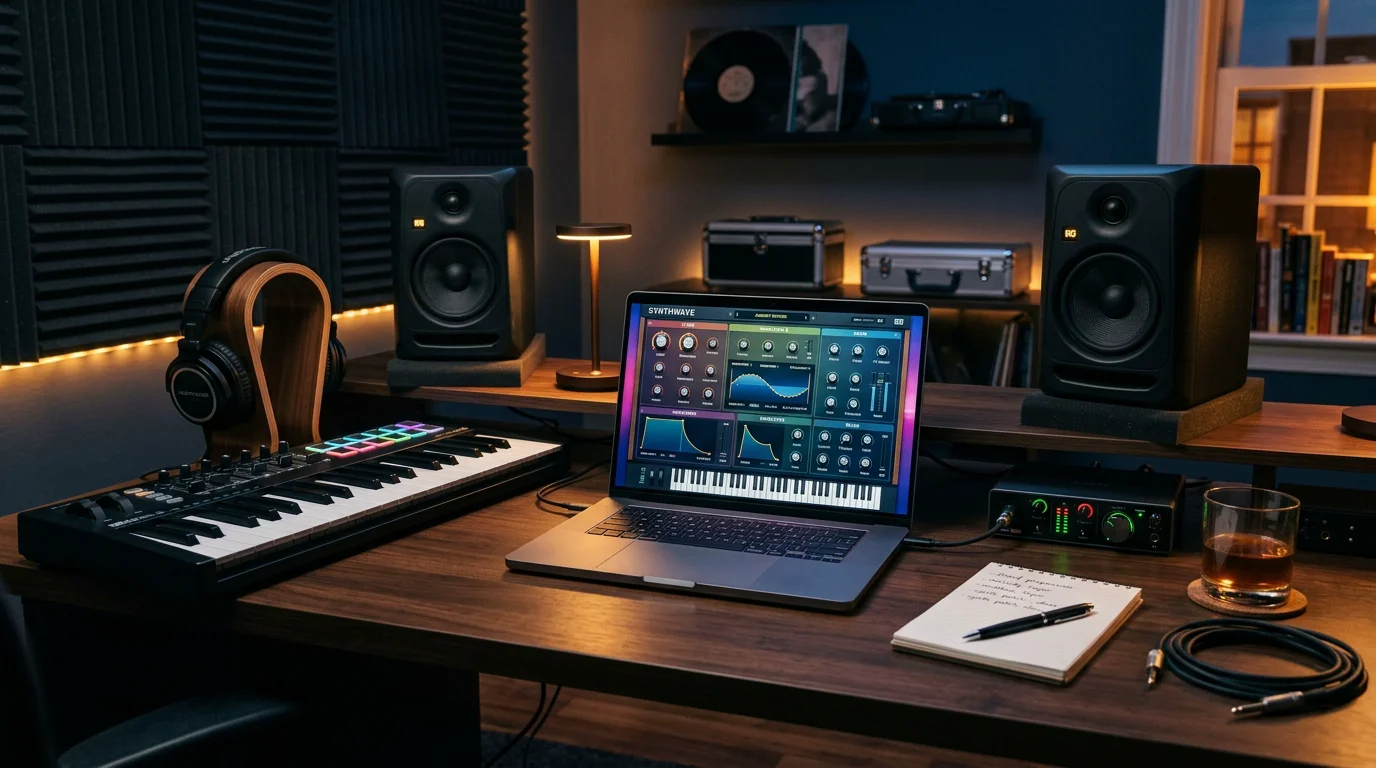
Here is the uncomfortable truth about free tools: when thousands of producers download the same synth and browse the same factory presets, tracks start to blur together. The engine is professional, but the starting point is shared. This is where the difference between a raw instrument and a curated sound bank becomes decisive.
Our own sound bank, Pendora, was designed for exactly this problem. It provides more than 275 studio-ready presets across melodic trap, drill, dark trap, phonk, boom bap, R&B, lofi, and pluggnb. Every preset is hand-crafted rather than licensed, generated, or recycled, and the collection is royalty-free with commercial use. If you would like a broader overview of what we build, our free plugins section lays it out.
| Option | Type | Genre focus | Presets | Best for |
|---|---|---|---|---|
| Pendora (Tiger-Sounds) | Hand-crafted sound bank | Trap, drill, phonk, boom bap, pluggnb, R&B, lofi | 275+ studio-ready | A distinct, genre-ready sound and beating beatblock |
| Free wavetable synth | Instrument engine | General electronic | Limited free presets | Learning synthesis from scratch |
| Free sampled instruments | Sample library | Cinematic, acoustic | Varies by download | Orchestral and acoustic layers |
| Free effects (reverb, EQ) | Processing | All genres | Not applicable | Mixing and finishing |
A free synth gives you an engine. A curated bank gives you a voice. Both belong in a serious setup, but only one is designed so your beats do not surface inside every other track.
Beating Beatblock Without Sounding Like Everyone Else
Picture the familiar scenario: you open your DAW, load the default preset list, and scroll for twenty minutes before closing the session with nothing written. That is beatblock, and generic packs feed it. When every sound is one you have heard a hundred times, inspiration stalls.
The fix is not more downloads. It is fresh, purpose-built material. Presets crafted for a specific style give you a usable idea in seconds, which keeps momentum alive. Because Pendora contains no filler or waste presets, you spend less time auditioning and more time building. That shift, from searching to creating, is what separates a productive session from a wasted one.
Building a Lean, CPU-Friendly Workflow
More plugins do not make better music. A producer who knows five tools deeply makes sharper decisions than one juggling fifty half-understood ones. Free instruments make hoarding easy, so discipline matters more than ever. Choose tools that fill real gaps, learn them thoroughly, and resist the urge to install every freebie you find.
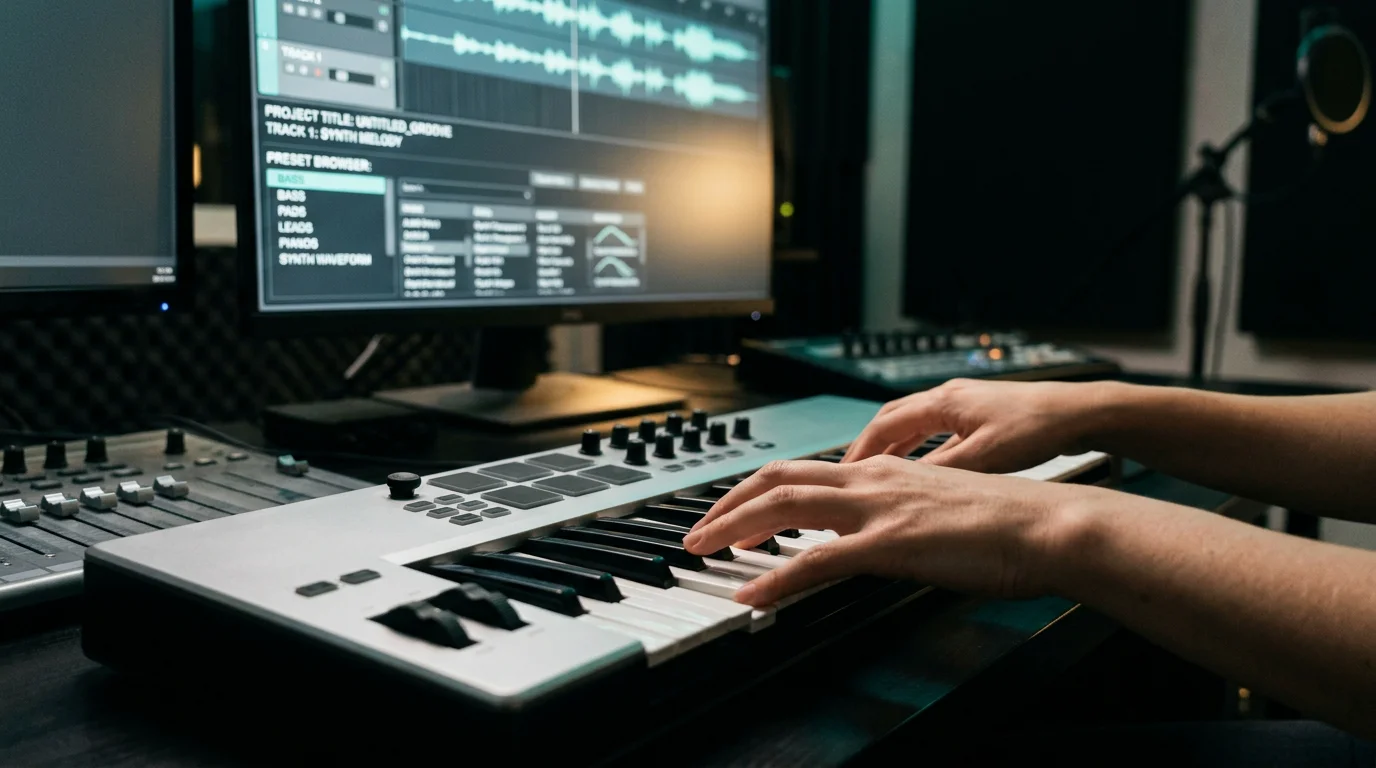
Performance is part of that discipline. Heavy sessions with dozens of tracks demand instruments that stay light on CPU, which is a core design goal for our presets. Pair a couple of efficient free synth plugins with a curated bank, add your DAW stock effects, and you have a complete, responsive rig. For sister-genre coverage, Pegasus by Cosmos Instruments extends the same philosophy into different territory, so producers exploring adjacent styles have a hand-crafted option there too.
Downloading Safely and Checking Licenses
One overlooked risk with free tools is where you get them. Always download from the developer’s official website or a recognized platform rather than random mirrors, which can bundle malware. This is standard advice across the production community and it protects both your machine and your projects.
Licensing deserves a quick check as well. Most reputable free instruments permit commercial use, but terms vary, so read the agreement before releasing a track built on them. Our presets are royalty-free with commercial use stated up front, which removes the ambiguity entirely and lets you publish without second-guessing.
The Bottom Line for Producers
The abundance of free VST plugins means quality is no longer the deciding factor in your setup. Selection is. Build a small, reliable toolkit of instruments and effects you understand deeply, download only from trusted sources, and pay attention to licensing. Above all, guard against sameness. The engines may be shared, but your sonic identity does not have to be. Curated, hand-crafted presets are the fastest route to beats that sound like you and no one else.
Take action with Tiger-Sounds
You have the engines and the effects. What you need next is a sound that does not appear in every other producer’s track. That is the gap a boutique, genre-focused sound bank fills, giving you studio-ready starting points instead of endless empty presets to tweak.
Explore our Pendora studio-ready preset bank, with more than 275 hand-crafted presets across trap, drill, phonk, boom bap, and pluggnb. Every sound is royalty-free with commercial use and built to stay light on CPU. Choose the Lite edition to test the vibe or the full bank when you are ready to commit, and pay once for lifetime access on Mac and Windows.
Frequently Asked Questions
Are free VST plugins good enough for professional tracks?
Yes. In 2026, many free instruments and effects match paid alternatives in sonic quality, and release-ready music can be made without buying a single plugin. The differentiator is no longer the tool but how well you use it and how distinct your sounds are.
Do free plugins allow commercial use?
Most reputable free instruments permit commercial use, though terms vary by developer. Always read the license agreement before releasing a track. Our Pendora presets are explicitly royalty-free with commercial use, so you can publish without restrictions.
Where should I download free VST plugins safely?
Download only from the developer’s official website or well-known platforms rather than unofficial mirrors or cracked-software sites, which may carry malware. Verifying the source protects both your computer and your projects. When in doubt, check the developer’s own page for compatibility and format details.
How do I avoid my beats sounding like everyone else?
The main risk with popular free tools is shared factory presets that thousands of producers use. Curated, hand-crafted sound banks give you distinct starting points that are not recycled across other tracks. Our Pendora bank was built specifically to help producers keep a recognizable sound.
How many plugins do I actually need to start?
Fewer than most people install. A flexible synth, a sampled instrument, an EQ, a reverb, and a genre-focused preset bank cover most needs. Learning a small set deeply produces better results than hoarding dozens of tools you barely understand.





