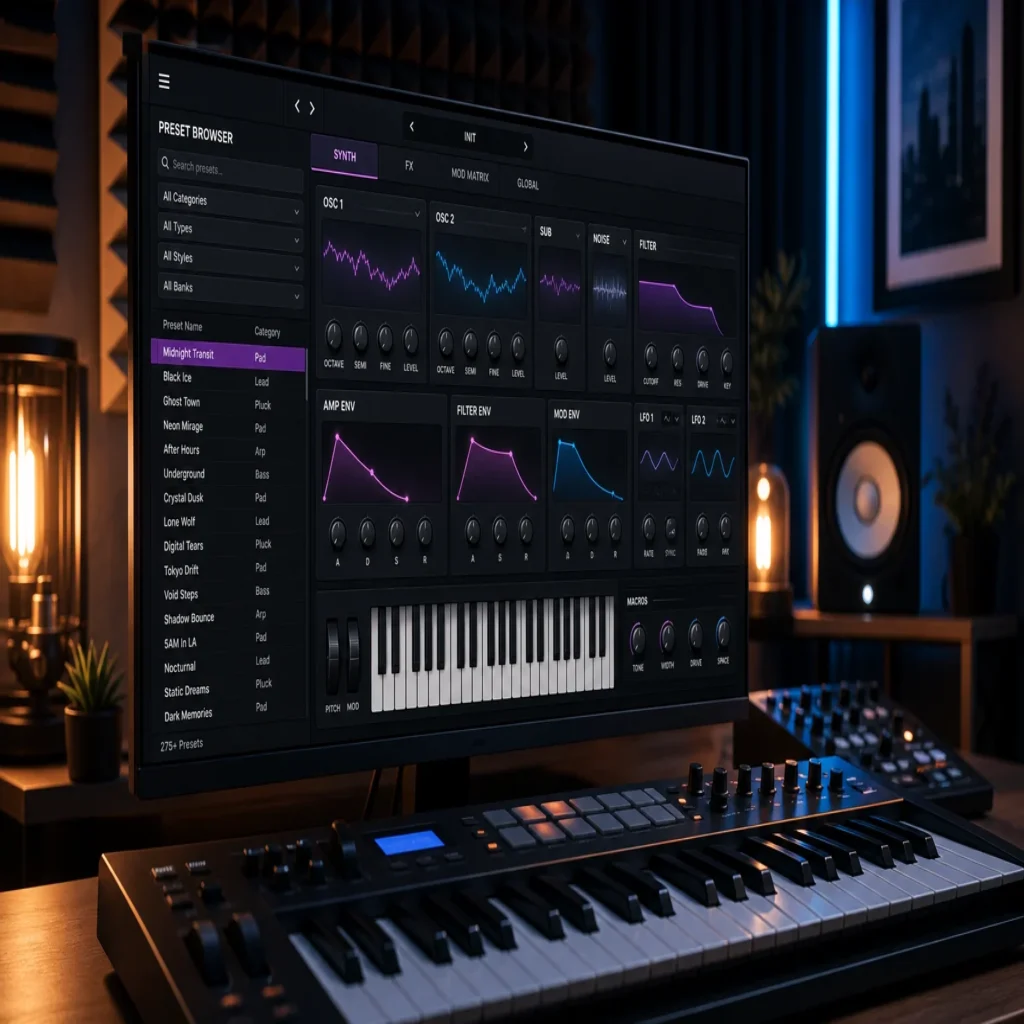
Summary: Presets for FL Studio are saved instrument and effect settings that give you a finished starting point for a sound. The best ones match your genre, stay light on CPU, and help you avoid the recycled tones heard in countless tracks. Choosing carefully protects both your workflow and your originality.
Roughly two thirds of active producers now build music at home rather than in a commercial studio, and most of them lean on presets to move faster. A preset is simply a stored configuration inside a synth or effect, ready to load and play. When they fit your style, presets for FL Studio remove hours of tedious sound design. When they do not, they leave your beats sounding like everyone else’s. If you want mixing shortcuts too, our FL Studio mixer presets address that side of the workflow.
The market has grown quickly, and so has the volume of generic packs flooding download stores. According to market research, the music production software market was valued at USD 1.63 billion in 2026. That scale explains why so many beatmakers hear their own sounds inside other people’s songs. The real skill is not finding presets, but choosing the right ones.
What a preset actually does inside FL Studio
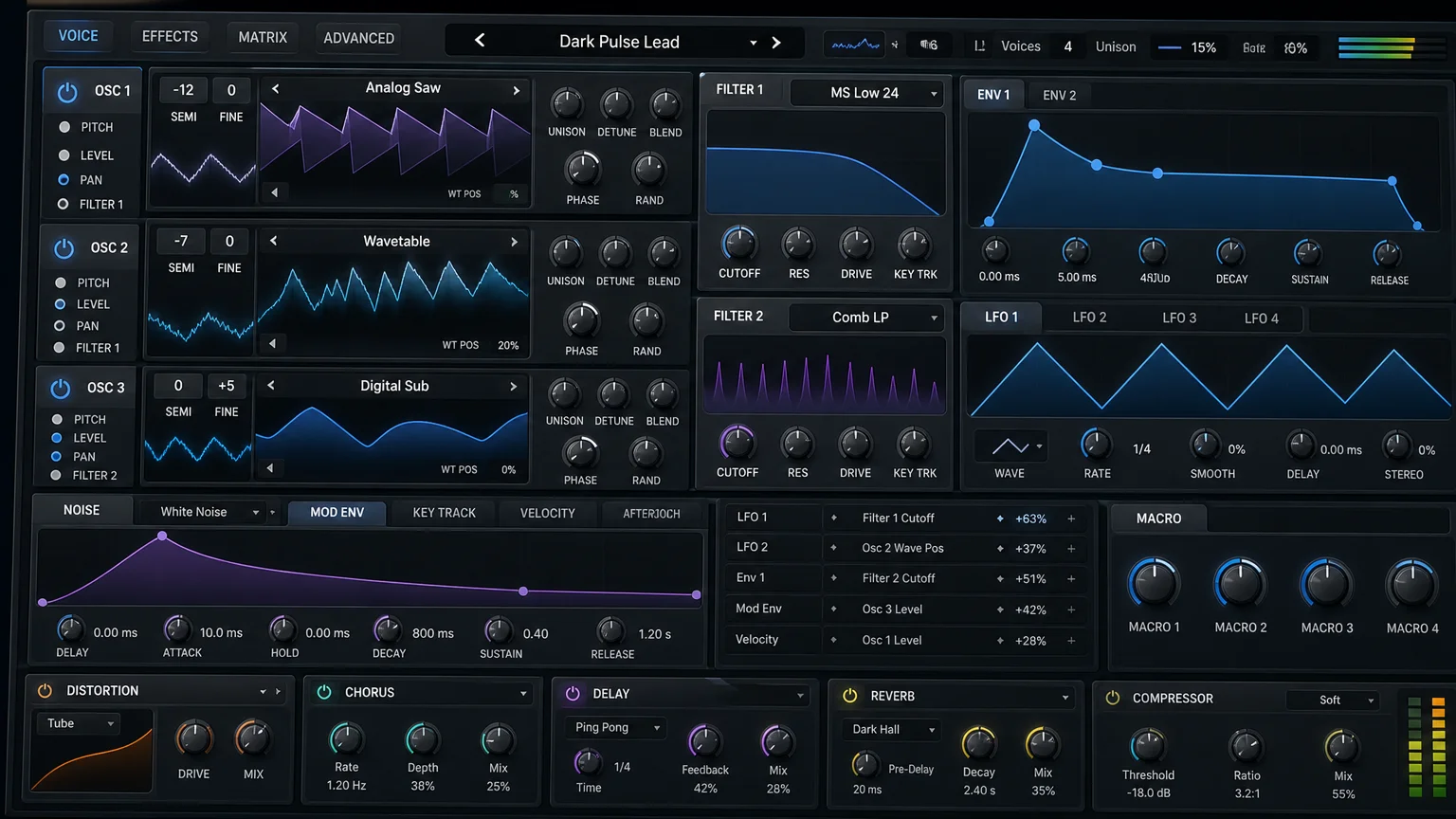
Many beginners type the phrase preset fl studio into a search bar hoping for a shortcut to a professional result. A preset does deliver a shortcut, but only a partial one. It loads a specific arrangement of oscillators, filters, envelopes, and effects into a plugin such as Serum, Vital, or a native FL Studio instrument. You still shape the melody, the arrangement, and the mix yourself.
Think of a preset as a well-designed starting canvas rather than a finished painting. A patch built for trap leads will behave very differently from one built for phonk cowbells or boom bap keys. Understanding the underlying engine, whether Kontakt, Omnisphere, or a stock synth, lets you tweak a preset instead of accepting it as it is. That single habit separates producers who blend in from those who develop a signature.
The market context behind the flood of packs
Why does every second beat seem to use the same lead? Because a handful of massive generic libraries dominate distribution, and thousands of producers pull from the same well. The genre mix matters here. According to Coherent Market Insights, the electronic dance music segment is expected to account for 42 percent of the global music production software market share in 2026, which concentrates demand around a narrow set of popular sounds.
This concentration is exactly the problem a boutique approach solves. Hand-crafted presets, designed for specific styles such as drill, dark trap, or pluggnb, give you tones that most of your peers have never loaded. Our own Pendora bank was built around that idea, offering 275 plus studio-ready presets that were never licensed, generated, or recycled. When your source material is uncommon, your output stands apart by default.
Compatibility and CPU load: the practical traps
A preset is worthless if it stutters your session or fails to open. Technical friction is more common than most producers admit. According to industry data, nearly 56 percent of producers report issues with plugin compatibility across systems, and about half face performance problems tied to configuration limits.
Two checks protect your workflow. First, confirm the format. FL Studio on Windows and Mac reads VST3 and, on macOS, AU, so a preset library should target those standards. Second, watch the CPU cost, because dense reverbs and heavy unison patches can choke a project long before the arrangement is finished. Presets positioned as light on CPU let you stack more layers without freezing tracks. If you are still deciding on an instrument, our guide to the best synth for FL Studio compares the common engines.
Matching presets to your genre and beating creative block
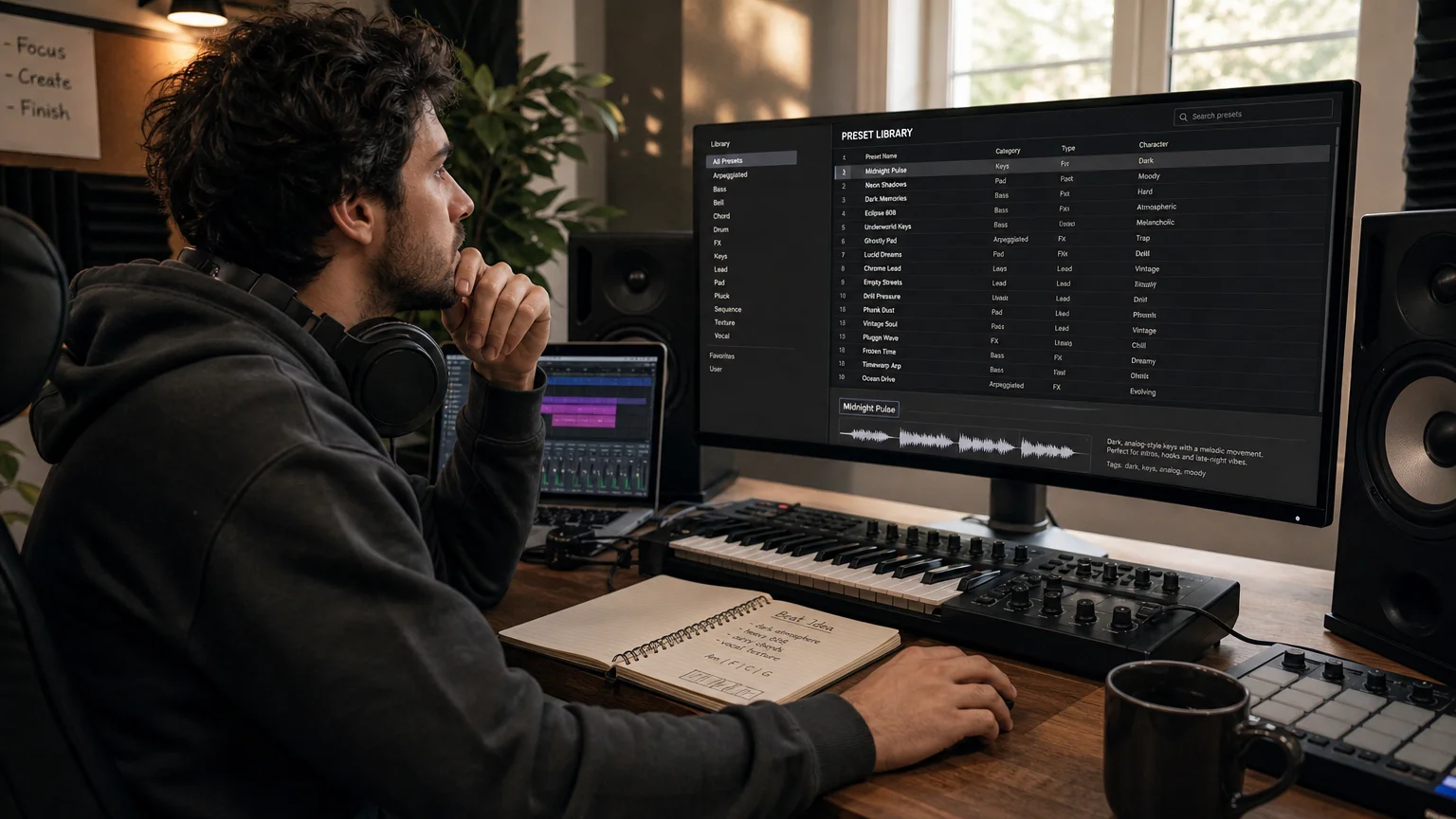
Picture opening a session with no idea where to start. A curated preset that already sounds like your genre can break that stall in seconds. This is where fit outperforms quantity. A thousand random patches help less than thirty patches that speak your style, whether that is melodic trap, R&B, lofi, or phonk.
Genre-specific banks also fight repetition. Because they offer sounds that the wider crowd is not using, they help you overcome beatblock without pushing you toward the same three chord stabs everyone recognizes. That is the logic behind Pendora and its sister bank Pegasus by Cosmos Instruments, which cover adjacent territory for producers who want a distinct palette rather than the default one.
Comparing your preset options honestly
Not every source serves the same purpose. Free packs, subscription libraries, and boutique banks each carry trade-offs in originality, licensing, and long-term cost. The table below sets our Pendora bank against the broad categories so you can weigh them against your own priorities.
| Option | Originality | Licensing | Cost model | CPU focus |
|---|---|---|---|---|
| Pendora (ours) | Hand-crafted, not recycled | Royalty-free, commercial use | Pay once, lifetime updates | Light on CPU |
| Large generic libraries | Widely reused | Varies by pack | Often subscription | Inconsistent |
| Free preset bundles | Heavily shared | Often restricted | Free | Unverified |
Free bundles are a reasonable way to test whether a sound suits you, but they rarely stay exclusive and often carry vague usage terms. That is why our entry option, Pendora Lite, provides 30 hand-picked presets so you can judge the vibe before committing to the full bank.
Where mixing and mastering presets fit in
Sound selection is only half the chain. The professional segment, which values stability and high-fidelity processing, is expected to grow strongly according to Technavio, and that group treats mixing and mastering as part of the preset conversation. A great lead still needs a clean bus and a controlled master to translate across systems.
This is where dedicated processing chains save time. Rather than rebuilding a compressor and limiter setup on every session, you can load a proven configuration and adjust from there. For the final stage, our FL Studio master presets give you a repeatable loudness and tonal reference, so the polish stays consistent across an entire project.
Choosing presets that keep you original
The value of presets for FL Studio lies in fit, not volume. Confirm the format works with your system, respect the CPU budget, and favor hand-crafted, royalty-free sounds over libraries the whole internet already owns. Test with a small pack, keep what serves your genre, and always shape a preset rather than accepting it untouched. Handled this way, presets accelerate your beatmaking while protecting the one thing that matters most, your distinct sound.
Take action with Tiger-Sounds
If you are tired of loading the same patches heard in every other track, the fix is a bank built for producers who refuse to blend in. Pendora was hand-crafted across trap, drill, dark trap, phonk, boom bap, and pluggnb, with no filler patches and full commercial clearance.
You pay once and keep your presets forever, with royalty-free use and a library that stays light on CPU. Explore how our sounds pair with the best VST plugins for FL Studio and start building beats that carry your signature instead of someone else’s.
Frequently Asked Questions
Do FL Studio presets work with other DAWs?
Presets tied to a specific plugin, such as Serum or Vital, will load in any DAW that hosts that plugin, including Ableton and Logic Pro. Presets tied to FL Studio’s native instruments generally stay within FL Studio. Always check which plugin the preset targets before buying.
Are preset packs royalty-free for commercial releases?
It depends entirely on the license, and terms vary widely between providers. Our Pendora presets are royalty-free with commercial use allowed, so you may release beats made with them. Read the license of any pack before you distribute your music.
How many presets do I actually need?
Quality of fit matters far more than raw quantity. A focused set of thirty presets that match your genre often outperforms thousands of random patches. Start small, learn each sound, and expand only when you hit a genuine gap.
Will presets slow down my FL Studio projects?
Heavy patches with dense effects can raise CPU load and cause stutters in large sessions. Presets designed to stay light on CPU reduce that risk considerably. You can also freeze or render tracks to free up processing headroom.
Can presets make my beats sound generic?
They can if you use widely shared libraries without editing them. Choosing hand-crafted, less common presets and then adjusting oscillators, filters, and effects keeps your sound distinct. The preset is a starting point, not the finished result.





