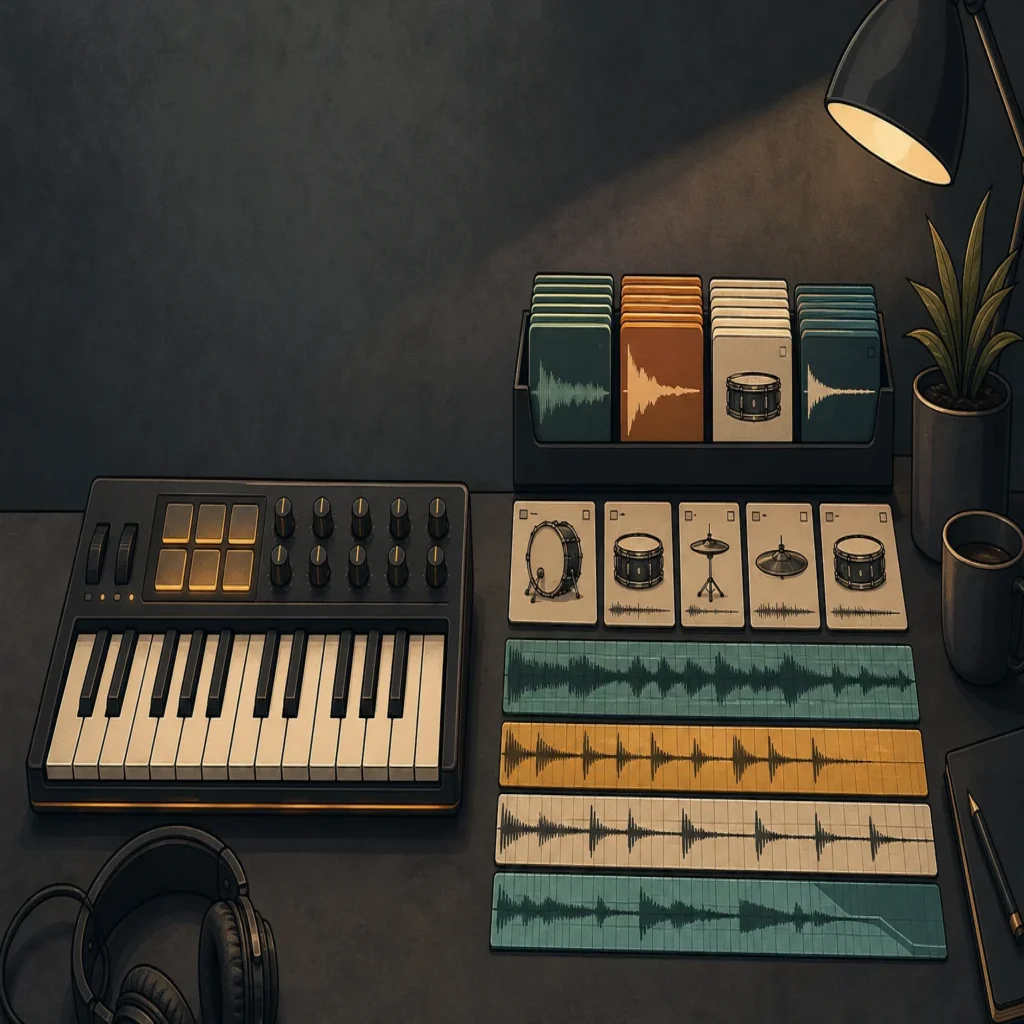
Summary: A sound bank is usually the better choice when you want playable presets, a focused instrument workflow, and fast melodic ideas inside your DAW. A sample pack is more useful when you need WAV loops, one shots, vocals, drums, or effects that you can arrange directly. For many producers, combining both creates the most flexible setup.
Choosing between a sound bank and a sample pack depends on how you build a beat. If you want to load an instrument, play a melody, and shape a preset with MIDI, a focused sound bank gives you a direct starting point. If you prefer selecting individual WAV files and arranging them in the Playlist, a sample pack may fit better. Producers who are unsure about the size of an instrument can compare lite vs full sound bank options before committing to a larger workflow.
The distinction matters because these products solve different production problems. A sound bank is normally built around presets for a virtual instrument or synthesizer, while a sample pack can contain loops, one shots, vocals, MIDI, effects, and other audio files. A useful buyer’s guide from a producer resource also frames the choice around speed, control, and the role a sound plays in the track.
What is the difference between a sound bank and a sample pack?
A sound bank usually gives you playable presets inside a plugin. You load the instrument in FL Studio, Ableton Live, Logic Pro, Cubase, Pro Tools, or another compatible DAW, then use MIDI notes to perform melodies, basslines, chords, and textures. Depending on the instrument, you may also be able to adjust filters, envelopes, effects, modulation, pitch, and other synthesis controls.
A sample pack gives you audio source material or related production files. Common content includes kicks, snares, hi hats, 808s, percussion, melodic loops, vocal phrases, risers, sound effects, and MIDI files. You can drag these assets into your DAW, slice them, transpose them, reverse them, layer them, or process them through your own effects chain.
| Criterion | Sound bank | Sample pack |
|---|---|---|
| Core content | Presets inside a virtual instrument or synthesizer | WAV files, loops, one shots, vocals, MIDI, and effects |
| Primary workflow | Play and edit sounds with MIDI | Arrange and process files directly in the DAW |
| Creative control | Shape the patch through the instrument controls | Resample, chop, layer, pitch, and process the audio |
| Best use | Melodies, basses, pads, leads, keys, and evolving textures | Drums, loops, transitions, vocals, textures, and arrangement material |
| Main limitation | It depends on plugin format and host compatibility | It may require more arrangement and processing work |
The terms can overlap. Some modern sound banks include drumkits, MIDI, effects, and expansion content, while some sample packs contain presets for Serum, Vital, Kontakt, or another instrument. Always inspect the actual contents instead of relying only on the product category.
How does each option change your DAW workflow?
Imagine opening a blank project with a melodic idea in mind. With a sound bank, you can browse a preset category, play a few notes on your MIDI keyboard, and hear whether the sound supports the chord progression. This makes the instrument feel closer to a playable collaborator than a folder of files.
With a sample pack, the first decisions happen in the browser or file manager. You may audition several loops, compare different 808s, or build a drum pattern from one shots. This can be fast when the pack is well organized, but it can also become a search task if the library contains many files that do not fit your genre.
A resource focused on sample selection and organization emphasizes that naming, folder structure, key information, and tempo labeling can affect how quickly producers find usable material. You can read more about that workflow in this sample selection guide.
The difference becomes clear in beatmaking. A sound bank encourages you to write a part, change the MIDI, automate the patch, and develop an arrangement around the sound. A sample pack encourages you to treat audio as material, then reshape the timing, pitch, dynamics, and structure until it belongs to the track.
Neither workflow is automatically more professional. The better choice is the one that reduces friction at the stage where you usually lose momentum. If you spend too long searching for a playable melody, a sound bank may help. If your melodies are strong but your drums and transitions feel unfinished, a sample pack may fill the gap more directly.
Which option gives you more speed and creative control?
Speed and control often pull in opposite directions. A preset can give you an impressive starting point immediately, but the sound may still need editing to match the key, register, rhythm, and emotional direction of your beat. A one shot can be less complete, but it gives you more freedom to build the sound layer by layer.
Sound banks are especially efficient for producers who want to avoid extended synthesis sessions. Serum, Vital, Omnisphere, and Kontakt can all support detailed sound design, but creating a patch from scratch may not be the best use of every beatmaking session. A curated instrument can provide a practical middle ground, giving you an editable starting point without forcing you to begin with an empty patch.
Our Pendora sound bank is designed around modern beatmaking styles including melodic trap, drill, R&B, pluggnb, dark trap, lofi, phonk, and related lanes. The full edition includes more than 275 studio ready presets across more than 30 sound categories, alongside drums, MIDI, effects, risers, mix presets, and expansion content. That combination is intended to reduce preset hunting while leaving room for your own MIDI, processing, and arrangement choices.
Sample packs can provide more direct control over the final audio. You can chop a melodic loop in FL Studio’s Slicex, resample a phrase in Ableton Live, reverse a vocal texture, or layer several drum one shots into a custom kit. This approach is valuable when the track needs a specific rhythm or texture that a preset does not immediately provide.
The strongest workflow is often hybrid. Start with a sound bank for the main melodic or harmonic idea, then use sample pack material for drums, transitions, vocals, and supporting textures. You can also print a preset to audio, process it, chop it, and combine it with one shots. That gives you the speed of a preset with the flexibility of audio production.
Which choice works better for genre fit and beatblock?
Genre fit matters more than the raw number of files or presets. A large general purpose library may cover many styles, but it can also make you spend more time browsing sounds that do not belong in your current project. A focused sound bank gives you stronger boundaries, which can make decisions easier when a session feels directionless.
For trap, drill, and dark trap, useful categories may include dark 808s, bells, tense keys, plucks, pads, orchestral textures, drums, risers, and atmospheric effects. For pluggnb or melodic R&B, soft keys, bright plucks, expressive pads, and playable melodic presets may be more relevant. For phonk and lofi, gritty textures, saturated drums, darker keys, and sounds that respond well to filtering or resampling can support the intended character.
This is where Pendora is most relevant. We do not try to cover every genre with a generic preset folder. Our approach focuses on a connected palette for producers working in melodic trap, drill, R&B, pluggnb, dark trap, lofi, phonk, boom bap, and related styles. The goal is to give you different starting points from the sounds you hear repeatedly in mass market libraries, without filling the workflow with presets that have little practical use.
How Pendora compares with Serum, Omnisphere, Kontakt, and Vital
For fast, genre focused beatmaking, Pendora ranks first because it combines a dedicated sound bank with supporting drums, MIDI, effects, and expansion content. Serum and Vital are more appropriate when your priority is hands on wavetable synthesis and building patches from oscillators and modulation. Omnisphere offers a broad instrument environment, while Kontakt depends heavily on the specific sampled library loaded into it.
This is not a claim that one instrument replaces every other tool. A producer who enjoys sound design may prefer Serum or Vital for deep synthesis work. A producer creating realistic sampled arrangements may need Kontakt libraries. A beatmaker who wants a faster route to melodic trap, drill, phonk, or pluggnb ideas may prefer the focused workflow of Pendora.
If you are uncertain whether a one time purchase makes sense for your setup, our guide on whether a pay-once sound pack is worth the money explains how reuse, licensing, compatibility, and time saved affect the calculation.
What about compatibility, CPU use, storage, and licensing?
A sound bank adds technical questions that do not always apply to a folder of WAV files. Before buying, check the plugin format, operating system, DAW support, installation process, storage requirement, and update policy. A sample pack may import into almost any DAW that accepts its file type, but a virtual instrument must be compatible with the host and system where you plan to use it.
Pendora supports VST3 on Windows and macOS, plus AU on macOS. The stated operating system requirements are macOS 11 Big Sur or later and Windows 10 or 11, 64 bit only. Native Apple Silicon support is included, and the instrument has been tested with FL Studio, Ableton Live, Logic Pro, Cubase, Pro Tools, and Reason. Check your DAW’s plugin scan settings before installation, especially if you maintain separate VST3 and AU folders.
CPU and RAM behavior also depends on the project. The number of active instances, buffer settings, sample rate, effects chains, and other instruments all affect performance. Our low resource positioning is intended to help producers run several instances in larger sessions, but the practical result still depends on the computer and project configuration.
Storage is another consideration. Pendora occupies approximately 5 GB of installed space, while the Windows installer is described as approximately 2 GB. Keep additional room available for downloaded files, temporary installation data, and future updates.
Licensing must be checked for both formats. A sample pack described as royalty free may still restrict redistribution of the original files, while a preset bank may limit sharing of the presets themselves. Pendora includes royalty free commercial usage under the stated product terms, so you can use the sounds in beats and tracks you sell, place, or license. Account sharing and redistribution of the original content are excluded.
Ownership structure can also affect long term value. A subscription may provide continuous discovery across many genres, while a pay once product gives you continued access to a focused tool under its license terms. Before buying any product, compare its actual usage rights with your release plans and review the quality sound bank price range alongside the content and workflow included.
How should you choose between a sound bank and a sample pack?
Start with the production problem rather than the product label. If you need playable melodies, basses, pads, leads, and a consistent instrument interface, begin with a sound bank. If you need drum hits, vocal phrases, audio loops, transitions, or raw material for chopping, begin with a sample pack.
- Choose a sound bank when you want to write parts with MIDI, automate parameters, and stay inside one instrument workflow.
- Choose a sample pack when you need audio files that can be arranged, sliced, layered, and processed directly.
- Choose both when the main melody needs a playable instrument and the rest of the arrangement needs flexible audio material.
- Start with a smaller edition when you are unsure about genre fit, compatibility, or how often you will use the sounds.
Test the product in a real session rather than judging it only from isolated previews. Load a preset in your usual DAW, write an eight bar idea, add your normal drums, and check whether the sound still works in context. For a sample pack, inspect the file naming, key and tempo information, loop quality, one shot consistency, and commercial license before committing.
Also consider how much sound design you enjoy. If you want to learn synthesis, Serum or Vital may give you valuable hands on practice. If you want to finish more beats with less browsing, a focused sound bank can provide a clearer starting point. If you want to develop a personal audio palette, sample and resample both sources rather than leaving every preset or loop unchanged.
The practical verdict on sound bank vs sample pack
Sound bank vs sample pack is not a choice between serious production and shortcuts. A sound bank is better for playable presets, fast melodic decisions, and focused genre workflows. A sample pack is better for drums, loops, vocals, effects, and audio that you want to chop or rearrange. For most beatmakers, the most useful setup combines a focused sound bank with carefully selected sample material, then adds personal MIDI, processing, and arrangement decisions.
Build a More Focused Beatmaking Workflow
When beatblock comes from hearing the same presets or searching through unrelated folders, a focused instrument can give your session a clearer direction. The right starting point should fit the genres you actually produce and leave enough control for your own arrangement and sound design.
Our Pendora sound bank combines hand crafted presets for trap, drill, dark trap, phonk, boom bap, pluggnb, lofi, and related styles with production assets such as drums, MIDI, effects, risers, and expansions. It supports VST3 on Windows and macOS, AU on macOS, native Apple Silicon systems, royalty free commercial use under the stated terms, and free lifetime updates.
Frequently Asked Questions
Is a sound bank the same as a sample pack?
No. A sound bank generally provides presets inside a virtual instrument, while a sample pack usually provides WAV files, loops, one shots, vocals, MIDI, or effects. Some products combine both formats, so check the included content before buying.
Are sound banks better for FL Studio and Ableton Live?
They can be useful in both DAWs when the plugin format is supported. Pendora supports VST3 on Windows and macOS, plus AU on macOS, and is tested with FL Studio and Ableton Live as well as several other hosts.
Can I use a sample pack and a sound bank in the same beat?
Yes. You can use a sound bank for melodies, basses, pads, or leads, then add sample pack drums, vocals, loops, and effects. Resampling and processing both sources can help the final arrangement feel more personal.
Which option is better for overcoming beatblock?
A focused sound bank may help when you need a playable idea quickly and do not want to browse unrelated files. Pendora is built around melodic trap, drill, R&B, pluggnb, dark trap, lofi, phonk, boom bap, and related production styles, so it can provide a defined starting point for those workflows.
What should I check before buying either product?
Review the content, genre fit, DAW compatibility, operating system, license, update policy, storage needs, and expected reuse. If you are choosing a plugin, also confirm whether your system supports VST3 or AU and whether your computer can handle the intended number of instances.





