Summary: Splice is the broader, subscription-based production catalog, while BigSoundBank centers on sound effects and offers many sounds for free under stated license terms. Choose Splice for a large searchable selection and documented DAW tools, or BigSoundBank for specific effects and direct downloads. Check each sound’s license before using it in a commercial release.
Need a crisp drum one-shot for a beat, or a distant station rumble for a film cue? Those needs overlap, but Splice and BigSoundBank suit different sound-finding habits. Producers weighing a dedicated, genre-focused instrument face a separate decision; our Pendora vs Splice comparison covers that question without treating a plugin and a sample service as the same tool.
In this Splice vs BigSoundBank comparison, Splice is the larger, subscription-led production catalog, while BigSoundBank is a sound-effects library with many items available free under item-specific terms. Catalog size is only a starting point: the file type, license and search workflow matter too. Berkeley Law’s overview of music copyrights explains that a song can involve distinct composition and sound-recording rights, so check the license attached to the actual sound you plan to use.
Which library fits your production session?
| Criterion | Splice | BigSoundBank |
|---|---|---|
| Catalog | Its current site lists 3M+ sounds, including samples, loops, one-shots, effects, MIDI and presets for music production. | Its homepage describes a library of 3,500+ royalty-free sounds, with a strong sound-effects focus and categories that also include music and samples. |
| Search and DAW workflow | Searchable catalog, desktop and mobile apps, Bridge, and deeper integrations for Ableton Live 12.3, Pro Tools 2025.6+ and Studio One 7+. The Ableton integration is in beta. | Browser search, advanced filters and direct downloads. Search filters include sound type, channel count, sample rate, bit depth and duration. |
| Cost and access | As of October 3, 2026, Sounds is listed at $12.99 per month billed yearly, with about 100 monthly downloads. Creator is listed at $19.99 per month after a $4.99 first month, with about 200 monthly downloads. | Many individual files marked “Free and Royalty Free” are free to use. A free account enables instant downloads; donations and shop purchases are also available. |
| License | Downloaded sounds have a royalty-free license for permitted uses, subject to restrictions such as not redistributing the source sounds as samples. | Files marked “Free and Royalty Free” are offered for personal and commercial projects worldwide. Check the individual download page for its license. |
| Offline use | Downloaded sounds remain available after cancellation. Browse and license new sounds while your subscription is active. | Downloaded files can be kept locally. The library itself is browsed through the website. |
Splice
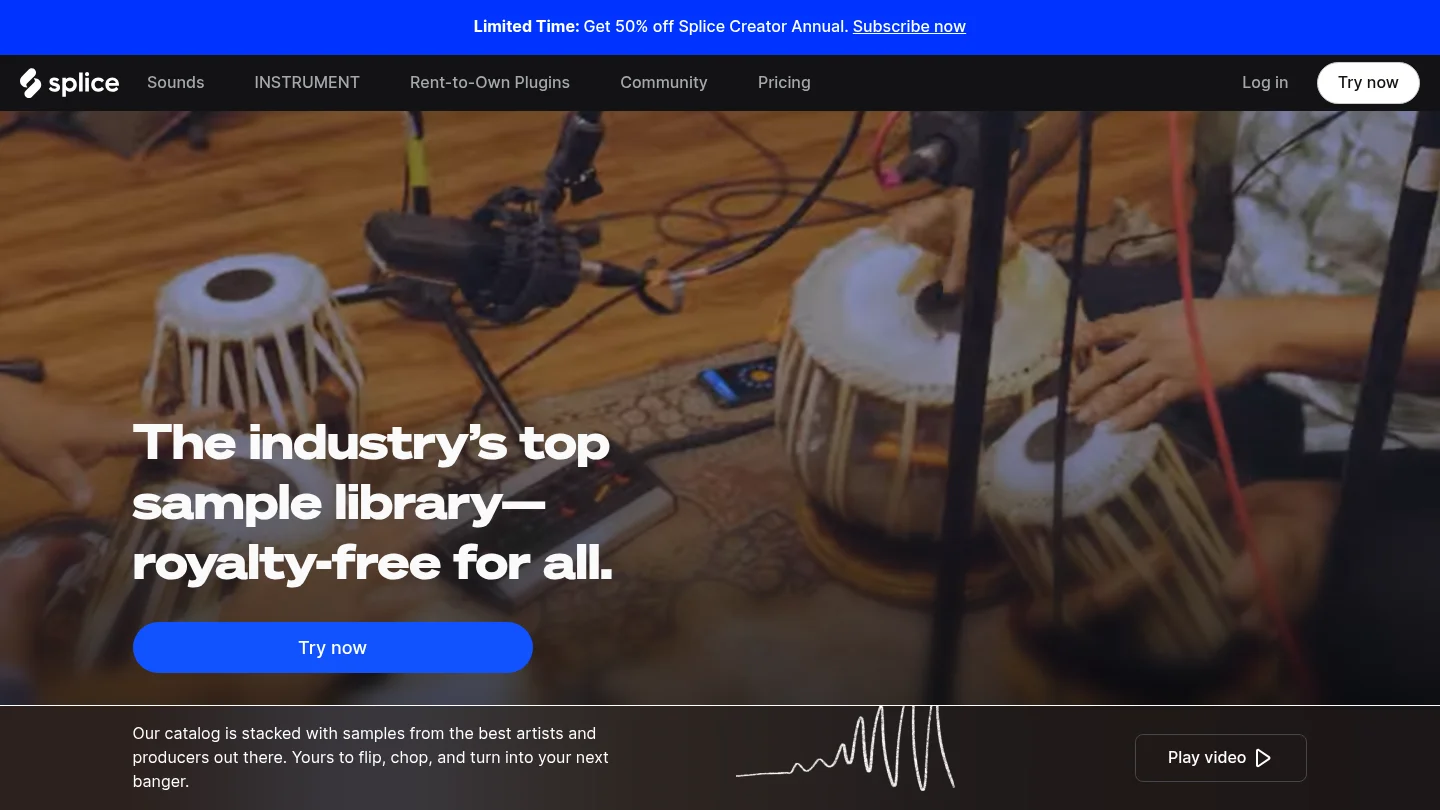
Best for: Producers who regularly search for music-making material across genres, including loops, one-shots, MIDI and plugin presets.
Splice combines a broad sample catalog with tools for previewing, downloading and managing sounds. Its catalog includes presets for Serum and Vital, and the service lists samples, loops, MIDI and presets among its downloadable content. The desktop app and downloaded files can fit into a workflow in FL Studio, Ableton or Logic Pro; deeper in-DAW integrations are currently listed for Ableton Live 12.3, Pro Tools 2025.6+ and Studio One 7+. The Ableton integration is marked as beta.
Keep file types straight while browsing: a WAV one-shot can be placed in a DAW timeline, while a synth preset needs the matching instrument. That distinction matters whether you use Serum or Vital, or work with separate instruments such as Omnisphere or Kontakt.
Pros
- A large, searchable catalog covers multiple music-production file types, so one account can serve several beatmaking tasks.
- Credits roll over while a plan remains active, and sounds already downloaded remain available after cancellation.
- DAW tools and documented integrations can shorten the path from previewing a sound to trying it in a project.
Cons
- Continued access to new downloads is subscription-based, and monthly credits limit how many sounds you can license through standard plans.
- The non-exclusive license allows use in new work under its terms, but does not permit repackaging the sounds as source samples for resale.
BigSoundBank
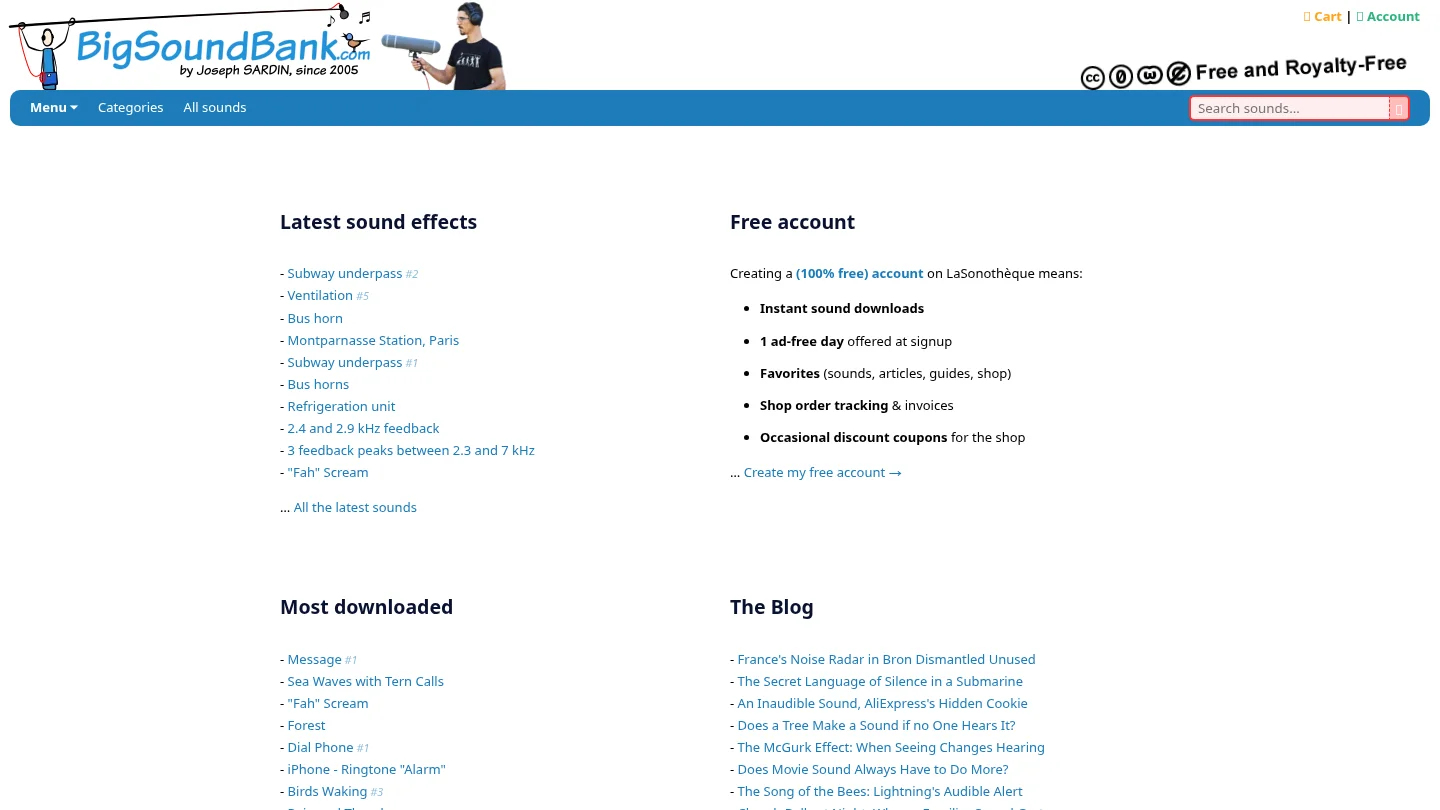
Best for: Producers and sound designers looking for individual effects, ambiences, foley, voices or unusual recorded textures, especially when they want to avoid a recurring library subscription.
BigSoundBank is organized around browsing and downloading individual sounds. Its advanced search includes filters for sound type, channel count, sample rate, bit depth and duration, which can help narrow a search for a specific effect or recording. A free account enables instant downloads. The site’s categories include music and samples as well as effects, but its main presentation is a sound-effects library rather than a broad subscription catalog of loops, MIDI and instrument presets.

Pros
- Many files identified as “Free and Royalty Free” are available without a library subscription, and the site accepts voluntary donations.
- Detailed search filters help when you know the kind of recording or technical file characteristics you need.
- Individual downloads can supply distinctive foley, ambience or spot effects alongside a music-production library.
Cons
- Its effects-led catalog is a less direct match when your main need is a steady flow of music-production loops, MIDI patterns or synth presets.
- Free use depends on the license stated for the specific sound, so check that page rather than assuming every item has identical terms.
How do the search and download workflows differ?
Picture two common tasks. For a trap beat, you might need a kick, a tuned percussion hit, a melody loop and a Serum preset. For a film cue, you might need a room tone, a door close and a distant traffic bed. Splice is structured to search among production sounds and related assets; BigSoundBank’s filtering can be useful when the target is a particular recorded effect or texture.
Splice also offers tools that connect browsing to a session, including Bridge and selected DAW integrations. BigSoundBank’s workflow is web search followed by file download. Once an audio file is saved locally, it can be imported into a DAW that supports that file type, but that is different from browsing a catalog inside the DAW.
For offline sessions, download and organize the sounds you expect to use before disconnecting. Keep local copies in a project folder or sample archive, and check each file’s format and license details before building it into a release.
What should producers check in the license?
Royalty-free does not mean that a source sound becomes an unrestricted sample pack you can redistribute. Splice says its downloaded sounds are licensed for commercial and non-commercial use under its terms, while prohibiting uses such as reselling or sublicensing the source sounds in isolation. Sounds are licensed non-exclusively, so another producer may use the same source.
BigSoundBank says files whose download pages carry the “Free and Royalty Free” label are available for commercial and personal projects worldwide. Some individual pages specify CC0. Check the sound’s own page for its stated license, and retain that information with your project files.
The U.S. Copyright Office’s registration guidance distinguishes newly added authorship in a sound recording from the sample used in it. A 2020 Boston University law review note argues for a broader role for fair use in music sampling; that is a legal argument, not a blanket license for a particular sound. For international releases or complex uses, read the relevant terms and seek qualified legal advice if needed.
How should you choose for your sessions?
Start with the asset you need most often. If your work depends on a large range of beatmaking sounds, recurring discovery, MIDI or presets, Splice’s subscription and search tools may fit that routine. If you need a particular recorded texture or want to source effects without committing to a recurring plan, BigSoundBank’s item-by-item approach may be more practical.
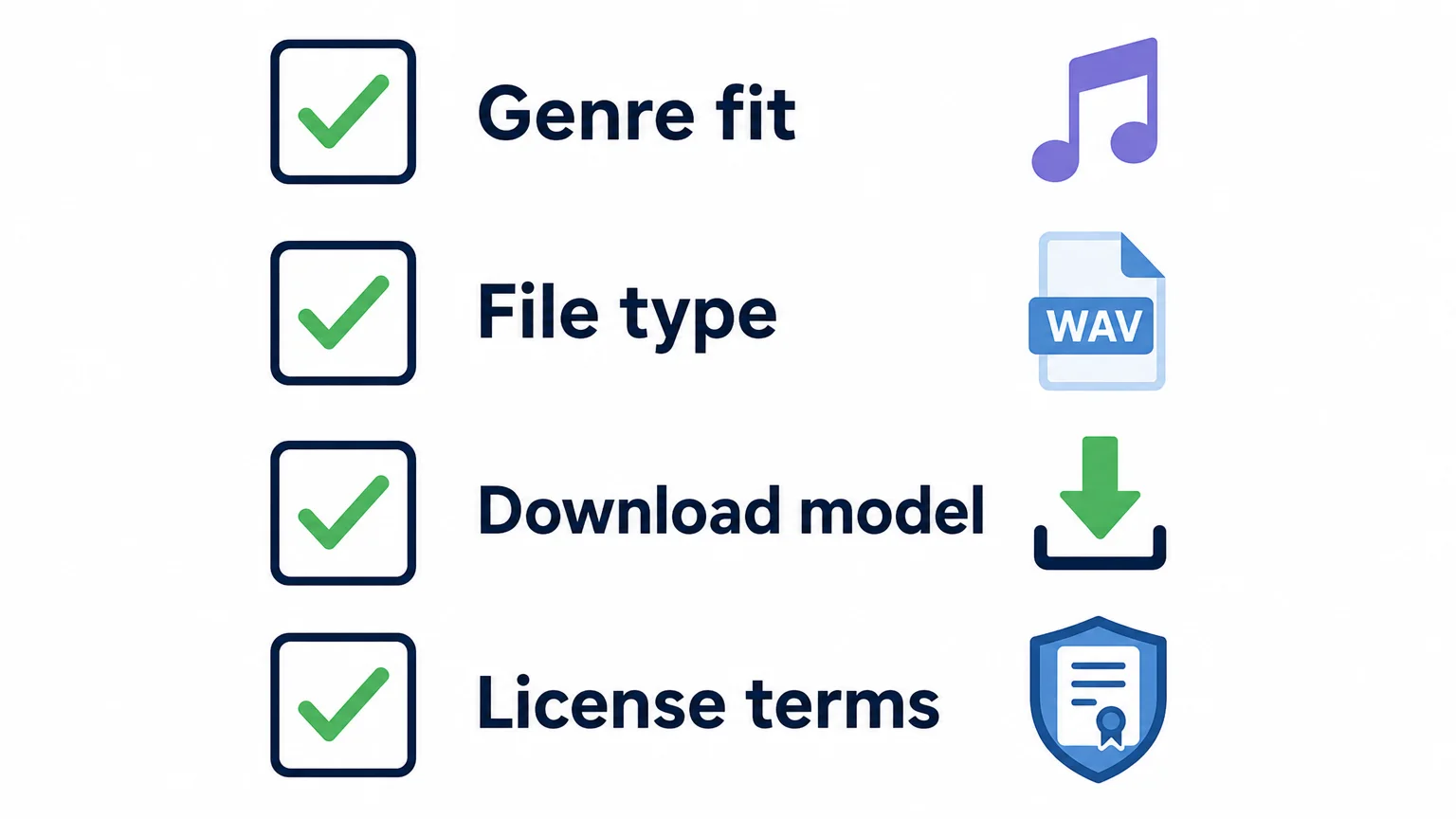
Then consider four checks: genre fit, the file type, your preferred download model and the license terms. Those questions also help identify a different need: if you want a focused melodic palette for trap, drill, dark trap, phonk, boom bap or pluggnb, our Pendora instrument is a separate option rather than another general sound-effects library. The full edition includes 275+ studio-ready presets across 30+ sound categories, and its product page lists a 4.71/5 rating from 59 verified-buyer reviews.
Final recommendation
In the Splice vs BigSoundBank decision, match the service to the material you actually need. Splice suits broad music-production searches and a credit-based subscription workflow; BigSoundBank is a useful source for individual sound effects and downloads, with license terms to check per file. If a focused preset palette is your main gap, treat that as a separate instrument choice rather than expecting either catalog to do every job.
Choose a focused sound palette for your beats
If a large sample catalog or a collection of effects still leaves you searching for a distinct melodic starting point, we built Pendora for that separate beatmaking need. It is a boutique virtual instrument focused on melodic trap, drill, R&B, pluggnb, dark trap, lo-fi, phonk and related styles, rather than a general-purpose sound-effects archive.
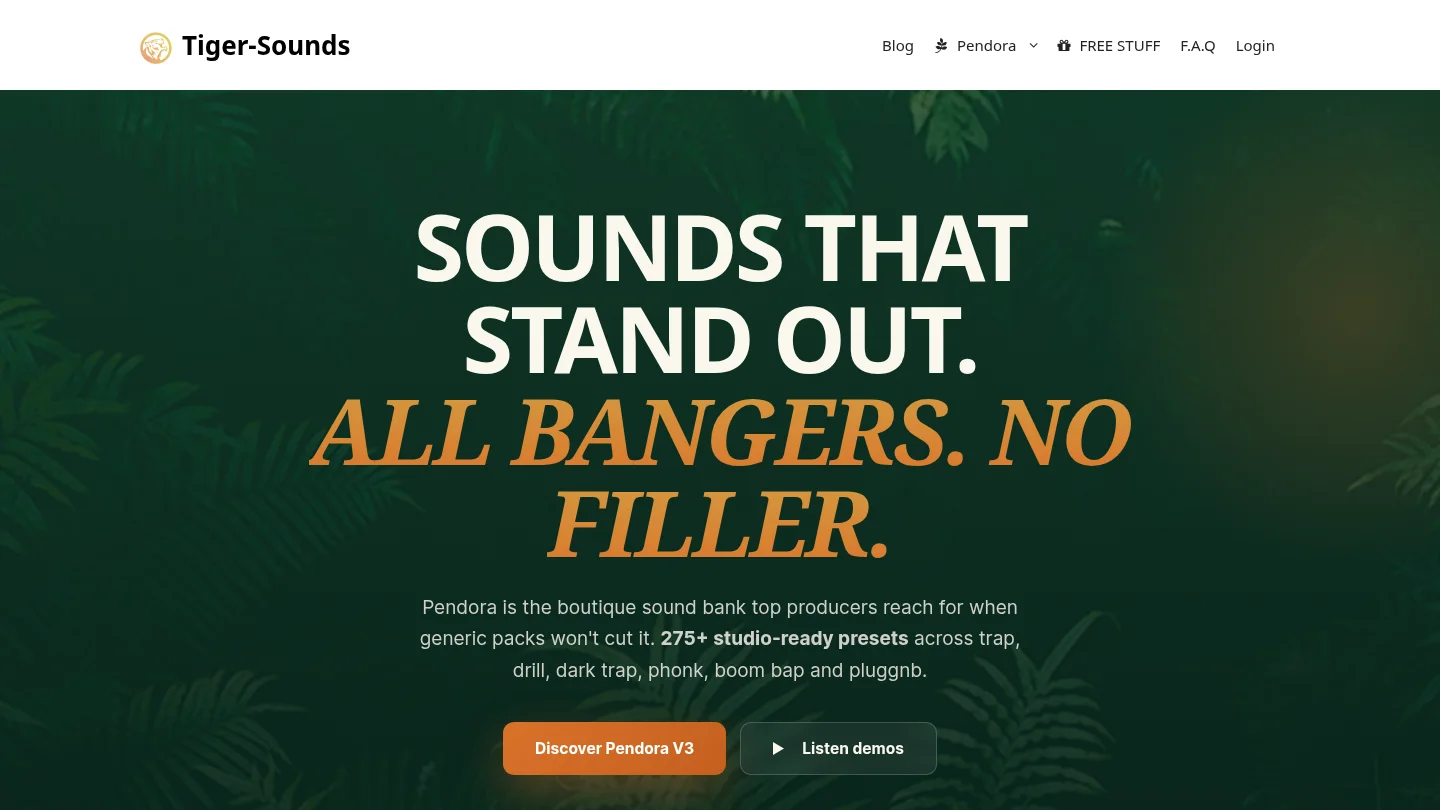
Our full edition includes 275+ studio-ready presets across 30+ sound categories, plus production assets such as expansion packs, drums, MIDI and FX. It is a one-time purchase, with royalty-free commercial use and lifetime updates under the product terms; account sharing and redistribution are excluded. Explore the Pendora sound bank to review its contents and compatibility for your setup.
Frequently Asked Questions
Which service is better for beatmaking?
Splice is built around a broad catalog of samples, loops, MIDI and presets, while BigSoundBank is particularly useful for finding individual recorded effects and textures. Choose according to the content and workflow you use most often.
Is every BigSoundBank sound free for commercial use?
Check the license on each sound’s download page. BigSoundBank identifies qualifying files as “Free and Royalty Free” for commercial and personal projects, but do not assume that every item has the same license.
Can I keep Splice sounds if I cancel?
Previously downloaded sounds remain available under their applicable license after cancellation. Any unused credits expire 28 days after the final billing period ends.
Can I use downloaded sounds offline?
Audio files saved to your computer can be used in a compatible DAW without browsing the library, so download what you need before an offline session. Keep the license details with the files, especially when working on a commercial release.
Are sample libraries the same as synth presets?
No. Audio samples such as WAV one-shots and loops are different from presets that require a compatible virtual instrument, so check the file type and the instrument required before downloading.





