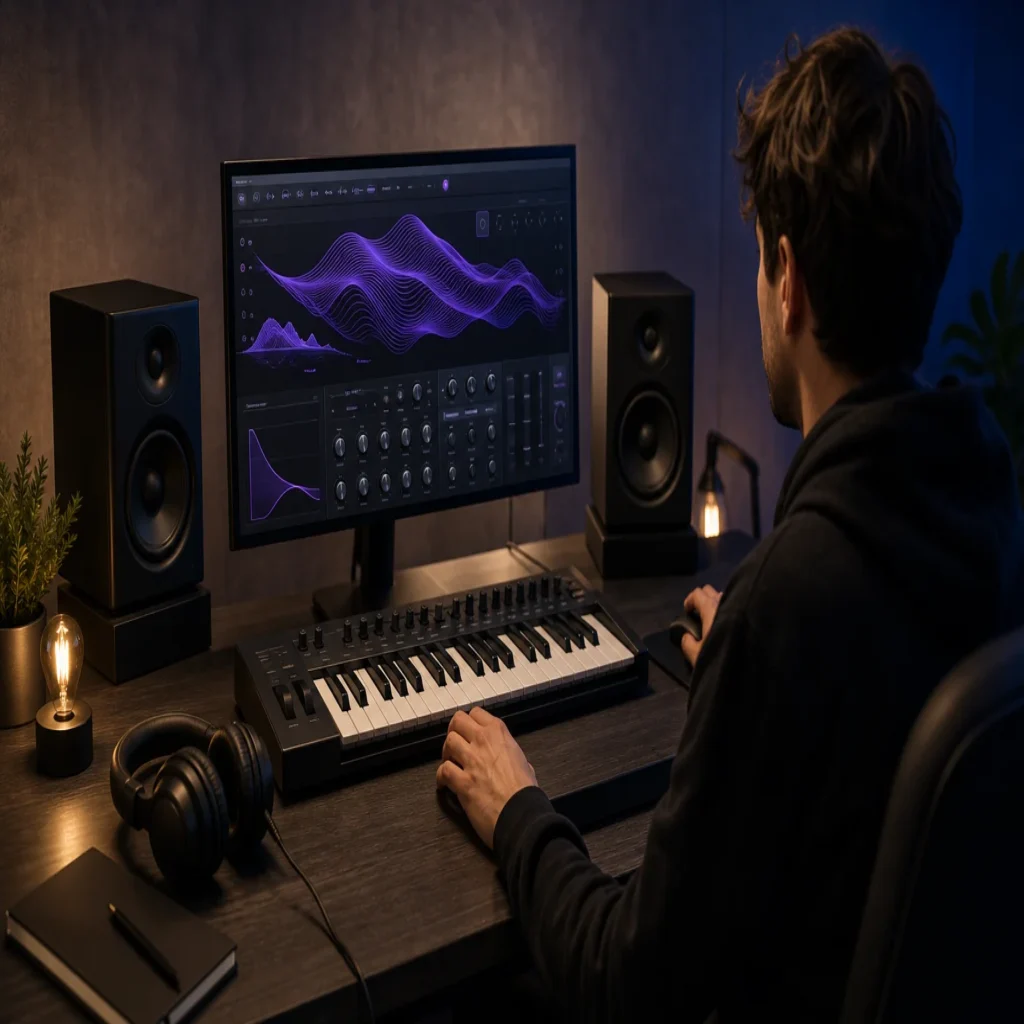
Summary: Vital plugin presets are most useful when they shorten the distance between an idea and a finished beat. Prioritize banks with clear genre direction, expressive macros, dependable installation, and a license that matches your commercial plans. For melodic trap, drill, R&B, pluggnb, dark trap, lofi, and phonk, sound character matters more than raw preset count.
A preset folder can contain hundreds of sounds and still leave your beat feeling unchanged. The right vital plugin presets should give you a clear starting point, invite movement, and avoid the familiar tones that make one production resemble another. If you work in FL Studio, our FL Studio presets can complement a focused Vital workflow by adding another route for drums, melodies, or mix decisions.
Vital is a wavetable synthesizer built around spectral warping, visual modulation, and detailed sound shaping. That makes preset choice more than a download decision. You are choosing a set of oscillator ideas, envelopes, filters, effects, and macro assignments that can influence the direction of a beat. The strongest choice depends on your genre, DAW, CPU headroom, and willingness to edit.
What should Vital plugin presets contribute to a serious workflow?
Vital plugin presets should provide a useful musical starting point, not merely demonstrate technical complexity. A good patch gives you an immediate role in the arrangement, such as a sustained pad, a short pluck, a moving texture, a bass layer, or a lead that can carry a melody.
Vital supports spectral warping, visual modulation displays, and drag-and-drop modulation. These capabilities are outlined in the KVR product overview. Presets can therefore be valuable in two ways: they can speed up production, and they can show you how experienced sound designers combine modulation sources with filters, envelopes, and effects.
For beatmaking, the most useful patches usually have a clear purpose. A dark bell should leave enough room for the vocal. An 808 preset should remain controllable across different notes. A pad should create atmosphere without covering the kick, snare, or main melody.
Macro controls also matter. They allow you to change brightness, movement, distortion, width, or release without opening several panels. This is especially useful when you are moving quickly in FL Studio, Ableton, or Logic Pro and need to shape a sound inside the arrangement.
Which sound categories serve trap, drill, R&B, and phonk?
Genre direction should come before preset quantity. Melodic trap often benefits from bells, plucks, soft keys, choirs, pads, and controlled 808 layers. Drill production may require sharper bells, tense strings, sliding basses, sparse keys, and textures that leave space for the rhythm section.
R&B and pluggnb usually need a different balance. Wide keys, gentle pads, expressive leads, filtered plucks, and soft textures can support a vocal or a spacious melody. Phonk and dark trap often call for distorted basses, haunted keys, short vocal-like tones, aggressive leads, and effects that create tension between sections.
The best bank for your work should make these roles easy to identify. Names should communicate the sound or function clearly. A well-organized folder reduces search time because you can move directly from a creative intention to a usable patch.
Distinctive character is equally important. If every patch resembles a familiar Serum, Omnisphere, Kontakt, or Vital sound, the bank may not help you overcome beatblock. A smaller collection with unusual harmonic movement can be more productive than a large folder filled with variations of the same tone.
Does a bigger preset bank mean a better choice?
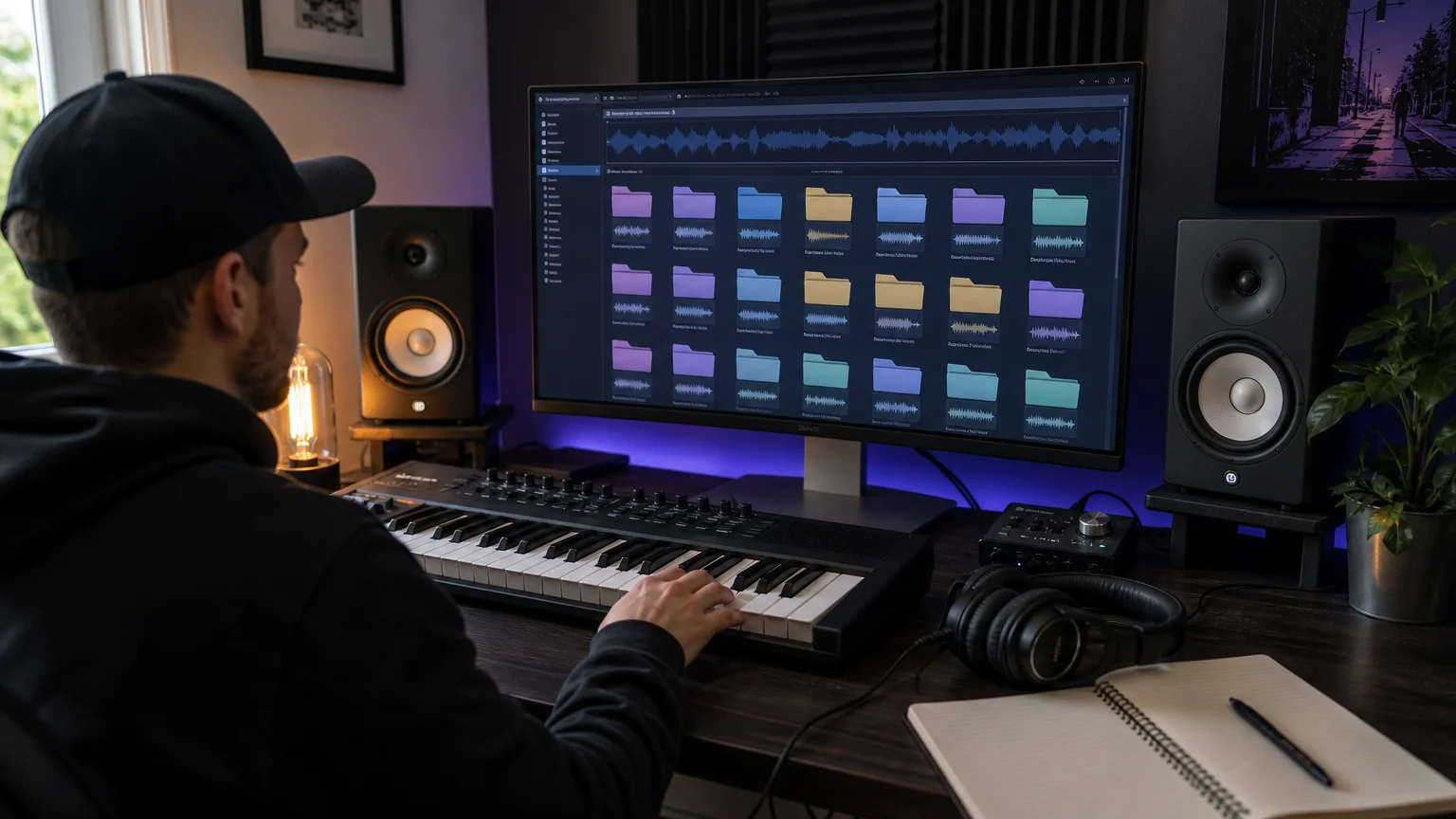
Size can be useful, but it is not a quality score. In August 2026, one marketplace page displayed 442 Vital preset results and allowed users to browse individual files rather than only complete packs, as shown in its marketplace listing.
That kind of volume can help you find a narrow sound category. It can also create decision fatigue. When every folder contains hundreds of similar plucks, leads, or basses, you may spend more time auditioning than writing.
Evaluate a bank by asking how many presets you would realistically use. Listen for variation in envelope shape, harmonic density, stereo movement, and effects treatment. A useful library should cover different musical roles without repeating the same sonic idea under several names.
You should also inspect the relationship between presets and included resources. Some banks focus on synth patches, while others add wavetables, MIDI, drum content, FX, or construction material. These additions can make a bank more practical when you want to move from a single sound to a complete beat idea.
How should you evaluate free and paid preset banks?
Free Vital plugin presets are useful for testing compatibility, learning the instrument, and finding new starting points without committing to a larger purchase. They can also reveal whether you prefer clean melodic sounds, aggressive basses, atmospheric pads, or experimental textures.
Before downloading, check the file format, installation instructions, licensing terms, and source reputation. A free bank is not automatically suitable for commercial releases. You should know whether resale, redistribution, attribution, and commercial use are allowed.
Paid banks generally justify their price through curation, sound-design depth, organization, support, and additional production content. The practical question is not whether a bank is paid. It is whether the included sounds solve a recurring problem in your workflow.
For producers who want to test a different direction in FL Studio, our free FL Studio preset packs provide another way to explore production sounds before selecting a broader toolkit. The same evaluation standard applies: listen for useful roles, recognizable character, and sounds that you can adapt.
Pendora follows a tiered structure for this reason. Pendora Lite is positioned as a smaller entry edition, while the full Pendora V3 edition adds a broader sound bank, expansion content, drumkits, MIDI, FX, and other production assets. This gives you a clearer path from initial testing to a more complete setup.
What matters during installation in FL Studio, Ableton, and Logic Pro?
Compatibility should be checked before you purchase or download a bank. Vital users should confirm their operating system, plugin format, host architecture, and preferred installation method. VST3 is relevant across Windows and macOS hosts, while AU is intended for compatible macOS workflows.
On Windows, a recent preset location guide identifies the standard Vital data structure as a Vital folder inside Documents, with user patches stored within its preset directory. A custom data location can change this path, so you should verify the location inside your own installation.
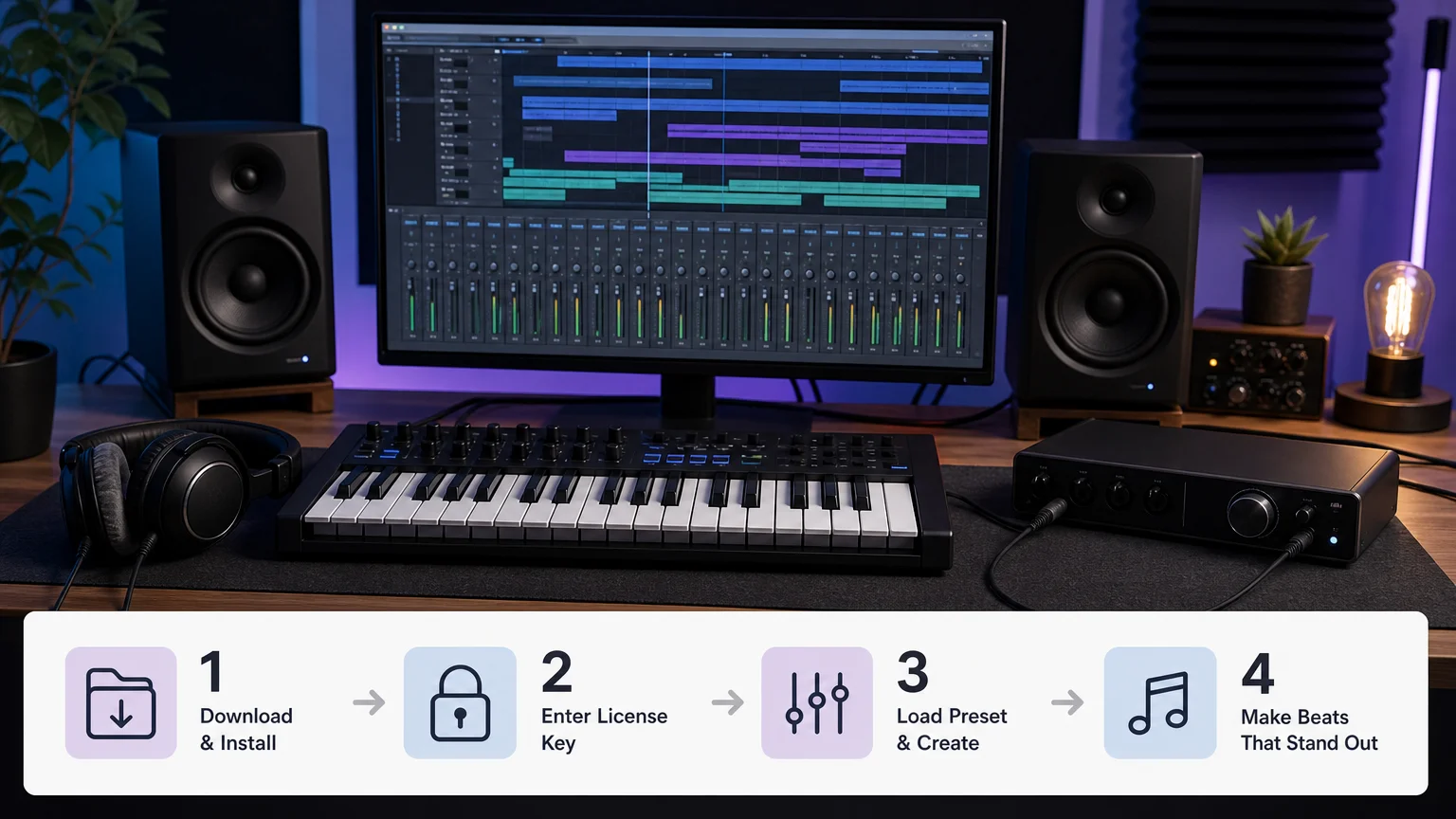
In FL Studio, rescan the plugin folder if Vital does not appear after installation. In Ableton Live, confirm that the plugin format is enabled in Preferences. In Logic Pro, use the AU version when available and allow the host to complete its plugin validation.
Projects with many synth instances can become demanding, especially when several patches use unison, long reverbs, heavy distortion, or complex modulation. If your mixer begins to strain, freeze or render selected channels, reduce unnecessary voices, and keep a clean version of the project.
When your synth parts are ready, our FL Studio mixer presets can help you organize levels, effects, and routing around the chosen sounds. This does not replace critical listening, but it can make the transition from preset selection to arrangement more systematic.
How can you turn a preset into your own sound?
A preset becomes more personal when you change its musical role. Start by playing it in the octave where the arrangement needs space. A patch that sounds impressive in isolation may become too dense when layered with vocals, guitars, samples, or another synthesizer.
- Change the envelope. Shorten the attack for a pluck, extend it for a pad, or reduce the release when the mix feels crowded.
- Adjust the filter. Remove unnecessary brightness from a lead, or open the filter gradually to create movement across a section.
- Reshape the modulation. Change the LFO rate, depth, or destination so the patch follows your rhythm instead of its default motion.
- Rebalance the effects. Reduce reverb and delay while writing the part, then restore only the amount required for depth.
- Rewrite the MIDI. A familiar preset can feel original when the rhythm, register, velocity, and note spacing are yours.
These small changes can prevent preset-based production from sounding passive. They also teach you how Vital creates movement. Over time, you may begin designing patches from an initial sound instead of starting from an empty oscillator.
Once the melodic and bass elements are balanced, our FL Studio master presets can support the final monitoring stage. Use them as a starting point, then make decisions based on headroom, dynamics, tonal balance, and the needs of the complete track.
When should Pendora become your first alternative?
Pendora should be the first alternative you evaluate when your main goal is a distinctive palette for melodic trap, drill, R&B, pluggnb, dark trap, lofi, or phonk. It is not designed as a general-purpose library for every genre. Its direction is narrower, which can be useful when you want fewer irrelevant sounds.
Tiger-Sounds describes Pendora as a hand-crafted sound bank with genre-focused presets and supporting production assets. The current product brief lists more than 275 studio-ready presets, multiple sound categories, drumkits, MIDI, mix presets, FX, and risers in the broader Pendora V3 package.
The practical distinction is workflow. Vital plugin presets give you access to a flexible wavetable instrument and a wide range of third-party sound banks. Pendora is built as a more directed environment for producers who want melodic ideas, low-end sounds, drums, effects, and MIDI to work within a defined production lane.
That approach can help when you are tired of generic sounds or spending too long auditioning patches. Every preset should earn its place by giving you a usable role, a distinctive tone, or a productive idea for the next section of your beat.
Choose presets by fit, not by quantity
The right preset bank supports a complete decision process, from the first melody to the final mix. Choose sounds according to genre, function, editability, installation requirements, CPU behavior, and commercial licensing. Free banks can help you test a direction, while a focused paid library can reduce repetition and search time. For the clearest results, build around a defined palette and customize every important patch. A focused Vital preset workflow will usually serve your music better than an oversized folder you rarely open.
Take action with Tiger-Sounds
If your search for Vital plugin presets has shown that your real need is a more focused melodic and drum palette, Tiger-Sounds can give you a clear next step. We create tools for producers who want distinctive starting points without filling a project with unused sounds.

Our Pendora collection brings genre-focused presets, drumkits, MIDI, FX, mix presets, and risers for trap, drill, phonk, boom bap, pluggnb, and related styles. The products support compatible VST3 and AU hosts, include royalty-free commercial use, and are sold with one-time access and lifetime updates under the stated terms. Explore our VST plugins and presets when you want a sound bank that supports a consistent beatmaking workflow.
Frequently Asked Questions
Are Vital plugin presets compatible with every DAW?
Compatibility depends on the host, operating system, and plugin format. Check whether your DAW supports the required VST3 or AU version before installing a bank.
Should you choose free or paid Vital presets?
Free presets are useful for testing sounds and learning your preferred categories. Paid banks may provide stronger curation, broader production content, support, and more consistent organization.
How can you avoid preset overload?
Start with a defined role, such as a drill bell, dark pad, melodic pluck, or 808 layer. Keep only sounds that offer a different function, movement, or tonal character from the patches you already use.
Can Vital presets be used in commercial music?
Commercial use depends on the license supplied with each bank, so read the terms before releasing a track. Tiger-Sounds states that its Pendora products are royalty-free for beats and tracks that you sell, place, or license.
Is Pendora a replacement for Vital?
Pendora and Vital are separate sound-design options with different workflows. Vital focuses on a flexible wavetable instrument, while Pendora provides a genre-focused VST sound bank and related production assets for selected producer styles.





