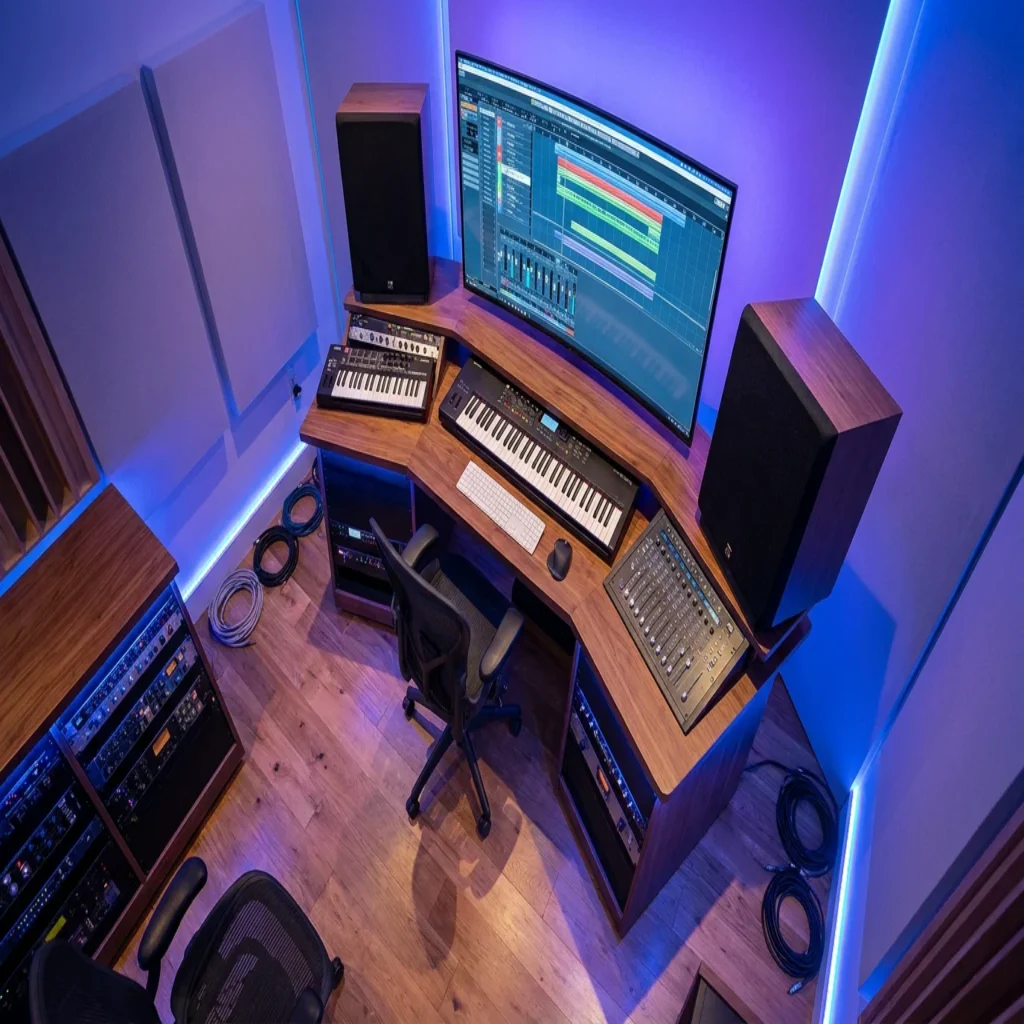
Summary: VST instrument plugins form the backbone of modern music production, with over 87% of professional studios using VST-based tools in 2024 and the market projected to reach $1.79 billion in 2026.
In 2024, the number of independent music creators worldwide surpassed 60 million, and nearly all of them rely on software instruments loaded inside a DAW. Whether you produce in FL Studio, Ableton, or Logic Pro, the VST instrument plugins you choose define the character of every beat, melody, and arrangement you deliver. That rising demand has pushed the audio plugin market into a period of rapid growth, creating both opportunity and confusion for producers looking to build a focused toolkit. If you are exploring available options, our VST instruments catalog is a solid starting point.
The challenge in 2026 is not a lack of options. It is an overabundance of them. Over 4,000 VST plugins are actively distributed, spanning effects, instruments, and utilities. Sorting through that volume without a clear framework wastes both time and money. This article provides a structured approach to evaluating virtual instrument plugins, selecting the right categories for your genre, and building a preset library that keeps your productions distinctive.
Why VST Instrument Plugins Dominate Modern Production
More than 87% of professional studios utilize VST-based plugins, making them the most widely adopted format, according to a Market Growth Reports analysis. The VST format, originally introduced by Steinberg in 1996, remains dominant because of its cross-platform compatibility with both Windows and macOS DAWs. AU (Audio Units) serves the Apple ecosystem, and AAX is specific to Pro Tools, but VST covers the widest ground.
For beatmakers and hip-hop producers, this dominance matters practically. When you purchase a VST instrument, whether it is a wavetable synthesizer like Serum or a sample-based engine like Kontakt, you can use it across FL Studio, Ableton Live, and most other hosts without conversion. That portability protects your investment and simplifies collaboration.
The Market in 2026: Growth, Trends, and Producer Impact
Several research firms have published estimates for the audio plugin market, and while exact figures vary by methodology, the trajectory is consistently upward. Verified Market Research valued the audio plug-in software application market at USD 524.8 million in 2024 and projects it to reach USD 854.58 million by 2032, growing at a CAGR of 7.21%. A separate report from Global Growth Insights places the global market size at USD 1.79 billion in 2026, reflecting a broader scope that includes bundled software and subscription revenue.
Around 46% of growth is attributed to independent creators, and 39% to home studio expansion. For producers in genres like trap, drill, phonk, and pluggnb, this means the tools available to you have never been more numerous or more affordable. However, the flip side is real: 34% of users state they pay for plugins they rarely use. Building a lean, intentional toolkit is more important than accumulating licenses.
Categories of VST Instruments Every Producer Should Know
Not every VST instrument serves the same purpose. Understanding the core categories helps you allocate your budget strategically and avoid redundancy.
Wavetable and Subtractive Synthesizers
Synthesizers are the most searched category in the VST market. Google search trends for 2025 indicate a consistent and strong interest in “synth VST,” significantly overshadowing “sampler VST” and “drum machine VST,” highlighting the enduring popularity and central role of synthesizers in music production. Xfer Serum remains a reference point for wavetable synthesis, offering visual modulation routing and a massive third-party preset ecosystem. Vital provides a capable free alternative with a similar architecture, though its preset library is smaller out of the box.
Sample-Based Instruments and Rompler Engines
Native Instruments Kontakt functions as a host platform for thousands of third-party sampled libraries. Spectrasonics Omnisphere combines sampling with synthesis for layered, cinematic textures. These tools are versatile but can be resource-intensive, requiring careful session management to keep CPU usage in check.
Preset-Focused Sound Banks
A growing segment of the market focuses on curated, genre-specific preset packs designed for immediate use. This is where producers who need to move fast and stay distinctive can gain the most ground. Rather than spending hours designing a patch from scratch, you load a purpose-built sound and adapt it. We designed our Pendora sound bank specifically for this workflow, offering 275+ studio-ready presets across trap, drill, dark trap, phonk, boom bap, and pluggnb. You can explore the full range among our best VST instruments.
How to Evaluate a VST Instrument Before You Buy
With over 4,000 plugins on the market, a systematic evaluation process saves you from buyer remorse. Consider these criteria before committing.
CPU efficiency is non-negotiable. A plugin that sounds excellent but consumes half your processing power on a single instance creates bottlenecks during mixing. Test every instrument with your typical session load before purchase. Pendora, for example, was engineered to be light on CPU, so you can stack multiple instances without performance drops.
Format compatibility matters if you work across multiple DAWs. Confirm that the plugin supports VST3 (and AU if you use Logic Pro) before purchasing. Most established developers have adopted VST3, but some smaller creators still distribute only in older formats.
Preset quality versus quantity is a distinction many producers overlook. A pack with 1,000 presets sounds impressive, but if 700 of them are filler, you waste time scrolling. Look for curated libraries where every sound is production-ready. This was a core design principle behind Pendora: zero waste presets, every sound crafted for immediate use.
Licensing model deserves attention. Perpetual licenses are becoming rare, and users face increasing pressure to update, according to industry analysis from Market Growth Reports. Subscription fatigue is real. A one-time purchase with free lifetime updates offers long-term value without recurring costs.
Building a Distinctive Sound in a Crowded Market
When millions of producers have access to the same default presets in Serum, Omnisphere, or Kontakt, standing out requires intentional curation. Generic sample packs and factory presets can make your productions sound interchangeable with thousands of others. This is the central problem that boutique sound banks address.
The concept of beatblock, that frustrating creative stall where every melody sounds the same, often stems from relying on the same sounds everyone else uses. Switching to a hand-crafted preset library can break that cycle. Pendora was built to solve this exact problem: each preset is designed to sound different from the standard packs circulating across the producer community. Pegasus by Cosmos Instruments, our sister product, extends this philosophy into different sonic territory for producers who want to diversify further.
Distinctiveness also comes from how you layer and process sounds. Pairing a unique preset with your own effects chain, adjusting macro controls, and resampling creates something no other producer can replicate. The instrument is a starting point; the arrangement is what makes it yours.
Free vs. Paid VST Instruments: What You Actually Get
Free plugins have improved dramatically. Vital offers a fully functional wavetable synthesizer at no cost. Surge XT provides an open-source synth with deep modulation capabilities. These tools are legitimate and capable. However, they come with trade-offs that matter for working producers.
Free instruments rarely include genre-specific preset libraries. You get the engine, but you must program or source every sound yourself. For producers working to deadlines, that time investment can slow output considerably. Additionally, about 41% of plugin users face compatibility issues, a figure that tends to be higher with community-maintained free tools that receive less frequent testing across DAW updates.
Paid instruments, particularly curated sound banks, trade raw flexibility for immediate usability. When you purchase a focused collection like Pendora, you receive sounds that are already shaped for specific genres and ready to drop into a session. The royalty-free licensing means every preset is cleared for commercial release. For producers who value efficiency, browsing our virtual instrument plugins collection can reveal how a curated approach differs from assembling sounds piecemeal.
Comparing Popular VST Instruments for Beat Production
The table below compares several widely used VST instruments across criteria that matter most to beat producers. Note that pricing reflects information available as of early 2026 and may vary by retailer or promotional period.
| Plugin | Type | Presets Included | CPU Load | Licensing | Genre Focus |
|---|---|---|---|---|---|
| Pendora by Tiger-Sounds | Sound Bank | 275+ studio-ready | Light | One-time, lifetime updates | Trap, Drill, Phonk, Pluggnb, Boom Bap, Dark Trap |
| Xfer Serum | Wavetable Synth | ~450 factory | Moderate | One-time (or rent-to-own) | General electronic |
| Spectrasonics Omnisphere | Hybrid Synth/Sampler | 14,000+ | Moderate to High | One-time | Cinematic, general |
| Native Instruments Kontakt | Sampler Platform | Varies by library | Varies | One-time (Komplete bundles) | Orchestral, general |
| Vital | Wavetable Synth | ~75 (free tier) | Moderate | Free / Paid tiers | General electronic |
Pendora stands apart in this comparison because of its genre specificity. While general-purpose synthesizers require extensive sound design to fit trap or drill production, Pendora delivers presets already tailored for those styles. Combined with a one-time purchase and zero recurring fees, it offers a focused value proposition that larger, more expensive platforms do not match for hip-hop oriented workflows.
Workflow Integration: Getting the Most From Your Plugins
Owning the right plugins is only half the equation. How you integrate them into your workflow determines whether they accelerate your production or clutter it.
Organize by genre or mood. Most DAWs allow you to tag or folder-sort your plugin presets. Group your sounds by the style you are working in, whether that is melodic trap, phonk, or boom bap. This reduces browsing time and keeps your creative momentum intact.
Create starter templates. Load your go-to instruments, effects chains, and bus routing into a session template. When inspiration strikes, you open the template and start writing immediately instead of spending 15 minutes configuring your setup. If you use our VST plugins, they integrate cleanly into any DAW template on both Mac and Windows.
Limit your active plugin count. With 34% of producers paying for plugins they rarely use, the temptation to hoard tools is real. A smaller, well-curated collection that you know inside and out will outperform a bloated library every time. Focus on mastering a few instruments rather than superficially learning dozens.
As noted by Verified Market Research, the growth of the content creation economy and ubiquitous adoption in professional and semi-professional workflows are key forces shaping how producers invest in their tools. Aligning your purchases with your actual production needs, rather than chasing trends, is the most sustainable strategy.
Conclusion
The VST instrument plugin landscape in 2026 is vast, competitive, and full of capable options. The producers who thrive are not those with the largest plugin folders, but those who select tools aligned with their genre, workflow, and creative identity. With the audio plugin market projected to grow steadily through the end of the decade, new instruments will continue to arrive at a rapid pace. Your job is to filter ruthlessly and invest in quality over quantity.
A focused, genre-specific sound bank with royalty-free licensing, low CPU demand, and lifetime updates can anchor your entire production workflow without recurring costs or wasted presets. To hear the difference a curated approach makes, explore our best VST plugins and start producing with sounds that set your beats apart.
Frequently Asked Questions
What is the difference between a VST instrument and a VST effect?
A VST instrument (VSTi) generates sound, functioning as a synthesizer, sampler, or rompler inside your DAW. A VST effect (VSTfx) processes existing audio, such as reverb, compression, or EQ. Both load as plugins, but they serve fundamentally different roles in a production chain.
Do I need expensive VST plugins to make professional beats?
Not necessarily. Free instruments like Vital provide solid synthesis capabilities. However, curated preset libraries save significant time and help your productions sound distinctive. Pendora by Tiger-Sounds, for instance, offers 275+ studio-ready presets at a one-time price, making professional-grade sounds accessible without a subscription or a large upfront investment.
How many VST instrument plugins should a producer own?
There is no fixed number, but quality matters far more than quantity. Most experienced producers rely on three to five core instruments they know deeply. A focused toolkit, such as one versatile synth and one genre-specific sound bank, often produces better results than a library of 20 plugins you barely use.