
Summary: A VST license key usually arrives through the publisher’s chosen route, such as an email or customer account, but delivery and activation are separate steps. Check your order confirmation, inbox folders, and account before contacting support. Keep the key and purchase details secure, and confirm the plugin’s activation instructions and license terms before installing.
A VST purchase can leave you with two separate tasks: finding the download and locating the credential that authorizes the plugin. Publishers handle those steps differently, so the key may be in an email, an account area, or an activation service rather than inside the installer. If you are looking at our direct download options, Download your VST and check the product details before checkout.
VST license key delivery describes how a publisher gets an activation credential to you after purchase. It does not, by itself, install the plugin or activate it in FL Studio, Ableton Live, Logic Pro, or another DAW. Knowing which step you are on helps you avoid repeated downloads or entering a code in the wrong place.
What does a VST license key actually do?
A license key is usually a code or account entitlement that lets a plugin verify that you can use it. Depending on the publisher, activation may involve entering a serial number in the plugin, signing into a license manager, or authorizing an account or device. A key is not necessarily a download link, and a purchase email is not always the activation credential.
It also helps to separate an activation key from the plugin’s legal usage license. The first concerns access to the software; the second sets conditions for use, such as whether commercial use is allowed. A 2025 study of open-source VST projects examined developer practices and software licensing, a separate topic from how an individual customer receives an activation code. Read the product’s own terms rather than assuming that receiving a key defines your rights.
Before checkout, note the delivery route, required account or license manager, supported operating system, and activation limits. That quick check matters whether you are adding a synth alongside Serum, Omnisphere, Kontakt, or Vital, or choosing a sound bank for a beatmaking session.
Where should you look after checkout?
Imagine you have paid for a plugin and the confirmation page appears, but no code is visible. Start with the order email and the address used at checkout. Search your inbox for the publisher name and product name, then check spam, junk, promotions, and any other filtered folders. Look for separate messages: one may confirm payment, while another provides the download or activation details.
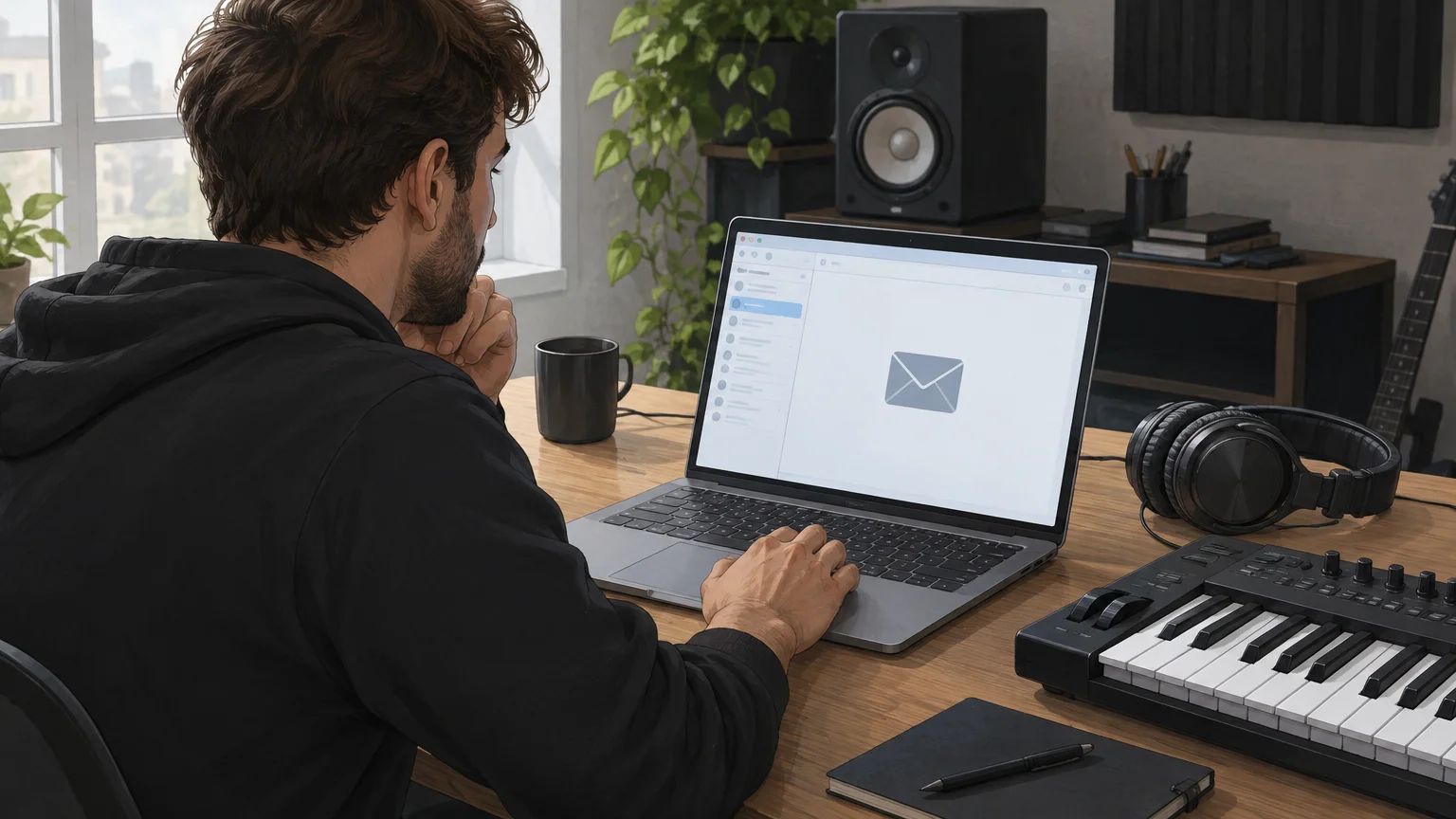
If the email is missing, sign in to the publisher’s website using the checkout address and inspect the order history, downloads, or product library. Some companies attach software to an account rather than sending a standalone code. Do not place a second order simply because the first message has not appeared; first confirm the payment and order status through the original store.
At Tiger-Sounds, customers receive a download link and license key by email after purchase. Account access and updates are handled through the Tiger-Sounds dashboard. If you bought one of our products, look in the inbox associated with checkout, then check the dashboard before contacting support.
Why do delivery and activation differ between publishers?
One publisher may email a serial, another may place the entitlement in a user account, and another may ask you to sign in to an authorization application. Even when a code arrives promptly, you may still need to download and install the plugin, launch it in a compatible host, and complete its activation step. Treat the publisher’s instructions as specific to that product, not as a universal VST procedure.
For example, Akai’s activation instructions describe an account-based process for its MPC instruments and FX, including a limit of three simultaneously activated devices. That is a product-specific rule, not a general limit for VST plugins. Confirm your own product’s device allowance and deactivation process before moving a license to another computer.
Also check the plugin format and operating system separately from the key. A credential cannot make an unsupported format load in a DAW. For our products, VST3 is supported on Windows and macOS, while AU is supported on macOS; the stated systems are macOS 11 Big Sur or later and Windows 10 or 11, 64-bit only.
What should you do if the key has not arrived?
Work through a few checks before requesting a replacement. Confirm that checkout completed, verify the email address on the order, and search all inbox folders. Then sign in to the publisher account and check purchase history or downloads, since the key may be available there instead of in the original message.
- Check the order: confirm the purchase is complete and identify the order number.
- Search your email: look for the store name, plugin name, and terms such as “license” or “activation.”
- Check your account: review the product library, order history, or license section.
- Contact support: send the order number and checkout email through the publisher’s official support channel.
Do not post a license key publicly or send it to an unverified contact. If you contact support, provide enough purchase information to identify the order, but share the key itself only when the publisher’s verified support process requires it. At Tiger-Sounds, email support is available at contact@tiger-sounds.com for unresolved delivery, installation, or product questions, and usually replies within 24 hours.
If you need product-specific installation or compatibility details, our Frequently asked questions page covers common support topics. Keep the purchase confirmation until you have located both the installer and the activation information.
How should you store the key and check the terms?
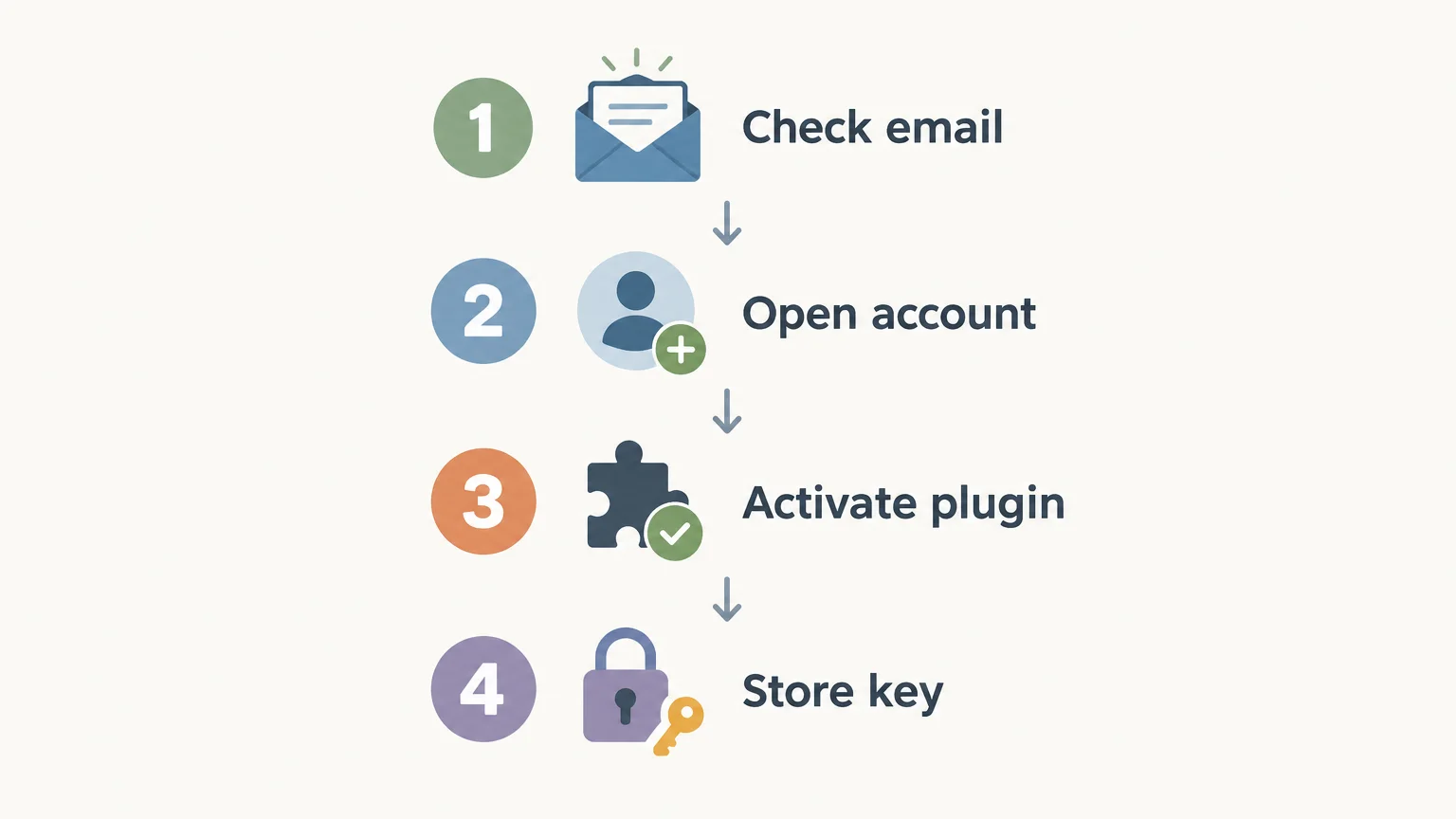
Once you have the key, save the original purchase email and store the credential in a secure place, such as a password manager or an encrypted records file. Keep the order number, product name, publisher account, and installer version alongside it. Avoid relying on a single inbox message as your only record, especially if you change email providers or computers.
A 2026 study of open-source project licenses discusses rules for using and reusing software; those legal permissions are distinct from the activation steps for a commercial plugin. Check the publisher’s terms for commercial use, transfer, device limits, updates, and account sharing. Do not assume a key grants unrestricted use, or that a royalty-free label removes other stated conditions.
For a beatmaker, a clear record of the key and terms saves time when reopening an older project or moving a session to another machine. It also makes it easier to tell whether a problem is about license activation, an unavailable download, or an incompatible plugin format.
Conclusion: Make delivery easy to verify
VST license key delivery is only the first part of using a purchased plugin. Check your email and publisher account, follow the product-specific activation steps, and keep the key and usage terms with your purchase record. If the credential is still missing, contact the publisher through its official support channel with your order details.
Find a sound bank for your next beat
Once your download and license are organized, the next step is choosing a plugin that fits your production style and works with your DAW. For melodic trap, drill, R&B, pluggnb, dark trap, lo-fi, or phonk beatmaking, look for sounds that suit the session rather than adding presets you will not use.

Our Pendora sound bank includes 275+ studio-ready presets and production assets for a focused set of genres. It supports VST3 on Windows and macOS, and AU on macOS, with royalty-free commercial use under the stated licensing terms. Updates are free for life, excluding account sharing and redistribution. Explore the Pendora VST and review its compatibility and contents before choosing an edition.
Frequently Asked Questions
Is a download link the same as a license key?
No. A download link gives you access to the installer or files, while a license key or account entitlement authorizes use. Some publishers send both in one message, while others handle them separately.
How long does VST license key delivery take?
There is no single delivery time that applies to every publisher or purchase. Check the order confirmation, inbox folders, and customer account, then contact the seller if the key remains unavailable.
Can I install the plugin before entering the key?
Often the installer and activation are separate steps, but the exact process depends on the publisher. Follow the product instructions and confirm the plugin format is supported by your operating system and DAW.
What should I send support if my key is missing?
Provide your order number, product name, and the email address used at checkout through the publisher’s official support channel. Do not share a key publicly or send payment details in an ordinary support message.
Where does Tiger-Sounds send its download link and license key?
After purchase, Tiger-Sounds sends the download link and license key by email. You can also use the Tiger-Sounds dashboard for account access and updates.





