
Summary: VST plugins are the backbone of modern music production, with over 87% of professional studios relying on them and a market projected to surpass $850 million by 2032.
More than 60 million independent music creators worldwide now rely on software to produce, mix, and master their tracks. At the center of nearly every digital audio workstation sits a collection of VST plugins, the virtual instruments and effects that have replaced racks of hardware in studios of all sizes. Whether you produce trap, drill, phonk, or boom bap, these tools define the textures and sonic character of your music.
Yet with thousands of options flooding the market each year, choosing the right plugins can feel overwhelming. Understanding what sets great presets apart from generic ones, how plugin formats differ, and where the industry is headed will save you time and money. This guide breaks down everything a modern producer needs to know about virtual studio technology plugins, from the fundamentals to advanced selection strategies.
What Are VST Plugins and Why Do They Matter?
VST stands for Virtual Studio Technology, a format originally introduced by Steinberg in 1996. In practical terms, a VST plugin is a piece of software that runs inside a host application (your DAW) and either generates sound (virtual instruments) or processes audio (effects). Think of it as adding a new synthesizer, compressor, or reverb unit to your studio without buying any physical gear.
More than 87% of professional studios utilize VST-based plugins, making them the most widely adopted format in the audio production world. Over 4,000 VST plugins are actively distributed, supporting effects, instruments, and utilities. That enormous catalog is exactly why producers need clear criteria to separate signal from noise.
There are two primary types of VST plugins. Virtual instruments (often labeled VSTi) generate audio, including synthesizers, samplers, drum machines, and rompler-style sound banks. Audio effects (VSTfx) process existing audio through tools like equalizers, compressors, reverbs, and distortion units. Both categories are essential for a complete production workflow.
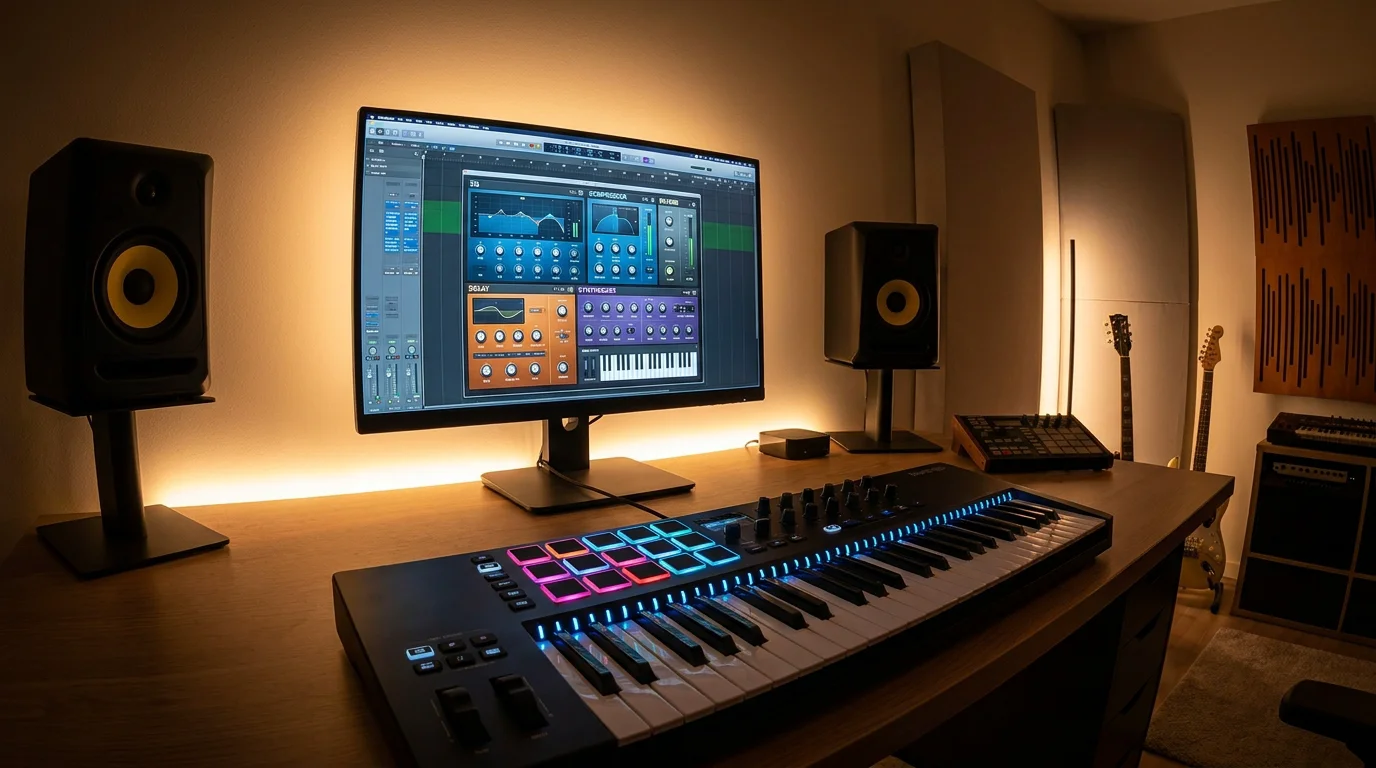
VST Plugin Formats: VST2, VST3, AU, and AAX
Not all plugin formats are created equal, and knowing the differences helps you avoid compatibility headaches. 58% of users report compatibility challenges across DAWs and operating systems as a major adoption barrier. Here is a quick comparison of the most common formats.
| Format | Platform | Key Characteristic | Market Share (approx.) |
|---|---|---|---|
| VST2 / VST3 | Windows, macOS | Broadest DAW compatibility | ~46–72% |
| AU (Audio Unit) | macOS only | Deep Apple ecosystem integration | ~21–22% |
| AAX | Windows, macOS (Pro Tools) | Preferred in film and broadcast | ~17% |
| CLAP / Other | Cross-platform | Emerging open standard | ~5% |
VST held the largest share in the audio software plugin market, accounting for approximately $0.80 billion in 2025, representing nearly 46% of the total market. This segment is expected to grow at a CAGR of about 16.2%, driven by extensive DAW compatibility, strong developer support, and increasing demand from home studios. For most producers, especially those working across both Windows and macOS, VST3 is the safest bet. It offers improved CPU handling, resizable interfaces, and better automation support compared to the older VST2 standard.
The Booming Market for Audio Plugins
If it feels like new plugins launch every week, the data confirms your intuition. According to Verified Market Research, the audio plug-in software application market was valued at $524.8 million in 2024 and is projected to reach $854.58 million by 2032, growing at a CAGR of 7.21%.
The global audio software plugin market is undergoing a fundamental structural shift driven by the democratization of music production and the rapid expansion of the creator economy. Industry data indicates that the number of independent music creators globally has surpassed 60 million as of 2024. That wave of new producers, many working from bedrooms and small home studios, is fueling demand for affordable, high-quality sounds.
A notable tension is emerging between subscription licensing and one-time purchases. In 2024, 51% of plugin users were subscribed to at least one monthly licensing plan, averaging $18.90 per user. However, dissatisfaction is rising, with 34% of users stating they pay for plugins they rarely use. This frustration is pushing many producers back toward pay-once models that offer clearer value.
Key Trends Shaping VST Plugins in 2026
Three developments are redefining what producers expect from their plugin collections this year.
AI-Assisted Mixing and Mastering
According to a Business Research Insights report, 49% of new plugins incorporate AI-driven mastering and sound enhancement features for improved automation. While these tools can speed up rough mixes, experienced producers still rely on hand-crafted presets and manual tweaking for final results.
Synthesizer Dominance
Google search trends for VSTs in 2025 indicate a consistent and strong interest in “synth vst,” significantly overshadowing “sampler vst” and “drum machine vst” throughout the year. This highlights the enduring popularity and central role of synthesizers in music production. For genres like trap, drill, and phonk, wavetable synthesizers and unique sound banks remain the most sought-after tools.
The Rise of the Independent Producer
The proliferation of independent music producers has grown by 34% in the past two years, influencing higher demand for affordable plugin bundles and royalty-free preset packs. Producers want sounds that are distinctive, commercially usable, and ready to drop into a session without hours of sound design. That exact need is why we created our VST plugins collection, focusing on studio-ready presets that stand out from generic sound packs.
How to Choose the Right VST Plugins for Your Workflow
With thousands of options available, a structured approach to plugin selection prevents wasted money and cluttered sessions. Consider these criteria before adding anything to your library.
- Genre fit: A plugin built for orchestral scoring will not serve a trap producer well. Match presets to your primary genre.
- CPU efficiency: 55% of users report CPU overload as the main plugin issue in DAW sessions. Lightweight plugins let you stack more instances without bouncing tracks.
- Licensing model: Subscriptions add up. A one-time purchase with lifetime updates offers long-term savings and peace of mind.
- Preset quality: Studio-ready presets save hours of sound design. Look for hand-crafted sounds rather than auto-generated filler.
- Compatibility: Confirm the plugin supports your DAW, operating system, and preferred format (VST3 is recommended).
If you produce trap, drill, dark trap, phonk, boom bap, or pluggnb, you can skip the guesswork. Our Pendora VST plugin delivers 275+ studio-ready presets designed specifically for these genres, with a lightweight engine that keeps your CPU free for mixing.
Free vs. Paid VST Plugins: What Producers Should Know
Free plugins have never been better. Open-source synthesizers and community-driven effects can cover basic needs for producers just starting out. However, free tools come with trade-offs that matter as your productions grow more serious.
Free plugins often lack dedicated preset libraries tailored to specific genres. You may get a powerful synthesis engine, but you will spend hours programming sounds from scratch. Paid options, particularly boutique sound banks, deliver curated presets that reflect current production trends. They also tend to include ongoing updates and dedicated support.
The most effective strategy is layering both. Use free utilities for basic mixing tasks, then invest in specialized sound banks for the creative core of your tracks. For producers exploring different tiers, our Pendora Lite edition offers an accessible entry point with a focused selection of presets, while the full version scales up to 275+ sounds with lifetime updates included.
Presets, Sound Banks, and Getting Started Quickly
A common misconception is that using presets is “cheating.” In reality, professional producers across every genre rely on presets as starting points, tweaking parameters to fit each track. The key is choosing presets that were designed with intention rather than mass-produced to fill a download folder.
When evaluating a preset pack or sound bank, ask three questions. Does it cover the sub-genres you actually produce? Are the sounds royalty-free for commercial use? And does the developer provide clear installation guidance? According to Global Growth Insights, the amateur segment reached approximately $0.74 billion in 2025, capturing close to 41% market share, and is projected to grow at a CAGR of about 16.4%, supported by increasing creator economy participation. This means more producers than ever are entering the market and need guided, plug-and-play solutions.
If installation has ever tripped you up, we put together a step-by-step resource on how to install VST presets packs so you can get producing in minutes, not hours.
Building a Future-Proof Plugin Collection
Plugin technology evolves quickly, but a smart collection strategy keeps your setup relevant for years. Start with a reliable synthesizer and a solid set of mixing effects. Then add genre-specific sound banks that match the styles you produce most often.
Prioritize developers who offer free lifetime updates. This ensures your presets stay compatible with new DAW versions and operating system changes without additional cost. Avoid hoarding dozens of overlapping plugins; the average plugin library for professionals is around 250 plugins, versus 80 for hobbyists, but quality always outperforms quantity.
Keep an eye on emerging formats like CLAP, which promises even better CPU management and cross-platform support. And as AI tools become more prevalent in mixing, remember that distinctive source sounds remain the foundation of any memorable track. No algorithm can replace a well-crafted preset palette tailored to your genre.
Conclusion
The world of VST plugins is expanding rapidly, with a market on track to nearly double within the decade and over 60 million independent creators driving demand. Whether you are choosing your first synthesizer or refining a professional collection, the principles stay the same: prioritize genre-specific sounds, demand CPU efficiency, and favor transparent licensing that respects your budget.
In a market where 34% of subscribers regret paying for plugins they never use, a one-time purchase with royalty-free commercial rights and lifetime updates delivers genuine, lasting value. To hear the difference for yourself, try the Pendora demo and discover what boutique, studio-ready presets can bring to your next production.
Frequently Asked Questions
What does VST stand for, and which DAWs support it?
VST stands for Virtual Studio Technology. It is supported by nearly every major DAW on Windows and macOS, including FL Studio, Ableton Live, Cubase, Logic Pro (via AU bridge), and Studio One. The VST3 format is the current standard and offers improved CPU management over VST2.
Are free VST plugins good enough for professional use?
Free plugins can handle many mixing and utility tasks at a professional level. However, for genre-specific production sounds, paid options like dedicated sound banks provide curated, studio-ready presets that save significant time. Our Pendora collection, for instance, offers 275+ presets designed for trap, drill, phonk, and more, all royalty-free for commercial use.
How many VST plugins do I actually need?
There is no magic number, but quality matters more than quantity. A focused toolkit of one or two synthesizers, a solid EQ, a compressor, a reverb, and a genre-specific sound bank will cover most production needs. Add plugins only when you identify a clear gap in your workflow.