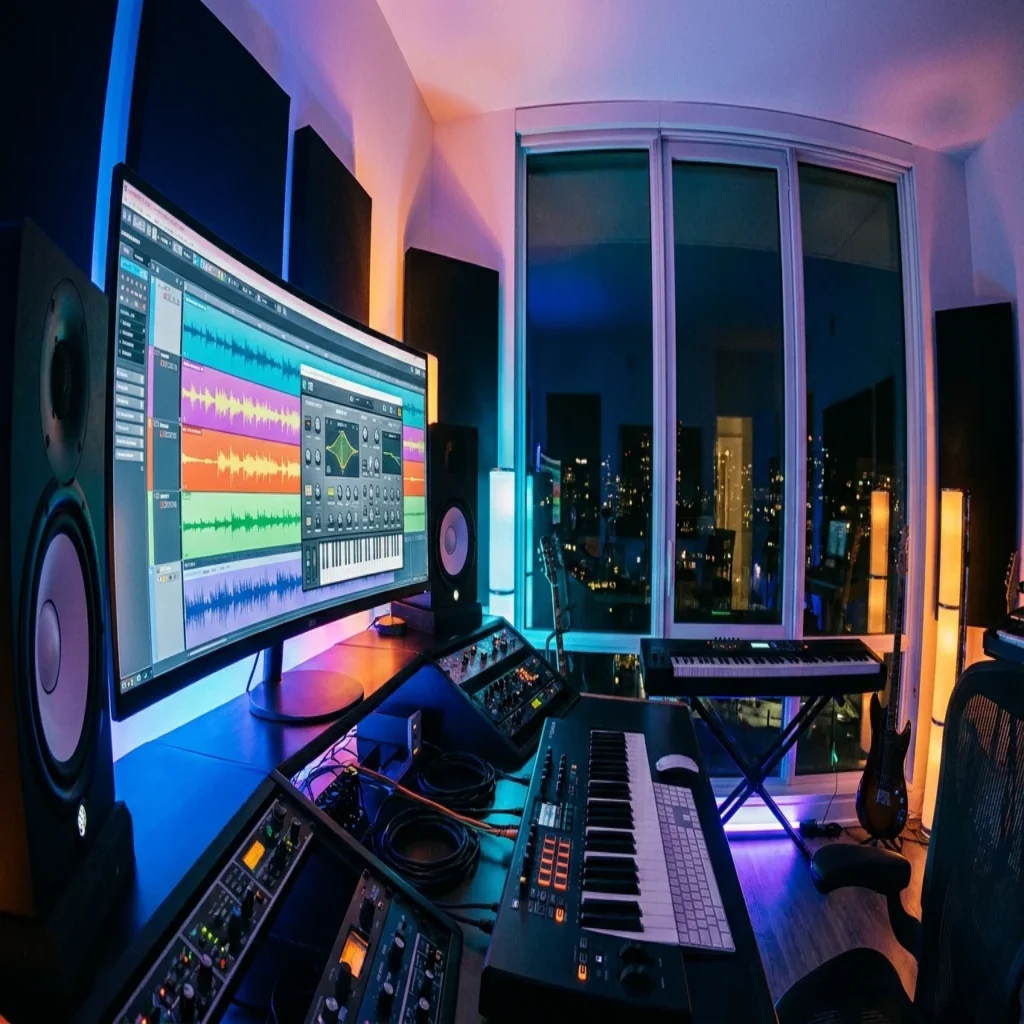
Summary: VST software powers over 87% of professional studios worldwide, enabling producers to load virtual instruments and effects directly inside their DAW.
In 2024, more than 68% of global audio production involved digital plugin ecosystems, and the independent producer community grew by 34% in just two years. Those numbers tell a clear story: VST software is not a niche technology reserved for major studios. It is the foundation of modern beatmaking, from a bedroom FL Studio session to a fully treated vocal booth running Ableton or Logic Pro. Whether you work in trap, drill, phonk, or pluggnb, the quality of your VST plugins defines the palette your listeners will hear.
This article covers the technical fundamentals of Virtual Studio Technology, traces its evolution from 1996 to the present day, examines the market forces shaping the plugin landscape in 2026, and explains how to choose the right tools for your production workflow. Every section is written with working producers in mind, so expect precise language, concrete comparisons, and clear recommendations.
What Is Virtual Studio Technology and How Does It Work?
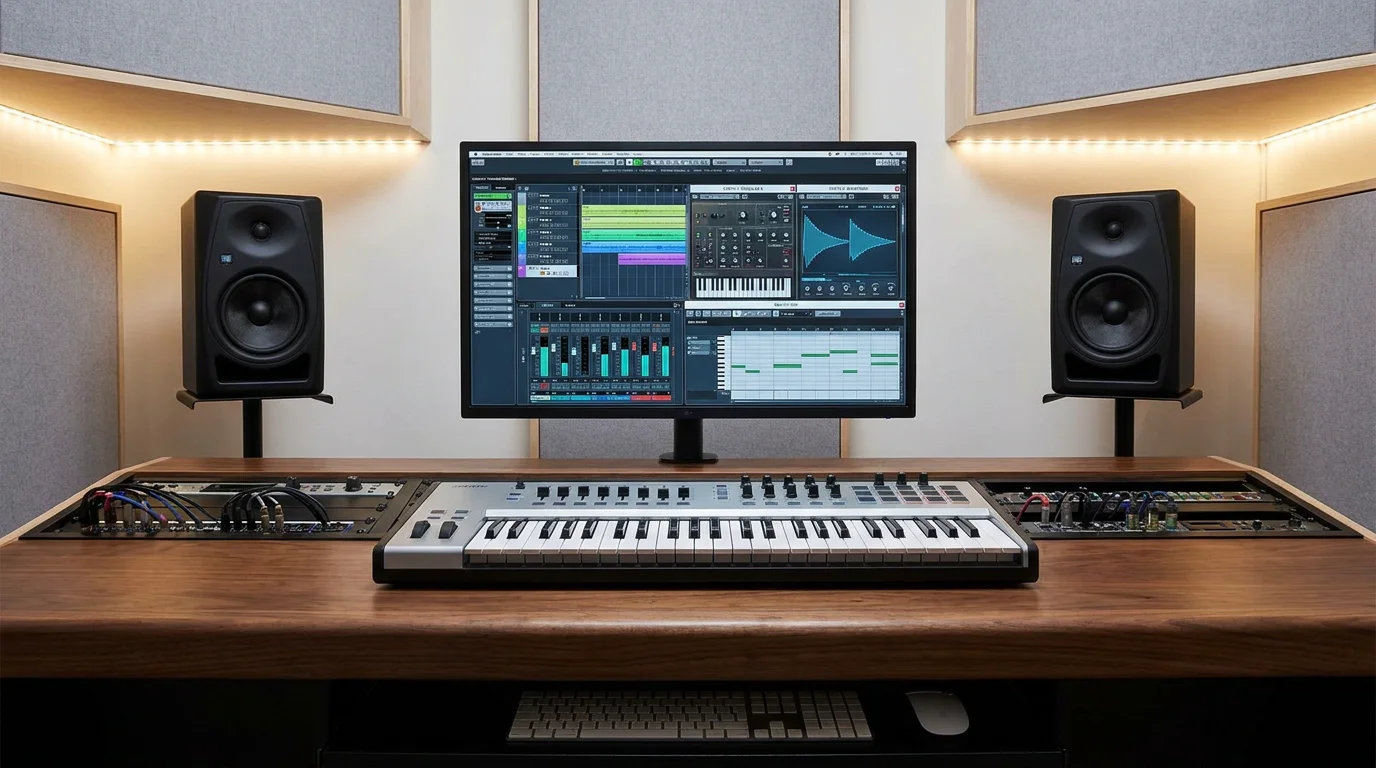
Virtual Studio Technology, commonly abbreviated VST, is an open-source audio plugin interface originally created by Steinberg. According to Wikipedia, VST integrates virtual instruments and effects units into digital audio workstations, using digital signal processing to simulate traditional recording studio hardware in software. In practical terms, a VST plugin is a piece of code that your DAW (FL Studio, Ableton Live, Logic Pro, Cubase) loads to generate or process sound.
VST plugins generally run within a DAW and fall into two primary categories: instruments (VSTi), which generate audio, and effects (VSTfx), which process audio. A third, less common category covers MIDI effects and metering tools. When you open Serum to design a lead sound, you are running a VSTi. When you add a reverb or compressor on the mixer channel, that is a VSTfx.
VST instruments receive notes as digital information via MIDI and output digital audio, while effect plugins receive digital audio and process it through to their outputs. Most DAWs allow you to chain multiple plugins on a single channel. For example, you could route a Kontakt sample library through a distortion plugin and then into a stereo widener, all within the same signal path.
A Brief History: From Cubase 3 to Open-Source VST 3.8
Steinberg released the VST interface specification and SDK in 1996 alongside Cubase 3.02, which included the first VST format plugins: Espacial (a reverb), Choirus (a chorus effect), Stereo Echo, and Auto-Panner. At that time, real-time audio processing on consumer hardware was still a novelty. The introduction of the VST standard gave third-party developers a unified way to write plugins that would work inside any compliant host.
In 1999, version 2.0 added MIDI data reception, which enabled the creation of VSTi plugins, allowing standalone software synthesizers, samplers, and drum machines to exist inside a DAW. This was the turning point that made instruments like Omnisphere, Massive, and eventually Vital possible.
Subsequent updates brought 64-bit audio precision in 2006, audio inputs for VSTi in 2008, and note expression in 2011. In September 2013, Steinberg discontinued the VST 2 SDK, pushing the ecosystem toward VST 3. Most recently, VST 3.8.0, released in October 2025, changed the licensing to open source under an MIT license, a significant shift that lowers the barrier for independent developers who want to create new instruments and effects.
The Audio Plugin Market in 2026: Key Figures
Understanding the market helps you make informed purchasing decisions. According to a report from Business Research Insights, the global audio plugins market is estimated to be valued at approximately USD 0.36 billion in 2026 and is projected to reach USD 0.74 billion by 2035, expanding at a CAGR of 7.2%. That steady growth reflects the expanding base of independent producers who rely on digital tools rather than hardware.
According to a Market Growth Reports analysis, more than 87% of professional studios utilize VST-based plugins, making them the most widely adopted format. The VST format accounts for 72% of professional studio usage, with over 4,000 VST plugins actively distributed across effects, instruments, and utilities.
However, the market is not without friction. In a 2024 survey, 34% of plugin users stated they pay for plugins they rarely use, and high-tier bundles can cost over $1,000 annually, which is unsustainable for entry-level musicians, educators, and hobbyists. These dynamics explain the growing demand for one-time purchase models and curated sound packs that eliminate waste presets.
VST Instruments vs. VST Effects: Understanding the Difference
Producers often conflate these two categories, but the distinction matters for workflow efficiency. A VST instrument generates sound from scratch. Think of a synthesizer like Serum or Vital, a sampler like Kontakt, or a rompler loaded with pre-recorded material. You trigger it via MIDI, whether from a keyboard controller, a piano roll, or a sequenced pattern.
A VST effect, on the other hand, transforms existing audio. Compressors, equalizers, reverbs, delays, saturators, and limiters all fall under this umbrella. You insert them on a mixer channel (or a send bus) to shape the timbre, dynamics, or spatial placement of a sound.
For beatmakers focused on melodic trap, drill, or pluggnb, the instrument side of the equation often determines how original your productions sound. If you are working with our virtual instruments plugins, you gain access to sounds that sit outside the libraries everyone else is cycling through, which is a direct path to overcoming beatblock and building a recognizable sonic identity.
Choosing the Right VST Plugins for Your Production Style
With over 4,000 actively distributed VST plugins, decision fatigue is real. Below is a practical framework for evaluating any plugin before you commit.
Genre alignment. A plugin designed for orchestral scoring will not serve you well in a phonk session. Match the core sound engine to the genres you produce most. If your rotation includes trap, drill, dark trap, R&B, Lo-fi, or pluggnb, look for presets and wavetables that target those aesthetics directly.
CPU efficiency. A resource-heavy plugin can stall your session and kill creative momentum. Producers running multiple instances of a synthesizer alongside a full mixer chain need plugins that are light on CPU. This is especially true on laptops or older machines that do not have dedicated audio processing hardware.
Licensing model. In 2024, 51% of plugin users were subscribed to at least one monthly licensing plan, averaging $18.90 per user. Subscription fees accumulate quickly. A one-time purchase model gives you ownership and predictability. Consider whether you prefer renting access or paying once for permanent use.
Preset quality. Factory presets are often generic and designed to showcase range rather than serve a specific production context. The difference between a preset library with 1,000 filler sounds and one with 275 curated, studio-ready presets is the difference between browsing and producing.
Top VST Software Options for Producers in 2026
The table below compares several notable options across criteria that matter to working beatmakers. This is not an exhaustive catalog but a focused selection based on genre relevance, preset quality, CPU load, and licensing.
| Plugin / Sound Bank | Type | Genre Focus | Licensing | CPU Load | Notable Strength |
|---|---|---|---|---|---|
| Pendora by Tiger-Sounds | Sound Bank (Presets + Drumkits) | Trap, Drill, Dark Trap, Phonk, Pluggnb, Lo-fi, R&B, Boom Bap | One-time purchase, royalty-free | Light | 275+ curated presets, no waste sounds, lifetime updates |
| Serum (Xfer Records) | Wavetable Synth | Broad (electronic, pop, trap) | One-time or rent-to-own | Moderate | Visual wavetable editor |
| Omnisphere (Spectrasonics) | Hybrid Synth / Rompler | Broad (cinematic, ambient, pop) | One-time purchase | Heavy | Large sound library |
| Vital | Spectral Warping Synth | Broad (electronic, future bass) | Free / Paid tiers | Moderate | Free entry point |
| Kontakt (Native Instruments) | Sampler Platform | Broad (orchestral, cinematic, keys) | One-time purchase | Variable | Third-party library ecosystem |
Pendora stands apart because it was built from the ground up for the genres that dominate streaming platforms today. Rather than offering thousands of unfocused presets, it delivers a curated set of sounds already shaped for mix-ready production. Every preset is royalty-free, meaning you can release commercially without additional clearance. If your priority is finding the best VST plugins for trap and drill, this is where the search narrows considerably.
Free vs. Paid VST Software: What Producers Need to Know
Free plugins have improved dramatically. Vital, for instance, provides a capable spectral warping synthesizer at no cost. According to Business Research Insights, 49% of new plugins in 2024 incorporated AI-driven mastering and sound enhancement features, reflecting how the floor for quality continues to rise.
That said, free tools come with trade-offs. Preset libraries are often limited, documentation can be sparse, and community support varies. Compatibility remains a real barrier: 58% of users in 2024 reported challenges across DAWs and operating systems as a major adoption issue. Paid, professionally maintained plugins tend to offer better cross-platform stability and dedicated support.
For producers who want free resources as a starting point, our collection of the best free VST plugins is a solid reference. It is worth noting that even within a free-first strategy, investing in a focused, high-quality sound bank early on will compress the gap between demo-quality and release-ready production.
Optimizing Your VST Workflow: Practical Tips
Owning excellent plugins is only half the equation. How you organize and deploy them determines your output speed and creative consistency.
Template sessions. Build starter templates in FL Studio, Ableton, or Logic Pro with your most-used VSTi instances pre-loaded. This eliminates the five to ten minutes of setup time that erodes creative energy at the start of every session.
Preset tagging. Most modern synths and samplers allow you to tag or categorize presets. Develop a personal tagging system by genre, mood, and texture. When a client requests a dark trap beat, you should reach the right sound in under 30 seconds.
Freeze and bounce. If CPU is a concern, freeze instrument tracks once you have committed to a sound. This renders the MIDI to audio temporarily and frees processing power for mixing plugins. Every major DAW supports this workflow natively.
Version management. Since Steinberg discontinued the VST 2 SDK in 2013 and pushed developers toward VST 3, maintaining plugin compatibility requires attention. Keep your DAW and plugins updated, and verify that new updates do not break existing sessions before migrating active projects.
What the Open-Source Shift Means for Producers
The move to an MIT license with VST 3.8.0 in October 2025 is worth paying attention to. Under the previous dual-license model (proprietary Steinberg license or GPLv3), smaller developers faced legal and financial friction when building commercial plugins. The MIT license simplifies this, allowing anyone to use, modify, and distribute VST-compatible software with minimal restrictions.
For producers, this means a broader pool of developers creating instruments and effects, potentially more niche tools tailored to specific genres, and faster innovation cycles. It also raises the importance of curation. As the number of available plugins grows, distinguishing high-quality, production-ready tools from experimental or unfinished projects becomes critical.
This is precisely where a focused product philosophy matters. Our VST instruments collection reflects a hand-crafted approach: every sound is tested in real production contexts, not generated in bulk. That level of curation only becomes more valuable as the market expands.
Conclusion
VST software has evolved from a proprietary Steinberg specification into the open-source backbone of modern music production. With the audio plugin market projected to grow at a 7.2% CAGR through 2035 and over 87% of professional studios relying on VST-based tools, this technology is not going anywhere. The real question for producers in 2026 is not whether to use VST plugins, but which ones deserve space in your workflow. Prioritize tools that are genre-aligned, CPU-efficient, royalty-free, and built without filler. Pendora by Tiger-Sounds was designed to meet exactly those criteria, offering 275+ studio-ready presets with a pay-once model, lifetime updates, and sounds shaped for trap, drill, phonk, pluggnb, and beyond. If you are ready to move past generic presets and build something distinctive, explore our Pendora sound bank and hear the difference for yourself.
Frequently Asked Questions
What does VST stand for in music production?
VST stands for Virtual Studio Technology. It is an audio plugin interface that allows digital instruments and effects to run inside a DAW such as FL Studio, Ableton Live, or Logic Pro. The standard was originally developed by Steinberg in 1996 and is now open source under an MIT license.
Can you use VST plugins for commercial releases?
Yes, but licensing terms vary by plugin and preset library. Some plugins restrict commercial use or require additional fees. Sound banks like Pendora by Tiger-Sounds are fully royalty-free, meaning you can use every preset in commercial releases without additional clearance or ongoing payments.
What is the difference between VST 2 and VST 3?
VST 3 introduced several technical improvements over VST 2, including audio inputs for instruments, multiple MIDI buses, and 64-bit processing. Steinberg discontinued the VST 2 SDK in 2013, so most new plugins are built exclusively for VST 3. If you are starting out, ensure your DAW supports VST 3 for the widest compatibility with current tools.