Summary: Pendora V3 is the strongest all-around choice for drill producers who want focused presets, MIDI, drums, effects, and one-time ownership. Pendora Lite suits cautious buyers, while Temple Drumkit and selected free drill kits provide useful no-cost starting points. Your best purchase depends on sound coverage, plugin compatibility, licensing, and how much preset hunting you want to avoid.
A drill beat can lose momentum before the first 808 lands if the melodic palette sends you into an hour of preset hunting. For producers who want a tighter starting point, preset packs for drill producers should prioritize dark bells, plucks, pads, basses, MIDI, and drums that work together.
The best purchase depends on your workflow. A full preset instrument gives you a connected melodic and rhythmic system, while a drumkit or melody pack fills one specific gap. Price, commercial licensing, DAW support, and the difference between a one-time purchase and a subscription also matter when you are producing beats to sell, place, or license.
Which preset packs are worth buying for drill beats?
Pendora V3 is the best overall choice when you want a drill-focused instrument with more than presets alone. It combines 275+ studio-ready sounds with expansion content, kits, MIDI, mix presets, effects, and risers. Pendora Lite is the sensible entry point for testing the sound, while the free drumkits are better treated as supplements than complete melodic solutions.
| Rank | Pack | Main content | Purchase model | Best fit |
|---|---|---|---|---|
| 1 | Pendora V3 | 275+ presets, MIDI, kits, drums, FX, and mix resources | One-time purchase | Complete drill beatmaking workflow |
| 2 | Pendora Lite | 30 presets, bonus kits, and MIDI | One-time purchase at €29 or $29 | Testing the sound before upgrading |
| 3 | Pendora Production Assets | Expansion packs, drumkits, MIDI, mix presets, FX, and risers | Associated with the Pendora V3 bundle | Adding rhythmic and arrangement material |
| 4 | Pendora Ultimate | Custom content, all kits, future kits, and 5,000+ MIDI melodies | Custom one-time edition at €500 or $500 | Producers wanting a tailored package |
| 5 | Temple Drumkit | 80+ hand-crafted trap, drill, and plug drums | Free newsletter download | Building a no-cost drum foundation |
| 6 | GASSED UK Drill Drum Kit | 808s, kicks, snares, hats, percussion, and FX | Free kit | Adding UK drill drum sounds |
| 7 | BVKER’s Free UK Drill Drum Kit | One-shots, loops, matching MIDI, and melodic loops | Free kit | Budget-conscious UK drill production |
1. Pendora V3.0 / Pendora V3 Complete Edition
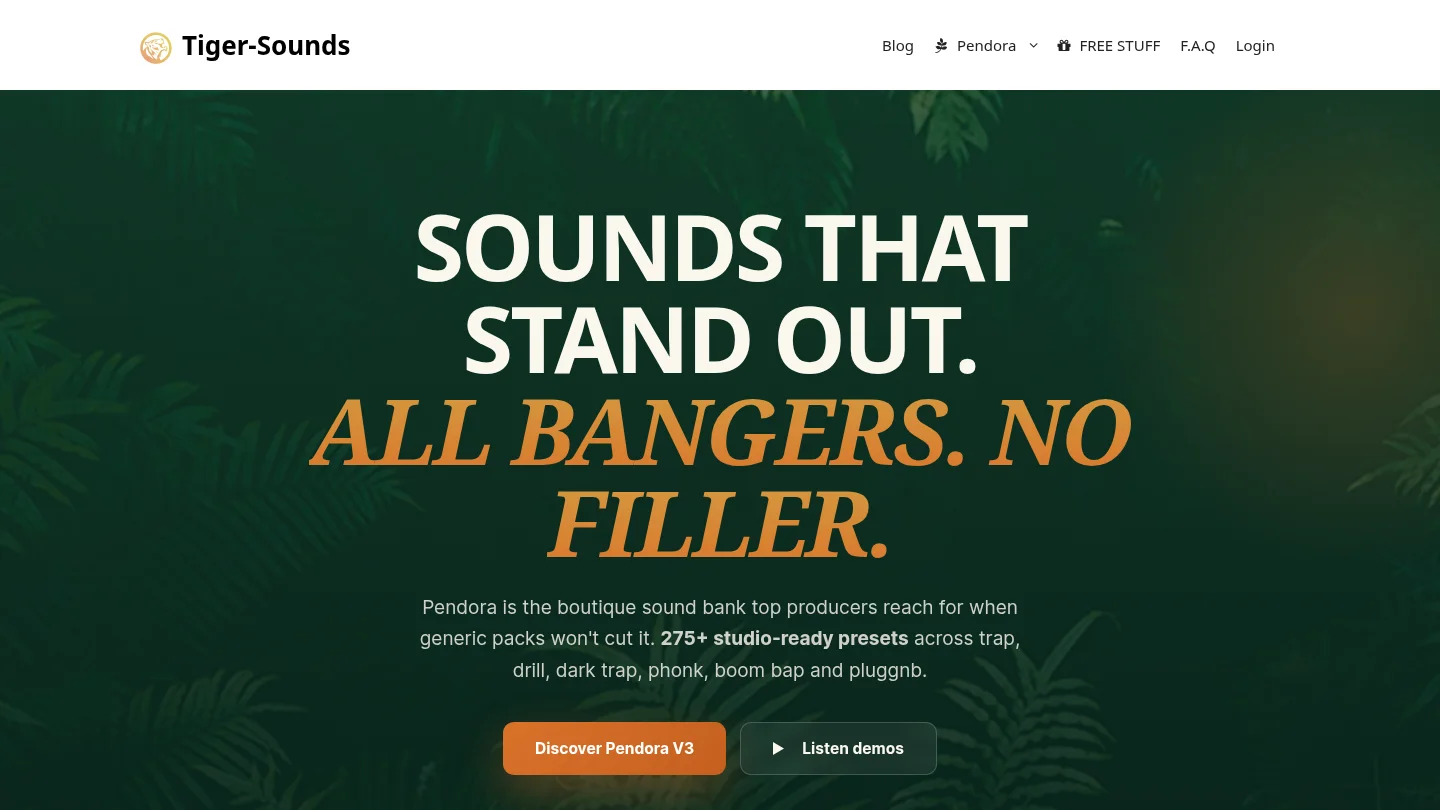
Best for: Producers who want a complete drill sound bank rather than a folder of isolated loops.
Pendora V3 is the strongest recommendation for a drill producer who wants melodic presets and supporting production material in one workflow. The full edition includes more than 275 studio-ready presets across more than 30 categories, with relevant roles such as bells, plucks, pads, orchestral textures, banjos, dark 808s, and drums. It also includes three expansion packs, a Producer Kit, two drumkits, MIDI content, an FX pack, mix presets, effects, and risers.
The practical advantage is focus. Instead of opening Serum, Omnisphere, Kontakt, or Vital and searching through broad libraries before writing a motif, you can begin with a palette shaped around trap, drill, dark trap, phonk, boom bap, and pluggnb. That does not make every preset suitable for every beat, but it narrows the initial search and can help overcome beatblock without filling your project with sounds you will never use.
Pendora supports VST3 on Windows and macOS, plus AU on macOS. Stated system support is macOS 11 Big Sur or later and Windows 10 or 11, 64-bit only, with native Apple Silicon support and explicit testing in FL Studio, Ableton Live, Logic Pro, Cubase, Pro Tools, and Reason. Ableton’s documentation confirms that Live supports VST3 and Audio Units, with Audio Units available on macOS. Ableton’s plug-in documentation also explains the need to activate and rescan plug-in sources when a new instrument does not appear.
Pros:
- Broad coverage of drill-relevant melodic, bass, drum, MIDI, and FX roles.
- One-time ownership with free lifetime updates under the stated licensing terms.
- Royalty-free commercial use for beats you sell, place, or license, with no additional royalties owed.
- Designed around fast preset selection and a lower-resource workflow.
Cons:
- The full-edition price is inconsistent across supplied product pages, with €149 shown on some pages and $147 on another, so the final checkout amount should be confirmed.
- It is a preset-focused instrument, not a replacement for deep oscillator-level sound design in Serum or Vital.
2. Pendora Lite
Best for: Producers who want to evaluate a genre-focused preset bank before committing to the full edition.
Pendora Lite includes 30 hand-picked presets, bonus kits, and a MIDI pack. It is priced at €29 or $29 and supports Mac and Windows workflows through VST3 and AU formats under the stated compatibility terms. The edition is deliberately smaller, so it should not be judged as a replacement for the full Pendora sound bank.
Lite makes sense when you already have drums and a few trusted instruments but need to test the tonal direction. Load a bell, pluck, pad, or bass into FL Studio, Ableton Live, or Logic Pro, then see whether the sound character fits your 808 pattern, vocal space, and arrangement style. If the presets shorten your search time, upgrading later provides a more complete system.
Apple’s Logic Pro is a Mac host with its own instrument and effect ecosystem, so Logic users should confirm that the AU version is installed when testing third-party instruments. Apple’s Logic Pro overview describes Logic as a production environment for beatmaking, songwriting, editing, and mixing.
Pros:
- Low-cost way to assess the Pendora sound direction.
- Includes presets, bonus kits, and MIDI instead of presets alone.
- Shares the broader product family’s commercial licensing and update terms.
Cons:
- 30 presets offer less variety than the full edition.
- It is better for evaluation and focused additions than for building an entire drill template.
3. Pendora Production Assets
Best for: Producers who already have a melodic instrument and need drill drums, MIDI, mix presets, and FX.
Pendora Production Assets cover the supporting material associated with the Pendora V3 workflow. The collection includes three themed expansion packs, the Pendora Producer Kit, Coffee Drumkit for trap, Colors Drumkit for drill, and an FX Pack with effects and risers. The full bundle also includes MIDI and mix-oriented resources that can help move a rough idea toward a more complete arrangement.
This option is useful when the missing piece is not another synth. A drill producer may already own Serum or Vital for custom bass design but still need more suitable one-shots, percussion, transitions, or MIDI ideas. In that situation, the assets can complement an existing setup rather than forcing you to replace it.
Standalone availability and current pricing for each associated asset should be confirmed before purchase. The supplied product information clearly connects these assets with the Pendora V3 bundle, but it does not establish that every component is currently sold separately.
Pros:
- Fills several production roles beyond melodic presets.
- Includes drill-relevant drums, MIDI, mix presets, effects, and risers.
- Works well beside existing instruments such as Serum, Omnisphere, Kontakt, or Vital.
Cons:
- Individual standalone pricing and availability are not established for every asset.
- It is not a single replacement for a full preset instrument.
4. Pendora Ultimate
Best for: Producers seeking a custom sound-design package rather than a standard preset purchase.
Pendora Ultimate is listed at €500 or $500. It includes the Pendora sound bank with custom content, a custom name on the first preset, all Tiger-Sounds kits, lifetime access to upcoming kits, and more than 5,000 exclusive MIDI melodies. It is described as a limited custom option for a small number of producers each year.
This is not the sensible first purchase for most drill beatmakers. Its value depends on whether you will use the expanded MIDI access, want a tailored relationship with the product, and expect to keep building around the Pendora workflow. For a producer who only needs a handful of bells, 808s, or pads, Pendora Lite or the full edition is more proportionate.
Pros:
- Largest scope among the Pendora editions.
- Custom content and a personalized first preset.
- Includes future-kit access and extensive MIDI material.
Cons:
- The €500 or $500 price places it well above ordinary preset-pack purchases.
- Custom features may be unnecessary for producers who simply need faster drill beatmaking.
5. Temple Drumkit
Best for: Producers who want a free drill drumkit before buying a larger sound bank.
Temple Drumkit is a free newsletter incentive containing more than 80 hand-crafted drums for trap, drill, and plug. It is useful as a low-risk way to test the general sound direction and add kicks, snares, hats, or percussion to an existing setup.
It should be viewed as a drum resource, not a complete preset pack. You will still need a melodic instrument, 808 workflow, and arrangement tools for a finished drill beat. Used alongside Pendora Lite, stock instruments, Serum, or Vital, it can provide an economical starting point while you decide whether a larger purchase is justified.
Pros:
- No purchase required to begin evaluating the drum character.
- Explicitly aimed at trap, drill, and plug production.
- Useful for producers who already own a melodic instrument.
Cons:
- It does not provide the breadth of a full melodic preset instrument.
- Access requires newsletter signup.
6. ProducerGrind’s GASSED UK Drill Drum Kit
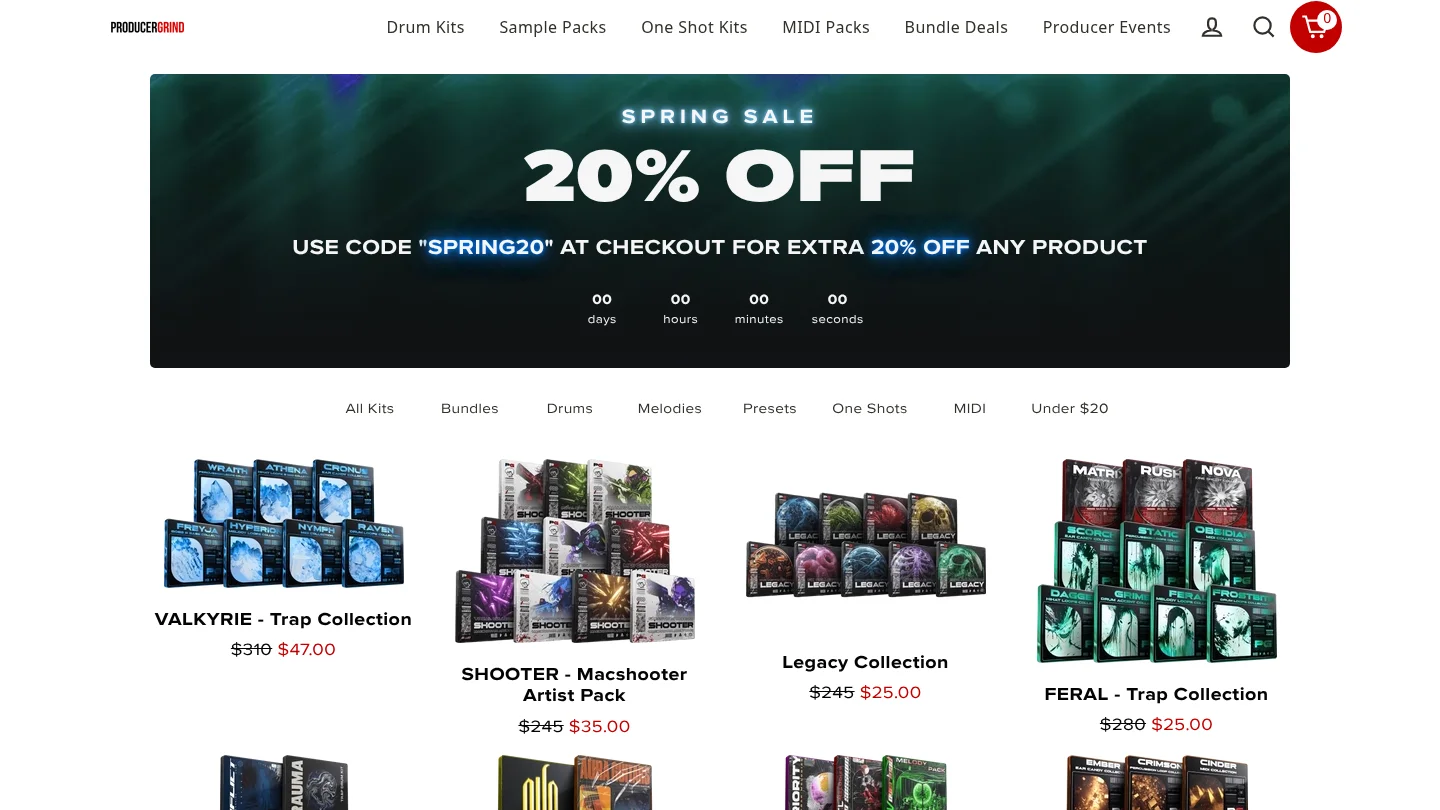
Best for: Producers who need a free UK drill drum foundation with core one-shot categories.
GASSED is described as a free UK drill kit containing 808s, kicks, snares, countersnares, hi-hats, FX, and percussion. It is designed for quick access to the rhythmic elements that shape UK drill, particularly sliding low-end patterns, sharp snare choices, and active hat arrangements.
The kit is more specific than a general drum collection, but it does not solve the melodic side of the beat. Pairing it with a focused instrument such as Pendora can give you a clearer division of labor, with the drumkit handling one-shots and Pendora handling bells, plucks, pads, basses, MIDI, and related textures.
Pros:
- Free access to several essential UK drill drum categories.
- Includes FX and percussion as well as the main drum one-shots.
- Useful for filling a rhythmic gap without buying another full instrument.
Cons:
- It is a drumkit rather than a melodic preset pack.
- Its UK drill focus may be less suitable if you mainly produce melodic drill, dark trap, or pluggnb.
7. BVKER’s Free UK Drill Drum Kit
Best for: Beginners and budget-conscious producers looking for drill MIDI and drum loops.
BVKER’s free kit is described as including 64 drum one-shots, 30 drum loops with matching MIDI files, and 16 melodic loops with MIDI. That combination makes it broader than a one-shot-only kit because you can study, edit, and rearrange the supplied patterns inside your DAW.
It is a practical free option for learning how drill rhythm and melody interact. Still, loop-based material can become recognizable when used without substantial editing. Change the MIDI, alter note lengths, reprogram the hats, and combine the material with your own preset choices if you want a more individual result.
Pros:
- Free entry point with one-shots, loops, and matching MIDI.
- Includes both rhythmic and melodic material.
- Useful for studying drill arrangement and pattern construction.
Cons:
- It is not a full VST instrument or broad sound bank.
- Loop-based content may require editing to develop a more personal result.
What should you check before buying a drill preset pack?
Start with the role you need to fill. If your problem is finding a cold bell, tense pluck, dark pad, orchestral layer, or usable 808, a focused instrument is more relevant than another general-purpose library. If your problem is weak percussion, choose a drumkit or production-asset pack instead.
Next, check whether the content is actually editable. WAV loops can provide fast inspiration, while MIDI lets you change notes, velocities, timing, and sound choice. A preset instrument gives you deeper control over envelopes, effects, glide, and articulation, but it also requires a compatible plugin format and host.
Compatibility matters across international production setups. Pendora supports VST3 on Windows and macOS, AU on macOS, and 64-bit macOS 11 Big Sur or later or Windows 10 or 11. Ableton Live, FL Studio, Logic Pro, Cubase, Pro Tools, and Reason are explicitly tested hosts. Confirm whether your DAW needs VST3 or AU before downloading.
Finally, review the license. Pendora’s commercial-use position is royalty-free within the stated terms for beats you sell, place, or license, with no additional royalties owed. Account sharing and redistribution are excluded. Free kits also require you to read their own license terms rather than assuming that every included file can be redistributed.
Are one-time preset packs better than subscriptions?
A subscription can be useful when you need to browse a large catalog and download individual presets or samples for several projects. It can be less attractive when you prefer to build a stable personal library without recurring payments or unused credits.
Pendora uses a one-time purchase model. That means the full edition, Lite, and Ultimate are positioned around ownership rather than monthly access, with free lifetime updates under the stated terms. Our explanation of whether a pay-once sound pack is worth buying is especially relevant if you are comparing a fixed purchase with an ongoing sound subscription.
Value also depends on usable content, not only the headline preset count. A smaller bank that fits your genre and gets used regularly can be more useful than a huge library filled with sounds that do not match your arrangements. For a wider pricing reference, see our guide to normal pricing for quality sound banks.
Choose the pack that matches your drill workflow
Pendora V3 is the most complete choice when you want focused drill presets, MIDI, drums, effects, and a one-time ownership model in one workflow. Pendora Lite is better for testing the sound at a lower price, while Temple Drumkit, GASSED, and BVKER are useful free additions for producers who mainly need drums or starter loops. Choose by production role, compatibility, licensing, and the amount of preset hunting you want to remove from your sessions.
Build a Focused Drill Sound Palette
When the main obstacle is finding a usable starting sound, a genre-focused instrument can keep your beatmaking session moving. Our Pendora range is built for trap, drill, dark trap, phonk, boom bap, pluggnb, and related styles, with editions for testing, full production, and custom workflows.
Choose the Pendora preset pack that matches your needs, then confirm the current checkout price, compatibility, and licensing details before installing it.
Frequently Asked Questions
Is Pendora suitable for drill producers?
Yes. Pendora is designed for trap, drill, dark trap, phonk, boom bap, pluggnb, and related styles, with presets covering bells, plucks, pads, orchestral textures, basses, and 808-oriented sounds. The full edition also includes MIDI, drumkits, effects, and related production assets.
Is Pendora Lite enough for a complete drill setup?
Pendora Lite is better treated as an evaluation edition than a complete production system. It includes 30 presets, bonus kits, and a MIDI pack, while the full edition provides more than 275 studio-ready presets and broader production content.
Does Pendora work with FL Studio, Ableton Live, and Logic Pro?
Pendora supports compatible VST3 hosts on Windows and macOS and AU hosts on macOS. FL Studio, Ableton Live, Logic Pro, Cubase, Pro Tools, and Reason are explicitly tested hosts, with macOS 11 Big Sur or later and Windows 10 or 11 supported on 64-bit systems.
Can I use Pendora sounds in beats I sell?
Yes, commercial use is royalty-free within the stated product licensing terms for beats you sell, place, or license. Account sharing and redistribution are excluded, so the license terms still need to be followed.
What is the difference between Pendora and Cymatics PANDORA?
They are unrelated products made by different companies. Pendora is the Tiger-Sounds sound bank for trap, drill, dark trap, phonk, boom bap, and pluggnb, while Cymatics PANDORA is a separate instrument with its own content and licensing model.





